
How to Use MPPT SCC: Examples, Pinouts, and Specs
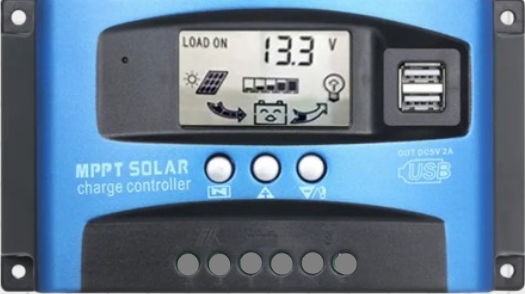
 Design with MPPT SCC in Cirkit Designer
Introduction
A Maximum Power Point Tracking Solar Charge Controller (MPPT SCC) is an advanced electronic device designed to optimize the power output from solar panels. It achieves this by dynamically adjusting the electrical operating point of the solar modules to ensure they operate at their maximum power point. This results in improved energy harvest and efficient battery charging, even under varying environmental conditions such as changes in sunlight intensity or temperature.
Explore Projects Built with MPPT SCC
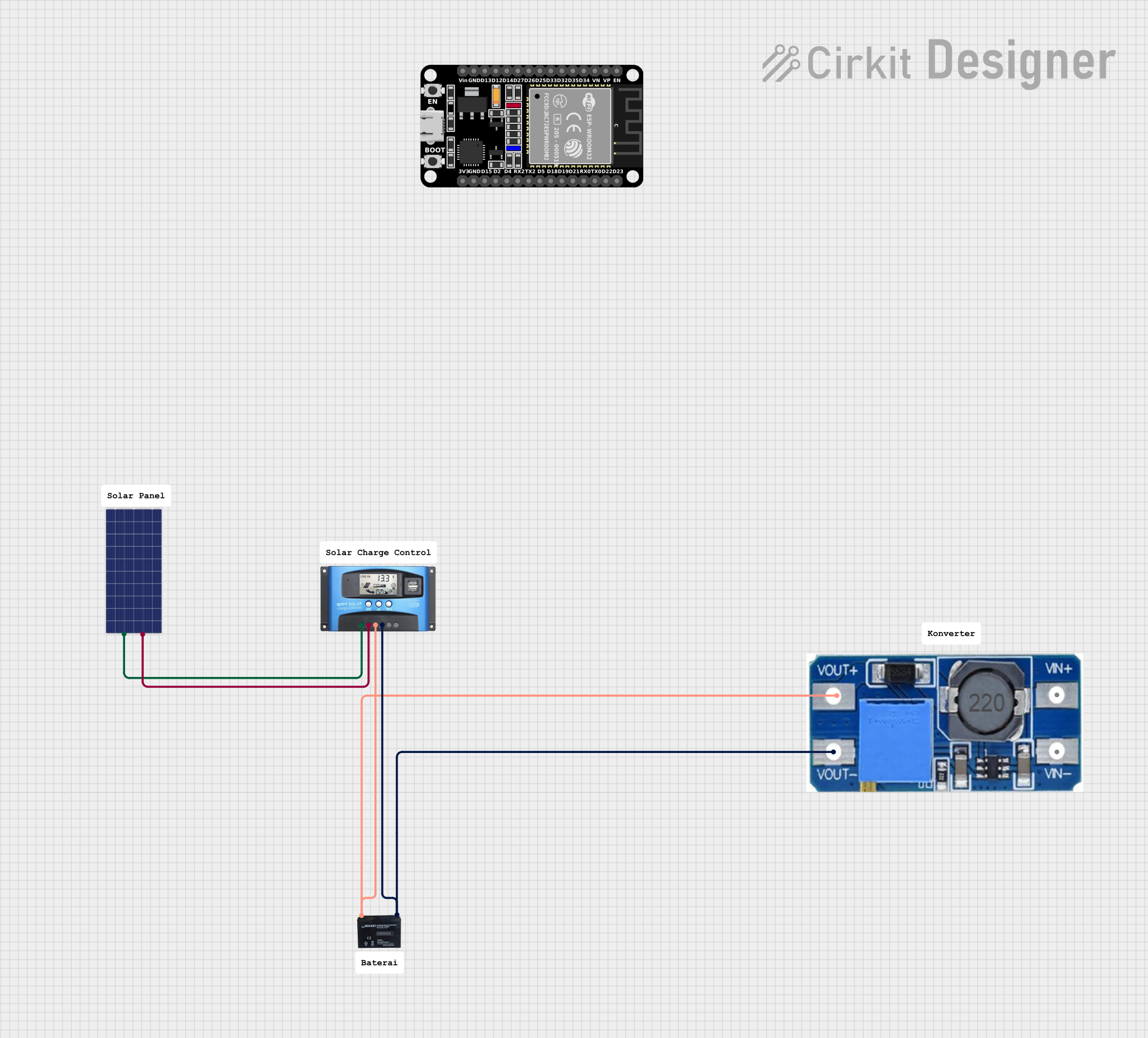 Open Project in Cirkit Designer
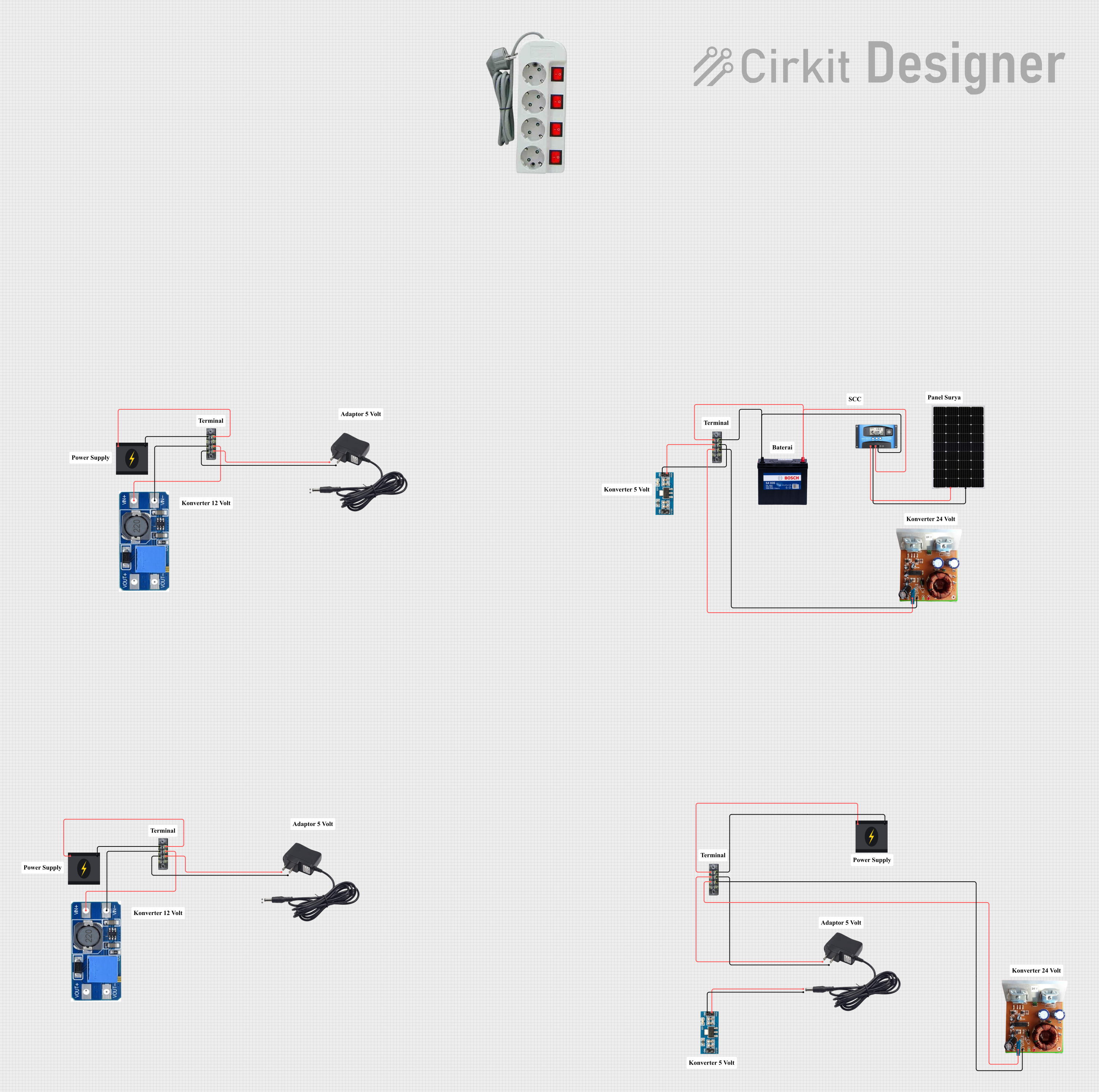 Open Project in Cirkit Designer
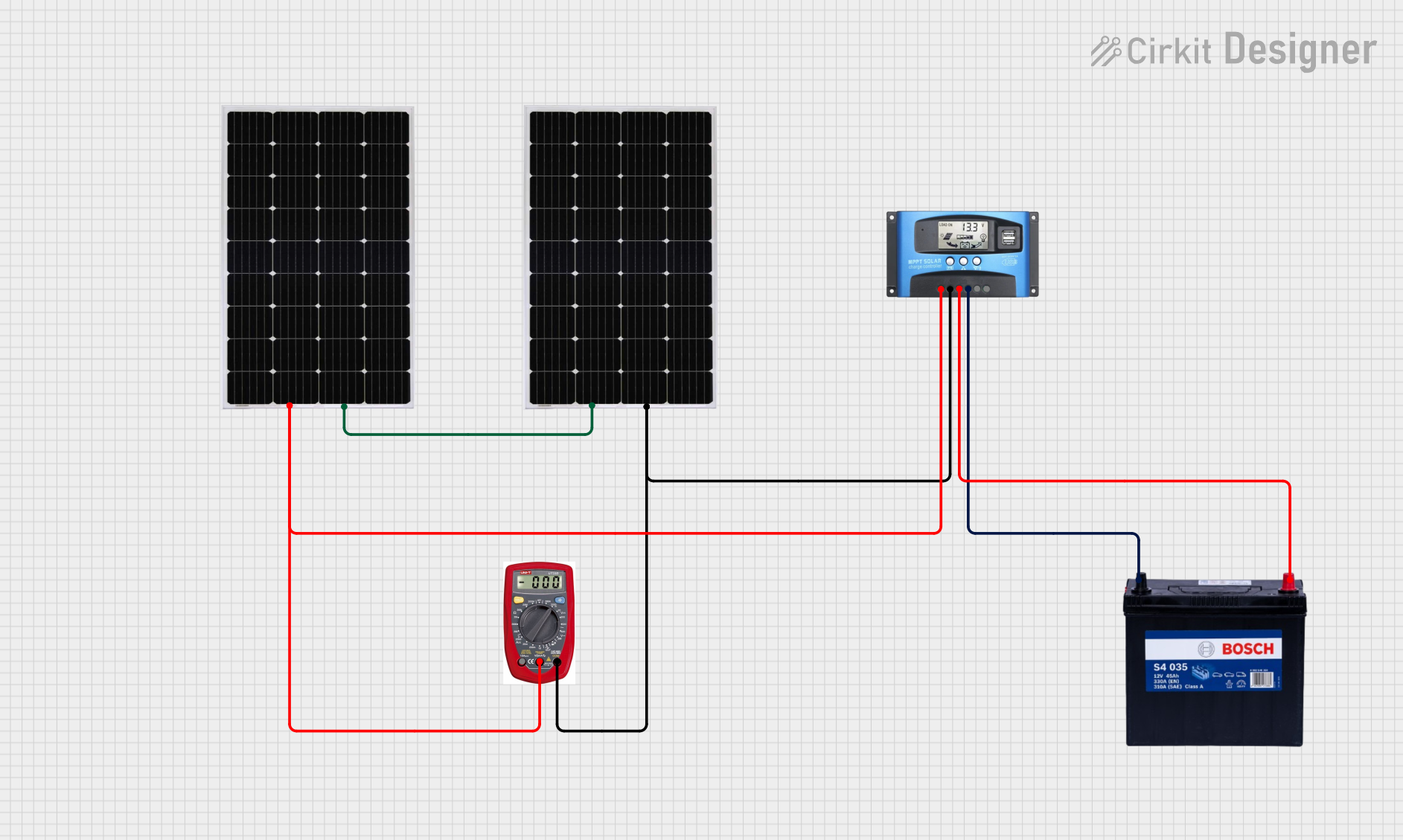 Open Project in Cirkit Designer
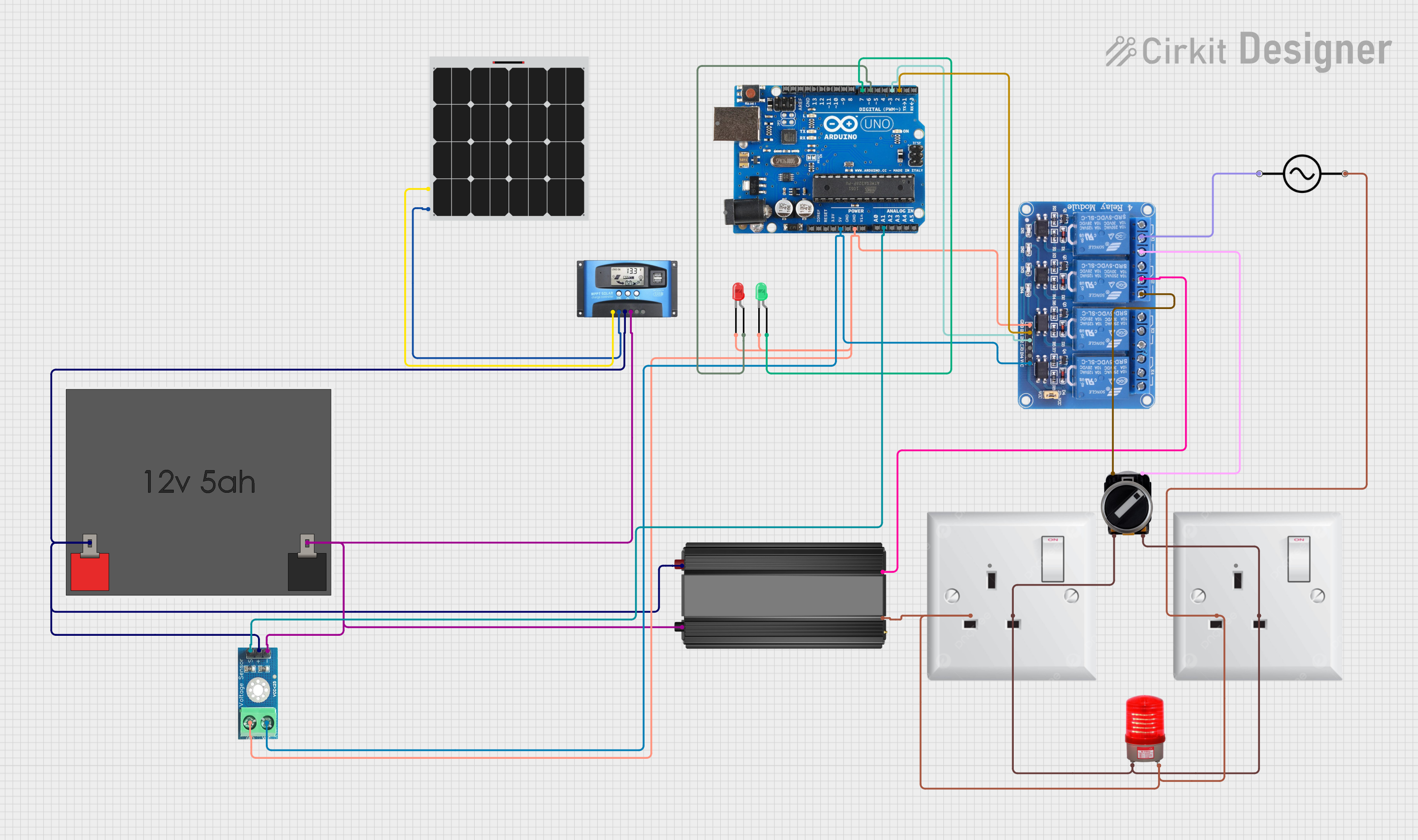 Open Project in Cirkit Designer
Explore Projects Built with MPPT SCC
Open Project in Cirkit DesignerOpen Project in Cirkit DesignerOpen Project in Cirkit DesignerOpen Project in Cirkit DesignerCommon Applications and Use Cases
- Solar power systems for residential, commercial, and industrial applications
- Off-grid solar installations for cabins, RVs, and boats
- Hybrid solar systems with battery storage
- Solar-powered streetlights and remote monitoring systems
- Renewable energy research and development projects
Technical Specifications
Key Technical Details
| Parameter | Value/Range |
|---|---|
| Input Voltage Range | 12V to 150V (varies by model) |
| Output Voltage Range | 12V, 24V, 48V (auto or manual select) |
| Maximum Input Current | 10A to 60A (varies by model) |
| Efficiency | Up to 98% |
| Battery Compatibility | Lead-acid, AGM, Gel, Lithium-ion |
| Operating Temperature Range | -20°C to 60°C |
| Communication Interfaces | RS485, CAN, Bluetooth (optional) |
| Protections | Overcharge, Overcurrent, Overvoltage, |
| Reverse polarity, Short circuit |
Pin Configuration and Descriptions
| Pin/Terminal Name | Description |
|---|---|
| PV+ | Positive terminal for solar panel input |
| PV- | Negative terminal for solar panel input |
| BAT+ | Positive terminal for battery connection |
| BAT- | Negative terminal for battery connection |
| LOAD+ | Positive terminal for DC load connection |
| LOAD- | Negative terminal for DC load connection |
| RS485 A/B | Communication interface for monitoring |
| Temp Sensor | Input for external temperature sensor |
Usage Instructions
How to Use the MPPT SCC in a Circuit
Connect the Solar Panel:
- Connect the positive terminal of the solar panel to the
PV+pin and the negative terminal to thePV-pin. - Ensure the solar panel's voltage and current are within the MPPT SCC's input range.
- Connect the positive terminal of the solar panel to the
Connect the Battery:
- Attach the positive terminal of the battery to the
BAT+pin and the negative terminal to theBAT-pin. - Verify that the battery type is compatible with the MPPT SCC and configure the charge controller accordingly.
- Attach the positive terminal of the battery to the
Connect the Load (Optional):
- If powering a DC load directly, connect the load's positive terminal to the
LOAD+pin and the negative terminal to theLOAD-pin.
- If powering a DC load directly, connect the load's positive terminal to the
Configure the MPPT SCC:
- Use the onboard display or communication interface (e.g., RS485 or Bluetooth) to set the battery type, output voltage, and other parameters.
Monitor the System:
- Use the communication interface to monitor real-time data such as input voltage, output current, and battery status.
Important Considerations and Best Practices
- Always ensure the solar panel's open-circuit voltage (Voc) does not exceed the MPPT SCC's maximum input voltage.
- Use appropriately rated cables and connectors to handle the current and prevent overheating.
- Place the MPPT SCC in a well-ventilated area to avoid overheating during operation.
- Regularly check and clean the solar panels to maintain optimal performance.
- If using lithium-ion batteries, ensure the MPPT SCC supports the specific battery chemistry and has proper protections.
Example: Connecting MPPT SCC to Arduino UNO for Monitoring
The MPPT SCC can be connected to an Arduino UNO via the RS485 interface for real-time monitoring. Below is an example code snippet:
#include <ModbusMaster.h> // Include Modbus library for RS485 communication

ModbusMaster node; // Create ModbusMaster object

void setup() {
  Serial.begin(9600); // Initialize serial communication for debugging
  node.begin(1, Serial); // Set Modbus ID to 1 and use Serial for communication
}

void loop() {
  uint8_t result;
  uint16_t data[2];

  // Read input voltage (register address 0x3100)
  result = node.readInputRegisters(0x3100, 2);
  if (result == node.ku8MBSuccess) {
    float inputVoltage = node.getResponseBuffer(0) / 100.0; // Convert to volts
    Serial.print("Input Voltage: ");
    Serial.print(inputVoltage);
    Serial.println(" V");
  } else {
    Serial.println("Failed to read input voltage");
  }

  delay(1000); // Wait 1 second before next read
}
Notes:
- Use an RS485-to-TTL module to interface the MPPT SCC with the Arduino UNO.
- Refer to the MPPT SCC's communication protocol documentation for register addresses and data formats.
Troubleshooting and FAQs
Common Issues and Solutions
| Issue | Possible Cause | Solution |
|---|---|---|
| No output from the MPPT SCC | Incorrect wiring or loose connections | Verify all connections and polarity |
| Overvoltage or undervoltage error | Solar panel or battery voltage out of range | Check voltage ratings and adjust setup |
| Low charging efficiency | Dirty solar panels or shading | Clean panels and remove obstructions |
| Communication failure with Arduino | Incorrect RS485 wiring or baud rate | Verify wiring and match baud rate |
FAQs
Can I use the MPPT SCC with multiple solar panels?
- Yes, you can connect multiple panels in series or parallel, provided the combined voltage and current are within the MPPT SCC's input range.
What happens if the battery is fully charged?
- The MPPT SCC will stop charging the battery and may divert excess energy to the load or dissipate it safely.
Can I use the MPPT SCC without a battery?
- Some models support direct load operation without a battery, but this depends on the specific MPPT SCC design.
How do I update the firmware of the MPPT SCC?
- Refer to the manufacturer's instructions for firmware updates, typically done via the communication interface.
By following this documentation, users can effectively integrate and operate an MPPT SCC in their solar power systems.