
How to Use Rain Gauge Tipping Bucket: Examples, Pinouts, and Specs
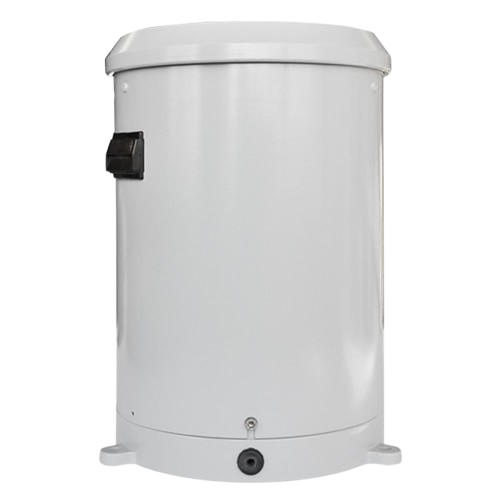
 Design with Rain Gauge Tipping Bucket in Cirkit Designer
Introduction
The Rain Gauge Tipping Bucket by Vincenzo is a precision instrument designed to measure rainfall. It operates by collecting rainwater in a small bucket that tips when a predefined volume is reached. Each tip triggers a counter, allowing the total precipitation to be recorded over time. This device is widely used in meteorology, agriculture, and environmental monitoring to track rainfall patterns and water availability.
Explore Projects Built with Rain Gauge Tipping Bucket
 Open Project in Cirkit Designer
 Open Project in Cirkit Designer
 Open Project in Cirkit Designer
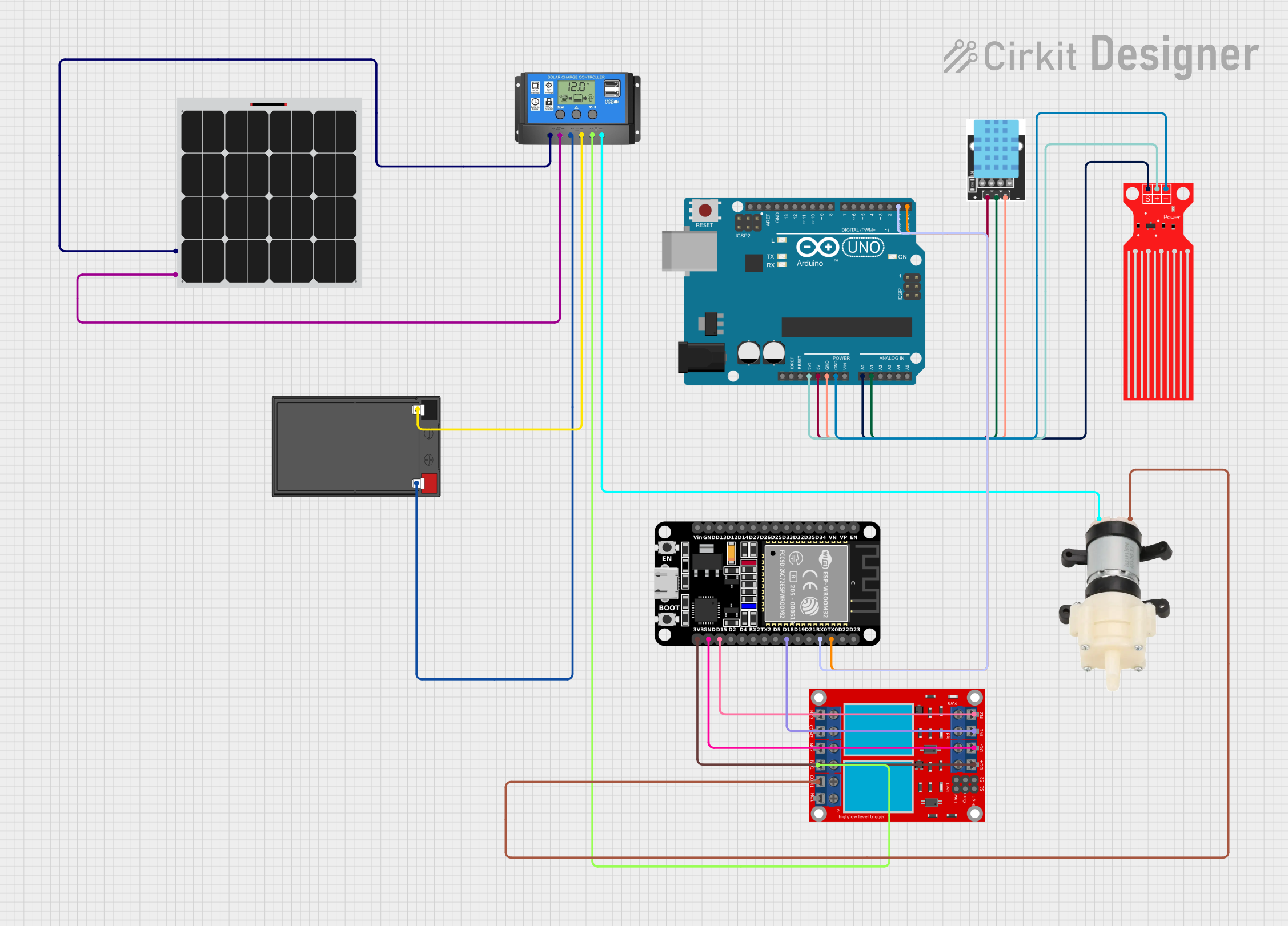 Open Project in Cirkit Designer
Explore Projects Built with Rain Gauge Tipping Bucket
Open Project in Cirkit DesignerOpen Project in Cirkit DesignerOpen Project in Cirkit DesignerOpen Project in Cirkit DesignerCommon Applications and Use Cases
- Weather stations for monitoring precipitation levels
- Agricultural systems to optimize irrigation schedules
- Hydrological studies and flood prediction
- Environmental research and climate monitoring
Technical Specifications
The following table outlines the key technical details of the Vincenzo Rain Gauge Tipping Bucket:
| Parameter | Specification |
|---|---|
| Measurement Range | 0–500 mm/hour |
| Resolution | 0.2 mm per tip |
| Accuracy | ±2% at 25 mm/hour |
| Output Signal | Pulse (one pulse per bucket tip) |
| Operating Voltage | 3.3V–5V |
| Operating Current | <10 mA |
| Operating Temperature | -40°C to 70°C |
| Material | UV-resistant plastic and stainless steel |
| Dimensions | 200 mm (H) x 120 mm (D) |
| Weight | 500 g |
Pin Configuration and Descriptions
The Rain Gauge Tipping Bucket has a simple two-wire interface for signal output and ground connection. The pin configuration is as follows:
| Pin | Name | Description |
|---|---|---|
| 1 | Signal | Outputs a pulse for each bucket tip (connect to GPIO) |
| 2 | Ground | Connects to the ground of the power supply |
Usage Instructions
How to Use the Component in a Circuit
- Power Supply: Connect the Rain Gauge to a 3.3V or 5V power source. Ensure the ground pin is connected to the circuit's ground.
- Signal Connection: Connect the signal pin to a digital input pin on a microcontroller (e.g., Arduino UNO).
- Data Processing: Each pulse from the signal pin corresponds to a fixed amount of rainfall (e.g., 0.2 mm). Count the pulses over time to calculate the total precipitation.
Important Considerations and Best Practices
- Placement: Install the rain gauge in an open area, away from obstructions like trees or buildings, to ensure accurate measurements.
- Leveling: Ensure the device is mounted on a level surface to prevent measurement errors.
- Maintenance: Regularly clean the bucket and check for debris that may block the tipping mechanism.
- Debouncing: Use software or hardware debouncing to filter out false pulses caused by vibrations or noise.
Example Code for Arduino UNO
Below is an example of how to interface the Rain Gauge Tipping Bucket with an Arduino UNO to measure rainfall:
// Rain Gauge Tipping Bucket Example Code
// Manufacturer: Vincenzo
// This code counts the number of bucket tips and calculates rainfall in mm.

const int rainGaugePin = 2;  // Digital pin connected to the signal pin
volatile int tipCount = 0;   // Counter for bucket tips
float rainfall = 0.0;        // Total rainfall in mm
const float tipVolume = 0.2; // Rainfall per tip in mm

void setup() {
  pinMode(rainGaugePin, INPUT_PULLUP); // Set pin as input with pull-up resistor
  attachInterrupt(digitalPinToInterrupt(rainGaugePin), countTips, FALLING);
  Serial.begin(9600); // Initialize serial communication
}

void loop() {
  // Calculate rainfall based on tip count
  rainfall = tipCount * tipVolume;

  // Print rainfall to the serial monitor
  Serial.print("Rainfall: ");
  Serial.print(rainfall);
  Serial.println(" mm");

  delay(1000); // Update every second
}

// Interrupt service routine to count bucket tips
void countTips() {
  tipCount++; // Increment tip count on each pulse
}
Troubleshooting and FAQs
Common Issues and Solutions
No Signal Output:
- Cause: Loose or incorrect wiring.
- Solution: Verify connections to the signal and ground pins. Ensure the power supply is within the operating range.
Inaccurate Measurements:
- Cause: Device not level or obstructed.
- Solution: Reinstall the rain gauge on a level surface and clear any debris.
False Pulses:
- Cause: Electrical noise or vibrations.
- Solution: Implement software debouncing in your code or use a hardware filter.
Bucket Not Tipping:
- Cause: Dirt or debris blocking the mechanism.
- Solution: Clean the bucket and check for obstructions.
FAQs
Q: Can the Rain Gauge Tipping Bucket be used in freezing temperatures?
A: Yes, the device operates in temperatures as low as -40°C. However, ensure that ice does not block the tipping mechanism.
Q: How do I calibrate the rain gauge?
A: The device is factory-calibrated for 0.2 mm per tip. If recalibration is needed, consult the manufacturer's guidelines.
Q: Can I use this rain gauge with a Raspberry Pi?
A: Yes, the rain gauge can be connected to a GPIO pin on a Raspberry Pi. Use appropriate libraries to count pulses.
Q: How often should I clean the rain gauge?
A: Cleaning frequency depends on the environment. In dusty or debris-prone areas, inspect and clean the device monthly.
This concludes the documentation for the Vincenzo Rain Gauge Tipping Bucket. For further assistance, refer to the manufacturer's support resources.