
How to Use sensor qre1113: Examples, Pinouts, and Specs
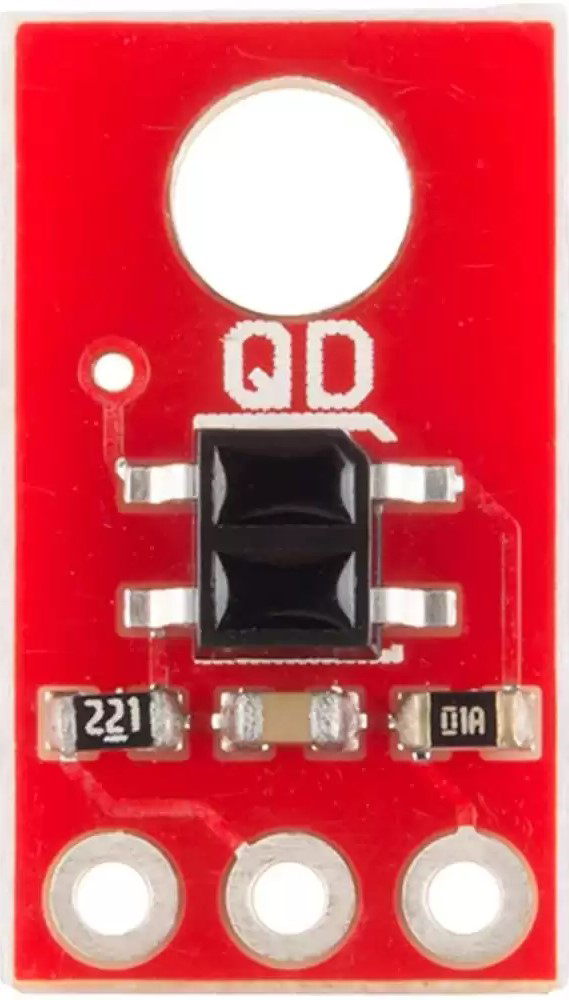
 Design with sensor qre1113 in Cirkit Designer
Introduction
The QRE1113, manufactured by Unit Electronics (Part ID: 1113), is an infrared (IR) reflective sensor designed for proximity detection and object presence sensing. It integrates an IR LED and a phototransistor in a compact package, enabling it to detect reflected IR light from nearby surfaces or objects. This makes it ideal for applications such as line-following robots, obstacle detection, and edge detection in automation systems.
Explore Projects Built with sensor qre1113
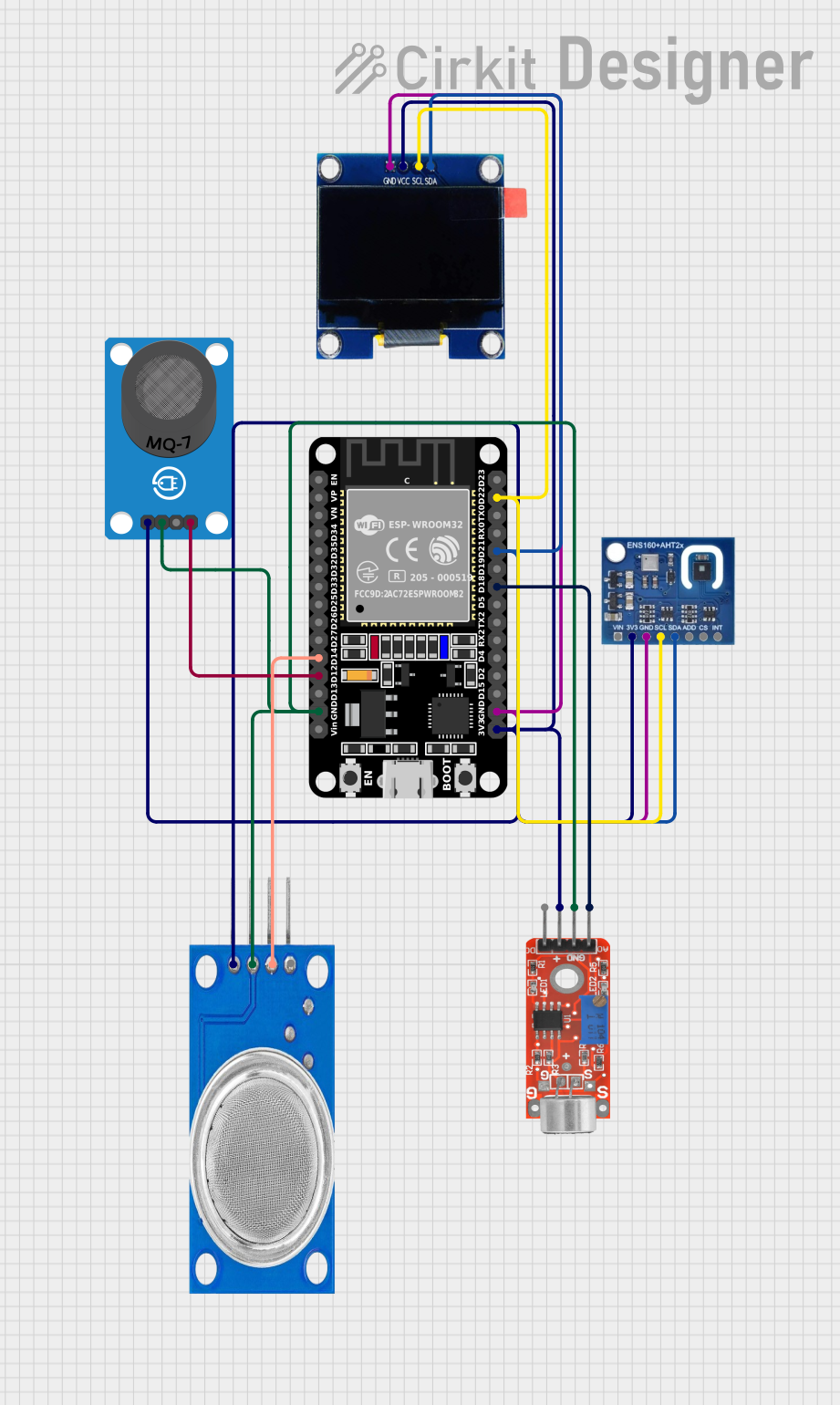 Open Project in Cirkit Designer
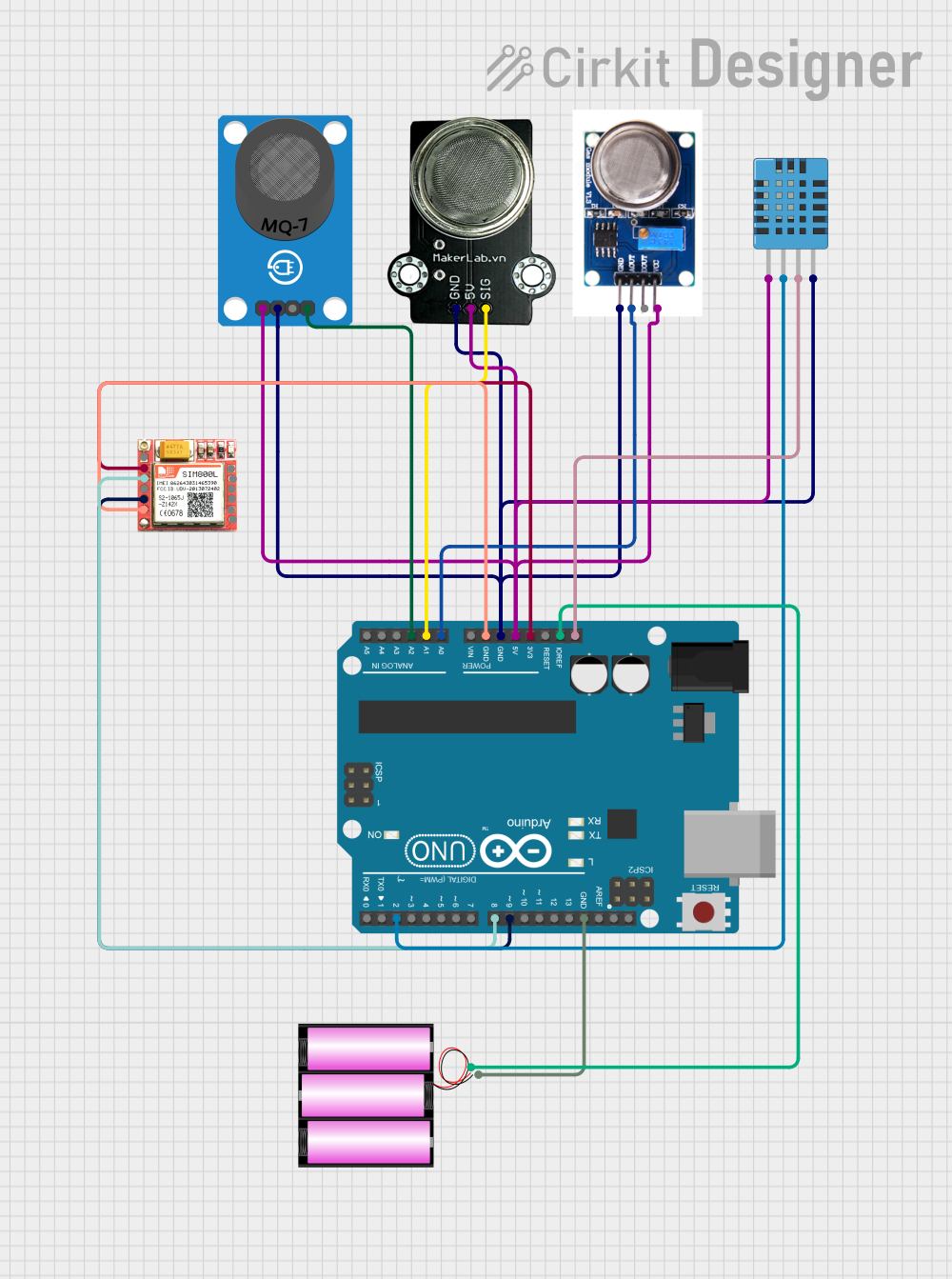 Open Project in Cirkit Designer
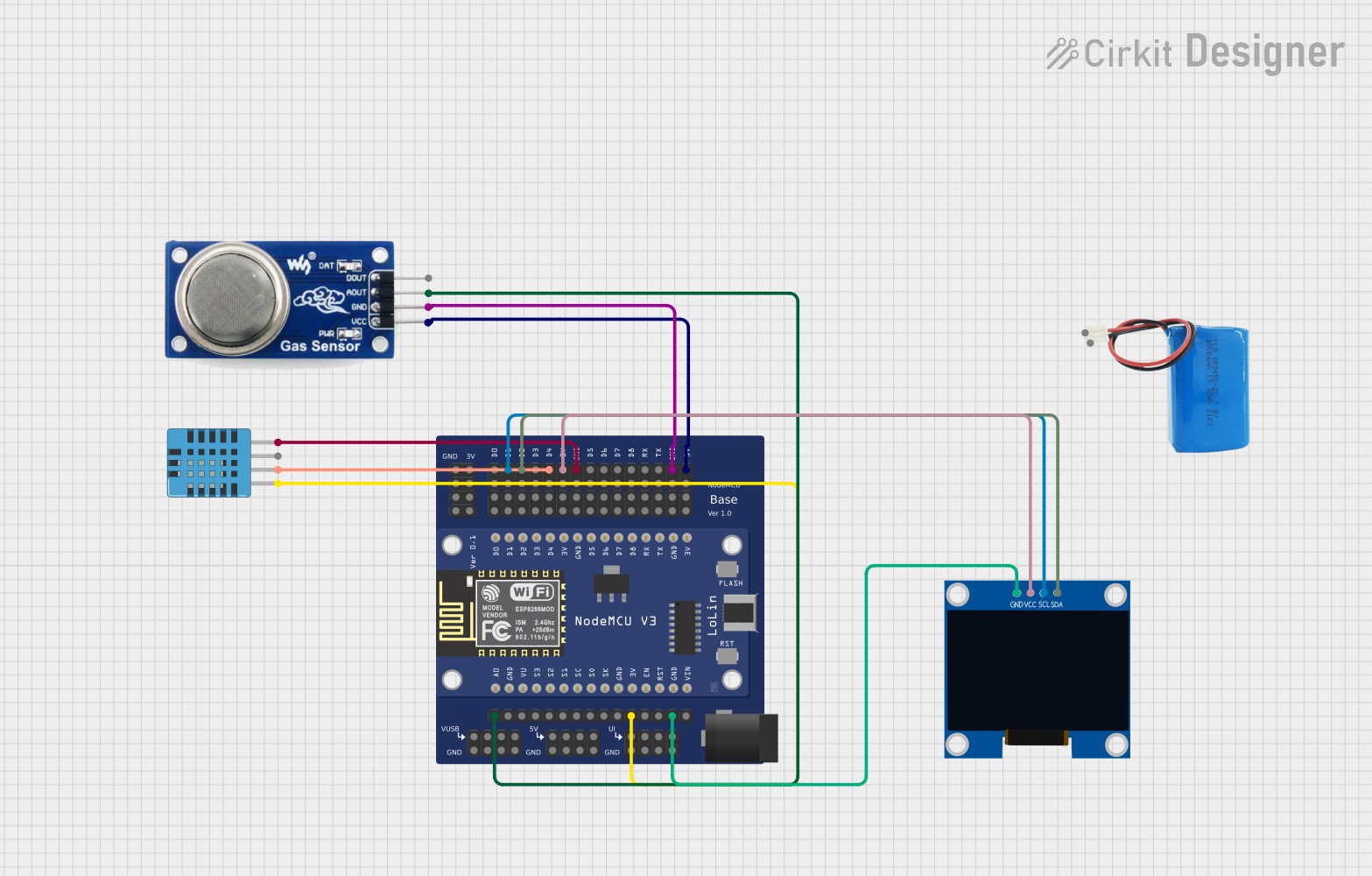 Open Project in Cirkit Designer
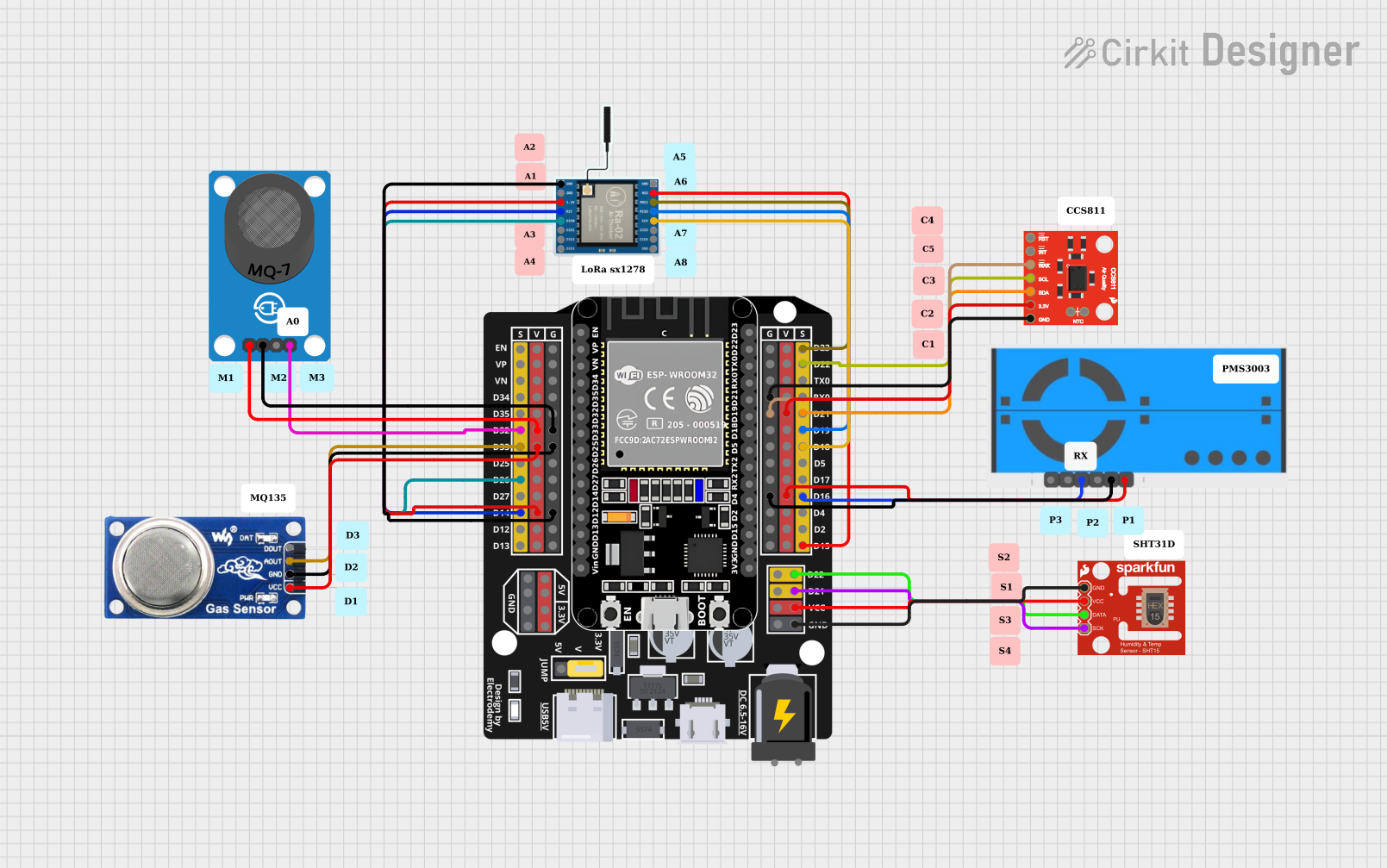 Open Project in Cirkit Designer
Explore Projects Built with sensor qre1113
Open Project in Cirkit DesignerOpen Project in Cirkit DesignerOpen Project in Cirkit DesignerOpen Project in Cirkit DesignerCommon Applications
- Line-following robots
- Obstacle detection in robotics
- Edge detection in conveyor systems
- Proximity sensing in automation
- Reflective object detection in industrial systems
Technical Specifications
Key Technical Details
| Parameter | Value |
|---|---|
| Manufacturer | Unit Electronics |
| Part ID | 1113 |
| Operating Voltage Range | 1.7V to 5.5V |
| Forward Current (IR LED) | 20 mA (typical) |
| Collector Current | 1 mA (typical) |
| Peak Wavelength | 940 nm |
| Detection Range | 0.2 mm to 3 mm (optimal) |
| Operating Temperature | -25°C to +85°C |
| Package Type | Surface Mount (SMD) |
Pin Configuration and Descriptions
The QRE1113 has four pins, as described in the table below:
| Pin Number | Name | Description |
|---|---|---|
| 1 | Anode (A) | Positive terminal of the IR LED |
| 2 | Cathode (K) | Negative terminal of the IR LED |
| 3 | Collector (C) | Output of the phototransistor (signal output) |
| 4 | Emitter (E) | Ground connection for the phototransistor |
Usage Instructions
How to Use the QRE1113 in a Circuit
- Powering the IR LED: Connect the Anode (Pin 1) to a current-limiting resistor and then to a power source (e.g., 5V). Connect the Cathode (Pin 2) to ground.
- Phototransistor Output: Connect the Collector (Pin 3) to a pull-up resistor and then to the power source. The Emitter (Pin 4) should be connected to ground. The voltage at the Collector will vary based on the amount of reflected IR light detected.
- Signal Reading: The output signal from the phototransistor can be read using an analog or digital input pin on a microcontroller, such as an Arduino UNO.
Important Considerations
- Optimal Distance: The QRE1113 performs best when the target object is within 0.2 mm to 3 mm of the sensor.
- Ambient Light: Minimize ambient light interference by shielding the sensor or using it in controlled lighting conditions.
- Current Limiting: Always use a resistor in series with the IR LED to prevent damage due to excessive current.
- Surface Reflectivity: The sensor's performance depends on the reflectivity of the surface. Highly reflective surfaces yield stronger signals.
Example Arduino Code
The following example demonstrates how to use the QRE1113 with an Arduino UNO to detect a reflective surface:
// Define the pin connected to the phototransistor's collector
const int sensorPin = A0; // Analog pin A0 for reading sensor output

void setup() {
  Serial.begin(9600); // Initialize serial communication at 9600 baud
  pinMode(sensorPin, INPUT); // Set the sensor pin as input
}

void loop() {
  int sensorValue = analogRead(sensorPin); // Read the analog value from the sensor

  // Print the sensor value to the Serial Monitor
  Serial.print("Sensor Value: ");
  Serial.println(sensorValue);

  // Add a small delay to avoid overwhelming the Serial Monitor
  delay(100);
}
Code Explanation:
- The
sensorPinis connected to the phototransistor's collector, which outputs an analog voltage based on the reflected IR light. - The
analogRead()function reads the sensor's output, and the value is printed to the Serial Monitor for observation.
Troubleshooting and FAQs
Common Issues and Solutions
No Output Signal:
- Cause: Incorrect wiring or insufficient power supply.
- Solution: Verify all connections and ensure the IR LED has a current-limiting resistor.
Inconsistent Readings:
- Cause: Ambient light interference or unstable power supply.
- Solution: Shield the sensor from ambient light and use a stable power source.
Weak Signal:
- Cause: Target object is outside the optimal detection range or has low reflectivity.
- Solution: Adjust the distance between the sensor and the object, or use a more reflective surface.
Overheating:
- Cause: Excessive current through the IR LED.
- Solution: Use an appropriate current-limiting resistor to protect the IR LED.
FAQs
Q1: Can the QRE1113 detect black surfaces?
A1: Black surfaces absorb most IR light, so the sensor may have difficulty detecting them. Use highly reflective surfaces for optimal performance.
Q2: What is the maximum detection range of the QRE1113?
A2: The sensor works best within 0.2 mm to 3 mm. Beyond this range, the signal strength decreases significantly.
Q3: Can I use the QRE1113 with a 3.3V microcontroller?
A3: Yes, the QRE1113 operates within a voltage range of 1.7V to 5.5V, making it compatible with 3.3V systems.
Q4: How do I reduce noise in the sensor output?
A4: Use a capacitor across the power supply pins to filter noise and ensure stable readings.
By following this documentation, users can effectively integrate the QRE1113 into their projects for reliable proximity and object detection.