
How to Use 5V Regulator: Examples, Pinouts, and Specs
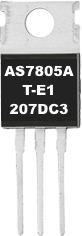
 Design with 5V Regulator in Cirkit Designer
Introduction
The AS7805AT-E1 by Diodes Inc. is a 5V linear voltage regulator designed to provide a stable and reliable 5V output from a higher input voltage. This component is widely used in electronic circuits to ensure a consistent power supply, protecting sensitive components from voltage fluctuations. Its robust design and ease of use make it a popular choice for both hobbyists and professionals.
Explore Projects Built with 5V Regulator
 Open Project in Cirkit Designer
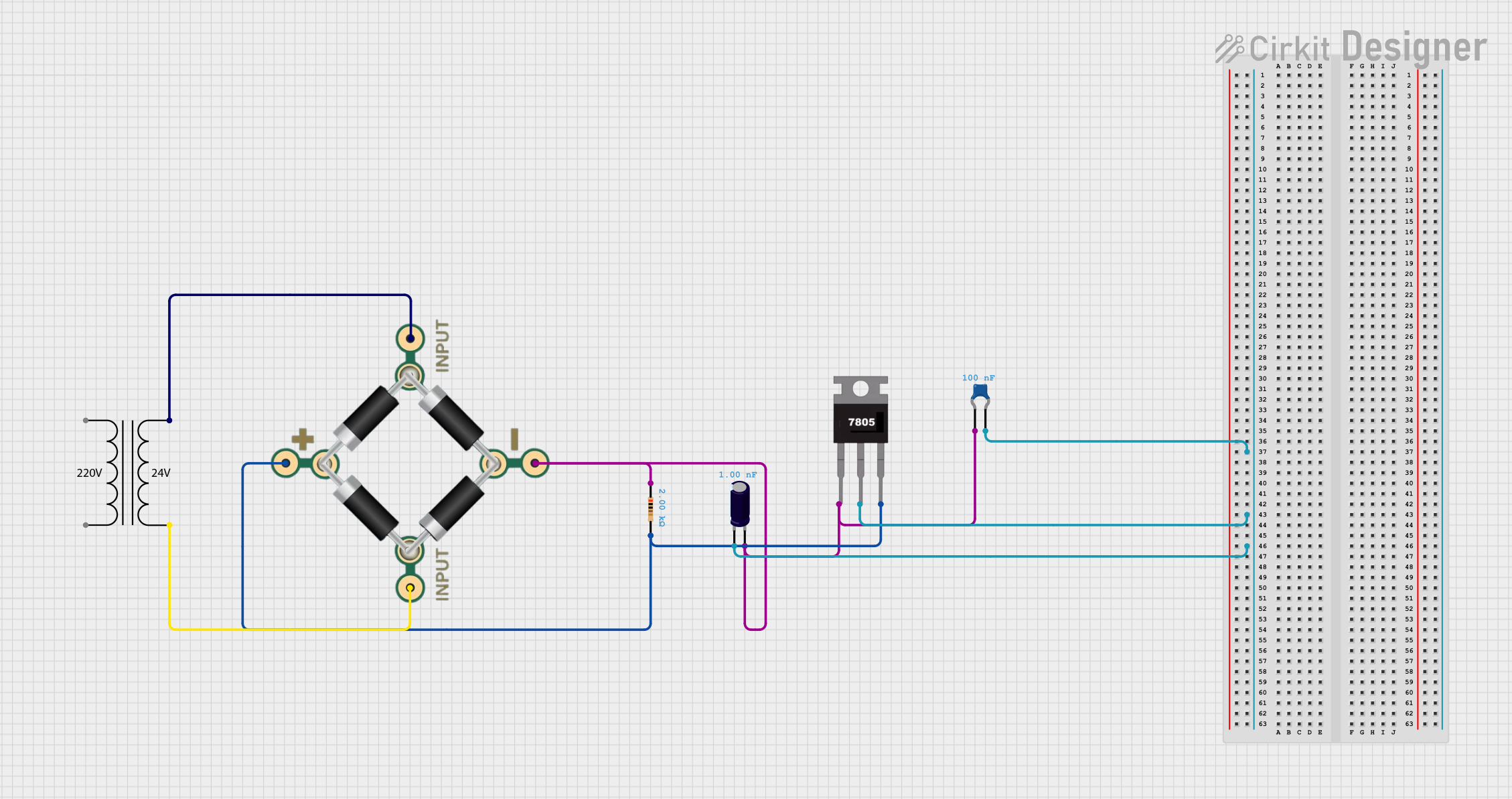 Open Project in Cirkit Designer
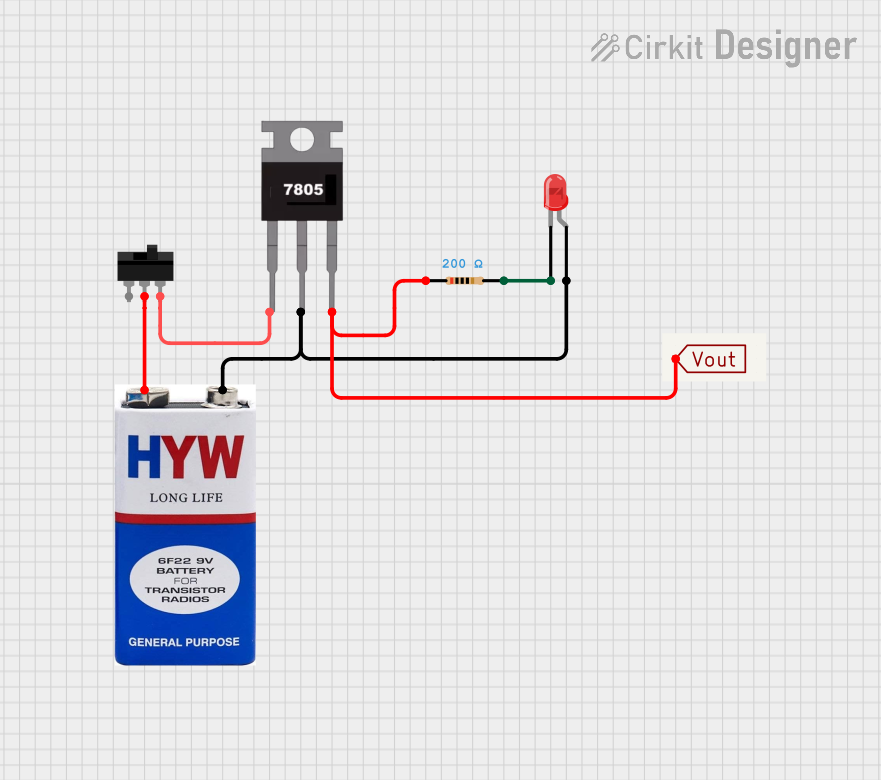 Open Project in Cirkit Designer
 Open Project in Cirkit Designer
Explore Projects Built with 5V Regulator
Open Project in Cirkit DesignerOpen Project in Cirkit DesignerOpen Project in Cirkit DesignerOpen Project in Cirkit DesignerCommon Applications and Use Cases
- Power supply for microcontrollers (e.g., Arduino, Raspberry Pi)
- Voltage regulation in battery-powered devices
- Stabilizing power for sensors, motors, and other peripherals
- General-purpose DC voltage regulation in electronic circuits
Technical Specifications
The following table outlines the key technical details of the AS7805AT-E1:
| Parameter | Value |
|---|---|
| Output Voltage | 5V ± 2% |
| Input Voltage Range | 7V to 25V |
| Maximum Output Current | 1.5A |
| Dropout Voltage | 2V (typical) |
| Quiescent Current | 5mA (typical) |
| Operating Temperature | -40°C to +125°C |
| Package Type | TO-220 |
Pin Configuration and Descriptions
The AS7805AT-E1 is a 3-pin device with the following pinout:
| Pin Number | Pin Name | Description |
|---|---|---|
| 1 | Input (IN) | Connect to the unregulated input voltage (7V–25V). |
| 2 | Ground (GND) | Common ground for input and output. |
| 3 | Output (OUT) | Provides the regulated 5V output. |
Usage Instructions
How to Use the Component in a Circuit
- Input Voltage: Connect a DC voltage source (7V–25V) to the Input (IN) pin. Ensure the input voltage is at least 2V higher than the desired 5V output to account for the dropout voltage.
- Output Voltage: Connect the Output (OUT) pin to the load or circuit requiring a 5V supply.
- Ground Connection: Connect the Ground (GND) pin to the common ground of the circuit.
- Capacitors: Add decoupling capacitors to improve stability and reduce noise:
- A 0.33µF capacitor between the Input (IN) pin and ground.
- A 0.1µF capacitor between the Output (OUT) pin and ground.
Important Considerations and Best Practices
- Heat Dissipation: The regulator may generate heat during operation, especially at higher input voltages or currents. Use a heatsink with the TO-220 package to prevent overheating.
- Input Voltage: Avoid exceeding the maximum input voltage of 25V to prevent damage to the regulator.
- Load Current: Ensure the load does not exceed the maximum output current of 1.5A.
- Bypass Capacitors: Always use the recommended capacitors to ensure stable operation and minimize voltage ripple.
Example: Connecting to an Arduino UNO
The AS7805AT-E1 can be used to power an Arduino UNO by providing a stable 5V supply. Below is an example circuit and Arduino code:
Circuit Setup
- Connect a 9V battery to the Input (IN) pin of the regulator.
- Connect the Output (OUT) pin to the 5V pin of the Arduino UNO.
- Connect the Ground (GND) pin to the GND pin of the Arduino UNO.
Arduino Code
// Example code to blink an LED using the 5V regulator as a power source
// Ensure the 5V regulator is properly connected to the Arduino UNO

const int ledPin = 13; // Built-in LED pin on Arduino UNO

void setup() {
  pinMode(ledPin, OUTPUT); // Set the LED pin as an output
}

void loop() {
  digitalWrite(ledPin, HIGH); // Turn the LED on
  delay(1000);                // Wait for 1 second
  digitalWrite(ledPin, LOW);  // Turn the LED off
  delay(1000);                // Wait for 1 second
}
Troubleshooting and FAQs
Common Issues and Solutions
No Output Voltage
- Cause: Insufficient input voltage.
- Solution: Ensure the input voltage is at least 7V.
Overheating
- Cause: Excessive current draw or high input voltage.
- Solution: Use a heatsink and ensure the load current does not exceed 1.5A.
Voltage Instability
- Cause: Missing or incorrect decoupling capacitors.
- Solution: Add a 0.33µF capacitor on the input and a 0.1µF capacitor on the output.
Output Voltage Too Low
- Cause: High dropout voltage due to low input voltage.
- Solution: Increase the input voltage to at least 2V above the output voltage.
FAQs
Q: Can I use the AS7805AT-E1 with a 12V input?
A: Yes, the regulator can handle input voltages up to 25V. A 12V input is well within the acceptable range.
Q: Do I need a heatsink for low-current applications?
A: For currents below 500mA, a heatsink is typically not required. However, for higher currents or prolonged use, a heatsink is recommended.
Q: Can I use this regulator to power a 3.3V device?
A: No, the AS7805AT-E1 provides a fixed 5V output. Use a 3.3V regulator for 3.3V devices.
Q: What happens if I reverse the input and output connections?
A: Reversing the connections can damage the regulator. Always double-check the pinout before powering the circuit.