
How to Use SPEEDYBEE F405 WING FC Board Back: Examples, Pinouts, and Specs
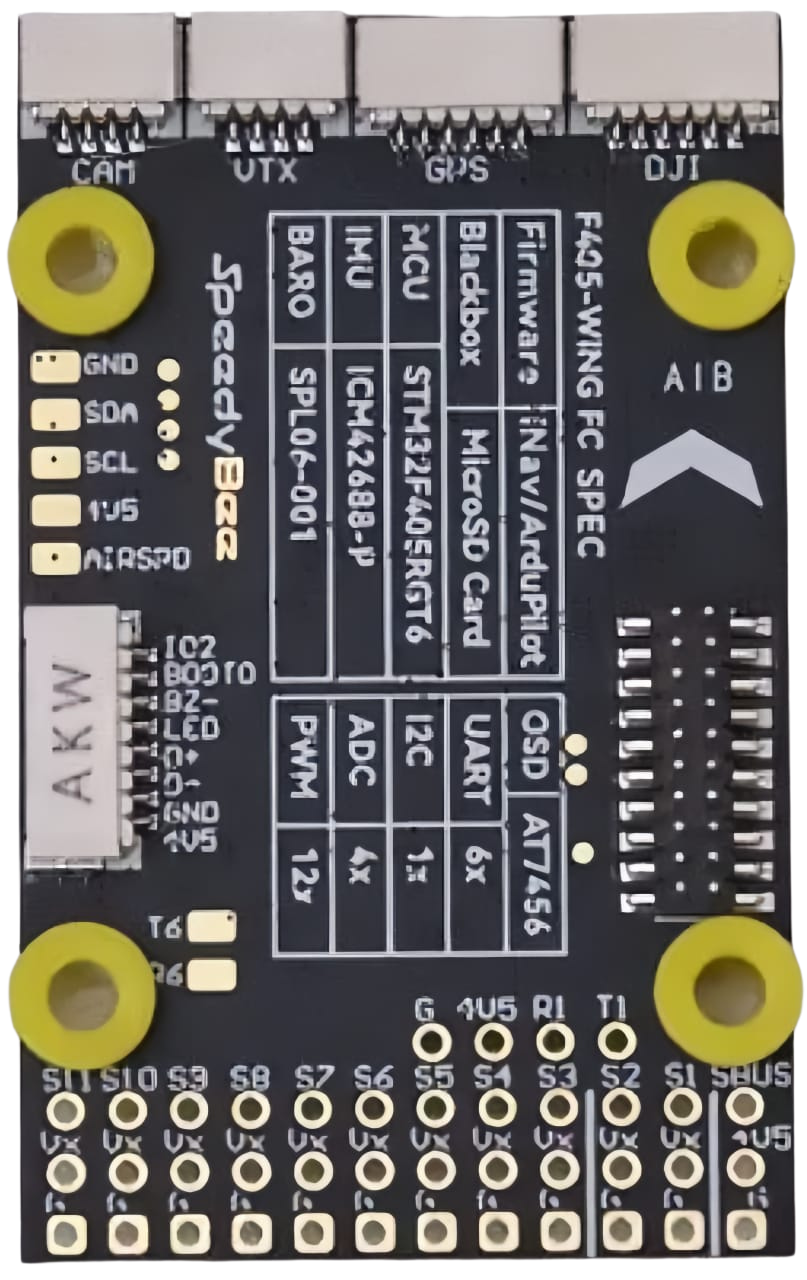
 Design with SPEEDYBEE F405 WING FC Board Back in Cirkit Designer
Introduction
The SPEEDYBEE F405 WING FC Board Back is a high-performance flight controller designed specifically for drones. It features advanced processing capabilities, a wide range of input/output options, and compatibility with various flight modes. This makes it an ideal choice for drone enthusiasts, particularly in racing and freestyle applications. Its robust design and versatile functionality allow users to achieve precise control and enhanced performance in demanding environments.
Explore Projects Built with SPEEDYBEE F405 WING FC Board Back
 Open Project in Cirkit Designer
 Open Project in Cirkit Designer
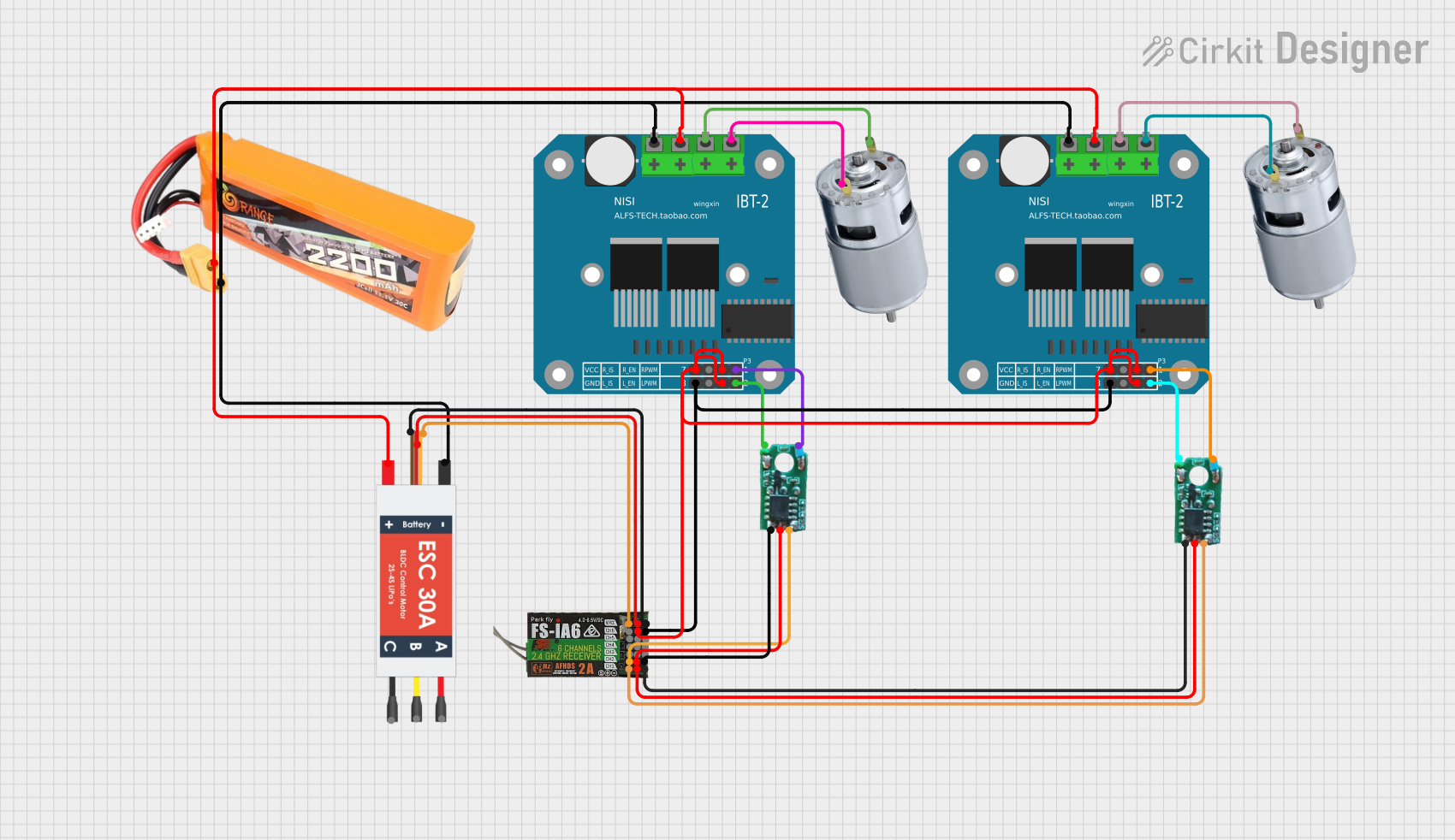 Open Project in Cirkit Designer
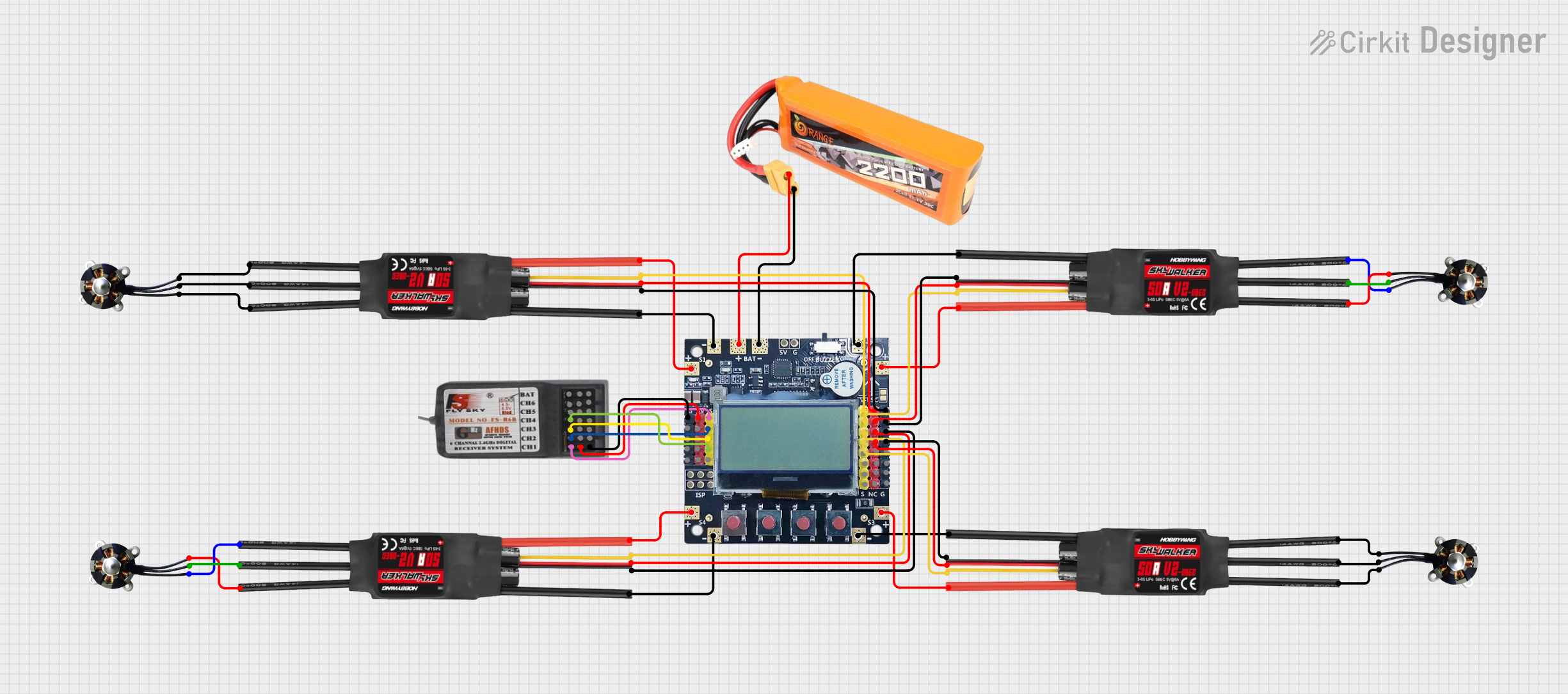 Open Project in Cirkit Designer
Explore Projects Built with SPEEDYBEE F405 WING FC Board Back
Open Project in Cirkit DesignerOpen Project in Cirkit DesignerOpen Project in Cirkit DesignerOpen Project in Cirkit DesignerCommon Applications and Use Cases
- Racing drones requiring high-speed processing and low latency
- Freestyle drones for acrobatic maneuvers and stunts
- Long-range drones with GPS and telemetry support
- Fixed-wing aircraft with advanced flight control needs
- FPV (First-Person View) drones for immersive flying experiences
Technical Specifications
Key Technical Details
- Processor: STM32F405 microcontroller
- IMU (Inertial Measurement Unit): MPU6000 (gyro and accelerometer)
- Input Voltage: 7V to 35V (2S to 6S LiPo batteries)
- BEC Output: 5V/2A and 9V/2A
- UART Ports: 6 UARTs for peripherals (e.g., GPS, telemetry, receivers)
- ESC Signal Output: 8 PWM outputs for motor control
- OSD: Integrated Betaflight OSD (On-Screen Display)
- Flash Memory: 16MB for Blackbox logging
- Connectivity: Bluetooth for wireless configuration via the SpeedyBee app
- Dimensions: 36mm x 36mm (standard 30.5mm x 30.5mm mounting holes)
- Weight: 8g (without accessories)
Pin Configuration and Descriptions
The SPEEDYBEE F405 WING FC Board Back features a comprehensive pin layout to support various peripherals and components. Below is the pin configuration:
| Pin Name | Description |
|---|---|
| GND | Ground connection for power and signal reference |
| VBAT | Battery voltage input (7V to 35V) |
| 5V | 5V power output for peripherals |
| 9V | 9V power output for peripherals |
| UART1 (TX/RX) | UART1 for GPS or telemetry modules |
| UART2 (TX/RX) | UART2 for receivers or other peripherals |
| UART3 (TX/RX) | UART3 for additional peripherals |
| PWM1-8 | PWM outputs for motor ESCs or servos |
| LED | Addressable LED signal output |
| Buzzer | Buzzer signal output for audible alerts |
| RSSI | Analog RSSI input for signal strength monitoring |
| I2C (SCL/SDA) | I2C interface for external sensors |
| Boot | Bootloader mode activation pin |
Usage Instructions
How to Use the Component in a Circuit
- Powering the Board: Connect a 2S to 6S LiPo battery to the VBAT and GND pins. Ensure the voltage is within the 7V to 35V range.
- Connecting ESCs: Attach the ESC signal wires to the PWM1-8 pins. Ensure the ESCs are properly calibrated for the flight controller.
- Receiver Connection: Connect your receiver to the appropriate UART port (e.g., UART2) and configure the protocol in Betaflight.
- Peripheral Setup: Attach additional peripherals such as GPS, telemetry modules, or LEDs to the corresponding UART, I2C, or LED pins.
- Configuration: Use the SpeedyBee app (via Bluetooth) or Betaflight Configurator (via USB) to configure the flight controller settings, including PID tuning, flight modes, and OSD layout.
Important Considerations and Best Practices
- Firmware Updates: Always ensure the flight controller is running the latest Betaflight firmware for optimal performance and compatibility.
- Wiring: Double-check all connections to avoid short circuits or incorrect wiring.
- Blackbox Logging: Use the onboard 16MB flash memory to record flight data for analysis and troubleshooting.
- Vibration Isolation: Mount the flight controller on vibration-dampening pads to reduce noise from motors and improve sensor accuracy.
- Battery Voltage Monitoring: Configure the OSD to display battery voltage and current for real-time monitoring during flights.
Example Code for Arduino UNO Integration
While the SPEEDYBEE F405 WING FC is not typically used with an Arduino UNO, you can use an Arduino to simulate a PWM signal for testing purposes. Below is an example code snippet:
// Example: Generate a PWM signal on Arduino UNO for testing ESCs
const int pwmPin = 9; // PWM output pin
const int pwmFrequency = 50; // Frequency in Hz (standard for ESCs)
const int minPulseWidth = 1000; // Minimum pulse width in microseconds
const int maxPulseWidth = 2000; // Maximum pulse width in microseconds

void setup() {
  pinMode(pwmPin, OUTPUT); // Set the PWM pin as output
}

void loop() {
  // Generate a PWM signal with a pulse width of 1500 microseconds
  analogWrite(pwmPin, map(1500, minPulseWidth, maxPulseWidth, 0, 255));
  delay(20); // 20ms delay for a 50Hz signal
}
Troubleshooting and FAQs
Common Issues and Solutions
Flight Controller Not Powering On:
- Cause: Incorrect wiring or insufficient input voltage.
- Solution: Verify the battery voltage and ensure proper connection to the VBAT and GND pins.
No Response from Motors:
- Cause: ESCs not calibrated or incorrect PWM configuration.
- Solution: Calibrate the ESCs and verify the PWM output settings in Betaflight.
Bluetooth Not Connecting:
- Cause: Interference or incorrect pairing procedure.
- Solution: Ensure the SpeedyBee app is installed and Bluetooth is enabled on your device. Retry pairing.
Unstable Flight:
- Cause: Incorrect PID settings or excessive vibration.
- Solution: Tune the PID values in Betaflight and ensure the flight controller is mounted on vibration-dampening pads.
FAQs
Q: Can I use this flight controller with fixed-wing aircraft?
A: Yes, the SPEEDYBEE F405 WING FC supports fixed-wing configurations in Betaflight.Q: How do I update the firmware?
A: Use the Betaflight Configurator to flash the latest firmware via USB.Q: What is the maximum number of motors supported?
A: The flight controller supports up to 8 motors via the PWM1-8 outputs.Q: Can I use this board with iNav firmware?
A: Yes, the SPEEDYBEE F405 WING FC is compatible with iNav for advanced navigation features.
By following this documentation, users can effectively utilize the SPEEDYBEE F405 WING FC Board Back for their drone projects, ensuring optimal performance and reliability.