
How to Use HX711 Red: Examples, Pinouts, and Specs
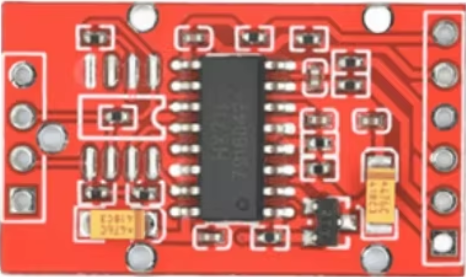
 Design with HX711 Red in Cirkit Designer
Introduction
The HX711 Red is a precision 24-bit analog-to-digital converter (ADC) specifically designed for applications requiring high accuracy and stability, such as weighing scales and industrial control systems. It features an integrated low-noise amplifier, making it ideal for interfacing with load cells. The HX711 Red simplifies the process of converting small analog signals from load cells into digital data, ensuring precise weight measurements.
Explore Projects Built with HX711 Red
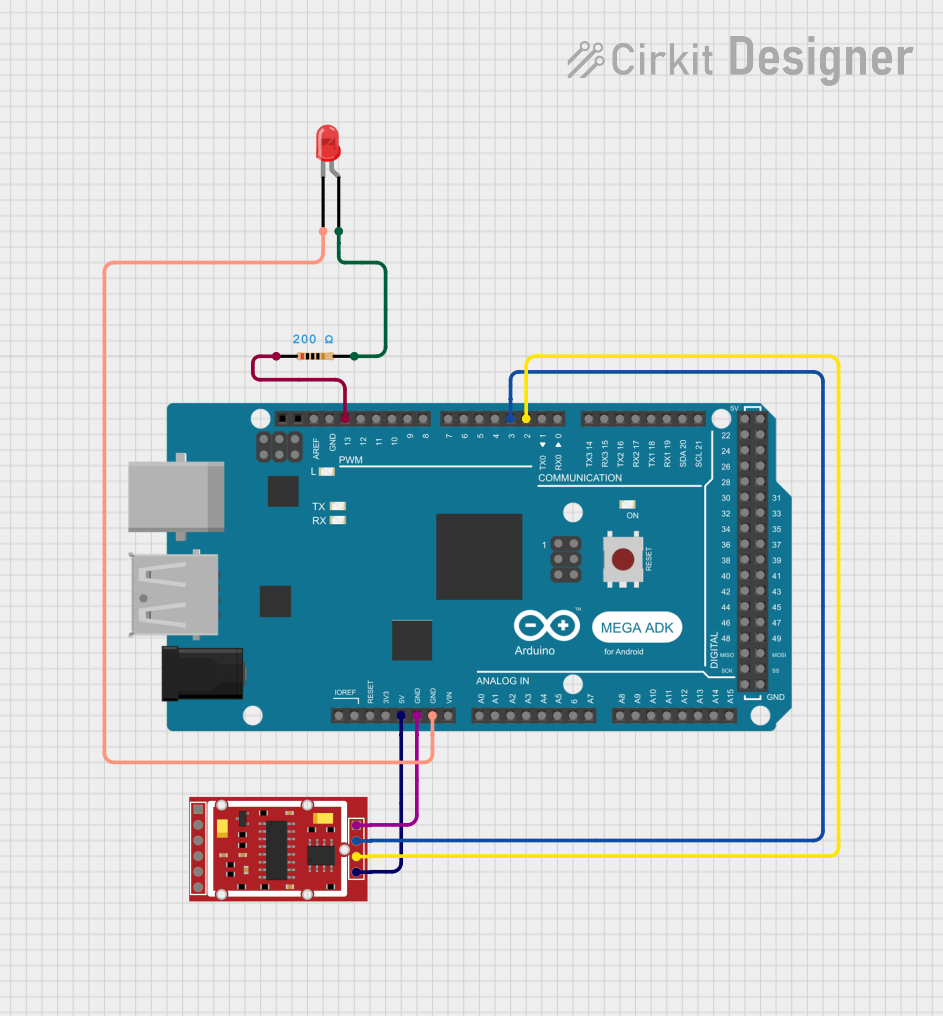 Open Project in Cirkit Designer
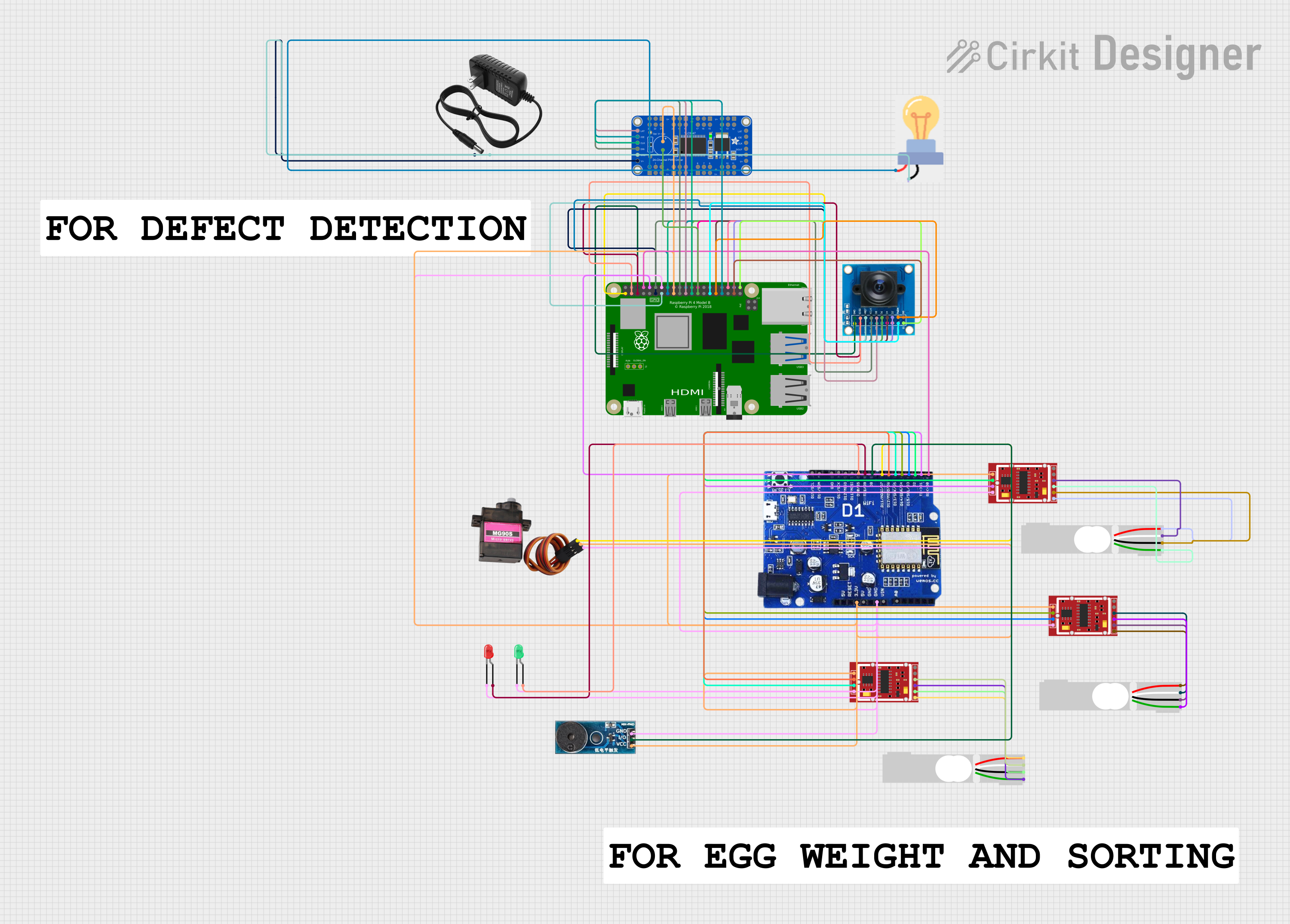 Open Project in Cirkit Designer
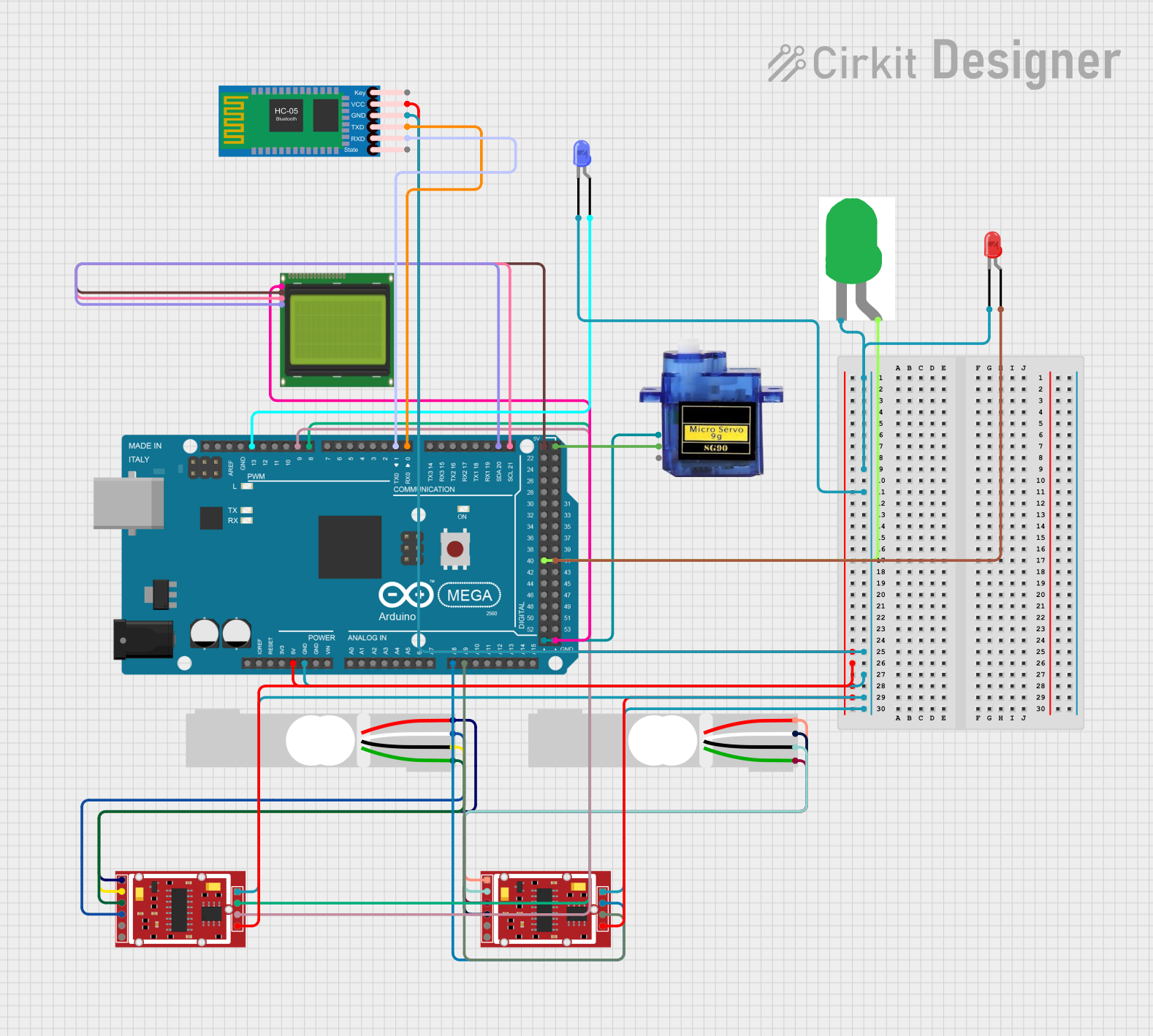 Open Project in Cirkit Designer
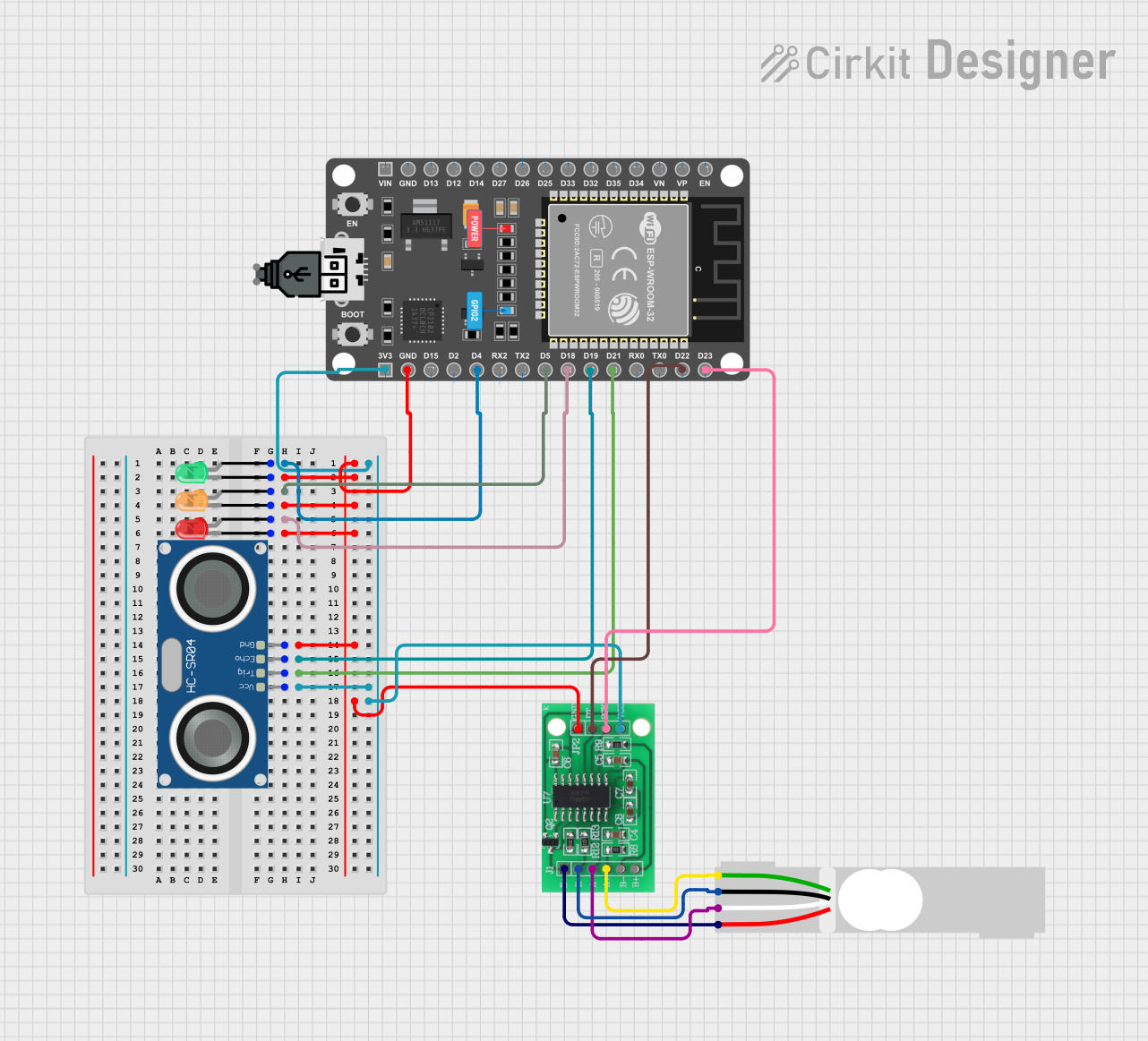 Open Project in Cirkit Designer
Explore Projects Built with HX711 Red
Open Project in Cirkit DesignerOpen Project in Cirkit DesignerOpen Project in Cirkit DesignerOpen Project in Cirkit DesignerCommon Applications
- Digital weighing scales
- Industrial process control systems
- Force measurement systems
- Laboratory balances
- IoT-based weight monitoring systems
Technical Specifications
The HX711 Red is designed to deliver high performance in demanding applications. Below are its key technical details:
Key Specifications
| Parameter | Value |
|---|---|
| ADC Resolution | 24-bit |
| Operating Voltage | 2.6V to 5.5V |
| Operating Current | ~1.5mA |
| Standby Current | <1µA |
| Gain Options | 32, 64, 128 |
| Input Type | Differential |
| Input Voltage Range | ±40mV (at Gain = 128) |
| Data Rate | 10Hz or 80Hz |
| Temperature Range | -40°C to +85°C |
Pin Configuration
The HX711 Red module has a total of 4 pins for interfacing with microcontrollers. Below is the pinout description:
| Pin Name | Pin Number | Description |
|---|---|---|
| VCC | 1 | Power supply input (2.6V to 5.5V). |
| GND | 2 | Ground connection. |
| DT | 3 | Data output pin for serial communication. |
| SCK | 4 | Clock input pin for serial communication. |
Usage Instructions
The HX711 Red is straightforward to use in circuits, especially for weight measurement applications. Below are the steps and best practices for using the component:
Connecting the HX711 Red to a Load Cell
Connect the Load Cell to the HX711 Red:
- The HX711 Red has two differential input channels (A and B). Channel A supports gains of 128 or 64, while Channel B has a fixed gain of 32.
- Connect the load cell's output wires to the HX711 Red's input pins (E+, E-, A+, A-).
Connect the HX711 Red to a Microcontroller:
- Connect the
DTpin to a digital input pin on the microcontroller. - Connect the
SCKpin to another digital output pin on the microcontroller. - Provide power to the
VCCandGNDpins.
- Connect the
Example Circuit with Arduino UNO
Below is an example of how to connect the HX711 Red to an Arduino UNO:
VCC→ 5V on ArduinoGND→ GND on ArduinoDT→ Digital Pin 3 on ArduinoSCK→ Digital Pin 2 on Arduino
Sample Arduino Code
The following Arduino code demonstrates how to interface the HX711 Red with an Arduino UNO to read weight data:
#include "HX711.h" // Include the HX711 library

// Define pins for HX711
#define DT 3  // Data pin connected to Arduino pin 3
#define SCK 2 // Clock pin connected to Arduino pin 2

HX711 scale; // Create an instance of the HX711 class

void setup() {
  Serial.begin(9600); // Initialize serial communication
  scale.begin(DT, SCK); // Initialize the HX711 with DT and SCK pins
  scale.set_scale();    // Set the scale factor (calibration required)
  scale.tare();         // Reset the scale to 0
  Serial.println("HX711 initialized. Place weight on the scale.");
}

void loop() {
  // Read weight data from the HX711
  if (scale.is_ready()) {
    float weight = scale.get_units(); // Get the weight in calibrated units
    Serial.print("Weight: ");
    Serial.print(weight);
    Serial.println(" kg");
  } else {
    Serial.println("HX711 not ready. Check connections.");
  }
  delay(500); // Wait for 500ms before the next reading
}
Important Considerations
- Calibration: The HX711 Red requires calibration to ensure accurate weight measurements. Use a known weight to determine the scale factor.
- Power Supply: Ensure a stable power supply to avoid noise and inaccuracies in measurements.
- Shielding: Use shielded cables for the load cell connections to minimize interference.
- Data Rate: The HX711 Red supports two data rates (10Hz and 80Hz). Use the slower rate for higher accuracy.
Troubleshooting and FAQs
Common Issues and Solutions
No Data Output:
- Cause: Loose or incorrect connections.
- Solution: Verify all connections between the HX711 Red, load cell, and microcontroller.
Inaccurate Measurements:
- Cause: Improper calibration or unstable power supply.
- Solution: Recalibrate the scale using a known weight and ensure a stable power source.
Fluctuating Readings:
- Cause: Electrical noise or interference.
- Solution: Use shielded cables and ensure proper grounding.
HX711 Not Ready:
- Cause: Faulty wiring or damaged module.
- Solution: Check the wiring and replace the module if necessary.
FAQs
Q1: Can the HX711 Red be used with a 3.3V microcontroller?
Yes, the HX711 Red operates within a voltage range of 2.6V to 5.5V, making it compatible with 3.3V systems.
Q2: How do I calibrate the HX711 Red?
Use a known weight to determine the scale factor. Adjust the scale factor in your code using the set_scale() function.
Q3: Can I use multiple HX711 modules with one microcontroller?
Yes, you can connect multiple HX711 modules to a single microcontroller by assigning each module to different data and clock pins.
Q4: What is the maximum weight the HX711 Red can measure?
The maximum weight depends on the load cell used. Ensure the load cell's capacity matches your application requirements.
By following this documentation, you can effectively integrate the HX711 Red into your projects for precise weight measurement.