
How to Use Carb Temp: Examples, Pinouts, and Specs
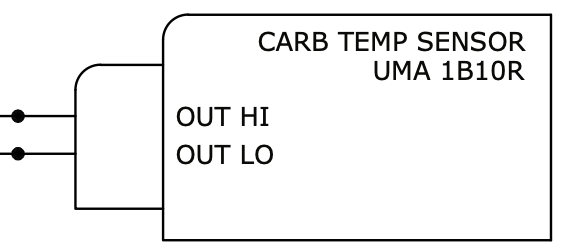
 Design with Carb Temp in Cirkit Designer
Introduction
The Carb Temp sensor, manufactured by Carb (Part ID: Carb Temp), is a specialized temperature sensor designed to measure the temperature of the carburetor in an engine. This data is crucial for optimizing the fuel-air mixture, ensuring efficient engine performance, and preventing issues such as icing or overheating. The sensor is compact, reliable, and suitable for a wide range of automotive and industrial applications.
Explore Projects Built with Carb Temp
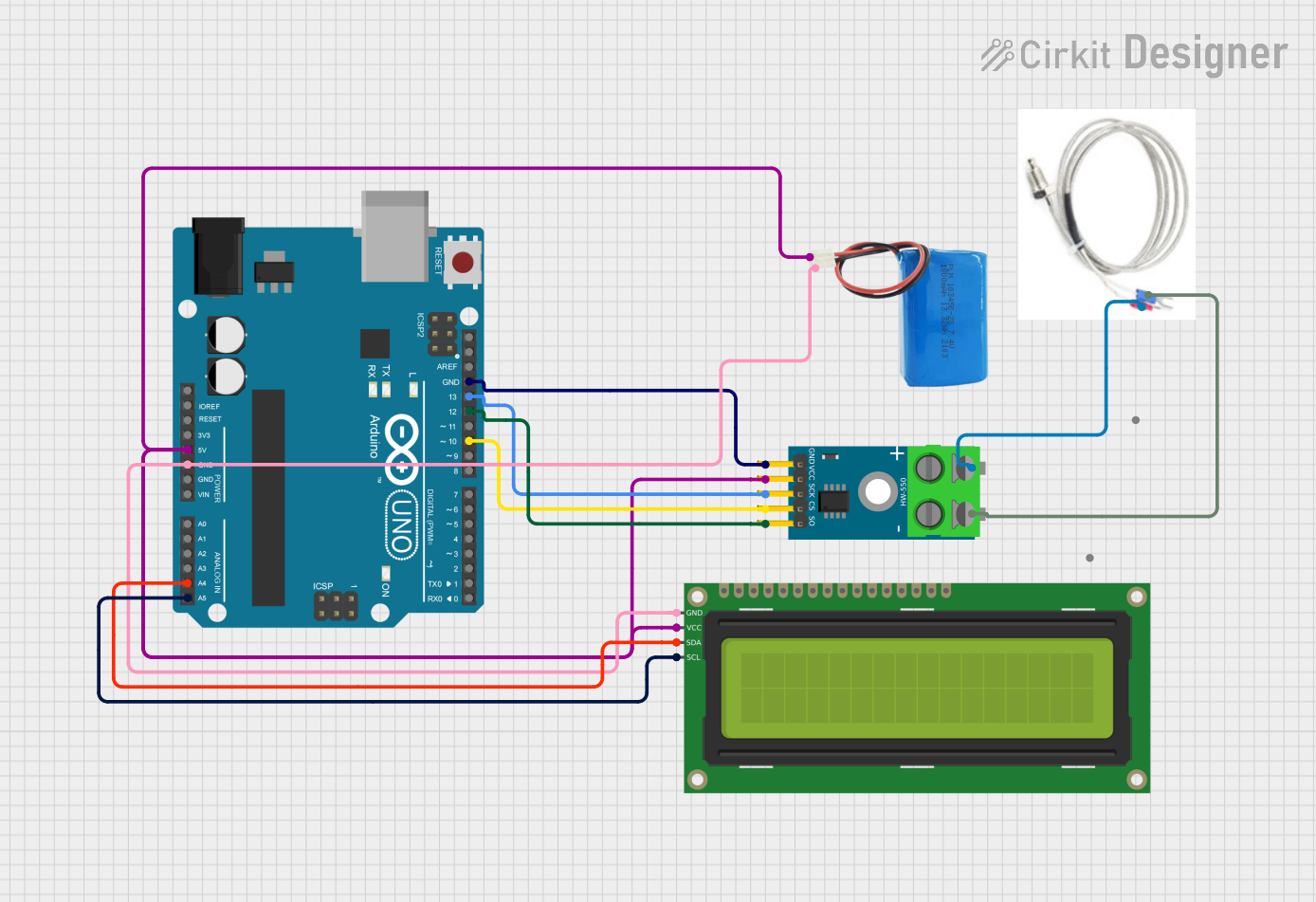 Open Project in Cirkit Designer
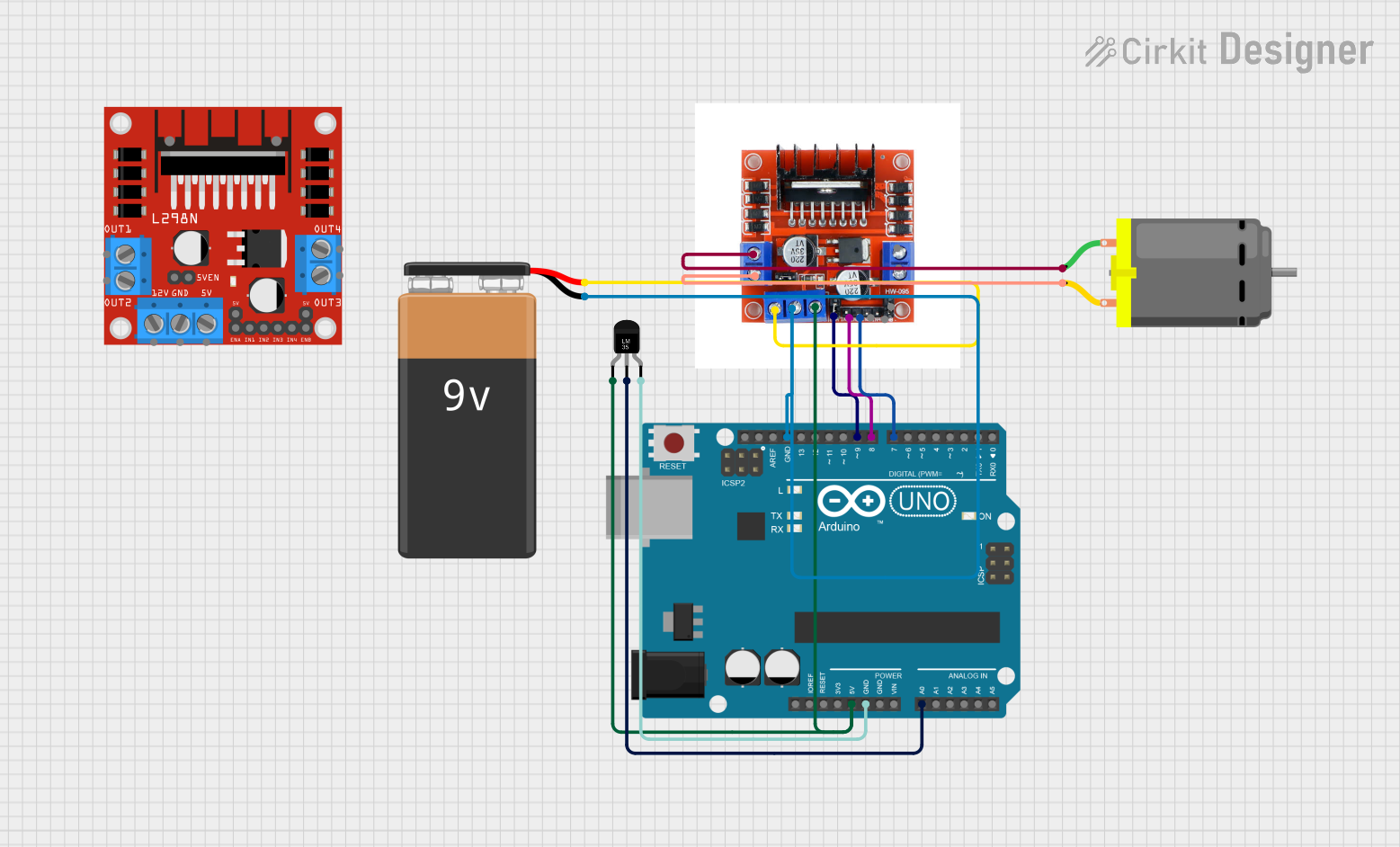 Open Project in Cirkit Designer
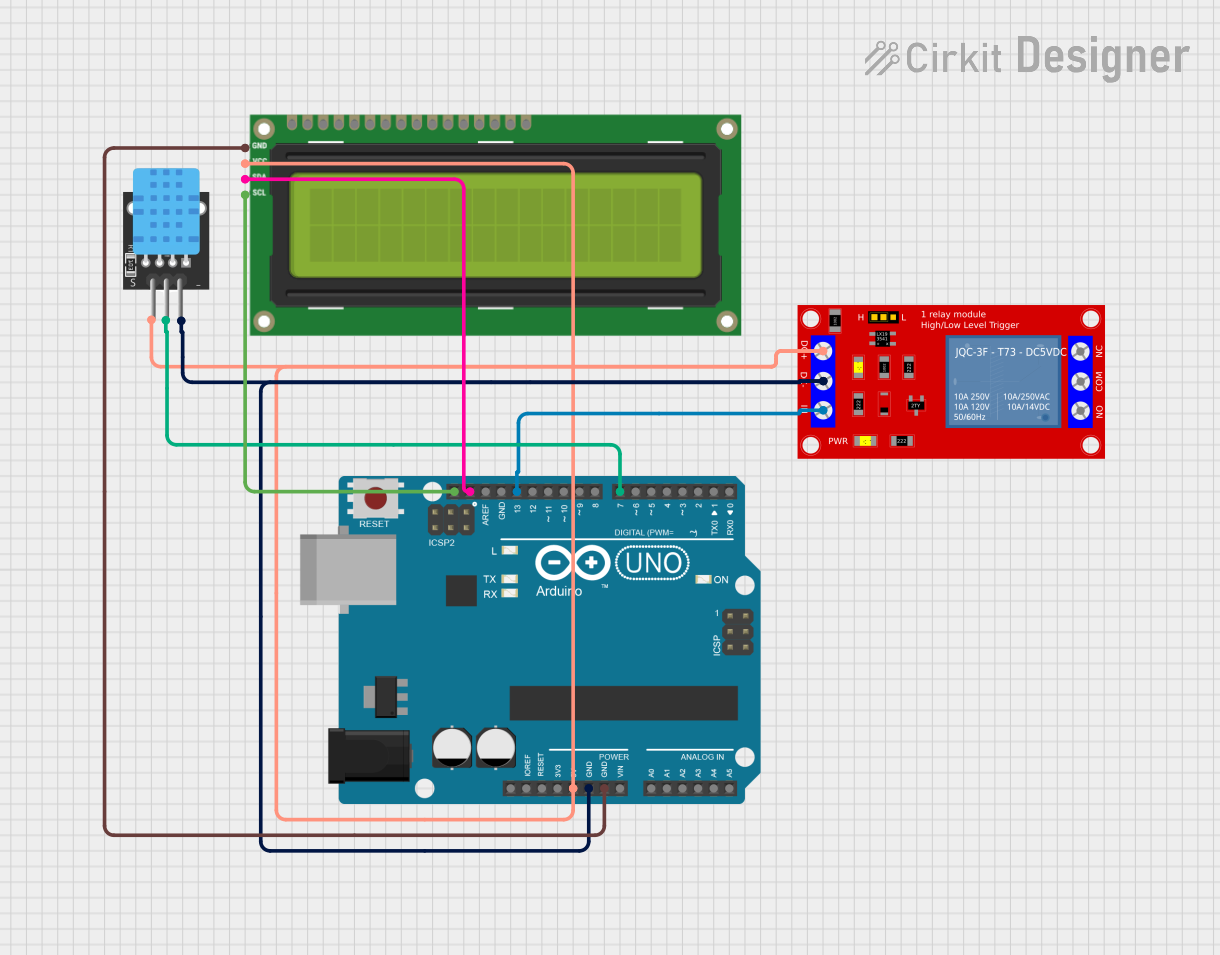 Open Project in Cirkit Designer
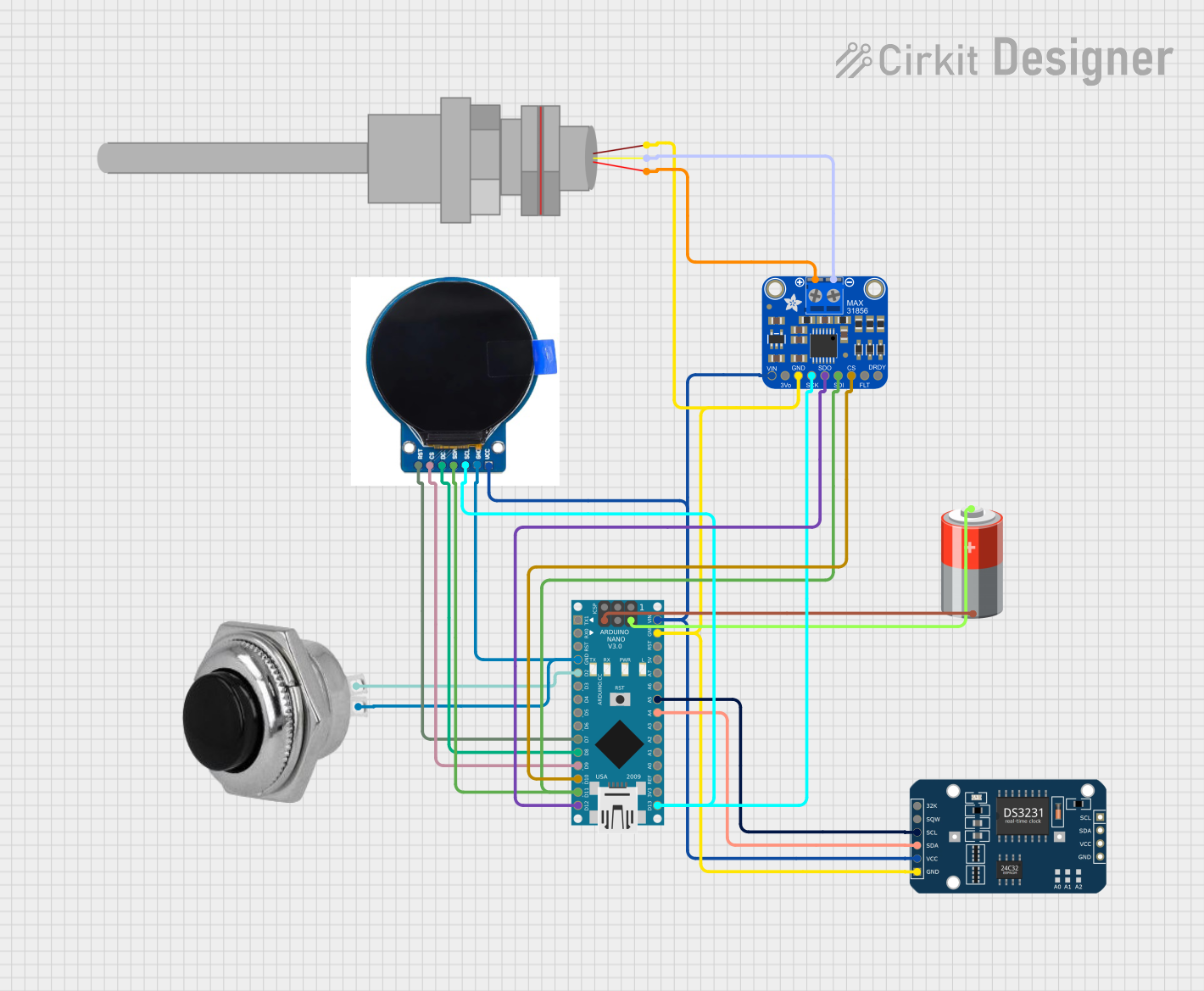 Open Project in Cirkit Designer
Explore Projects Built with Carb Temp
Open Project in Cirkit DesignerOpen Project in Cirkit DesignerOpen Project in Cirkit DesignerOpen Project in Cirkit DesignerCommon Applications and Use Cases
- Automotive engines for monitoring carburetor temperature
- Aircraft engines to prevent carburetor icing
- Industrial machinery with carbureted engines
- Performance tuning and diagnostics for internal combustion engines
Technical Specifications
The following table outlines the key technical details of the Carb Temp sensor:
| Parameter | Value |
|---|---|
| Operating Voltage | 5V DC |
| Operating Temperature | -40°C to +125°C |
| Temperature Range | -40°C to +150°C |
| Accuracy | ±1°C |
| Output Signal | Analog voltage (0.5V to 4.5V) |
| Response Time | < 100 ms |
| Connector Type | 3-pin JST |
| Housing Material | Stainless steel |
Pin Configuration and Descriptions
The Carb Temp sensor has a 3-pin connector. The pinout is as follows:
| Pin | Name | Description |
|---|---|---|
| 1 | VCC | Power supply input (5V DC) |
| 2 | OUT | Analog output signal proportional to temperature |
| 3 | GND | Ground connection |
Usage Instructions
How to Use the Carb Temp Sensor in a Circuit
- Power the Sensor: Connect the VCC pin to a 5V DC power source and the GND pin to the ground of your circuit.
- Read the Output: The OUT pin provides an analog voltage signal proportional to the temperature. Use an analog-to-digital converter (ADC) to read this signal.
- Calibrate the Sensor: Use the sensor's datasheet to map the output voltage to the corresponding temperature values. For example:
- 0.5V corresponds to -40°C
- 4.5V corresponds to +150°C
- Integrate with a Microcontroller: The sensor can be connected to a microcontroller (e.g., Arduino UNO) for real-time temperature monitoring and control.
Important Considerations and Best Practices
- Power Supply: Ensure a stable 5V DC power supply to avoid inaccurate readings.
- Placement: Mount the sensor securely on the carburetor to ensure accurate temperature measurement.
- Wiring: Use shielded cables to minimize noise interference in the analog signal.
- Calibration: Periodically calibrate the sensor to maintain accuracy, especially in high-vibration environments.
Example: Connecting to an Arduino UNO
Below is an example of how to connect the Carb Temp sensor to an Arduino UNO and read the temperature:
Circuit Diagram
- Connect the VCC pin of the sensor to the 5V pin on the Arduino.
- Connect the GND pin of the sensor to the GND pin on the Arduino.
- Connect the OUT pin of the sensor to the A0 analog input pin on the Arduino.
Arduino Code
// Define the analog pin connected to the sensor's OUT pin
const int sensorPin = A0;

// Define the voltage range of the sensor
const float minVoltage = 0.5; // Voltage at -40°C
const float maxVoltage = 4.5; // Voltage at +150°C

// Define the temperature range of the sensor
const float minTemp = -40.0;  // Minimum temperature in °C
const float maxTemp = 150.0;  // Maximum temperature in °C

void setup() {
  Serial.begin(9600); // Initialize serial communication
}

void loop() {
  // Read the analog value from the sensor
  int analogValue = analogRead(sensorPin);

  // Convert the analog value to voltage
  float voltage = (analogValue / 1023.0) * 5.0;

  // Map the voltage to the temperature range
  float temperature = map(voltage, minVoltage, maxVoltage, minTemp, maxTemp);

  // Print the temperature to the Serial Monitor
  Serial.print("Temperature: ");
  Serial.print(temperature);
  Serial.println(" °C");

  delay(1000); // Wait for 1 second before the next reading
}

// Helper function to map voltage to temperature
float map(float x, float in_min, float in_max, float out_min, float out_max) {
  return (x - in_min) * (out_max - out_min) / (in_max - in_min) + out_min;
}
Troubleshooting and FAQs
Common Issues and Solutions
No Output Signal
- Cause: Incorrect wiring or no power supply.
- Solution: Verify the connections and ensure the sensor is powered with 5V DC.
Inaccurate Readings
- Cause: Electrical noise or improper calibration.
- Solution: Use shielded cables and recalibrate the sensor.
Fluctuating Output
- Cause: Unstable power supply or loose connections.
- Solution: Use a regulated power supply and check all connections.
Sensor Overheating
- Cause: Prolonged exposure to high temperatures beyond the sensor's range.
- Solution: Ensure the sensor is used within its specified temperature range.
FAQs
Q: Can the Carb Temp sensor be used with a 3.3V system?
A: No, the sensor requires a 5V DC power supply for proper operation. Use a level shifter if interfacing with a 3.3V system.
Q: How often should the sensor be calibrated?
A: Calibration frequency depends on the operating environment. For high-vibration or extreme conditions, calibrate every 6 months.
Q: Is the sensor waterproof?
A: The sensor housing is made of stainless steel and is resistant to moisture, but it is not fully waterproof. Avoid submerging it in liquids.
Q: Can the sensor detect carburetor icing?
A: Yes, the sensor can detect low temperatures that may indicate icing conditions, allowing for preventive measures.