Cirkit Designer LogoCirkit DesignerYour all-in-one circuit design IDE Launch Cirkit Designer App

How to Use LILYGO TTGO LoRa V1.3 868Mhz ESP32 Chip SX1276 Module 0.9t Inch OLED Screen WiFi And Bluetooth Development Board: Examples, Pinouts, and Specs

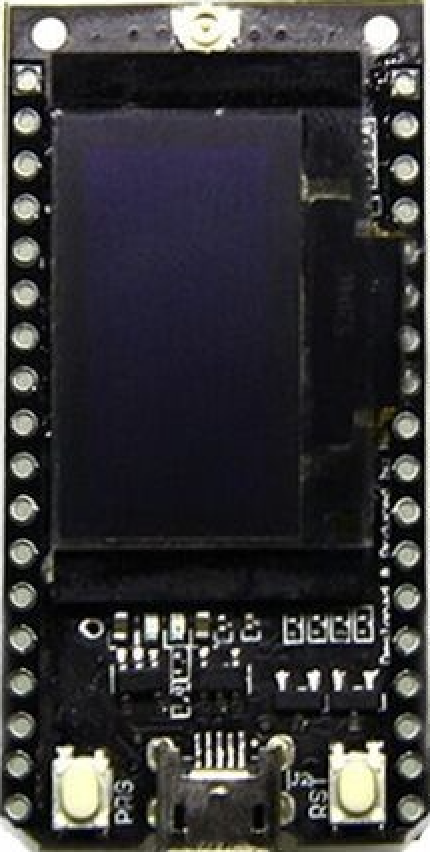
Image of LILYGO TTGO LoRa V1.3 868Mhz ESP32 Chip SX1276 Module 0.9t Inch OLED Screen WiFi And Bluetooth Development BoardDesign with LILYGO TTGO LoRa V1.3 868Mhz ESP32 Chip SX1276 Module 0.9t Inch OLED Screen WiFi And Bluetooth Development Board in Cirkit Designer

Introduction

The LILYGO TTGO LoRa V1.3 is a versatile development board designed for IoT (Internet of Things) applications. Manufactured by LilyGO, this board integrates the powerful ESP32 chip, which supports both WiFi and Bluetooth connectivity. Additionally, it features the SX1276 LoRa module for long-range communication and a 0.9-inch OLED screen for displaying real-time data or system status.

This development board is ideal for a wide range of applications, including:

With its compact design and rich feature set, the LILYGO TTGO LoRa V1.3 is a popular choice for developers and hobbyists alike.


Explore Projects Built with LILYGO TTGO LoRa V1.3 868Mhz ESP32 Chip SX1276 Module 0.9t Inch OLED Screen WiFi And Bluetooth Development Board

Use Cirkit Designer to design, explore, and prototype these projects online. Some projects support real-time simulation. Click "Open Project" to start designing instantly!
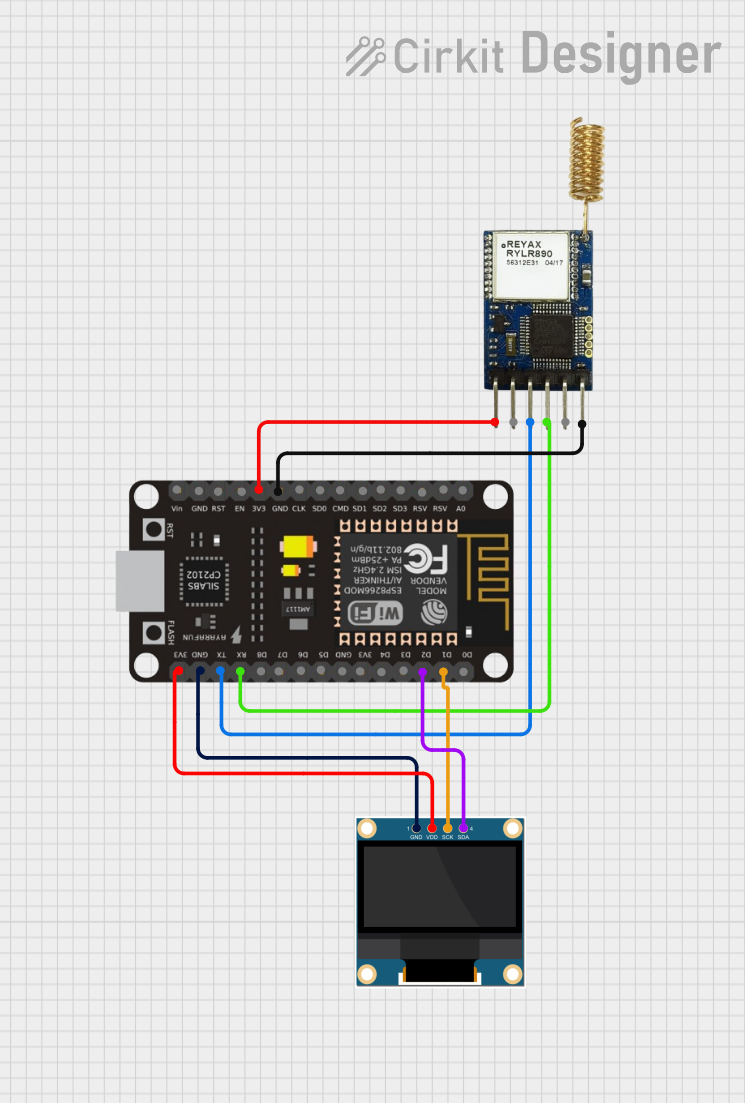
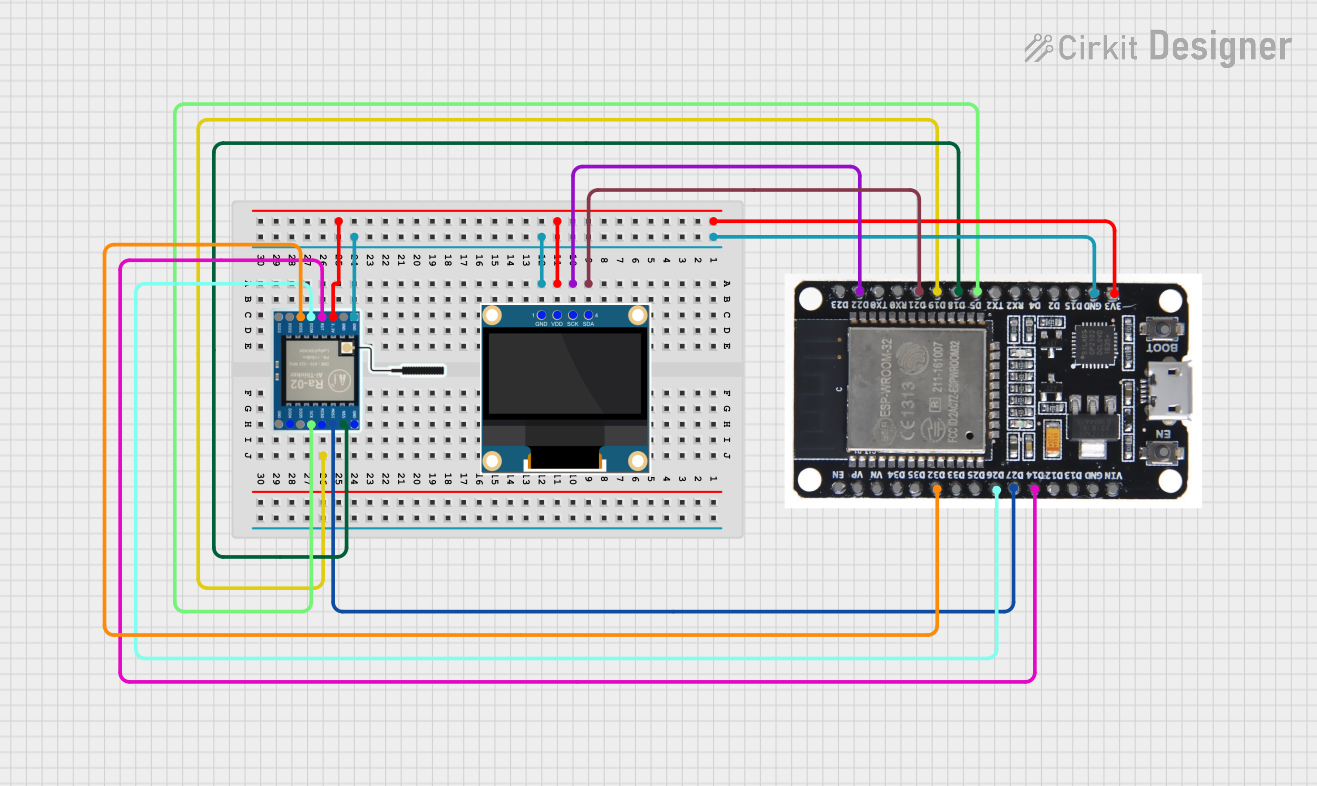
Image of ESP32-Based LoRa Communication Device with OLED Display: A project utilizing LILYGO TTGO LoRa V1.3 868Mhz ESP32 Chip SX1276 Module 0.9t Inch OLED Screen WiFi And Bluetooth Development Board in a practical application
ESP32-Based LoRa Communication Device with OLED Display

This circuit features an ESP32 microcontroller connected to a 0.96" OLED display and a LoRa Ra-02 SX1278 module for wireless communication. The ESP32 facilitates communication with the OLED display via I2C (SDA and SCK lines) and with the LoRa module via SPI (MISO, MOSI, SCK, NSS lines) and GPIO for control signals (DI00, DI01, RST). The circuit is designed for applications requiring wireless data transmission and visual data display.

Open Project in Cirkit Designer
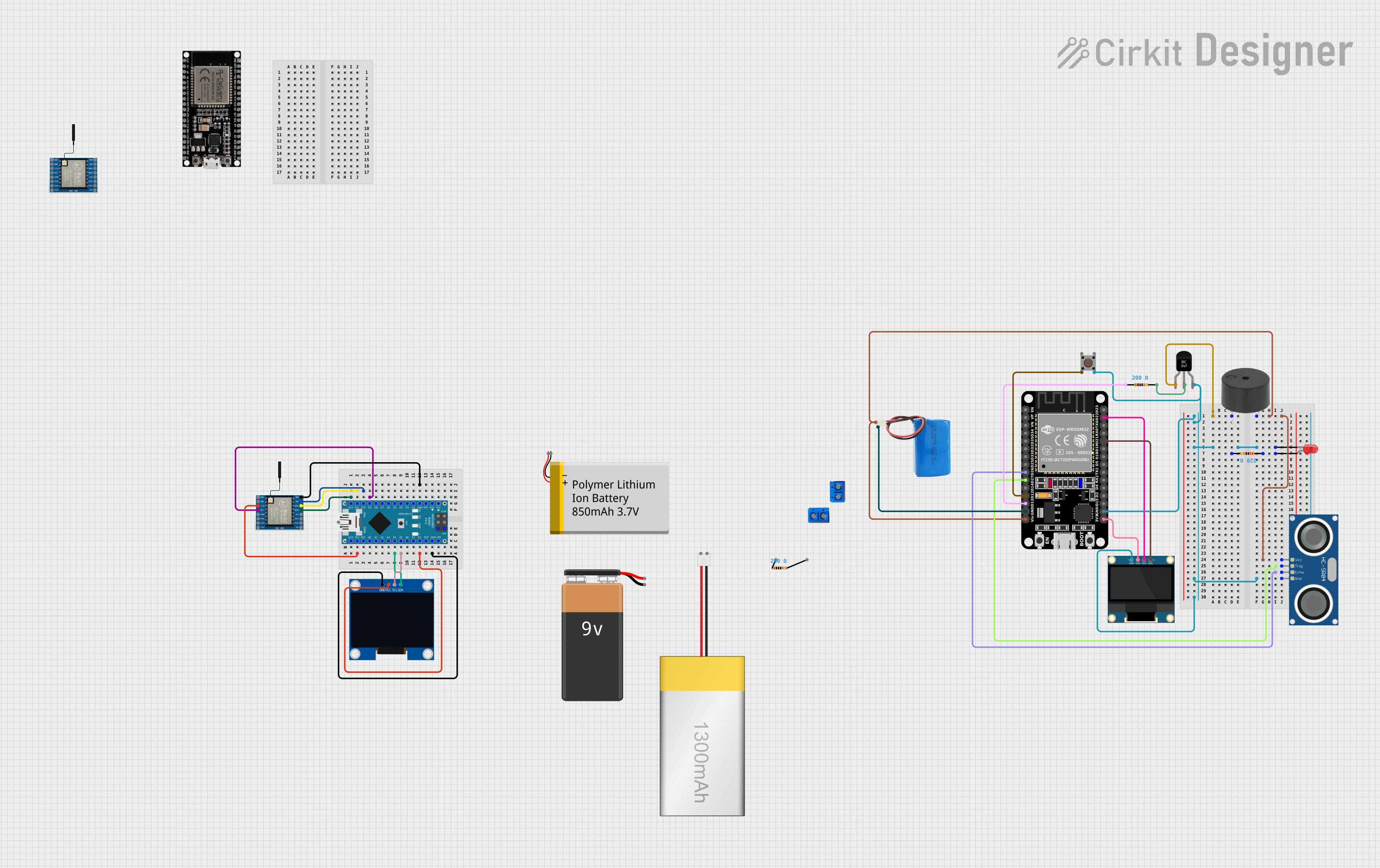
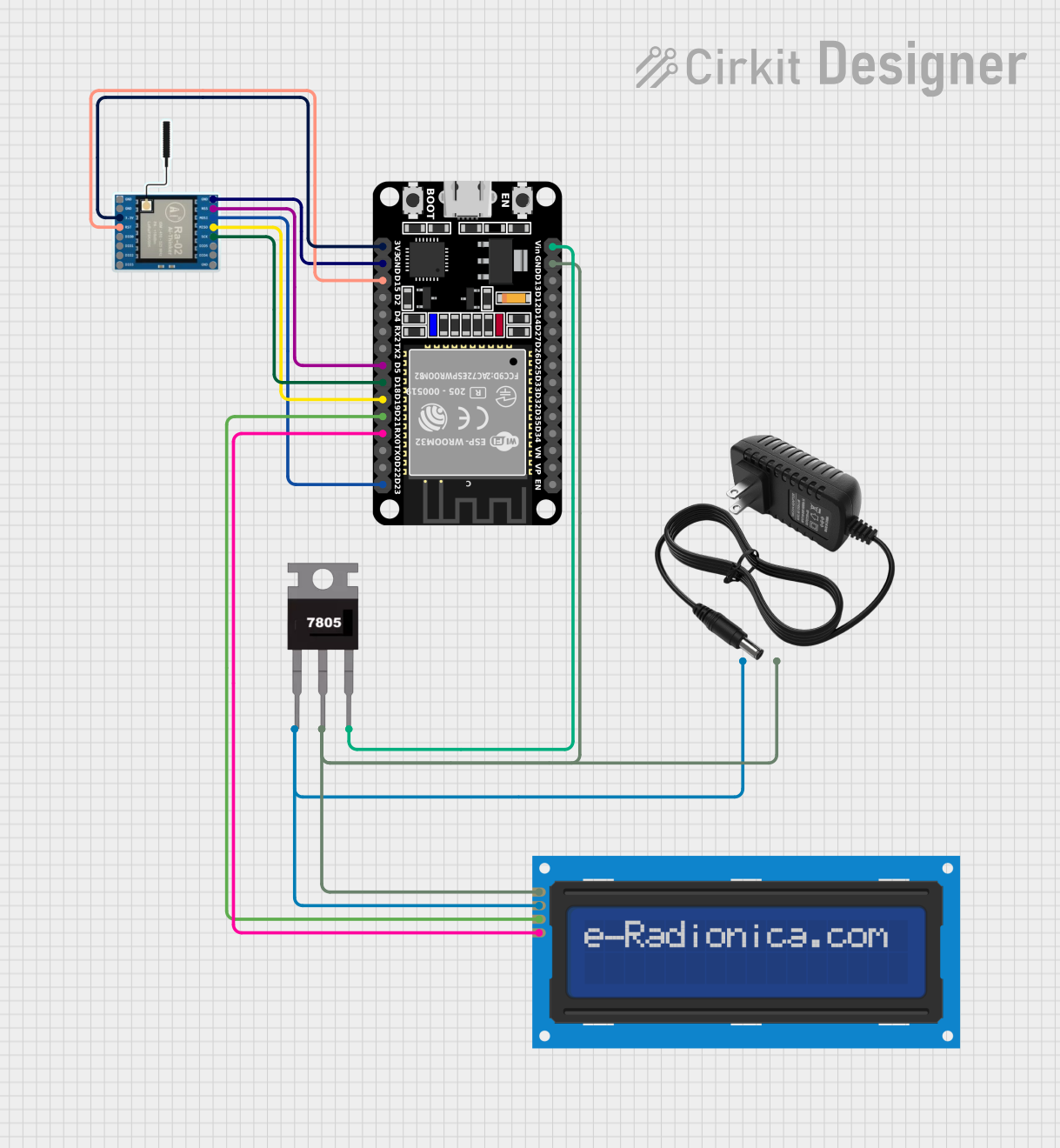
Image of ESP32-Based LoRa Communication System with LCD Interface: A project utilizing LILYGO TTGO LoRa V1.3 868Mhz ESP32 Chip SX1276 Module 0.9t Inch OLED Screen WiFi And Bluetooth Development Board in a practical application
ESP32-Based LoRa Communication System with LCD Interface

This circuit features an ESP32 microcontroller interfaced with a LoRa Ra-02 SX1278 module for long-range communication and an I2C LCD screen for display purposes. The ESP32 is powered by a regulated 5V supply from a 7805 voltage regulator, which in turn is powered by a 12V power supply. The LoRa module and the LCD screen are connected to the ESP32 for SPI and I2C communication, respectively.

Open Project in Cirkit Designer
Image of ESP32 and Arduino Nano Based LoRa Communication System with OLED Display and Ultrasonic Sensing: A project utilizing LILYGO TTGO LoRa V1.3 868Mhz ESP32 Chip SX1276 Module 0.9t Inch OLED Screen WiFi And Bluetooth Development Board in a practical application
ESP32 and Arduino Nano Based LoRa Communication System with OLED Display and Ultrasonic Sensing

This circuit features an ESP32 microcontroller interfaced with a buzzer controlled by a BC547 transistor, an HC-SR04 ultrasonic sensor, a 0.96" OLED display, and a pushbutton. The ESP32 is also connected to a LoRa Ra-02 SX1278 module for wireless communication, and an Arduino Nano is set up to communicate with another LoRa module and an I2C OLED display. The circuit is likely designed for distance measurement and display, with LoRa communication for remote data transfer, and includes a user interface with a pushbutton and visual feedback through displays.

Open Project in Cirkit Designer

Technical Specifications

Key Technical Details

Parameter Specification
Manufacturer LilyGO
Manufacturer Part ID LoRa Sensor 1
Microcontroller ESP32 (dual-core, 32-bit, Tensilica Xtensa LX6)
Wireless Connectivity WiFi (802.11 b/g/n), Bluetooth v4.2
LoRa Module SX1276 (868 MHz frequency band)
Display 0.9-inch OLED screen (128x32 resolution)
Operating Voltage 3.3V
Input Voltage Range 5V (via USB) or 3.7V (via LiPo battery)
Flash Memory 4MB
GPIO Pins 21 (configurable for digital I/O, ADC, PWM, etc.)
Communication Interfaces UART, SPI, I2C
Power Supply Options USB Type-C or 1S LiPo battery
Dimensions 51mm x 25mm

Pin Configuration and Descriptions

Pin Name Description
GND Ground connection
3V3 3.3V power output
VIN Input voltage (5V via USB or 3.7V via LiPo battery)
GPIO0 General-purpose I/O pin (used for boot mode selection)
GPIO21 I2C SDA (data line for I2C communication)
GPIO22 I2C SCL (clock line for I2C communication)
GPIO16 Connected to the OLED screen (used for display control)
GPIO17 Connected to the OLED screen (used for display control)
DIO0 LoRa interrupt pin
RST LoRa reset pin
SPI Pins MISO, MOSI, SCK, CS (used for LoRa communication)
BAT Battery voltage monitoring pin

Usage Instructions

How to Use the Component in a Circuit

  1. Powering the Board:

    • Connect the board to a USB power source using a USB Type-C cable.
    • Alternatively, connect a 3.7V LiPo battery to the JST connector on the board.
  2. Programming the Board:

    • Install the Arduino IDE and add the ESP32 board support package.
    • Select the correct board (TTGO LoRa32-OLED V1) and port in the Arduino IDE.
    • Write or upload your code to the board via the USB connection.
  3. Connecting Peripherals:

    • Use the GPIO pins to connect sensors, actuators, or other peripherals.
    • For I2C devices, connect them to the GPIO21 (SDA) and GPIO22 (SCL) pins.
  4. Using the OLED Display:

    • The OLED screen is pre-wired to the ESP32 and can be controlled using libraries like Adafruit_SSD1306 or U8g2.
  5. Using the LoRa Module:

    • The SX1276 LoRa module communicates via SPI. Use libraries like LoRa.h to send and receive data.

Important Considerations and Best Practices

Example Code for Arduino UNO

Below is an example code snippet to display text on the OLED screen and send a LoRa message:

#include <Wire.h>
#include <Adafruit_GFX.h>
#include <Adafruit_SSD1306.h>
#include <LoRa.h>

// OLED display settings
#define SCREEN_WIDTH 128
#define SCREEN_HEIGHT 32
#define OLED_RESET -1
Adafruit_SSD1306 display(SCREEN_WIDTH, SCREEN_HEIGHT, &Wire, OLED_RESET);

// LoRa settings
#define SS 18
#define RST 14
#define DIO0 26

void setup() {
  // Initialize Serial Monitor
  Serial.begin(115200);
  while (!Serial);

  // Initialize OLED display
  if (!display.begin(SSD1306_I2C_ADDRESS, 0x3C)) {
    Serial.println("OLED initialization failed!");
    while (true);
  }
  display.clearDisplay();
  display.setTextSize(1);
  display.setTextColor(SSD1306_WHITE);
  display.setCursor(0, 0);
  display.println("LILYGO TTGO LoRa V1.3");
  display.display();

  // Initialize LoRa module
  if (!LoRa.begin(868E6)) {
    Serial.println("LoRa initialization failed!");
    while (true);
  }
  Serial.println("LoRa initialized successfully.");
}

void loop() {
  // Send a LoRa message
  LoRa.beginPacket();
  LoRa.print("Hello, LoRa!");
  LoRa.endPacket();

  // Update OLED display
  display.clearDisplay();
  display.setCursor(0, 0);
  display.println("Message sent:");
  display.println("Hello, LoRa!");
  display.display();

  delay(2000); // Wait 2 seconds before sending the next message
}

Troubleshooting and FAQs

Common Issues and Solutions

  1. The board is not detected by the Arduino IDE:

    • Ensure the correct USB driver is installed for the ESP32.
    • Check that the USB cable is functional and supports data transfer.
  2. The OLED screen does not display anything:

    • Verify the I2C address of the OLED screen (default is 0x3C).
    • Ensure the Adafruit_SSD1306 library is correctly installed.
  3. LoRa communication is not working:

    • Check the antenna connection and ensure it is securely attached.
    • Verify that both sender and receiver are configured to use the same frequency and settings.
  4. The board does not power on:

    • Confirm that the input voltage is within the specified range.
    • If using a LiPo battery, ensure it is charged.

FAQs

Q: Can I use this board with other LoRa frequencies (e.g., 915 MHz)?
A: No, this specific model is designed for the 868 MHz frequency band. For other frequencies, use a compatible model.

Q: What is the maximum range of the LoRa module?
A: The range depends on environmental factors and antenna quality. In open areas, it can reach up to 10 km.

Q: Can I power the board using both USB and a LiPo battery simultaneously?
A: Yes, the board includes a power management circuit to handle both power sources safely.

Q: Is the board compatible with MicroPython?
A: Yes, the ESP32 chip supports MicroPython. You can flash the MicroPython firmware to use it.