
How to Use PIR motion sensor: Examples, Pinouts, and Specs
 Design with PIR motion sensor in Cirkit Designer
Introduction
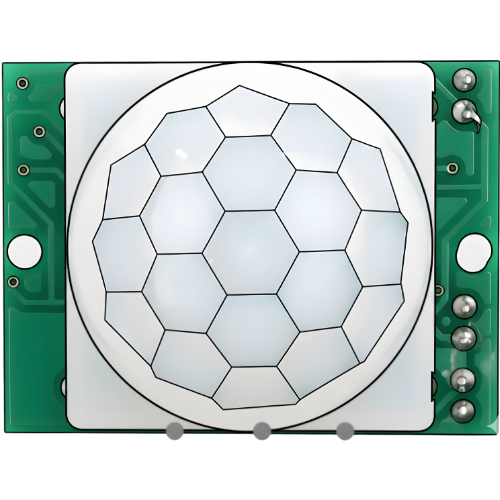
A Passive Infrared (PIR) motion sensor detects motion by measuring changes in infrared radiation, typically emitted by warm bodies. It is a low-cost, low-power device widely used in motion detection applications. PIR sensors are commonly found in security systems, automatic lighting, and energy-saving devices. They are ideal for detecting human or animal movement within a specific range.
Explore Projects Built with PIR motion sensor
 Open Project in Cirkit Designer
 Open Project in Cirkit Designer
 Open Project in Cirkit Designer
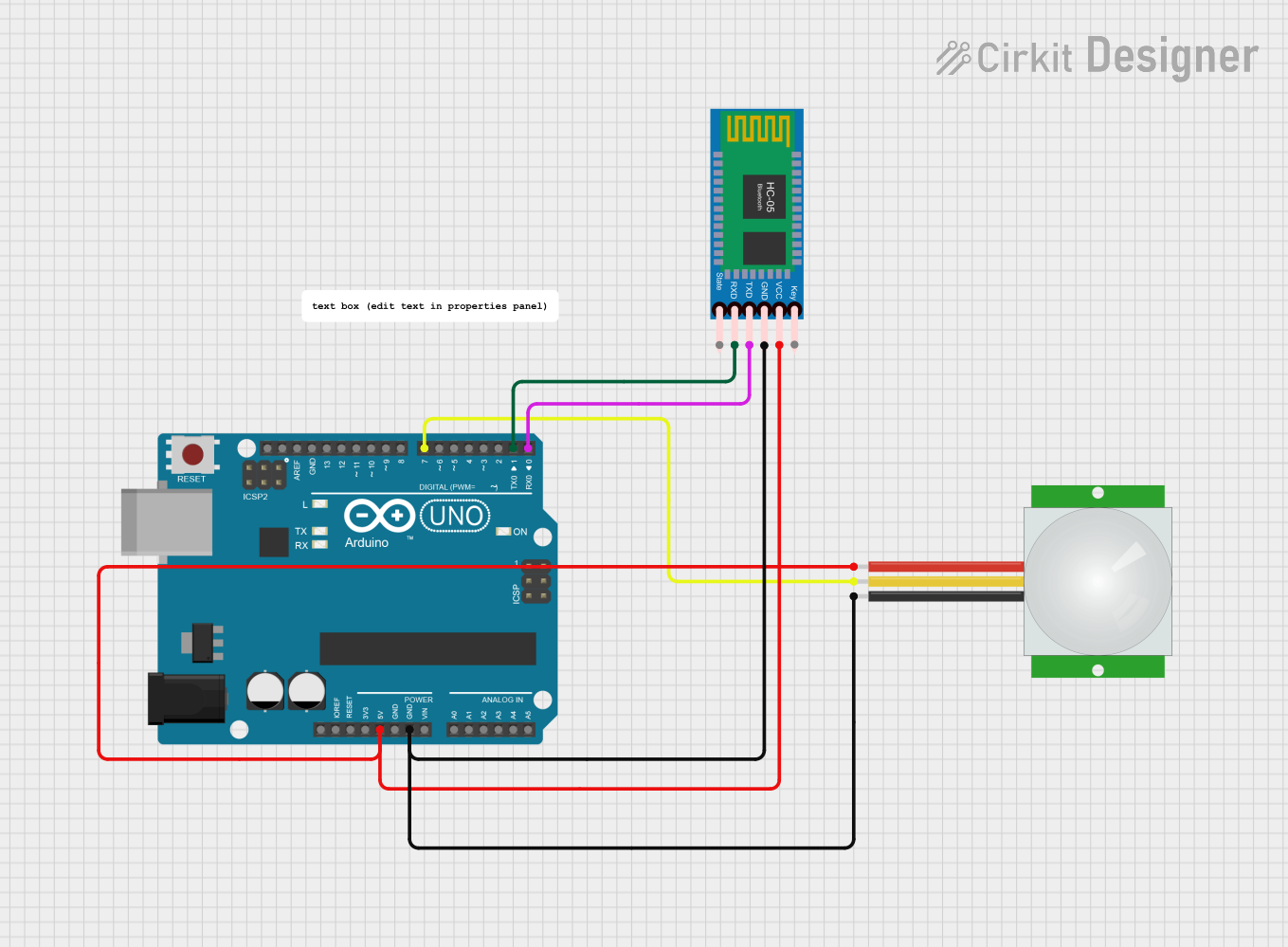 Open Project in Cirkit Designer
Explore Projects Built with PIR motion sensor
Open Project in Cirkit DesignerOpen Project in Cirkit DesignerOpen Project in Cirkit DesignerOpen Project in Cirkit DesignerTechnical Specifications
Below are the key technical details of a typical PIR motion sensor:
- Operating Voltage: 4.5V to 20V DC (commonly 5V or 12V)
- Current Consumption: < 50 µA (standby), ~65 mA (active)
- Detection Range: 3 to 7 meters (adjustable in some models)
- Detection Angle: ~120° (varies by model)
- Output Signal: Digital (High: 3.3V or 5V, Low: 0V)
- Warm-up Time: ~30 seconds after power-up
- Operating Temperature: -20°C to 50°C
Pin Configuration and Descriptions
The PIR motion sensor typically has three pins. Below is the pinout description:
| Pin | Name | Description |
|---|---|---|
| 1 | VCC | Power supply input (4.5V to 20V DC). Connect to the positive terminal of the power source. |
| 2 | OUT | Digital output pin. Outputs HIGH (3.3V/5V) when motion is detected, LOW (0V) otherwise. |
| 3 | GND | Ground pin. Connect to the negative terminal of the power source. |
Some PIR sensors may also include adjustable potentiometers for sensitivity and delay time settings.
Usage Instructions
How to Use the PIR Motion Sensor in a Circuit
- Power the Sensor: Connect the VCC pin to a 5V DC power source and the GND pin to ground.
- Connect the Output: Connect the OUT pin to a microcontroller input pin (e.g., Arduino) or directly to a device (e.g., relay module or LED).
- Adjust Settings: If your PIR sensor has potentiometers, adjust the sensitivity and delay time as needed.
- Sensitivity: Controls the detection range.
- Delay Time: Sets how long the output remains HIGH after motion is detected.
- Wait for Warm-up: Allow the sensor to stabilize for ~30 seconds after powering it on.
Important Considerations and Best Practices
- Avoid Direct Sunlight: PIR sensors are sensitive to infrared radiation and may give false triggers in direct sunlight.
- Minimize Noise: Place the sensor away from heat sources, such as heaters or air vents, to avoid interference.
- Use Decoupling Capacitors: Add a 0.1 µF capacitor between VCC and GND to reduce power supply noise.
- Mounting Height: Install the sensor at an appropriate height (e.g., 2-3 meters) for optimal detection.
Example: Connecting a PIR Sensor to an Arduino UNO
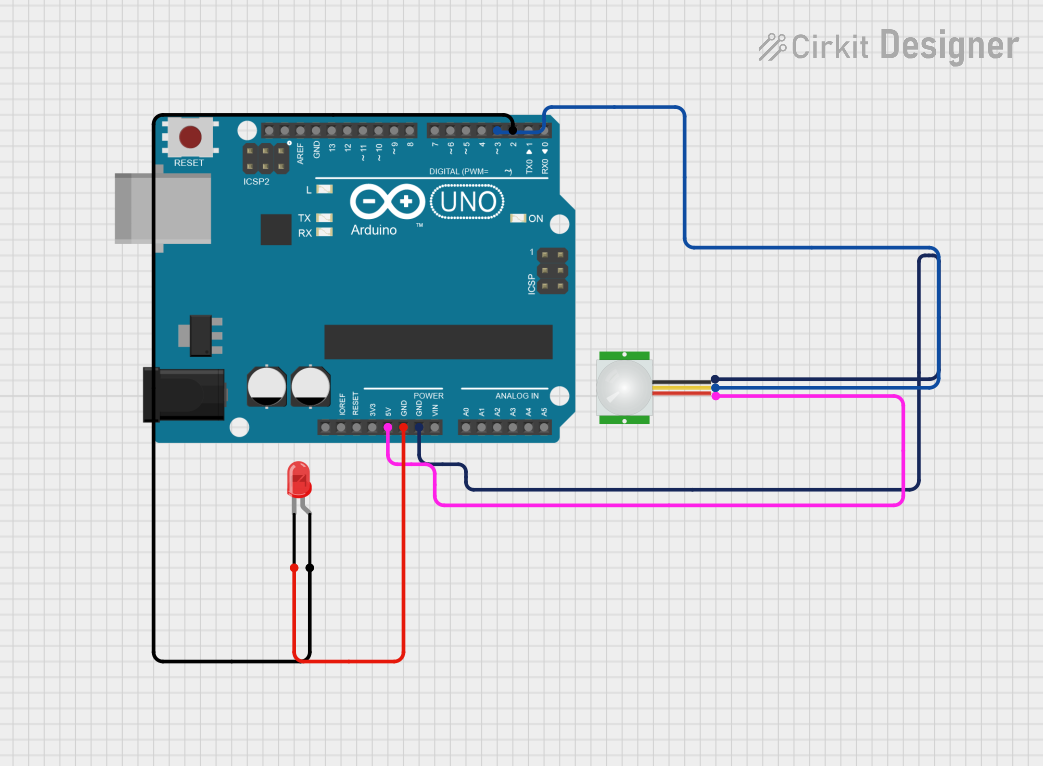
Below is an example of how to connect and use a PIR motion sensor with an Arduino UNO:
Circuit Connections
- PIR Sensor VCC → Arduino 5V
- PIR Sensor GND → Arduino GND
- PIR Sensor OUT → Arduino Digital Pin 2
Arduino Code
// PIR Motion Sensor Example with Arduino UNO
// This code reads the PIR sensor output and turns on an LED when motion is detected.

const int pirPin = 2;  // PIR sensor output pin connected to Arduino pin 2
const int ledPin = 13; // Built-in LED pin on Arduino

void setup() {
  pinMode(pirPin, INPUT);  // Set PIR sensor pin as input
  pinMode(ledPin, OUTPUT); // Set LED pin as output
  Serial.begin(9600);      // Initialize serial communication for debugging
}

void loop() {
  int motionDetected = digitalRead(pirPin); // Read PIR sensor output

  if (motionDetected == HIGH) { // If motion is detected
    digitalWrite(ledPin, HIGH); // Turn on the LED
    Serial.println("Motion detected!"); // Print message to serial monitor
  } else {
    digitalWrite(ledPin, LOW);  // Turn off the LED
    Serial.println("No motion."); // Print message to serial monitor
  }

  delay(100); // Small delay to stabilize readings
}
Troubleshooting and FAQs
Common Issues and Solutions
Sensor Not Detecting Motion
- Solution: Ensure the sensor is powered correctly (check VCC and GND connections). Verify that the warm-up period (~30 seconds) has elapsed.
False Triggers
- Solution: Reduce sensitivity using the potentiometer (if available). Ensure the sensor is not exposed to direct sunlight or heat sources.
Output Stuck HIGH or LOW
- Solution: Check the wiring and ensure the OUT pin is connected to the correct microcontroller pin. Verify that the sensor is not damaged.
Interference with Other Devices
- Solution: Use shielded cables for long connections and add decoupling capacitors to the power supply.
FAQs
Q1: Can the PIR sensor detect motion through glass?
A1: No, PIR sensors cannot detect motion through glass as infrared radiation does not pass through it effectively.
Q2: How do I increase the detection range?
A2: Adjust the sensitivity potentiometer (if available). Alternatively, use a lens with a wider field of view.
Q3: Can I use the PIR sensor outdoors?
A3: Yes, but ensure it is housed in a weatherproof enclosure to protect it from rain and extreme temperatures.
Q4: What is the typical lifespan of a PIR sensor?
A4: PIR sensors are highly reliable and can last for several years under normal operating conditions.