
How to Use ESP32S3 7" Touch Display: Examples, Pinouts, and Specs
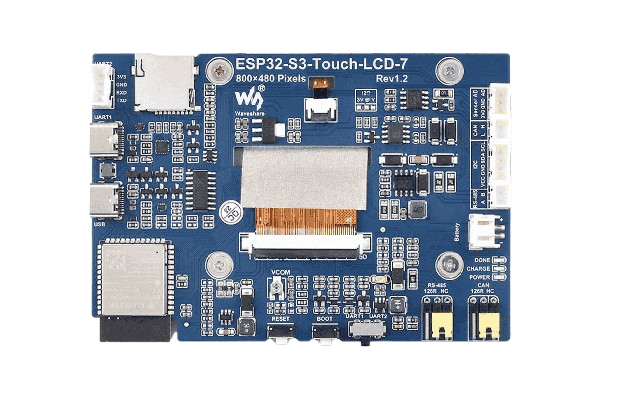
 Design with ESP32S3 7" Touch Display in Cirkit Designer
Introduction
The ESP32S3 7" Touch Display (Manufacturer Part ID: ESP32-S3-TOUCH-LCD-7) by Waveshare is a versatile 7-inch touchscreen display integrated with the powerful ESP32-S3 microcontroller. This component is designed for creating interactive user interfaces and visual outputs in embedded systems. It combines a high-resolution display with touch functionality, making it ideal for applications requiring graphical user interfaces (GUIs).
Explore Projects Built with ESP32S3 7" Touch Display
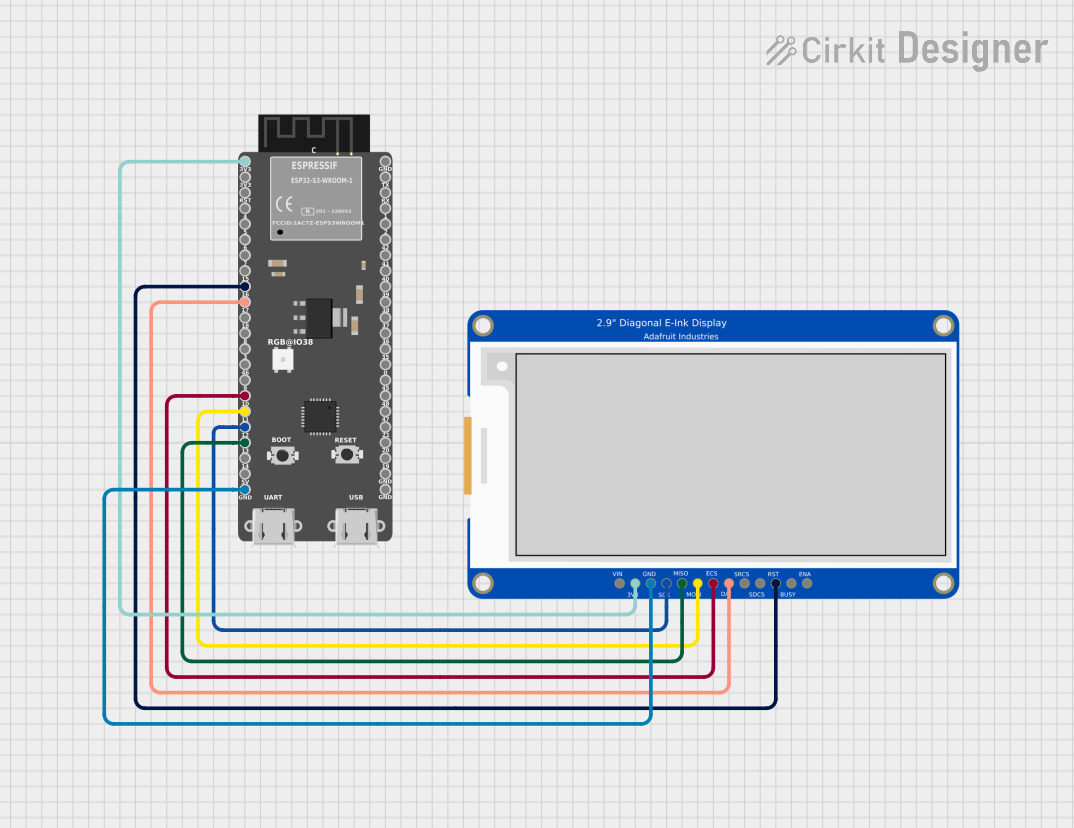 Open Project in Cirkit Designer
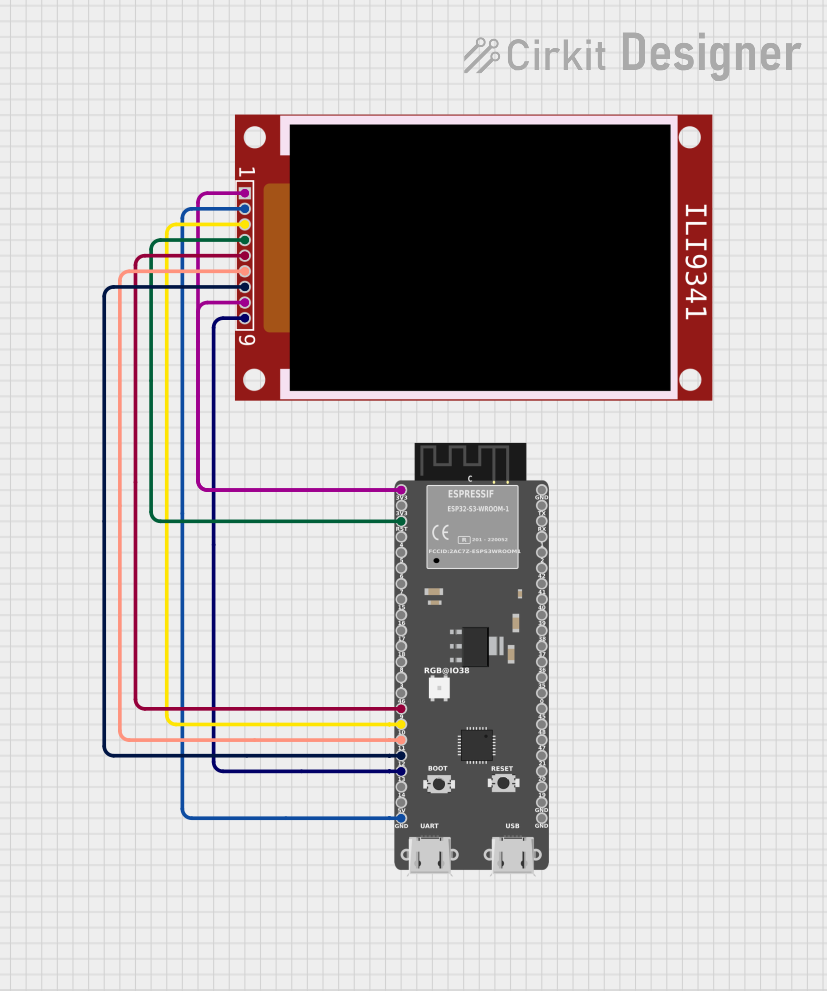 Open Project in Cirkit Designer
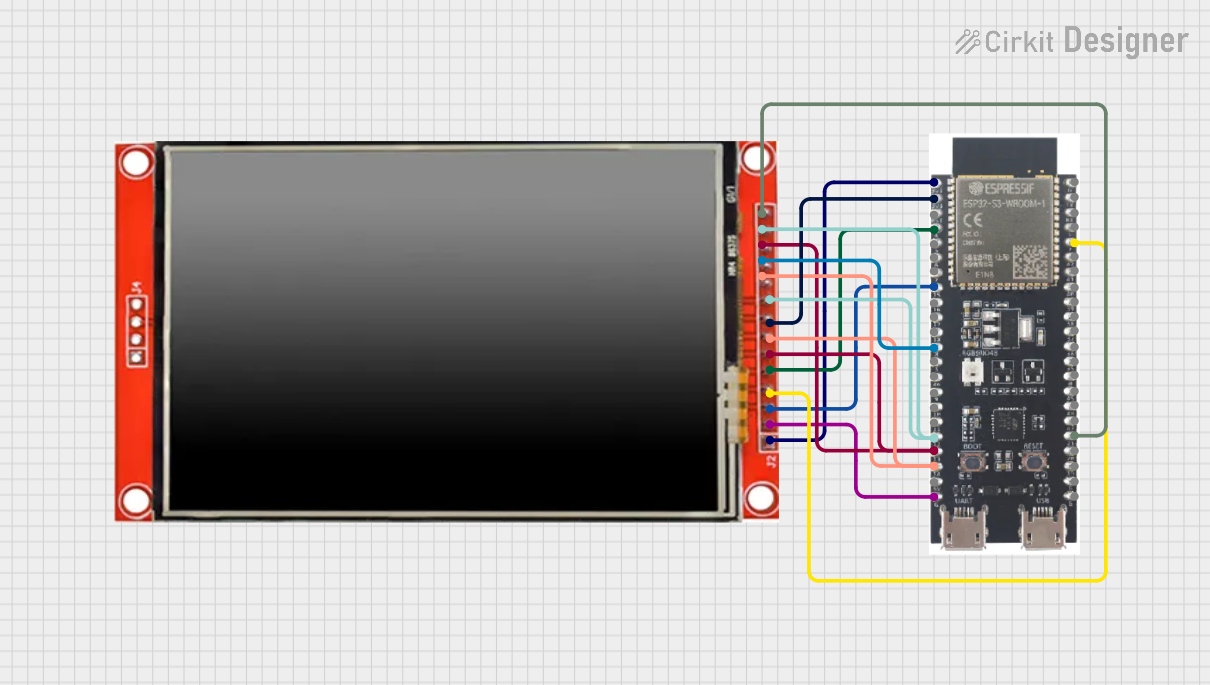 Open Project in Cirkit Designer
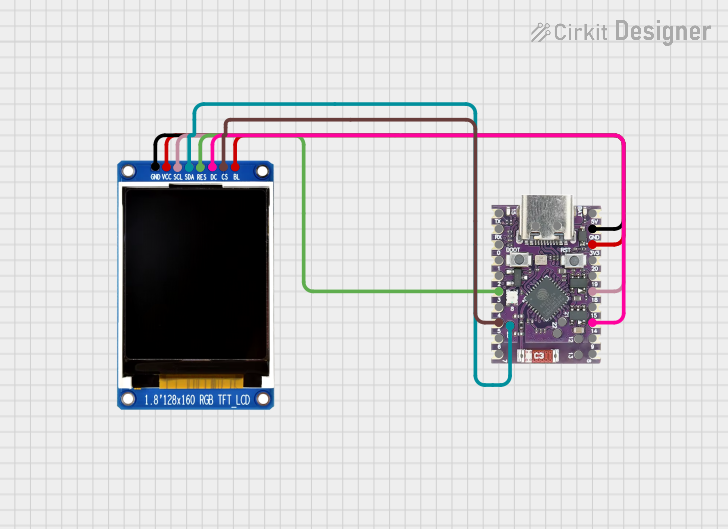 Open Project in Cirkit Designer
Explore Projects Built with ESP32S3 7" Touch Display
Open Project in Cirkit DesignerOpen Project in Cirkit DesignerOpen Project in Cirkit DesignerOpen Project in Cirkit DesignerCommon Applications and Use Cases
- Smart home control panels
- Industrial automation interfaces
- IoT dashboards and monitoring systems
- Educational and prototyping projects
- Portable devices with touch-based interaction
Technical Specifications
Key Technical Details
| Parameter | Value |
|---|---|
| Display Size | 7 inches |
| Resolution | 1024 × 600 pixels |
| Touch Type | Capacitive multi-touch |
| Microcontroller | ESP32-S3 (dual-core Xtensa LX7, 240 MHz) |
| Flash Memory | 16 MB |
| PSRAM | 8 MB |
| Communication Interfaces | UART, SPI, I2C, USB, Wi-Fi, Bluetooth |
| Input Voltage | 5V (via USB Type-C) |
| Operating Temperature | -20°C to 70°C |
| Dimensions | 181.0 mm × 108.0 mm × 15.0 mm |
Pin Configuration and Descriptions
The ESP32S3 7" Touch Display features a USB Type-C port for power and programming, as well as GPIO pins for additional interfacing. Below is the pin configuration for the GPIO header:
| Pin | Name | Description |
|---|---|---|
| 1 | 3.3V | 3.3V power output |
| 2 | GND | Ground |
| 3 | GPIO0 | General-purpose I/O pin, used for boot mode selection |
| 4 | GPIO1 | General-purpose I/O pin |
| 5 | GPIO2 | General-purpose I/O pin |
| 6 | GPIO3 | General-purpose I/O pin |
| 7 | TXD | UART transmit pin |
| 8 | RXD | UART receive pin |
| 9 | I2C_SCL | I2C clock line |
| 10 | I2C_SDA | I2C data line |
Usage Instructions
How to Use the Component in a Circuit
Powering the Display:
Connect the display to a 5V power source using the USB Type-C port. Ensure the power supply can provide sufficient current (at least 1A).Programming the ESP32-S3:
Use a USB Type-C cable to connect the display to your computer. Install the necessary drivers for the ESP32-S3 and use the Arduino IDE or ESP-IDF for programming.Connecting Peripherals:
Use the GPIO pins to connect sensors, actuators, or other peripherals. For example, use the I2C pins (SCL and SDA) to connect an external sensor.Touchscreen Functionality:
The capacitive touchscreen is pre-calibrated. Use libraries such as TFT_eSPI or LVGL to create graphical interfaces and handle touch inputs.
Important Considerations and Best Practices
- Power Supply: Ensure a stable 5V power source to avoid display flickering or ESP32-S3 resets.
- ESD Protection: Handle the touchscreen carefully to avoid electrostatic discharge damage.
- Library Compatibility: Use compatible libraries like TFT_eSPI or LVGL for seamless integration.
- Firmware Updates: Regularly update the ESP32-S3 firmware to ensure compatibility with the latest libraries.
Example Code for Arduino UNO Integration
Below is an example of how to display text on the screen and handle touch input using the TFT_eSPI library:
#include <TFT_eSPI.h>  // Include the TFT_eSPI library

TFT_eSPI tft = TFT_eSPI();  // Create an instance of the TFT_eSPI class

void setup() {
  tft.init();               // Initialize the display
  tft.setRotation(1);       // Set display orientation
  tft.fillScreen(TFT_BLACK); // Clear the screen with black color

  tft.setTextColor(TFT_WHITE, TFT_BLACK); // Set text color (white on black)
  tft.setTextSize(2);        // Set text size
  tft.setCursor(10, 10);     // Set cursor position
  tft.println("Hello, ESP32S3!"); // Display text on the screen
}

void loop() {
  // Example: Detect touch input (pseudo-code, depends on touch library used)
  uint16_t x, y;
  if (tft.getTouch(&x, &y)) { // Check if the screen is touched
    tft.fillCircle(x, y, 5, TFT_RED); // Draw a red circle at the touch point
  }
}
Troubleshooting and FAQs
Common Issues and Solutions
Display Not Turning On:
- Ensure the USB Type-C cable is properly connected and the power source provides at least 1A.
- Check for loose connections or damaged cables.
Touchscreen Not Responding:
- Verify that the touch library is correctly installed and configured.
- Ensure the screen is clean and free of debris.
Flickering or Unstable Display:
- Use a stable 5V power supply with sufficient current.
- Avoid using long or low-quality USB cables.
ESP32-S3 Not Detected by Computer:
- Install the correct USB drivers for the ESP32-S3.
- Check the USB cable for data transfer capability (some cables are power-only).
FAQs
Q: Can I use this display with other microcontrollers?
A: Yes, the display can be used with other microcontrollers via UART, SPI, or I2C, but the ESP32-S3 is optimized for seamless integration.
Q: What libraries are recommended for GUI development?
A: Libraries like TFT_eSPI and LVGL are highly recommended for creating GUIs and handling touch input.
Q: Is the touchscreen pre-calibrated?
A: Yes, the capacitive touchscreen is pre-calibrated and ready to use out of the box.
Q: Can I power the display using a battery?
A: Yes, you can use a 5V battery pack with a USB Type-C output, but ensure it provides sufficient current (at least 1A).