
How to Use 18650 Li-ion Battery x 2: Examples, Pinouts, and Specs
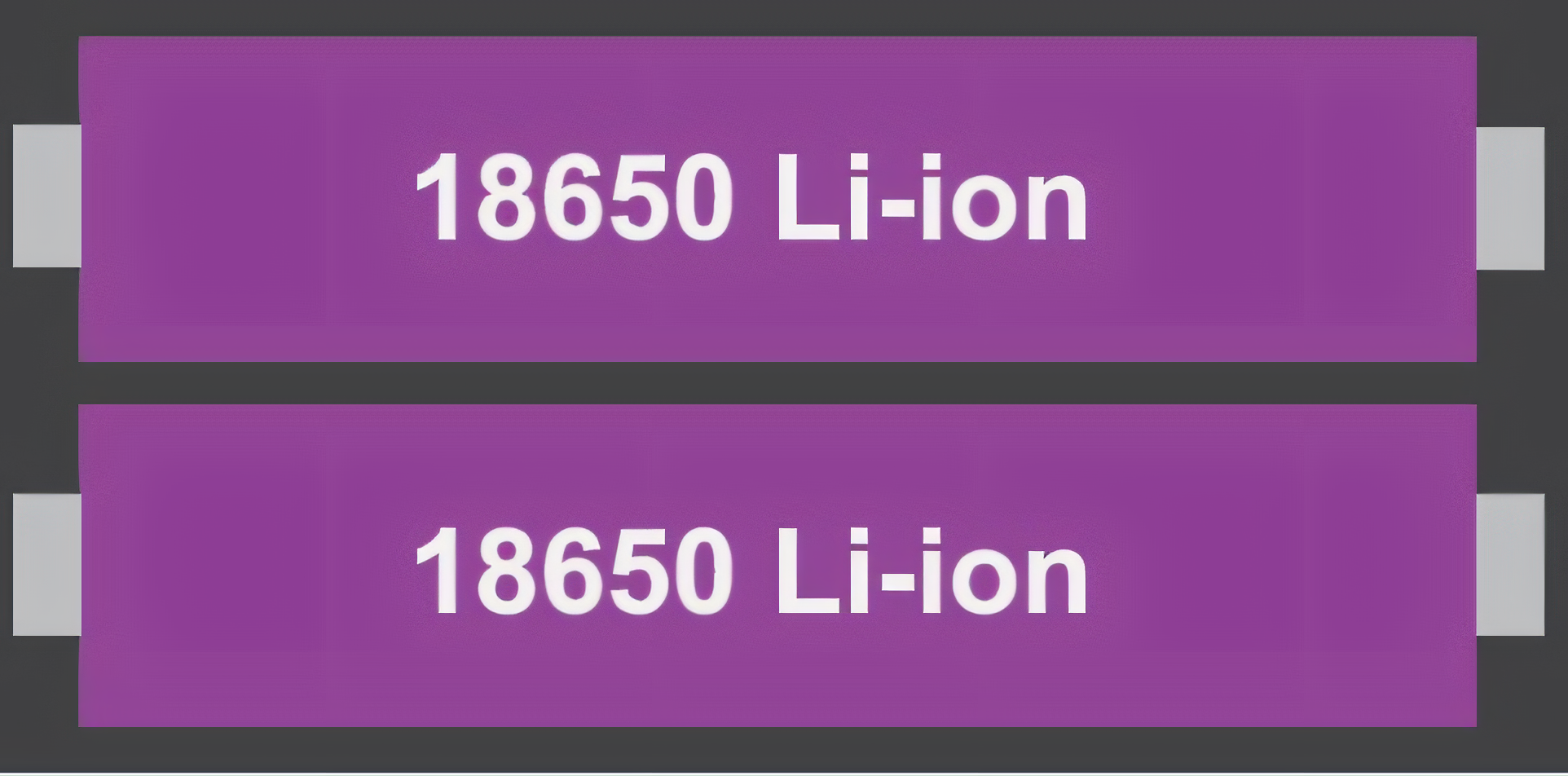
 Design with 18650 Li-ion Battery x 2 in Cirkit Designer
Introduction
The Samsung 18650 Li-ion Battery is a rechargeable lithium-ion battery known for its high energy density, long cycle life, and reliable performance. This documentation covers the use of two 18650 batteries in series or parallel configurations, which is common in applications requiring higher voltage or capacity. These batteries are widely used in portable electronics, power tools, electric vehicles, and DIY projects.
Explore Projects Built with 18650 Li-ion Battery x 2
 Open Project in Cirkit Designer
 Open Project in Cirkit Designer
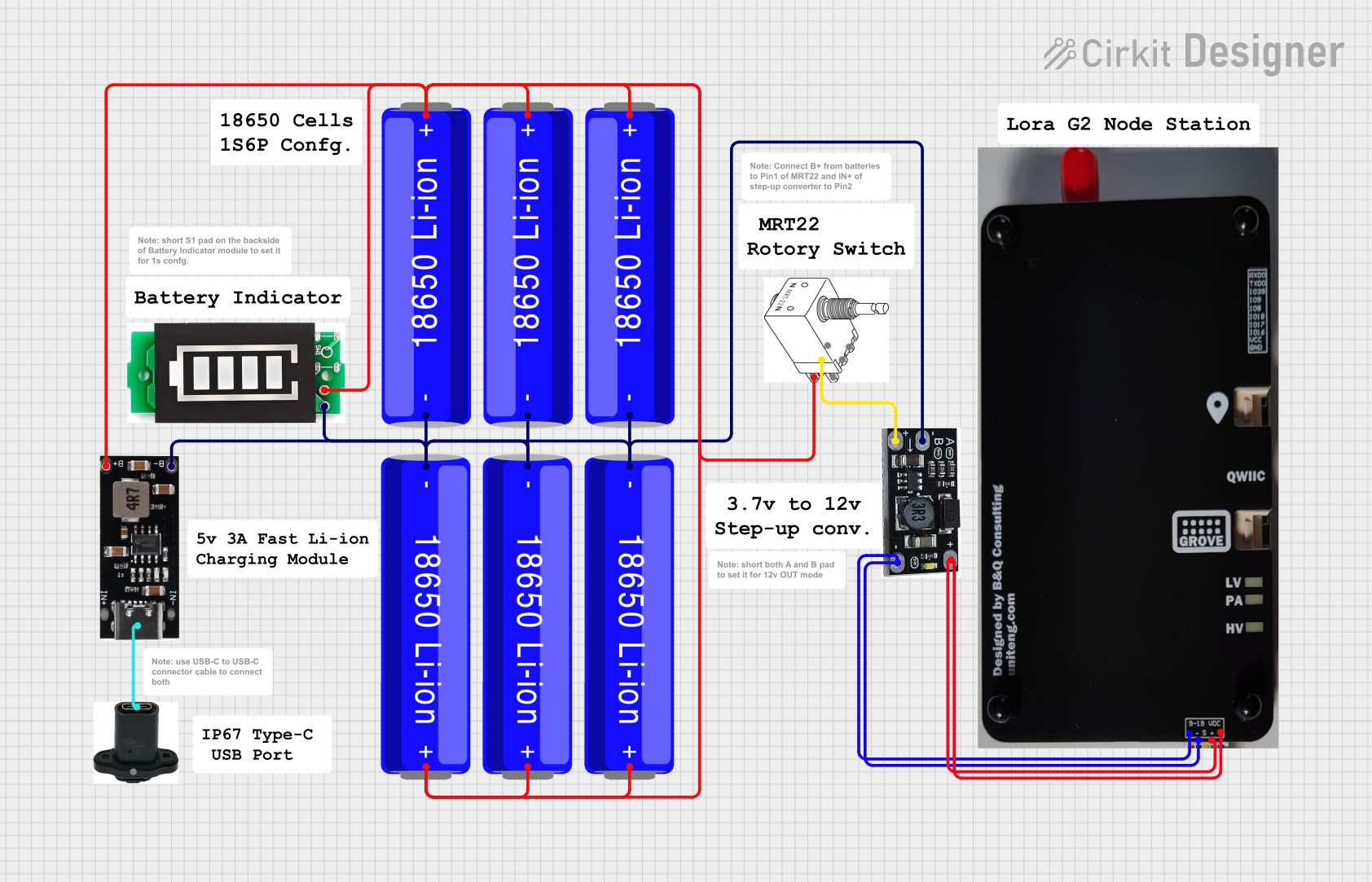 Open Project in Cirkit Designer
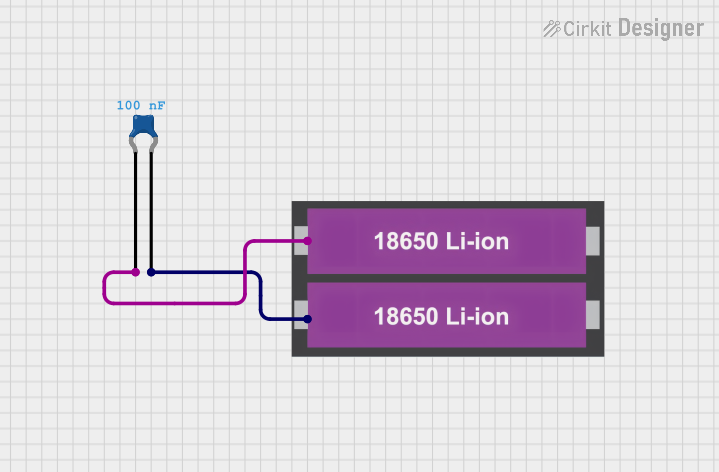 Open Project in Cirkit Designer
Explore Projects Built with 18650 Li-ion Battery x 2
Open Project in Cirkit DesignerOpen Project in Cirkit DesignerOpen Project in Cirkit DesignerOpen Project in Cirkit DesignerCommon Applications
- Power banks and portable chargers
- Flashlights and LED lighting
- Electric bicycles and scooters
- Robotics and IoT devices
- DIY electronics projects
Technical Specifications
Below are the key technical details for a single Samsung 18650 battery. When using two batteries, the specifications will vary depending on the configuration (series or parallel).
Key Specifications
| Parameter | Value |
|---|---|
| Manufacturer | Samsung |
| Part ID | 18650 |
| Battery Type | Lithium-ion |
| Nominal Voltage | 3.7V |
| Fully Charged Voltage | 4.2V |
| Capacity | 2600mAh (typical) |
| Maximum Discharge Current | 5A |
| Cycle Life | ~500 charge/discharge cycles |
| Operating Temperature | -20°C to 60°C |
| Dimensions | 18mm (diameter) x 65mm (length) |
| Weight | ~45g per cell |
Pin Configuration and Descriptions
The 18650 battery has two terminals: Positive (+) and Negative (-). Below is a table describing the terminals.
| Pin Name | Description |
|---|---|
| Positive | The positive terminal of the battery. Connect to the positive side of the circuit. |
| Negative | The negative terminal of the battery. Connect to the ground or negative side of the circuit. |
Usage Instructions
Using Two 18650 Batteries
When using two 18650 batteries, you can connect them in either series or parallel, depending on your voltage and capacity requirements.
Series Configuration:
- Increases the voltage while maintaining the same capacity.
- Total Voltage = 3.7V + 3.7V = 7.4V (nominal).
- Capacity remains 2600mAh.
- Connect the positive terminal of one battery to the negative terminal of the other. The remaining terminals are used as the output.
Parallel Configuration:
- Increases the capacity while maintaining the same voltage.
- Total Capacity = 2600mAh + 2600mAh = 5200mAh.
- Voltage remains 3.7V.
- Connect the positive terminals of both batteries together and the negative terminals together.
Important Considerations
- Battery Protection: Always use a Battery Management System (BMS) to prevent overcharging, over-discharging, and short circuits.
- Charging: Use a dedicated Li-ion battery charger with a constant current/constant voltage (CC/CV) charging profile.
- Polarity: Ensure correct polarity when connecting the batteries to avoid damage.
- Heat Management: Avoid exposing the batteries to high temperatures or direct sunlight.
- Storage: Store the batteries at ~50% charge in a cool, dry place if not in use for extended periods.
Example: Connecting to an Arduino UNO
To power an Arduino UNO using two 18650 batteries in series (7.4V nominal), you can connect the output to the Arduino's VIN pin. Below is an example circuit and code to read the battery voltage using a voltage divider.
Circuit Diagram
- Connect the positive terminal of the battery pack to one end of a voltage divider (e.g., 10kΩ and 10kΩ resistors in series).
- Connect the midpoint of the voltage divider to an Arduino analog pin (e.g., A0).
- Connect the negative terminal of the battery pack to the Arduino GND.
Arduino Code
// Define the analog pin connected to the voltage divider
const int voltagePin = A0;

// Define the voltage divider ratio (e.g., 10kΩ and 10kΩ resistors)
const float dividerRatio = 2.0;

// Reference voltage of the Arduino (5V for most boards)
const float referenceVoltage = 5.0;

void setup() {
  Serial.begin(9600); // Initialize serial communication
}

void loop() {
  int rawValue = analogRead(voltagePin); // Read the analog value
  float batteryVoltage = (rawValue / 1023.0) * referenceVoltage * dividerRatio;

  // Print the battery voltage to the Serial Monitor
  Serial.print("Battery Voltage: ");
  Serial.print(batteryVoltage);
  Serial.println(" V");

  delay(1000); // Wait for 1 second before the next reading
}
Notes:
- Adjust the resistor values in the voltage divider to ensure the input voltage to the Arduino does not exceed 5V.
- Use a BMS to protect the batteries during operation.
Troubleshooting and FAQs
Common Issues
Battery Not Charging:
- Cause: Faulty charger or damaged battery.
- Solution: Check the charger output voltage and replace the battery if necessary.
Overheating During Use:
- Cause: Excessive current draw or poor ventilation.
- Solution: Ensure the load does not exceed the maximum discharge current (5A). Improve ventilation.
Voltage Drops Quickly:
- Cause: Battery nearing the end of its cycle life or damaged cell.
- Solution: Replace the battery and avoid deep discharges.
Arduino Not Powering On:
- Cause: Incorrect wiring or insufficient voltage.
- Solution: Verify the connections and ensure the battery pack provides at least 7V to the VIN pin.
FAQs
Can I use 18650 batteries without a BMS?
- It is not recommended. A BMS ensures safe operation by preventing overcharging, over-discharging, and short circuits.
How do I know when the battery is fully charged?
- The battery is fully charged when the voltage reaches 4.2V per cell.
Can I connect more than two 18650 batteries?
- Yes, you can connect multiple batteries in series or parallel, but ensure the BMS and load are compatible with the resulting voltage and capacity.
What is the self-discharge rate of 18650 batteries?
- The self-discharge rate is typically very low, around 2-3% per month.
By following this documentation, you can safely and effectively use two Samsung 18650 Li-ion batteries in your projects.