
How to Use WeMos D1 Mini WS2812B RGB Shield: Examples, Pinouts, and Specs
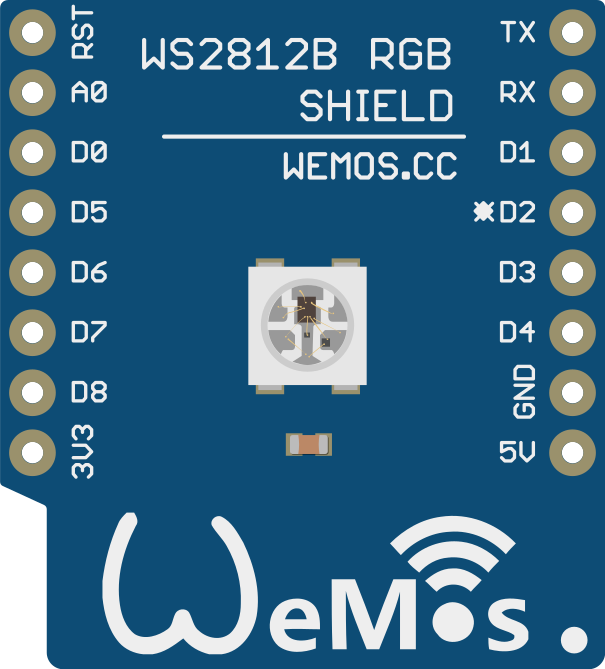
 Design with WeMos D1 Mini WS2812B RGB Shield in Cirkit Designer
Introduction
The WeMos D1 Mini WS2812B RGB Shield is a compact and versatile add-on designed for the WeMos D1 Mini microcontroller. It features WS2812B RGB LEDs, which are individually addressable and capable of producing a wide range of colors. This shield simplifies the integration of colorful lighting effects into your projects, making it ideal for applications such as decorative lighting, status indicators, and interactive displays.
Explore Projects Built with WeMos D1 Mini WS2812B RGB Shield
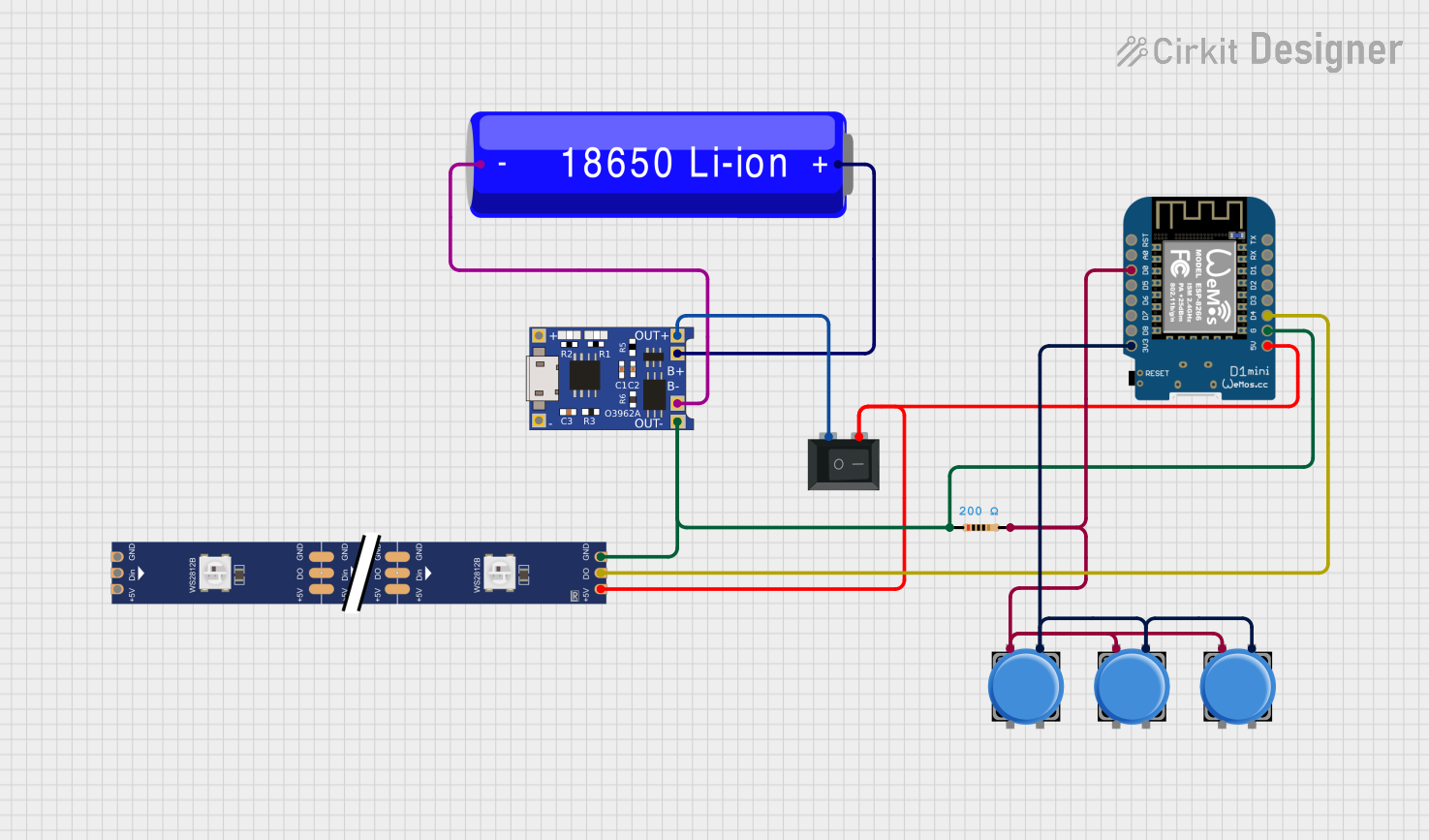 Open Project in Cirkit Designer
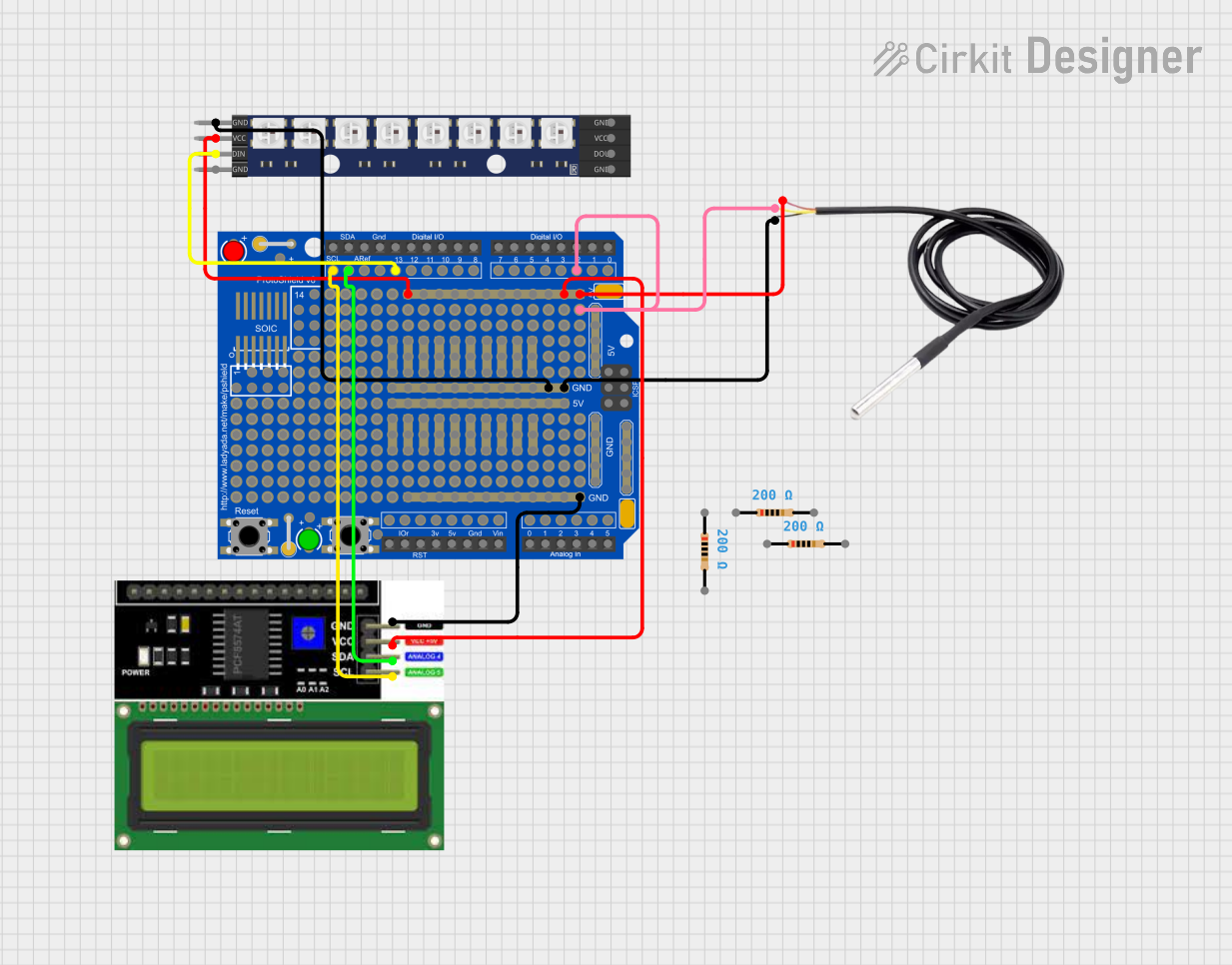 Open Project in Cirkit Designer
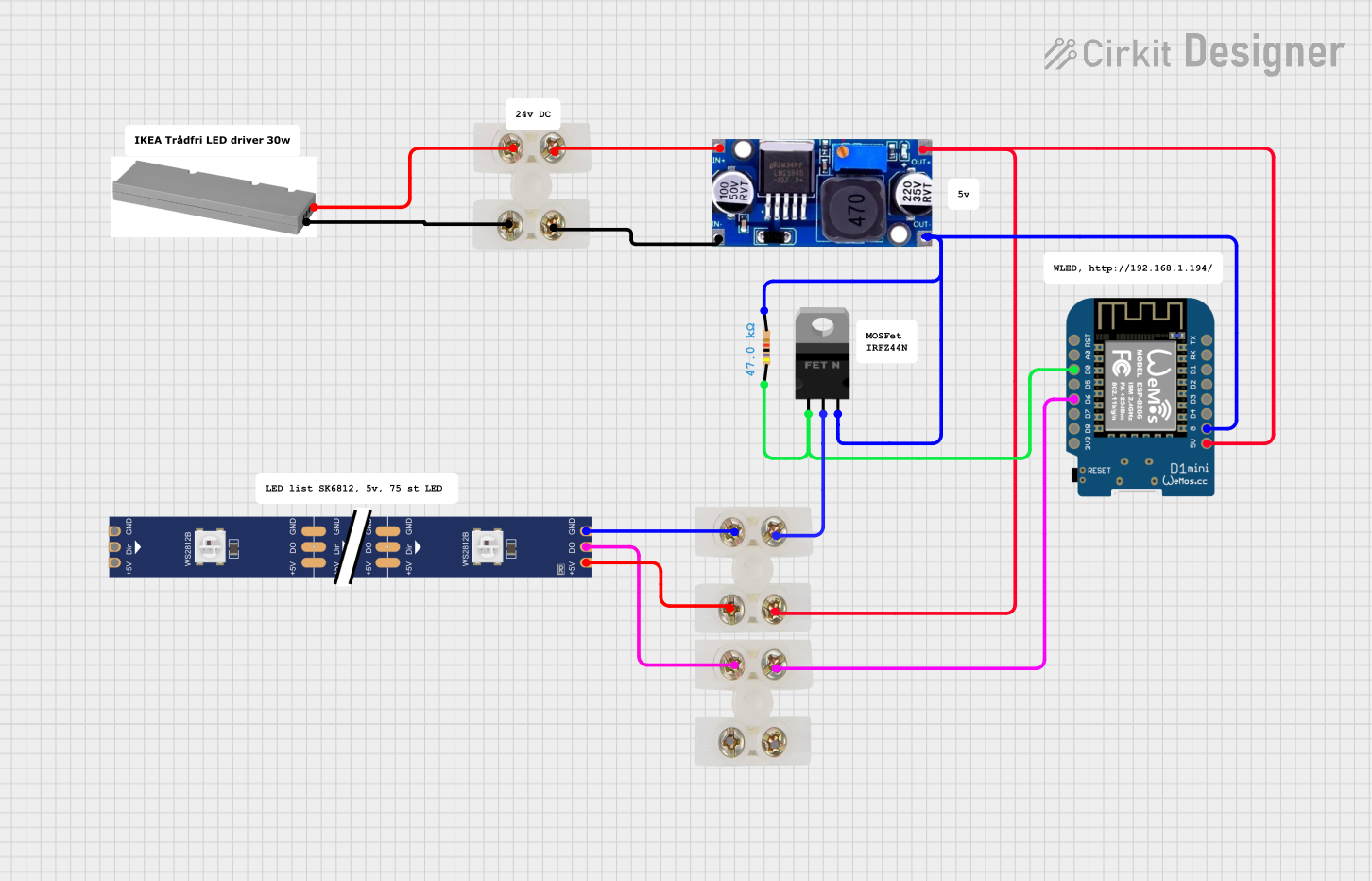 Open Project in Cirkit Designer
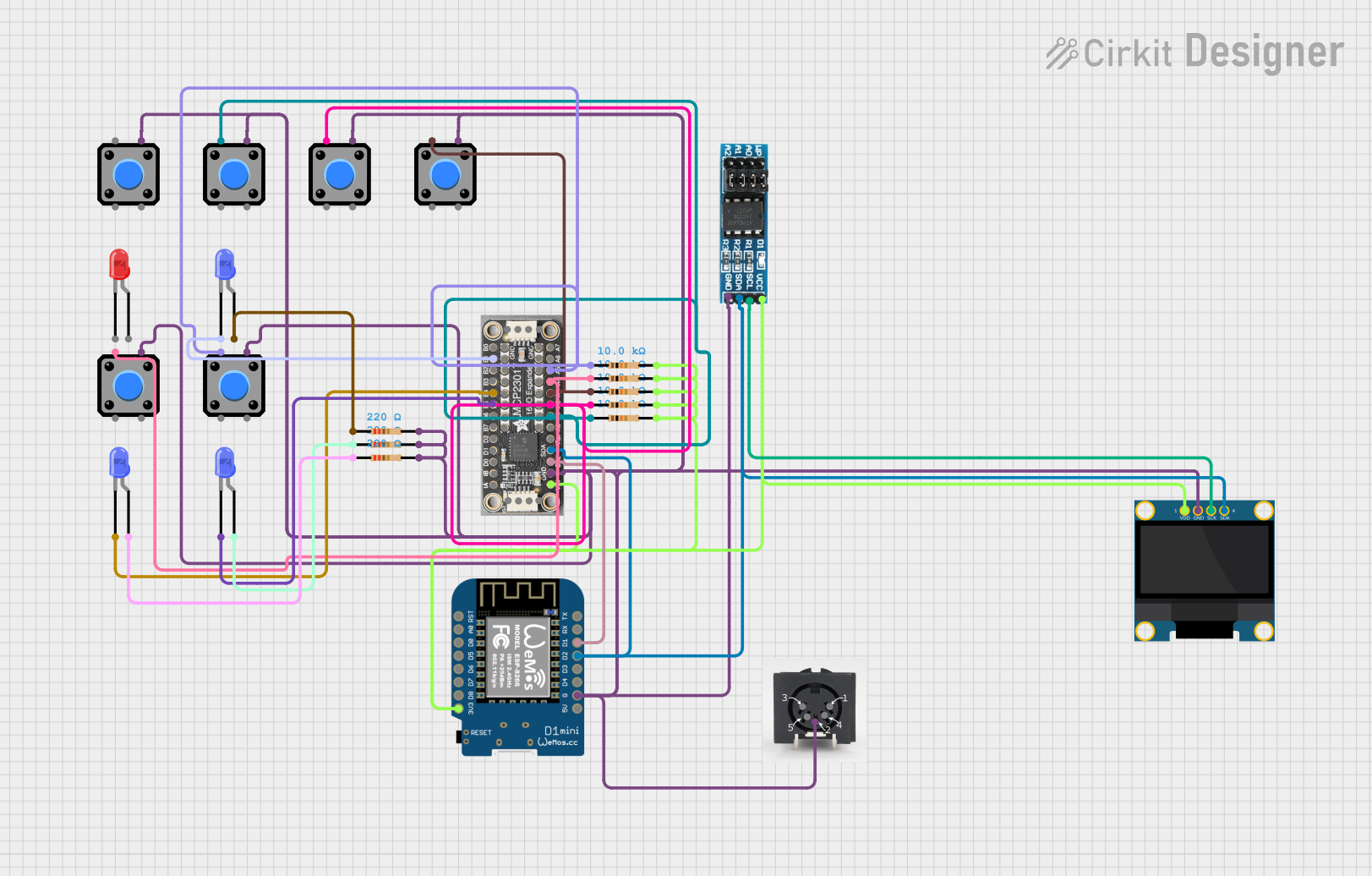 Open Project in Cirkit Designer
Explore Projects Built with WeMos D1 Mini WS2812B RGB Shield
Open Project in Cirkit DesignerOpen Project in Cirkit DesignerOpen Project in Cirkit DesignerOpen Project in Cirkit DesignerCommon Applications:
- Smart home lighting systems
- Wearable electronics
- Interactive art installations
- Status indicators for IoT devices
- Educational projects and prototyping
Technical Specifications
Below are the key technical details of the WeMos D1 Mini WS2812B RGB Shield:
| Specification | Details |
|---|---|
| LED Type | WS2812B RGB LEDs |
| Number of LEDs | 8 LEDs |
| Operating Voltage | 5V DC |
| Communication | Single-wire protocol |
| Current Consumption | ~60mA per LED at full brightness (white color) |
| Dimensions | 34.2mm x 25.6mm x 3.5mm |
Pin Configuration and Descriptions
The shield connects directly to the WeMos D1 Mini, utilizing its pin headers. Below is the pin mapping:
| Pin on Shield | Function | Description |
|---|---|---|
| D4 (GPIO2) | Data Input | Controls the WS2812B LEDs via a single-wire protocol. |
| 5V | Power Supply | Supplies 5V power to the LEDs. |
| GND | Ground | Common ground for the circuit. |
Usage Instructions
How to Use the Shield in a Circuit
- Attach the Shield: Plug the WS2812B RGB Shield directly onto the WeMos D1 Mini microcontroller.
- Power the Circuit: Ensure the WeMos D1 Mini is powered via USB or an external 5V power source.
- Install Required Libraries: Use the Arduino IDE to program the WeMos D1 Mini. Install the
Adafruit_NeoPixellibrary for controlling the WS2812B LEDs. - Write and Upload Code: Use the example code below to control the LEDs.
Example Code
Here is a simple Arduino sketch to light up the LEDs with a rainbow effect:
#include <Adafruit_NeoPixel.h>

// Define the pin connected to the WS2812B data line
#define LED_PIN D4

// Define the number of LEDs on the shield
#define NUM_LEDS 8

// Create a NeoPixel object
Adafruit_NeoPixel strip = Adafruit_NeoPixel(NUM_LEDS, LED_PIN, NEO_GRB + NEO_KHZ800);

void setup() {
  strip.begin();  // Initialize the NeoPixel library
  strip.show();   // Turn off all LEDs initially
}

void loop() {
  rainbowCycle(20);  // Display a rainbow effect
}

// Function to create a rainbow cycle effect
void rainbowCycle(uint8_t wait) {
  for (uint16_t j = 0; j < 256 * 5; j++) {  // 5 cycles of all colors
    for (uint16_t i = 0; i < strip.numPixels(); i++) {
      strip.setPixelColor(i, Wheel((i * 256 / strip.numPixels() + j) & 255));
    }
    strip.show();  // Update the LEDs
    delay(wait);   // Pause for a short time
  }
}

// Helper function to generate rainbow colors
uint32_t Wheel(byte WheelPos) {
  WheelPos = 255 - WheelPos;
  if (WheelPos < 85) {
    return strip.Color(255 - WheelPos * 3, 0, WheelPos * 3);
  } else if (WheelPos < 170) {
    WheelPos -= 85;
    return strip.Color(0, WheelPos * 3, 255 - WheelPos * 3);
  } else {
    WheelPos -= 170;
    return strip.Color(WheelPos * 3, 255 - WheelPos * 3, 0);
  }
}
Important Considerations and Best Practices
- Power Supply: Ensure the power source can supply sufficient current. Each LED can draw up to 60mA at full brightness.
- Heat Management: Avoid running all LEDs at full brightness for extended periods to prevent overheating.
- Data Line: Use a resistor (330Ω to 470Ω) in series with the data line to protect the WS2812B LEDs.
- Capacitor: Place a 1000µF capacitor across the 5V and GND pins to stabilize the power supply.
Troubleshooting and FAQs
Common Issues and Solutions
LEDs Not Lighting Up:
- Verify the shield is properly seated on the WeMos D1 Mini.
- Check the power supply and ensure it provides 5V.
- Confirm the data pin (D4) is correctly defined in the code.
Incorrect Colors or Flickering:
- Ensure the
Adafruit_NeoPixellibrary is installed and up to date. - Add a resistor (330Ω to 470Ω) to the data line to reduce noise.
- Check for loose connections or insufficient power supply.
- Ensure the
Only Some LEDs Work:
- Inspect the shield for physical damage or faulty LEDs.
- Test with a simpler sketch to isolate the issue.
FAQs
Q: Can I use this shield with other microcontrollers?
A: Yes, but you will need to manually connect the data, power, and ground pins to the microcontroller and adjust the code accordingly.
Q: How many shields can I stack?
A: Stacking multiple shields is not recommended due to power and data line limitations. Instead, use external WS2812B strips for additional LEDs.
Q: Can I power the shield with 3.3V?
A: No, the WS2812B LEDs require a 5V power supply for proper operation.
By following this documentation, you can effectively integrate the WeMos D1 Mini WS2812B RGB Shield into your projects and create stunning lighting effects!