
How to Use MCB: Examples, Pinouts, and Specs
 Design with MCB in Cirkit Designer
Introduction
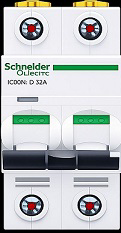
A Miniature Circuit Breaker (MCB) is an electromechanical device designed to protect electrical circuits from damage caused by overloads and short circuits. Manufactured by 2P, this compact and reliable component automatically interrupts the flow of electricity when it detects abnormal conditions, ensuring the safety of electrical systems and connected devices.
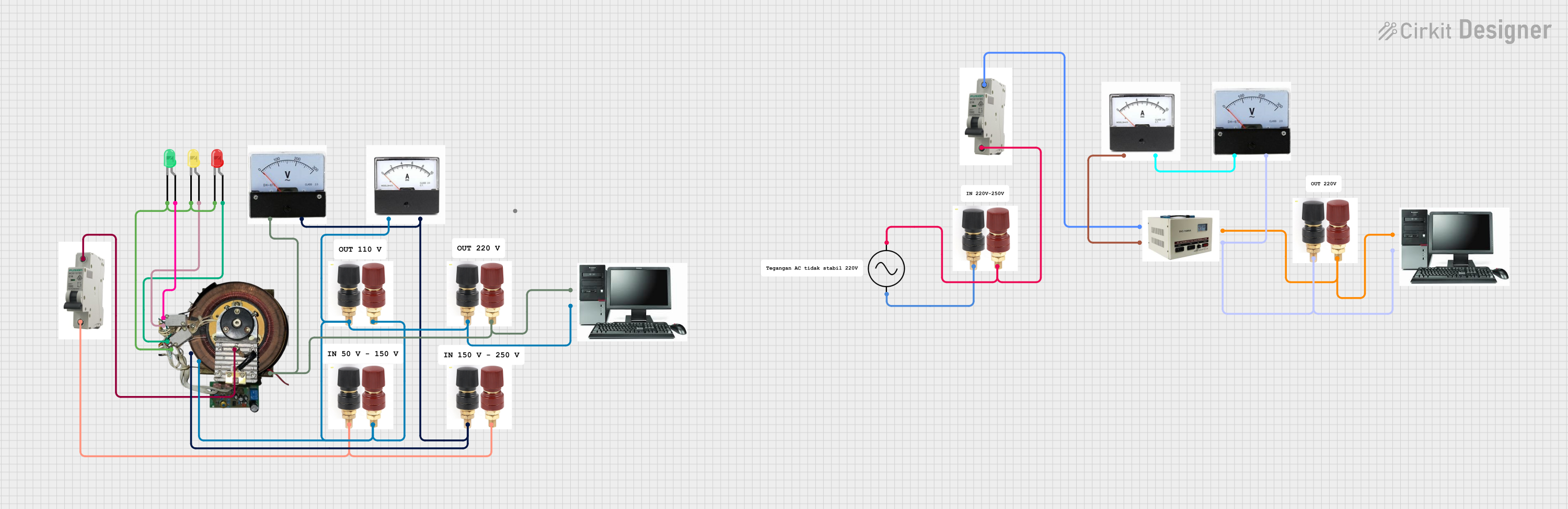
Explore Projects Built with MCB
 Open Project in Cirkit Designer
 Open Project in Cirkit Designer
 Open Project in Cirkit Designer
 Open Project in Cirkit Designer
Explore Projects Built with MCB
Open Project in Cirkit DesignerOpen Project in Cirkit DesignerOpen Project in Cirkit DesignerOpen Project in Cirkit DesignerCommon Applications and Use Cases
- Residential, commercial, and industrial electrical systems
- Protection of lighting circuits, appliances, and power outlets
- Motor protection in small machinery
- Distribution boards in buildings
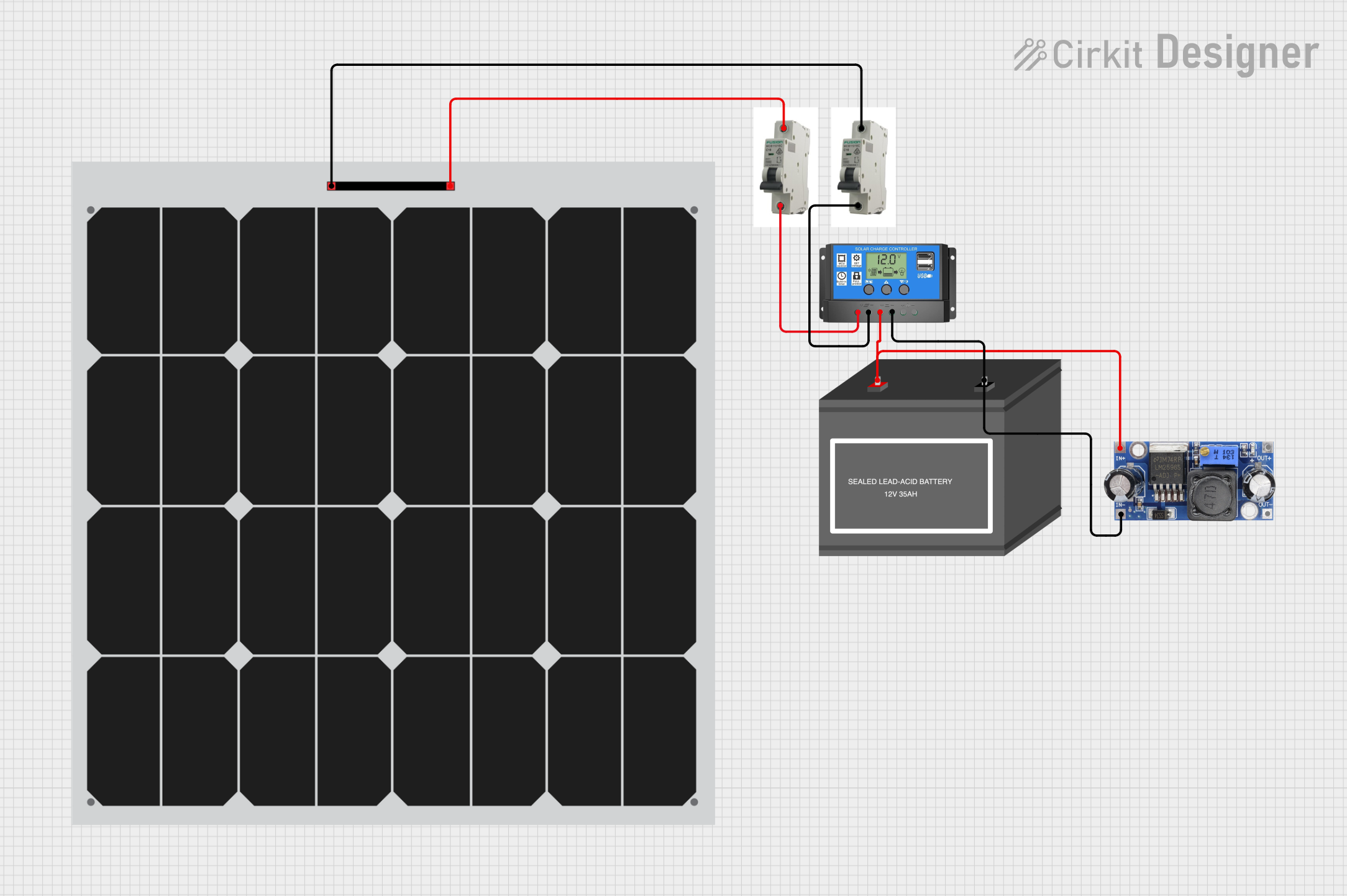
- Renewable energy systems, such as solar panel installations
Technical Specifications
Below are the key technical details of the 2P MCB:
| Parameter | Value |
|---|---|
| Rated Voltage | 230/400V AC |
| Rated Current | 6A, 10A, 16A, 20A, 32A, 40A |
| Breaking Capacity | 6kA or 10kA |
| Frequency | 50/60 Hz |
| Tripping Curve | B, C, or D |
| Number of Poles | 1P, 2P, 3P, or 4P |
| Operating Temperature | -5°C to +40°C |
| Mounting Type | DIN Rail (35mm) |
| Standards Compliance | IEC/EN 60898-1 |
Pin Configuration and Descriptions
The MCB does not have traditional pins but instead features terminals for electrical connections. Below is a description of the terminal configuration:
| Terminal | Description |
|---|---|
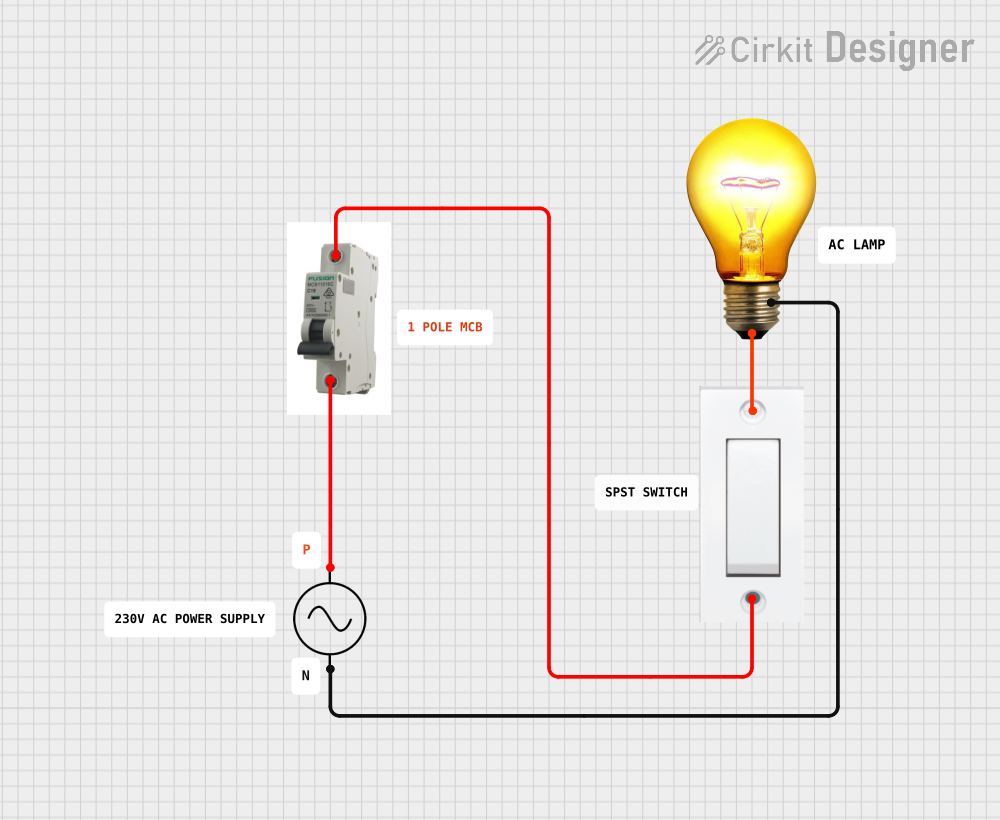
| Line (Input) | Connects to the incoming power supply. This is the terminal where power enters. |
| Load (Output) | Connects to the electrical load or circuit being protected. |
Usage Instructions
How to Use the MCB in a Circuit
- Select the Appropriate MCB: Choose an MCB with the correct rated current, voltage, and tripping curve based on the circuit's requirements.
- Mount the MCB: Securely install the MCB onto a 35mm DIN rail in the distribution board or enclosure.
- Connect the Wires:
- Connect the incoming power supply to the Line (Input) terminal.
- Connect the circuit or load to the Load (Output) terminal.
- Ensure all connections are tight and secure to prevent arcing or overheating.
- Switch On the MCB: Flip the lever to the "ON" position to energize the circuit.
- Test the MCB: Use the test button (if available) to verify the MCB's functionality.
Important Considerations and Best Practices
- Always ensure the MCB's rated current matches the circuit's load to avoid nuisance tripping or insufficient protection.
- Do not exceed the MCB's breaking capacity; this could result in failure during a fault condition.
- Regularly inspect the MCB for signs of wear, damage, or overheating.
- Use proper tools and follow safety protocols when installing or servicing the MCB.
- For circuits with high inrush currents (e.g., motors), select an MCB with a suitable tripping curve (e.g., Curve C or D).
Example: Connecting an MCB to an Arduino UNO
While MCBs are not directly connected to microcontrollers like the Arduino UNO, they can be used to protect circuits powered by the Arduino. For example, an MCB can safeguard the power supply feeding the Arduino and its peripherals.
// Example Arduino code to monitor a circuit protected by an MCB
// This code assumes a current sensor is used to detect load current.

const int currentSensorPin = A0; // Analog pin connected to the current sensor
const int threshold = 500;      // Current threshold in milliamps

void setup() {
  Serial.begin(9600); // Initialize serial communication
  pinMode(currentSensorPin, INPUT);
}

void loop() {
  int sensorValue = analogRead(currentSensorPin); // Read current sensor value
  float current = sensorValue * (5.0 / 1023.0) * 1000; // Convert to milliamps

  // Check if current exceeds threshold
  if (current > threshold) {
    Serial.println("Warning: High current detected! Check the MCB.");
  } else {
    Serial.println("Current is within safe limits.");
  }

  delay(1000); // Wait 1 second before next reading
}
Troubleshooting and FAQs
Common Issues and Solutions
| Issue | Possible Cause | Solution |
|---|---|---|
| MCB trips frequently | Overloaded circuit or short circuit | Reduce the load or check for wiring faults. |
| MCB does not trip during a fault | Incorrect MCB rating or faulty MCB | Replace the MCB with the correct rating or test for proper functionality. |
| MCB lever is stuck | Mechanical damage or debris inside the MCB | Inspect and clean the MCB; replace if necessary. |
| Overheating of terminals | Loose connections or high current | Tighten connections and ensure the MCB is not overloaded. |
FAQs
Can I use an MCB for DC circuits?
- Some MCBs are rated for DC applications. Check the manufacturer's specifications to confirm compatibility.
What is the difference between B, C, and D tripping curves?
- B Curve: Trips at 3-5 times the rated current, suitable for resistive loads.
- C Curve: Trips at 5-10 times the rated current, ideal for inductive loads like motors.
- D Curve: Trips at 10-20 times the rated current, used for high inrush current loads.
How do I test if an MCB is working?
- Use the test button (if available) or simulate an overload condition under controlled circumstances.
Can I reset an MCB after it trips?
- Yes, but first identify and resolve the cause of the trip before resetting the MCB.
By following this documentation, users can effectively utilize the 2P MCB to protect their electrical systems and ensure safe operation.