
How to Use 4xAA_bare: Examples, Pinouts, and Specs
 Design with 4xAA_bare in Cirkit Designer
Introduction
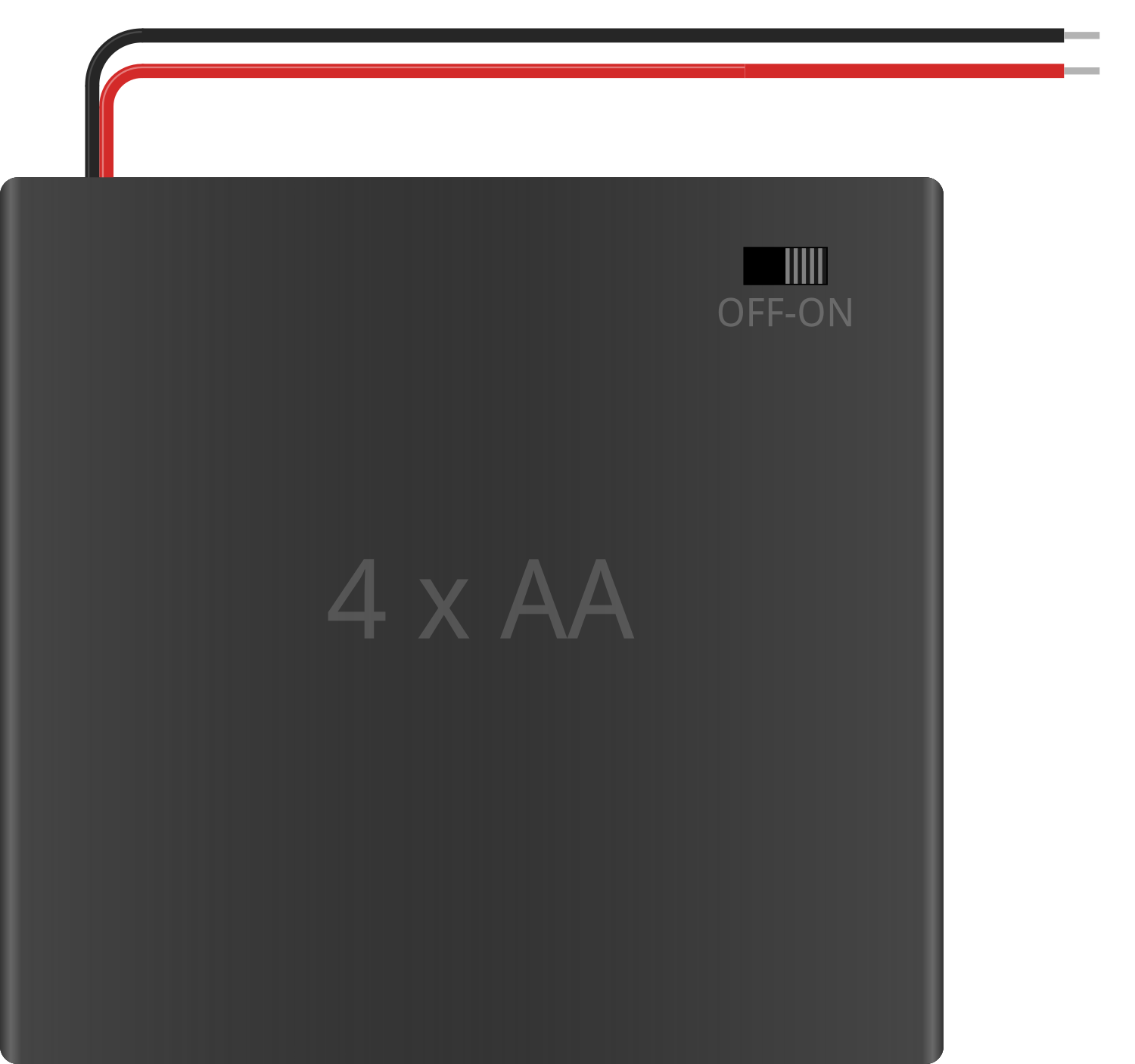
The 4xAA_bare is a battery holder designed to securely house four AA batteries in series. This configuration provides a compact and portable power source for a wide range of electronic projects. When fully loaded with standard 1.5V AA batteries, the holder delivers a total output voltage of approximately 6V. It is commonly used in DIY electronics, robotics, portable devices, and low-power embedded systems.
Explore Projects Built with 4xAA_bare
 Open Project in Cirkit Designer
 Open Project in Cirkit Designer
 Open Project in Cirkit Designer
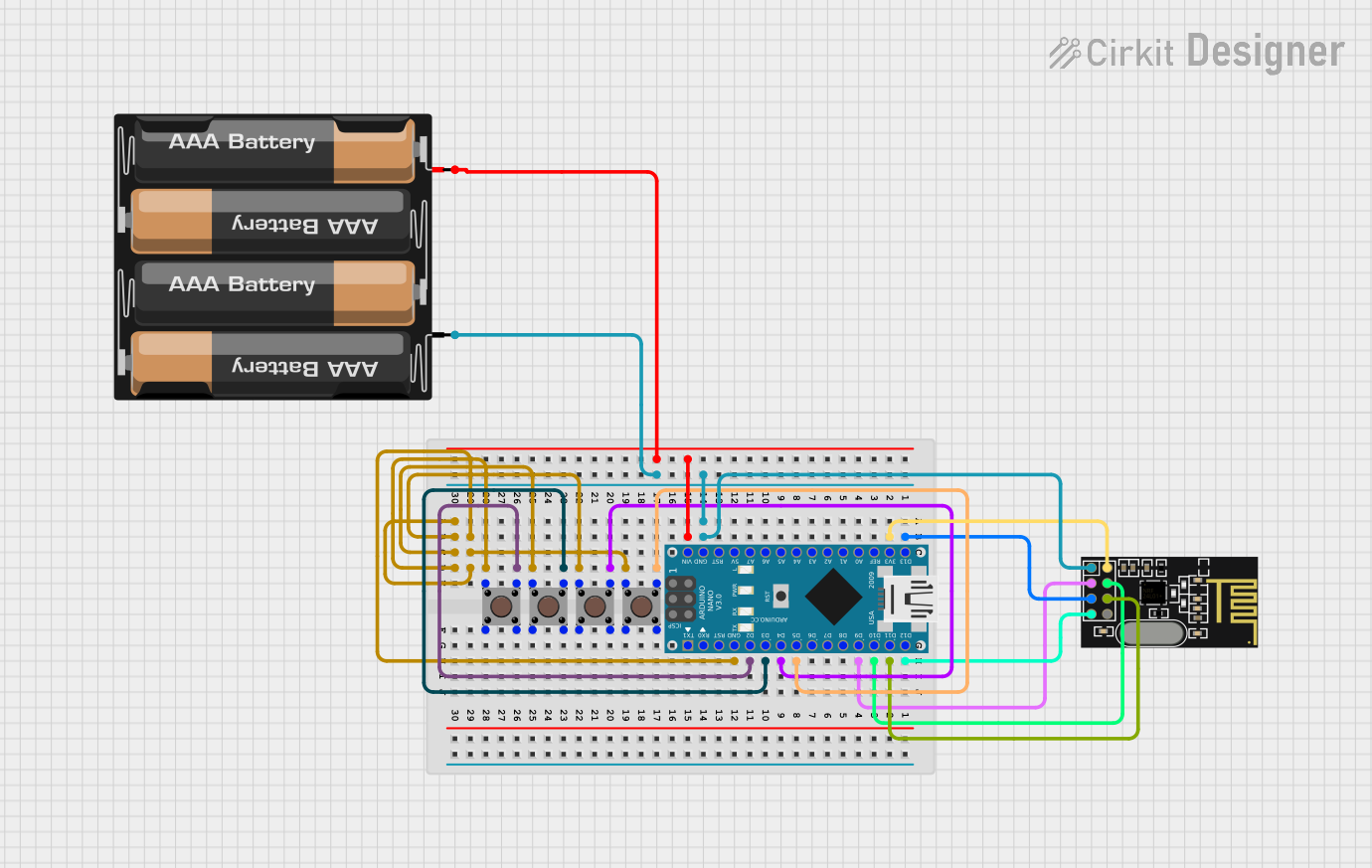 Open Project in Cirkit Designer
Explore Projects Built with 4xAA_bare
Open Project in Cirkit DesignerOpen Project in Cirkit DesignerOpen Project in Cirkit DesignerOpen Project in Cirkit DesignerCommon Applications
- Powering small electronic circuits and microcontrollers
- Portable robotics and motorized projects
- Backup power for low-power devices
- Educational and prototyping purposes
Technical Specifications
The 4xAA_bare battery holder is a simple yet essential component for powering electronic devices. Below are its key technical details:
General Specifications
| Parameter | Value |
|---|---|
| Battery Type | AA (1.5V each) |
| Number of Batteries | 4 |
| Output Voltage (Nominal) | 6V (1.5V x 4 in series) |
| Output Voltage (Rechargeable Batteries) | ~4.8V (1.2V x 4 in series) |
| Maximum Current | Dependent on battery type |
| Material | Plastic body with metal contacts |
| Dimensions | ~60mm x 30mm x 15mm |
| Weight (Empty) | ~20g |
Pin Configuration and Descriptions
The 4xAA_bare holder typically has two output wires for connecting to a circuit. These wires are color-coded for easy identification.
| Wire Color | Description |
|---|---|
| Red | Positive terminal (+) |
| Black | Negative terminal (-) |
Usage Instructions
How to Use the 4xAA_bare in a Circuit
- Insert Batteries: Place four AA batteries into the holder, ensuring correct polarity as indicated on the holder.
- Connect to Circuit: Use the red wire for the positive connection and the black wire for the negative connection. Ensure proper polarity to avoid damage to your circuit.
- Secure Connections: Use soldering, connectors, or a breadboard to securely attach the wires to your circuit.
- Power Your Device: Once connected, the holder will supply power to your circuit.
Important Considerations and Best Practices
- Battery Type: Use high-quality alkaline or rechargeable NiMH batteries for optimal performance.
- Voltage Compatibility: Ensure your circuit can handle the nominal 6V output. If using rechargeable batteries, the output will be lower (~4.8V).
- Current Draw: Check the current requirements of your circuit and ensure the batteries can supply sufficient current.
- Polarity: Double-check the polarity of the connections to avoid damaging your components.
- Heat Management: Avoid short circuits, as they can cause the batteries to overheat and potentially leak or explode.
Example: Connecting to an Arduino UNO
The 4xAA_bare can be used to power an Arduino UNO via its VIN pin. Below is an example setup:
- Connect the red wire (positive) to the VIN pin on the Arduino UNO.
- Connect the black wire (negative) to the GND pin on the Arduino UNO.
- Ensure the total voltage from the battery holder is within the Arduino's acceptable input range (6-12V).
Sample Code for Testing
// This code blinks an LED connected to pin 13 of the Arduino UNO.
// Ensure the Arduino is powered using the 4xAA_bare battery holder.

void setup() {
  pinMode(13, OUTPUT); // Set pin 13 as an output pin
}

void loop() {
  digitalWrite(13, HIGH); // Turn the LED on
  delay(1000);            // Wait for 1 second
  digitalWrite(13, LOW);  // Turn the LED off
  delay(1000);            // Wait for 1 second
}
Troubleshooting and FAQs
Common Issues
No Power Output
- Cause: Batteries are inserted incorrectly or are depleted.
- Solution: Check the polarity of the batteries and replace them if necessary.
Circuit Not Working
- Cause: Incorrect wiring or loose connections.
- Solution: Verify the connections and ensure the wires are securely attached.
Overheating Batteries
- Cause: Short circuit or excessive current draw.
- Solution: Disconnect the holder immediately and inspect the circuit for shorts or high-current components.
Voltage Too Low
- Cause: Using rechargeable batteries or partially depleted batteries.
- Solution: Use fresh alkaline batteries for a full 6V output.
FAQs
Q: Can I use fewer than four batteries in the holder?
A: No, the 4xAA_bare is designed to operate with four batteries in series. Using fewer batteries will result in an incomplete circuit.
Q: Is the holder waterproof?
A: No, the 4xAA_bare is not waterproof. Avoid exposing it to moisture or water.
Q: Can I use lithium AA batteries?
A: Yes, lithium AA batteries can be used, but ensure your circuit can handle the slightly higher voltage (1.7V per cell, ~6.8V total).
Q: How do I secure the holder in my project?
A: The holder can be secured using screws, adhesive, or zip ties, depending on your project requirements.