
How to Use Batería 303035: Examples, Pinouts, and Specs
 Design with Batería 303035 in Cirkit Designer
Introduction
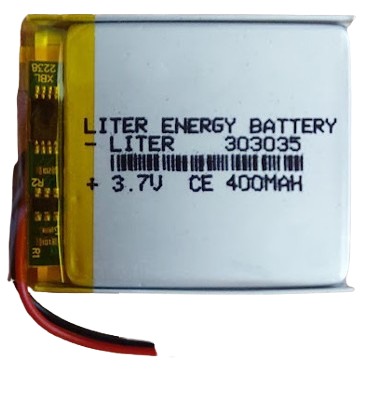
The Batería 303035 is a compact lithium polymer (LiPo) battery designed for use in small electronic devices. With a nominal voltage of 3.7V and a lightweight, slim profile, it is ideal for portable applications where space and weight are critical factors. This battery is commonly used in devices such as wearable electronics, IoT gadgets, remote controls, and small robotics.
Its rechargeable nature and high energy density make it a reliable power source for projects requiring consistent and long-lasting performance.
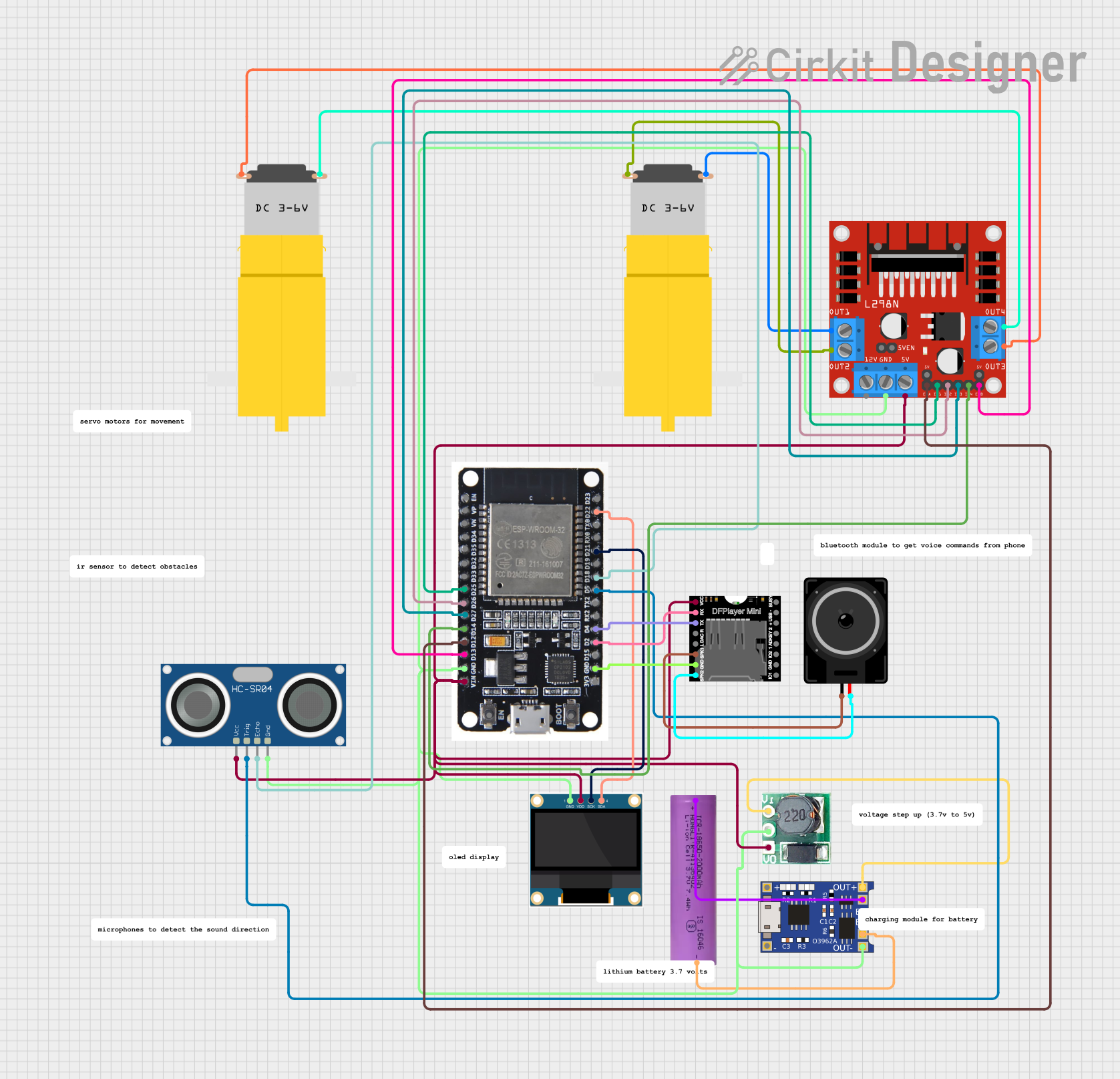
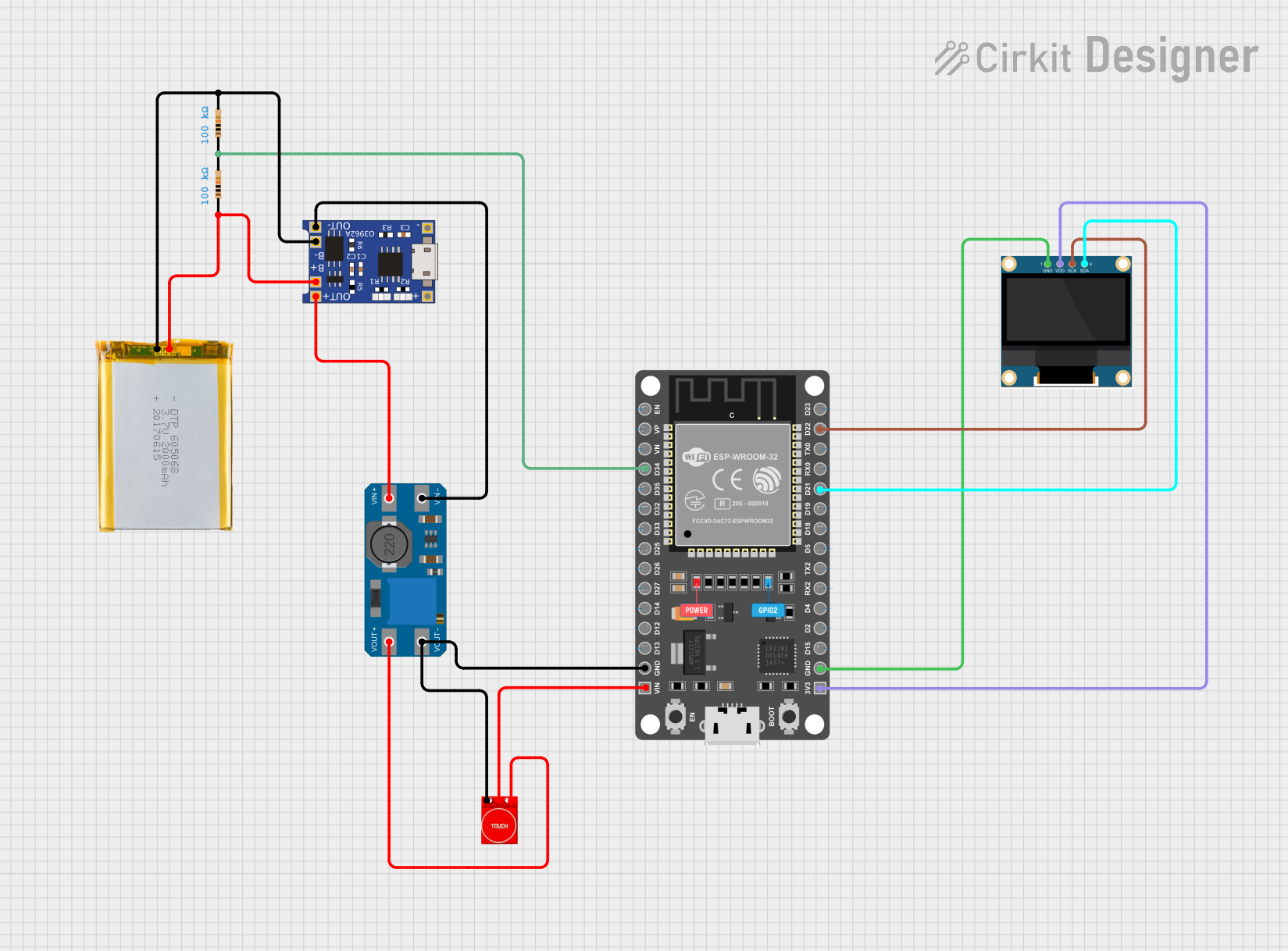
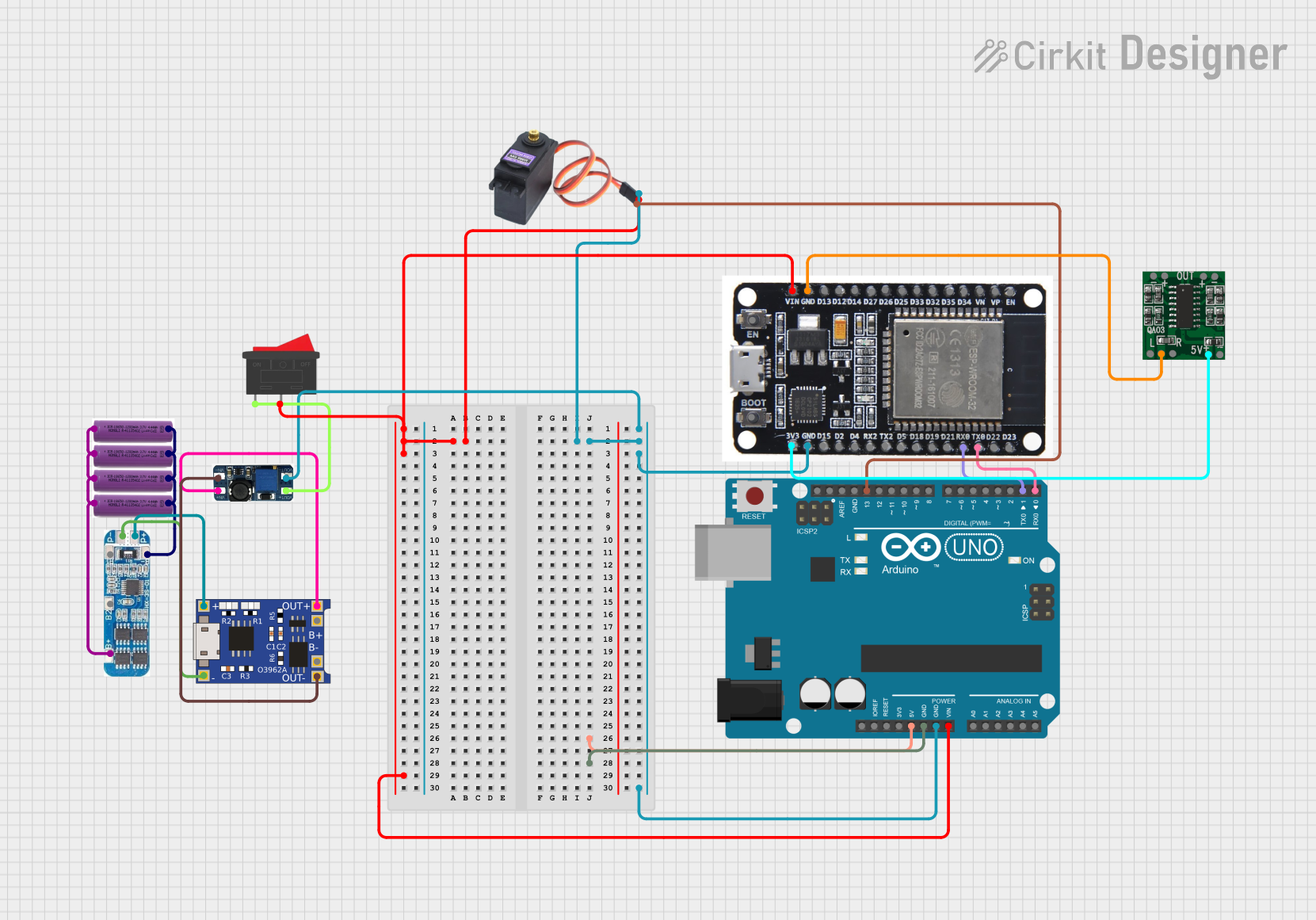
Explore Projects Built with Batería 303035
 Open Project in Cirkit Designer
 Open Project in Cirkit Designer
 Open Project in Cirkit Designer
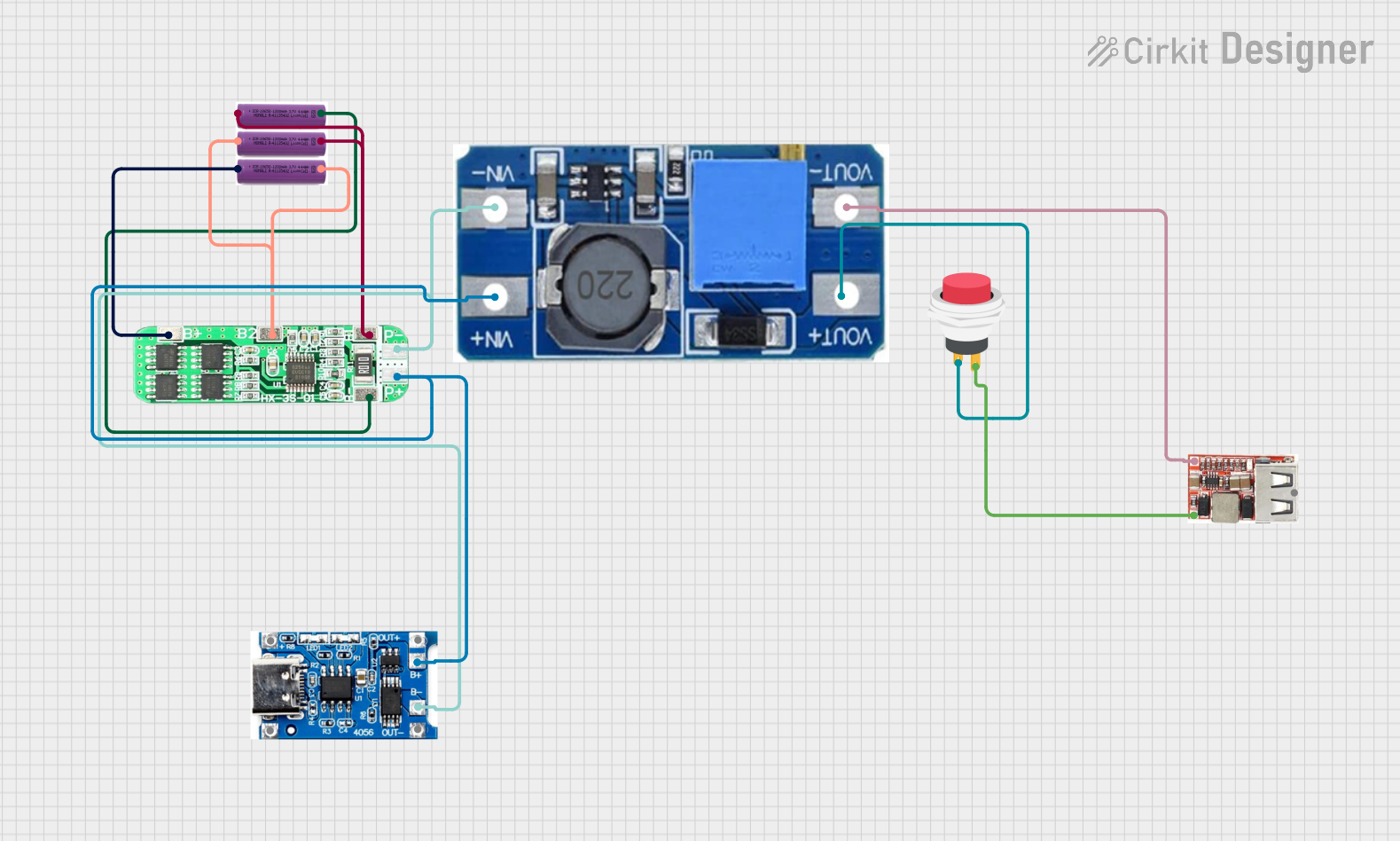 Open Project in Cirkit Designer
Explore Projects Built with Batería 303035
Open Project in Cirkit DesignerOpen Project in Cirkit DesignerOpen Project in Cirkit DesignerOpen Project in Cirkit DesignerTechnical Specifications
Below are the key technical details of the Batería 303035:
| Parameter | Value |
|---|---|
| Nominal Voltage | 3.7V |
| Capacity | 300mAh |
| Maximum Charging Voltage | 4.2V |
| Discharge Cutoff Voltage | 3.0V |
| Maximum Discharge Current | 1C (300mA) |
| Standard Charge Current | 0.5C (150mA) |
| Dimensions (L x W x H) | 30mm x 30mm x 3.5mm |
| Weight | ~6g |
| Chemistry | Lithium Polymer (LiPo) |
| Connector Type | JST 2-pin (commonly used) |
Pin Configuration and Descriptions
The Batería 303035 typically comes with a JST 2-pin connector. Below is the pin configuration:
| Pin | Description |
|---|---|
| Red | Positive terminal (+) |
| Black | Negative terminal (-) |
Usage Instructions
How to Use the Batería 303035 in a Circuit
Connection:
- Connect the red wire (positive terminal) to the positive input of your circuit.
- Connect the black wire (negative terminal) to the ground (GND) of your circuit.
- Ensure the polarity is correct to avoid damage to the battery or circuit.
Charging:
- Use a dedicated LiPo battery charger with a constant current/constant voltage (CC/CV) charging profile.
- Set the charging voltage to 4.2V and the charging current to 0.5C (150mA) for safe operation.
- Avoid overcharging or deep discharging the battery to prolong its lifespan.
Protection Circuit:
- It is recommended to use a battery protection circuit module (PCM) to prevent overcharging, over-discharging, and short circuits.
Mounting:
- Secure the battery in your device using double-sided tape or a battery holder to prevent movement during operation.
Important Considerations and Best Practices
- Temperature Range: Operate the battery within the recommended temperature range (typically 0°C to 45°C for charging and -20°C to 60°C for discharging).
- Storage: Store the battery at approximately 50% charge in a cool, dry place if not in use for extended periods.
- Safety: Do not puncture, crush, or expose the battery to fire or water. Handle with care to avoid short circuits.
Example: Connecting to an Arduino UNO
The Batería 303035 can be used to power an Arduino UNO via its VIN pin. Below is an example:
- Connect the red wire of the battery to the VIN pin of the Arduino UNO.
- Connect the black wire of the battery to the GND pin of the Arduino UNO.
- Ensure the battery voltage is within the acceptable range for the Arduino's voltage regulator (7-12V recommended for VIN). If the voltage is insufficient, use a boost converter to step up the voltage.
Sample Code for Monitoring Battery Voltage
You can use a voltage divider circuit to monitor the battery voltage with the Arduino UNO. Here's an example:
// Define the analog pin connected to the voltage divider
const int batteryPin = A0;

// Voltage divider resistor values (in ohms)
const float R1 = 10000.0; // Resistor connected to battery positive
const float R2 = 10000.0; // Resistor connected to ground

// Reference voltage of the Arduino (5V for most boards)
const float referenceVoltage = 5.0;

void setup() {
  Serial.begin(9600); // Initialize serial communication
}

void loop() {
  int rawValue = analogRead(batteryPin); // Read the analog value
  float voltage = (rawValue / 1023.0) * referenceVoltage; // Convert to voltage
  voltage = voltage * (R1 + R2) / R2; // Adjust for voltage divider ratio

  Serial.print("Battery Voltage: ");
  Serial.print(voltage);
  Serial.println(" V");

  delay(1000); // Wait for 1 second before the next reading
}
Note: Ensure the voltage divider reduces the battery voltage to a safe level for the Arduino's analog input (0-5V).
Troubleshooting and FAQs
Common Issues
Battery Not Charging:
- Cause: Faulty charger or incorrect charging voltage/current.
- Solution: Verify the charger is functioning correctly and set to 4.2V with a current limit of 150mA.
Battery Drains Quickly:
- Cause: Excessive load or aging battery.
- Solution: Check the current draw of your circuit and ensure it does not exceed the battery's maximum discharge current (300mA). Replace the battery if it has degraded.
Battery Swells or Overheats:
- Cause: Overcharging, over-discharging, or physical damage.
- Solution: Stop using the battery immediately and dispose of it safely. Always use a protection circuit and proper charger.
No Output Voltage:
- Cause: Protection circuit triggered due to over-discharge or short circuit.
- Solution: Recharge the battery using a compatible charger to reset the protection circuit.
FAQs
Can I use the Batería 303035 in parallel with another battery?
- Yes, but ensure both batteries have the same voltage and capacity. Use a balancing circuit to prevent uneven charging/discharging.
How long does it take to charge the battery?
- At a standard charge current of 150mA (0.5C), it takes approximately 2-3 hours to fully charge.
Is the battery safe for outdoor use?
- The battery can be used outdoors if protected from extreme temperatures, moisture, and physical damage.
By following these guidelines, you can safely and effectively use the Batería 303035 in your projects.