
How to Use DX-BT24W: Examples, Pinouts, and Specs
 Design with DX-BT24W in Cirkit Designer
Introduction
The DX-BT24W is a Bluetooth module designed for wireless communication in embedded systems. It enables devices to connect and exchange data over short distances using Bluetooth technology, making it ideal for applications requiring reliable and efficient wireless connectivity. This module is widely used in IoT devices, home automation systems, wireless sensors, and other embedded systems where Bluetooth communication is essential.
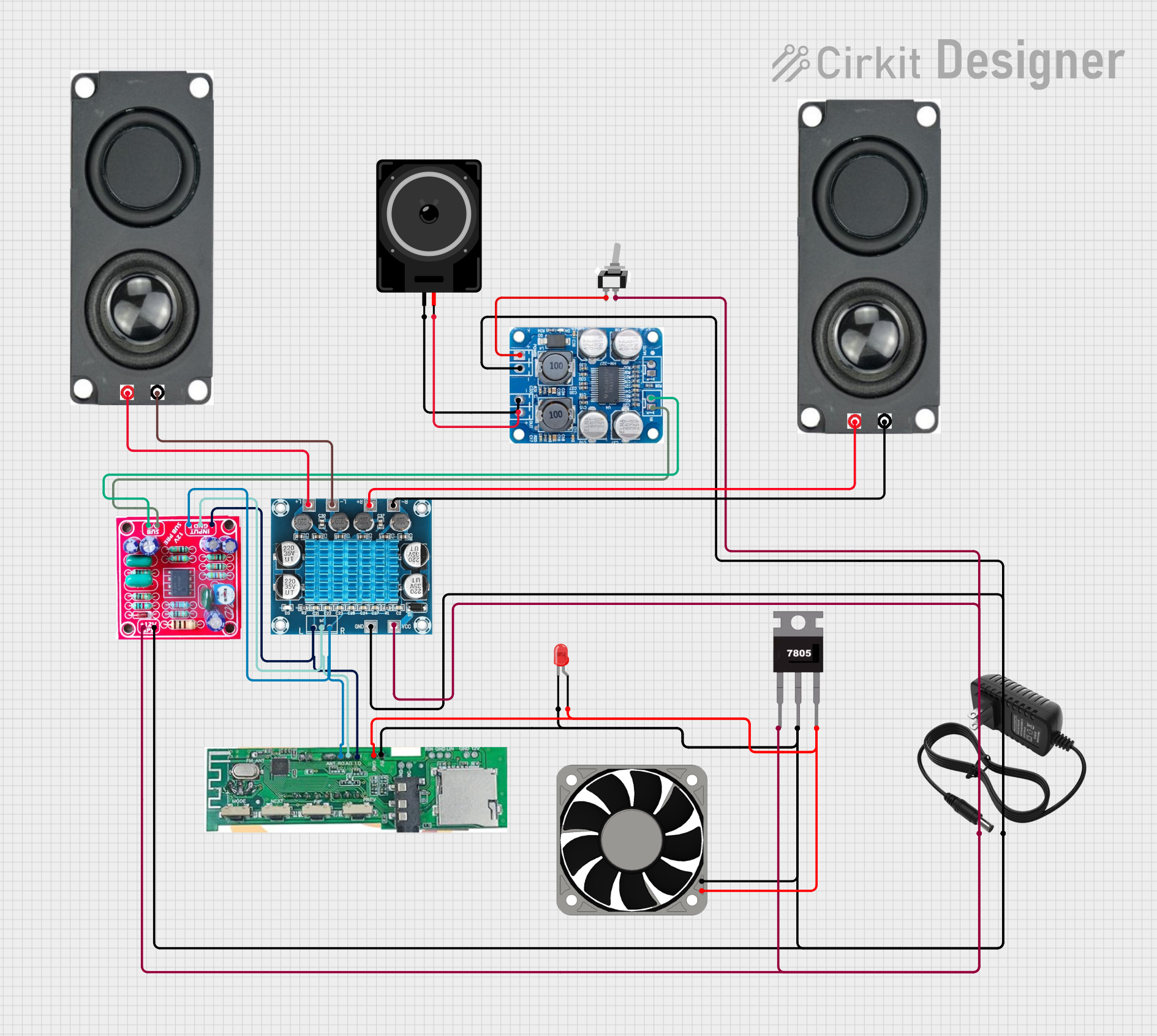
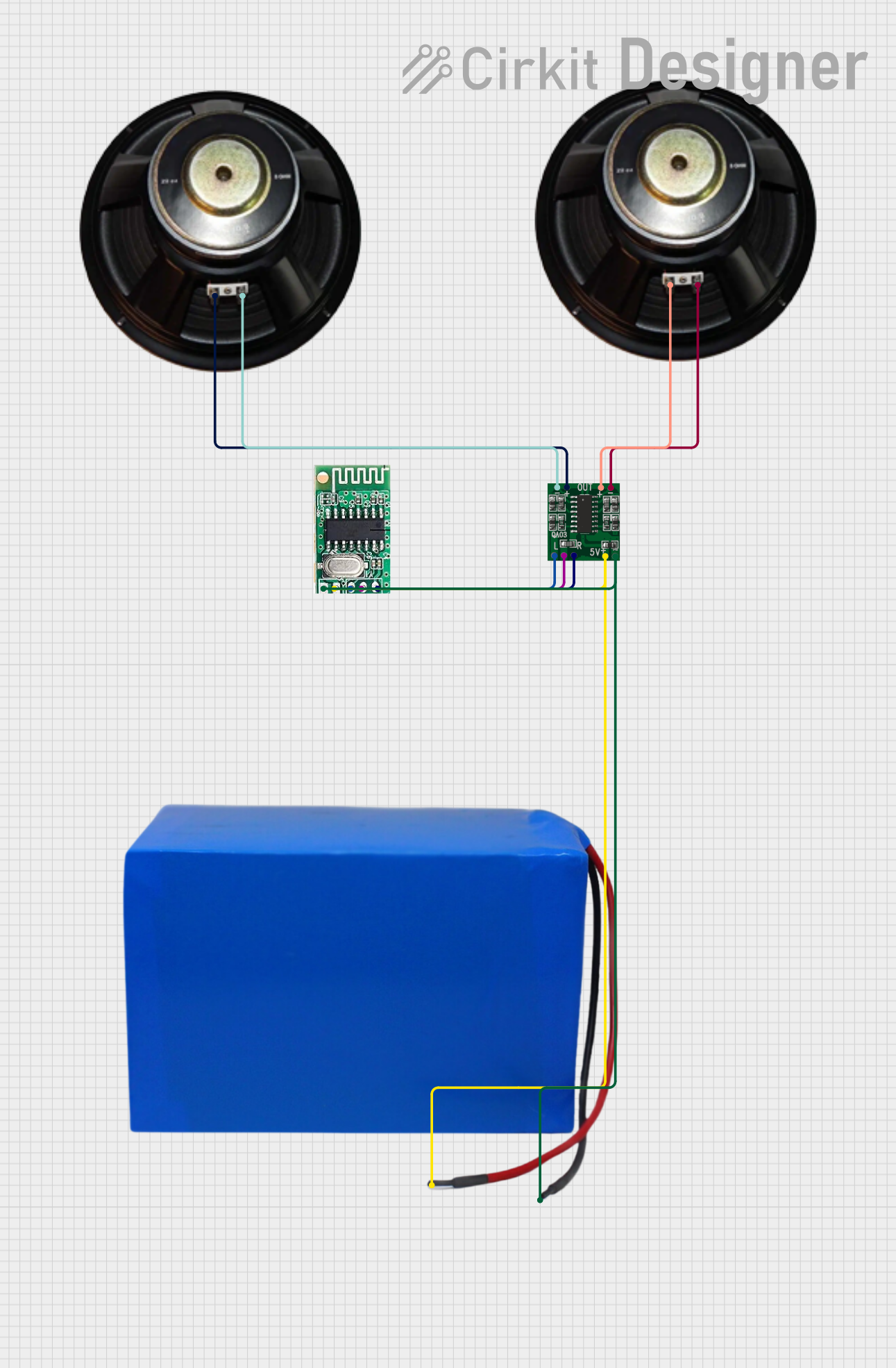
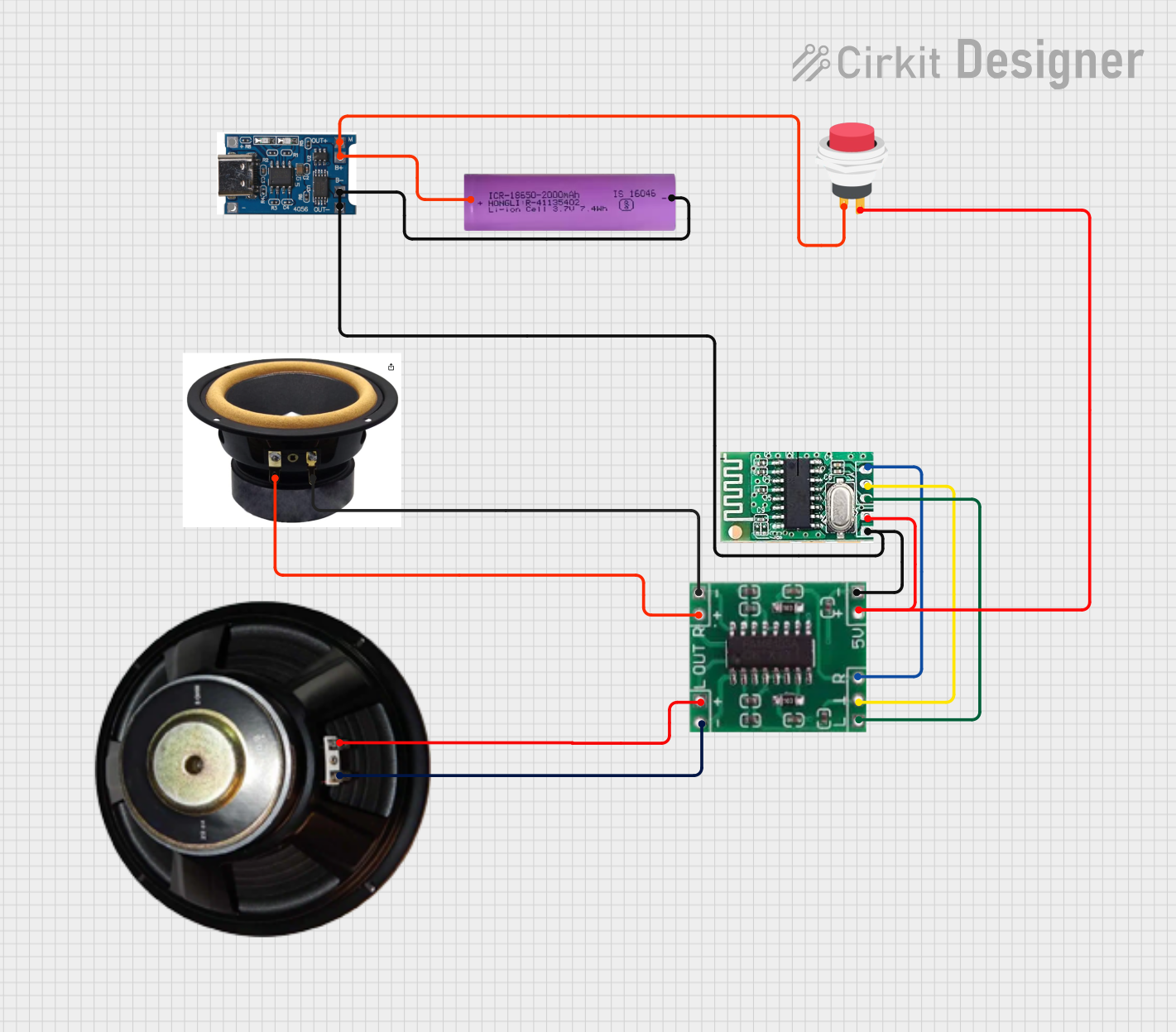
Explore Projects Built with DX-BT24W
 Open Project in Cirkit Designer
 Open Project in Cirkit Designer
 Open Project in Cirkit Designer
 Open Project in Cirkit Designer
Explore Projects Built with DX-BT24W
Open Project in Cirkit DesignerOpen Project in Cirkit DesignerOpen Project in Cirkit DesignerOpen Project in Cirkit DesignerCommon Applications and Use Cases
- Wireless data transmission between microcontrollers and smartphones
- IoT devices and smart home systems
- Remote control and monitoring systems
- Wireless audio streaming
- Industrial automation and sensor networks
Technical Specifications
The DX-BT24W module is compact and power-efficient, making it suitable for a wide range of embedded applications. Below are its key technical specifications:
| Parameter | Value |
|---|---|
| Bluetooth Version | 4.2 |
| Operating Voltage | 3.3V to 5V |
| Operating Current | 30mA (typical) |
| Communication Protocol | UART |
| Baud Rate | 9600 bps (default, configurable) |
| Wireless Range | Up to 10 meters (line of sight) |
| Dimensions | 26mm x 13mm x 2mm |
| Operating Temperature | -20°C to 70°C |
Pin Configuration and Descriptions
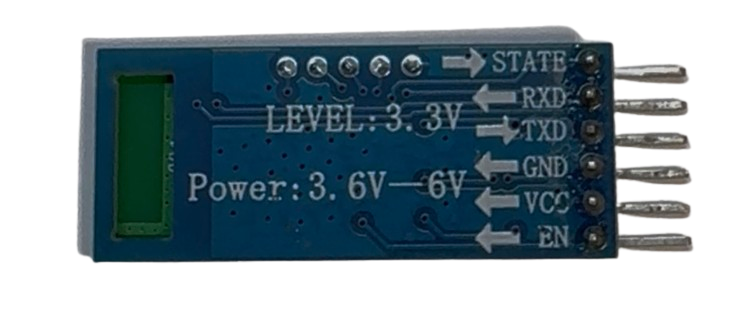
The DX-BT24W module has 6 pins, as described in the table below:
| Pin | Name | Description |
|---|---|---|
| 1 | VCC | Power supply input (3.3V to 5V). Connect to the power source. |
| 2 | GND | Ground. Connect to the ground of the circuit. |
| 3 | TXD | Transmit data pin. Sends serial data to the connected microcontroller. |
| 4 | RXD | Receive data pin. Receives serial data from the connected microcontroller. |
| 5 | EN | Enable pin. Pull high to enable the module; pull low to disable it. |
| 6 | STATE | Status indicator pin. High when connected to a device, low when disconnected. |
Usage Instructions
How to Use the DX-BT24W in a Circuit
- Power the Module: Connect the
VCCpin to a 3.3V or 5V power source and theGNDpin to the ground. - Connect UART Pins:
- Connect the
TXDpin of the DX-BT24W to theRXpin of the microcontroller. - Connect the
RXDpin of the DX-BT24W to theTXpin of the microcontroller.
- Connect the
- Enable the Module: Pull the
ENpin high to activate the module. - Monitor Status: Use the
STATEpin to check the connection status of the module. - Configure Baud Rate: The default baud rate is 9600 bps. If needed, configure it using AT commands.
Important Considerations and Best Practices
- Use a level shifter if your microcontroller operates at 5V logic levels, as the DX-BT24W operates at 3.3V logic.
- Ensure proper decoupling capacitors are placed near the power pins to reduce noise.
- Avoid placing the module near high-frequency components to minimize interference.
- For optimal wireless performance, ensure the module's antenna is not obstructed by metal objects.
Example: Connecting DX-BT24W to Arduino UNO
Below is an example of how to use the DX-BT24W module with an Arduino UNO for basic communication:
Circuit Connections
VCC→ 5V on ArduinoGND→ GND on ArduinoTXD→ Pin 10 on Arduino (SoftwareSerial RX)RXD→ Pin 11 on Arduino (SoftwareSerial TX)EN→ 3.3V or 5V (to enable the module)
Arduino Code
#include <SoftwareSerial.h>

// Define RX and TX pins for SoftwareSerial
SoftwareSerial BTSerial(10, 11); // RX = Pin 10, TX = Pin 11

void setup() {
  Serial.begin(9600); // Initialize hardware serial for debugging
  BTSerial.begin(9600); // Initialize Bluetooth module at 9600 bps

  Serial.println("DX-BT24W Bluetooth Module Test");
  Serial.println("Send data via Serial Monitor to transmit over Bluetooth.");
}

void loop() {
  // Check if data is available from the Bluetooth module
  if (BTSerial.available()) {
    char data = BTSerial.read(); // Read data from Bluetooth
    Serial.print("Received: ");
    Serial.println(data); // Print received data to Serial Monitor
  }

  // Check if data is available from the Serial Monitor
  if (Serial.available()) {
    char data = Serial.read(); // Read data from Serial Monitor
    BTSerial.write(data); // Send data to Bluetooth module
    Serial.print("Sent: ");
    Serial.println(data); // Print sent data to Serial Monitor
  }
}
Troubleshooting and FAQs
Common Issues and Solutions
Module Not Powering On
- Cause: Incorrect power supply or loose connections.
- Solution: Ensure the
VCCpin is connected to a 3.3V or 5V source and theGNDpin is properly grounded.
No Data Transmission
- Cause: Incorrect UART connections or mismatched baud rate.
- Solution: Verify that the
TXDandRXDpins are correctly connected to the microcontroller. Ensure the baud rate matches between the module and the microcontroller.
Bluetooth Device Not Discoverable
- Cause: Module not enabled or obstructed antenna.
- Solution: Check that the
ENpin is pulled high. Ensure the module's antenna is unobstructed and away from interference sources.
Intermittent Connection Drops
- Cause: Poor power supply or interference.
- Solution: Use decoupling capacitors near the power pins and avoid placing the module near high-frequency components.
FAQs
Q: Can the DX-BT24W module be used with 5V logic microcontrollers?
- A: Yes, but a level shifter is recommended to protect the module's 3.3V logic pins.
Q: How do I reset the module to factory settings?
- A: Send the
AT+RESETcommand via UART to reset the module.
- A: Send the
Q: What is the maximum data rate supported by the module?
- A: The DX-BT24W supports a maximum baud rate of 115200 bps.
Q: Can the module be used for audio streaming?
- A: No, the DX-BT24W is designed for data communication and does not support audio profiles.
This documentation provides a comprehensive guide to using the DX-BT24W Bluetooth module effectively in your projects.