
How to Use grove vision ai v2: Examples, Pinouts, and Specs
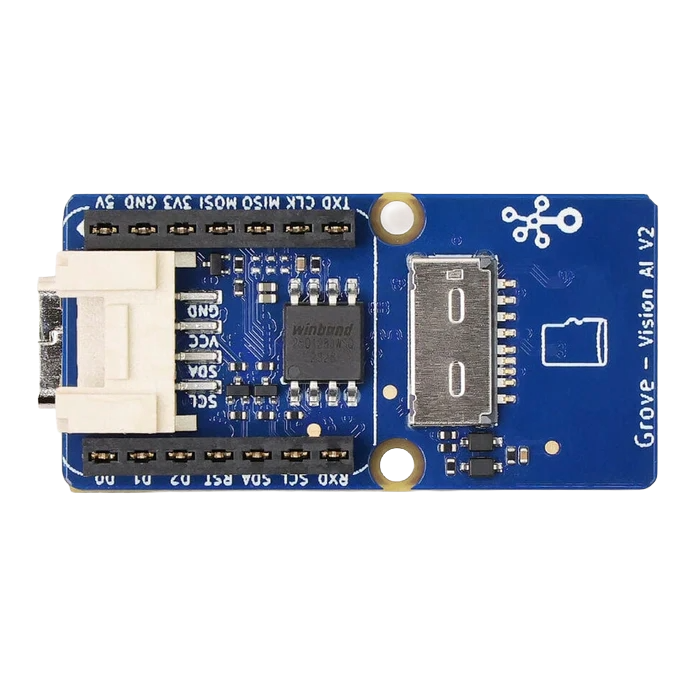
 Design with grove vision ai v2 in Cirkit Designer
Introduction
The Grove Vision AI V2, developed by Seeed Studio, is an advanced vision sensor equipped with artificial intelligence capabilities. It is designed to perform image recognition and processing tasks, making it ideal for applications requiring object detection, face recognition, and other visual data analysis. The module is compact, easy to integrate, and compatible with various microcontrollers and platforms, including Arduino and Raspberry Pi. Its plug-and-play design simplifies development, enabling users to quickly prototype and deploy AI-powered projects.
Explore Projects Built with grove vision ai v2
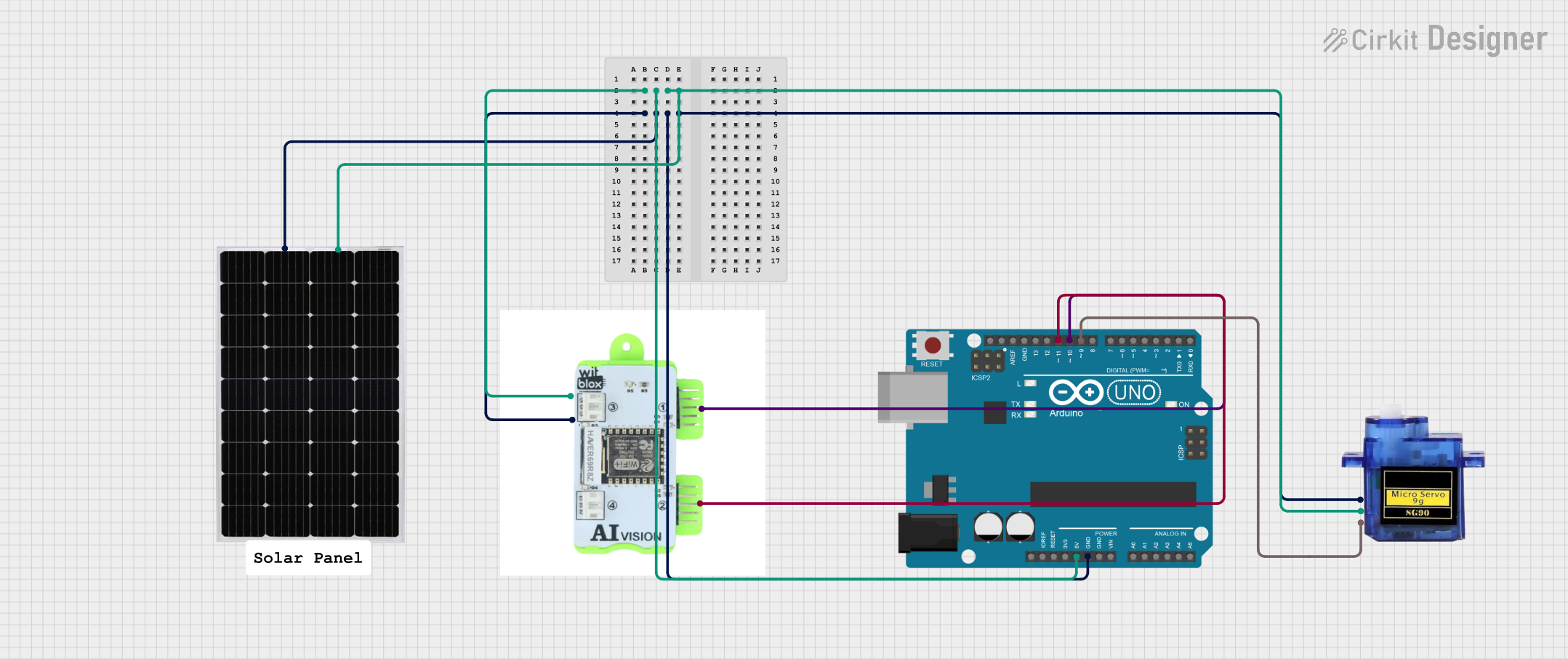 Open Project in Cirkit Designer
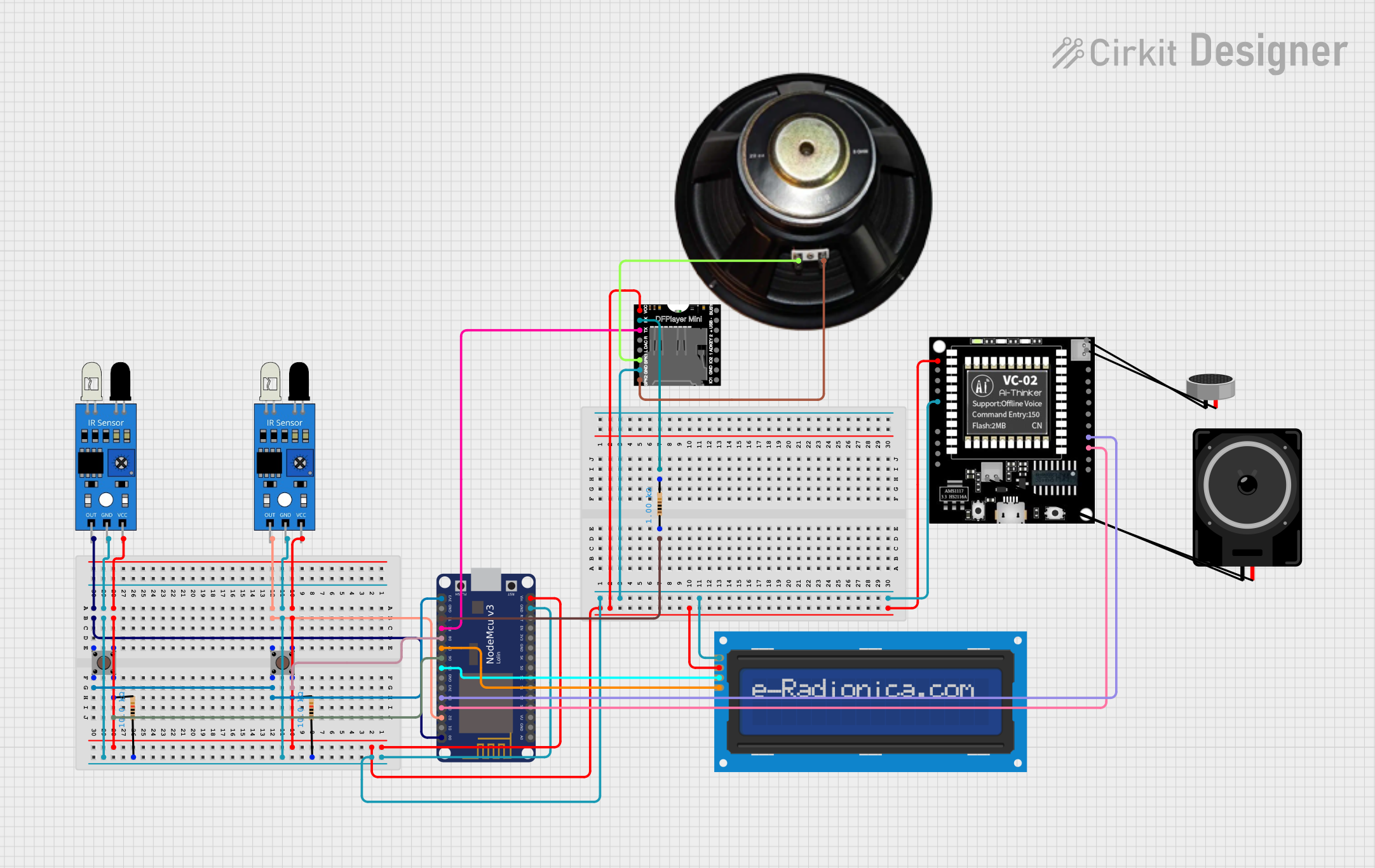 Open Project in Cirkit Designer
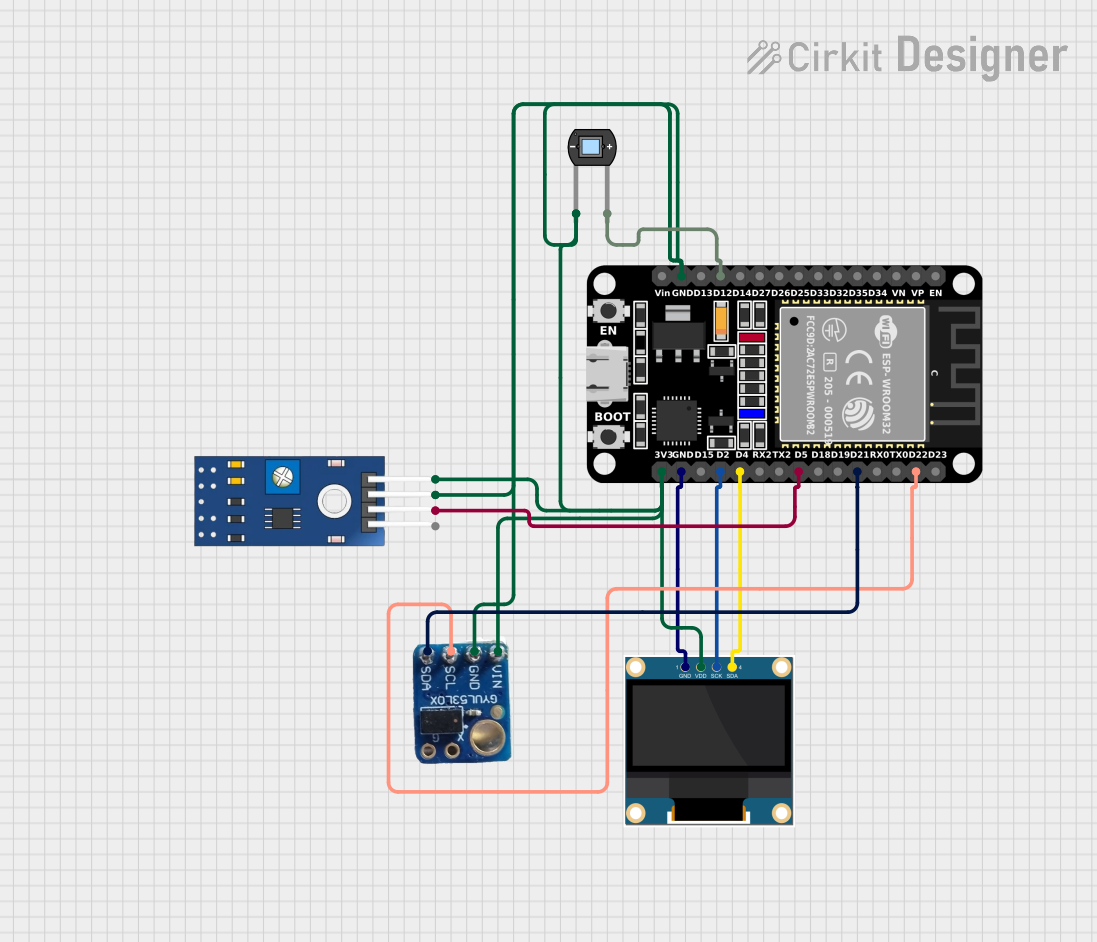 Open Project in Cirkit Designer
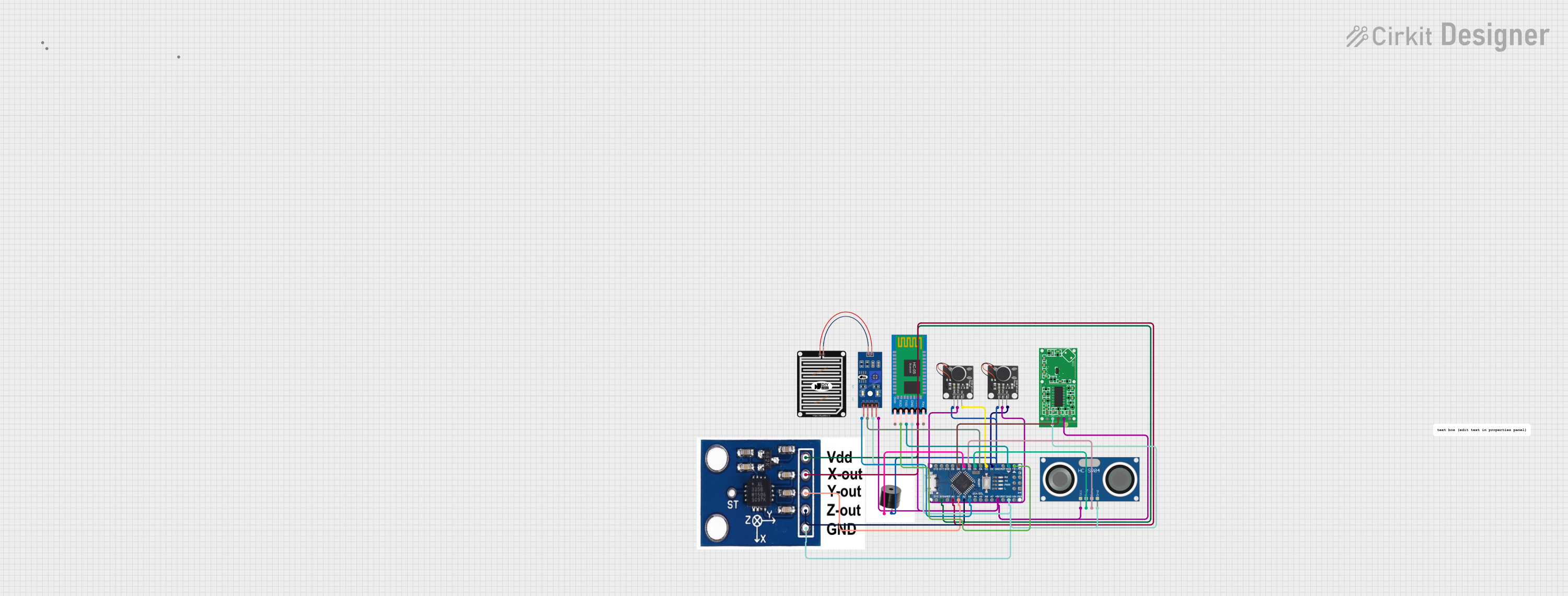 Open Project in Cirkit Designer
Explore Projects Built with grove vision ai v2
Open Project in Cirkit DesignerOpen Project in Cirkit DesignerOpen Project in Cirkit DesignerOpen Project in Cirkit DesignerCommon Applications and Use Cases
- Object detection and classification
- Face recognition and tracking
- Smart home automation (e.g., gesture-based control)
- Robotics and autonomous vehicles
- Industrial automation and quality control
- Security and surveillance systems
Technical Specifications
The Grove Vision AI V2 is packed with powerful features to support a wide range of AI and vision-based applications. Below are its key technical details:
Key Technical Details
| Parameter | Specification |
|---|---|
| Processor | Kendryte K210 dual-core RISC-V 64-bit CPU |
| AI Accelerator | KPU (Neural Network Processor) |
| Image Sensor | OV2640 (2MP, 1600x1200 resolution) |
| Communication Interfaces | UART, I2C, SPI |
| Input Voltage | 3.3V / 5V |
| Power Consumption | < 150mA |
| Operating Temperature | -20°C to 70°C |
| Dimensions | 40mm x 20mm |
Pin Configuration and Descriptions
The Grove Vision AI V2 uses a standard Grove connector for easy interfacing. Below is the pin configuration:
| Pin Name | Description |
|---|---|
| VCC | Power supply input (3.3V or 5V) |
| GND | Ground |
| RX | UART Receive (for serial communication) |
| TX | UART Transmit (for serial communication) |
| SCL | I2C Clock Line |
| SDA | I2C Data Line |
Usage Instructions
The Grove Vision AI V2 is designed for seamless integration into your projects. Follow the steps below to get started:
Step 1: Hardware Setup
- Connect the Grove Vision AI V2 to your microcontroller using a Grove cable.
- For Arduino UNO, use a Grove Base Shield to simplify the connection.
- Ensure the module is powered with 3.3V or 5V, depending on your setup.
- If using UART, connect the RX and TX pins to the corresponding pins on your microcontroller.
- If using I2C, connect the SCL and SDA pins to the I2C pins on your microcontroller.
Step 2: Software Setup
- Install the required libraries for your platform. For Arduino, install the
Seeed_Arduino_GroveAIlibrary from the Arduino Library Manager. - Download and install the necessary drivers if connecting to a PC for debugging or configuration.
Step 3: Example Code for Arduino UNO
The following example demonstrates how to use the Grove Vision AI V2 with an Arduino UNO to detect objects:
#include <Wire.h>
#include <Seeed_GroveAI.h>

// Initialize the Grove Vision AI V2 object
GroveAI groveAI;

void setup() {
  Serial.begin(115200); // Start serial communication at 115200 baud
  Wire.begin();         // Initialize I2C communication

  // Initialize the Grove Vision AI V2
  if (!groveAI.begin()) {
    Serial.println("Failed to initialize Grove Vision AI V2!");
    while (1); // Halt execution if initialization fails
  }

  Serial.println("Grove Vision AI V2 initialized successfully.");
}

void loop() {
  // Perform object detection
  if (groveAI.detectObject()) {
    Serial.println("Object detected!");
    // Retrieve and print object details
    Serial.print("Object ID: ");
    Serial.println(groveAI.getObjectID());
    Serial.print("Confidence: ");
    Serial.println(groveAI.getConfidence());
  } else {
    Serial.println("No object detected.");
  }

  delay(1000); // Wait for 1 second before the next detection
}
Important Considerations and Best Practices
- Ensure the module is powered within the specified voltage range (3.3V or 5V).
- Avoid exposing the image sensor to direct sunlight or high-intensity light sources, as this may affect performance.
- Use a stable power supply to prevent unexpected resets or malfunctions.
- When using UART, ensure the baud rate matches the settings in your microcontroller's code.
Troubleshooting and FAQs
Common Issues and Solutions
The module is not detected by the microcontroller.
- Verify the connections, especially the RX/TX or SCL/SDA pins.
- Ensure the module is powered correctly (3.3V or 5V).
- Check if the required libraries are installed and properly included in your code.
Object detection is not working.
- Ensure the object is within the camera's field of view and at an appropriate distance.
- Check the lighting conditions; poor lighting can affect detection accuracy.
- Update the firmware of the Grove Vision AI V2 if available.
The module resets or behaves erratically.
- Use a stable and sufficient power source.
- Avoid long Grove cables, as they may introduce noise or voltage drops.
FAQs
Q: Can the Grove Vision AI V2 recognize multiple objects simultaneously?
A: Yes, the module can detect and classify multiple objects in a single frame, depending on the AI model used.
Q: Is it possible to train custom AI models for the Grove Vision AI V2?
A: Yes, you can train custom models using tools like TensorFlow Lite and upload them to the module.
Q: What is the maximum detection range of the module?
A: The detection range depends on the object size and lighting conditions but typically works best within 1-3 meters.
Q: Can I use the module with Raspberry Pi?
A: Yes, the Grove Vision AI V2 is compatible with Raspberry Pi via UART or I2C communication.
By following this documentation, you can effectively integrate the Grove Vision AI V2 into your projects and leverage its powerful AI capabilities for vision-based applications.