
How to Use Orange Pi 5 Plus : Examples, Pinouts, and Specs
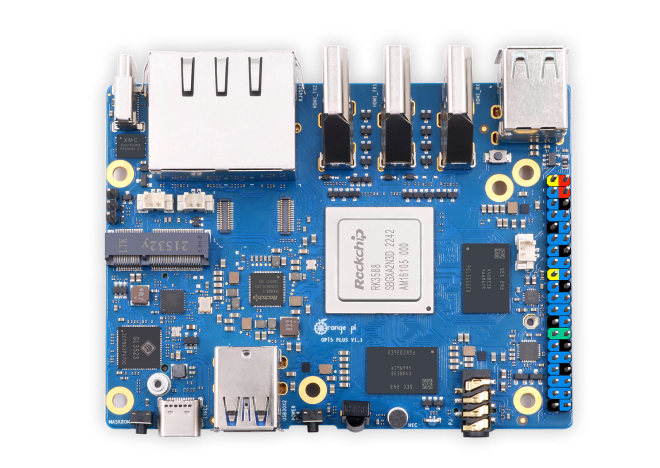
 Design with Orange Pi 5 Plus in Cirkit Designer
Introduction
The Orange Pi 5 Plus is a high-performance single-board computer (SBC) developed by GeeekPi. It is powered by a robust ARM Cortex-A76 processor and offers a variety of connectivity options, including multiple USB ports, HDMI output, and Gigabit Ethernet. This versatile SBC is designed for applications such as media centers, IoT projects, AI development, and general-purpose computing. Its compatibility with various operating systems, including Linux and Android, makes it a flexible choice for developers and hobbyists alike.
Explore Projects Built with Orange Pi 5 Plus
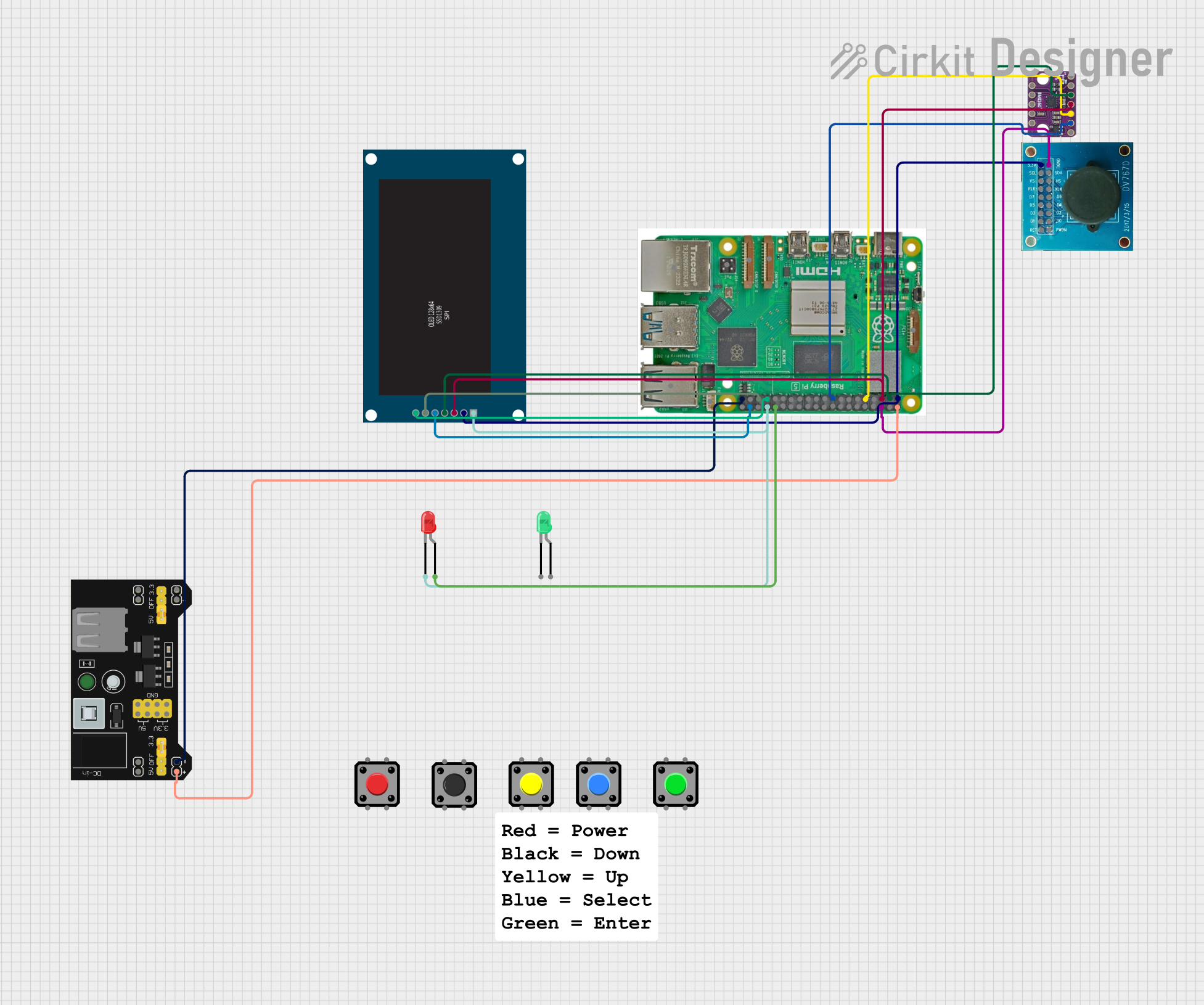 Open Project in Cirkit Designer
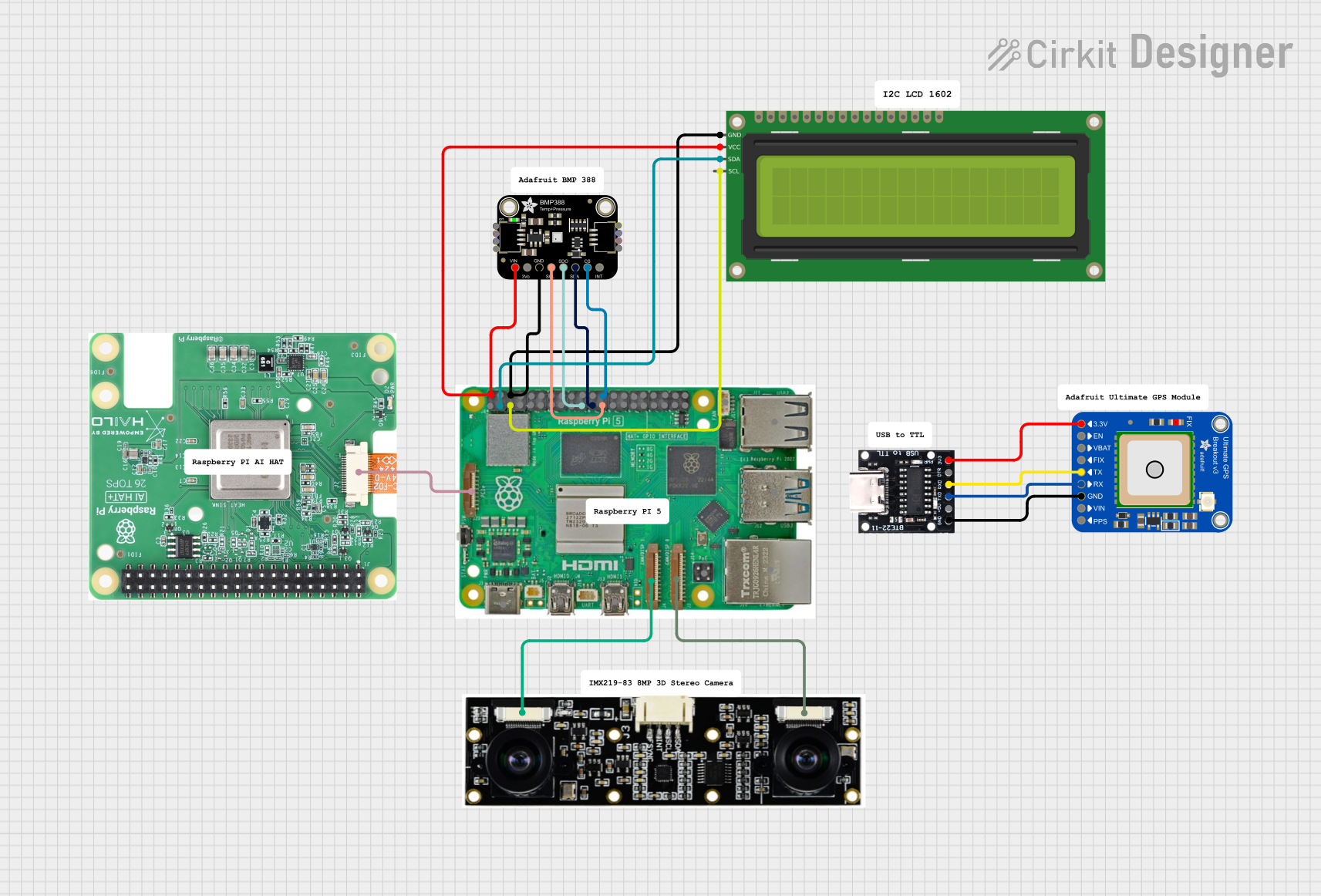 Open Project in Cirkit Designer
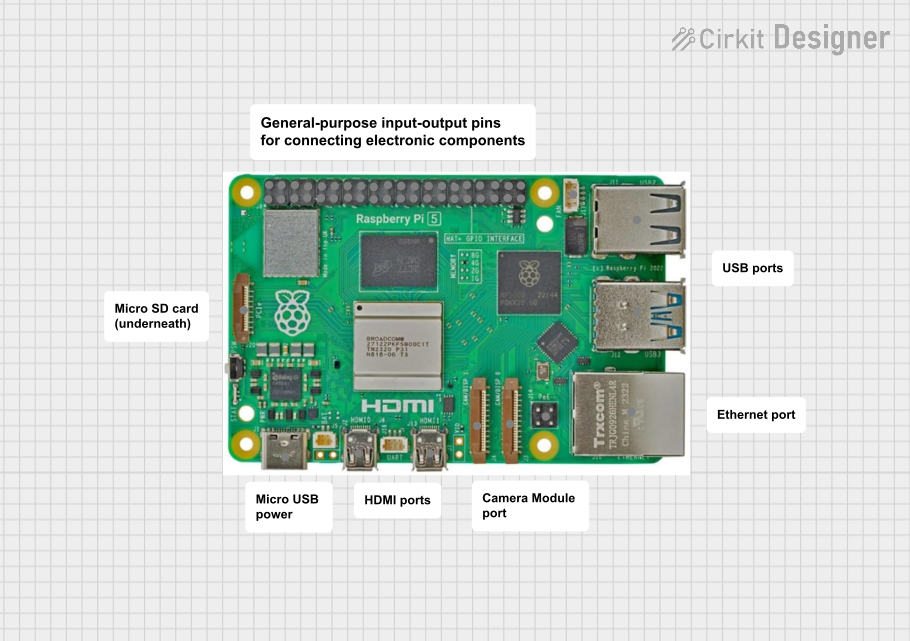 Open Project in Cirkit Designer
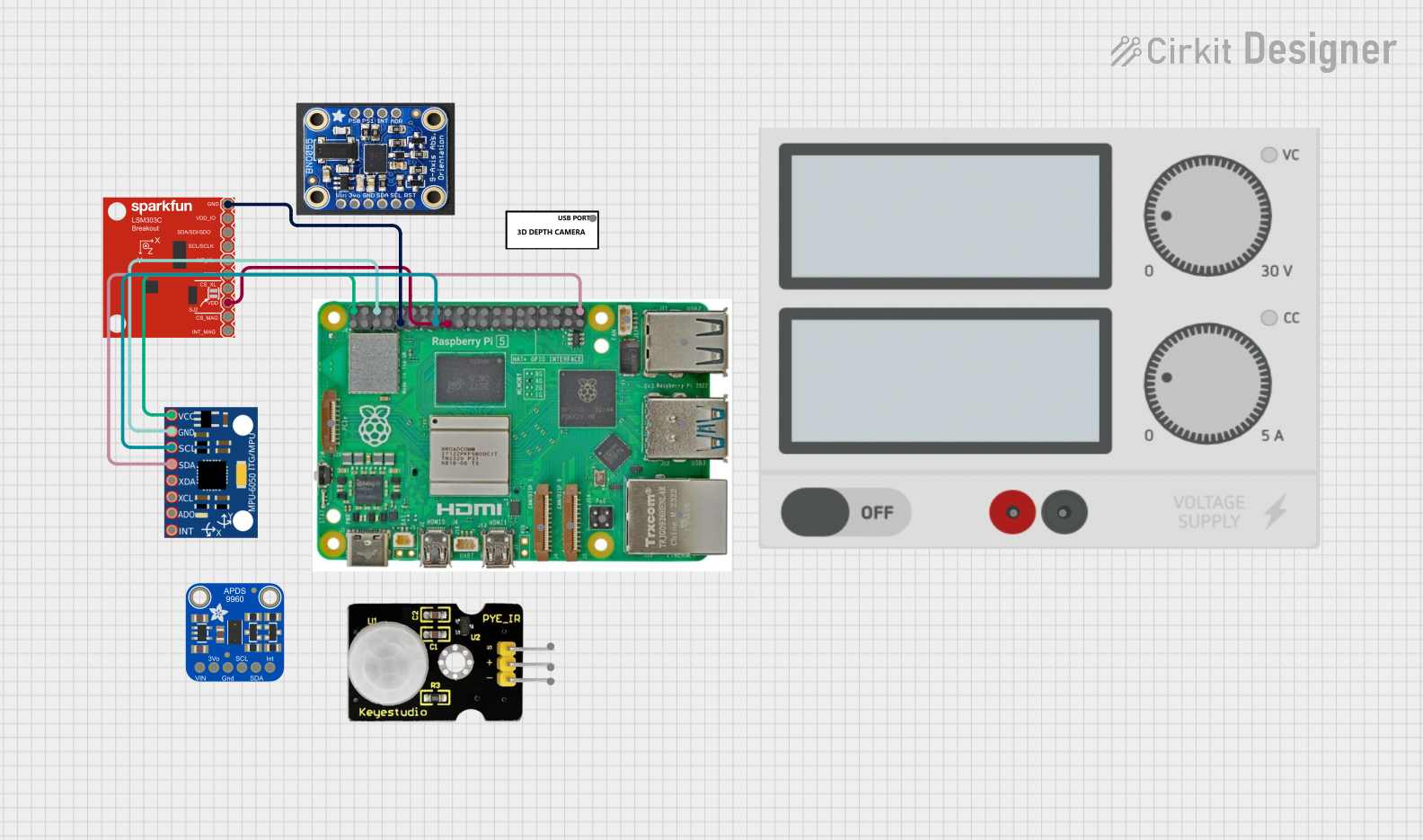 Open Project in Cirkit Designer
Explore Projects Built with Orange Pi 5 Plus
Open Project in Cirkit DesignerOpen Project in Cirkit DesignerOpen Project in Cirkit DesignerOpen Project in Cirkit DesignerCommon Applications
- Media Centers: Stream and play high-definition video content.
- IoT Projects: Serve as the central hub for smart devices.
- AI and Machine Learning: Run AI models and perform edge computing tasks.
- General Computing: Use as a compact desktop replacement.
- Educational Projects: Teach programming, electronics, and system design.
Technical Specifications
Key Technical Details
| Specification | Details |
|---|---|
| Processor | Rockchip RK3588 (Quad-core Cortex-A76 + Quad-core Cortex-A55) |
| GPU | ARM Mali-G610 MP4 |
| RAM | Up to 16GB LPDDR4/LPDDR4X |
| Storage | eMMC module support, microSD card slot, and M.2 NVMe SSD support |
| Connectivity | Gigabit Ethernet, Wi-Fi 6 (optional), Bluetooth 5.0 |
| USB Ports | 2x USB 3.0, 2x USB 2.0 |
| Video Output | 2x HDMI 2.1 (4K/8K support) |
| Audio | 3.5mm audio jack, HDMI audio output |
| Power Supply | 5V/4A via USB-C |
| Operating Systems | Android, Debian, Ubuntu, and other Linux distributions |
| Dimensions | 100mm x 70mm |
Pin Configuration and Descriptions
The Orange Pi 5 Plus features a 40-pin GPIO header, compatible with Raspberry Pi GPIO layouts. Below is the pinout description:
| Pin Number | Pin Name | Description |
|---|---|---|
| 1, 17 | 3.3V | Power supply (3.3V) |
| 2, 4 | 5V | Power supply (5V) |
| 6, 9, 14, 20, 25, 30, 34, 39 | GND | Ground |
| 3, 5 | SDA1, SCL1 | I2C1 Data and Clock |
| 7 | GPIO4 | General-purpose I/O |
| 8, 10 | TXD, RXD | UART Transmit and Receive |
| 11 | GPIO17 | General-purpose I/O |
| 12 | GPIO18 | PWM Output |
| 13 | GPIO27 | General-purpose I/O |
| 15 | GPIO22 | General-purpose I/O |
| 16 | GPIO23 | General-purpose I/O |
| 18 | GPIO24 | General-purpose I/O |
| 19, 21 | MOSI, MISO | SPI Data Out, Data In |
| 22 | GPIO25 | General-purpose I/O |
| 23 | SCLK | SPI Clock |
| 24 | CE0 | SPI Chip Enable 0 |
| 26 | CE1 | SPI Chip Enable 1 |
Usage Instructions
How to Use the Orange Pi 5 Plus in a Circuit
- Powering the Board: Use a 5V/4A USB-C power adapter to supply power to the board. Ensure the adapter meets the required specifications to avoid instability.
- Connecting Peripherals: Attach a monitor via HDMI, a keyboard and mouse via USB, and an Ethernet cable for network connectivity. Optionally, connect a microSD card or eMMC module for storage.
- Installing an Operating System:
- Download the desired OS image (e.g., Ubuntu or Android) from the official Orange Pi website.
- Flash the image onto a microSD card using tools like Balena Etcher.
- Insert the microSD card into the board and power it on.
- GPIO Usage: Use the 40-pin GPIO header for interfacing with external sensors, actuators, and other devices. Libraries such as
RPi.GPIO(Python) can be used for programming the GPIO pins.
Important Considerations and Best Practices
- Cooling: The Orange Pi 5 Plus can generate significant heat during operation. Use a heatsink or active cooling (fan) to maintain optimal performance.
- Power Supply: Always use a high-quality power adapter to prevent voltage drops and ensure stable operation.
- Static Protection: Handle the board with care to avoid damage from electrostatic discharge (ESD).
- Software Updates: Regularly update the operating system and firmware to ensure compatibility and security.
Example: Using GPIO with an LED (Python)
Below is an example of controlling an LED connected to GPIO17 (pin 11) using Python:
Import the required library for GPIO control
import RPi.GPIO as GPIO import time
Set up GPIO mode (BCM or BOARD)
GPIO.setmode(GPIO.BCM)
Define the GPIO pin for the LED
LED_PIN = 17
Set up the LED pin as an output
GPIO.setup(LED_PIN, GPIO.OUT)
Blink the LED in a loop
try: while True: GPIO.output(LED_PIN, GPIO.HIGH) # Turn LED on time.sleep(1) # Wait for 1 second GPIO.output(LED_PIN, GPIO.LOW) # Turn LED off time.sleep(1) # Wait for 1 second except KeyboardInterrupt: # Clean up GPIO settings on exit GPIO.cleanup()
---
Troubleshooting and FAQs
Common Issues and Solutions
Board Does Not Power On:
- Ensure the power adapter provides 5V/4A and is connected securely.
- Check the USB-C cable for damage or poor quality.
No Display on HDMI:
- Verify the HDMI cable is properly connected to the monitor and board.
- Ensure the monitor is set to the correct input source.
- Check if the OS image is correctly flashed onto the storage device.
Overheating:
- Install a heatsink or fan to improve cooling.
- Avoid placing the board in enclosed spaces without ventilation.
GPIO Pins Not Responding:
- Double-check the pin configuration and connections.
- Ensure the correct GPIO numbering mode (BCM or BOARD) is used in the code.
Wi-Fi or Bluetooth Not Working:
- Confirm that the Wi-Fi/Bluetooth module is properly installed (if applicable).
- Update the OS and drivers to the latest version.
FAQs
Q: Can I use the Orange Pi 5 Plus as a desktop computer?
A: Yes, with an appropriate OS like Ubuntu, the board can function as a compact desktop replacement.Q: What storage options are supported?
A: The board supports microSD cards, eMMC modules, and M.2 NVMe SSDs.Q: Is the Orange Pi 5 Plus compatible with Raspberry Pi HATs?
A: The GPIO header is compatible with Raspberry Pi HATs, but software support may vary.Q: Can I run Docker on this board?
A: Yes, the Orange Pi 5 Plus supports Docker for containerized applications.Q: How do I update the firmware?
A: Firmware updates can be applied by downloading the latest image from the official website and following the flashing instructions.
This concludes the documentation for the Orange Pi 5 Plus. For further assistance, refer to the official GeeekPi support resources.