
How to Use Micro USB to USB cable: Examples, Pinouts, and Specs
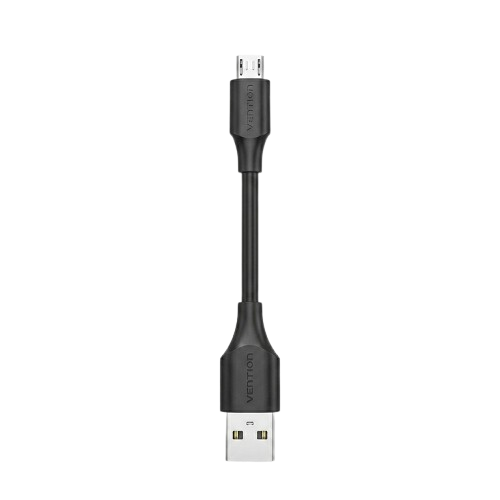
 Design with Micro USB to USB cable in Cirkit Designer
Introduction
The Micro USB to USB cable is a versatile and widely used electronic component designed to connect devices with a Micro USB port to standard USB ports. It facilitates data transfer, device synchronization, and charging. This cable is commonly used with smartphones, tablets, power banks, cameras, and various other electronic devices.
Explore Projects Built with Micro USB to USB cable
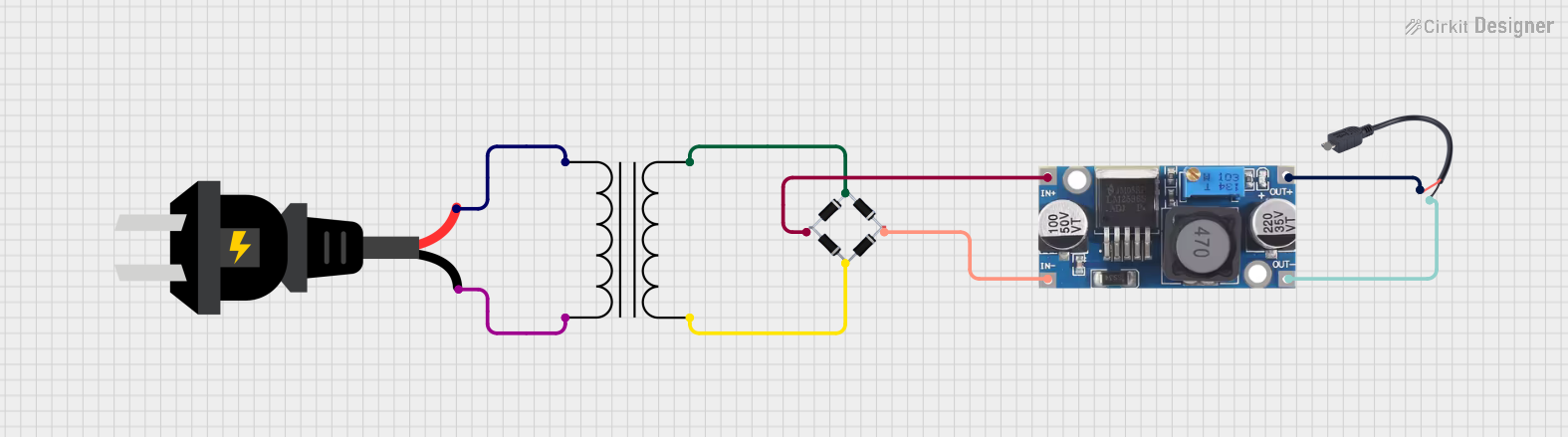 Open Project in Cirkit Designer
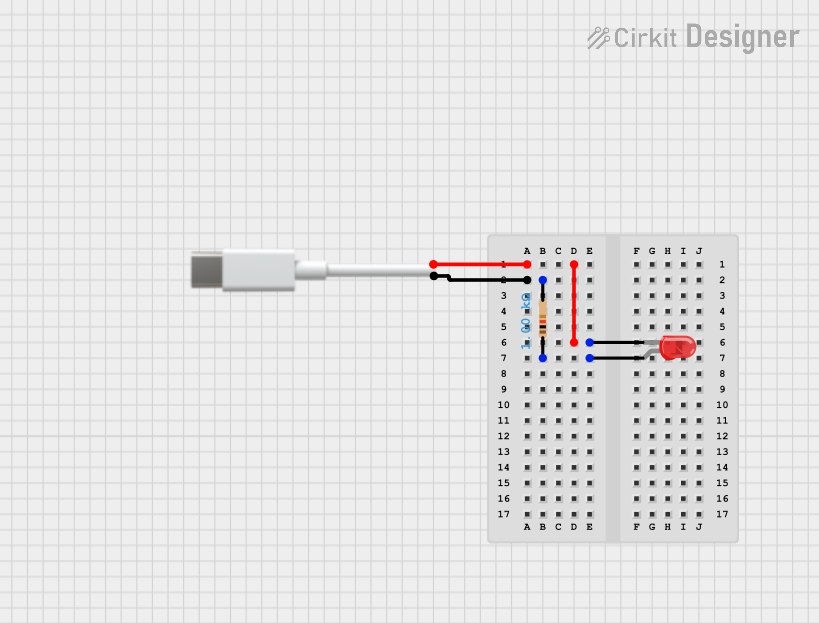 Open Project in Cirkit Designer
 Open Project in Cirkit Designer
 Open Project in Cirkit Designer
Explore Projects Built with Micro USB to USB cable
Open Project in Cirkit DesignerOpen Project in Cirkit DesignerOpen Project in Cirkit DesignerOpen Project in Cirkit DesignerCommon Applications and Use Cases
- Charging mobile devices such as smartphones, tablets, and power banks.
- Transferring data between devices and computers.
- Connecting peripherals like external hard drives, cameras, and game controllers.
- Debugging and programming microcontroller boards (e.g., Arduino, Raspberry Pi).
Technical Specifications
The Micro USB to USB cable comes in various lengths and specifications. Below are the general technical details:
| Specification | Details |
|---|---|
| Connector Type | Micro USB (Type B) to USB (Type A) |
| Cable Length | Typically ranges from 0.5 meters to 3 meters |
| Data Transfer Speed | USB 2.0: Up to 480 Mbps (varies based on cable quality and device support) |
| Charging Current | Up to 2.4A (depending on cable and device capabilities) |
| Voltage Rating | 5V (standard USB voltage) |
| Compatibility | Backward compatible with USB 1.1 and USB 2.0 devices |
Pin Configuration and Descriptions
The Micro USB connector has five pins, while the USB Type A connector has four pins. The table below describes the pin configuration:
Micro USB Connector Pinout
| Pin Number | Name | Description |
|---|---|---|
| 1 | VBUS | +5V power supply |
| 2 | D- | Data line (negative) |
| 3 | D+ | Data line (positive) |
| 4 | ID | Used for OTG (On-The-Go) functionality |
| 5 | GND | Ground |
USB Type A Connector Pinout
| Pin Number | Name | Description |
|---|---|---|
| 1 | VBUS | +5V power supply |
| 2 | D- | Data line (negative) |
| 3 | D+ | Data line (positive) |
| 4 | GND | Ground |
Usage Instructions
How to Use the Micro USB to USB Cable
Charging Devices:
- Connect the Micro USB end of the cable to the device's Micro USB port.
- Plug the USB Type A end into a power adapter, power bank, or USB port on a computer.
- Ensure the power source provides sufficient current for the device.
Data Transfer:
- Insert the Micro USB end into the device's Micro USB port.
- Connect the USB Type A end to a computer or compatible device.
- Ensure the device drivers are installed on the computer for proper communication.
Programming Microcontrollers:
- Use the cable to connect a Micro USB-compatible microcontroller (e.g., Arduino Pro Micro) to a computer.
- Install the necessary drivers and software (e.g., Arduino IDE) for programming.
Important Considerations and Best Practices
- Cable Quality: Use high-quality cables to ensure reliable data transfer and charging.
- Length Limitations: Longer cables may result in voltage drops and reduced charging efficiency.
- Compatibility: Verify that the cable supports the required data transfer speed and charging current for your device.
- Avoid Overheating: Do not use damaged cables, as they may overheat or cause short circuits.
Example: Using with Arduino UNO
Although the Arduino UNO uses a USB Type B connector, some microcontroller boards (e.g., Arduino Pro Micro) use Micro USB. Below is an example of using the Micro USB to USB cable with an Arduino-compatible board:
// Example: Blink an LED using an Arduino-compatible board with Micro USB
// Connect the board to your computer using the Micro USB to USB cable

void setup() {
  pinMode(13, OUTPUT); // Set pin 13 as an output pin
}

void loop() {
  digitalWrite(13, HIGH); // Turn the LED on
  delay(1000);            // Wait for 1 second
  digitalWrite(13, LOW);  // Turn the LED off
  delay(1000);            // Wait for 1 second
}
Troubleshooting and FAQs
Common Issues and Solutions
Device Not Charging:
- Cause: Faulty cable or insufficient power supply.
- Solution: Test with a different cable or power source. Ensure the power adapter provides adequate current.
Slow Data Transfer:
- Cause: Low-quality cable or USB 1.1 port.
- Solution: Use a high-quality USB 2.0 cable and connect to a USB 2.0 or higher port.
Device Not Recognized by Computer:
- Cause: Missing drivers or damaged cable.
- Solution: Install the required drivers for the device. Test with another cable.
Cable Overheating:
- Cause: Excessive current or damaged cable.
- Solution: Replace the cable and ensure the power source matches the device's requirements.
FAQs
Q: Can this cable be used for fast charging?
A: It depends on the cable's quality and the device's fast-charging compatibility. Ensure the cable supports higher current ratings (e.g., 2.4A).Q: Is this cable compatible with USB 3.0 ports?
A: Yes, the cable is backward compatible with USB 3.0 ports, but data transfer speed will be limited to USB 2.0.Q: Can I use this cable for OTG (On-The-Go) functionality?
A: Yes, if the device supports OTG and the cable's Micro USB connector has the required ID pin configuration.Q: What is the maximum length for reliable charging and data transfer?
A: For optimal performance, use cables shorter than 2 meters. Longer cables may experience voltage drops.