
How to Use Nicla Voice: Examples, Pinouts, and Specs
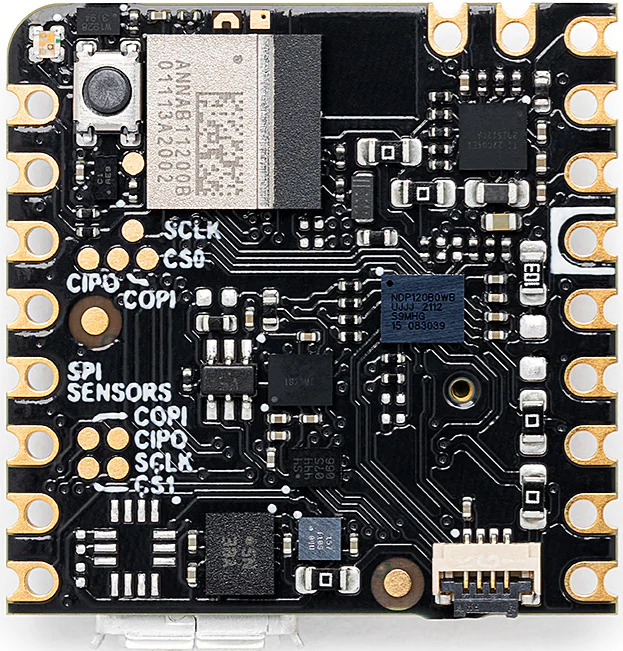
 Design with Nicla Voice in Cirkit Designer
Introduction
The Nicla Voice is a compact, low-power microcontroller board developed by Arduino, designed specifically for voice recognition and audio processing applications. It integrates built-in microphones, a speaker interface, and supports advanced audio processing algorithms. This makes it an excellent choice for IoT projects requiring voice interaction, such as smart home devices, voice-controlled assistants, and audio-based monitoring systems.
Explore Projects Built with Nicla Voice
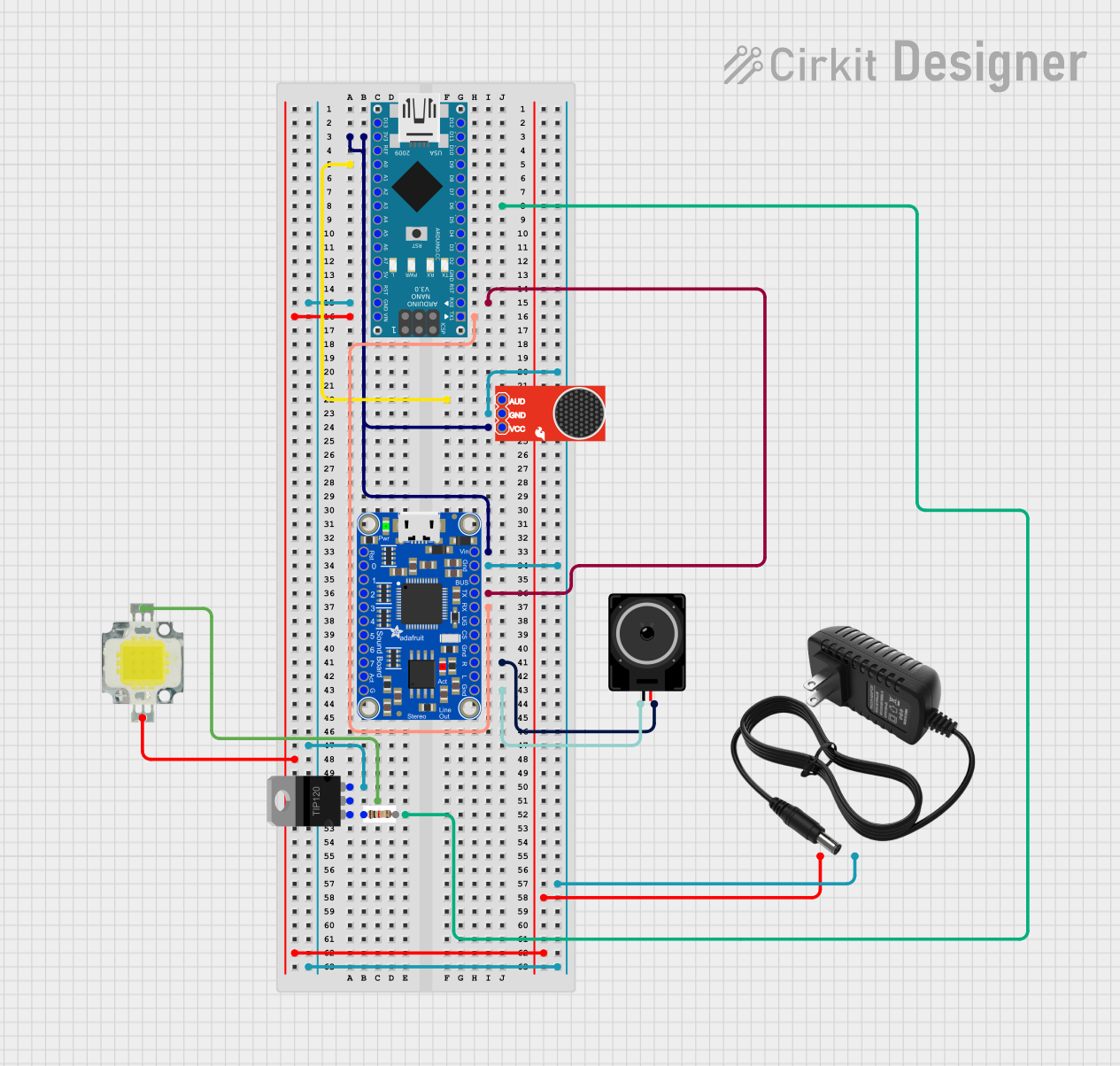 Open Project in Cirkit Designer
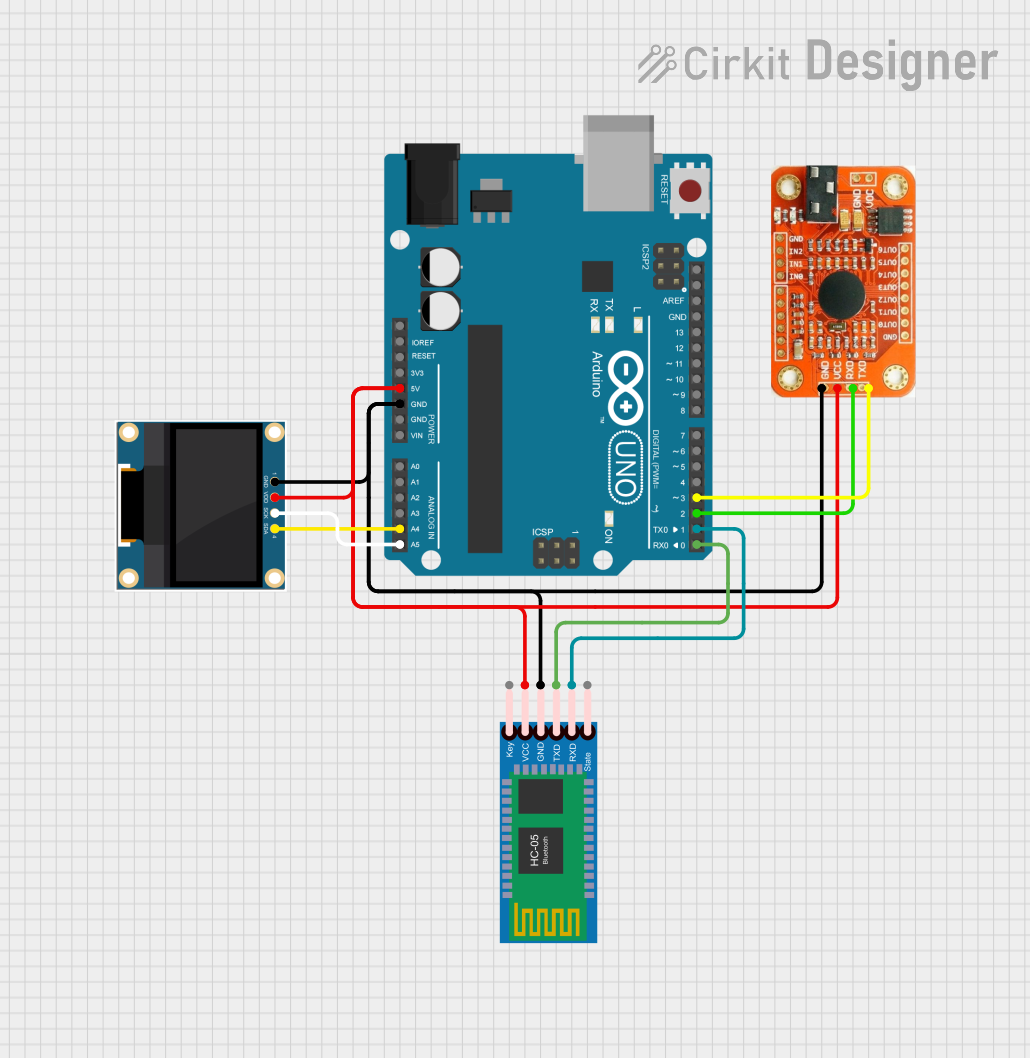 Open Project in Cirkit Designer
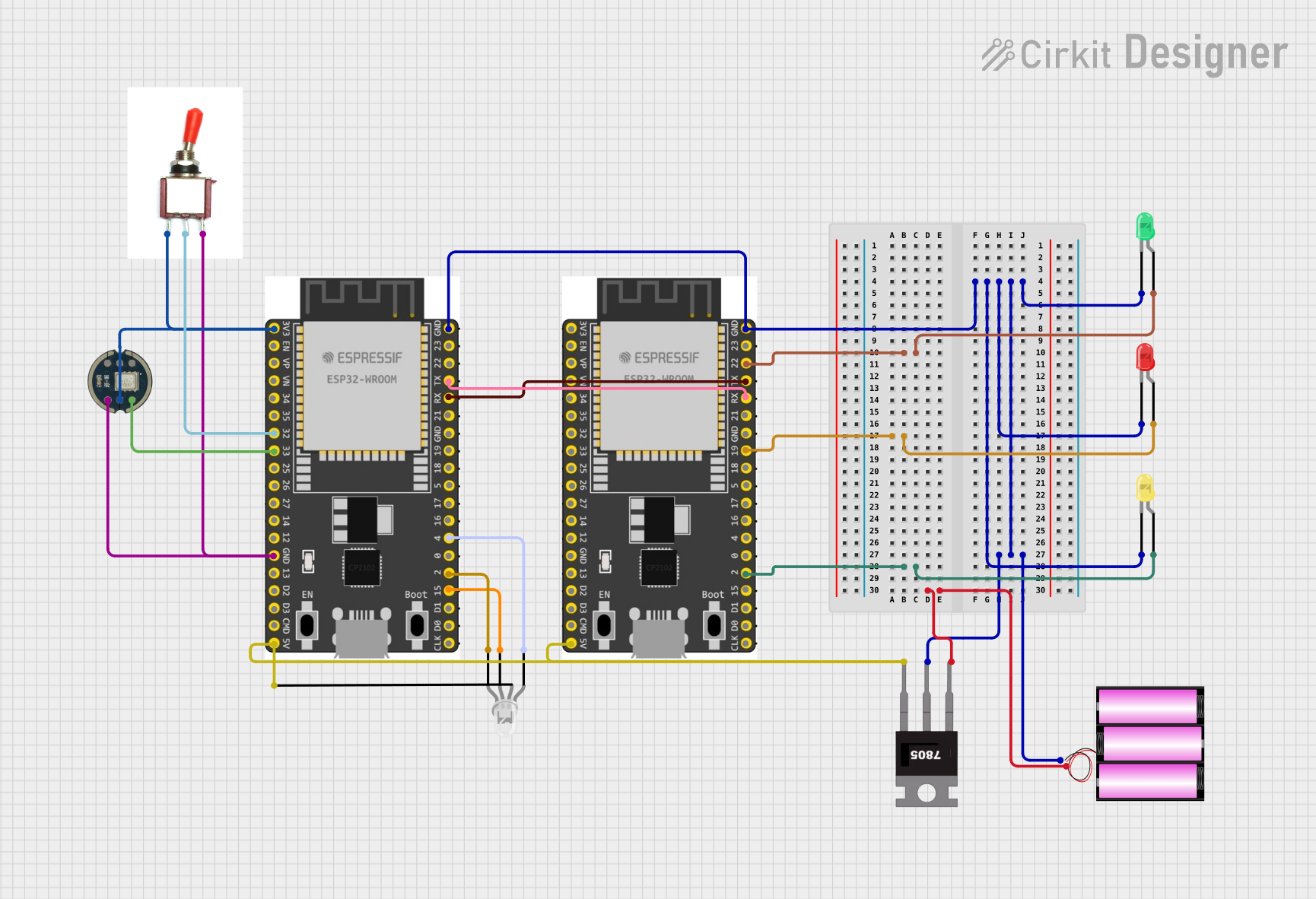 Open Project in Cirkit Designer
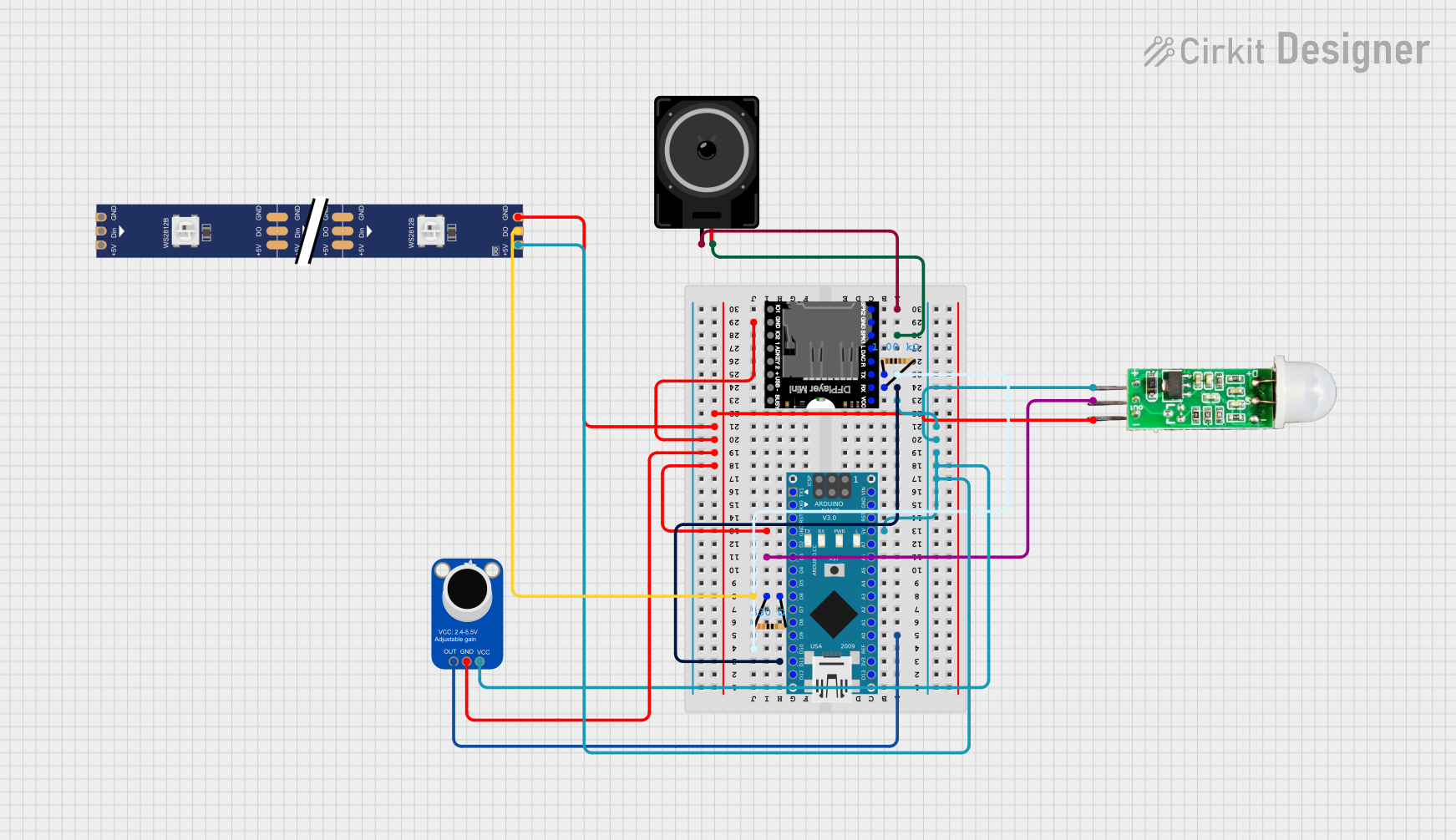 Open Project in Cirkit Designer
Explore Projects Built with Nicla Voice
Open Project in Cirkit DesignerOpen Project in Cirkit DesignerOpen Project in Cirkit DesignerOpen Project in Cirkit DesignerCommon Applications
- Voice-controlled IoT devices
- Smart home automation
- Audio-based environmental monitoring
- Speech-to-text systems
- Wearable devices with voice interaction capabilities
Technical Specifications
Key Technical Details
| Parameter | Specification |
|---|---|
| Microcontroller | nRF52832 (ARM Cortex-M4, 64 MHz) |
| Audio Input | Dual built-in digital microphones |
| Audio Output | Speaker interface (I2S) |
| Connectivity | Bluetooth Low Energy (BLE) |
| Power Supply Voltage | 3.3V - 5V |
| Operating Current | ~10 mA (typical) |
| Flash Memory | 512 KB |
| RAM | 64 KB |
| Dimensions | 22.86 mm x 22.86 mm |
| Operating Temperature Range | -40°C to 85°C |
Pin Configuration and Descriptions
| Pin | Name | Type | Description |
|---|---|---|---|
| 1 | VIN | Power Input | Main power input (3.3V - 5V) |
| 2 | GND | Ground | Ground connection |
| 3 | SDA | I2C Data | I2C data line for communication |
| 4 | SCL | I2C Clock | I2C clock line for communication |
| 5 | TX | UART TX | UART transmit pin for serial communication |
| 6 | RX | UART RX | UART receive pin for serial communication |
| 7 | GPIO | Digital I/O | General-purpose input/output pin |
| 8 | I2S_SD | I2S Data | I2S serial data line for audio output |
| 9 | I2S_WS | I2S Word Select | I2S word select line for audio output |
| 10 | I2S_SCK | I2S Clock | I2S clock line for audio output |
Usage Instructions
How to Use the Nicla Voice in a Circuit
- Powering the Board: Connect the VIN pin to a 3.3V or 5V power source and the GND pin to ground.
- Audio Input: The board's built-in microphones are ready to capture audio without additional components.
- Audio Output: Connect an external I2S-compatible speaker to the I2S_SD, I2S_WS, and I2S_SCK pins for audio playback.
- Communication: Use the I2C or UART pins to interface with other microcontrollers or sensors.
- Programming: The Nicla Voice can be programmed using the Arduino IDE. Ensure the correct board and port are selected in the IDE.
Important Considerations
- Power Supply: Ensure a stable power supply to avoid noise in audio processing.
- Microphone Placement: Avoid placing the board near noisy components to ensure clear audio input.
- BLE Connectivity: For Bluetooth applications, ensure the device is within the recommended range (typically 10-15 meters).
- Firmware Updates: Regularly update the firmware to access the latest features and improvements.
Example Code for Arduino UNO Integration
Below is an example of how to use the Nicla Voice with an Arduino UNO to capture audio data and send it via serial communication:
#include <Wire.h> // Include the I2C library for communication

void setup() {
  Serial.begin(9600); // Initialize serial communication at 9600 baud
  Wire.begin();       // Initialize I2C communication

  // Print a message to indicate setup is complete
  Serial.println("Nicla Voice is ready for audio processing.");
}

void loop() {
  // Example: Simulate capturing audio data
  int audioData = analogRead(A0); // Read audio data from an analog pin

  // Send the audio data over serial communication
  Serial.print("Audio Data: ");
  Serial.println(audioData);

  delay(100); // Add a delay to simulate processing time
}
Note: Replace
analogRead(A0)with the appropriate method to capture audio data from the Nicla Voice's microphones.
Troubleshooting and FAQs
Common Issues and Solutions
No Audio Output:
- Ensure the I2S-compatible speaker is correctly connected to the I2S pins.
- Verify that the speaker is powered and functional.
Microphone Not Capturing Audio:
- Check for physical obstructions near the microphones.
- Ensure the board is powered and the firmware is correctly configured.
BLE Connectivity Issues:
- Ensure the device is within the recommended range.
- Restart the board and retry pairing.
Board Not Detected in Arduino IDE:
- Verify that the correct board and port are selected in the IDE.
- Ensure the USB cable is functional and properly connected.
FAQs
Q: Can the Nicla Voice process audio locally?
A: Yes, the Nicla Voice supports on-board audio processing using its ARM Cortex-M4 microcontroller.
Q: Is the Nicla Voice compatible with other Arduino boards?
A: Yes, it can communicate with other Arduino boards via I2C, UART, or BLE.
Q: What is the maximum range for BLE connectivity?
A: The typical range is 10-15 meters, depending on environmental factors.
Q: Can I use the Nicla Voice for real-time voice recognition?
A: Yes, the board is designed for real-time voice recognition and supports various audio processing algorithms.