
How to Use SIM7000E NB-IoT : Examples, Pinouts, and Specs
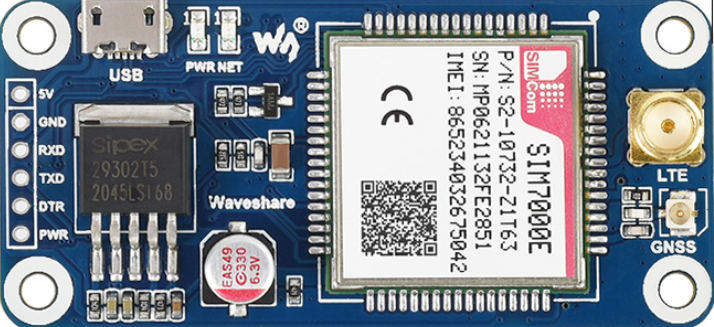
 Design with SIM7000E NB-IoT in Cirkit Designer
Introduction
The SIM7000E is a low-power, wide-area network (LPWAN) module manufactured by WaveShare. It is designed for NB-IoT (Narrowband Internet of Things) applications, offering extended coverage, low power consumption, and reliable connectivity. The module supports multiple communication protocols, including NB-IoT, LTE-M, and GPRS, making it versatile for a wide range of IoT applications.
Explore Projects Built with SIM7000E NB-IoT
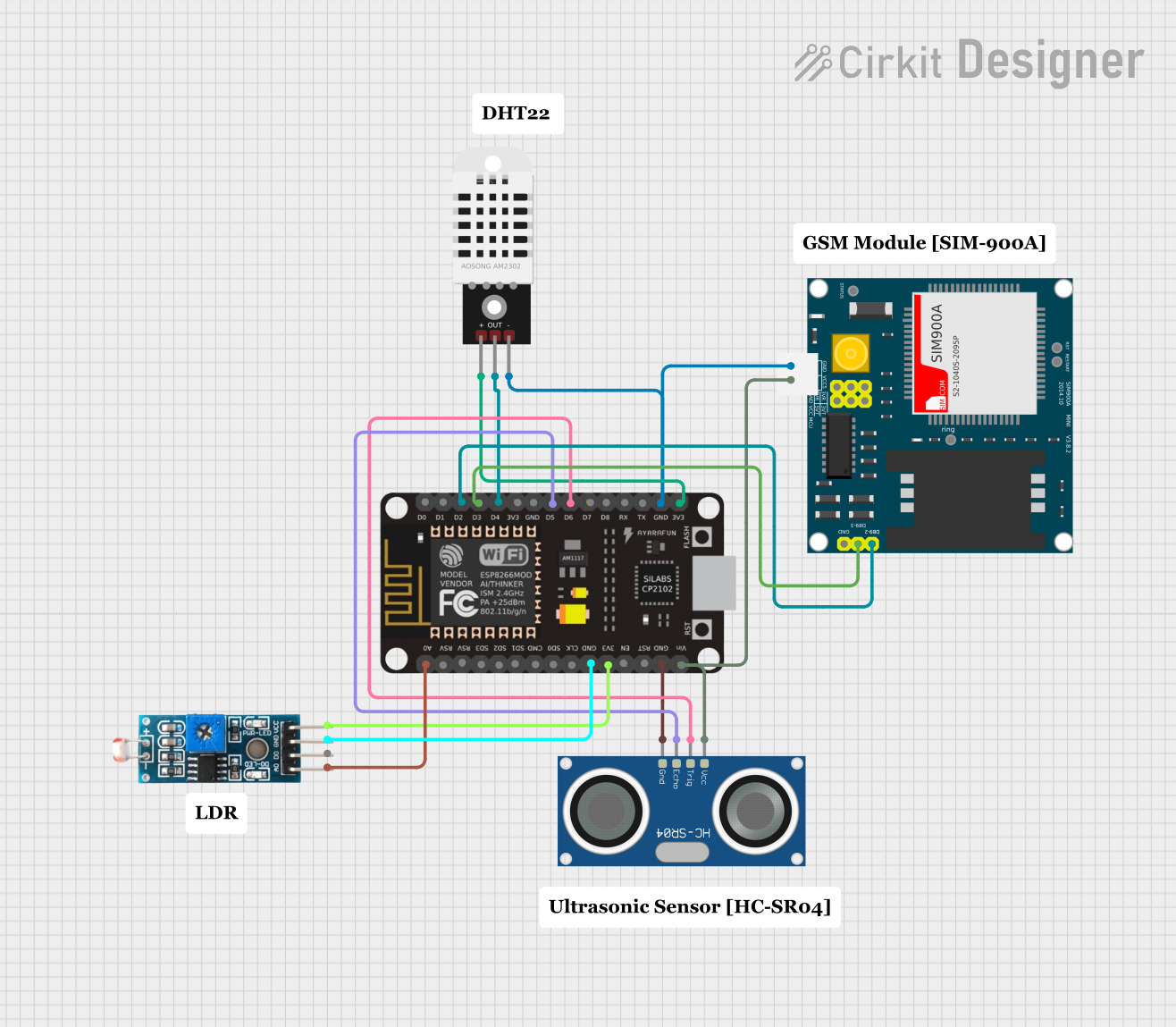 Open Project in Cirkit Designer
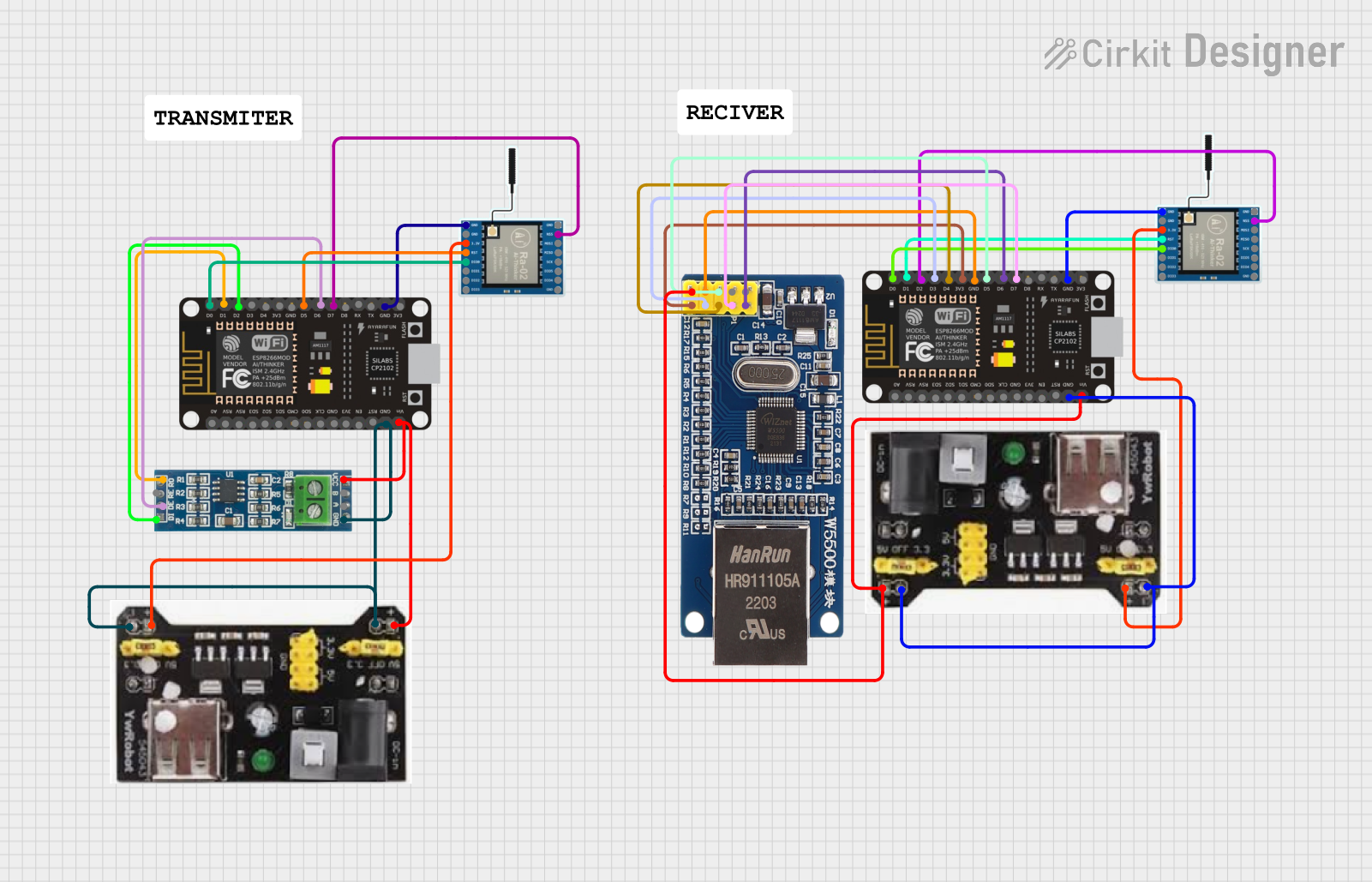 Open Project in Cirkit Designer
 Open Project in Cirkit Designer
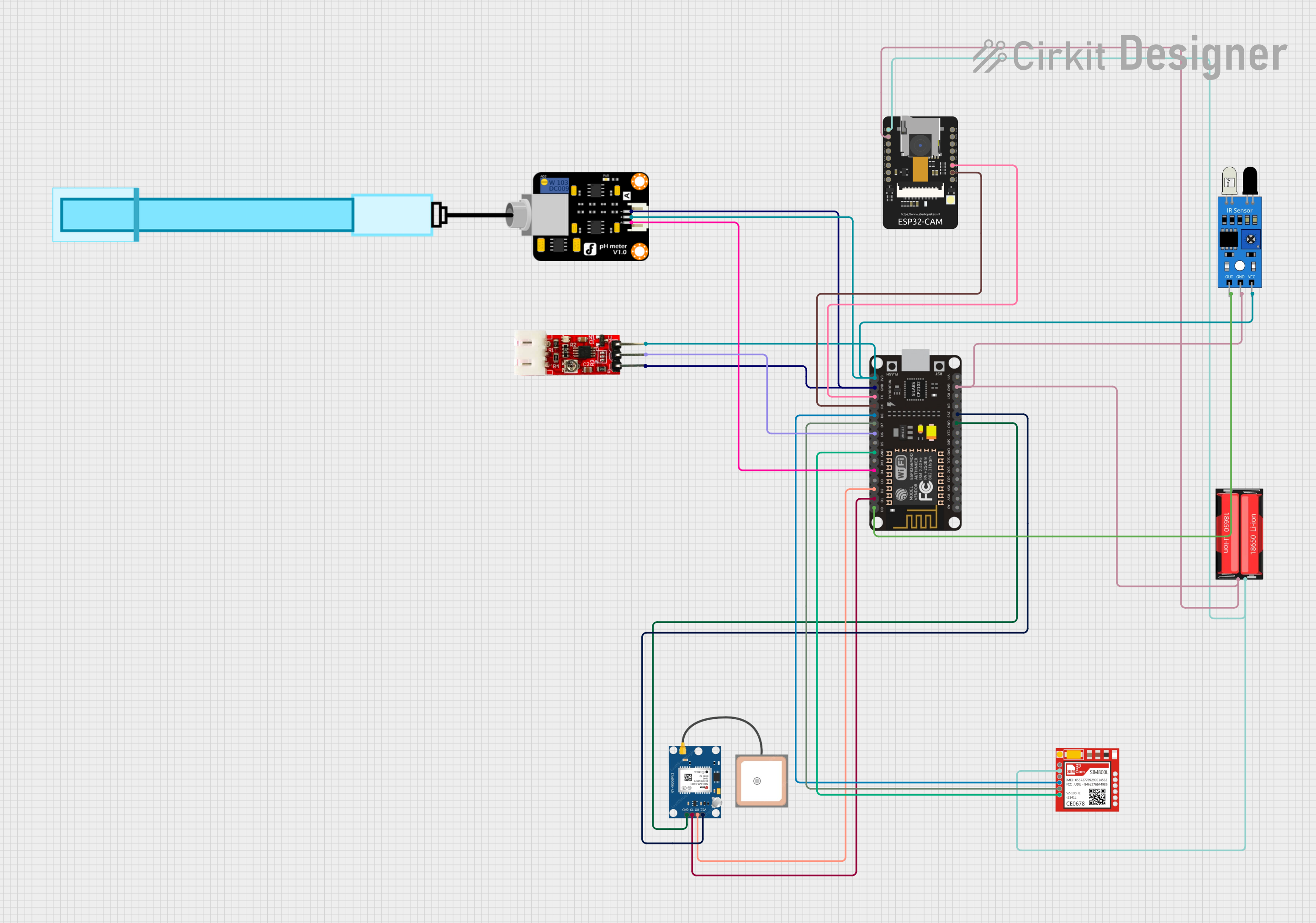 Open Project in Cirkit Designer
Explore Projects Built with SIM7000E NB-IoT
Open Project in Cirkit DesignerOpen Project in Cirkit DesignerOpen Project in Cirkit DesignerOpen Project in Cirkit DesignerCommon Applications and Use Cases
- Smart metering (e.g., water, gas, and electricity meters)
- Asset tracking and fleet management
- Environmental monitoring (e.g., air quality sensors)
- Smart agriculture (e.g., soil moisture sensors)
- Industrial IoT (e.g., predictive maintenance systems)
- Wearable devices and health monitoring systems
Technical Specifications
The SIM7000E module is packed with features that make it suitable for IoT applications. Below are its key technical specifications:
General Specifications
| Parameter | Value |
|---|---|
| Manufacturer | WaveShare |
| Part Number | SIM7000E |
| Communication Protocols | NB-IoT, LTE-M, GPRS |
| Frequency Bands | LTE B1/B3/B5/B8/B20/B28, GSM 900/1800 MHz |
| Operating Voltage | 3.0V to 4.3V (Typical: 3.8V) |
| Power Consumption | Idle: ~1.2mA, Active: ~20mA to 300mA |
| Operating Temperature | -40°C to +85°C |
| Dimensions | 24mm x 24mm x 2.6mm |
Pin Configuration and Descriptions
The SIM7000E module has multiple pins for power, communication, and control. Below is the pinout description:
| Pin Number | Pin Name | Description |
|---|---|---|
| 1 | VCC | Power supply input (3.0V to 4.3V) |
| 2 | GND | Ground |
| 3 | TXD | UART Transmit |
| 4 | RXD | UART Receive |
| 5 | PWRKEY | Power on/off control |
| 6 | NETLIGHT | Network status indicator |
| 7 | RST | Reset pin |
| 8 | ADC | Analog-to-digital converter input |
| 9 | GPIO1 | General-purpose I/O |
| 10 | GPIO2 | General-purpose I/O |
Usage Instructions
The SIM7000E module can be integrated into IoT projects using a microcontroller such as the Arduino UNO. Below are the steps to use the module effectively:
1. Hardware Setup
- Connect the VCC pin to a 3.8V power source and the GND pin to ground.
- Use the TXD and RXD pins to establish UART communication with the microcontroller.
- Connect the PWRKEY pin to the microcontroller to control the module's power state.
- Optionally, connect the NETLIGHT pin to an LED to monitor network status.
2. Software Setup
To communicate with the SIM7000E module, you can use AT commands via UART. Below is an example Arduino sketch to initialize the module and send an SMS:
#include <SoftwareSerial.h>

// Define RX and TX pins for SoftwareSerial
SoftwareSerial sim7000e(7, 8); // RX = Pin 7, TX = Pin 8

void setup() {
  // Initialize serial communication
  Serial.begin(9600); // For debugging
  sim7000e.begin(9600); // For SIM7000E communication

  // Power on the SIM7000E module
  pinMode(9, OUTPUT); // PWRKEY connected to Pin 9
  digitalWrite(9, LOW);
  delay(1000); // Hold PWRKEY low for 1 second
  digitalWrite(9, HIGH);

  // Wait for the module to initialize
  delay(5000);

  // Send AT command to check communication
  sim7000e.println("AT");
  delay(1000);
  while (sim7000e.available()) {
    Serial.write(sim7000e.read()); // Print response to Serial Monitor
  }

  // Set SMS text mode
  sim7000e.println("AT+CMGF=1");
  delay(1000);

  // Send SMS
  sim7000e.println("AT+CMGS=\"+1234567890\""); // Replace with recipient's number
  delay(1000);
  sim7000e.println("Hello from SIM7000E!"); // Message content
  delay(1000);
  sim7000e.write(26); // Send Ctrl+Z to send the SMS
}

void loop() {
  // No actions in loop
}
3. Important Considerations
- Ensure the power supply is stable and within the specified voltage range (3.0V to 4.3V).
- Use a proper antenna for NB-IoT or LTE-M communication to ensure good signal quality.
- Avoid placing the module near high-frequency noise sources to prevent interference.
- Use level shifters if interfacing with a 5V microcontroller like Arduino UNO.
Troubleshooting and FAQs
Common Issues and Solutions
Module does not power on:
- Ensure the VCC and GND pins are connected properly.
- Check the PWRKEY pin connection and hold it low for at least 1 second during power-up.
No response to AT commands:
- Verify the UART connections (TXD and RXD) between the module and microcontroller.
- Ensure the baud rate matches (default is 9600 bps).
- Check if the module is powered on and initialized.
Network registration fails:
- Ensure the SIM card is inserted correctly and has an active data plan.
- Check the antenna connection and signal strength.
- Use the
AT+CSQcommand to check signal quality (higher values indicate better signal).
SMS not sent:
- Verify the recipient's phone number format (e.g., include country code).
- Ensure the module is registered on the network (
AT+CREG?should return0,1).
FAQs
Q: Can the SIM7000E module work with 5V microcontrollers?
A: Yes, but you need to use level shifters for the UART pins to avoid damaging the module.
Q: What is the typical power consumption of the SIM7000E?
A: The module consumes approximately 1.2mA in idle mode and up to 300mA during active transmission.
Q: How can I check the network signal strength?
A: Use the AT+CSQ command. The response format is +CSQ: <rssi>,<ber>, where <rssi> indicates signal strength.
Q: Does the SIM7000E support GPS?
A: No, the SIM7000E does not have built-in GPS functionality. For GPS, consider using the SIM7000G variant.
This concludes the documentation for the SIM7000E NB-IoT module. For further assistance, refer to the official WaveShare datasheet or contact technical support.