
How to Use Cytron MDD10A - 10Amp 5V-30V DC Motor Driver (2 Channels): Examples, Pinouts, and Specs
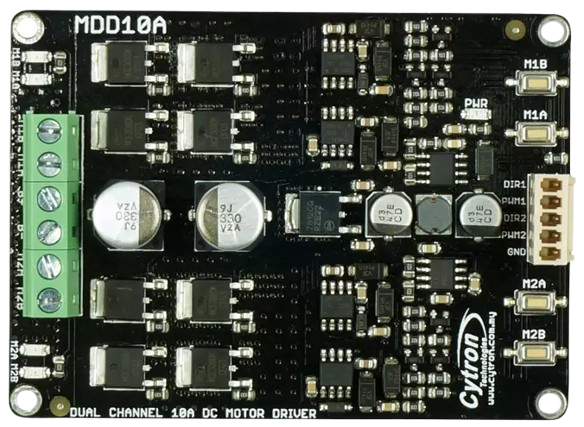
 Design with Cytron MDD10A - 10Amp 5V-30V DC Motor Driver (2 Channels) in Cirkit Designer
Introduction
The Cytron MDD10A is a robust dual-channel DC motor driver designed to control two DC motors with a maximum continuous current of 10A per channel. It supports a wide operating voltage range of 5V to 30V, making it ideal for a variety of robotics and automation applications. The MDD10A is equipped with multiple control modes, including PWM, and features built-in protection mechanisms for safe and reliable operation.
Explore Projects Built with Cytron MDD10A - 10Amp 5V-30V DC Motor Driver (2 Channels)
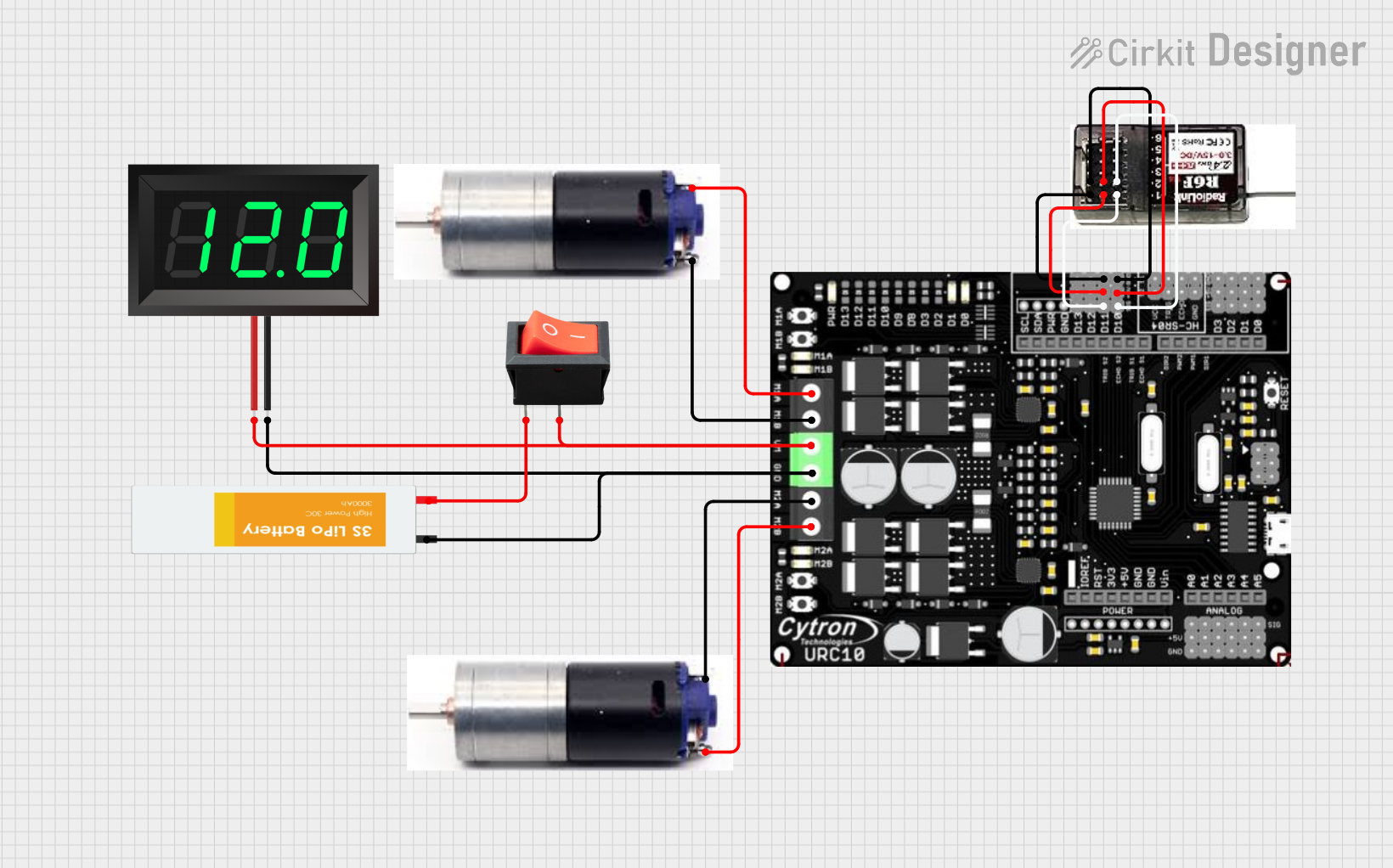 Open Project in Cirkit Designer
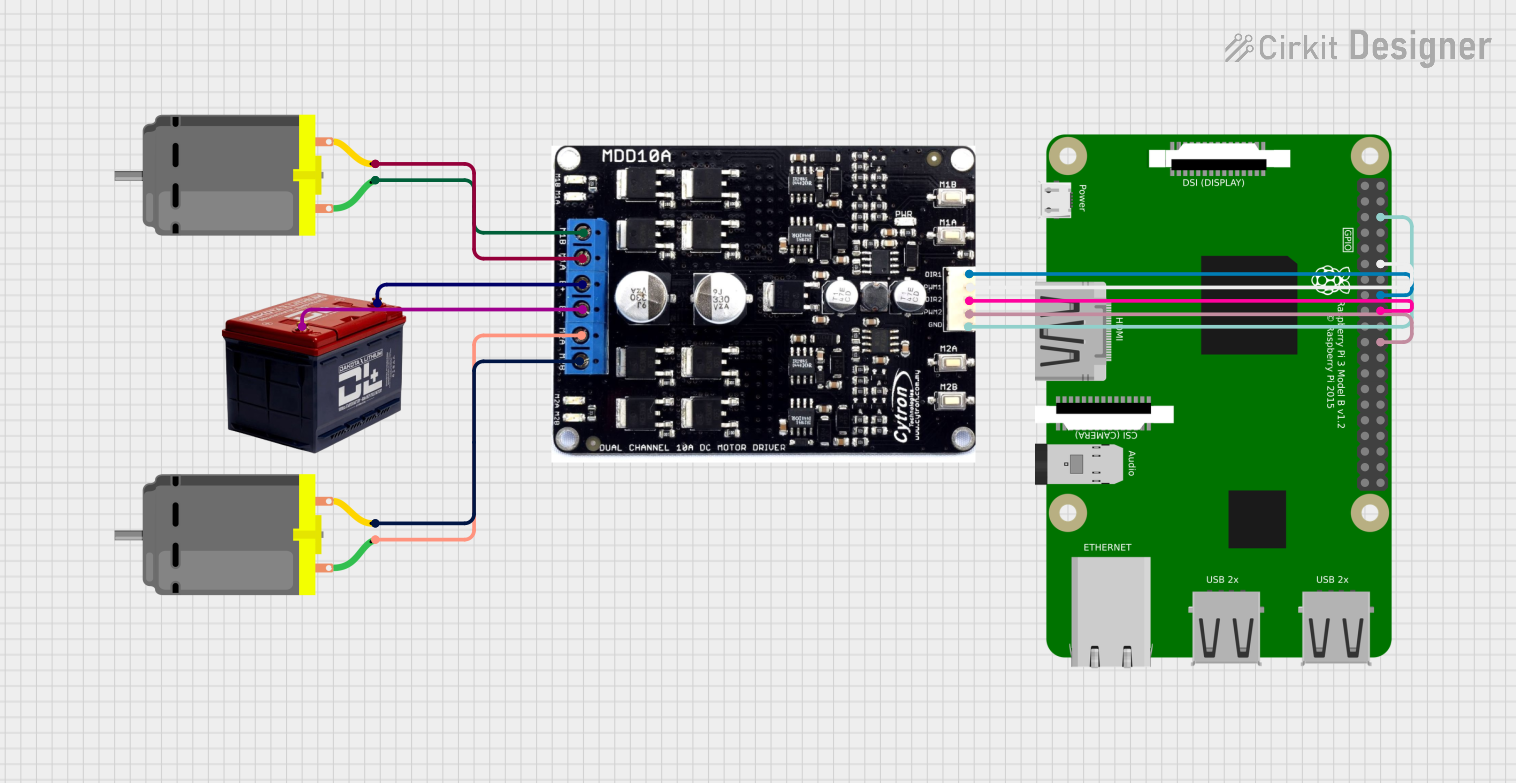 Open Project in Cirkit Designer
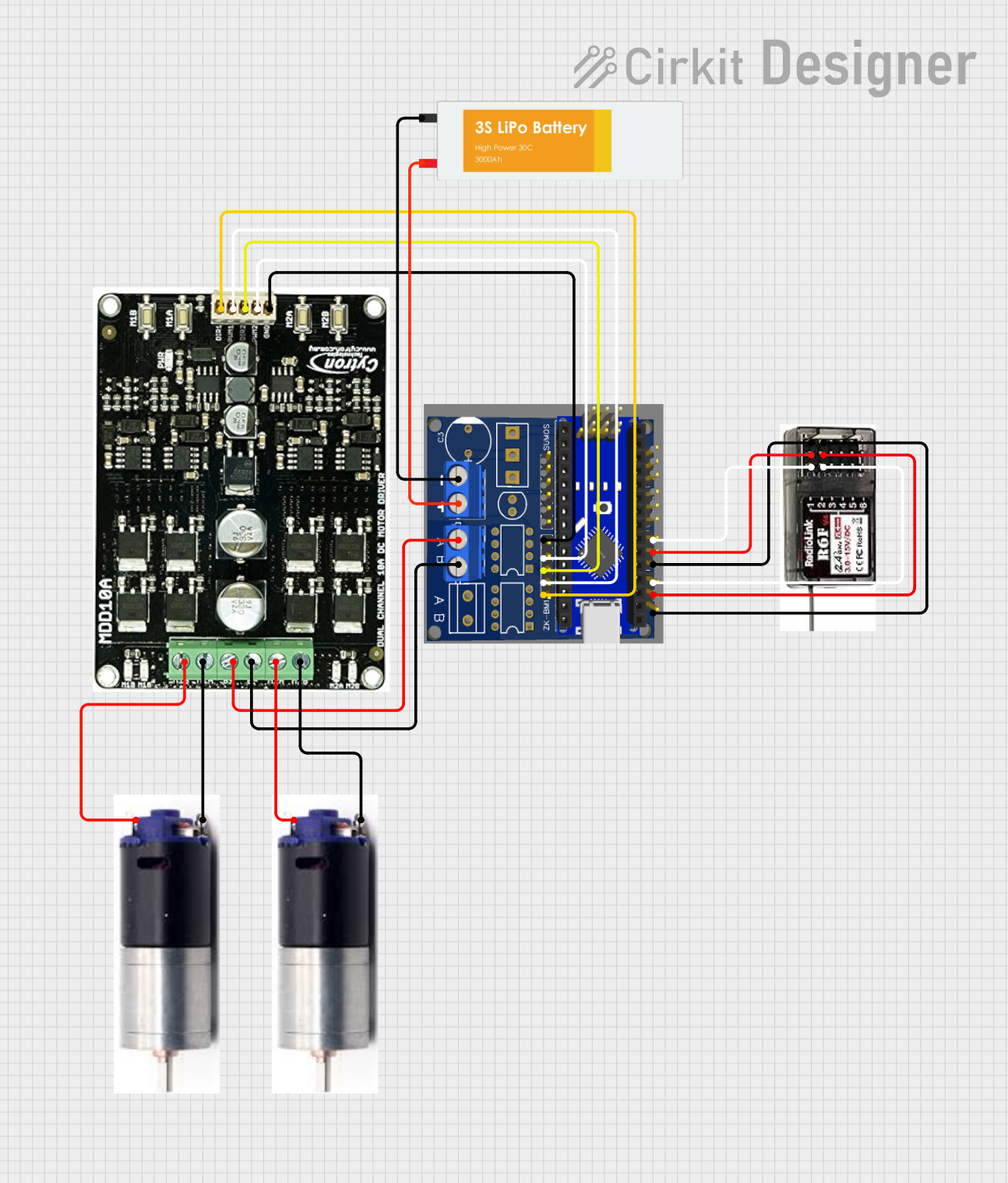 Open Project in Cirkit Designer
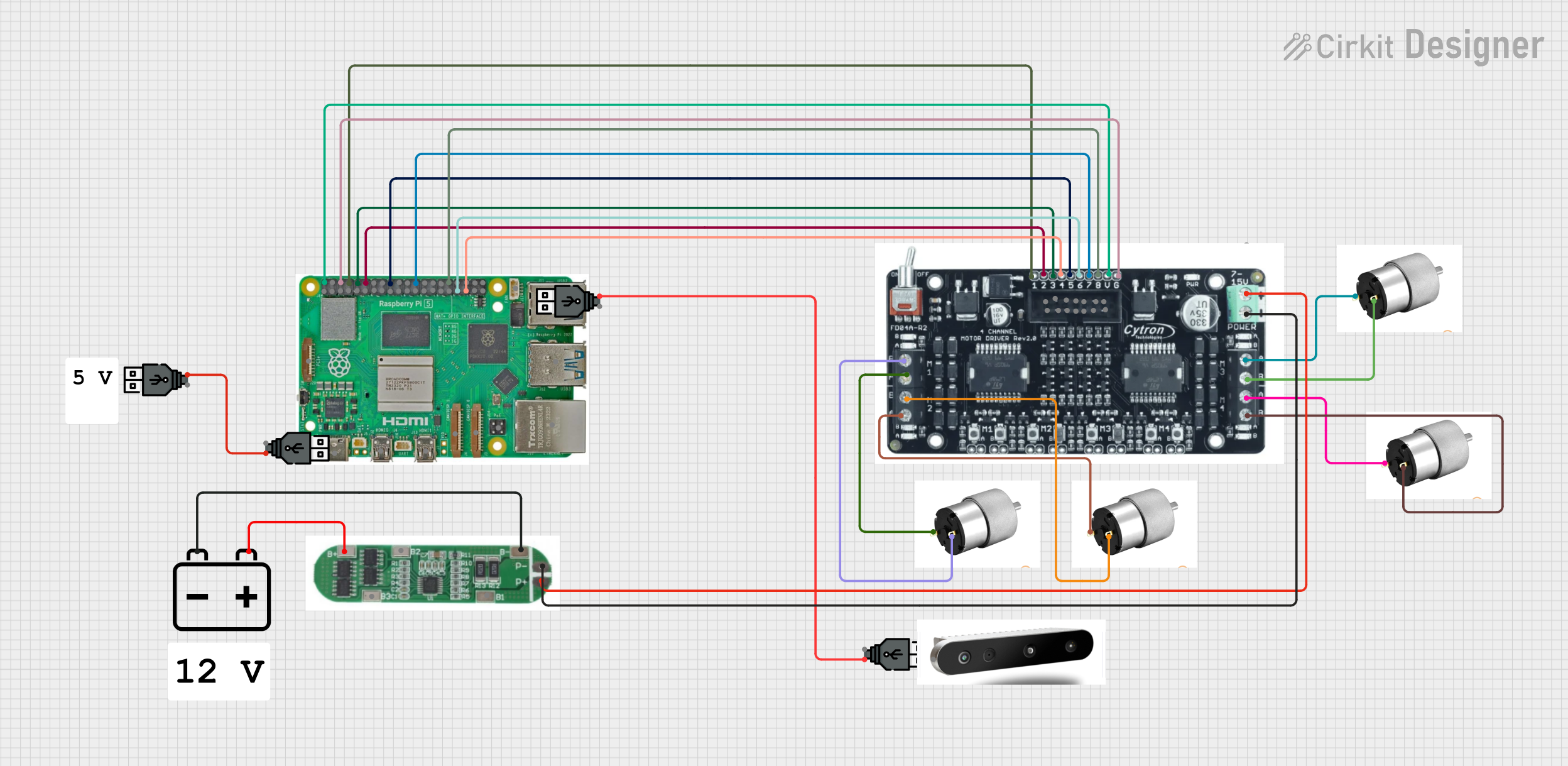 Open Project in Cirkit Designer
Explore Projects Built with Cytron MDD10A - 10Amp 5V-30V DC Motor Driver (2 Channels)
Open Project in Cirkit DesignerOpen Project in Cirkit DesignerOpen Project in Cirkit DesignerOpen Project in Cirkit DesignerCommon Applications
- Robotics (e.g., mobile robots, robotic arms)
- Automated guided vehicles (AGVs)
- Conveyor belt systems
- DIY motorized projects
- Industrial automation systems
Technical Specifications
The following table outlines the key technical specifications of the Cytron MDD10A:
| Parameter | Specification |
|---|---|
| Operating Voltage | 5V to 30V DC |
| Continuous Current | 10A per channel |
| Peak Current | 30A per channel (for 10 seconds) |
| Control Modes | PWM, Direction, and Brake |
| PWM Frequency | Up to 20 kHz |
| Logic Voltage | 3.3V or 5V compatible |
| Protection Features | Overcurrent, Overtemperature, Reverse Polarity |
| Dimensions | 84mm x 62mm x 25mm |
| Weight | 80g |
Pin Configuration and Descriptions
The MDD10A has a total of 12 pins for motor control and power connections. The table below describes each pin:
| Pin Name | Type | Description |
|---|---|---|
| VM | Power Input | Motor power supply (5V to 30V DC). Connect to the positive terminal of the battery. |
| GND | Power Input | Ground connection. Connect to the negative terminal of the battery. |
| M1A | Motor Output | Output terminal A for Motor 1. |
| M1B | Motor Output | Output terminal B for Motor 1. |
| M2A | Motor Output | Output terminal A for Motor 2. |
| M2B | Motor Output | Output terminal B for Motor 2. |
| DIR1 | Control Input | Direction control for Motor 1. High = Forward, Low = Reverse. |
| PWM1 | Control Input | PWM signal for Motor 1 speed control. |
| DIR2 | Control Input | Direction control for Motor 2. High = Forward, Low = Reverse. |
| PWM2 | Control Input | PWM signal for Motor 2 speed control. |
| EN | Control Input | Enable pin. High = Enable motor driver, Low = Disable motor driver. |
| 5V | Power Output | 5V output for external logic circuits (max 100mA). |
Usage Instructions
How to Use the MDD10A in a Circuit
Power Connections:
- Connect the motor power supply (5V to 30V DC) to the
VMpin. - Connect the ground of the power supply to the
GNDpin.
- Connect the motor power supply (5V to 30V DC) to the
Motor Connections:
- Connect the terminals of Motor 1 to
M1AandM1B. - Connect the terminals of Motor 2 to
M2AandM2B.
- Connect the terminals of Motor 1 to
Control Connections:
- Use the
DIR1andPWM1pins to control the direction and speed of Motor 1. - Use the
DIR2andPWM2pins to control the direction and speed of Motor 2. - Optionally, connect the
ENpin to enable or disable the motor driver.
- Use the
Logic Voltage Compatibility:
- The control pins are compatible with both 3.3V and 5V logic levels, making it easy to interface with microcontrollers like Arduino or Raspberry Pi.
Important Considerations and Best Practices
- Ensure the motor power supply voltage is within the specified range (5V to 30V).
- Use appropriate heat dissipation methods (e.g., heatsinks) if operating at high currents for extended periods.
- Avoid reversing the polarity of the power supply to prevent damage to the driver.
- Use a fuse or circuit breaker to protect the motor driver and connected components.
Example: Connecting to an Arduino UNO
Below is an example of how to control two DC motors using the MDD10A and an Arduino UNO:
Circuit Connections
- Connect
DIR1to Arduino pin 7 andPWM1to Arduino pin 6. - Connect
DIR2to Arduino pin 4 andPWM2to Arduino pin 5. - Connect the
ENpin to Arduino pin 8. - Connect the motor power supply to
VMandGND.
Arduino Code
// Define motor control pins
#define DIR1 7  // Direction control for Motor 1
#define PWM1 6  // PWM control for Motor 1
#define DIR2 4  // Direction control for Motor 2
#define PWM2 5  // PWM control for Motor 2
#define EN 8    // Enable pin for motor driver

void setup() {
  // Set motor control pins as outputs
  pinMode(DIR1, OUTPUT);
  pinMode(PWM1, OUTPUT);
  pinMode(DIR2, OUTPUT);
  pinMode(PWM2, OUTPUT);
  pinMode(EN, OUTPUT);

  // Enable the motor driver
  digitalWrite(EN, HIGH);
}

void loop() {
  // Motor 1: Forward at 50% speed
  digitalWrite(DIR1, HIGH);
  analogWrite(PWM1, 128); // 50% duty cycle (128 out of 255)

  // Motor 2: Reverse at 75% speed
  digitalWrite(DIR2, LOW);
  analogWrite(PWM2, 192); // 75% duty cycle (192 out of 255)

  delay(2000); // Run motors for 2 seconds

  // Stop both motors
  analogWrite(PWM1, 0);
  analogWrite(PWM2, 0);

  delay(2000); // Wait for 2 seconds before repeating
}
Troubleshooting and FAQs
Common Issues and Solutions
Motors Not Running:
- Ensure the
ENpin is set to HIGH to enable the motor driver. - Verify that the power supply voltage is within the specified range (5V to 30V).
- Check the connections to the motors and control pins.
- Ensure the
Overheating:
- Reduce the motor load or operating current.
- Use a heatsink or active cooling to dissipate heat.
Erratic Motor Behavior:
- Ensure the PWM signal frequency is within the supported range (up to 20 kHz).
- Check for loose or faulty connections.
Driver Not Responding to Control Signals:
- Verify that the control signals are compatible with the logic voltage (3.3V or 5V).
- Check the Arduino code for errors or incorrect pin assignments.
FAQs
Can the MDD10A drive stepper motors? No, the MDD10A is designed for DC motors only. For stepper motors, use a dedicated stepper motor driver.
What happens if the current exceeds 10A? The driver includes overcurrent protection, which will shut down the output to prevent damage.
Can I use the MDD10A with a Raspberry Pi? Yes, the control pins are compatible with the 3.3V logic level of the Raspberry Pi.
Is reverse polarity protection included? Yes, the MDD10A has built-in reverse polarity protection for the power supply.