
How to Use Feetech SMC 2CH: Examples, Pinouts, and Specs
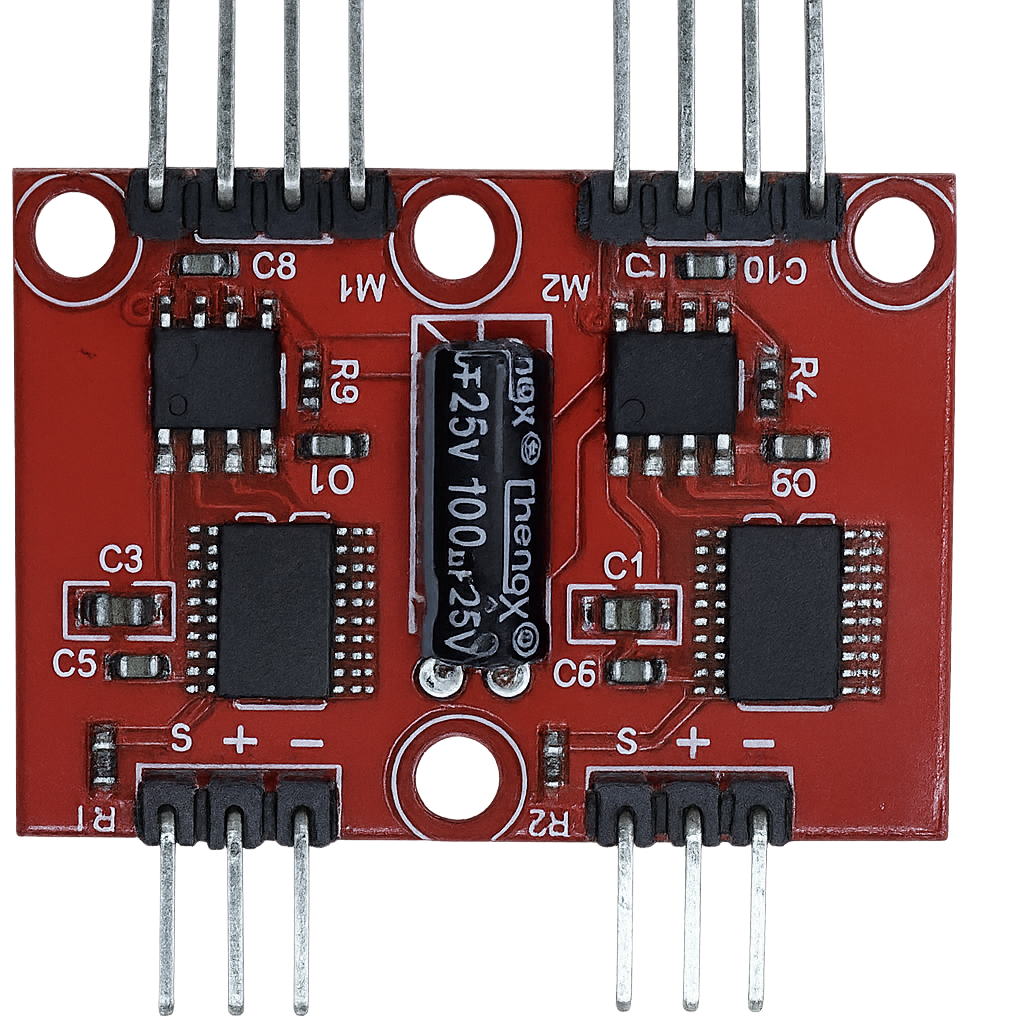
 Design with Feetech SMC 2CH in Cirkit Designer
Introduction
The Feetech SMC 2CH is a dual-channel servo motor controller designed for precise and efficient control of servo motors. Manufactured by Feetech, this component is ideal for applications requiring accurate positioning and smooth motion, such as robotics, automation systems, and RC projects. It supports multiple control modes, including PWM and serial communication, making it versatile and easy to integrate into various projects.
Explore Projects Built with Feetech SMC 2CH
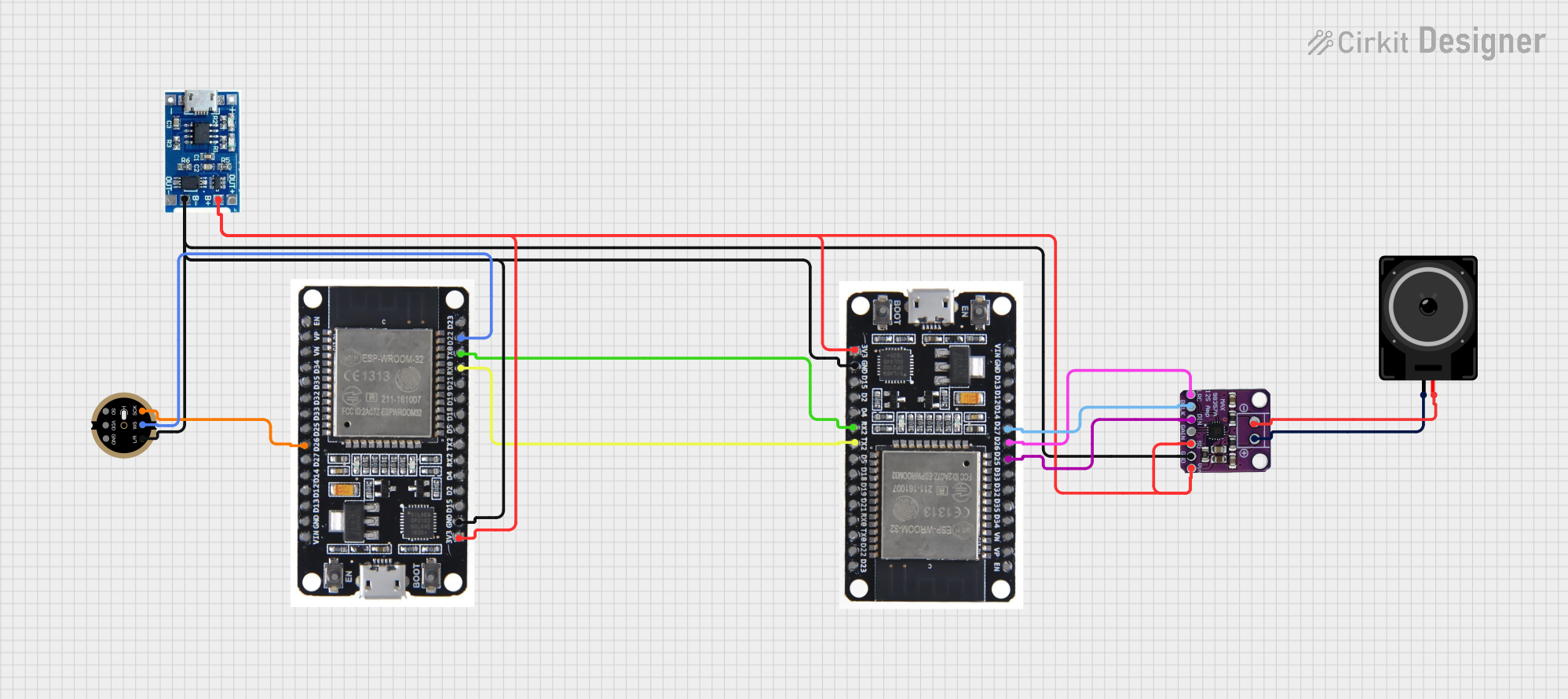
 Open Project in Cirkit Designer
 Open Project in Cirkit Designer
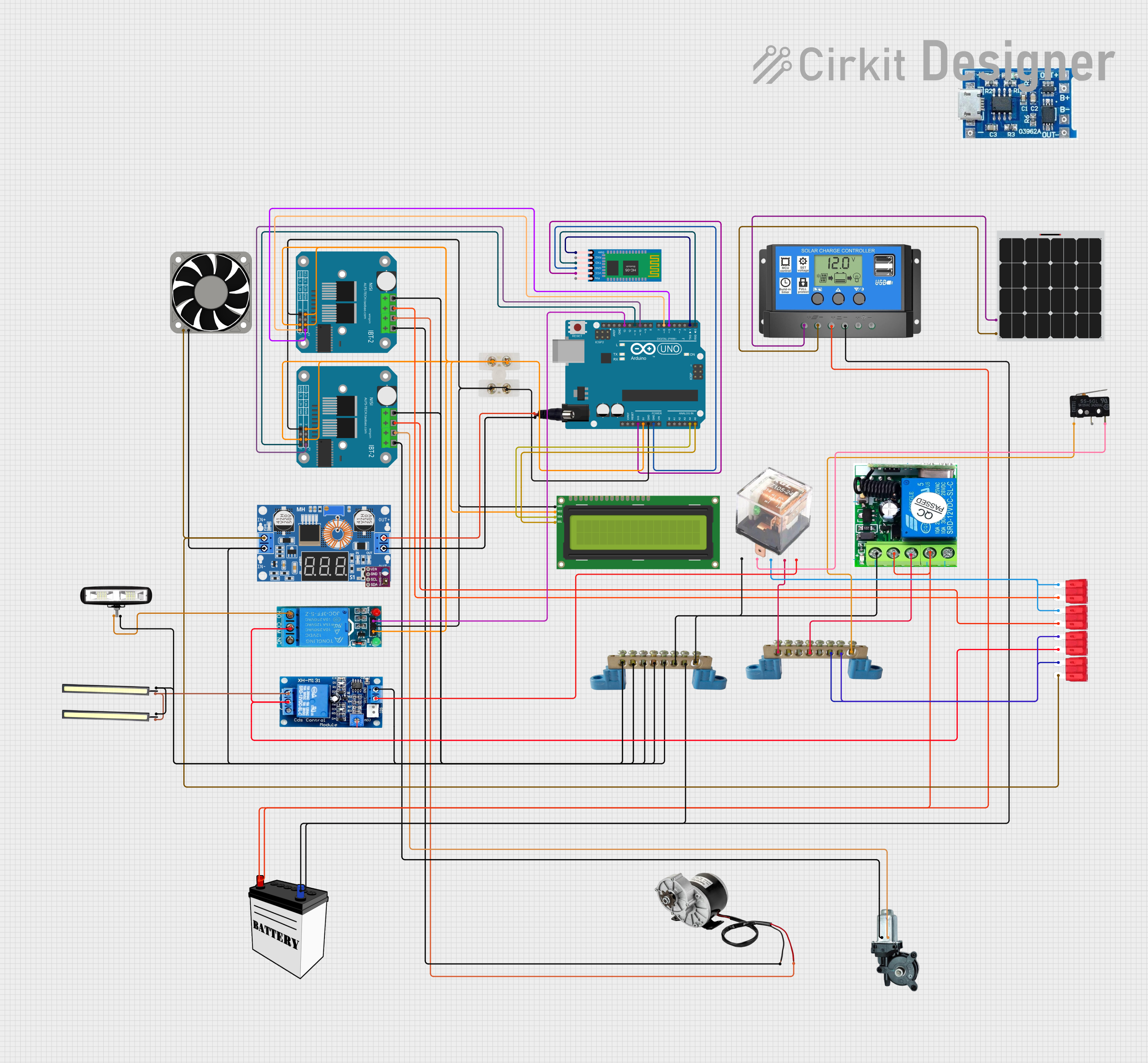
 Open Project in Cirkit Designer
 Open Project in Cirkit Designer
Explore Projects Built with Feetech SMC 2CH
Open Project in Cirkit DesignerOpen Project in Cirkit DesignerOpen Project in Cirkit DesignerOpen Project in Cirkit DesignerCommon Applications
- Robotics (e.g., robotic arms, humanoid robots)
- Automation systems
- Remote-controlled vehicles and drones
- Educational and hobbyist projects
- Industrial servo motor control
Technical Specifications
The Feetech SMC 2CH is designed to provide reliable and flexible control for two servo motors simultaneously. Below are its key technical details:
Key Specifications
| Parameter | Value |
|---|---|
| Input Voltage Range | 4.8V to 6.0V |
| Control Modes | PWM, Serial (UART) |
| Number of Channels | 2 |
| Communication Protocol | UART (TTL level) |
| Baud Rate (Serial Mode) | 9600 bps |
| Output Signal Type | PWM (Pulse Width Modulation) |
| Dimensions | 42mm x 20mm x 8mm |
| Weight | 5g |
Pin Configuration
The Feetech SMC 2CH features a simple pin layout for easy integration. Below is the pin configuration:
| Pin Number | Pin Name | Description |
|---|---|---|
| 1 | VCC | Power supply input (4.8V to 6.0V) |
| 2 | GND | Ground connection |
| 3 | TX | UART Transmit pin for serial communication |
| 4 | RX | UART Receive pin for serial communication |
| 5 | CH1 Signal | PWM signal output for Servo Channel 1 |
| 6 | CH2 Signal | PWM signal output for Servo Channel 2 |
Usage Instructions
The Feetech SMC 2CH is straightforward to use and can be controlled via PWM or serial communication. Below are the steps and best practices for using this component.
Using the Feetech SMC 2CH in a Circuit
- Power Supply: Connect the VCC pin to a 4.8V-6.0V power source and the GND pin to the ground of your circuit.
- Servo Connections: Connect the servo motor signal wires to the CH1 Signal and CH2 Signal pins. Ensure the servo motor's power and ground are connected to the same power source as the controller.
- Control Mode:
- For PWM control, provide a PWM signal to the CH1 or CH2 Signal pins.
- For serial communication, connect the TX and RX pins to a microcontroller or PC via a UART interface.
Example: Connecting to an Arduino UNO
The Feetech SMC 2CH can be easily controlled using an Arduino UNO. Below is an example of controlling two servo motors via PWM:
#include <Servo.h> // Include the Servo library

// Create Servo objects for each channel
Servo servo1;
Servo servo2;

void setup() {
  // Attach the servo objects to the Feetech SMC 2CH signal pins
  servo1.attach(9); // Connect CH1 Signal to Arduino pin 9
  servo2.attach(10); // Connect CH2 Signal to Arduino pin 10
}

void loop() {
  // Move servo1 to 0 degrees
  servo1.write(0);
  delay(1000); // Wait for 1 second

  // Move servo2 to 90 degrees
  servo2.write(90);
  delay(1000); // Wait for 1 second

  // Move servo1 to 180 degrees
  servo1.write(180);
  delay(1000); // Wait for 1 second

  // Move servo2 to 0 degrees
  servo2.write(0);
  delay(1000); // Wait for 1 second
}
Important Considerations
- Power Supply: Ensure the power supply voltage is within the specified range (4.8V to 6.0V). Using a voltage outside this range may damage the controller or connected servos.
- Signal Integrity: Use short and properly shielded wires for signal connections to minimize noise.
- Servo Compatibility: Verify that the connected servos are compatible with the controller's voltage and signal specifications.
Troubleshooting and FAQs
Common Issues and Solutions
Servos Not Responding
- Cause: Incorrect wiring or insufficient power supply.
- Solution: Double-check all connections and ensure the power supply meets the voltage and current requirements.
Erratic Servo Movement
- Cause: Electrical noise or unstable power supply.
- Solution: Use a decoupling capacitor across the power supply and ensure proper grounding.
Serial Communication Not Working
- Cause: Incorrect baud rate or wiring.
- Solution: Verify that the baud rate is set to 9600 bps and that the TX and RX pins are correctly connected.
Overheating
- Cause: Prolonged operation at high loads.
- Solution: Allow the controller to cool down periodically and avoid overloading the servos.
FAQs
Q1: Can I control more than two servos with the Feetech SMC 2CH?
A1: No, the Feetech SMC 2CH is designed to control up to two servo motors. For more channels, consider using multiple controllers or a different model.
Q2: What is the maximum current the controller can handle?
A2: The Feetech SMC 2CH does not directly supply power to the servos. Ensure your power supply can handle the current requirements of the connected servos.
Q3: Can I use this controller with a Raspberry Pi?
A3: Yes, you can use the Feetech SMC 2CH with a Raspberry Pi via the UART interface. Ensure proper voltage level shifting if needed.
Q4: Is the Feetech SMC 2CH compatible with digital servos?
A4: Yes, it is compatible with both analog and digital servos, as long as they operate within the specified voltage range.
By following this documentation, you can effectively integrate the Feetech SMC 2CH into your projects and achieve precise servo motor control.