
How to Use solar panel: Examples, Pinouts, and Specs
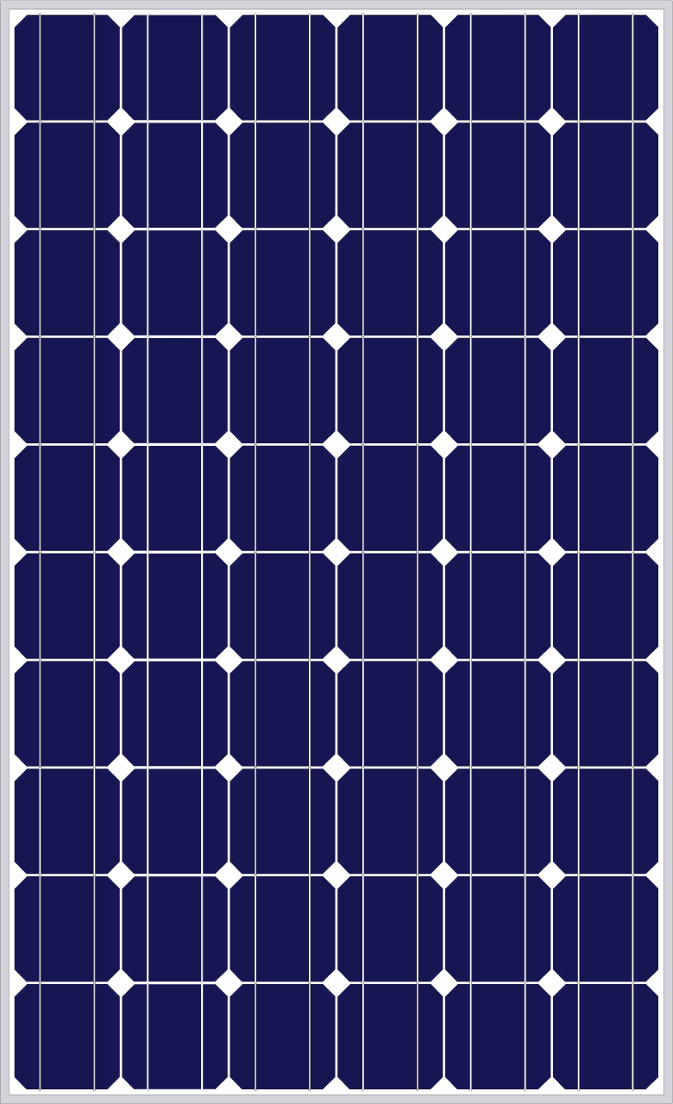
 Design with solar panel in Cirkit Designer
Introduction
A solar panel is a device that converts sunlight into electrical energy using photovoltaic (PV) cells. These cells are made of semiconductor materials that generate electricity when exposed to sunlight. Solar panels are a renewable and eco-friendly source of power, making them an essential component in sustainable energy systems.
Explore Projects Built with solar panel
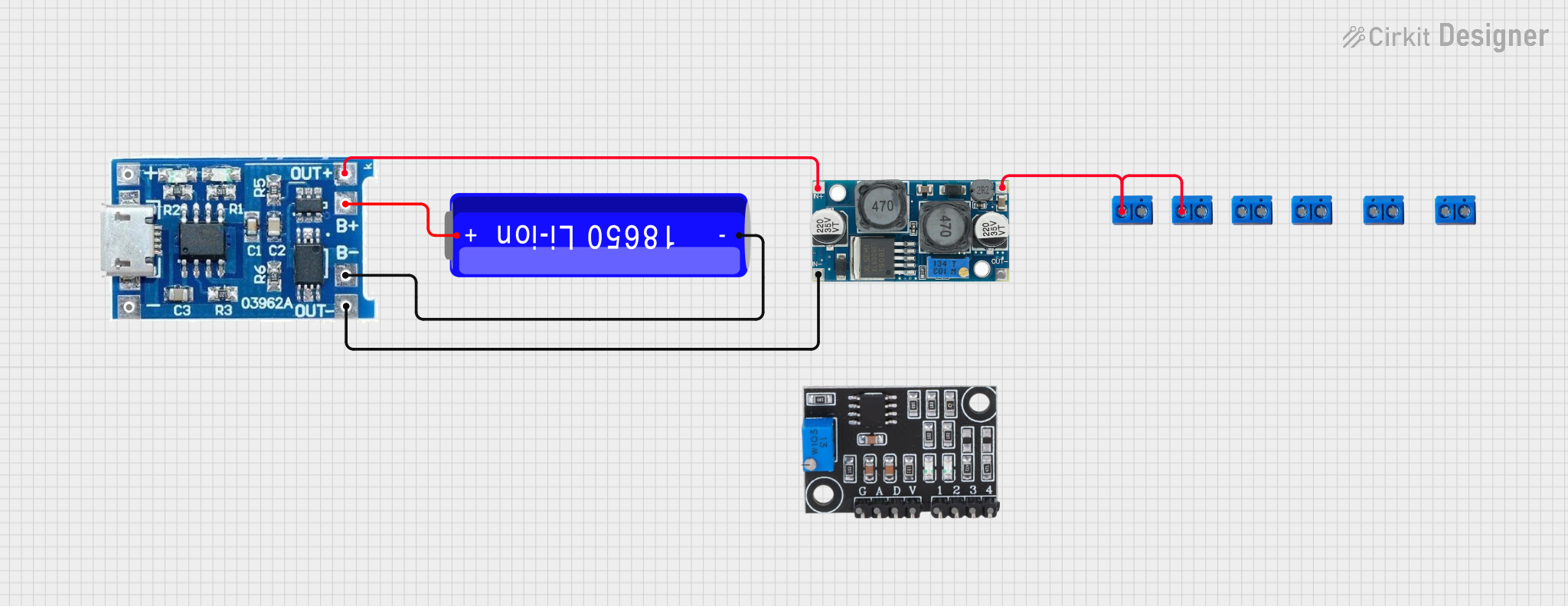 Open Project in Cirkit Designer
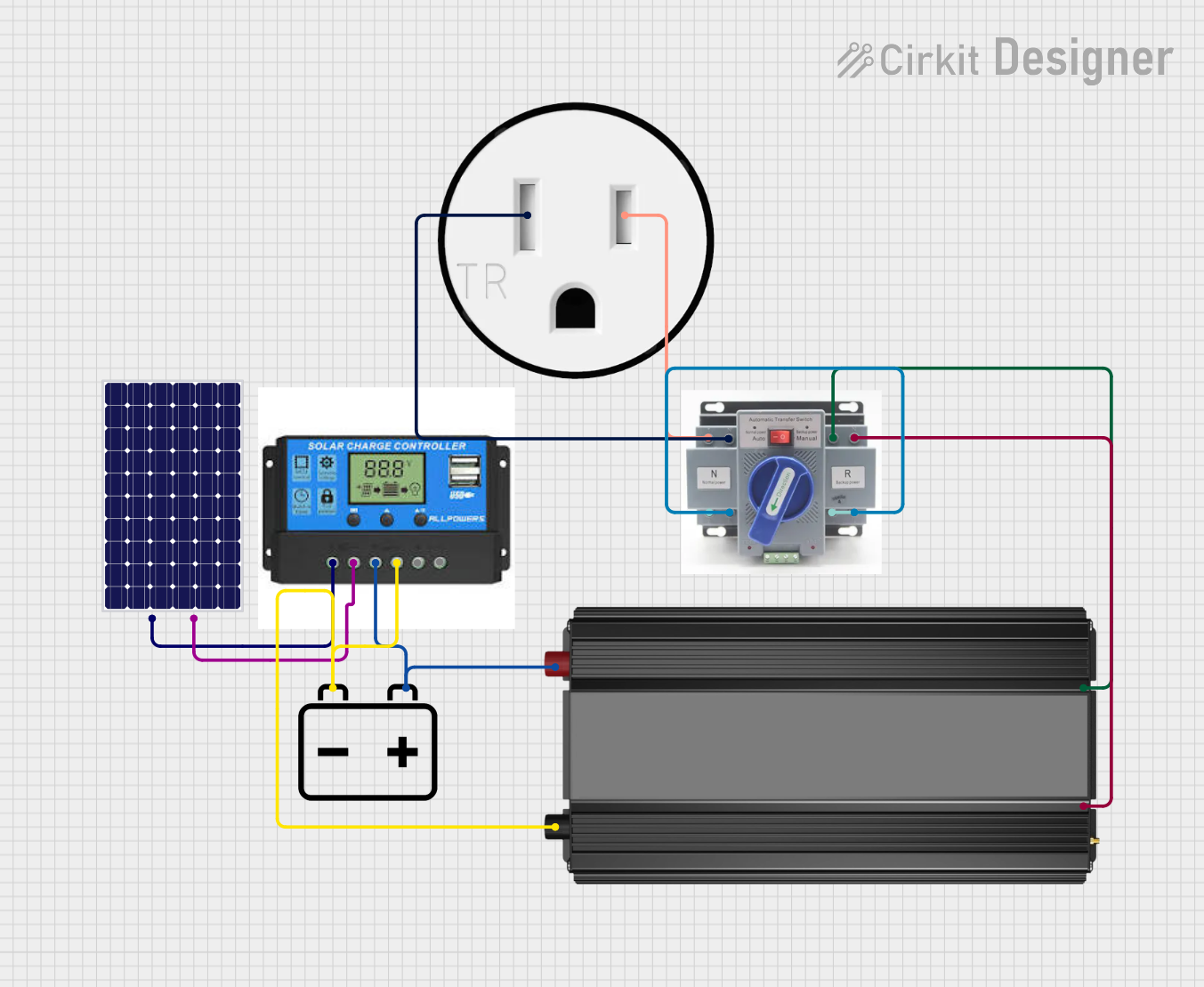 Open Project in Cirkit Designer
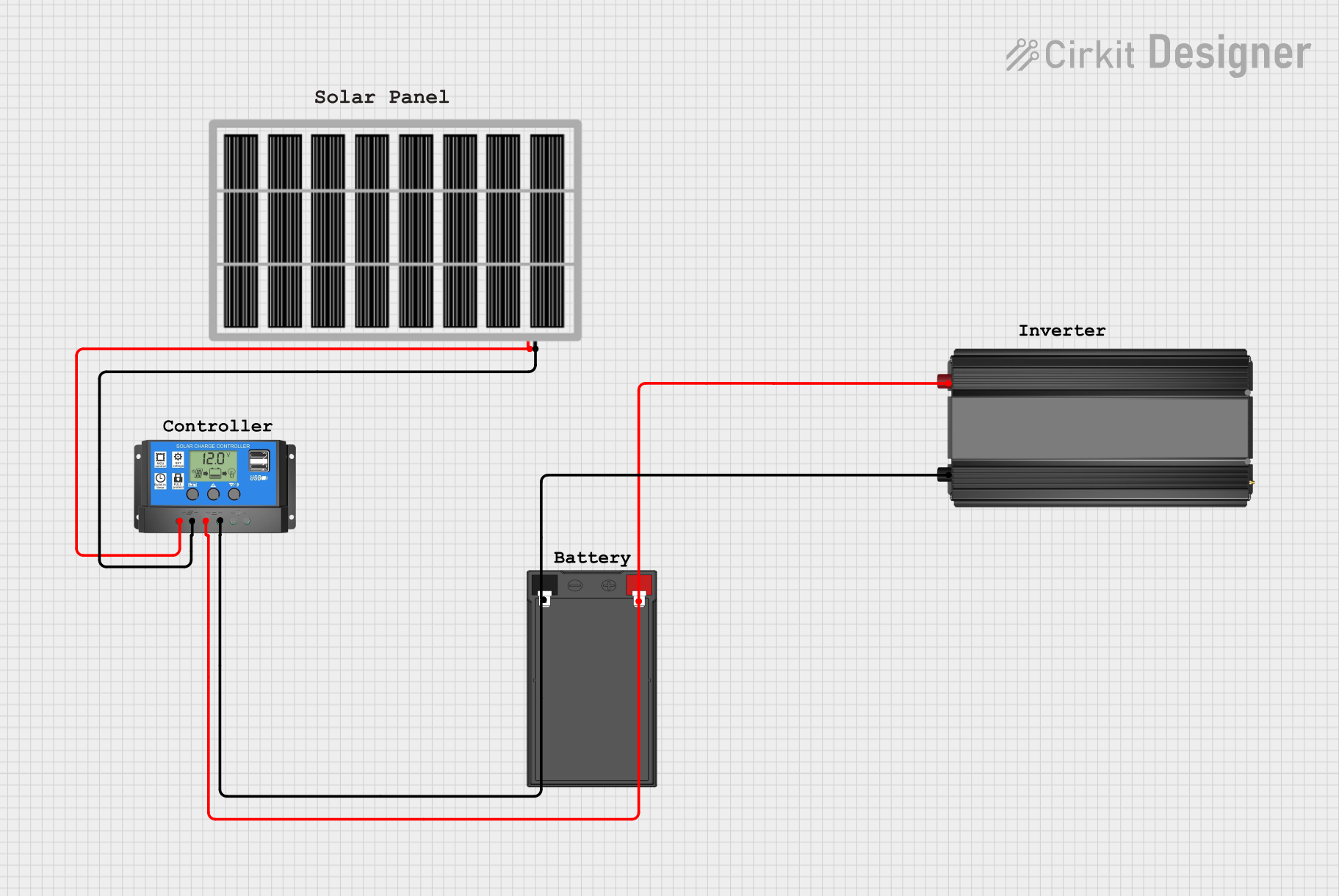 Open Project in Cirkit Designer
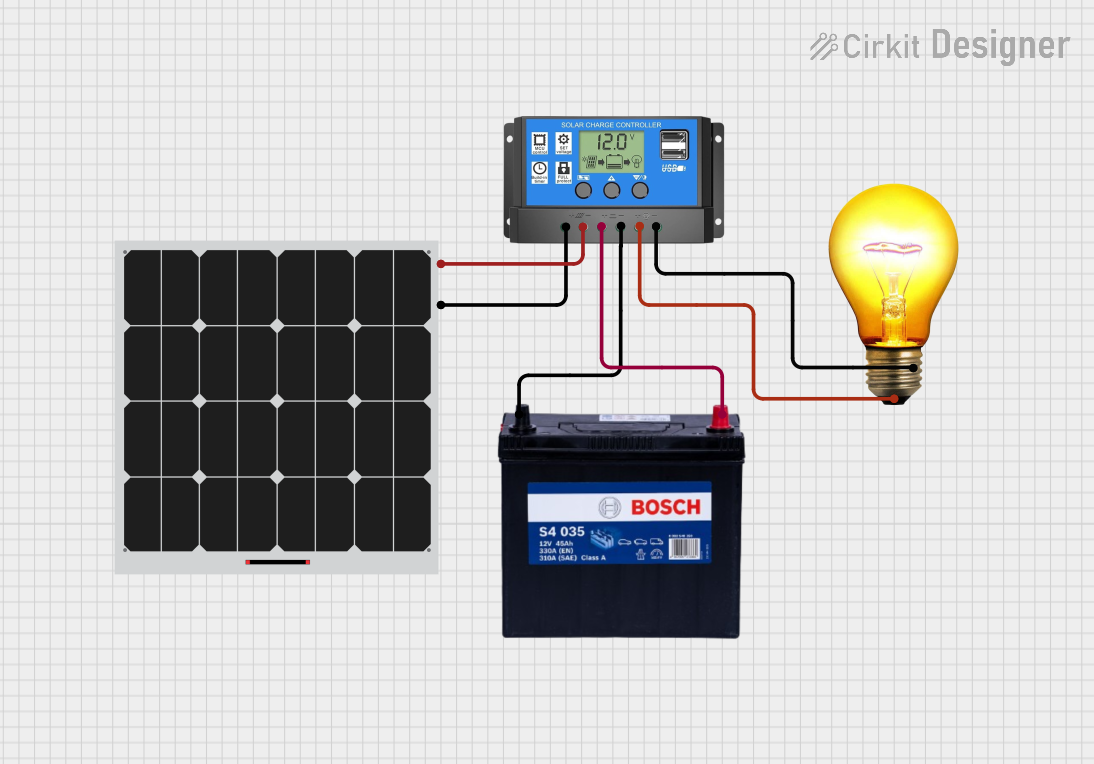 Open Project in Cirkit Designer
Explore Projects Built with solar panel
Open Project in Cirkit DesignerOpen Project in Cirkit DesignerOpen Project in Cirkit DesignerOpen Project in Cirkit DesignerCommon Applications and Use Cases
- Residential and commercial solar power systems
- Off-grid power solutions for remote areas
- Charging batteries for portable devices
- Powering small electronic devices and IoT systems
- Integration into solar-powered vehicles and streetlights
Technical Specifications
Below are the general technical specifications for a standard solar panel. Note that actual values may vary depending on the specific model and manufacturer.
Key Technical Details
| Parameter | Value |
|---|---|
| Power Output | 10W to 400W (varies by model) |
| Voltage (Open Circuit) | 18V to 45V |
| Voltage (Maximum Power) | 12V to 36V |
| Current (Short Circuit) | 0.5A to 10A |
| Efficiency | 15% to 22% |
| Operating Temperature | -40°C to +85°C |
| Dimensions | Varies (e.g., 100mm x 200mm to 1m x 2m) |
| Weight | Varies (e.g., 0.5kg to 25kg) |
Pin Configuration and Descriptions
Solar panels typically have two output terminals for electrical connections:
| Pin/Terminal | Description |
|---|---|
| Positive (+) | The positive terminal for connecting to the load or charge controller. |
| Negative (-) | The negative terminal for connecting to the load or charge controller. |
Usage Instructions
How to Use the Component in a Circuit
- Determine the Power Requirements: Identify the voltage and current requirements of your load or battery system.
- Connect to a Charge Controller: For battery charging applications, connect the solar panel to a charge controller to regulate the voltage and prevent overcharging.
- Connect to the Load: If powering a device directly, ensure the device is compatible with the solar panel's output voltage and current.
- Use Proper Wiring: Use appropriate gauge wires to handle the current output of the solar panel.
- Positioning: Place the solar panel in direct sunlight at an optimal angle to maximize energy generation.
Important Considerations and Best Practices
- Avoid Shading: Even partial shading can significantly reduce the panel's efficiency.
- Use a Diode: Install a blocking diode to prevent reverse current flow from the battery to the panel at night.
- Monitor Temperature: High temperatures can reduce efficiency; ensure proper ventilation.
- Clean Regularly: Dust and debris on the panel surface can reduce energy output. Clean the panel periodically with water and a soft cloth.
- Use a Fuse: Add a fuse between the panel and the load to protect against overcurrent.
Example: Connecting a Solar Panel to an Arduino UNO
To use a solar panel with an Arduino UNO, you can connect it to a battery and a charge controller. The Arduino can then monitor the battery voltage using an analog input pin.
Sample Code
// This code reads the battery voltage connected to an analog pin on the Arduino.
// Ensure the voltage divider reduces the voltage to within the Arduino's 5V range.

const int analogPin = A0; // Analog pin connected to the voltage divider
float voltage = 0.0;      // Variable to store the calculated voltage

void setup() {
  Serial.begin(9600); // Initialize serial communication
}

void loop() {
  int sensorValue = analogRead(analogPin); // Read the analog input
  voltage = sensorValue * (5.0 / 1023.0) * 2;
  // Convert the analog reading to voltage
  // Multiply by 2 if using a 2:1 voltage divider

  Serial.print("Battery Voltage: ");
  Serial.print(voltage);
  Serial.println(" V");

  delay(1000); // Wait for 1 second before the next reading
}
Note: Use a voltage divider circuit to step down the battery voltage if it exceeds the Arduino's input voltage range (5V for most models).
Troubleshooting and FAQs
Common Issues Users Might Face
Low Power Output:
- Cause: Insufficient sunlight or shading.
- Solution: Ensure the panel is in direct sunlight and free from obstructions.
Overheating:
- Cause: High ambient temperatures or poor ventilation.
- Solution: Install the panel in a well-ventilated area and avoid placing it on heat-absorbing surfaces.
No Output Voltage:
- Cause: Loose or incorrect wiring.
- Solution: Check all connections and ensure proper polarity.
Battery Not Charging:
- Cause: Faulty charge controller or incorrect configuration.
- Solution: Verify the charge controller settings and connections.
Solutions and Tips for Troubleshooting
- Use a multimeter to measure the panel's output voltage and current.
- Check for physical damage, such as cracks or broken connections.
- Ensure the panel is clean and free from dirt or debris.
- Verify that the load or battery is functioning correctly.
By following this documentation, you can effectively integrate a solar panel into your projects and maximize its performance.