
How to Use StrawberryLinux SHT25 Sensor module: Examples, Pinouts, and Specs

 Design with StrawberryLinux SHT25 Sensor module in Cirkit Designer
Introduction
The StrawberryLinux SHT25 Sensor Module is a high-precision digital temperature and humidity sensor designed for environmental monitoring applications. It features a compact design and communicates via the I2C protocol, making it easy to integrate into a wide range of projects. The module is based on the SHT25 sensor, which offers excellent accuracy and reliability for temperature and humidity measurements.
Explore Projects Built with StrawberryLinux SHT25 Sensor module
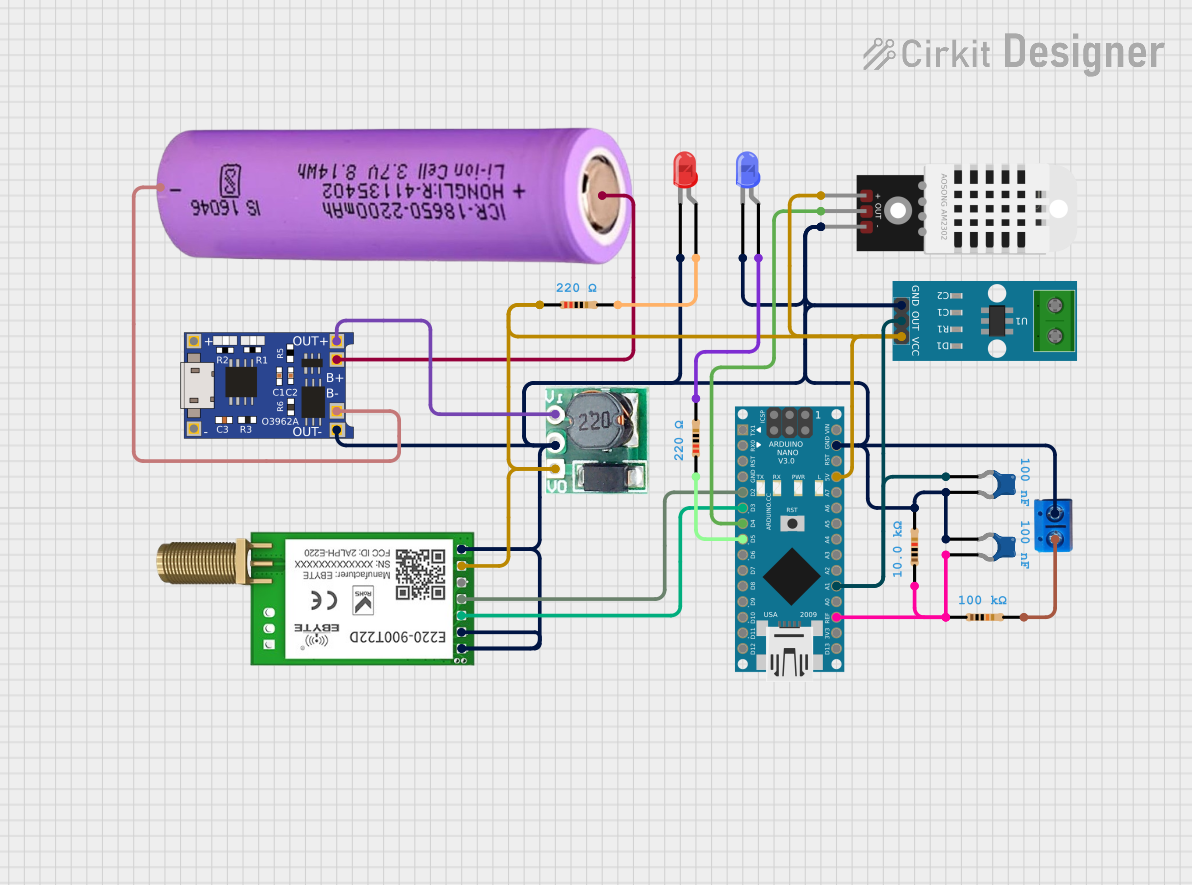 Open Project in Cirkit Designer
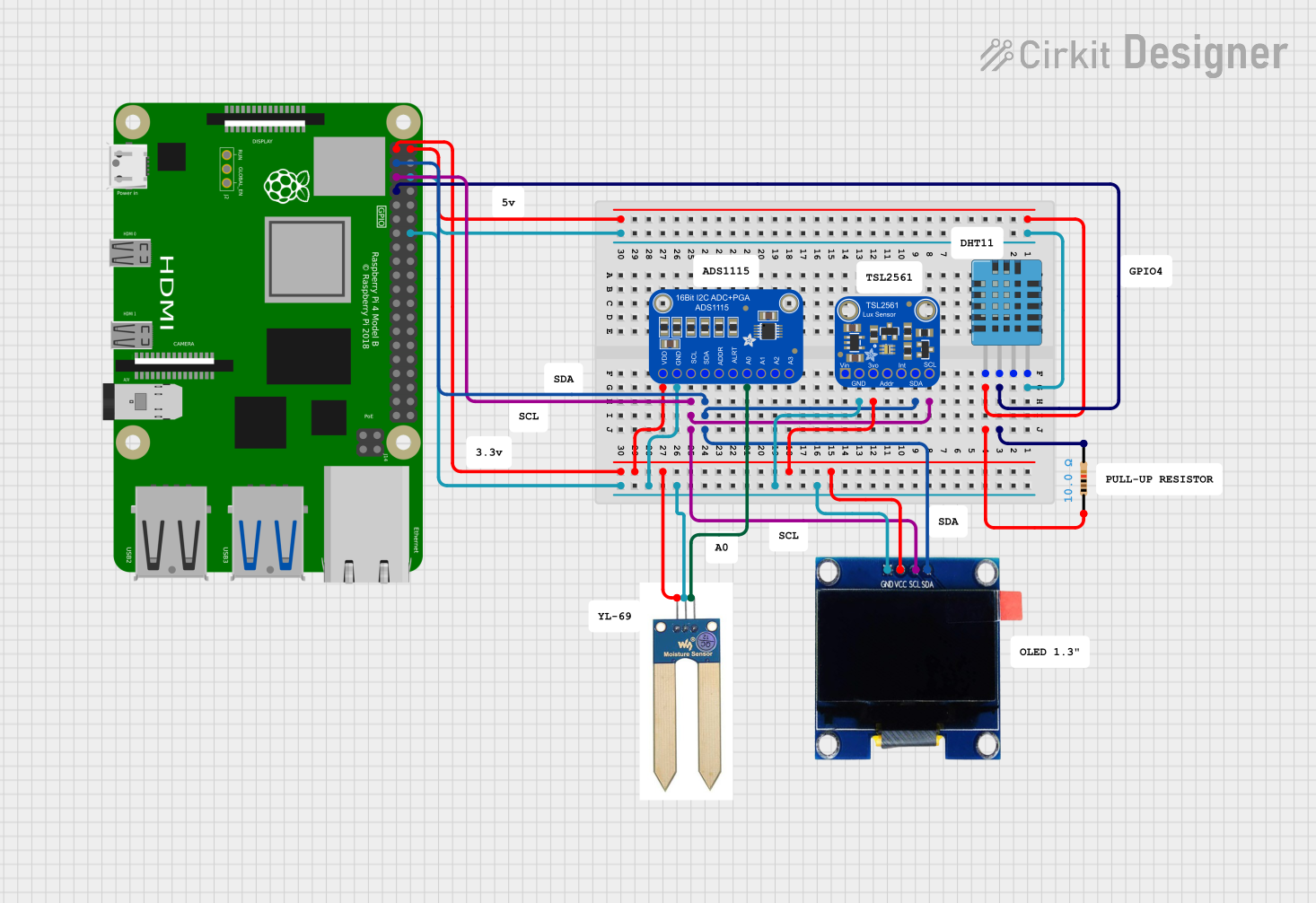 Open Project in Cirkit Designer
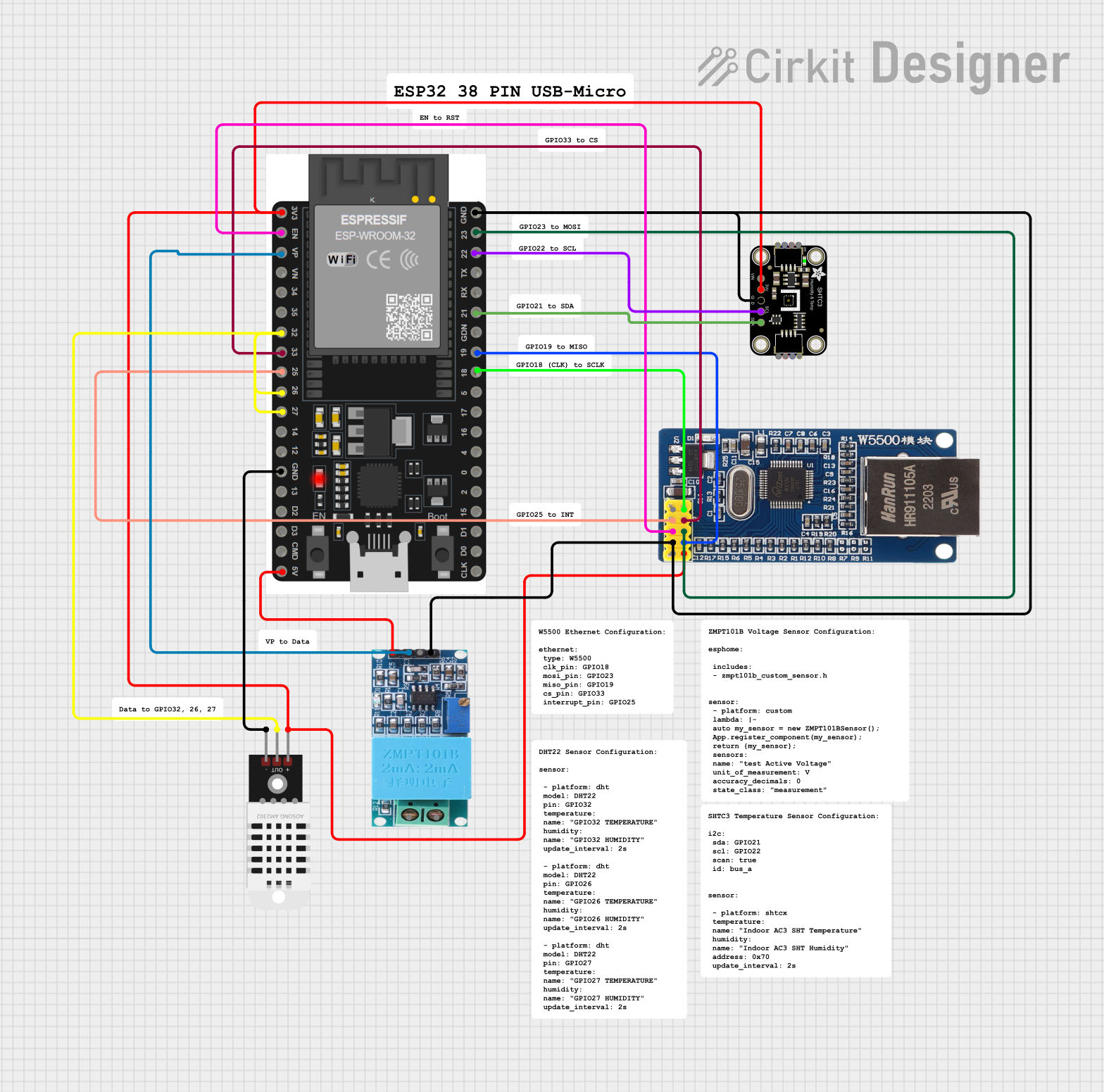 Open Project in Cirkit Designer
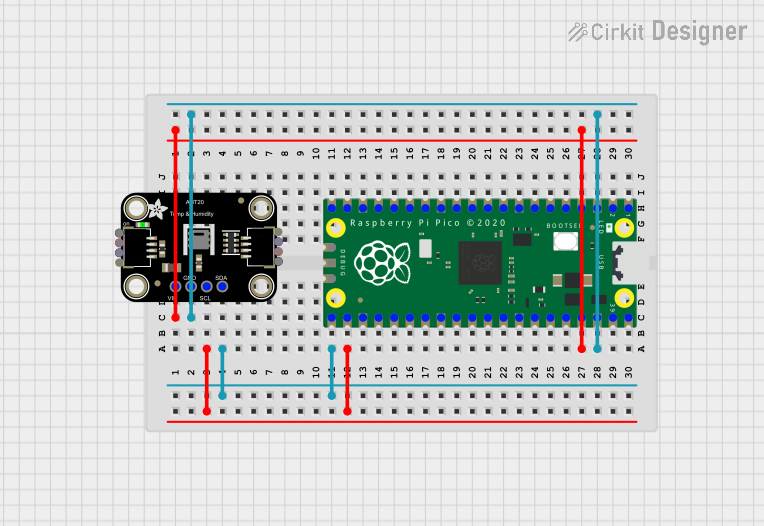 Open Project in Cirkit Designer
Explore Projects Built with StrawberryLinux SHT25 Sensor module
Open Project in Cirkit DesignerOpen Project in Cirkit DesignerOpen Project in Cirkit DesignerOpen Project in Cirkit DesignerCommon Applications and Use Cases
- Weather stations
- HVAC (Heating, Ventilation, and Air Conditioning) systems
- IoT (Internet of Things) devices for environmental monitoring
- Industrial and agricultural monitoring systems
- Data logging and scientific research
Technical Specifications
The following table outlines the key technical specifications of the StrawberryLinux SHT25 Sensor Module:
| Parameter | Specification |
|---|---|
| Supply Voltage | 3.0V to 5.5V |
| Communication Protocol | I2C |
| Temperature Range | -40°C to +125°C |
| Temperature Accuracy | ±0.2°C (typical) |
| Humidity Range | 0% RH to 100% RH |
| Humidity Accuracy | ±1.8% RH (typical) |
| Power Consumption | 3 µW (at 1 measurement/second) |
| Dimensions | 15mm x 20mm |
Pin Configuration and Descriptions
The module has a 4-pin interface for easy connection. The pinout is as follows:
| Pin Number | Pin Name | Description |
|---|---|---|
| 1 | VCC | Power supply input (3.0V to 5.5V) |
| 2 | GND | Ground |
| 3 | SDA | I2C data line |
| 4 | SCL | I2C clock line |
Usage Instructions
How to Use the Component in a Circuit
- Power the Module: Connect the
VCCpin to a 3.3V or 5V power source and theGNDpin to ground. - Connect I2C Lines: Connect the
SDAandSCLpins to the corresponding I2C pins on your microcontroller (e.g., Arduino UNO:A4for SDA andA5for SCL). - Pull-Up Resistors: Ensure that the I2C lines have pull-up resistors (typically 4.7kΩ). Some microcontrollers have built-in pull-ups, but external resistors may be required for reliable communication.
- Write Code: Use an appropriate library or write custom code to communicate with the sensor via I2C.
Important Considerations and Best Practices
- Power Supply: Ensure the power supply voltage is within the specified range (3.0V to 5.5V).
- I2C Address: The default I2C address of the SHT25 sensor is
0x40. Ensure no other devices on the I2C bus conflict with this address. - Measurement Timing: Allow sufficient time between measurements to avoid overloading the sensor. A typical interval is 1 second.
- Environmental Protection: If used in harsh environments, consider adding a protective enclosure to shield the sensor from dust and moisture.
Example Code for Arduino UNO
Below is an example Arduino sketch to read temperature and humidity data from the SHT25 sensor:
#include <Wire.h>

// SHT25 I2C address
#define SHT25_ADDRESS 0x40

// Command codes for temperature and humidity measurements
#define CMD_MEASURE_TEMP 0xE3
#define CMD_MEASURE_HUM  0xE5

void setup() {
  Wire.begin(); // Initialize I2C communication
  Serial.begin(9600); // Initialize serial communication for debugging
  Serial.println("SHT25 Sensor Module Test");
}

void loop() {
  float temperature = readTemperature();
  float humidity = readHumidity();

  // Print the results to the Serial Monitor
  Serial.print("Temperature: ");
  Serial.print(temperature);
  Serial.println(" °C");

  Serial.print("Humidity: ");
  Serial.print(humidity);
  Serial.println(" %RH");

  delay(1000); // Wait 1 second before the next measurement
}

float readTemperature() {
  Wire.beginTransmission(SHT25_ADDRESS);
  Wire.write(CMD_MEASURE_TEMP); // Send temperature measurement command
  Wire.endTransmission();
  delay(85); // Wait for the measurement to complete

  Wire.requestFrom(SHT25_ADDRESS, 2);
  if (Wire.available() == 2) {
    uint16_t rawData = (Wire.read() << 8) | Wire.read();
    return -46.85 + 175.72 * (rawData / 65536.0); // Convert to Celsius
  }
  return NAN; // Return NaN if data is unavailable
}

float readHumidity() {
  Wire.beginTransmission(SHT25_ADDRESS);
  Wire.write(CMD_MEASURE_HUM); // Send humidity measurement command
  Wire.endTransmission();
  delay(29); // Wait for the measurement to complete

  Wire.requestFrom(SHT25_ADDRESS, 2);
  if (Wire.available() == 2) {
    uint16_t rawData = (Wire.read() << 8) | Wire.read();
    return -6.0 + 125.0 * (rawData / 65536.0); // Convert to %RH
  }
  return NAN; // Return NaN if data is unavailable
}
Troubleshooting and FAQs
Common Issues and Solutions
No Data from the Sensor
- Cause: Incorrect wiring or loose connections.
- Solution: Double-check the wiring and ensure all connections are secure.
I2C Communication Failure
- Cause: Conflicting I2C addresses or missing pull-up resistors.
- Solution: Verify the I2C address (
0x40) and ensure pull-up resistors are present on the SDA and SCL lines.
Inaccurate Readings
- Cause: Environmental factors such as condensation or dust on the sensor.
- Solution: Clean the sensor gently with a dry, soft cloth and consider using a protective enclosure.
Arduino Code Not Working
- Cause: Missing or outdated libraries.
- Solution: Ensure the Arduino IDE is up to date and that the
Wirelibrary is included in your sketch.
FAQs
Q: Can the SHT25 Sensor Module operate at 5V?
A: Yes, the module supports a supply voltage range of 3.0V to 5.5V.
Q: What is the typical response time for measurements?
A: The typical response time is 8 seconds for humidity and less than 1 second for temperature.
Q: Can I use this module with a Raspberry Pi?
A: Yes, the module can be used with any microcontroller or SBC (Single Board Computer) that supports I2C communication.
Q: Is the sensor factory-calibrated?
A: Yes, the SHT25 sensor is factory-calibrated for temperature and humidity measurements.