
How to Use 2x 18650 Battery Holder (Parallel): Examples, Pinouts, and Specs
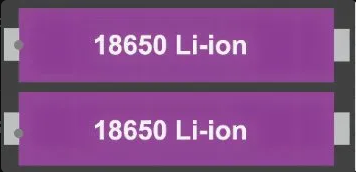
 Design with 2x 18650 Battery Holder (Parallel) in Cirkit Designer
Introduction
The 2x 18650 Battery Holder (Parallel) is a compact and durable component designed to securely hold two 18650 lithium-ion batteries in a parallel configuration. This configuration increases the overall capacity (mAh) of the power source while maintaining the same voltage as a single 18650 cell. The holder is equipped with terminals for easy integration into electronic circuits, making it ideal for powering portable devices, DIY projects, and energy storage systems.
Explore Projects Built with 2x 18650 Battery Holder (Parallel)
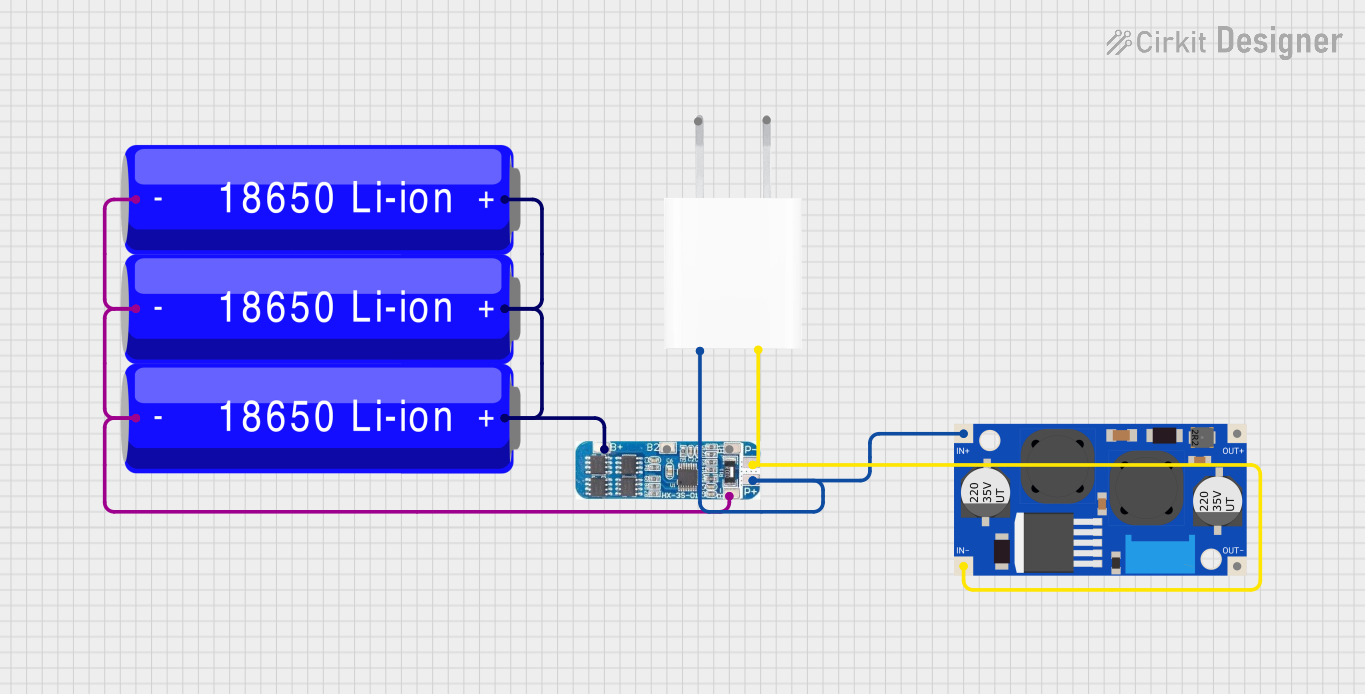 Open Project in Cirkit Designer
 Open Project in Cirkit Designer
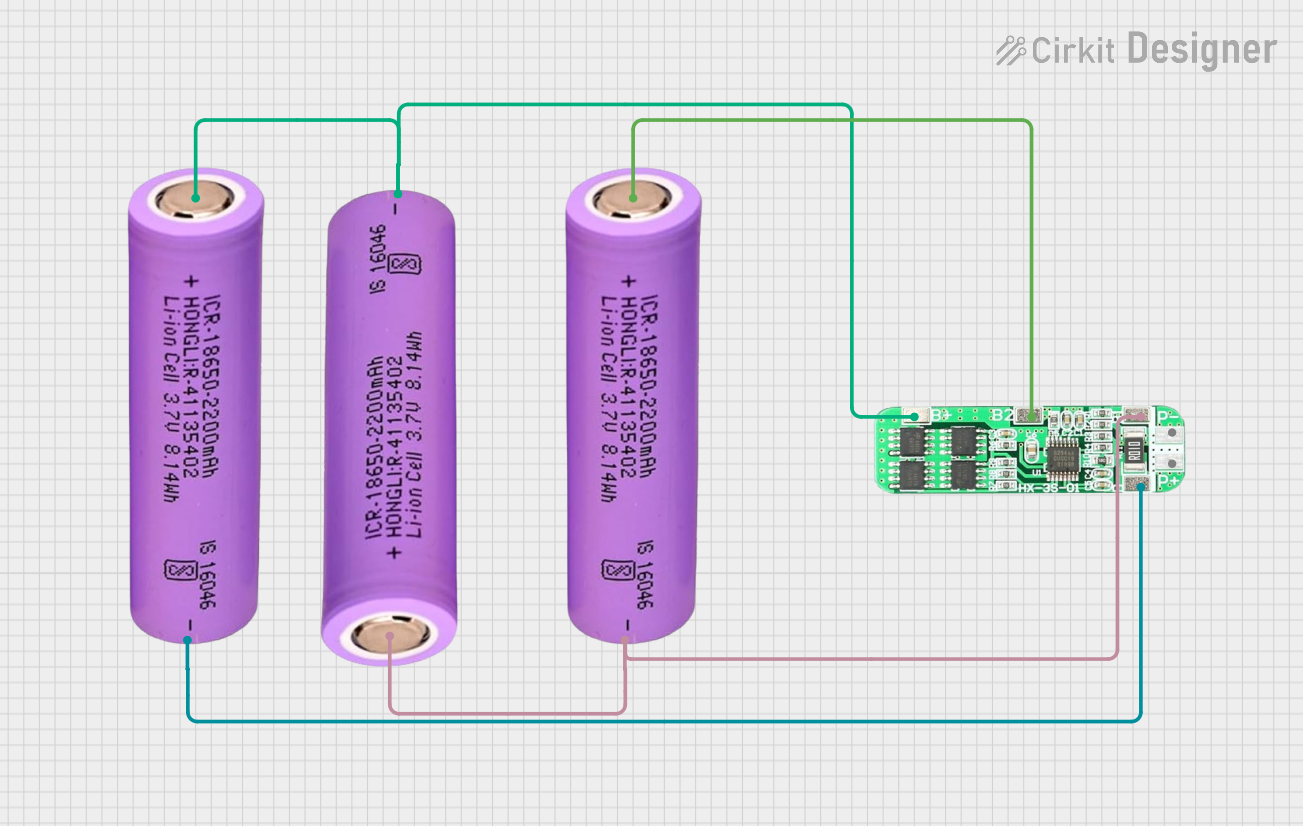 Open Project in Cirkit Designer
 Open Project in Cirkit Designer
Explore Projects Built with 2x 18650 Battery Holder (Parallel)
Open Project in Cirkit DesignerOpen Project in Cirkit DesignerOpen Project in Cirkit DesignerOpen Project in Cirkit DesignerCommon Applications and Use Cases
- Powering portable electronic devices
- DIY electronics and prototyping
- Energy storage systems
- Robotics and IoT projects
- Backup power supplies
Technical Specifications
Below are the key technical details for the 2x 18650 Battery Holder (Parallel):
| Specification | Details |
|---|---|
| Manufacturer | Battery Holder - Parallel Configuration |
| Manufacturer Part ID | Power Source / Energy Storage |
| Battery Configuration | Parallel |
| Supported Battery Type | 18650 Lithium-Ion |
| Voltage Output | Same as a single 18650 cell (3.7V nominal) |
| Capacity Output | Sum of the capacities of both batteries |
| Material | ABS plastic (holder), nickel-plated terminals |
| Dimensions | ~75mm x 40mm x 20mm |
| Weight | ~20g (without batteries) |
| Operating Temperature | -20°C to 60°C |
Pin Configuration and Descriptions
The battery holder has two main terminals for electrical connections:
| Pin | Label | Description |
|---|---|---|
| 1 | Positive (+) | Positive terminal for the parallel battery output |
| 2 | Negative (-) | Negative terminal for the parallel battery output |
Usage Instructions
How to Use the Component in a Circuit
- Insert Batteries: Place two 18650 lithium-ion batteries into the holder, ensuring correct polarity. Both batteries should have their positive terminals aligned with the "+" side of the holder and their negative terminals aligned with the "-" side.
- Connect to Circuit: Use the positive (+) and negative (-) terminals of the holder to connect to your circuit. Ensure proper soldering or use connectors for a secure connection.
- Verify Voltage: Measure the output voltage using a multimeter to confirm it matches the nominal voltage of a single 18650 cell (approximately 3.7V).
- Load Connection: Connect the holder to your load or device, ensuring the current draw does not exceed the combined discharge rating of the batteries.
Important Considerations and Best Practices
- Battery Matching: Use two 18650 batteries with the same capacity, charge level, and discharge rating to ensure balanced performance.
- Avoid Overloading: Do not exceed the maximum current rating of the batteries or the holder's terminals.
- Safety Precautions: Always use batteries with built-in protection circuits to prevent overcharging, over-discharging, and short circuits.
- Secure Mounting: If used in a mobile or vibration-prone application, ensure the holder is securely mounted to prevent battery disconnection.
- Charging: When charging the batteries, remove them from the holder and use a dedicated lithium-ion battery charger.
Example: Connecting to an Arduino UNO
The 2x 18650 Battery Holder (Parallel) can be used to power an Arduino UNO. Below is an example of how to connect it:
- Connect the positive terminal of the holder to the VIN pin of the Arduino UNO.
- Connect the negative terminal of the holder to the GND pin of the Arduino UNO.
Sample Code for Arduino UNO
// Example code to blink an LED using power from the 2x 18650 Battery Holder
// Ensure the battery holder is connected to the Arduino's VIN and GND pins.

const int ledPin = 13; // Pin connected to the onboard LED

void setup() {
  pinMode(ledPin, OUTPUT); // Set the LED pin as an output
}

void loop() {
  digitalWrite(ledPin, HIGH); // Turn the LED on
  delay(1000);                // Wait for 1 second
  digitalWrite(ledPin, LOW);  // Turn the LED off
  delay(1000);                // Wait for 1 second
}
Troubleshooting and FAQs
Common Issues Users Might Face
No Output Voltage:
- Cause: Batteries are inserted incorrectly or are depleted.
- Solution: Check the polarity of the batteries and ensure they are charged.
Uneven Battery Discharge:
- Cause: Batteries with different capacities or charge levels are used.
- Solution: Use two identical batteries with the same capacity and charge level.
Overheating:
- Cause: Excessive current draw or short circuit.
- Solution: Ensure the load does not exceed the current rating of the batteries and check for short circuits.
Loose Connections:
- Cause: Poor soldering or loose wires.
- Solution: Re-solder the connections or use secure connectors.
Solutions and Tips for Troubleshooting
- Always use a multimeter to verify the output voltage and continuity of connections.
- Inspect the holder for physical damage, such as broken terminals or cracks in the plastic.
- If the holder is not functioning as expected, test each battery individually to ensure they are operational.
By following this documentation, users can effectively integrate the 2x 18650 Battery Holder (Parallel) into their projects and ensure safe and reliable operation.