
How to Use CD4026: Examples, Pinouts, and Specs
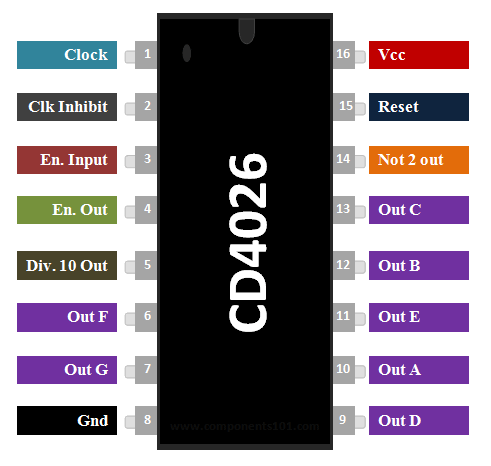
 Design with CD4026 in Cirkit Designer
Introduction
The CD4026 is a decade counter and divider IC manufactured by NXP Semiconductors (Part ID: CD4026BNSR). It is designed to count from 0 to 9 and is widely used in digital electronics for applications requiring binary-coded decimal (BCD) outputs. The IC is particularly popular in digital clocks, frequency counters, and other numerical display systems. One of its key features is the ability to directly drive 7-segment displays, making it a versatile choice for projects involving numerical displays.
Explore Projects Built with CD4026
 Open Project in Cirkit Designer
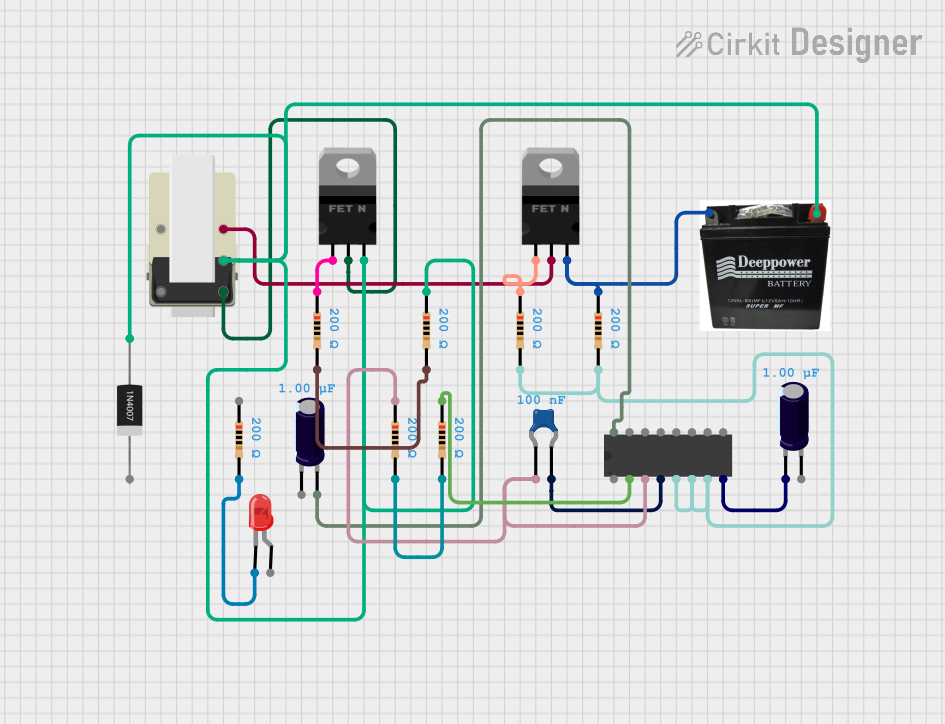 Open Project in Cirkit Designer
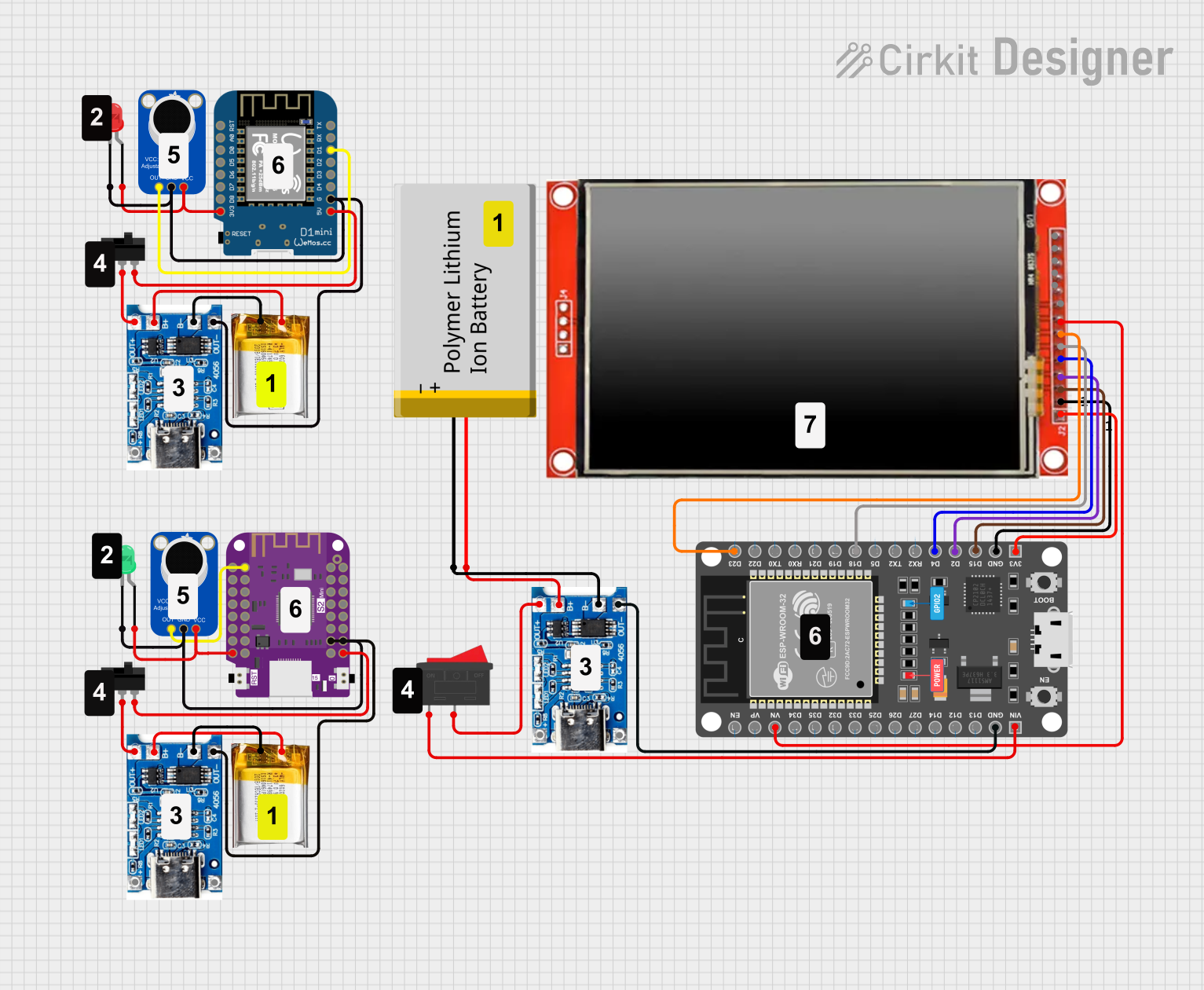 Open Project in Cirkit Designer
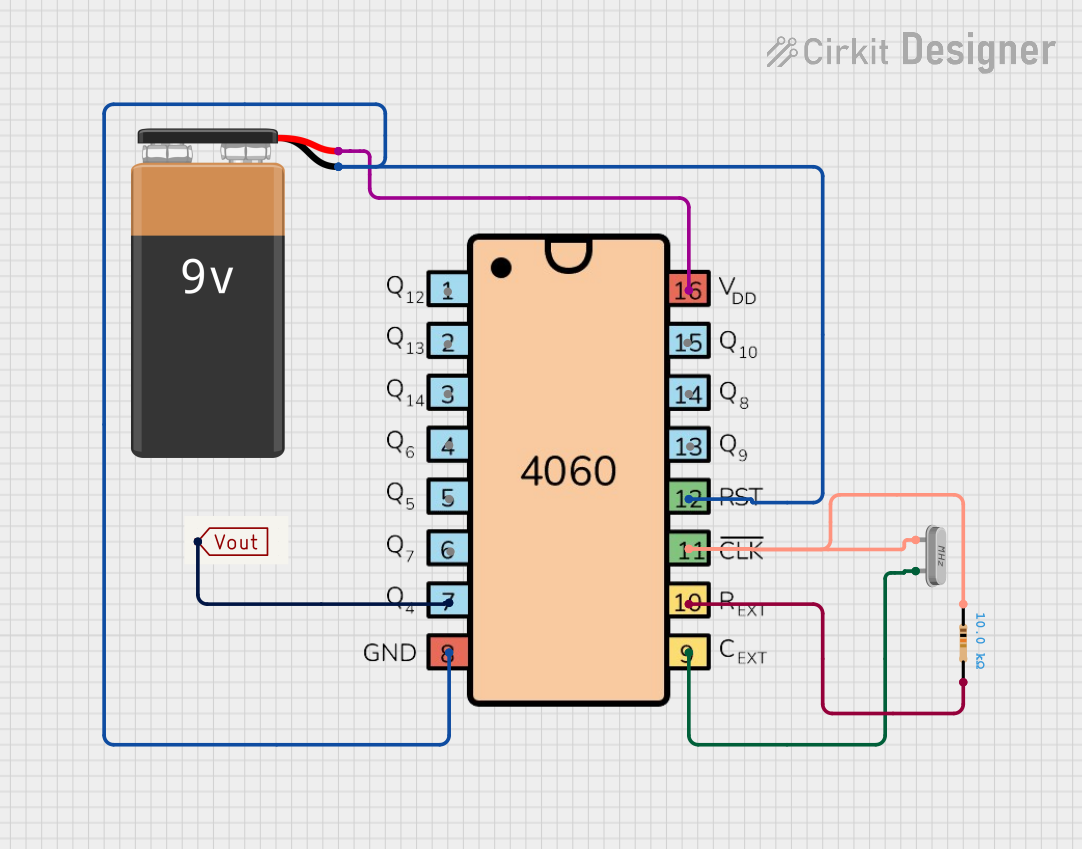 Open Project in Cirkit Designer
Explore Projects Built with CD4026
Open Project in Cirkit DesignerOpen Project in Cirkit DesignerOpen Project in Cirkit DesignerOpen Project in Cirkit DesignerCommon Applications
- Digital clocks
- Frequency counters
- Event counters
- Digital voltmeters
- Scoreboards
- Timer circuits
Technical Specifications
The following table outlines the key technical specifications of the CD4026:
| Parameter | Value |
|---|---|
| Supply Voltage (V(_{DD})) | 3V to 15V |
| Input Voltage Range | 0V to V(_{DD}) |
| Maximum Clock Frequency | 6 MHz (at V(_{DD}) = 10V) |
| Output Current (per pin) | ±1.5 mA |
| Power Dissipation | 500 mW |
| Operating Temperature Range | -55°C to +125°C |
| Package Type | SOIC-16, PDIP-16 |
Pin Configuration and Descriptions
The CD4026 has 16 pins, each serving a specific function. The table below provides a detailed description of each pin:
| Pin Number | Pin Name | Description |
|---|---|---|
| 1 | Clock (CLK) | Input for clock pulses; increments the counter on the rising edge. |
| 2 | Enable (EN) | Enables or disables the clock input. Active HIGH. |
| 3 | Reset (RST) | Resets the counter to zero when HIGH. |
| 4 | Display Enable | Enables or disables the 7-segment display output. Active HIGH. |
| 5 | Segment b | Output for segment 'b' of the 7-segment display. |
| 6 | Segment c | Output for segment 'c' of the 7-segment display. |
| 7 | Unused | Not connected internally; leave floating or connect to ground. |
| 8 | Ground (GND) | Ground reference for the IC. |
| 9 | Segment d | Output for segment 'd' of the 7-segment display. |
| 10 | Segment e | Output for segment 'e' of the 7-segment display. |
| 11 | Segment f | Output for segment 'f' of the 7-segment display. |
| 12 | Segment g | Output for segment 'g' of the 7-segment display. |
| 13 | Segment a | Output for segment 'a' of the 7-segment display. |
| 14 | Carry Out (CO) | Outputs a carry signal for cascading multiple CD4026 ICs. |
| 15 | Common Cathode | Connects to the common cathode of the 7-segment display. |
| 16 | V(_{DD}) | Positive supply voltage. |
Usage Instructions
How to Use the CD4026 in a Circuit
- Power Supply: Connect pin 16 (V(_{DD})) to a positive voltage source (3V to 15V) and pin 8 (GND) to ground.
- Clock Input: Provide clock pulses to the CLK pin (pin 1). Each rising edge of the clock pulse increments the counter.
- Reset: To reset the counter to zero, apply a HIGH signal to the RST pin (pin 3).
- Display Enable: To enable the 7-segment display output, set the Display Enable pin (pin 4) HIGH.
- 7-Segment Display: Connect the segment output pins (pins 5, 6, 9, 10, 11, 12, and 13) to the corresponding segments of a 7-segment display.
- Cascading: For applications requiring counts beyond 9, use the Carry Out (CO) pin (pin 14) to cascade multiple CD4026 ICs.
Important Considerations
- Use current-limiting resistors (typically 330Ω to 1kΩ) between the segment output pins and the 7-segment display to prevent damage to the IC and display.
- Ensure the clock signal is clean and free of noise to avoid erratic counting.
- Avoid exceeding the maximum supply voltage (15V) to prevent permanent damage to the IC.
Example: Connecting CD4026 to an Arduino UNO
Below is an example of how to connect the CD4026 to an Arduino UNO to drive a 7-segment display:
Circuit Connections
- Connect the CD4026's V(_{DD}) (pin 16) to the Arduino's 5V pin.
- Connect GND (pin 8) to the Arduino's GND.
- Connect the CLK pin (pin 1) to Arduino digital pin 2.
- Connect the RST pin (pin 3) to Arduino digital pin 3.
- Connect the segment output pins (pins 5, 6, 9, 10, 11, 12, and 13) to the corresponding segments of the 7-segment display.
Arduino Code
// Define pin connections
const int clockPin = 2;  // Clock input to CD4026
const int resetPin = 3;  // Reset input to CD4026

void setup() {
  pinMode(clockPin, OUTPUT);  // Set clock pin as output
  pinMode(resetPin, OUTPUT);  // Set reset pin as output

  // Initialize pins
  digitalWrite(clockPin, LOW);
  digitalWrite(resetPin, LOW);
}

void loop() {
  // Reset the counter
  digitalWrite(resetPin, HIGH);  // Send HIGH signal to reset pin
  delay(10);                     // Short delay
  digitalWrite(resetPin, LOW);   // Set reset pin back to LOW

  // Increment the counter
  for (int i = 0; i < 10; i++) { // Loop to count from 0 to 9
    digitalWrite(clockPin, HIGH);  // Send HIGH signal to clock pin
    delay(500);                    // Wait for 500ms
    digitalWrite(clockPin, LOW);   // Set clock pin back to LOW
    delay(500);                    // Wait for 500ms
  }
}
Troubleshooting and FAQs
Common Issues and Solutions
The 7-segment display does not light up:
- Ensure the Display Enable pin (pin 4) is set HIGH.
- Check the connections between the segment output pins and the 7-segment display.
- Verify that current-limiting resistors are correctly installed.
Erratic counting:
- Ensure the clock signal is clean and free of noise.
- Use a debouncing circuit or software debouncing if the clock signal is generated by a mechanical switch.
The counter does not reset:
- Verify that the RST pin (pin 3) is receiving a HIGH signal to reset the counter.
- Check for loose or incorrect connections to the RST pin.
The IC overheats:
- Ensure the supply voltage does not exceed 15V.
- Verify that the current-limiting resistors are properly sized to limit current through the 7-segment display.
FAQs
Q: Can I cascade multiple CD4026 ICs for larger counts?
A: Yes, you can use the Carry Out (CO) pin (pin 14) to cascade multiple CD4026 ICs for counts beyond 9.
Q: What type of 7-segment display should I use with the CD4026?
A: The CD4026 is designed to work with common cathode 7-segment displays.
Q: Can the CD4026 operate at 3.3V?
A: Yes, the CD4026 can operate at supply voltages as low as 3V, making it compatible with 3.3V systems.