
How to Use MT3608 Boost Converter: Examples, Pinouts, and Specs
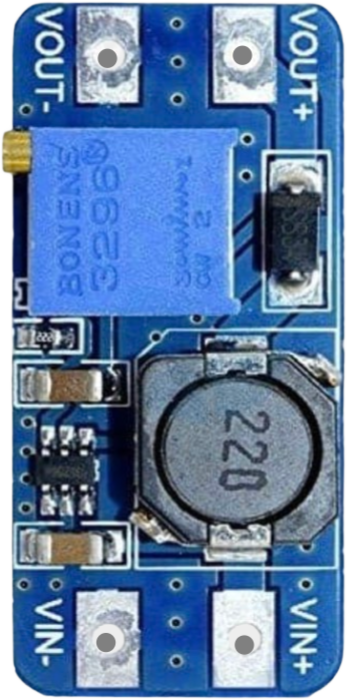
 Design with MT3608 Boost Converter in Cirkit Designer
Introduction
The MT3608 is a high-efficiency DC-DC boost converter designed to step up a lower input voltage to a higher output voltage. This component is widely used in battery-powered applications where a stable and adjustable higher voltage is required. Its compact design, adjustable output voltage, and high efficiency make it a versatile choice for powering devices such as LEDs, microcontrollers, and small motors.
Explore Projects Built with MT3608 Boost Converter
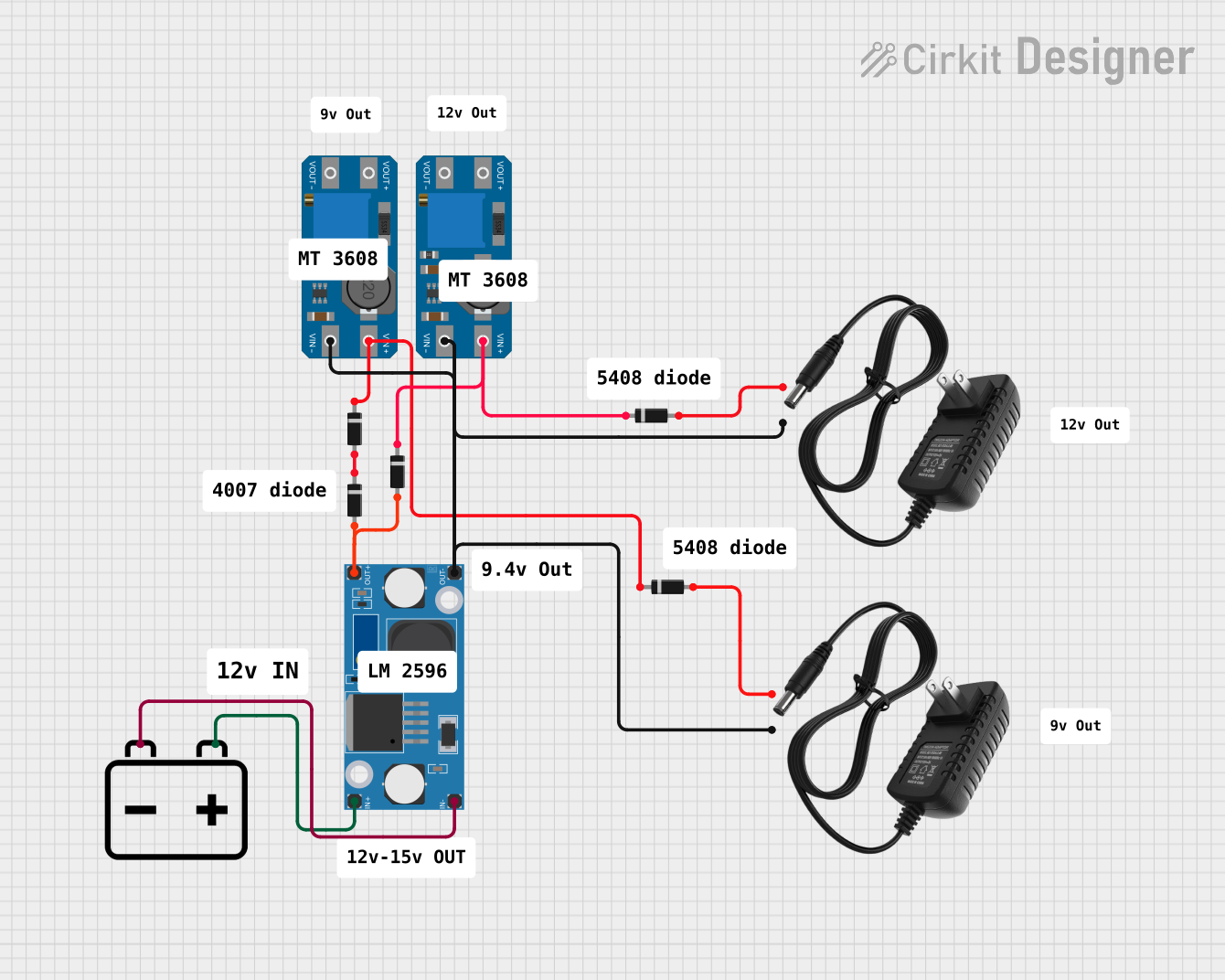 Open Project in Cirkit Designer
 Open Project in Cirkit Designer
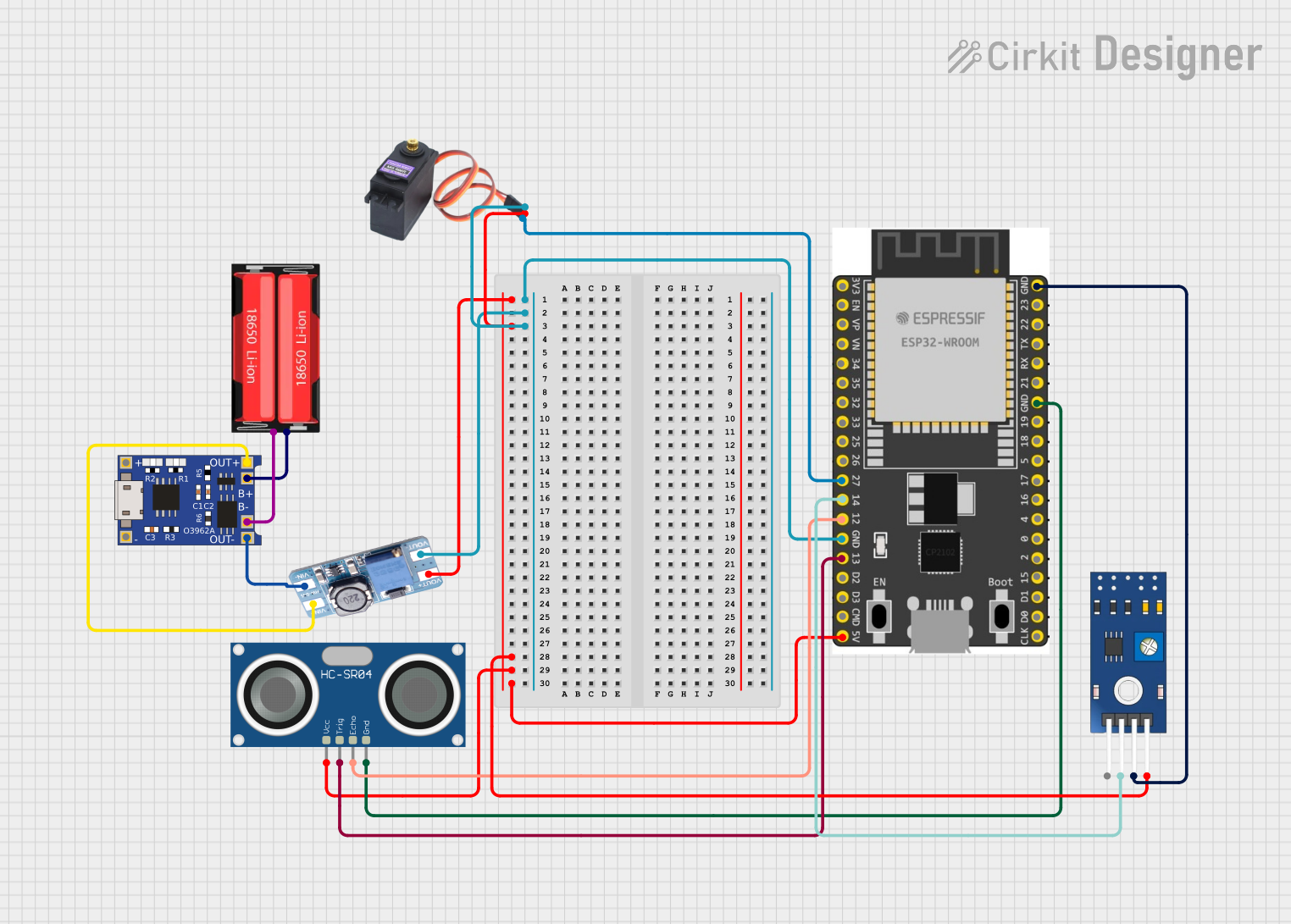 Open Project in Cirkit Designer
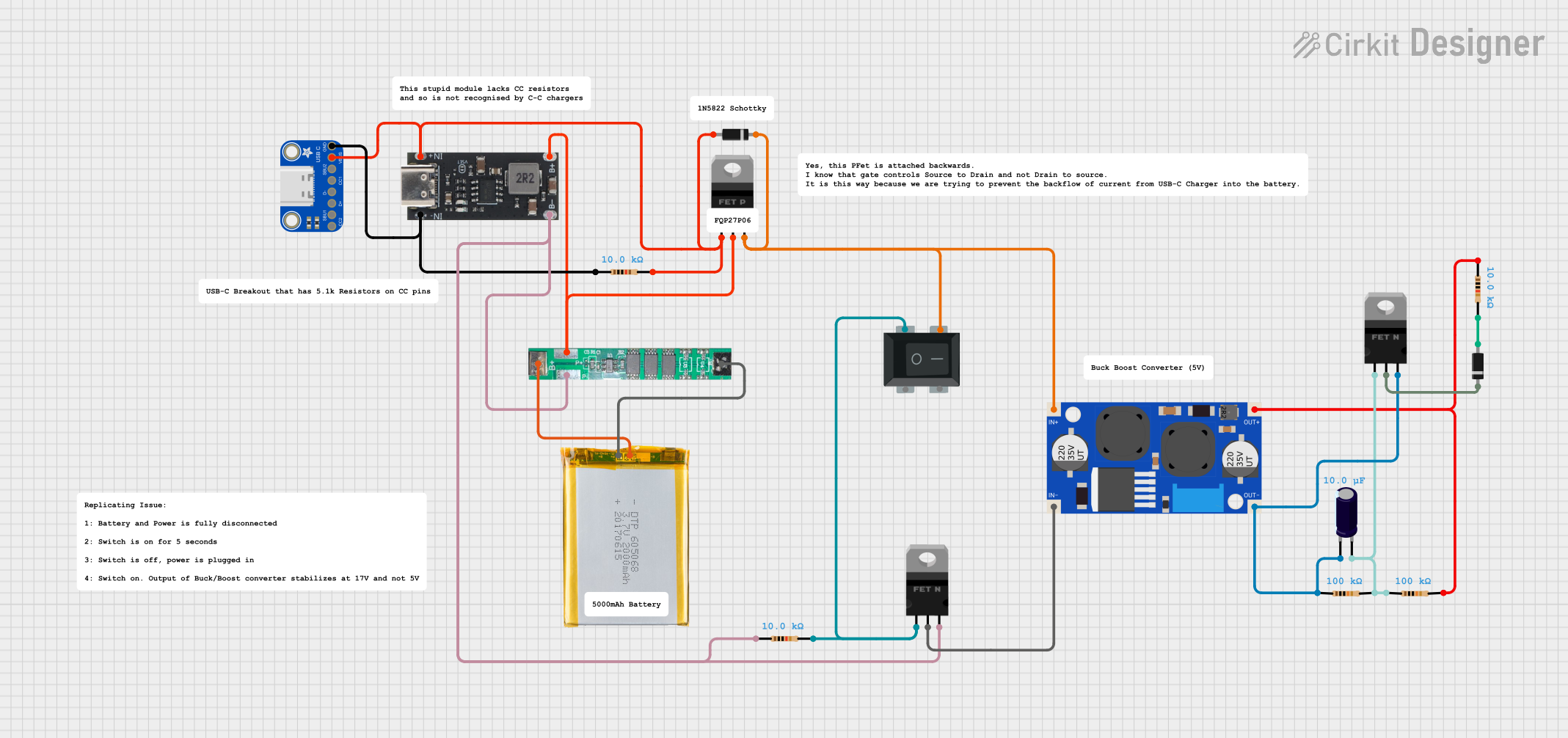 Open Project in Cirkit Designer
Explore Projects Built with MT3608 Boost Converter
Open Project in Cirkit DesignerOpen Project in Cirkit DesignerOpen Project in Cirkit DesignerOpen Project in Cirkit DesignerCommon Applications:
- Powering microcontrollers (e.g., Arduino, ESP32) from lower voltage sources
- Driving LED strips or high-power LEDs
- Boosting voltage from single-cell lithium-ion batteries
- Portable electronics and DIY projects
- Solar-powered systems
Technical Specifications
Key Technical Details:
| Parameter | Value |
|---|---|
| Input Voltage Range | 2V to 24V |
| Output Voltage Range | 2V to 28V (adjustable via potentiometer) |
| Maximum Output Current | 2A (depends on input voltage and load) |
| Efficiency | Up to 93% |
| Switching Frequency | 1.2 MHz |
| Dimensions | ~36mm x 17mm x 6mm |
Pin Configuration and Descriptions:
| Pin Name | Description |
|---|---|
| VIN | Input voltage pin. Connect the positive terminal of the input power source. |
| GND | Ground pin. Connect to the negative terminal of the input power source. |
| VOUT | Output voltage pin. Provides the boosted voltage. |
Usage Instructions
How to Use the MT3608 in a Circuit:
Connect the Input Voltage:
- Connect the positive terminal of your power source (e.g., battery) to the
VINpin. - Connect the negative terminal of your power source to the
GNDpin.
- Connect the positive terminal of your power source (e.g., battery) to the
Adjust the Output Voltage:
- Use the onboard potentiometer to adjust the output voltage.
- Turn the potentiometer clockwise to increase the output voltage and counterclockwise to decrease it.
- Use a multimeter to measure the output voltage at the
VOUTpin while adjusting.
Connect the Load:
- Connect the positive terminal of your load to the
VOUTpin. - Connect the negative terminal of your load to the
GNDpin.
- Connect the positive terminal of your load to the
Important Considerations:
- Input Voltage Limitations: Ensure the input voltage is within the 2V to 24V range.
- Output Voltage Adjustment: Do not exceed the maximum output voltage of 28V.
- Current Limitations: The maximum output current is 2A, but this depends on the input voltage and load. Exceeding this limit may damage the module.
- Heat Dissipation: For high current loads, the module may heat up. Consider adding a heatsink or improving ventilation.
Example: Using MT3608 with Arduino UNO
The MT3608 can be used to power an Arduino UNO from a 3.7V lithium-ion battery. Below is an example circuit and code to blink an LED using the Arduino UNO powered by the MT3608.
Circuit Connections:
- Connect the 3.7V lithium-ion battery to the
VINandGNDpins of the MT3608. - Adjust the MT3608 output voltage to 5V using the potentiometer.
- Connect the
VOUTpin of the MT3608 to the5Vpin of the Arduino UNO. - Connect the
GNDpin of the MT3608 to theGNDpin of the Arduino UNO.
Arduino Code:
// Simple LED Blink Example
// This code blinks an LED connected to pin 13 of the Arduino UNO.

void setup() {
  pinMode(13, OUTPUT); // Set pin 13 as an output pin
}

void loop() {
  digitalWrite(13, HIGH); // Turn the LED on
  delay(1000);            // Wait for 1 second
  digitalWrite(13, LOW);  // Turn the LED off
  delay(1000);            // Wait for 1 second
}
Troubleshooting and FAQs
Common Issues:
No Output Voltage:
- Cause: Input voltage is too low or not connected properly.
- Solution: Verify the input voltage is within the 2V to 24V range and check connections.
Output Voltage Not Adjustable:
- Cause: Potentiometer is damaged or not functioning.
- Solution: Replace the potentiometer or check for physical damage.
Module Overheating:
- Cause: Excessive current draw or poor ventilation.
- Solution: Reduce the load current or add a heatsink to the module.
Output Voltage Drops Under Load:
- Cause: Input power source cannot supply enough current.
- Solution: Use a power source with a higher current rating.
FAQs:
Q: Can the MT3608 step down voltage?
A: No, the MT3608 is a boost converter and can only step up voltage.Q: How do I know the output voltage is stable?
A: Use a multimeter to measure the output voltage under load. Ensure the input power source is stable.Q: Can I use the MT3608 to power a Raspberry Pi?
A: While it is possible, the Raspberry Pi's high current requirements may cause the MT3608 to overheat. Use with caution and ensure proper cooling.
This documentation provides a comprehensive guide to using the MT3608 Boost Converter effectively in your projects.