
How to Use Fuse 40A: Examples, Pinouts, and Specs
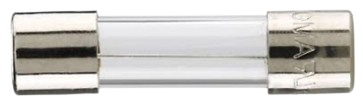
 Design with Fuse 40A in Cirkit Designer
Introduction
A Fuse 40A is a protective device designed to interrupt an electrical circuit when the current flowing through it exceeds 40 amperes. This interruption prevents damage to circuit components caused by excessive current, such as overheating, fire, or component failure. Fuses are essential in ensuring the safety and longevity of electrical systems.
Explore Projects Built with Fuse 40A
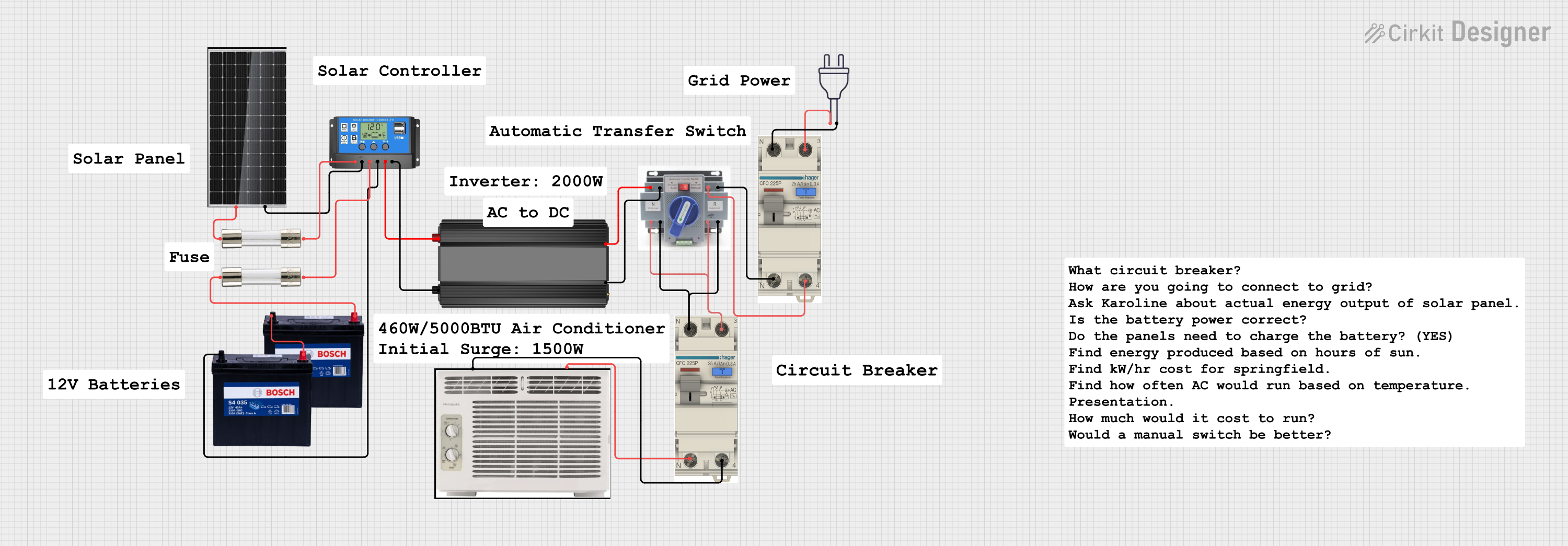 Open Project in Cirkit Designer
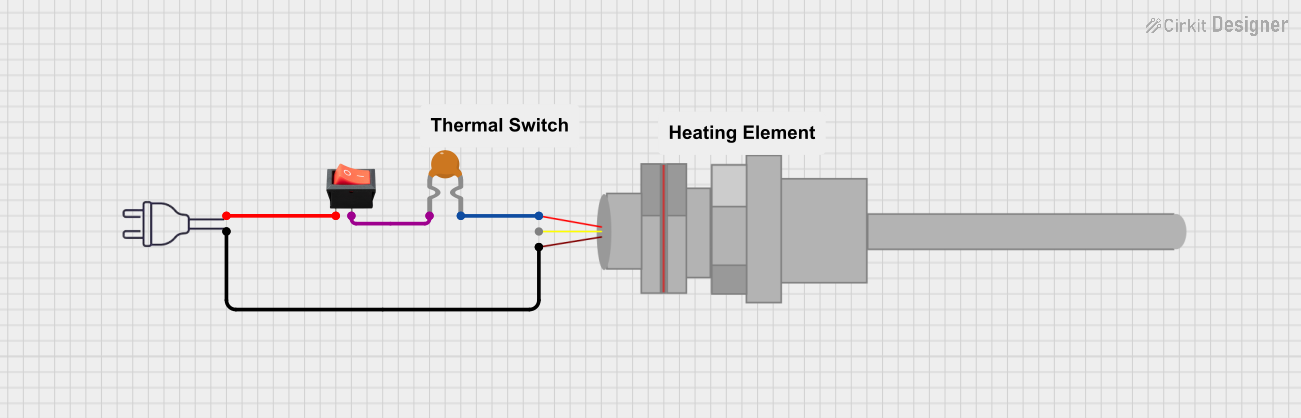 Open Project in Cirkit Designer
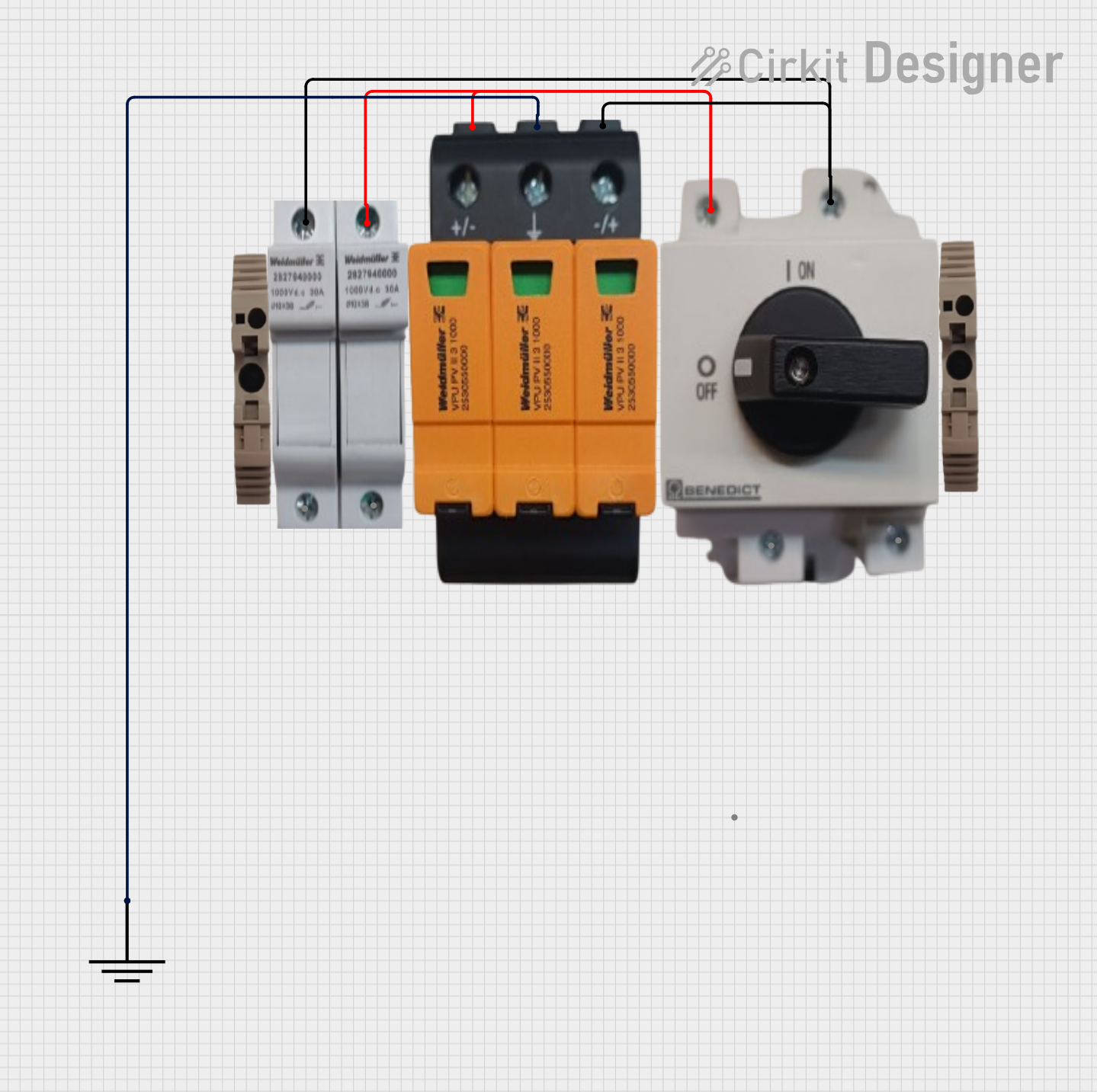 Open Project in Cirkit Designer
 Open Project in Cirkit Designer
Explore Projects Built with Fuse 40A
Open Project in Cirkit DesignerOpen Project in Cirkit DesignerOpen Project in Cirkit DesignerOpen Project in Cirkit DesignerCommon Applications and Use Cases
- Automotive electrical systems to protect wiring and components.
- Industrial machinery and equipment to safeguard against overcurrent.
- Household appliances and power distribution systems.
- Renewable energy systems, such as solar inverters and battery banks.
- Any circuit requiring overcurrent protection for loads up to 40A.
Technical Specifications
Below are the key technical details for a typical 40A fuse:
| Parameter | Value |
|---|---|
| Rated Current | 40 Amperes |
| Rated Voltage | Typically 12V, 24V, or 250V |
| Fuse Type | Blade, Cartridge, or Glass |
| Breaking Capacity | Varies (e.g., 1kA, 10kA) |
| Response Time | Fast-blow or Slow-blow |
| Material | Metal alloy (fuse element), ceramic or glass body |
| Operating Temperature | -40°C to +85°C (varies by type) |
Pin Configuration and Descriptions
For a blade-type 40A fuse, the pin configuration is as follows:
| Pin | Description |
|---|---|
| Pin 1 | Input terminal (connect to power source) |
| Pin 2 | Output terminal (connect to load) |
For cartridge or glass fuses, the terminals are typically cylindrical and symmetrical, with no polarity.
Usage Instructions
How to Use the Fuse 40A in a Circuit
- Determine the Load Current: Ensure the circuit's normal operating current does not exceed 40A.
- Select the Correct Fuse Type: Choose a fuse type (e.g., blade, cartridge) compatible with your application.
- Install the Fuse:
- For blade fuses, insert the fuse into a compatible fuse holder or fuse box.
- For cartridge or glass fuses, place the fuse in a fuse clip or holder.
- Connect the Circuit:
- Connect the input terminal of the fuse to the power source.
- Connect the output terminal to the load.
- Test the Circuit: Power on the circuit and verify normal operation.
Important Considerations and Best Practices
- Voltage Rating: Ensure the fuse's voltage rating is equal to or greater than the circuit voltage.
- Breaking Capacity: Verify the fuse can handle the maximum fault current of the circuit.
- Fuse Holder: Use a compatible and secure fuse holder to prevent loose connections.
- Replacement: Always replace a blown fuse with one of the same type, rating, and specifications.
- Environment: Avoid exposing the fuse to extreme temperatures, moisture, or vibrations beyond its rated limits.
Example: Using a Fuse 40A with an Arduino UNO
While an Arduino UNO typically operates at low currents, a 40A fuse can be used to protect higher-current peripherals connected to the Arduino, such as motors or relays. Below is an example of how to integrate a fuse into such a setup:
// Example: Controlling a motor with an Arduino UNO and a 40A fuse

const int motorPin = 9; // PWM pin connected to motor driver input

void setup() {
  pinMode(motorPin, OUTPUT); // Set motor pin as output
}

void loop() {
  analogWrite(motorPin, 128); // Run motor at 50% speed
  delay(5000);               // Run for 5 seconds
  analogWrite(motorPin, 0);  // Stop motor
  delay(2000);               // Wait for 2 seconds
}

// Note: Place the 40A fuse between the power source and the motor driver.
// This protects the motor and driver from overcurrent conditions.
Troubleshooting and FAQs
Common Issues
Fuse Blows Frequently:
- Cause: Circuit current exceeds 40A due to a fault or incorrect design.
- Solution: Check for short circuits, reduce the load, or verify the fuse rating.
Fuse Does Not Blow During Overcurrent:
- Cause: Incorrect fuse type or rating.
- Solution: Replace with a properly rated fuse (e.g., 40A fast-blow or slow-blow as required).
Fuse Holder Overheats:
- Cause: Loose connections or undersized holder.
- Solution: Ensure secure connections and use a holder rated for 40A or higher.
Fuse Melts Without Blowing:
- Cause: Poor-quality fuse or excessive ambient temperature.
- Solution: Use a high-quality fuse and ensure proper ventilation.
FAQs
Q1: Can I use a 40A fuse in place of a 30A fuse?
A1: No, using a higher-rated fuse can compromise circuit protection and may lead to damage.
Q2: How do I know if a fuse is blown?
A2: Inspect the fuse visually for a broken element or use a multimeter to check for continuity.
Q3: What is the difference between fast-blow and slow-blow fuses?
A3: Fast-blow fuses respond quickly to overcurrent, while slow-blow fuses tolerate short surges before blowing.
Q4: Can I use a 40A fuse for DC and AC circuits?
A4: Yes, but ensure the fuse is rated for the specific voltage and type of current (DC or AC).