
How to Use MKS Servo42C NEMA 17 Stepper motor: Examples, Pinouts, and Specs
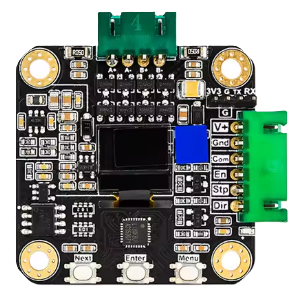
 Design with MKS Servo42C NEMA 17 Stepper motor in Cirkit Designer
Introduction
The MKS Servo42C NEMA 17 Stepper Motor, manufactured by Makerbase (Part ID: 42C), is a high-torque stepper motor designed for applications requiring precise control and high-resolution positioning. It features a NEMA 17 frame size, making it compact yet powerful for use in robotics, CNC machines, 3D printers, and other motion control systems. This motor integrates closed-loop control for enhanced accuracy and efficiency, reducing missed steps and improving overall performance.
Explore Projects Built with MKS Servo42C NEMA 17 Stepper motor
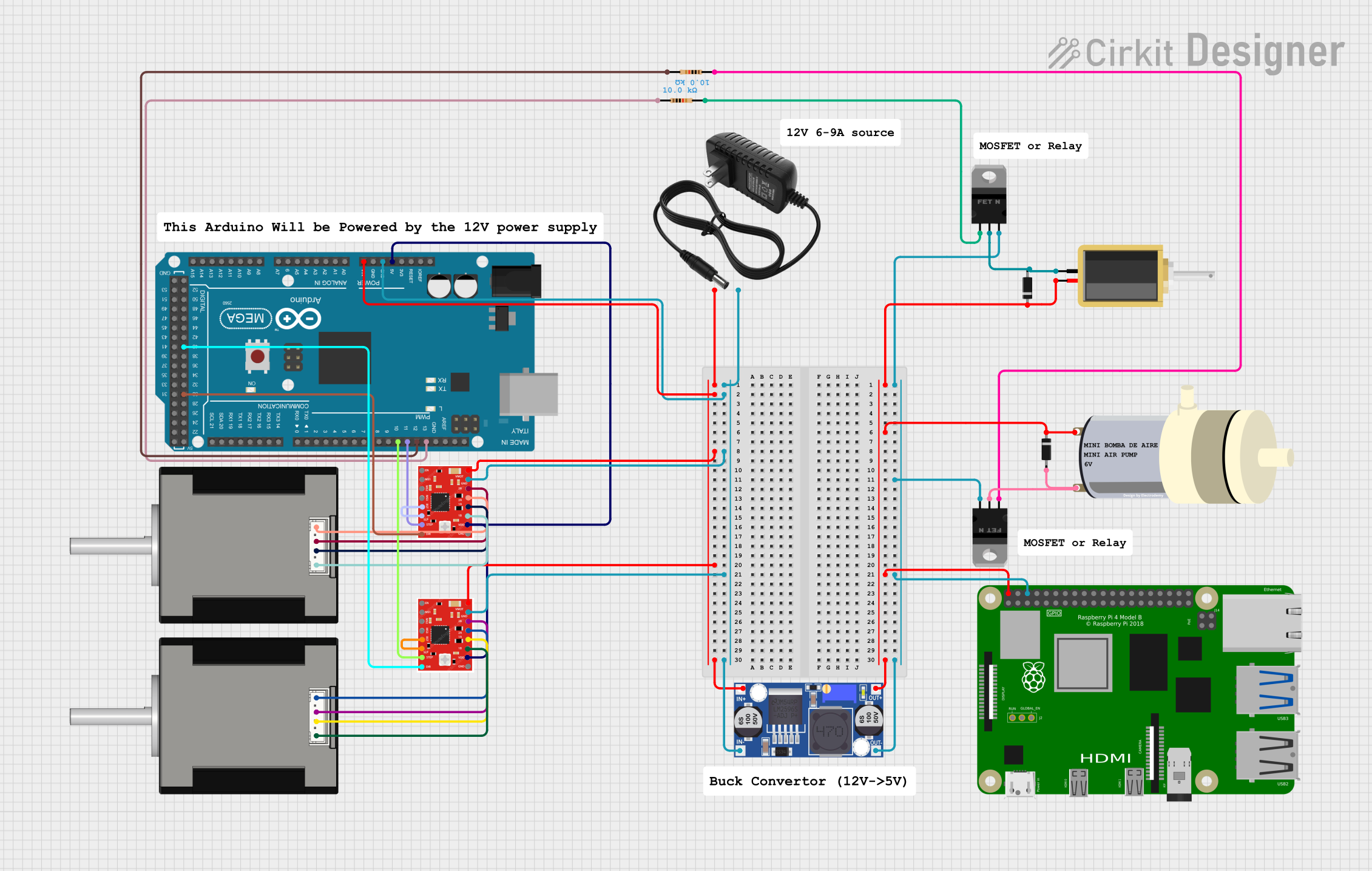 Open Project in Cirkit Designer
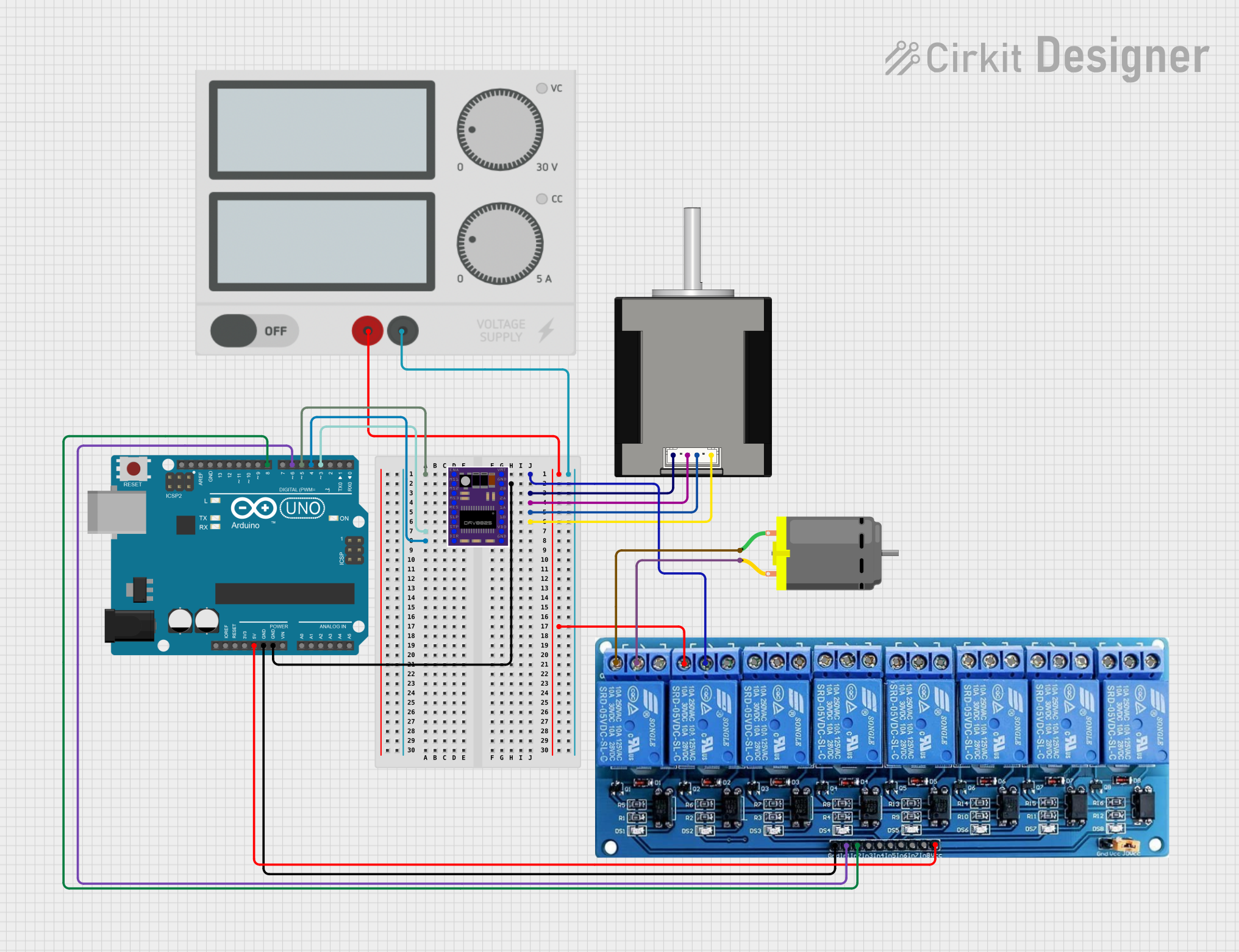 Open Project in Cirkit Designer
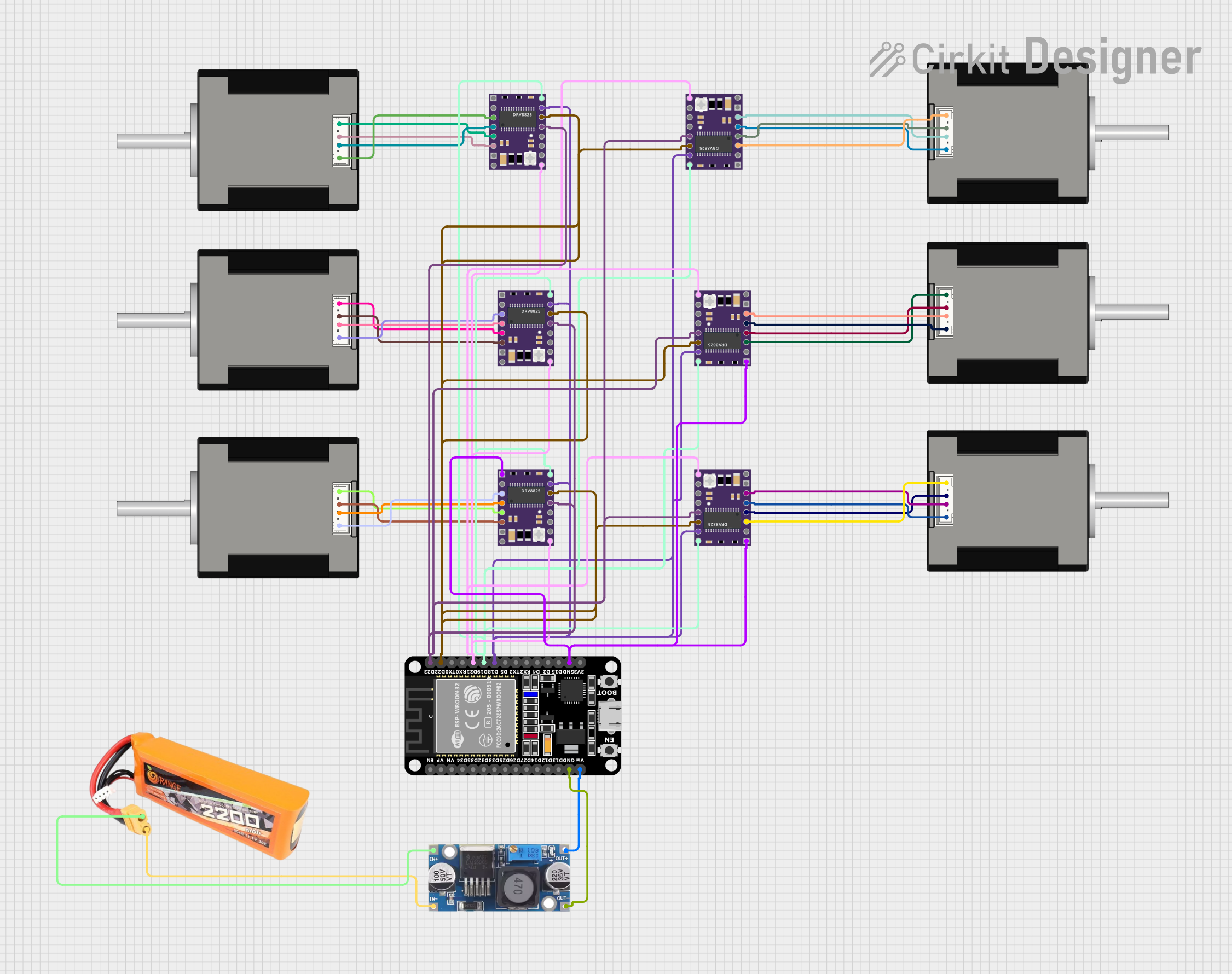 Open Project in Cirkit Designer
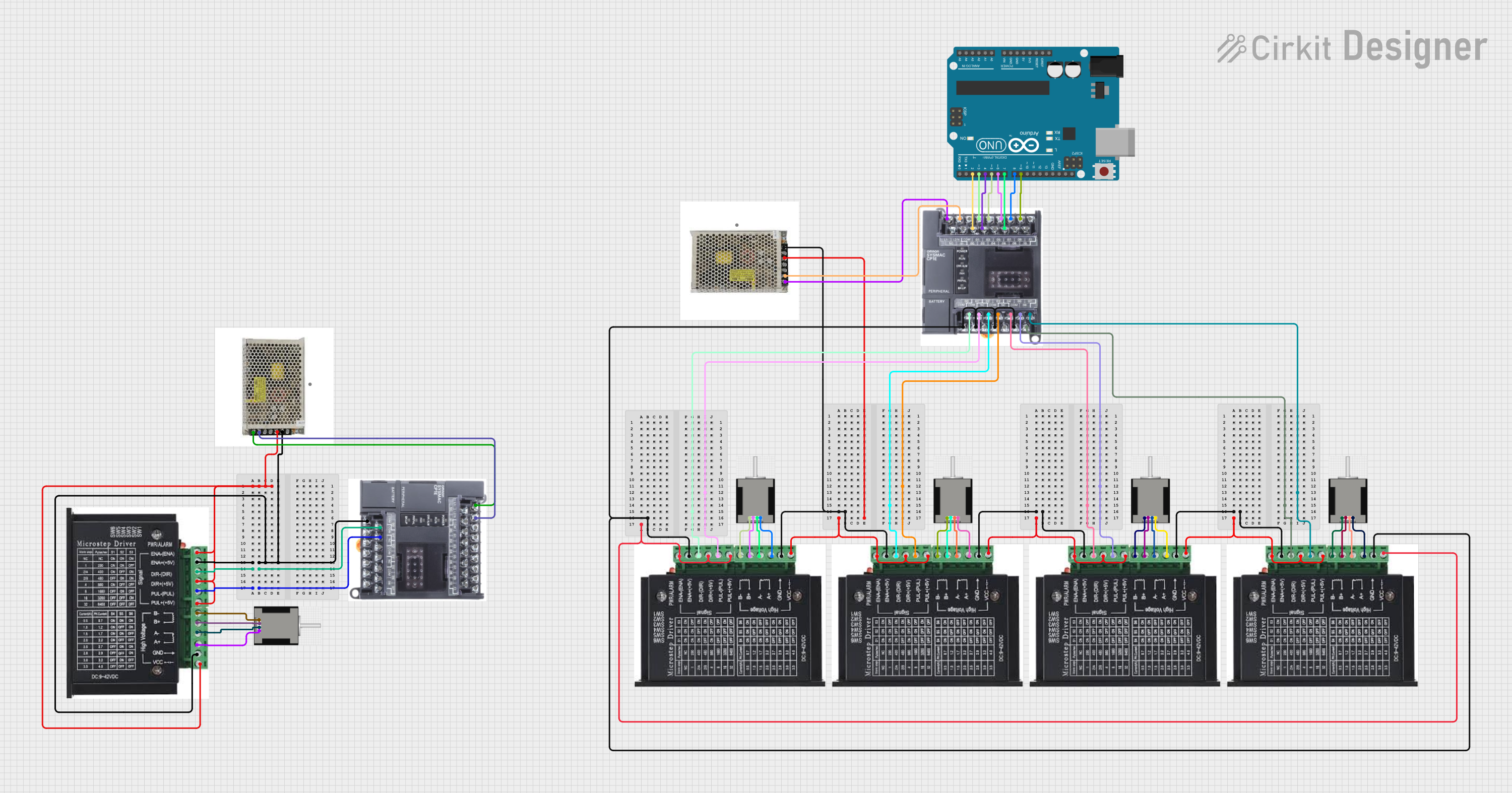 Open Project in Cirkit Designer
Explore Projects Built with MKS Servo42C NEMA 17 Stepper motor
Open Project in Cirkit DesignerOpen Project in Cirkit DesignerOpen Project in Cirkit DesignerOpen Project in Cirkit DesignerCommon Applications
- 3D printers for precise layer positioning
- CNC machines for accurate cutting and milling
- Robotics for controlled motion and positioning
- Automated conveyor systems
- Camera sliders and gimbals for smooth motion control
Technical Specifications
The MKS Servo42C NEMA 17 Stepper Motor is designed to deliver reliable performance in demanding applications. Below are its key technical details:
Electrical and Mechanical Specifications
| Parameter | Value |
|---|---|
| Frame Size | NEMA 17 |
| Step Angle | 1.8° |
| Holding Torque | 0.5 Nm (approx.) |
| Rated Voltage | 12V |
| Rated Current | 1.5A |
| Resistance per Phase | 8.0 Ohms |
| Inductance per Phase | 10 mH |
| Encoder Resolution | 4096 steps/rev (closed-loop) |
| Operating Temperature | -10°C to +50°C |
| Weight | ~300g |
Pin Configuration and Descriptions
The MKS Servo42C includes a 6-pin JST connector for interfacing with the motor driver and control system. Below is the pinout:
| Pin Number | Pin Name | Description |
|---|---|---|
| 1 | VCC | Power supply input (12V) |
| 2 | GND | Ground |
| 3 | A+ | Phase A positive terminal |
| 4 | A- | Phase A negative terminal |
| 5 | B+ | Phase B positive terminal |
| 6 | B- | Phase B negative terminal |
Usage Instructions
How to Use the MKS Servo42C in a Circuit
- Power Supply: Ensure a stable 12V DC power supply capable of delivering at least 1.5A to the motor.
- Driver Connection: Connect the motor to a compatible stepper motor driver or controller. Ensure the driver supports closed-loop control if you wish to utilize the encoder feedback.
- Wiring: Use the pin configuration table above to correctly wire the motor to the driver. Double-check connections to avoid damage.
- Microstepping: Configure the driver for the desired microstepping resolution to achieve smoother motion and higher precision.
- Control Signals: Provide step and direction signals from a microcontroller (e.g., Arduino UNO) or CNC controller to the driver.
Arduino UNO Example Code
Below is an example of how to control the MKS Servo42C using an Arduino UNO and a compatible stepper motor driver:
// Example code to control the MKS Servo42C stepper motor
// Ensure the driver is connected to the Arduino as follows:
// Step pin -> Pin 2, Direction pin -> Pin 3

#define STEP_PIN 2  // Pin connected to the step signal
#define DIR_PIN 3   // Pin connected to the direction signal

void setup() {
  pinMode(STEP_PIN, OUTPUT);  // Set step pin as output
  pinMode(DIR_PIN, OUTPUT);   // Set direction pin as output

  digitalWrite(DIR_PIN, HIGH);  // Set initial direction (HIGH = forward)
}

void loop() {
  // Generate step pulses to move the motor
  for (int i = 0; i < 200; i++) {  // Move 200 steps (1 revolution for 1.8° step angle)
    digitalWrite(STEP_PIN, HIGH);  // Set step pin HIGH
    delayMicroseconds(1000);       // Wait 1ms (adjust for speed)
    digitalWrite(STEP_PIN, LOW);   // Set step pin LOW
    delayMicroseconds(1000);       // Wait 1ms
  }

  delay(1000);  // Wait 1 second before changing direction

  // Reverse direction
  digitalWrite(DIR_PIN, LOW);  // Change direction (LOW = reverse)
  delay(1000);  // Wait 1 second before next loop
}
Important Considerations
- Power Supply: Use a regulated power supply to avoid voltage fluctuations that could damage the motor or driver.
- Heat Management: The motor may heat up during operation. Ensure proper ventilation or heat dissipation.
- Encoder Feedback: If using closed-loop control, ensure the encoder is properly calibrated and connected to the driver.
Troubleshooting and FAQs
Common Issues and Solutions
Motor Not Moving
- Cause: Incorrect wiring or insufficient power supply.
- Solution: Double-check all connections and ensure the power supply meets the motor's requirements.
Motor Vibrates but Does Not Rotate
- Cause: Incorrect step or direction signal configuration.
- Solution: Verify the step and direction signals from the microcontroller or driver.
Overheating
- Cause: Prolonged operation at high current or poor ventilation.
- Solution: Reduce the current limit on the driver or improve cooling.
Missed Steps
- Cause: Excessive load or incorrect microstepping configuration.
- Solution: Reduce the load or adjust the microstepping settings for smoother motion.
FAQs
Q: Can I use the MKS Servo42C with a 24V power supply?
A: No, the motor is rated for 12V operation. Using a higher voltage may damage the motor or driver.
Q: How do I enable closed-loop control?
A: Closed-loop control requires a compatible driver that can process encoder feedback. Ensure the encoder is properly connected and configured in the driver settings.
Q: What is the maximum speed of the motor?
A: The maximum speed depends on the driver, power supply, and load. Typically, the motor can achieve up to 1000 RPM under optimal conditions.
Q: Can I use this motor for a 3D printer?
A: Yes, the MKS Servo42C is well-suited for 3D printers, offering precise positioning and reduced missed steps.
By following this documentation, users can effectively integrate the MKS Servo42C NEMA 17 Stepper Motor into their projects for reliable and precise motion control.