
How to Use ADVANTECH WISE-4060 LAN: Examples, Pinouts, and Specs
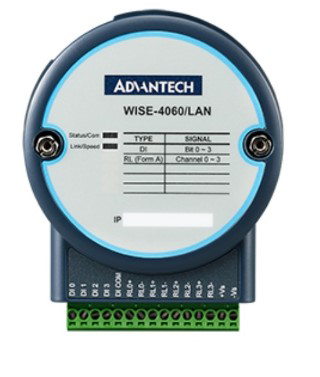
 Design with ADVANTECH WISE-4060 LAN in Cirkit Designer
Introduction
The ADVANTECH WISE-4060 LAN is a wireless IoT gateway designed for remote monitoring and control applications. It is part of ADVANTECH's WISE series, which focuses on enabling smart industrial solutions. The WISE-4060 LAN supports multiple connectivity options, including LAN and wireless communication, making it ideal for seamless integration with various sensors and devices in industrial environments. This device is particularly suited for applications such as factory automation, environmental monitoring, and smart building management.
Explore Projects Built with ADVANTECH WISE-4060 LAN
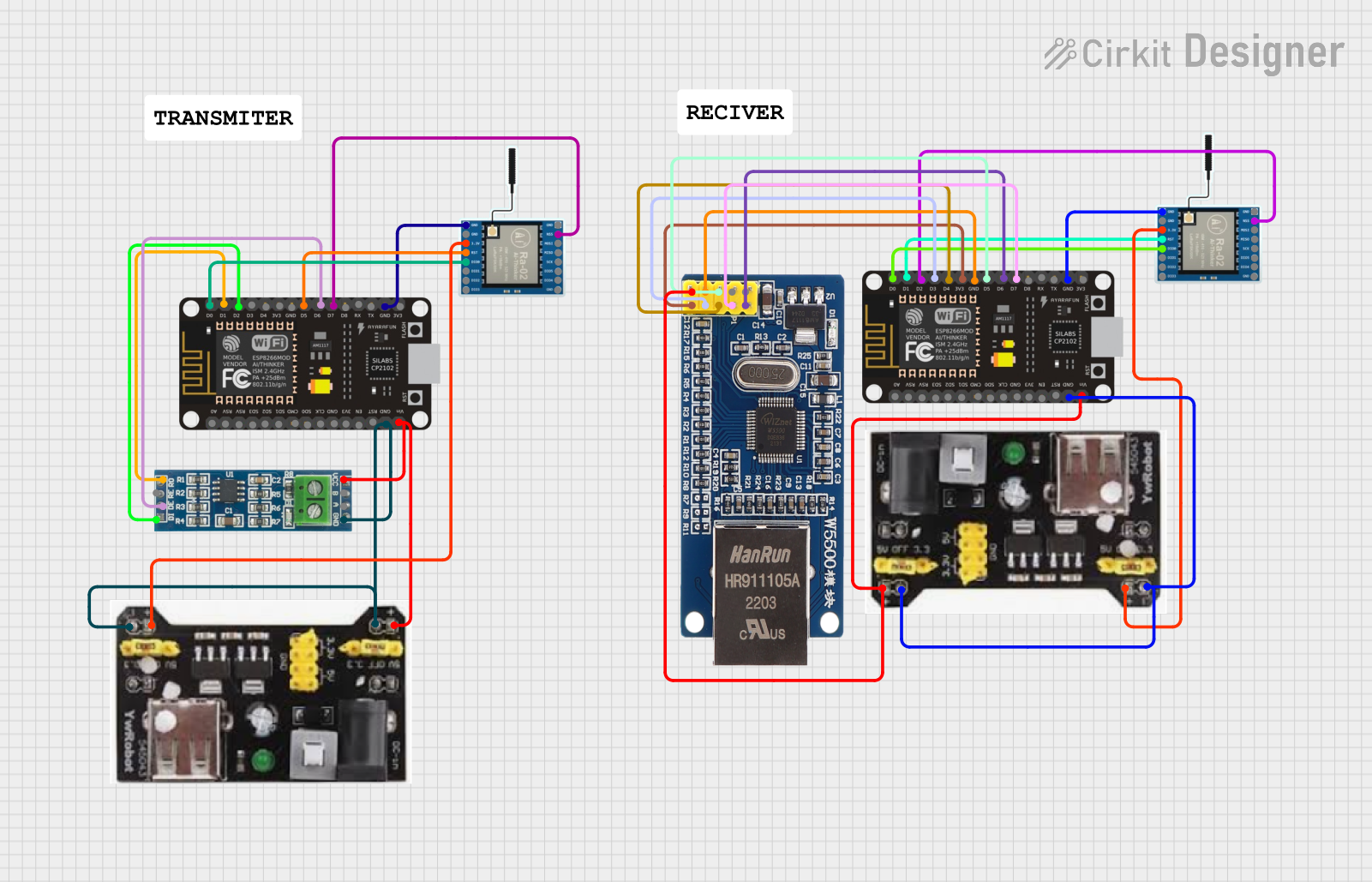 Open Project in Cirkit Designer
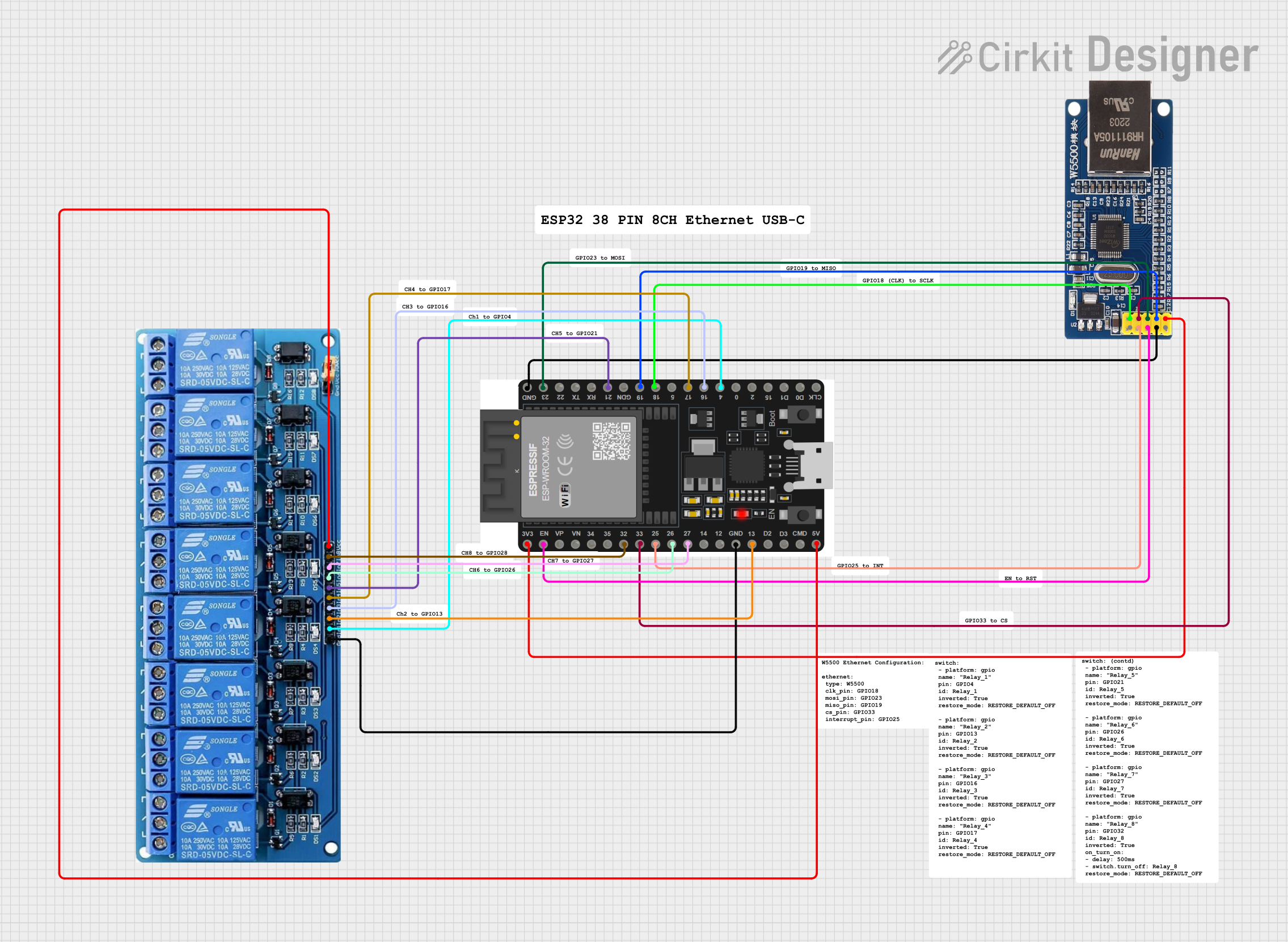 Open Project in Cirkit Designer
 Open Project in Cirkit Designer
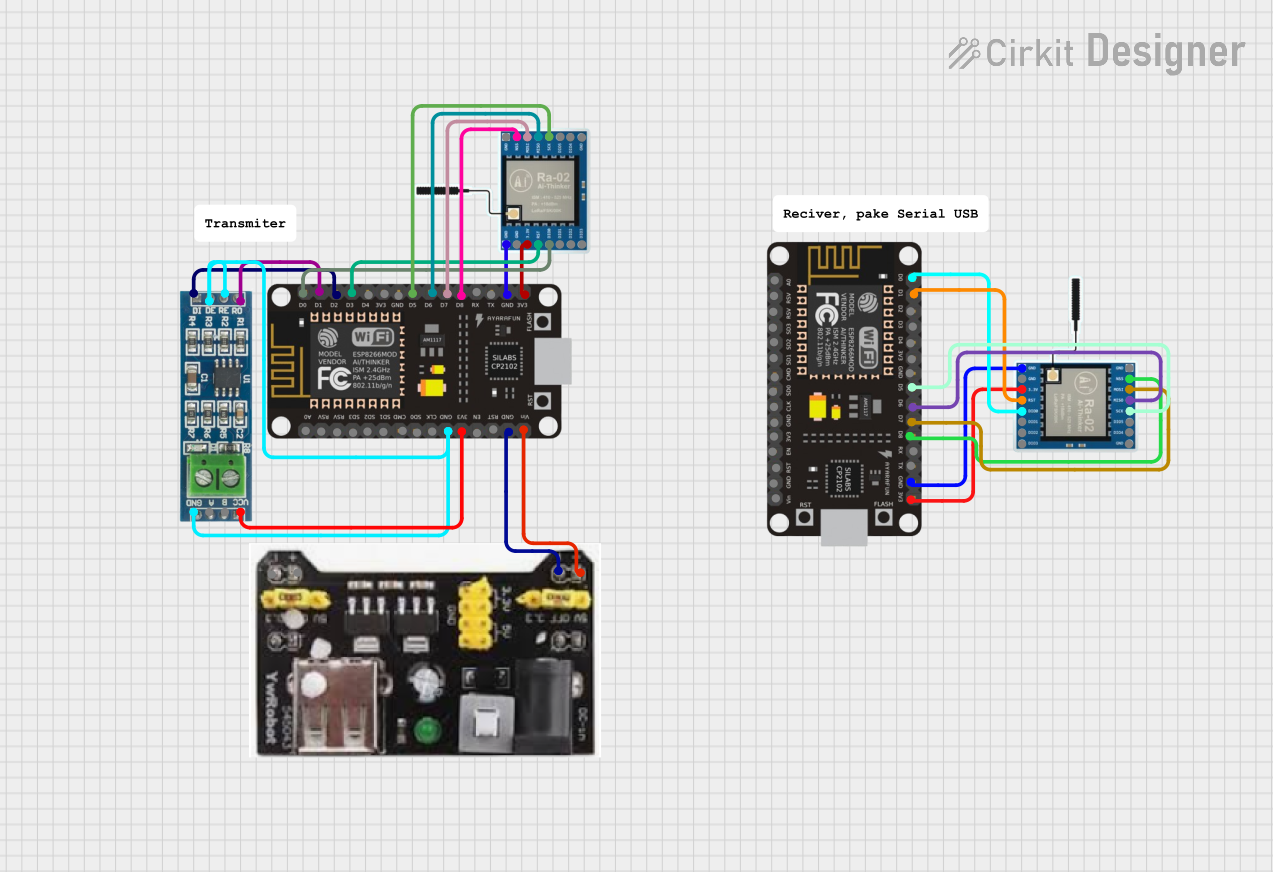 Open Project in Cirkit Designer
Explore Projects Built with ADVANTECH WISE-4060 LAN
Open Project in Cirkit DesignerOpen Project in Cirkit DesignerOpen Project in Cirkit DesignerOpen Project in Cirkit DesignerCommon Applications and Use Cases
- Factory Automation: Real-time monitoring and control of machinery and equipment.
- Environmental Monitoring: Collecting data from sensors for air quality, temperature, and humidity.
- Smart Building Management: Managing lighting, HVAC systems, and energy consumption.
- Remote Equipment Monitoring: Supervising and controlling devices in remote or hard-to-reach locations.
- IoT Prototyping: Developing and testing IoT solutions with minimal setup.
Technical Specifications
Key Technical Details
| Parameter | Specification |
|---|---|
| Manufacturer | ADVANTECH |
| Part ID | WISE-4060 LAN |
| Communication Interfaces | LAN, Wireless (Wi-Fi) |
| Input Voltage | 10-30 VDC |
| Digital Input Channels | 4 channels (dry contact or wet contact) |
| Relay Output Channels | 4 channels (Form A relay, 5A @ 250VAC or 30VDC) |
| Operating Temperature | -25°C to 70°C |
| Storage Temperature | -40°C to 85°C |
| Power Consumption | < 2.5 W |
| Dimensions | 80 x 80 x 25 mm |
| Mounting Options | DIN-rail or wall mounting |
| Certifications | CE, FCC, RoHS |
Pin Configuration and Descriptions
Digital Input Channels
| Pin | Description | Type |
|---|---|---|
| DI0 | Digital Input Channel 0 | Dry/Wet Contact |
| DI1 | Digital Input Channel 1 | Dry/Wet Contact |
| DI2 | Digital Input Channel 2 | Dry/Wet Contact |
| DI3 | Digital Input Channel 3 | Dry/Wet Contact |
Relay Output Channels
| Pin | Description | Type |
|---|---|---|
| DO0 | Relay Output Channel 0 | Form A Relay |
| DO1 | Relay Output Channel 1 | Form A Relay |
| DO2 | Relay Output Channel 2 | Form A Relay |
| DO3 | Relay Output Channel 3 | Form A Relay |
Usage Instructions
How to Use the Component in a Circuit
- Power Supply: Connect a 10-30 VDC power source to the power input terminals of the WISE-4060 LAN.
- Digital Inputs: Connect sensors or switches to the digital input channels (DI0-DI3). Ensure the sensors are compatible with dry or wet contact inputs.
- Relay Outputs: Connect the devices you want to control (e.g., lights, motors) to the relay output channels (DO0-DO3). Ensure the load does not exceed the relay's maximum rating (5A @ 250VAC or 30VDC).
- LAN Connection: Use an Ethernet cable to connect the WISE-4060 LAN to your local network for wired communication.
- Wireless Setup: If using Wi-Fi, configure the wireless settings via the web interface or configuration software.
- Configuration: Access the device's web interface using its IP address to configure input/output settings, communication protocols, and other parameters.
- Integration: Use the provided APIs or communication protocols (e.g., Modbus/TCP) to integrate the WISE-4060 LAN with your IoT platform or SCADA system.
Important Considerations and Best Practices
- Power Supply: Use a stable and regulated power source within the specified voltage range to avoid damage to the device.
- Relay Protection: For inductive loads (e.g., motors), use a flyback diode or snubber circuit to protect the relay contacts from voltage spikes.
- Network Security: When using wireless communication, ensure the network is secured with strong encryption (e.g., WPA2) to prevent unauthorized access.
- Environmental Conditions: Install the device in an environment within the specified operating temperature range (-25°C to 70°C) and protect it from excessive moisture or dust.
- Firmware Updates: Regularly check for firmware updates from ADVANTECH to ensure optimal performance and security.
Example Code for Arduino UNO Integration
The WISE-4060 LAN can communicate with an Arduino UNO via Modbus/TCP. Below is an example of how to read a digital input and control a relay output:
#include <Ethernet.h>
#include <ModbusTCP.h>

// Ethernet settings
byte mac[] = { 0xDE, 0xAD, 0xBE, 0xEF, 0xFE, 0xED }; // MAC address
IPAddress ip(192, 168, 1, 177); // Arduino IP address
IPAddress server(192, 168, 1, 100); // WISE-4060 LAN IP address

// ModbusTCP client
ModbusTCP modbus;

void setup() {
  // Initialize Ethernet
  Ethernet.begin(mac, ip);
  delay(1000); // Allow time for Ethernet to initialize

  // Connect to WISE-4060 LAN
  modbus.begin(server);
}

void loop() {
  // Read digital input (DI0)
  uint16_t di0 = modbus.readCoil(0); // Address 0 corresponds to DI0
  if (di0 == 1) {
    // If DI0 is HIGH, turn on relay output (DO0)
    modbus.writeCoil(0, 1); // Address 0 corresponds to DO0
  } else {
    // If DI0 is LOW, turn off relay output (DO0)
    modbus.writeCoil(0, 0);
  }

  delay(500); // Delay for stability
}
Troubleshooting and FAQs
Common Issues and Solutions
Device Not Responding to Commands
- Cause: Incorrect IP address or network configuration.
- Solution: Verify the device's IP address and ensure it is on the same subnet as your network. Check the Ethernet or Wi-Fi connection.
Relay Outputs Not Working
- Cause: Load exceeds the relay's maximum rating.
- Solution: Ensure the connected load does not exceed 5A @ 250VAC or 30VDC. Use an external relay if necessary.
Digital Inputs Not Detecting Signals
- Cause: Incorrect wiring or incompatible sensor type.
- Solution: Verify the wiring and ensure the sensor is compatible with dry or wet contact inputs.
Unable to Access Web Interface
- Cause: Incorrect IP address or network settings.
- Solution: Use the ADVANTECH configuration tool to scan for the device and retrieve its IP address.
FAQs
Q: Can the WISE-4060 LAN be used outdoors?
- A: The device is not weatherproof. Use a protective enclosure for outdoor installations.
Q: Does the WISE-4060 LAN support MQTT?
- A: Yes, the device supports MQTT for IoT applications.
Q: How do I reset the device to factory settings?
- A: Press and hold the reset button for 10 seconds until the status LED blinks.
Q: Can I use the WISE-4060 LAN with cloud platforms?
- A: Yes, it can be integrated with cloud platforms like AWS IoT, Azure IoT, or ADVANTECH's WISE-PaaS.
This concludes the documentation for the ADVANTECH WISE-4060 LAN. For further assistance, refer to the official user manual or contact ADVANTECH support.