
How to Use Hall Effect Sensor: Examples, Pinouts, and Specs
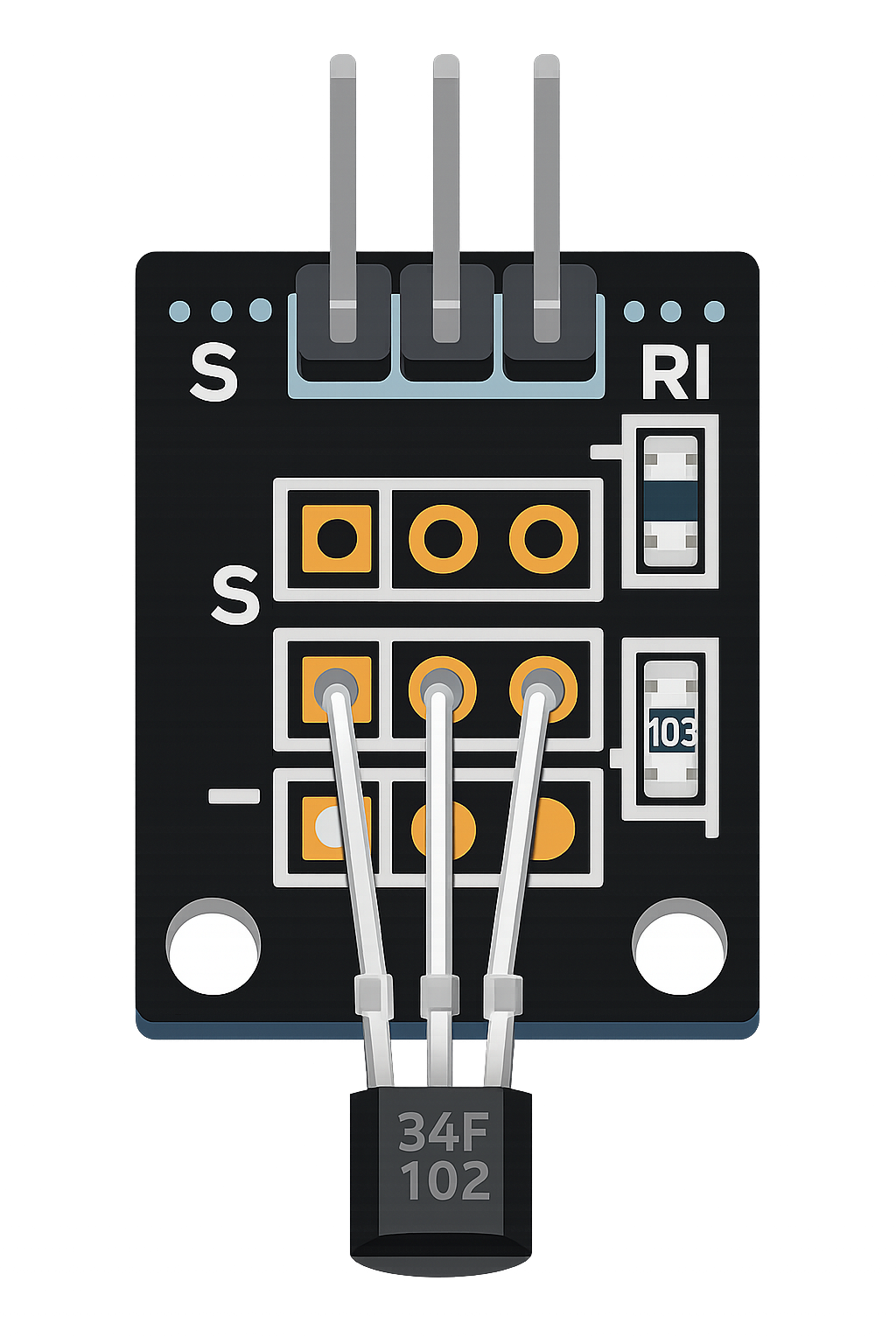
 Design with Hall Effect Sensor in Cirkit Designer
Introduction
A Hall Effect Sensor is a device that detects the presence and strength of a magnetic field. It operates based on the Hall effect principle, which generates a voltage proportional to the magnetic field when current flows through a conductor. These sensors are widely used in various applications due to their ability to provide precise and non-contact magnetic field measurements.
Explore Projects Built with Hall Effect Sensor
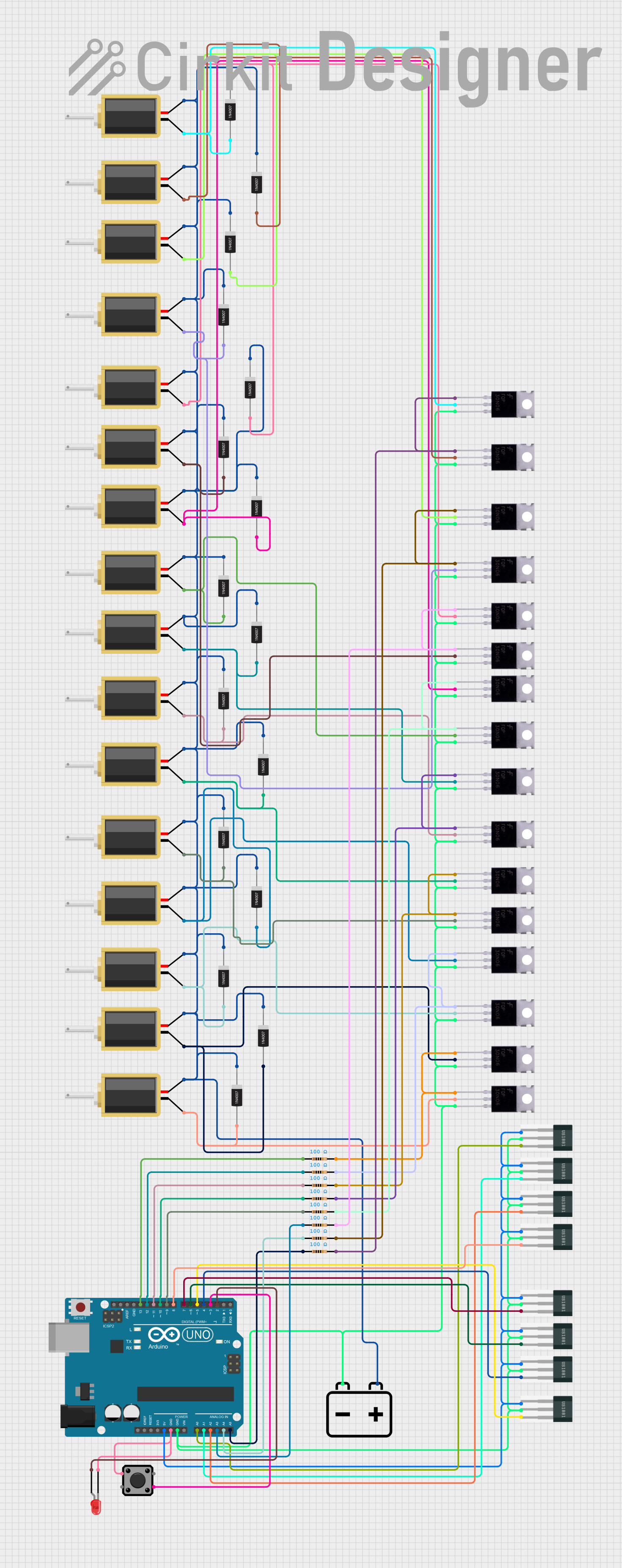 Open Project in Cirkit Designer
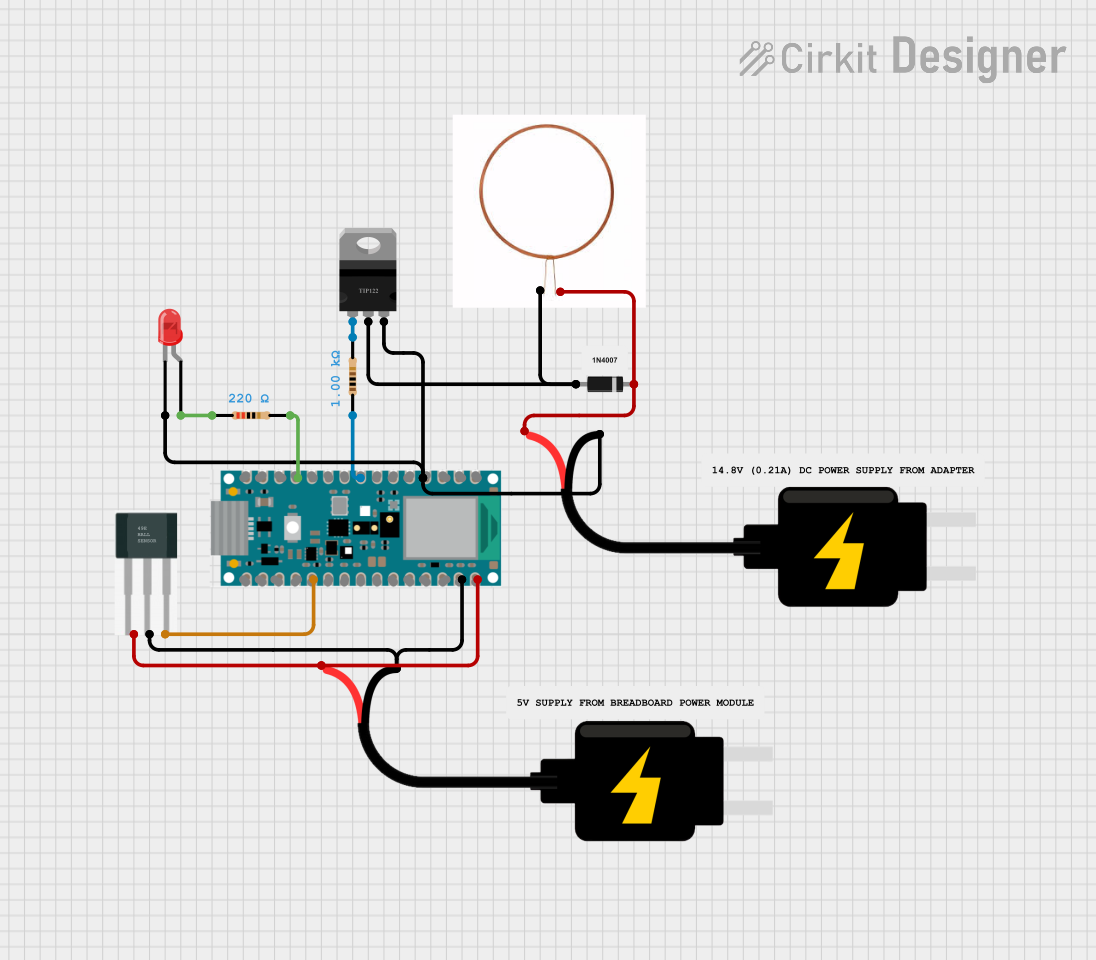 Open Project in Cirkit Designer
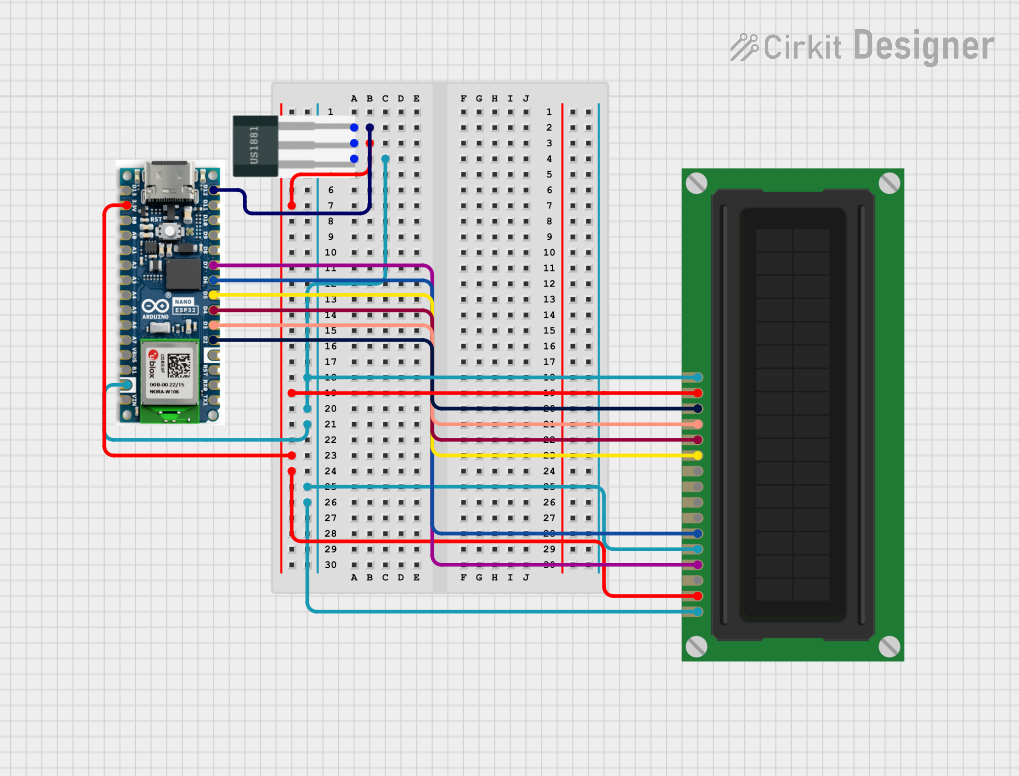 Open Project in Cirkit Designer
 Open Project in Cirkit Designer
Explore Projects Built with Hall Effect Sensor
Open Project in Cirkit DesignerOpen Project in Cirkit DesignerOpen Project in Cirkit DesignerOpen Project in Cirkit DesignerCommon Applications and Use Cases
- Position sensing: Detecting the position of objects in automotive systems (e.g., crankshaft or camshaft position sensors).
- Speed detection: Measuring rotational speed in motors and wheels.
- Current sensing: Monitoring current in power systems.
- Proximity sensing: Detecting the presence of magnetic objects in industrial automation.
- Switching applications: Used in devices like brushless DC motors and magnetic door sensors.
Technical Specifications
Below are the general technical specifications for a typical Hall Effect Sensor (e.g., the popular A3144 model). Specifications may vary depending on the specific sensor model.
Key Technical Details
- Operating Voltage: 3.8V to 24V DC
- Output Type: Digital (High/Low)
- Output Current: 25mA (maximum)
- Magnetic Sensitivity: Typically 30-60 Gauss
- Operating Temperature: -40°C to +85°C
- Response Time: ~3 µs
- Package Type: TO-92 (commonly)
Pin Configuration and Descriptions
The Hall Effect Sensor typically has three pins. Below is the pinout for the A3144 Hall Effect Sensor:
| Pin Number | Pin Name | Description |
|---|---|---|
| 1 | VCC | Power supply input (3.8V to 24V DC) |
| 2 | GND | Ground connection |
| 3 | OUT | Digital output signal (High/Low) |
Usage Instructions
How to Use the Component in a Circuit
- Power the Sensor: Connect the VCC pin to a DC power supply (3.8V to 24V) and the GND pin to the ground of the circuit.
- Connect the Output: The OUT pin provides a digital signal. When a magnetic field is detected, the output goes LOW (0V). Otherwise, it remains HIGH (VCC level).
- Place the Sensor: Position the sensor near the magnetic field source. Ensure the correct orientation for accurate detection.
- Pull-Up Resistor: Use a pull-up resistor (e.g., 10kΩ) on the OUT pin if the sensor is connected to a microcontroller or logic circuit.
Important Considerations and Best Practices
- Magnetic Field Polarity: Ensure the correct polarity of the magnetic field. Most Hall Effect Sensors are unipolar and respond to a specific pole (e.g., South pole).
- Distance from Magnet: The sensor's sensitivity decreases with distance. Place the sensor close to the magnetic source for reliable detection.
- Power Supply Filtering: Use a decoupling capacitor (e.g., 0.1µF) across the VCC and GND pins to reduce noise in the power supply.
- Avoid Overvoltage: Do not exceed the maximum operating voltage (24V) to prevent damage to the sensor.
Example: Connecting to an Arduino UNO
Below is an example of how to connect a Hall Effect Sensor to an Arduino UNO and read its output.
Circuit Diagram
- VCC: Connect to the Arduino's 5V pin.
- GND: Connect to the Arduino's GND pin.
- OUT: Connect to a digital input pin (e.g., D2) on the Arduino.
Arduino Code
// Hall Effect Sensor Example with Arduino UNO
// Reads the sensor output and prints the state to the Serial Monitor.

const int hallSensorPin = 2; // Digital pin connected to the sensor's OUT pin
int sensorState = 0;         // Variable to store the sensor state

void setup() {
  pinMode(hallSensorPin, INPUT); // Set the sensor pin as input
  Serial.begin(9600);           // Initialize serial communication
}

void loop() {
  sensorState = digitalRead(hallSensorPin); // Read the sensor state

  if (sensorState == LOW) {
    // Magnetic field detected
    Serial.println("Magnet detected!");
  } else {
    // No magnetic field detected
    Serial.println("No magnet detected.");
  }

  delay(500); // Wait for 500ms before reading again
}
Troubleshooting and FAQs
Common Issues and Solutions
No Output Signal:
- Cause: Incorrect wiring or loose connections.
- Solution: Double-check the connections, ensuring VCC, GND, and OUT are properly connected.
Sensor Always Reads HIGH:
- Cause: Magnetic field is too weak or absent.
- Solution: Move the sensor closer to the magnet or use a stronger magnet.
Sensor Always Reads LOW:
- Cause: Magnetic field is too strong or sensor is damaged.
- Solution: Reduce the magnetic field strength or replace the sensor.
Interference from Noise:
- Cause: Power supply noise or electromagnetic interference.
- Solution: Add a decoupling capacitor (e.g., 0.1µF) across the VCC and GND pins.
FAQs
Q: Can I use the Hall Effect Sensor with a 3.3V microcontroller?
A: Yes, as long as the sensor's operating voltage range includes 3.3V (e.g., A3144 supports 3.8V to 24V). Ensure the output signal is compatible with the microcontroller's logic levels.Q: How do I detect the strength of a magnetic field?
A: The A3144 provides a digital output and cannot measure field strength. Use an analog Hall Effect Sensor (e.g., SS49E) for field strength measurements.Q: Can the sensor detect non-magnetic metals?
A: No, Hall Effect Sensors only respond to magnetic fields generated by magnets or current-carrying conductors.Q: What is the maximum detection distance?
A: The detection distance depends on the sensor's sensitivity and the strength of the magnetic field. Typically, it ranges from a few millimeters to a few centimeters.
This concludes the documentation for the Hall Effect Sensor.