
How to Use VKDI20370 ESC Regulator: Examples, Pinouts, and Specs
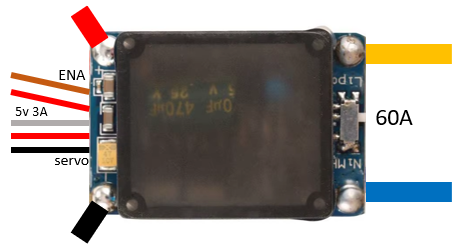
 Design with VKDI20370 ESC Regulator in Cirkit Designer
Introduction
The VKDI20370 is an Electronic Speed Controller (ESC) manufactured by Chinases. It is specifically designed for controlling the speed of brushless motors in remote-controlled (RC) vehicles, drones, and other applications requiring precise motor control. This ESC regulates the power supplied to the motor based on input signals from a receiver, ensuring smooth acceleration, deceleration, and efficient operation.
Explore Projects Built with VKDI20370 ESC Regulator
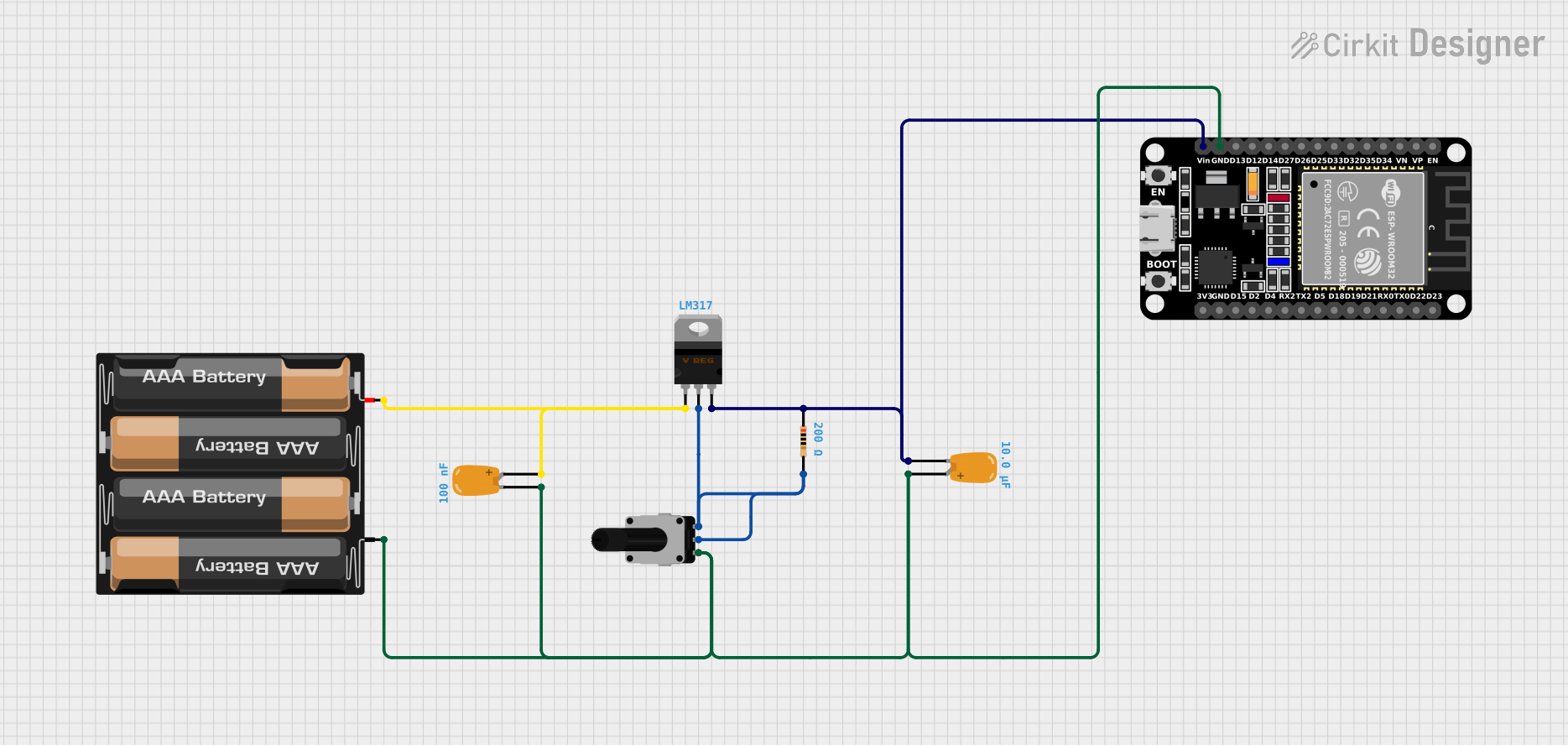 Open Project in Cirkit Designer
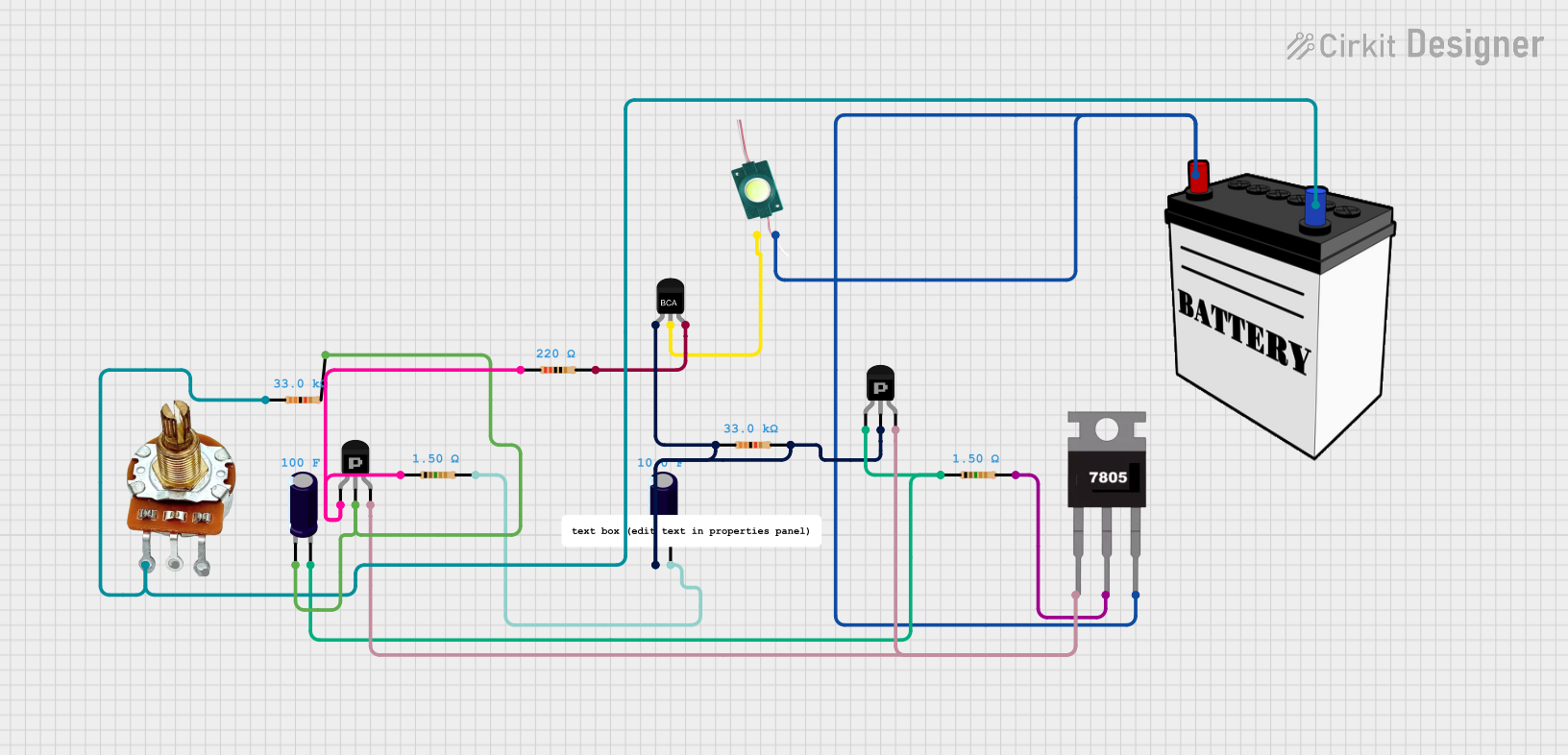 Open Project in Cirkit Designer
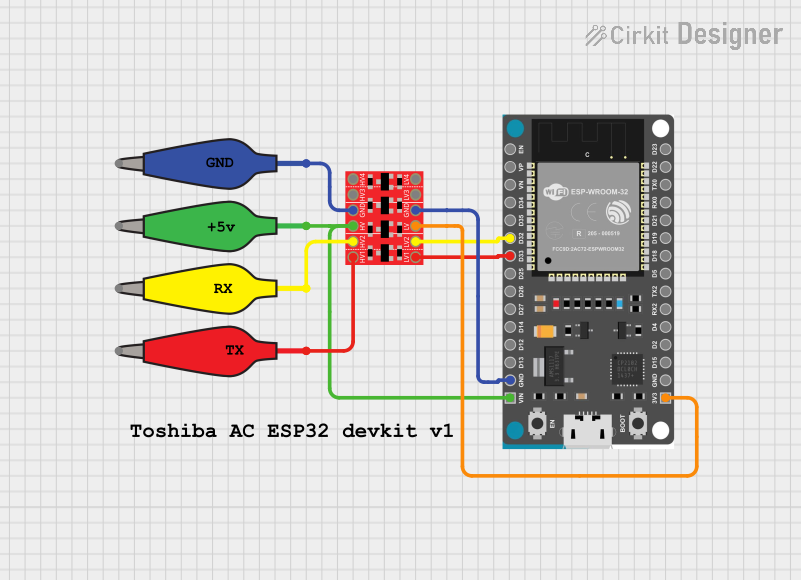 Open Project in Cirkit Designer
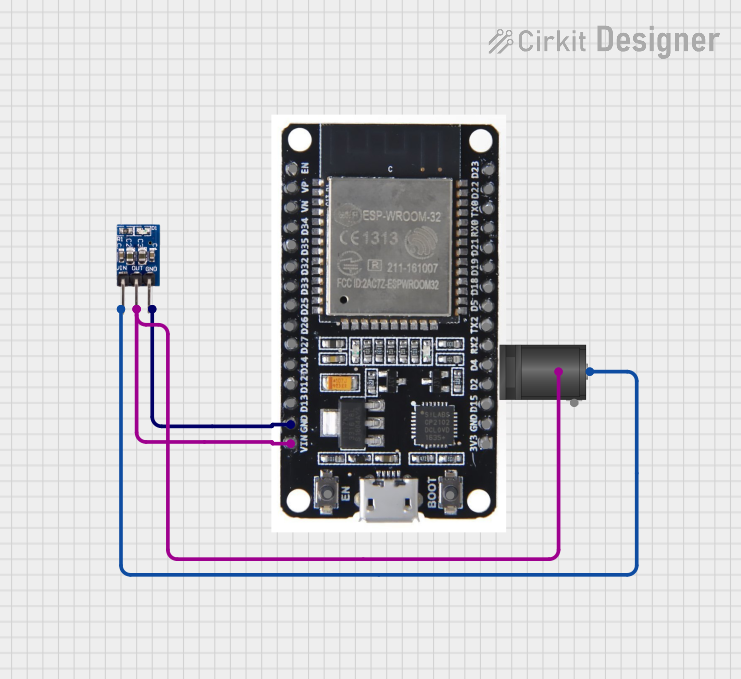 Open Project in Cirkit Designer
Explore Projects Built with VKDI20370 ESC Regulator
Open Project in Cirkit DesignerOpen Project in Cirkit DesignerOpen Project in Cirkit DesignerOpen Project in Cirkit DesignerCommon Applications
- RC cars, boats, and airplanes
- Drones and quadcopters
- Robotics and automation systems
- Electric-powered model vehicles
The VKDI20370 is ideal for hobbyists and professionals seeking reliable and efficient motor control in their projects.
Technical Specifications
Key Specifications
| Parameter | Value |
|---|---|
| Manufacturer | Chinases |
| Part ID | VKDI20370 |
| Input Voltage Range | 6V - 20V |
| Continuous Current | 30A |
| Peak Current | 37A (for 10 seconds) |
| Supported Motor Types | Brushless DC (BLDC) motors |
| Signal Input Type | PWM (Pulse Width Modulation) |
| PWM Signal Range | 1ms - 2ms (standard RC signal) |
| Operating Temperature | -10°C to 60°C |
| Dimensions | 45mm x 25mm x 10mm |
| Weight | 25g |
Pin Configuration and Descriptions
The VKDI20370 ESC has three main connection interfaces: Power Input, Motor Output, and Signal Input.
Power Input and Motor Output
| Pin Name | Description |
|---|---|
| VIN+ | Positive input voltage (connect to battery +) |
| VIN- | Negative input voltage (connect to battery -) |
| MOTOR A | Motor phase A connection |
| MOTOR B | Motor phase B connection |
| MOTOR C | Motor phase C connection |
Signal Input
| Pin Name | Description |
|---|---|
| SIGNAL | PWM signal input from the receiver/controller |
| GND | Ground connection for the signal input |
| 5V OUT | 5V output for powering external devices (optional) |
Usage Instructions
How to Use the VKDI20370 in a Circuit
Connect the Power Supply:
- Connect the positive terminal of the battery to the VIN+ pin.
- Connect the negative terminal of the battery to the VIN- pin.
Connect the Brushless Motor:
- Attach the three motor wires to the MOTOR A, MOTOR B, and MOTOR C pins. The order of connection determines the motor's rotation direction. Swap any two wires to reverse the direction.
Connect the Signal Input:
- Connect the SIGNAL pin to the PWM output of your receiver or microcontroller (e.g., Arduino).
- Connect the GND pin to the ground of your receiver or microcontroller.
Optional 5V Output:
- Use the 5V OUT pin to power external devices, such as a receiver or sensors, if needed.
Power On:
- Ensure all connections are secure, then power on the system. The ESC will initialize and be ready to receive PWM signals.
Important Considerations
- PWM Signal Range: Ensure the PWM signal falls within the 1ms to 2ms range. A 1ms pulse corresponds to minimum throttle, while a 2ms pulse corresponds to maximum throttle.
- Battery Compatibility: Use a battery within the 6V to 20V range to avoid damaging the ESC.
- Cooling: Avoid prolonged operation at peak current (37A) to prevent overheating. Ensure adequate airflow or cooling if used in high-power applications.
- Calibration: Some ESCs require throttle calibration before first use. Refer to the manufacturer's instructions for calibration procedures.
Example: Using VKDI20370 with Arduino UNO
Below is an example of controlling the VKDI20370 ESC with an Arduino UNO using the Servo library.
#include <Servo.h> // Include the Servo library for generating PWM signals

Servo esc; // Create a Servo object to control the ESC

void setup() {
  esc.attach(9); // Attach the ESC signal wire to pin 9 on the Arduino
  esc.writeMicroseconds(1000); // Send minimum throttle (1ms pulse)
  delay(2000); // Wait for 2 seconds to allow the ESC to initialize
}

void loop() {
  esc.writeMicroseconds(1500); // Send a mid-throttle signal (1.5ms pulse)
  delay(5000); // Run the motor at mid-speed for 5 seconds

  esc.writeMicroseconds(2000); // Send maximum throttle (2ms pulse)
  delay(5000); // Run the motor at full speed for 5 seconds

  esc.writeMicroseconds(1000); // Send minimum throttle to stop the motor
  delay(5000); // Wait for 5 seconds before repeating
}
Troubleshooting and FAQs
Common Issues and Solutions
Motor Does Not Spin:
- Cause: Incorrect wiring or no PWM signal.
- Solution: Verify all connections. Ensure the PWM signal is within the 1ms to 2ms range.
Motor Spins in the Wrong Direction:
- Cause: Motor phase wires are connected in the wrong order.
- Solution: Swap any two motor wires (e.g., MOTOR A and MOTOR B).
ESC Overheats:
- Cause: Prolonged operation at high current or insufficient cooling.
- Solution: Reduce the load on the motor or improve cooling (e.g., add a heatsink or fan).
No 5V Output:
- Cause: Overloading the 5V output pin.
- Solution: Ensure the connected device does not exceed the 5V output current rating.
FAQs
Q: Can I use the VKDI20370 with a brushed motor?
A: No, the VKDI20370 is designed specifically for brushless motors.Q: How do I calibrate the throttle range?
A: Refer to the manufacturer's calibration procedure. Typically, you need to power on the ESC while sending maximum and minimum throttle signals sequentially.Q: What happens if I exceed the input voltage range?
A: Exceeding the 20V limit may permanently damage the ESC. Always use a compatible power source.Q: Can I use the ESC without a receiver?
A: Yes, you can control the ESC using a microcontroller like Arduino to generate PWM signals.
This concludes the documentation for the VKDI20370 ESC Regulator. For further assistance, refer to the manufacturer's support resources.