
How to Use ZPHS01B: Examples, Pinouts, and Specs
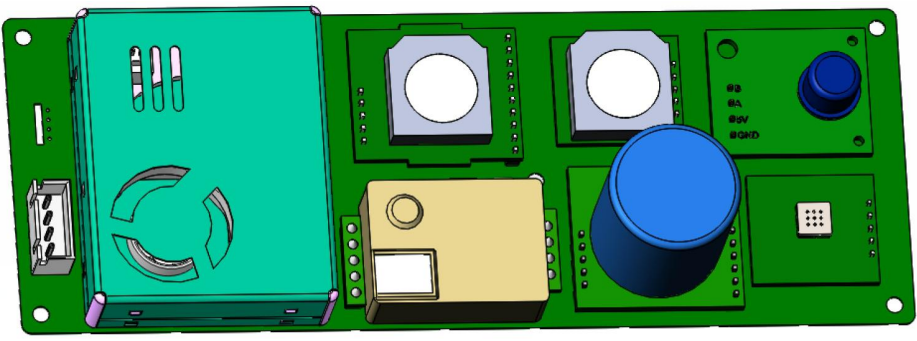
 Design with ZPHS01B in Cirkit Designer
Introduction
The ZPHS01B is a high-performance, low-power operational amplifier (op-amp) designed for precision signal processing applications. It offers a wide bandwidth, low noise, and high slew rate, making it an ideal choice for applications requiring accurate and reliable analog signal amplification. The ZPHS01B is commonly used in audio processing, sensor signal conditioning, active filters, and instrumentation amplifiers.
Explore Projects Built with ZPHS01B
 Open Project in Cirkit Designer
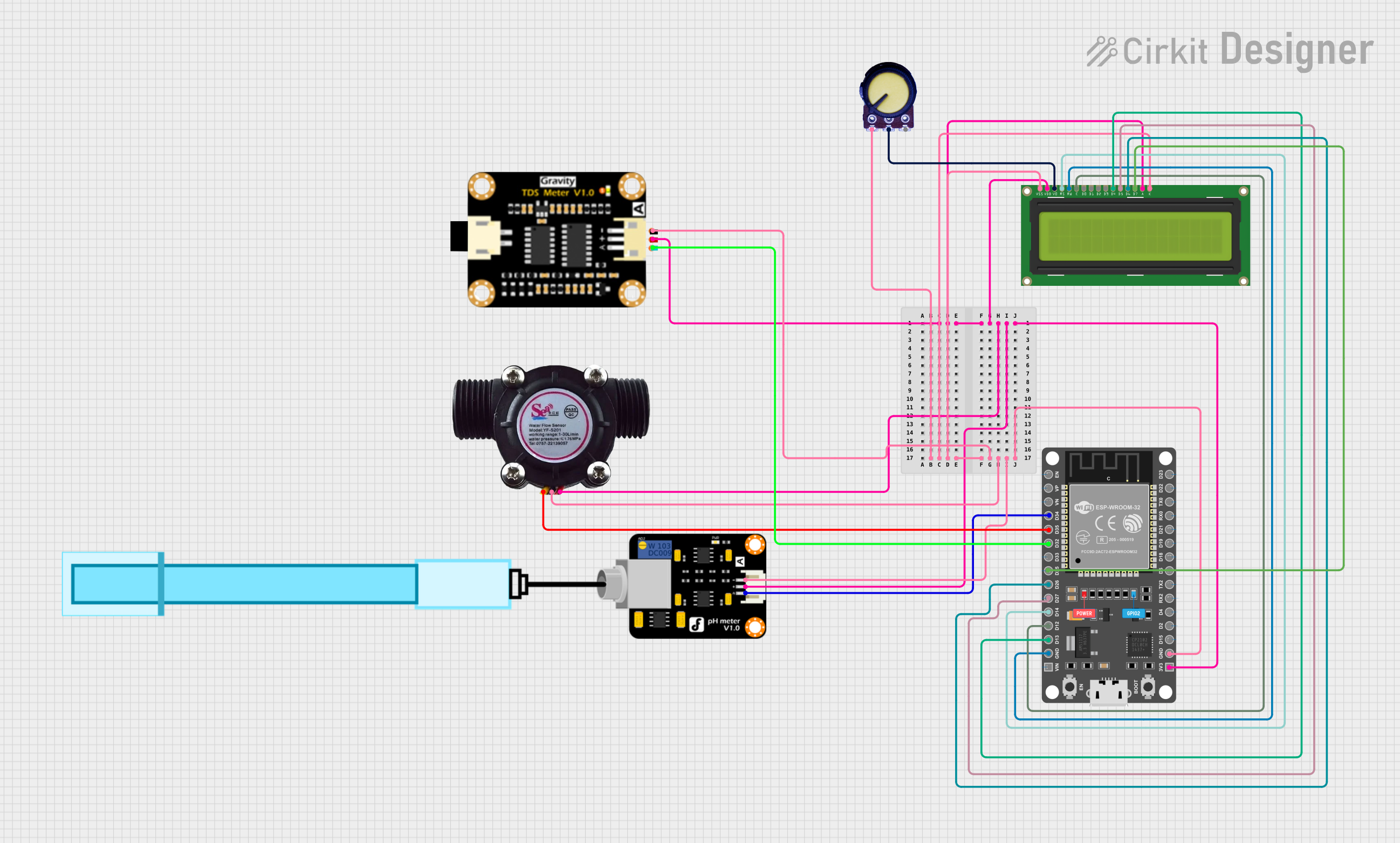 Open Project in Cirkit Designer
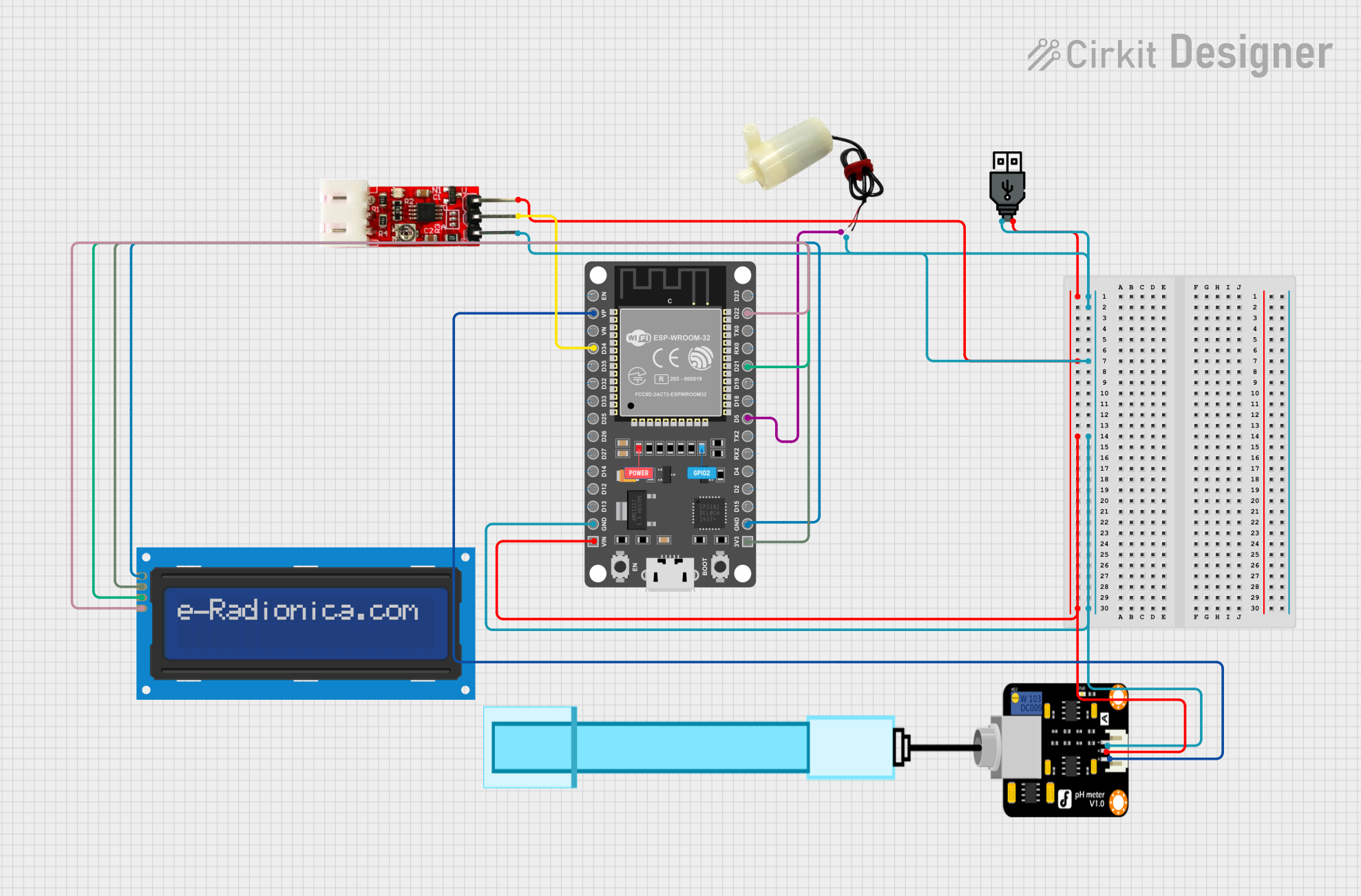 Open Project in Cirkit Designer
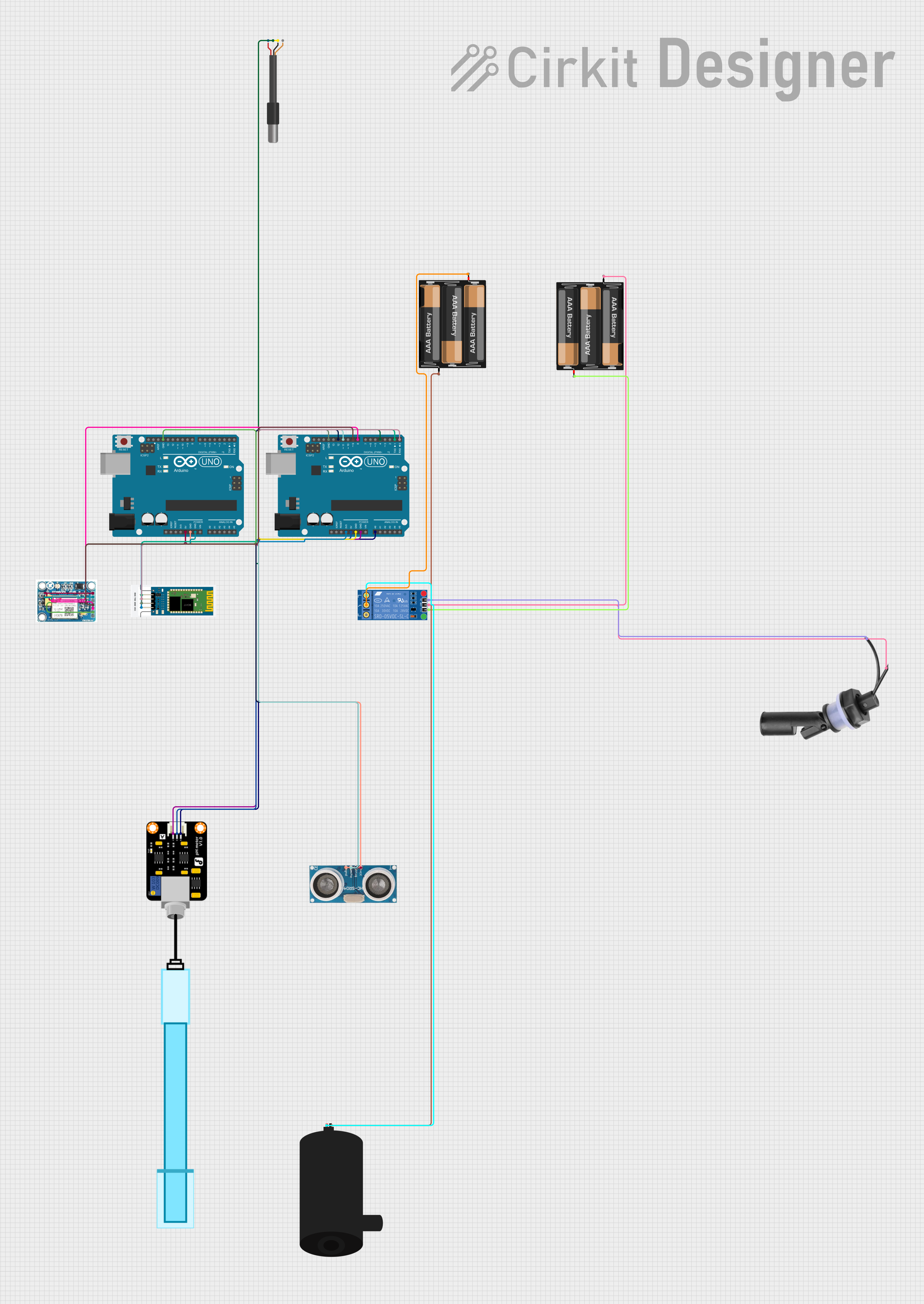 Open Project in Cirkit Designer
Explore Projects Built with ZPHS01B
Open Project in Cirkit DesignerOpen Project in Cirkit DesignerOpen Project in Cirkit DesignerOpen Project in Cirkit DesignerCommon Applications and Use Cases
- Audio signal amplification
- Sensor signal conditioning (e.g., temperature, pressure sensors)
- Active filters (low-pass, high-pass, band-pass)
- Instrumentation amplifiers
- Analog-to-digital converter (ADC) buffering
- Precision voltage reference circuits
Technical Specifications
Key Technical Details
- Supply Voltage (Vcc): ±2.5V to ±15V (dual supply) or 5V to 30V (single supply)
- Input Offset Voltage: ≤ 1 mV (typical)
- Input Bias Current: ≤ 10 nA (typical)
- Gain Bandwidth Product (GBP): 10 MHz
- Slew Rate: 5 V/µs
- Input Noise Voltage Density: 10 nV/√Hz at 1 kHz
- Output Voltage Swing: Rail-to-rail
- Operating Temperature Range: -40°C to +85°C
- Package Options: SOIC-8, DIP-8
Pin Configuration and Descriptions
The ZPHS01B is typically available in an 8-pin package. Below is the pinout and description:
| Pin Number | Pin Name | Description |
|---|---|---|
| 1 | Offset Null (1) | Used for offset voltage adjustment (optional). |
| 2 | Inverting Input | Negative input terminal of the op-amp. |
| 3 | Non-Inverting Input | Positive input terminal of the op-amp. |
| 4 | V- (GND) | Negative power supply or ground. |
| 5 | Offset Null (2) | Used for offset voltage adjustment (optional). |
| 6 | Output | Output terminal of the op-amp. |
| 7 | V+ | Positive power supply. |
| 8 | NC (No Connect) | Not connected internally (leave unconnected). |
Usage Instructions
How to Use the ZPHS01B in a Circuit
Power Supply Configuration:
- For single-supply operation, connect
V+to a positive voltage (e.g., 5V) andV-to ground. - For dual-supply operation, connect
V+to a positive voltage (e.g., +15V) andV-to a negative voltage (e.g., -15V).
- For single-supply operation, connect
Input Connections:
- Connect the signal to be amplified to the non-inverting input (Pin 3) or the inverting input (Pin 2), depending on the desired configuration (non-inverting or inverting amplifier).
Output Load:
- Connect the load or the next stage of the circuit to the output pin (Pin 6). Ensure the load impedance is within the recommended range to avoid distortion.
Offset Adjustment (Optional):
- If precise offset voltage adjustment is required, connect a 10 kΩ potentiometer between the two offset null pins (Pins 1 and 5) and tie the wiper to
V+.
- If precise offset voltage adjustment is required, connect a 10 kΩ potentiometer between the two offset null pins (Pins 1 and 5) and tie the wiper to
Bypass Capacitors:
- Place decoupling capacitors (e.g., 0.1 µF ceramic and 10 µF electrolytic) close to the power supply pins to reduce noise and improve stability.
Important Considerations and Best Practices
- Avoid exceeding the maximum supply voltage ratings to prevent damage to the component.
- Use proper grounding techniques to minimize noise and interference.
- For high-frequency applications, consider adding a small capacitor (e.g., 10 pF) across the feedback resistor to improve stability.
- Ensure the input signal stays within the common-mode voltage range for accurate operation.
Example: Connecting ZPHS01B to an Arduino UNO
The ZPHS01B can be used to amplify an analog signal (e.g., from a sensor) before feeding it into an Arduino UNO's ADC. Below is an example circuit and Arduino code:
Circuit Description
- Connect the sensor output to the non-inverting input (Pin 3) of the ZPHS01B.
- Use a feedback resistor and input resistor to set the desired gain.
- Connect the ZPHS01B output (Pin 6) to an analog input pin (e.g., A0) of the Arduino UNO.
Arduino Code
// Example code to read amplified sensor data using ZPHS01B and Arduino UNO

const int analogPin = A0; // Analog pin connected to ZPHS01B output
int sensorValue = 0;      // Variable to store the ADC reading

void setup() {
  Serial.begin(9600); // Initialize serial communication at 9600 baud
}

void loop() {
  sensorValue = analogRead(analogPin); // Read the amplified signal
  float voltage = sensorValue * (5.0 / 1023.0); // Convert ADC value to voltage

  // Print the voltage to the Serial Monitor
  Serial.print("Amplified Signal Voltage: ");
  Serial.print(voltage);
  Serial.println(" V");

  delay(500); // Wait for 500 ms before the next reading
}
Troubleshooting and FAQs
Common Issues and Solutions
No Output Signal:
- Cause: Incorrect power supply connections.
- Solution: Verify that
V+andV-are connected to the correct voltage levels.
Distorted Output:
- Cause: Load impedance is too low or the op-amp is operating outside its linear range.
- Solution: Ensure the load impedance is within the recommended range and the input signal is within the common-mode voltage range.
High Noise in Output:
- Cause: Insufficient power supply decoupling or poor grounding.
- Solution: Add bypass capacitors close to the power supply pins and improve grounding.
Offset Voltage Too High:
- Cause: Manufacturing variations or temperature drift.
- Solution: Use the offset null pins to adjust the offset voltage.
FAQs
Q1: Can the ZPHS01B be used for single-supply operation?
A1: Yes, the ZPHS01B supports single-supply operation. Connect V+ to a positive voltage (e.g., 5V) and V- to ground.
Q2: What is the maximum gain I can achieve with the ZPHS01B?
A2: The maximum gain depends on the feedback resistor configuration and the bandwidth of the op-amp. For high gains, ensure the signal frequency is within the op-amp's gain-bandwidth product.
Q3: Is the ZPHS01B suitable for audio applications?
A3: Yes, the ZPHS01B's low noise and high slew rate make it an excellent choice for audio signal amplification.
Q4: How do I calculate the gain for an inverting amplifier configuration?
A4: The gain is given by the formula: Gain = -Rf / Rin, where Rf is the feedback resistor and Rin is the input resistor.