
How to Use Water Tank/Water Source: Examples, Pinouts, and Specs
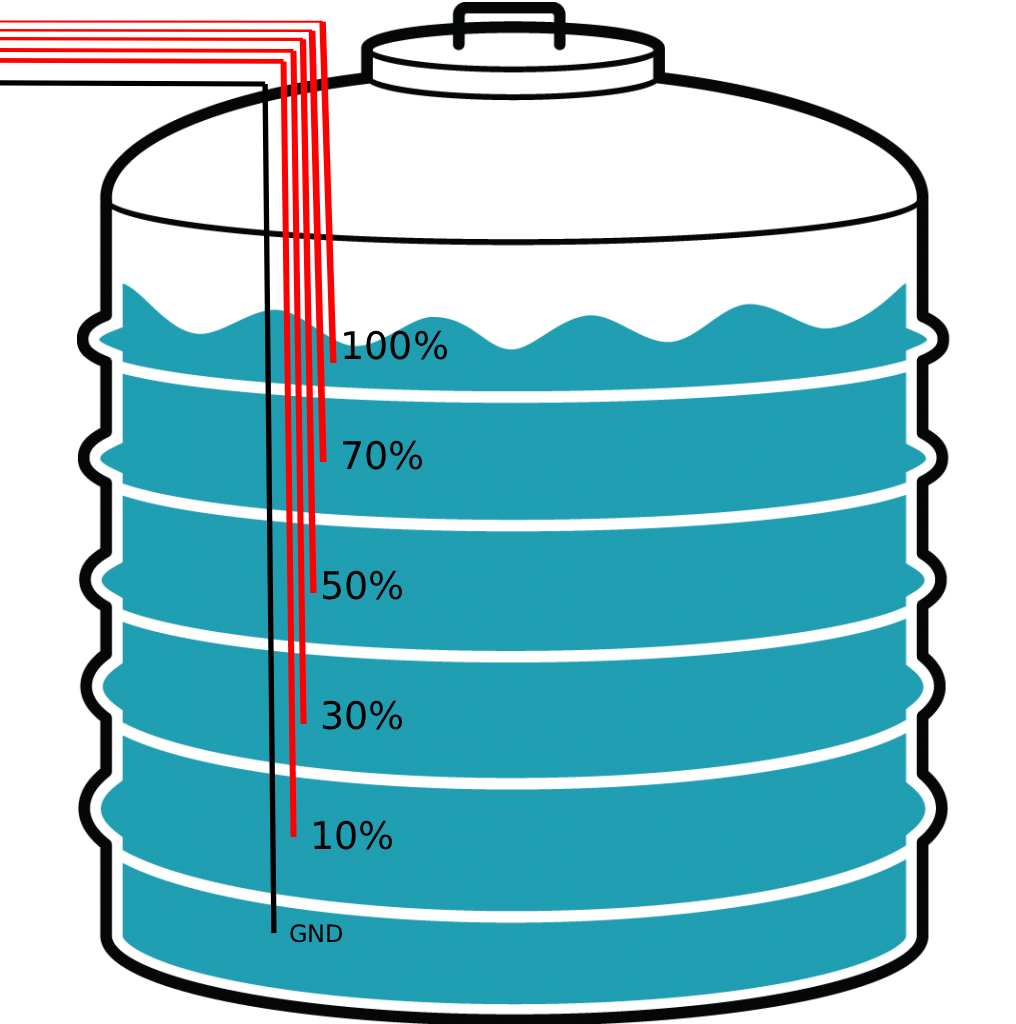
 Design with Water Tank/Water Source in Cirkit Designer
Introduction
A water tank or water source is a storage container or system designed to hold water for various applications. These systems are essential in residential, agricultural, and industrial settings, providing a reliable supply of water for irrigation, drinking, cleaning, or manufacturing processes. Water tanks can be standalone units or integrated into larger water supply systems, often equipped with sensors and control mechanisms for efficient water management.
Explore Projects Built with Water Tank/Water Source
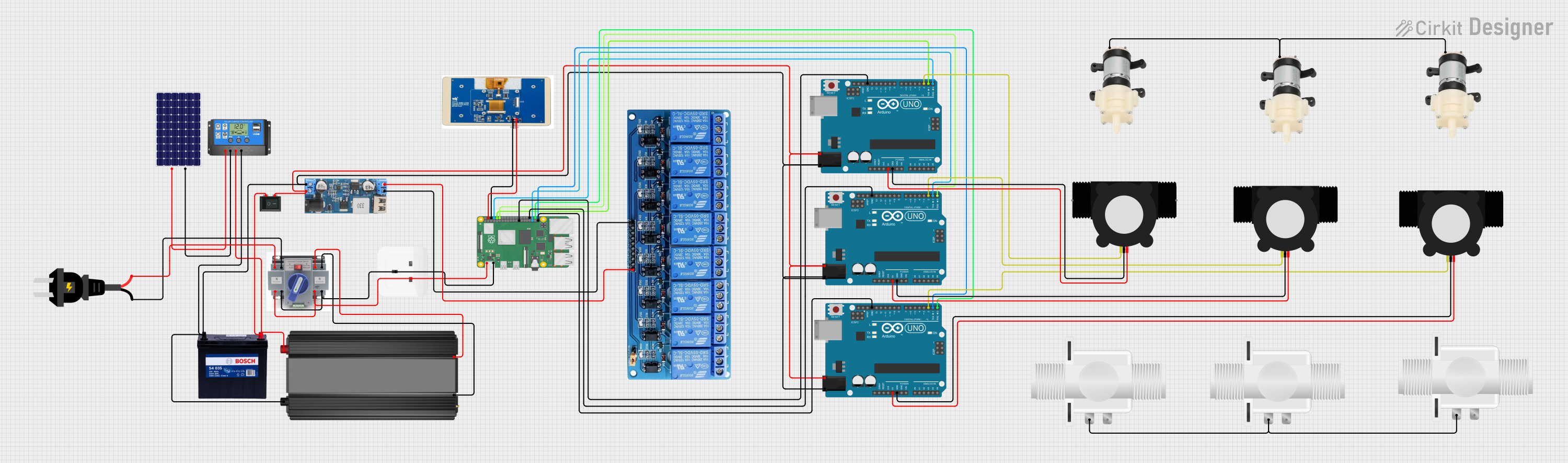 Open Project in Cirkit Designer
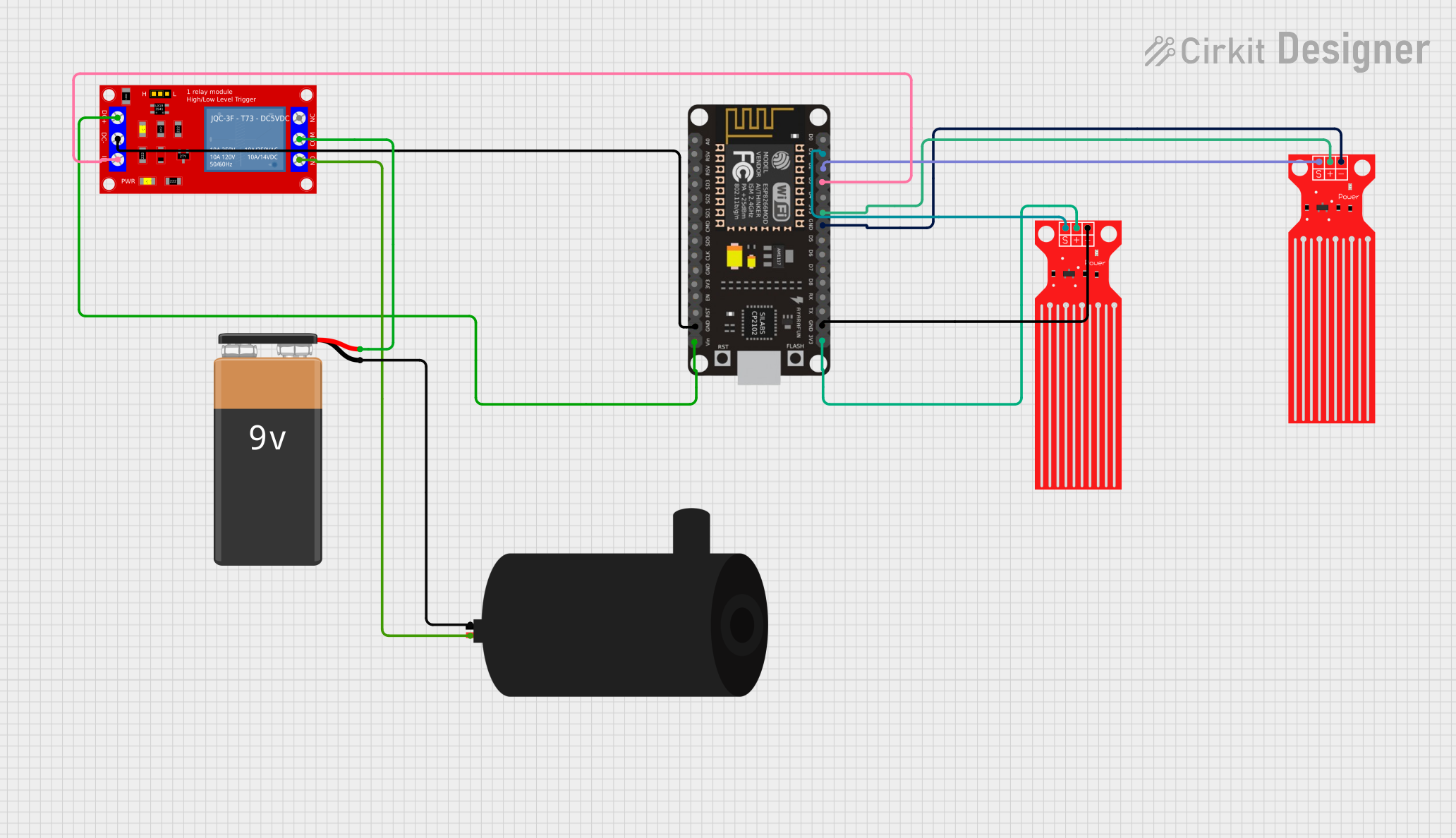 Open Project in Cirkit Designer
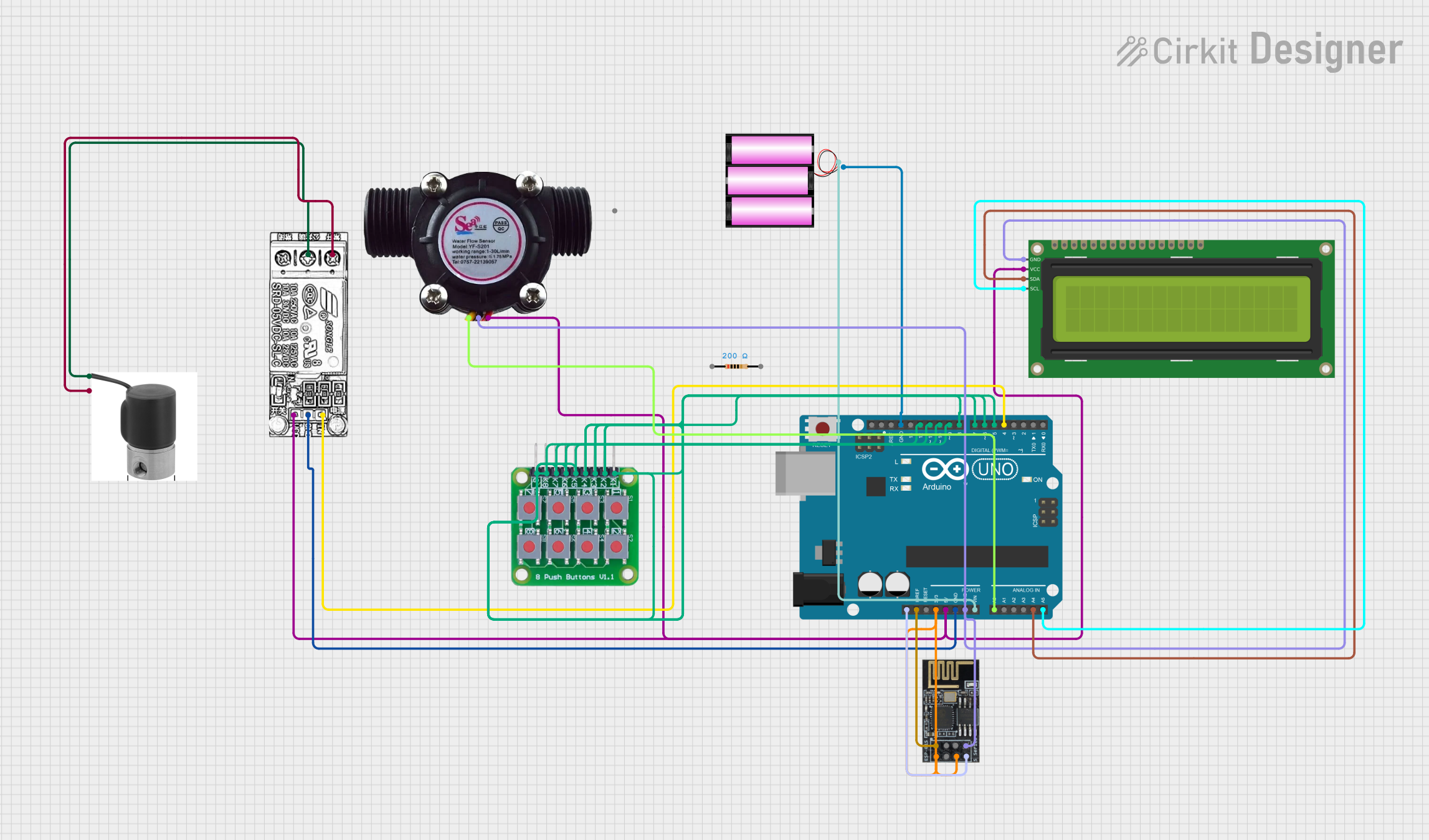 Open Project in Cirkit Designer
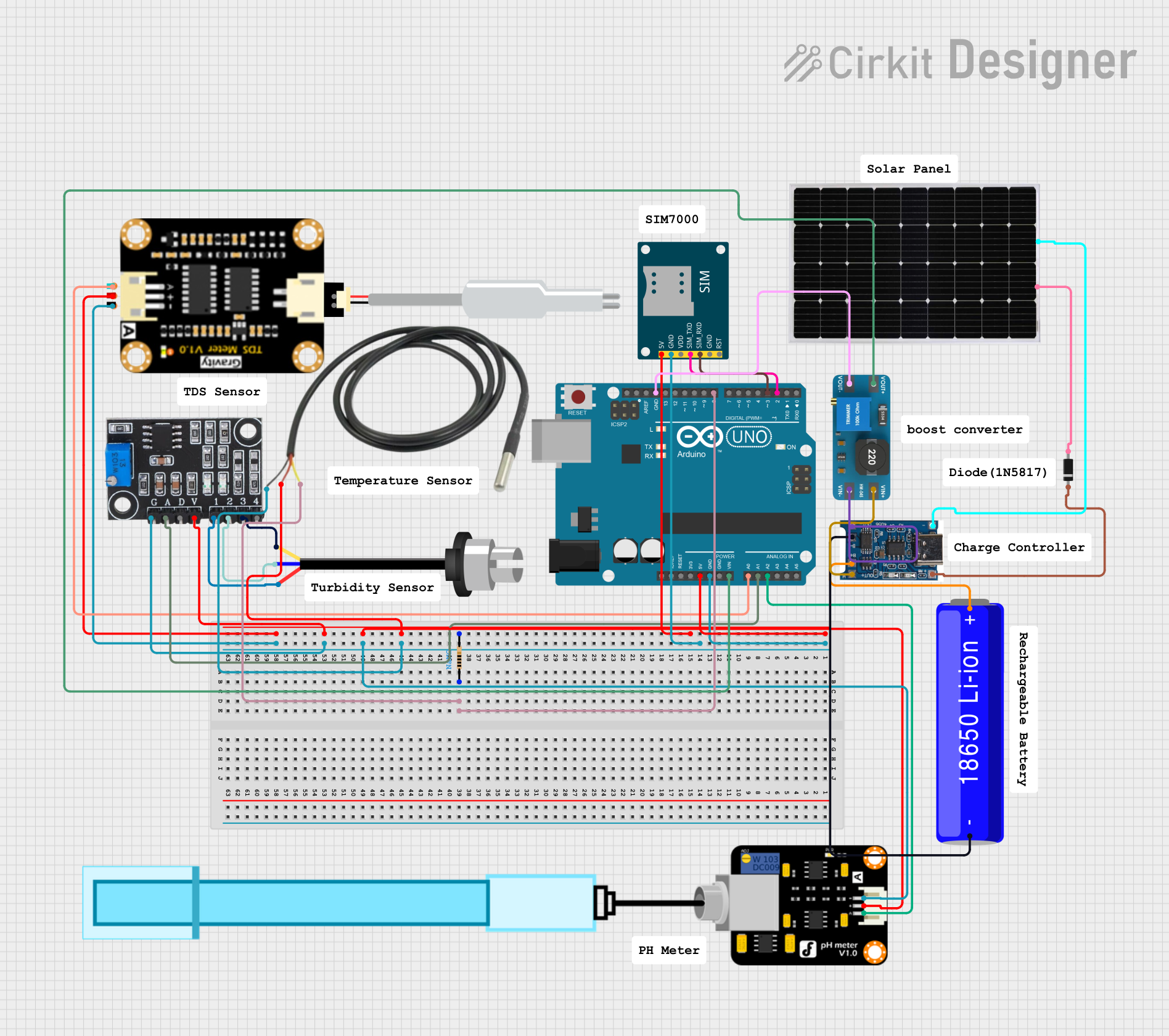 Open Project in Cirkit Designer
Explore Projects Built with Water Tank/Water Source
Open Project in Cirkit DesignerOpen Project in Cirkit DesignerOpen Project in Cirkit DesignerOpen Project in Cirkit DesignerCommon Applications and Use Cases
- Irrigation Systems: Storing water for agricultural or landscaping purposes.
- Drinking Water Supply: Providing potable water for households or communities.
- Industrial Processes: Supplying water for cooling, cleaning, or manufacturing.
- Rainwater Harvesting: Collecting and storing rainwater for later use.
- Emergency Water Storage: Ensuring water availability during shortages or disasters.
Technical Specifications
The specifications of a water tank or water source depend on its design, material, and intended use. Below are general technical details:
Key Technical Details
| Parameter | Description |
|---|---|
| Capacity | Varies from a few liters to several thousand liters. |
| Material | Common materials include plastic (HDPE), stainless steel, or concrete. |
| Inlet/Outlet Size | Typically ranges from 0.5 inches to 4 inches, depending on the application. |
| Pressure Rating | Designed to handle specific pressure levels (e.g., 0.5 to 10 bar). |
| Temperature Range | Operates within a range of 0°C to 60°C (varies by material). |
| Sensor Compatibility | Supports water level sensors, flow meters, or pressure sensors. |
Example Pin Configuration for a Water Level Sensor (if integrated)
If the water tank is equipped with a water level sensor, the pin configuration might look like this:
| Pin Name | Description |
|---|---|
| VCC | Power supply for the sensor (e.g., 3.3V or 5V). |
| GND | Ground connection. |
| Signal | Outputs the water level signal (analog or digital, depending on the sensor). |
Usage Instructions
How to Use the Component in a System
Installation:
- Place the water tank on a stable, level surface.
- Ensure the inlet and outlet connections are securely attached to the plumbing system.
- If using a water level sensor, install it according to the manufacturer's instructions.
Integration with Sensors:
- Connect a water level sensor to monitor the tank's water level.
- Use a microcontroller (e.g., Arduino UNO) to process sensor data and automate water management.
Water Flow Control:
- Install valves or pumps to regulate water flow.
- Use a pressure regulator if the system operates under high pressure.
Important Considerations and Best Practices
- Material Selection: Choose a tank material suitable for the intended use (e.g., food-grade plastic for drinking water).
- Regular Maintenance: Clean the tank periodically to prevent algae or sediment buildup.
- Sensor Calibration: If using sensors, calibrate them regularly for accurate readings.
- Overflow Prevention: Install an overflow pipe or automated shutoff system to prevent spillage.
Example Code for Arduino UNO with a Water Level Sensor
Below is an example of how to use an Arduino UNO to monitor the water level in a tank using an analog water level sensor:
// Water Level Monitoring with Arduino UNO
// This code reads the water level from an analog sensor and displays it on the Serial Monitor.

const int sensorPin = A0; // Analog pin connected to the water level sensor
int sensorValue = 0;      // Variable to store the sensor reading

void setup() {
  Serial.begin(9600); // Initialize serial communication at 9600 baud
  pinMode(sensorPin, INPUT); // Set the sensor pin as input
}

void loop() {
  sensorValue = analogRead(sensorPin); // Read the sensor value
  float waterLevel = (sensorValue / 1023.0) * 100;
  // Convert the sensor value to a percentage (0-100%)

  Serial.print("Water Level: ");
  Serial.print(waterLevel);
  Serial.println("%"); // Print the water level percentage

  delay(1000); // Wait for 1 second before the next reading
}
Troubleshooting and FAQs
Common Issues and Solutions
Water Tank Leaks:
- Cause: Cracks or loose connections.
- Solution: Inspect the tank and repair cracks with a sealant or replace damaged parts.
Inaccurate Sensor Readings:
- Cause: Sensor misalignment or debris interfering with the sensor.
- Solution: Clean the sensor and ensure it is properly installed and calibrated.
Overflow or Spillage:
- Cause: Lack of an overflow prevention system.
- Solution: Install an overflow pipe or an automated shutoff valve.
Low Water Pressure:
- Cause: Blocked outlet or insufficient pump power.
- Solution: Check for blockages and ensure the pump is functioning correctly.
FAQs
Q: Can I use a water tank for storing hot water?
- A: Only if the tank material is rated for high temperatures. Check the manufacturer's specifications.
Q: How do I prevent algae growth in the tank?
- A: Use opaque tanks to block sunlight and clean the tank regularly.
Q: Can I connect multiple tanks together?
- A: Yes, you can connect tanks in series or parallel using appropriate plumbing fittings.
Q: What type of sensor is best for monitoring water levels?
- A: Ultrasonic, float, or capacitive sensors are commonly used, depending on the application.
This documentation provides a comprehensive guide to understanding, using, and troubleshooting a water tank or water source system.