
How to Use PDB-XT60: Examples, Pinouts, and Specs
 Design with PDB-XT60 in Cirkit Designer
Introduction
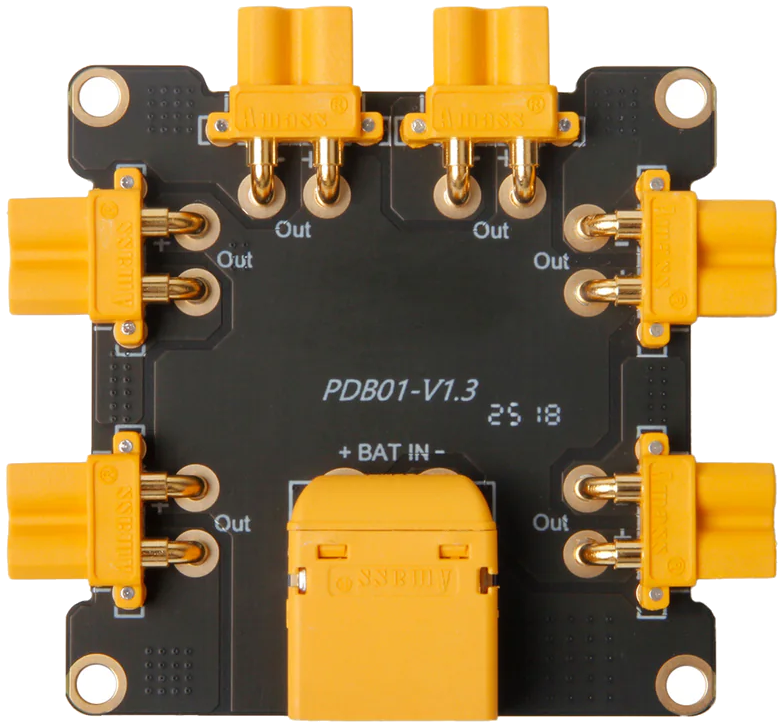
The PDB-XT60 by Matek Systems is a Power Distribution Board designed to efficiently distribute power from a single battery source to multiple electronic components in drones, RC vehicles, and other multi-rotor systems. It features an integrated XT60 connector for secure and reliable battery connections, along with multiple solder pads for connecting ESCs (Electronic Speed Controllers), flight controllers, and other peripherals.
This component is widely used in drone and RC vehicle applications due to its compact design, high current handling capability, and ease of integration. It simplifies power management in complex systems, ensuring stable and efficient power delivery.
Explore Projects Built with PDB-XT60
 Open Project in Cirkit Designer
 Open Project in Cirkit Designer
 Open Project in Cirkit Designer
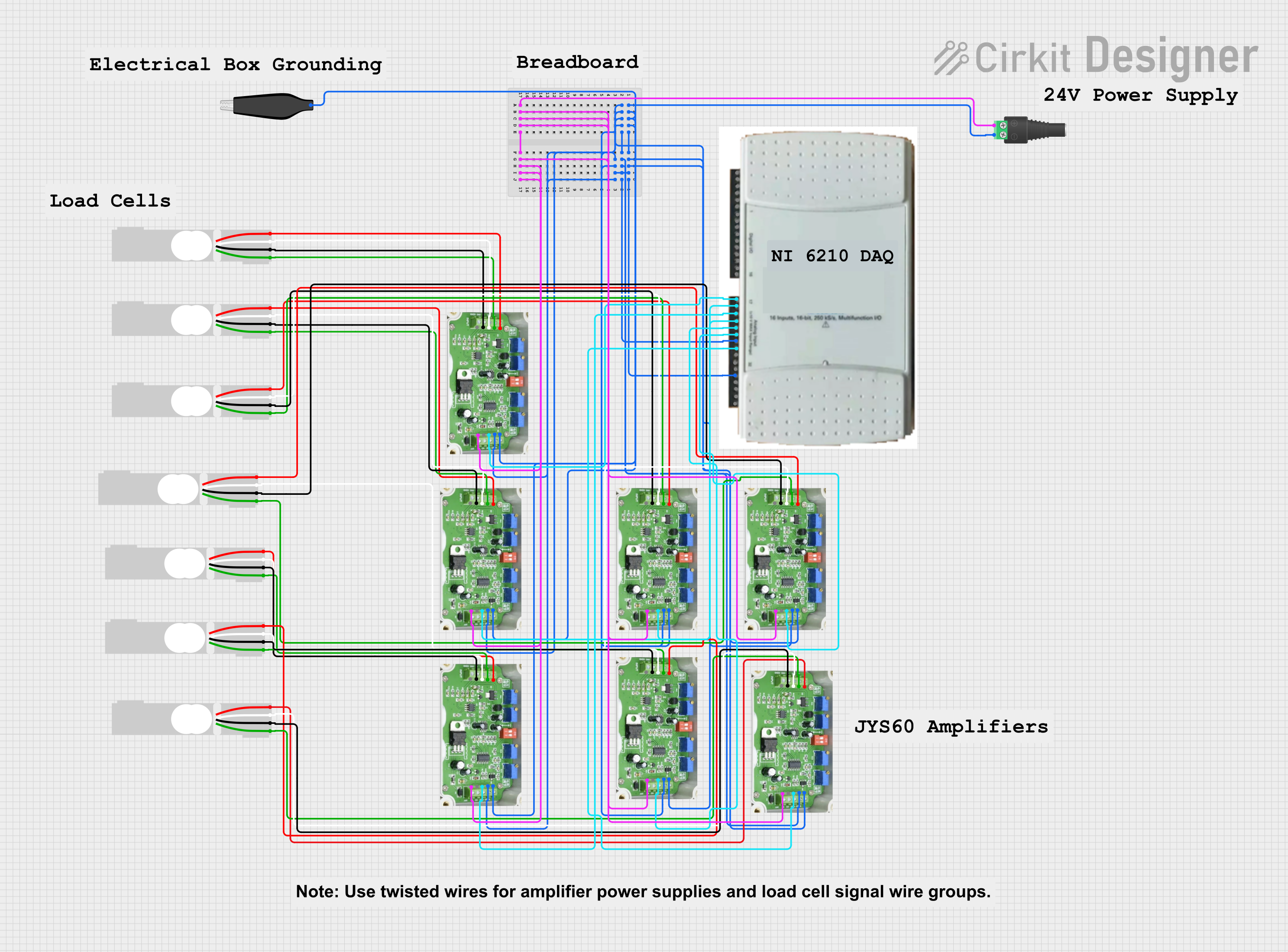 Open Project in Cirkit Designer
Explore Projects Built with PDB-XT60
Open Project in Cirkit DesignerOpen Project in Cirkit DesignerOpen Project in Cirkit DesignerOpen Project in Cirkit DesignerCommon Applications:
- Multi-rotor drones (quadcopters, hexacopters, etc.)
- RC vehicles (cars, boats, planes)
- Robotics projects requiring centralized power distribution
- DIY electronics projects with high-current requirements
Technical Specifications
Key Technical Details:
| Parameter | Value |
|---|---|
| Manufacturer | Matek Systems |
| Part ID | PDB-XT60 |
| Input Voltage Range | 3S to 6S LiPo (11.1V to 25.2V) |
| Maximum Current | 120A continuous |
| XT60 Connector Rating | 60A continuous, 100A peak |
| Dimensions | 36mm x 50mm |
| Weight | 10g |
| PCB Thickness | 1.6mm |
| Mounting Hole Spacing | 30.5mm x 30.5mm (standard M3) |
| Operating Temperature | -20°C to 85°C |
Pin Configuration and Descriptions:
The PDB-XT60 does not have traditional pins but instead features solder pads for connections. Below is a description of the key solder pads and connectors:
| Label/Connector | Description |
|---|---|
| XT60 Connector | Main battery input; connects to a LiPo battery via XT60 plug. |
| + (Positive Pads) | Positive solder pads for distributing power to ESCs and other components. |
| - (Negative Pads) | Negative solder pads for completing the circuit for ESCs and peripherals. |
| 5V Output Pads | Regulated 5V output for powering flight controllers or other low-power devices. |
| 12V Output Pads | Regulated 12V output for powering cameras, video transmitters, etc. |
Usage Instructions
How to Use the PDB-XT60 in a Circuit:
Mounting the PDB:
- Secure the PDB-XT60 to your drone or RC vehicle frame using M3 screws and spacers.
- Ensure the board is insulated from any conductive surfaces to prevent short circuits.
Connecting the Battery:
- Plug the XT60 connector into the corresponding XT60 plug on your LiPo battery.
- Verify the polarity of the connection to avoid damage.
Soldering ESCs and Peripherals:
- Solder the positive (red) wires of your ESCs to the positive (+) solder pads on the PDB.
- Solder the negative (black) wires of your ESCs to the negative (-) solder pads.
- For additional peripherals (e.g., cameras, flight controllers), use the 5V or 12V output pads as required.
Powering the System:
- Double-check all connections for proper soldering and polarity.
- Connect the battery and power on the system. Monitor for any unusual heat or behavior.
Important Considerations and Best Practices:
- Polarity Check: Always verify the polarity of connections before powering the system to avoid damage.
- Soldering Tips: Use a high-quality soldering iron and appropriate solder to ensure strong and reliable connections.
- Heat Dissipation: Avoid overloading the PDB beyond its rated current to prevent overheating.
- Insulation: Use heat shrink tubing or electrical tape to insulate exposed wires and solder joints.
- Voltage Regulation: Ensure that connected peripherals are compatible with the 5V or 12V outputs provided by the PDB.
Example: Connecting to an Arduino UNO
The PDB-XT60 can be used to power an Arduino UNO via its 5V output. Below is an example of how to connect the PDB to an Arduino UNO:
- Solder wires to the 5V and GND output pads on the PDB.
- Connect the 5V wire to the Arduino's 5V pin and the GND wire to the Arduino's GND pin.
- Ensure the PDB is powered by a compatible LiPo battery.
// Example Arduino code to blink an LED when powered by the PDB-XT60
// Connect an LED to pin 13 with a 220-ohm resistor.

void setup() {
  pinMode(13, OUTPUT); // Set pin 13 as an output
}

void loop() {
  digitalWrite(13, HIGH); // Turn the LED on
  delay(1000);            // Wait for 1 second
  digitalWrite(13, LOW);  // Turn the LED off
  delay(1000);            // Wait for 1 second
}
Troubleshooting and FAQs
Common Issues and Solutions:
| Issue | Possible Cause | Solution |
|---|---|---|
| PDB overheating | Exceeding current rating | Reduce load or use a higher-rated PDB. |
| No power to peripherals | Poor soldering or loose connections | Recheck and resolder connections. |
| XT60 connector not fitting | Incorrect or damaged XT60 plug | Use a compatible XT60 connector. |
| Voltage mismatch on output pads | Incorrect battery voltage or load issue | Verify battery voltage and peripheral specs. |
FAQs:
Can I use a 2S LiPo battery with the PDB-XT60?
- No, the PDB-XT60 is designed for 3S to 6S LiPo batteries (11.1V to 25.2V).
What is the maximum current the PDB can handle?
- The PDB can handle up to 120A continuous current.
Can I power multiple devices from the 5V and 12V outputs simultaneously?
- Yes, as long as the total current draw does not exceed the PDB's rated output capacity.
Is the PDB-XT60 compatible with all drones?
- The PDB-XT60 is compatible with most drones that use 3S to 6S LiPo batteries and require centralized power distribution.
This concludes the documentation for the PDB-XT60 by Matek Systems. For further assistance, refer to the manufacturer's datasheet or contact their support team.