
How to Use KY-002 Sensor de vibracion: Examples, Pinouts, and Specs
 Design with KY-002 Sensor de vibracion in Cirkit Designer
Introduction
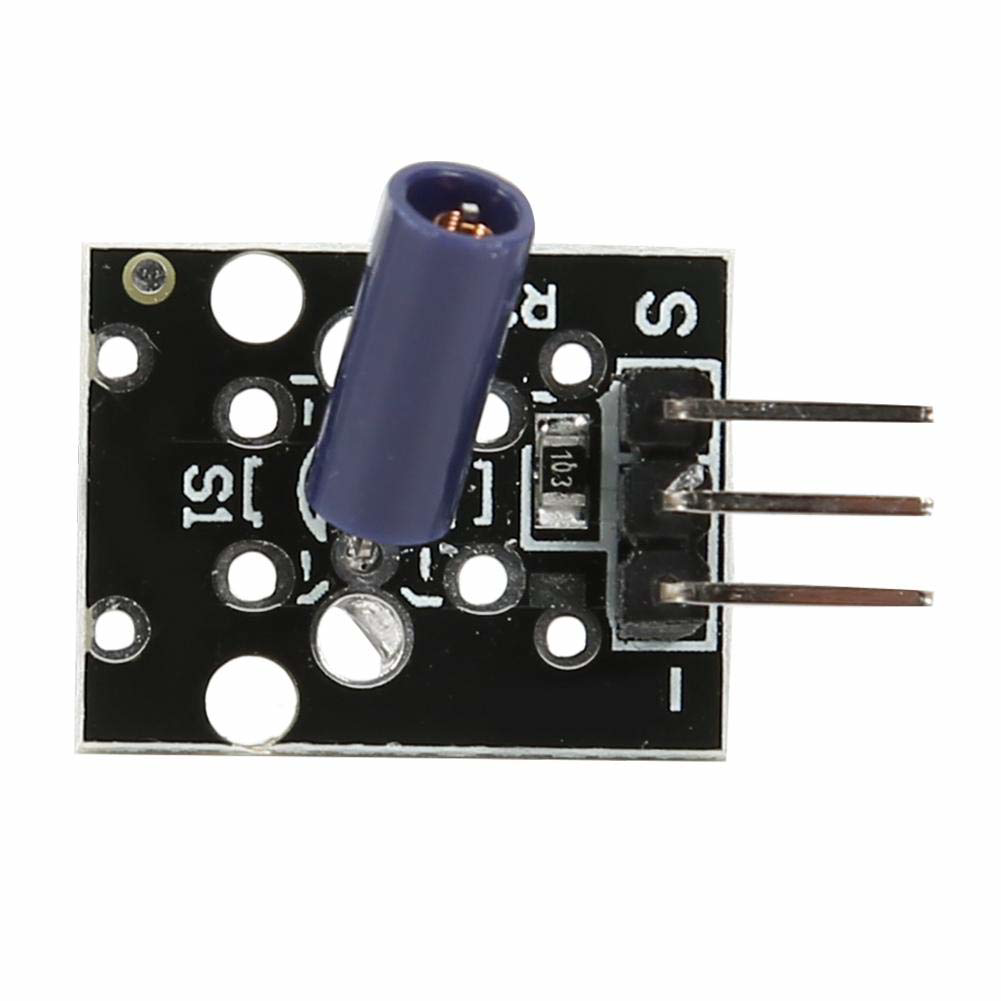
The KY-002 Sensor de Vibración is a compact and versatile vibration sensor module designed to detect mechanical vibrations and movements. It utilizes a piezoelectric element to convert physical vibrations into electrical signals, making it suitable for a wide range of applications. This sensor is commonly used in motion detection systems, alarm systems, robotics, and industrial monitoring.
Explore Projects Built with KY-002 Sensor de vibracion
 Open Project in Cirkit Designer
 Open Project in Cirkit Designer
 Open Project in Cirkit Designer
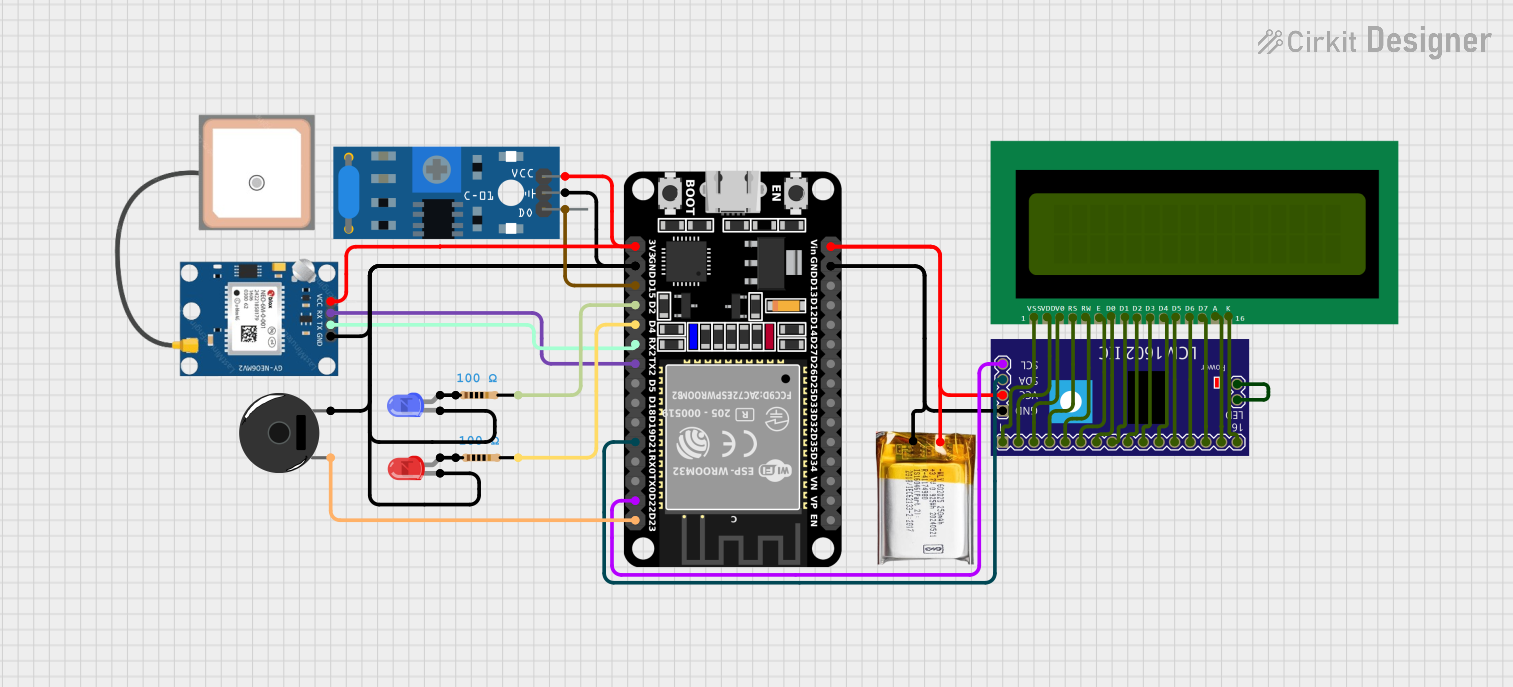 Open Project in Cirkit Designer
Explore Projects Built with KY-002 Sensor de vibracion
Open Project in Cirkit DesignerOpen Project in Cirkit DesignerOpen Project in Cirkit DesignerOpen Project in Cirkit DesignerCommon Applications
- Motion detection in security systems
- Vibration monitoring in machinery
- Impact detection in robotics
- Earthquake detection systems
- Wearable devices for activity tracking
Technical Specifications
The KY-002 Sensor de Vibración is designed for simplicity and ease of integration into electronic projects. Below are its key technical details:
| Parameter | Specification |
|---|---|
| Operating Voltage | 3.3V to 5V |
| Output Type | Digital |
| Sensitivity | High (detects small vibrations) |
| Dimensions | 18mm x 15mm x 10mm |
| Operating Temperature | -40°C to +85°C |
| Weight | ~2g |
Pin Configuration and Descriptions
The KY-002 module has three pins, as described in the table below:
| Pin | Name | Description |
|---|---|---|
| 1 | Signal (S) | Outputs a digital signal when vibration is detected. |
| 2 | VCC | Connects to the positive power supply (3.3V–5V). |
| 3 | GND | Connects to the ground of the power supply. |
Usage Instructions
The KY-002 Sensor de Vibración is straightforward to use in electronic circuits. Below are the steps and best practices for integrating it into your project:
Connecting the KY-002 to a Circuit
- Power Supply: Connect the VCC pin to a 3.3V or 5V power source and the GND pin to the ground.
- Signal Output: Connect the Signal (S) pin to a digital input pin on your microcontroller or microprocessor.
- Pull-Down Resistor: For stable operation, use a pull-down resistor (e.g., 10kΩ) on the Signal pin to prevent floating signals when no vibration is detected.
Example: Using the KY-002 with an Arduino UNO
The following example demonstrates how to connect and use the KY-002 with an Arduino UNO to detect vibrations and display the status in the Serial Monitor.
Circuit Diagram
- Connect the KY-002's VCC pin to the Arduino's 5V pin.
- Connect the KY-002's GND pin to the Arduino's GND pin.
- Connect the KY-002's Signal (S) pin to the Arduino's digital pin 2.
Arduino Code
// KY-002 Vibration Sensor Example with Arduino UNO
// This code reads the vibration sensor's output and prints the status to the Serial Monitor.

const int sensorPin = 2;  // KY-002 Signal pin connected to digital pin 2
int sensorState = 0;      // Variable to store the sensor's state

void setup() {
  pinMode(sensorPin, INPUT);  // Set the sensor pin as an input
  Serial.begin(9600);         // Initialize Serial communication at 9600 baud
}

void loop() {
  sensorState = digitalRead(sensorPin);  // Read the sensor's state

  if (sensorState == HIGH) {
    // If vibration is detected, print a message
    Serial.println("Vibration detected!");
  } else {
    // If no vibration is detected, print a different message
    Serial.println("No vibration.");
  }

  delay(500);  // Wait for 500ms before reading again
}
Best Practices
- Mounting: Securely mount the sensor to the surface where vibrations are to be detected for accurate readings.
- Debouncing: Use software debouncing techniques if the sensor produces erratic signals due to rapid vibrations.
- Power Supply: Ensure a stable power supply to avoid false readings.
Troubleshooting and FAQs
Common Issues and Solutions
No Output Signal
- Cause: Loose connections or insufficient power supply.
- Solution: Check all connections and ensure the power supply is within the specified range (3.3V–5V).
False Triggers
- Cause: Electrical noise or unstable power supply.
- Solution: Add a pull-down resistor to the Signal pin and use a decoupling capacitor (e.g., 0.1µF) across the power pins.
Sensor Not Sensitive Enough
- Cause: Improper mounting or weak vibrations.
- Solution: Ensure the sensor is securely mounted and positioned close to the vibration source.
Erratic Readings
- Cause: Rapid or continuous vibrations.
- Solution: Implement software debouncing or signal filtering in your code.
FAQs
Q1: Can the KY-002 detect continuous vibrations?
A1: Yes, but it is primarily designed for detecting discrete vibration events. For continuous monitoring, additional signal processing may be required.
Q2: Is the KY-002 compatible with 3.3V systems?
A2: Yes, the KY-002 operates reliably with both 3.3V and 5V power supplies.
Q3: Can I use the KY-002 in outdoor environments?
A3: While the sensor can operate in a wide temperature range, it is not waterproof. Use appropriate enclosures for outdoor applications.
Q4: How do I increase the sensitivity of the sensor?
A4: The sensitivity is fixed, but you can amplify the output signal using an operational amplifier if needed.
By following this documentation, you can effectively integrate the KY-002 Sensor de Vibración into your projects and troubleshoot common issues with ease.