
How to Use ILI9341 2.4': Examples, Pinouts, and Specs
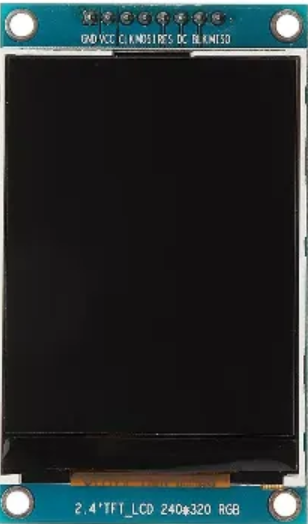
 Design with ILI9341 2.4' in Cirkit Designer
Introduction
The ILI9341 is a TFT LCD display controller designed to drive a 2.4-inch screen, offering high-resolution color graphics with a 240x320 pixel resolution. It is widely used in embedded systems and microcontroller-based projects to display images, text, and graphical interfaces. The ILI9341 supports multiple communication protocols, including SPI and parallel interfaces, making it versatile and compatible with a variety of microcontrollers.
Explore Projects Built with ILI9341 2.4'
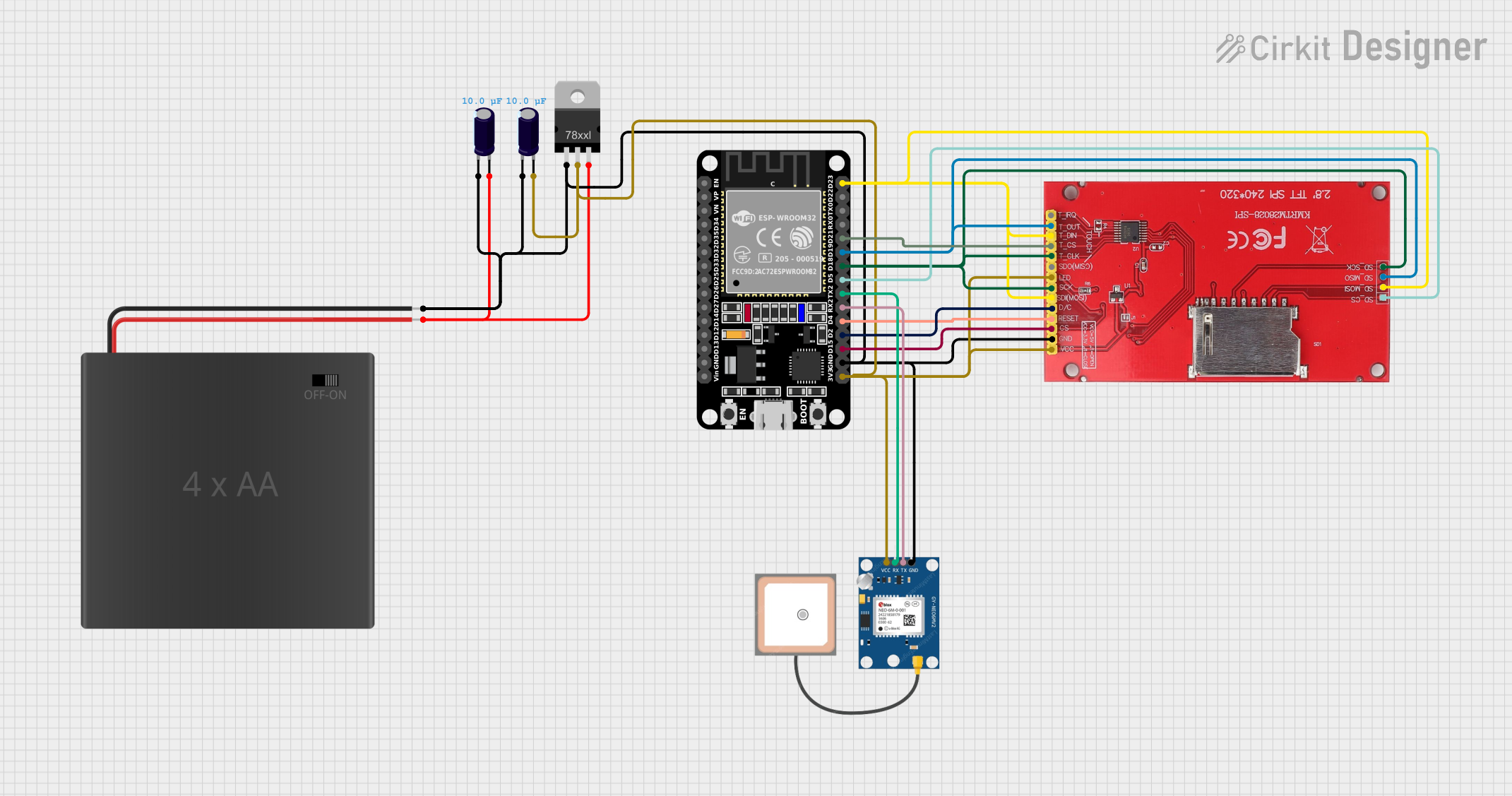 Open Project in Cirkit Designer
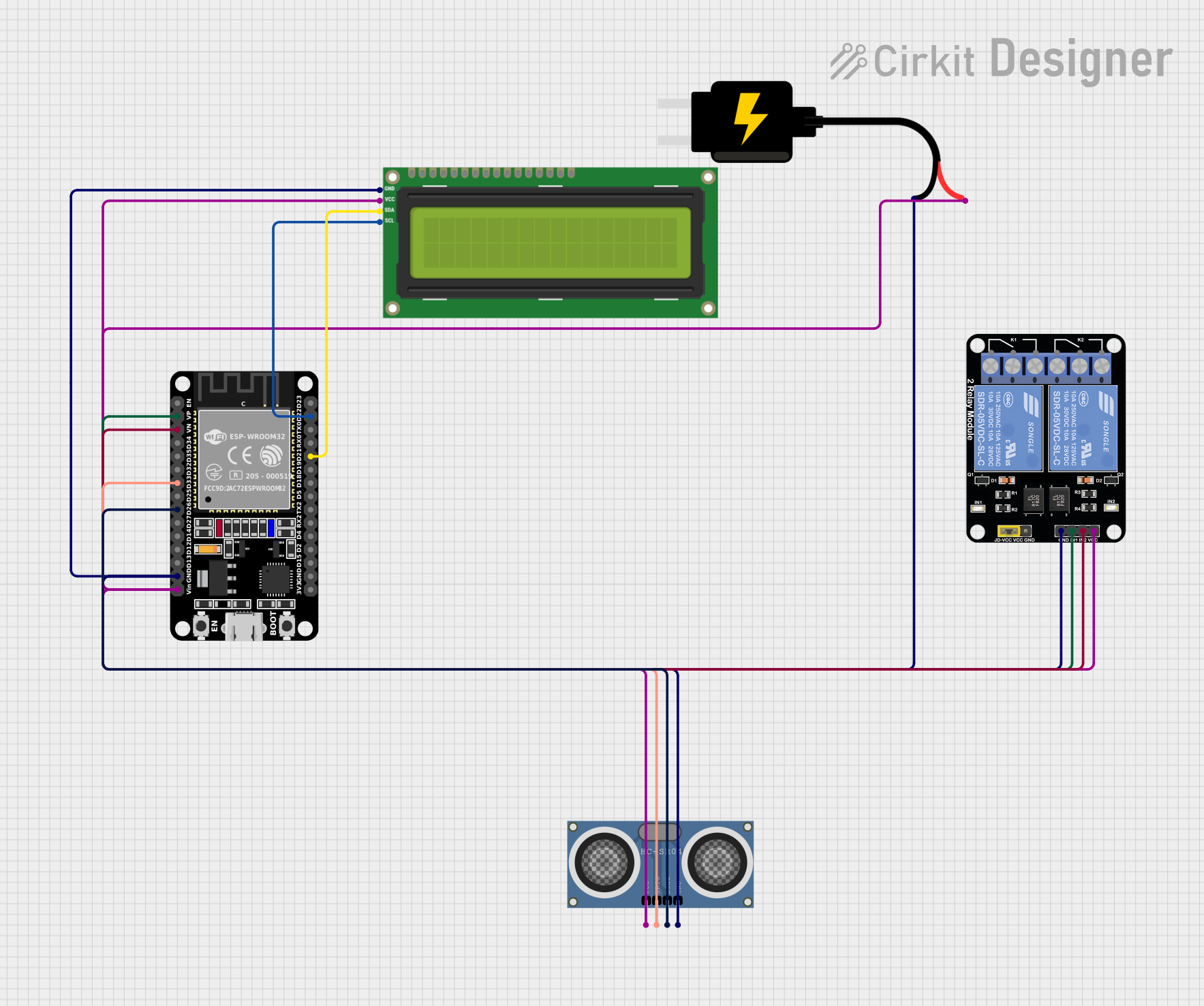 Open Project in Cirkit Designer
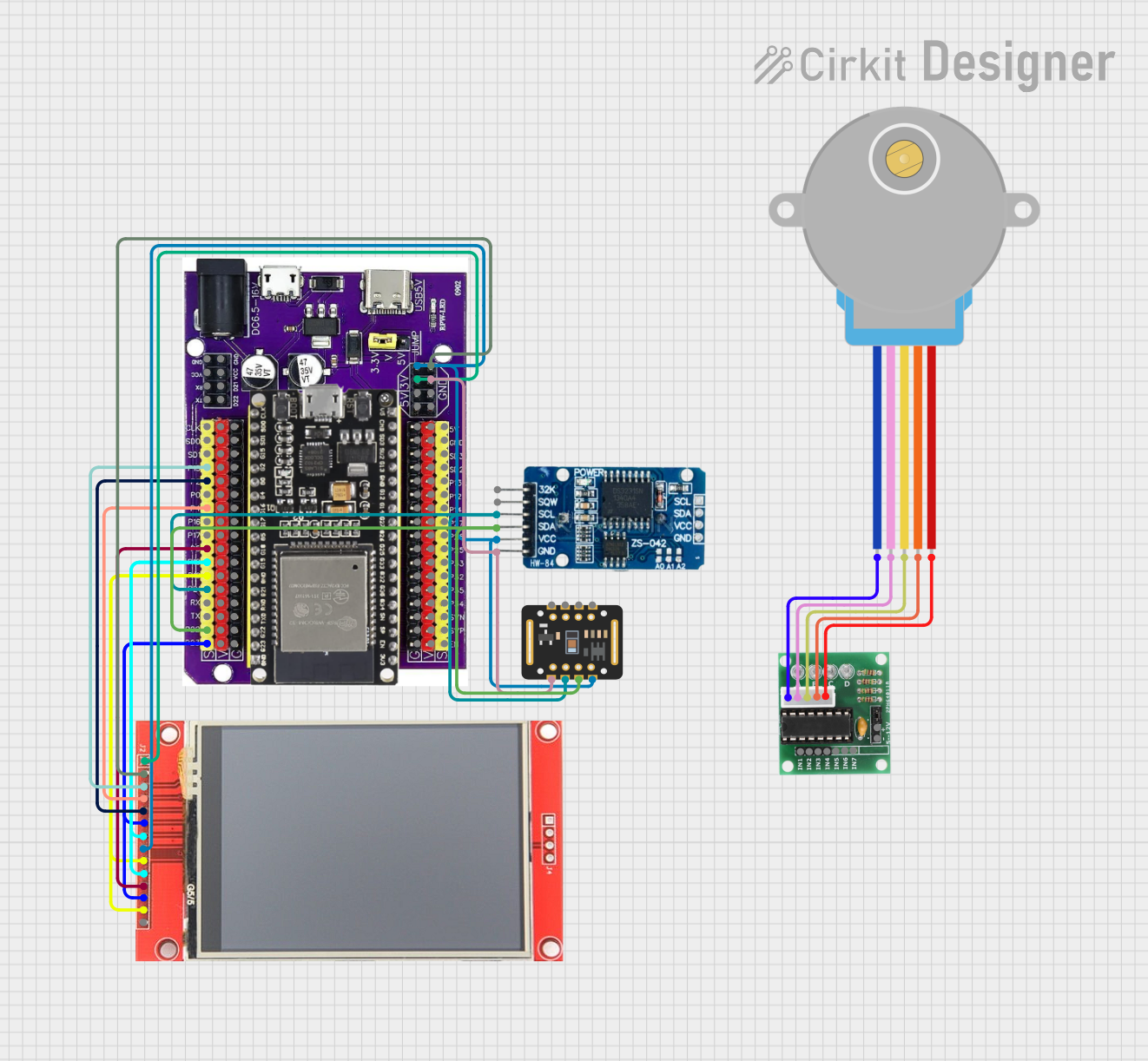 Open Project in Cirkit Designer
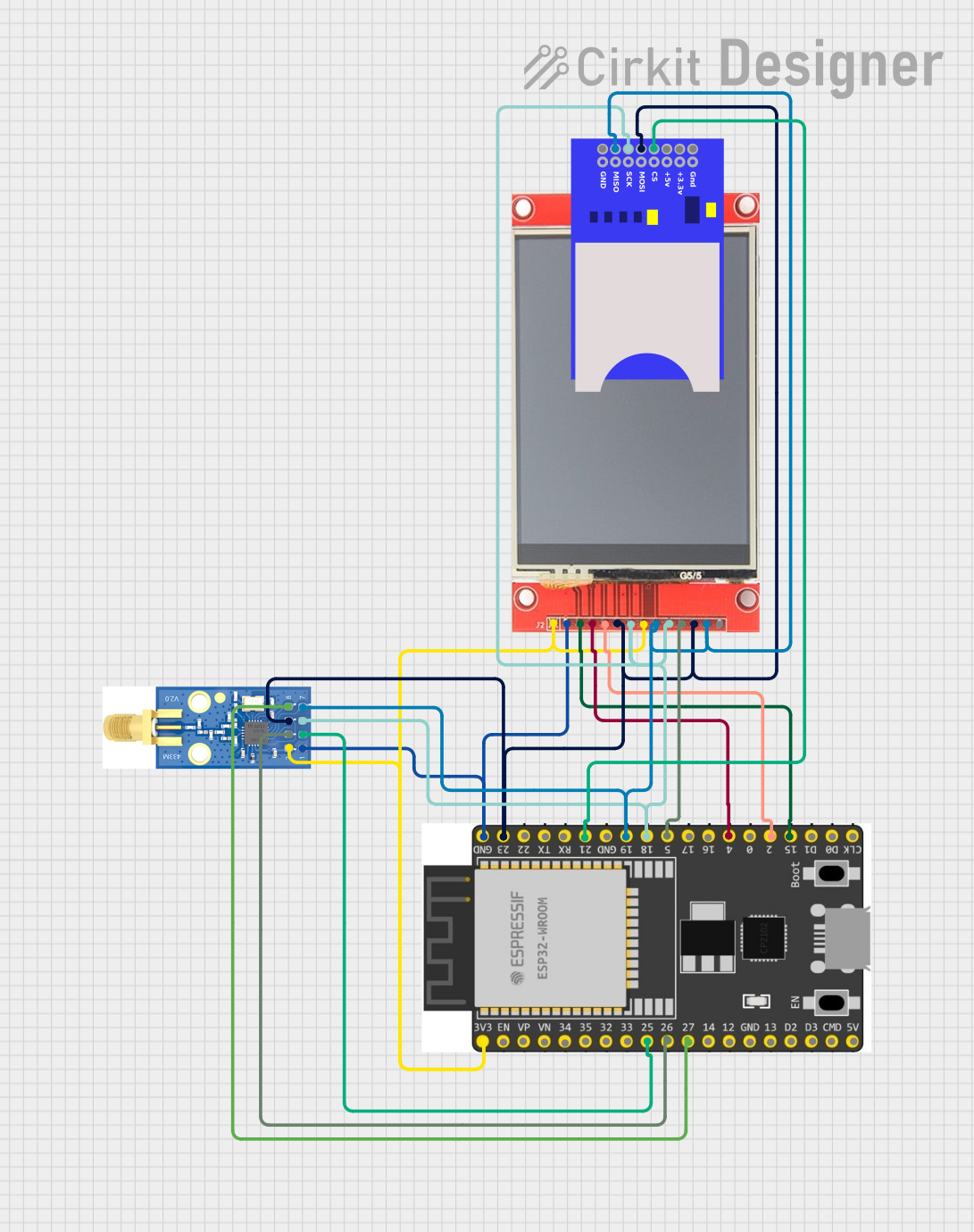 Open Project in Cirkit Designer
Explore Projects Built with ILI9341 2.4'
Open Project in Cirkit DesignerOpen Project in Cirkit DesignerOpen Project in Cirkit DesignerOpen Project in Cirkit DesignerCommon Applications and Use Cases
- Graphical user interfaces (GUIs) for embedded systems
- Displaying sensor data in IoT projects
- Portable gaming devices
- Digital dashboards and meters
- Educational and hobbyist projects with Arduino, Raspberry Pi, or ESP32
Technical Specifications
The ILI9341 controller and its associated 2.4-inch TFT LCD module have the following key specifications:
| Parameter | Value |
|---|---|
| Display Type | TFT LCD |
| Screen Size | 2.4 inches |
| Resolution | 240 x 320 pixels |
| Color Depth | 16-bit (65,536 colors) |
| Communication Interface | SPI (4-wire), 8/16-bit Parallel |
| Operating Voltage | 2.8V to 3.3V |
| Backlight Voltage | 3.0V to 3.3V |
| Current Consumption | ~20mA (without backlight) |
| Viewing Angle | ~160° |
| Operating Temperature | -20°C to 70°C |
Pin Configuration and Descriptions
The ILI9341 module typically includes the following pins for interfacing:
SPI Interface Pinout
| Pin Name | Description |
|---|---|
| VCC | Power supply (3.3V recommended) |
| GND | Ground |
| CS | Chip Select (active low) |
| RESET | Reset pin (active low) |
| DC (or RS) | Data/Command control pin |
| SDI (MOSI) | Serial Data Input (Master Out Slave In) |
| SCK | Serial Clock |
| LED | Backlight control (connect to 3.3V or PWM) |
Parallel Interface Pinout (Optional)
| Pin Name | Description |
|---|---|
| D0-D15 | Data bus pins (8-bit or 16-bit mode) |
| RD | Read control (active low) |
| WR | Write control (active low) |
| RS | Register Select (Data/Command control) |
| CS | Chip Select (active low) |
| RESET | Reset pin (active low) |
Usage Instructions
Connecting the ILI9341 to an Arduino UNO (SPI Mode)
To use the ILI9341 with an Arduino UNO, connect the pins as follows:
| ILI9341 Pin | Arduino UNO Pin |
|---|---|
| VCC | 3.3V |
| GND | GND |
| CS | D10 |
| RESET | D9 |
| DC (RS) | D8 |
| SDI (MOSI) | D11 |
| SCK | D13 |
| LED | 3.3V or PWM pin |
Example Code for Arduino UNO
Below is an example of how to initialize and display text on the ILI9341 using the Adafruit ILI9341 library:
#include <Adafruit_GFX.h>    // Core graphics library
#include <Adafruit_ILI9341.h> // ILI9341 driver library

// Define pin connections
#define TFT_CS   10  // Chip Select pin
#define TFT_RST  9   // Reset pin
#define TFT_DC   8   // Data/Command pin

// Create an instance of the ILI9341 display
Adafruit_ILI9341 tft = Adafruit_ILI9341(TFT_CS, TFT_DC, TFT_RST);

void setup() {
  // Initialize the display
  tft.begin();

  // Set rotation (0-3 for different orientations)
  tft.setRotation(1);

  // Fill the screen with a solid color
  tft.fillScreen(ILI9341_BLACK);

  // Set text color and size
  tft.setTextColor(ILI9341_WHITE);
  tft.setTextSize(2);

  // Display text on the screen
  tft.setCursor(10, 10); // Set cursor position (x, y)
  tft.println("Hello, ILI9341!");
}

void loop() {
  // Nothing to do here
}
Important Considerations and Best Practices
- Voltage Levels: The ILI9341 operates at 3.3V logic levels. If using a 5V microcontroller (e.g., Arduino UNO), use level shifters or voltage dividers to avoid damaging the display.
- Backlight Control: The LED pin can be connected to a PWM pin on the microcontroller for brightness control.
- Library Support: Use well-supported libraries like Adafruit_ILI9341 and Adafruit_GFX for easier implementation.
- Power Supply: Ensure a stable 3.3V power supply to avoid flickering or instability.
Troubleshooting and FAQs
Common Issues
Blank Screen:
- Check the wiring and ensure all connections are secure.
- Verify that the display is receiving 3.3V power.
- Ensure the correct pins are defined in the code.
Flickering or Unstable Display:
- Use a decoupling capacitor (e.g., 0.1µF) near the power pins.
- Ensure the power supply can provide sufficient current.
Incorrect Colors or Graphics:
- Verify that the correct communication protocol (SPI or parallel) is selected in the code.
- Check for loose or incorrect connections.
Library Errors:
- Ensure the Adafruit_ILI9341 and Adafruit_GFX libraries are installed in the Arduino IDE.
- Update the libraries to the latest version.
FAQs
Q: Can I use the ILI9341 with a 5V microcontroller?
A: Yes, but you must use level shifters or voltage dividers for the logic pins to prevent damage to the display.
Q: How do I control the backlight brightness?
A: Connect the LED pin to a PWM-capable pin on your microcontroller and use analogWrite() to adjust brightness.
Q: Can I use the ILI9341 in parallel mode with an Arduino?
A: While possible, the Arduino UNO has limited pins, making SPI mode more practical. For parallel mode, consider using a microcontroller with more GPIO pins, such as the Arduino MEGA.
Q: What is the maximum frame rate of the ILI9341?
A: The frame rate depends on the communication speed and the microcontroller's processing power. With SPI, you can achieve up to ~30 FPS for simple graphics.