
How to Use 8-Channel AC 220V Optocoupler Input Module: Examples, Pinouts, and Specs
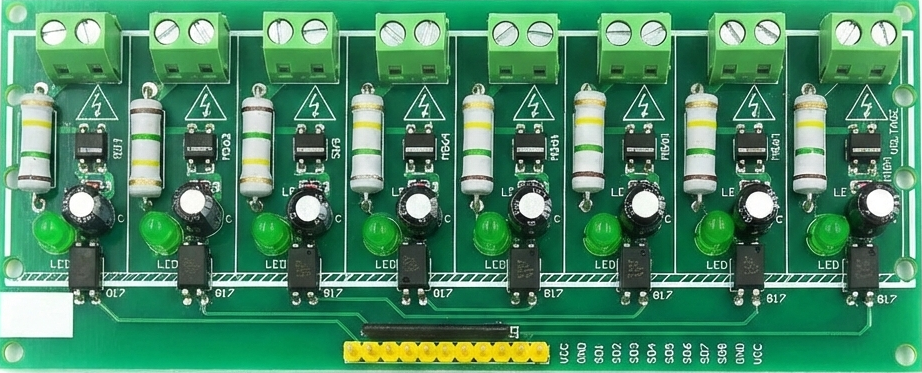
 Design with 8-Channel AC 220V Optocoupler Input Module in Cirkit Designer
Introduction
The 8-Channel AC 220V Optocoupler Input Module by Hailege is designed to safely interface high-voltage AC signals (up to 220V) with low-voltage control systems such as microcontrollers. This module uses optocouplers to provide electrical isolation, ensuring that high-voltage circuits do not directly interact with sensitive low-voltage components. It is ideal for applications requiring signal monitoring, industrial automation, and AC signal detection.
Explore Projects Built with 8-Channel AC 220V Optocoupler Input Module
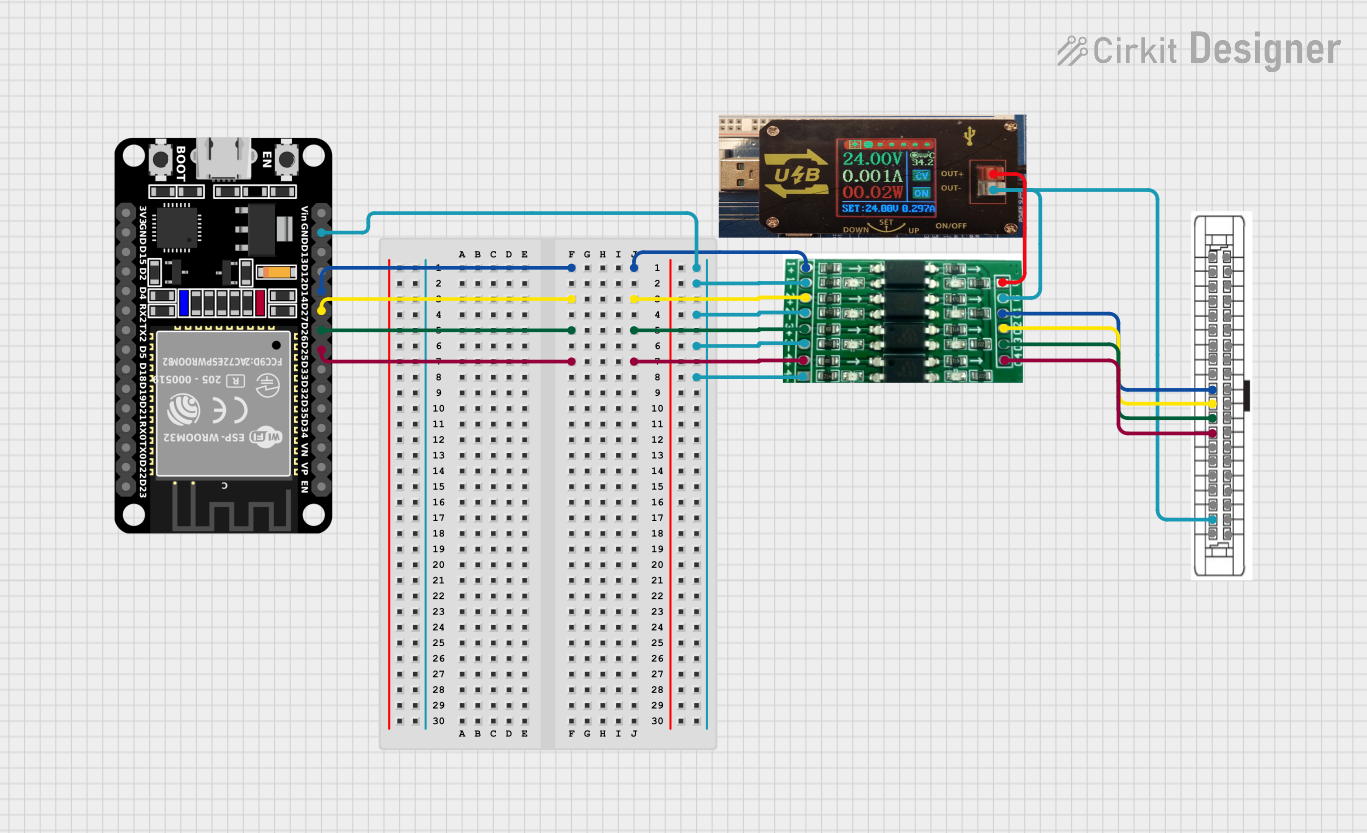 Open Project in Cirkit Designer
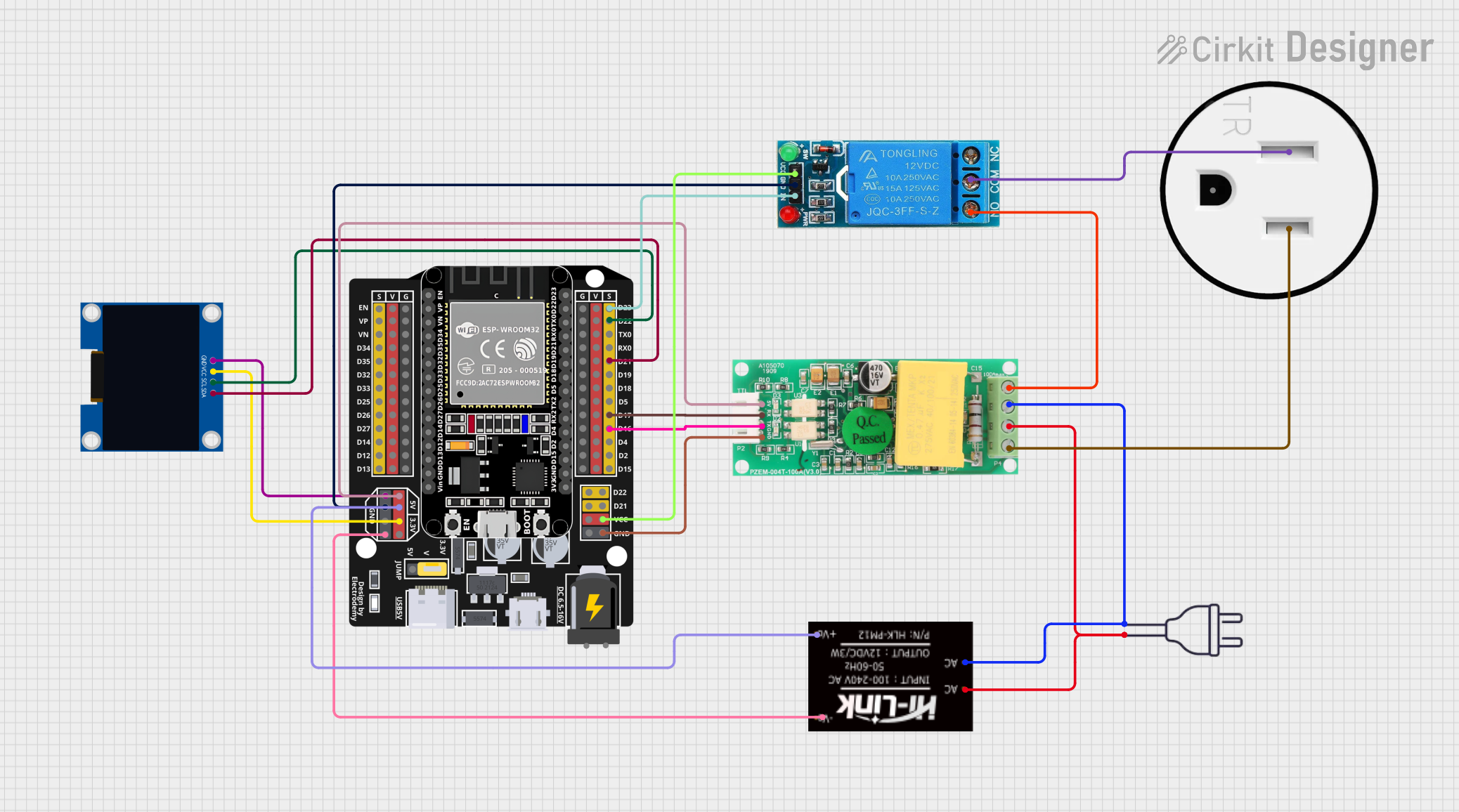 Open Project in Cirkit Designer
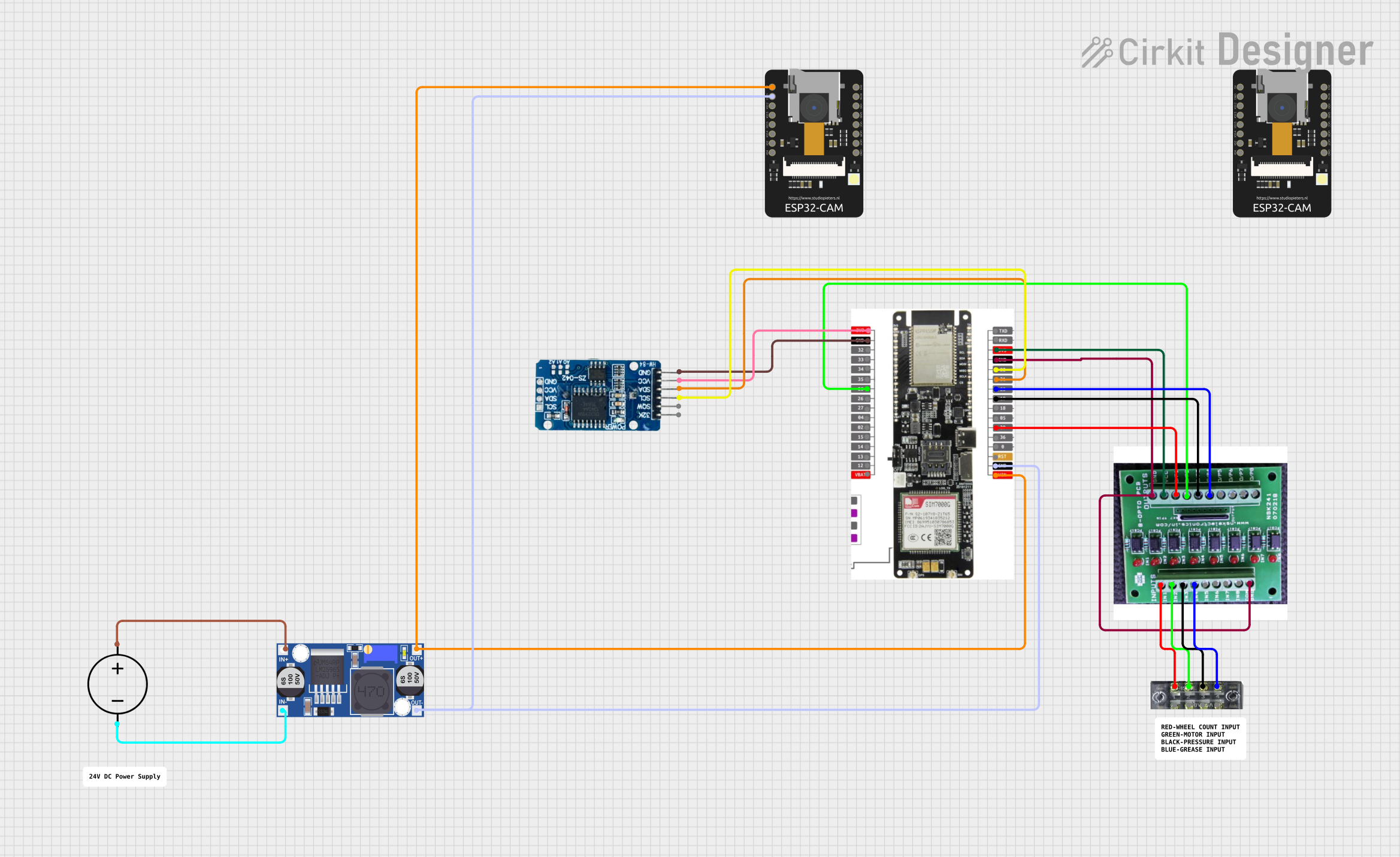 Open Project in Cirkit Designer
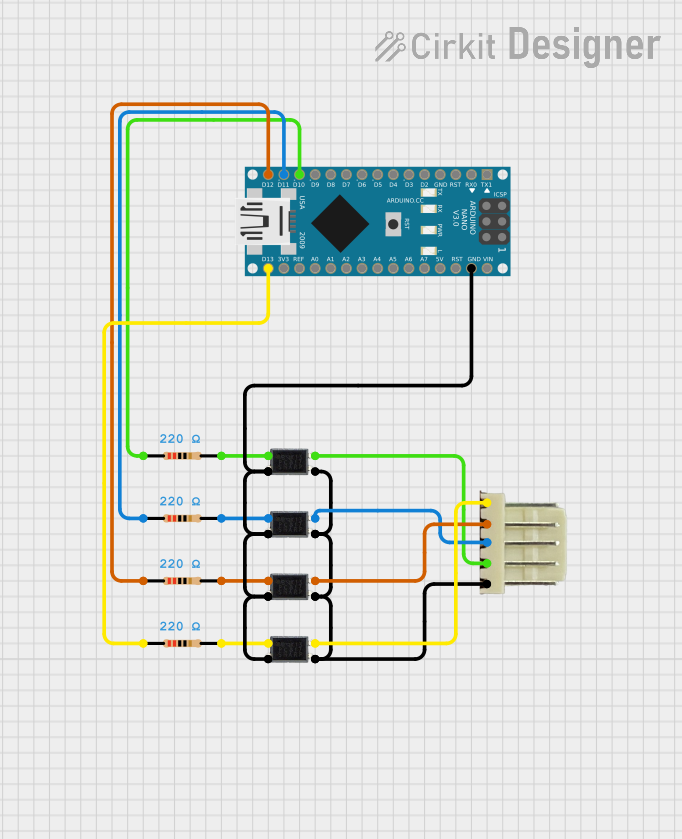 Open Project in Cirkit Designer
Explore Projects Built with 8-Channel AC 220V Optocoupler Input Module
Open Project in Cirkit DesignerOpen Project in Cirkit DesignerOpen Project in Cirkit DesignerOpen Project in Cirkit DesignerCommon Applications and Use Cases
- Industrial automation systems
- AC signal monitoring and detection
- Electrical safety isolation in control systems
- Home automation projects
- Interfacing high-voltage AC devices with microcontrollers (e.g., Arduino, Raspberry Pi)
Technical Specifications
The following table outlines the key technical details of the module:
| Parameter | Specification |
|---|---|
| Operating Voltage | 220V AC |
| Number of Channels | 8 |
| Isolation Method | Optocoupler |
| Output Voltage (Logic) | 3.3V or 5V (compatible with most MCUs) |
| Output Type | Digital (High/Low) |
| Input Signal Frequency | 50Hz to 60Hz |
| PCB Dimensions | 135mm x 55mm x 20mm |
| Mounting Holes | 4 holes (M3 screws) |
Pin Configuration and Descriptions
The module has two main interfaces: the AC input terminals and the low-voltage output pins. Below is the pin configuration:
AC Input Terminals
| Terminal | Description |
|---|---|
| IN1 to IN8 | AC input channels for 220V signals (1 per channel) |
| COM | Common terminal for AC input |
Low-Voltage Output Pins
| Pin | Description |
|---|---|
| VCC | Power supply for the module (3.3V or 5V) |
| GND | Ground connection |
| OUT1 to OUT8 | Digital outputs corresponding to IN1 to IN8 |
Usage Instructions
How to Use the Component in a Circuit
- Power the Module: Connect the VCC and GND pins to a 3.3V or 5V power source, depending on your microcontroller's logic level.
- Connect AC Signals: Attach the AC signals (up to 220V) to the input terminals (IN1 to IN8). Ensure proper wiring and insulation to avoid electrical hazards.
- Connect Outputs to Microcontroller: Connect the OUT1 to OUT8 pins to the digital input pins of your microcontroller. These pins will output a HIGH or LOW signal based on the presence of an AC signal on the corresponding input channel.
- Verify Connections: Double-check all connections to ensure safety and proper operation.
Important Considerations and Best Practices
- Safety First: Always handle the module with care when working with high-voltage AC signals. Ensure proper insulation and avoid touching live wires.
- Power Supply: Use a stable 3.3V or 5V power source for the module.
- Signal Frequency: The module is designed for standard AC frequencies (50Hz to 60Hz). It may not work correctly with non-standard frequencies.
- Output Logic: The output pins will typically output a LOW signal when an AC signal is detected and a HIGH signal when no AC signal is present. Verify this behavior with your specific module.
Example: Connecting to an Arduino UNO
Below is an example of how to connect the module to an Arduino UNO and read the status of the AC inputs:
Circuit Connections
- Connect the module's VCC to the Arduino's 5V pin.
- Connect the module's GND to the Arduino's GND pin.
- Connect the module's OUT1 to Arduino digital pin 2, OUT2 to digital pin 3, and so on.
Arduino Code
// Define the input pins for the module
const int inputPins[] = {2, 3, 4, 5, 6, 7, 8, 9}; // OUT1 to OUT8

void setup() {
  // Initialize serial communication for debugging
  Serial.begin(9600);

  // Set the input pins as INPUT
  for (int i = 0; i < 8; i++) {
    pinMode(inputPins[i], INPUT);
  }
}

void loop() {
  // Read and print the status of each channel
  for (int i = 0; i < 8; i++) {
    int status = digitalRead(inputPins[i]);
    Serial.print("Channel ");
    Serial.print(i + 1);
    Serial.print(": ");
    Serial.println(status == LOW ? "AC Signal Detected" : "No Signal");
  }

  // Add a small delay to avoid flooding the serial monitor
  delay(500);
}
Troubleshooting and FAQs
Common Issues and Solutions
No Output Signal Detected
- Cause: Incorrect wiring or insufficient power supply.
- Solution: Verify that the VCC and GND pins are properly connected and that the module is receiving the correct voltage.
Output Always HIGH or LOW
- Cause: Faulty AC input connection or damaged optocoupler.
- Solution: Check the AC input wiring and ensure the input voltage is within the specified range. Replace the module if necessary.
Microcontroller Not Detecting Output
- Cause: Logic level mismatch or incorrect pin configuration.
- Solution: Ensure the microcontroller's input pins are configured correctly and that the module's output logic level matches the microcontroller's requirements.
FAQs
Q: Can this module handle DC signals?
A: No, this module is designed specifically for AC signals. It will not work correctly with DC inputs.
Q: Is the module compatible with 3.3V microcontrollers like ESP32?
A: Yes, the module's output is compatible with both 3.3V and 5V logic levels.
Q: Can I use fewer than 8 channels?
A: Yes, you can use as many channels as needed. Unused channels can be left unconnected.
Q: What happens if the input voltage exceeds 220V AC?
A: Exceeding the rated voltage may damage the module and pose a safety hazard. Always ensure the input voltage is within the specified range.