
How to Use Shelly Pro 1: Examples, Pinouts, and Specs
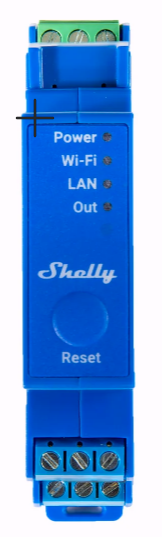
 Design with Shelly Pro 1 in Cirkit Designer
Introduction
The Shelly Pro 1 is a smart relay switch designed for home and industrial automation. It enables remote control of electrical devices via Wi-Fi, allowing users to automate and monitor their systems through a mobile app or third-party platforms. With its compact design and advanced features, the Shelly Pro 1 is ideal for controlling lights, appliances, and other electrical loads.
Explore Projects Built with Shelly Pro 1
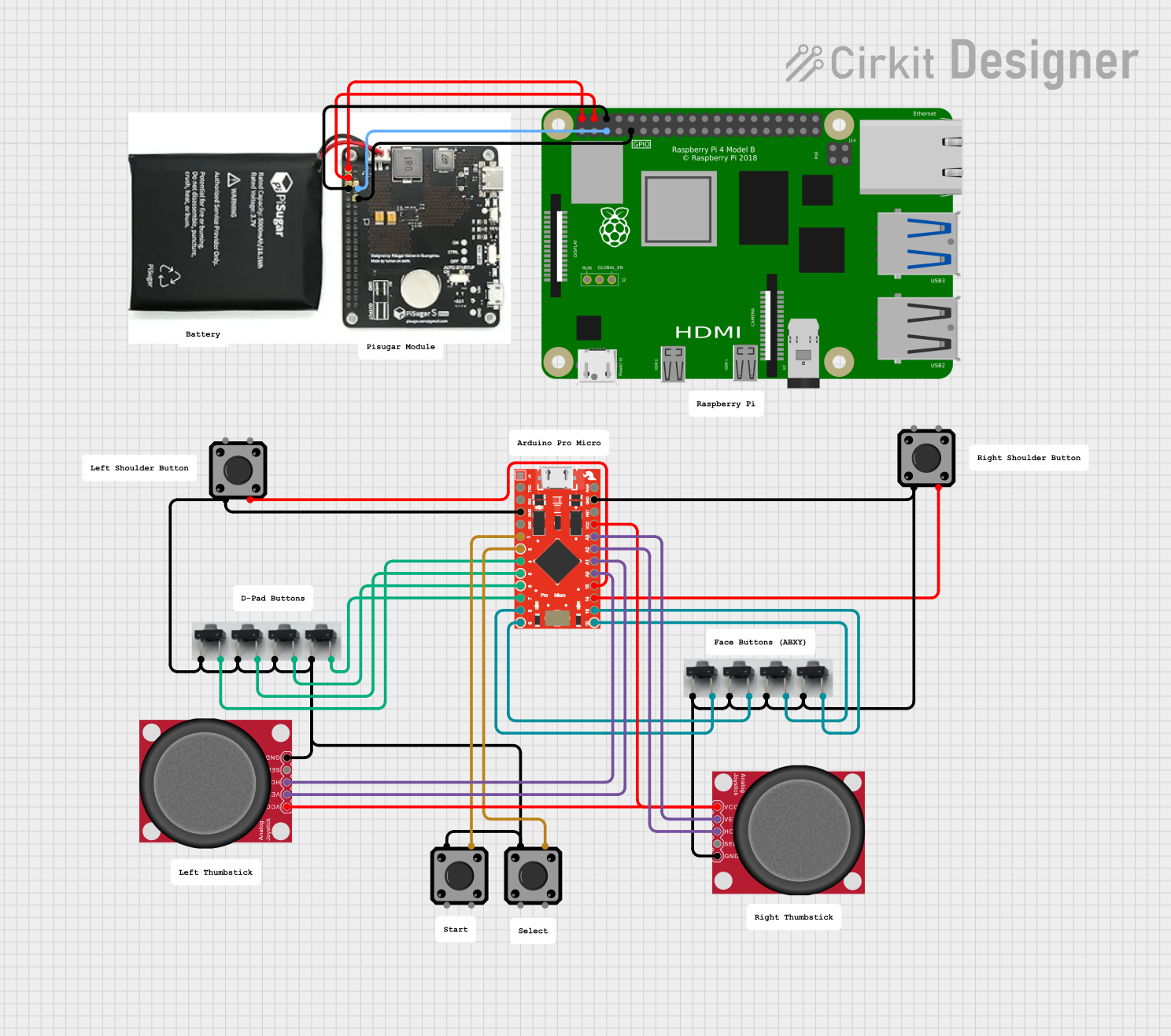 Open Project in Cirkit Designer
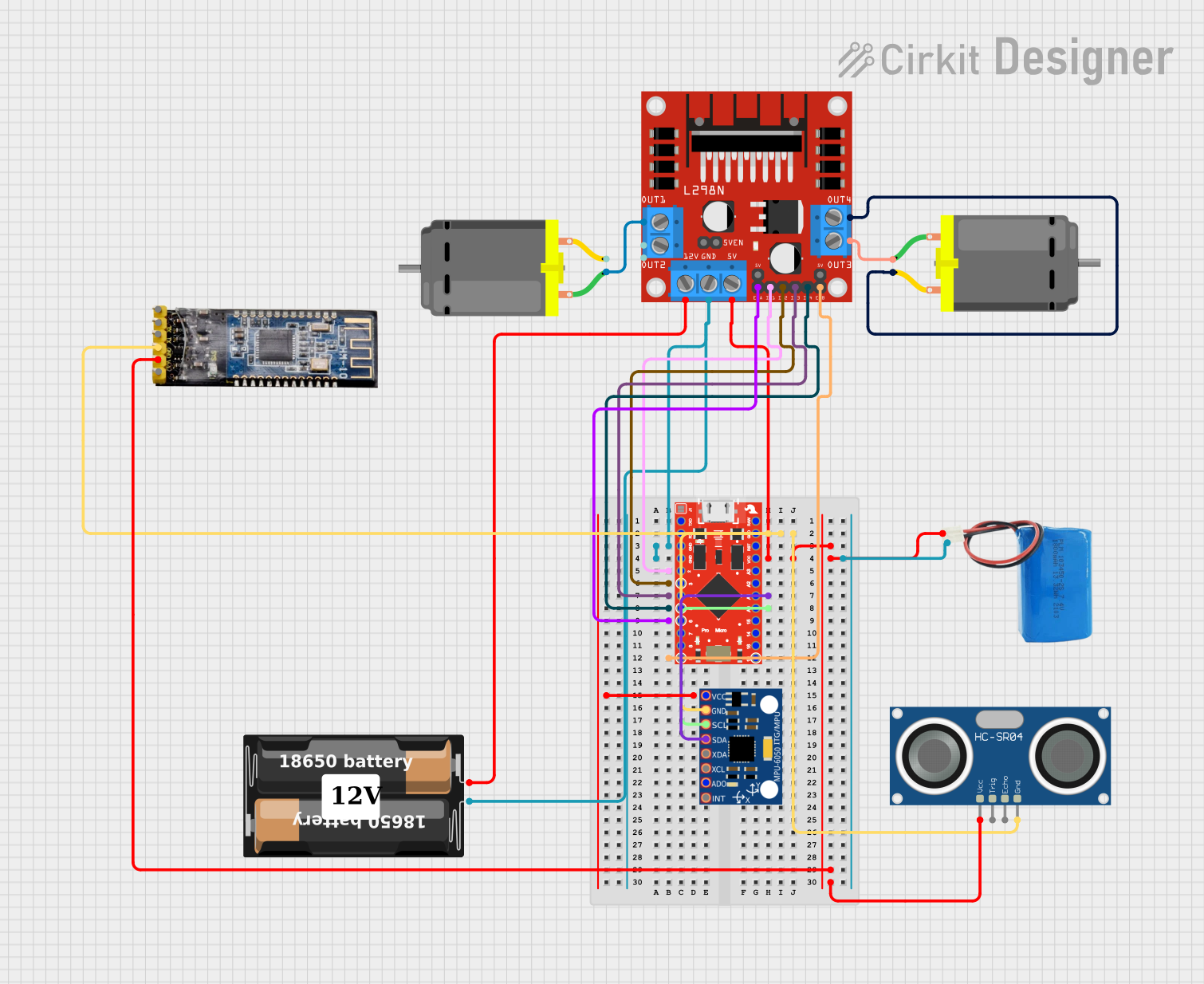 Open Project in Cirkit Designer
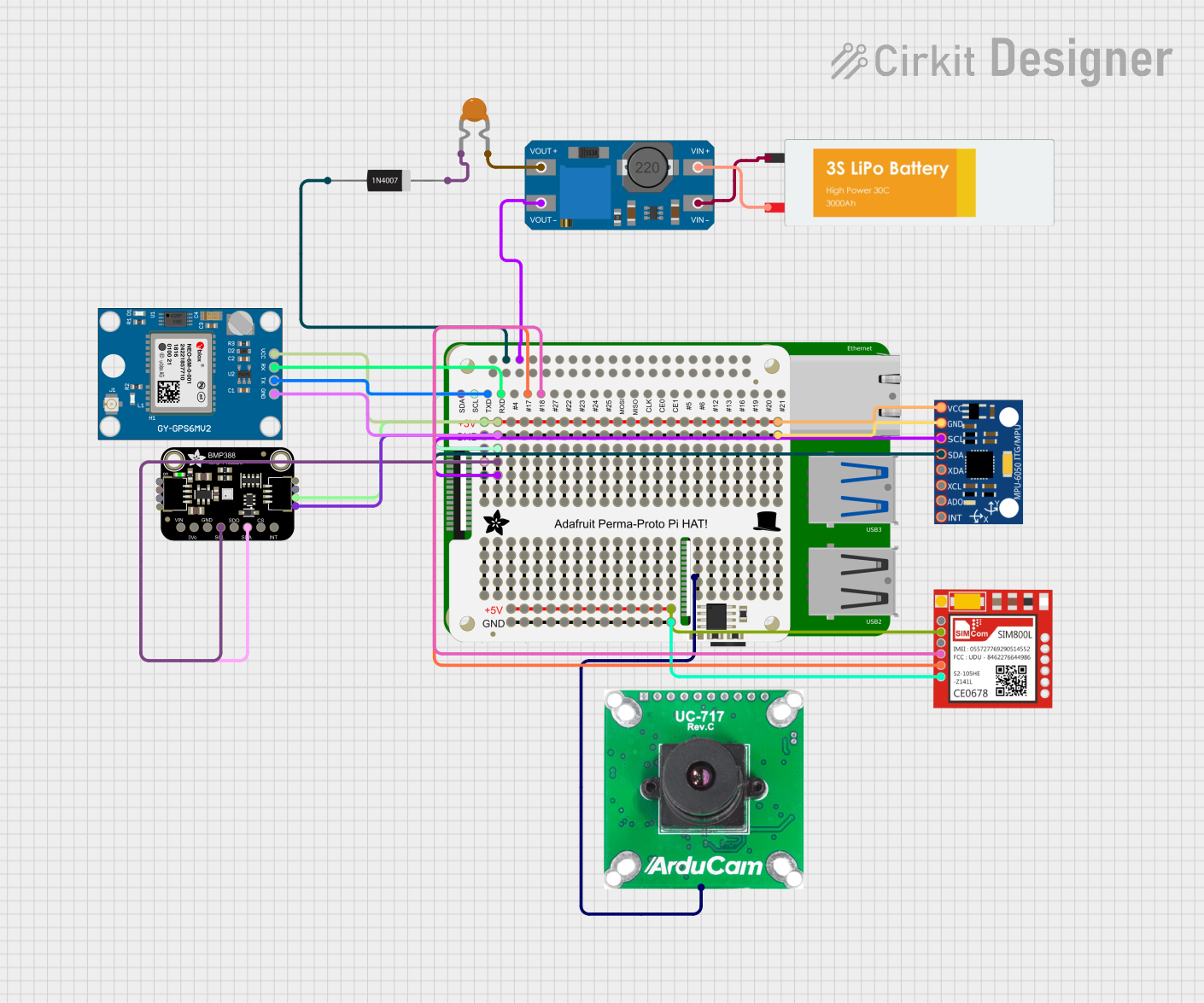 Open Project in Cirkit Designer
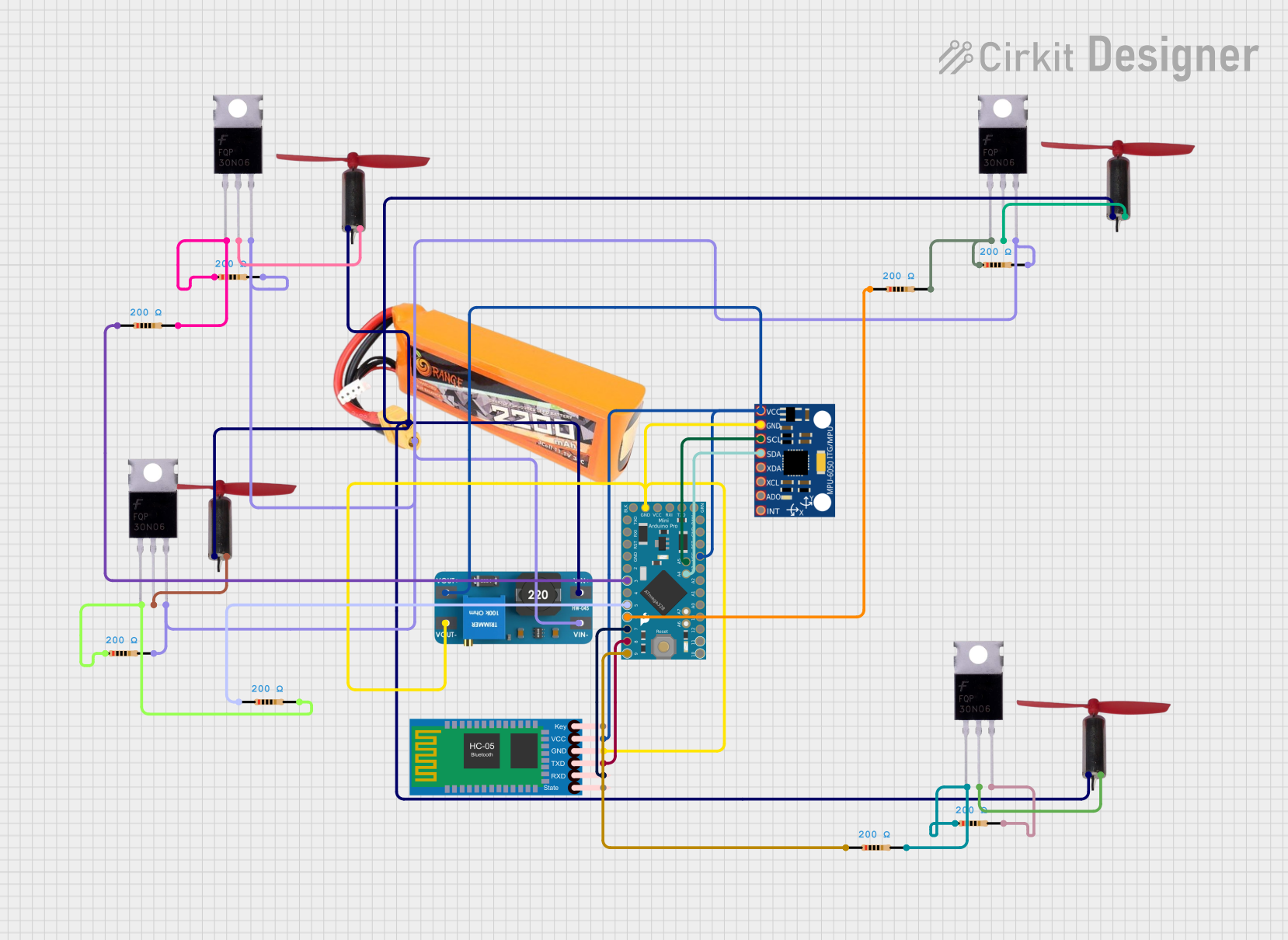 Open Project in Cirkit Designer
Explore Projects Built with Shelly Pro 1
Open Project in Cirkit DesignerOpen Project in Cirkit DesignerOpen Project in Cirkit DesignerOpen Project in Cirkit DesignerCommon Applications and Use Cases
- Home automation for controlling lights, fans, and appliances.
- Industrial automation for managing electrical equipment.
- Energy monitoring and optimization.
- Integration with smart home ecosystems like Google Home, Amazon Alexa, and Home Assistant.
Technical Specifications
The Shelly Pro 1 is a versatile device with robust technical capabilities. Below are its key specifications:
General Specifications
| Parameter | Value |
|---|---|
| Power Supply | 110-240V AC, 50/60Hz |
| Maximum Load | 16A |
| Connectivity | Wi-Fi 802.11 b/g/n (2.4 GHz) |
| Operating Temperature | -20°C to +40°C |
| Dimensions | 90 x 52 x 18 mm |
| Certifications | CE, RoHS |
Pin Configuration and Descriptions
The Shelly Pro 1 features a set of terminals for input and output connections. Below is the pin configuration:
| Pin Name | Description |
|---|---|
| L | Live input for AC power |
| N | Neutral input for AC power |
| O | Output terminal for the controlled device |
| SW | Input for an external switch (optional) |
| GND | Ground terminal for safety |
Usage Instructions
The Shelly Pro 1 is straightforward to use and can be integrated into various automation systems. Follow the steps below to set up and use the device:
Step 1: Wiring the Shelly Pro 1
- Turn off the power supply to avoid electrical hazards.
- Connect the L and N terminals to the live and neutral wires of your AC power source.
- Connect the O terminal to the live wire of the device you want to control.
- Optionally, connect an external switch to the SW terminal for manual control.
- Ensure all connections are secure and insulated.
Step 2: Configuring the Device
- Power on the Shelly Pro 1 by restoring the power supply.
- Download the Shelly mobile app from the App Store or Google Play.
- Follow the in-app instructions to connect the device to your Wi-Fi network.
- Configure automation rules, schedules, and other settings as needed.
Step 3: Integrating with Arduino UNO (Optional)
The Shelly Pro 1 can be controlled via HTTP or MQTT protocols, making it compatible with Arduino-based systems. Below is an example of Arduino code to toggle the relay using HTTP:
#include <WiFi.h>
#include <HTTPClient.h>

// Wi-Fi credentials
const char* ssid = "Your_SSID";
const char* password = "Your_PASSWORD";

// Shelly Pro 1 IP address
const char* shellyIP = "192.168.1.100"; // Replace with your device's IP

void setup() {
  Serial.begin(115200);
  WiFi.begin(ssid, password);

  // Wait for Wi-Fi connection
  while (WiFi.status() != WL_CONNECTED) {
    delay(1000);
    Serial.println("Connecting to Wi-Fi...");
  }
  Serial.println("Connected to Wi-Fi");
}

void loop() {
  HTTPClient http;

  // URL to toggle the relay
  String url = String("http://") + shellyIP + "/relay/0?turn=toggle";

  // Send HTTP GET request
  http.begin(url);
  int httpResponseCode = http.GET();

  if (httpResponseCode > 0) {
    Serial.print("Response code: ");
    Serial.println(httpResponseCode);
  } else {
    Serial.print("Error on HTTP request: ");
    Serial.println(http.errorToString(httpResponseCode).c_str());
  }

  http.end();

  // Wait 5 seconds before toggling again
  delay(5000);
}
Important Considerations
- Ensure the total load does not exceed the maximum rating of 16A.
- Use proper insulation and grounding to prevent electrical hazards.
- Place the device in a well-ventilated area to avoid overheating.
- Regularly update the firmware via the Shelly app for optimal performance and security.
Troubleshooting and FAQs
Common Issues and Solutions
Device not connecting to Wi-Fi:
- Ensure the Wi-Fi network is 2.4 GHz (not 5 GHz).
- Check that the SSID and password are entered correctly.
- Restart the router and the Shelly Pro 1.
Relay not switching:
- Verify the wiring connections and ensure the load is within the rated capacity.
- Check the app settings to ensure the relay is enabled.
Device overheating:
- Ensure the device is not installed in a confined space.
- Reduce the load if it approaches the maximum rating.
FAQs
Can the Shelly Pro 1 work without Wi-Fi?
- Yes, it can be controlled manually via the external switch or locally through its web interface.
Is the Shelly Pro 1 compatible with smart home platforms?
- Yes, it supports integration with Google Home, Amazon Alexa, and Home Assistant.
How do I reset the device?
- Press and hold the reset button for 10 seconds until the LED indicator blinks.
By following this documentation, you can effectively use the Shelly Pro 1 for your automation needs.