Cirkit Designer LogoCirkit DesignerYour all-in-one circuit design IDE Launch Cirkit Designer App

How to Use Senseair S8: Examples, Pinouts, and Specs

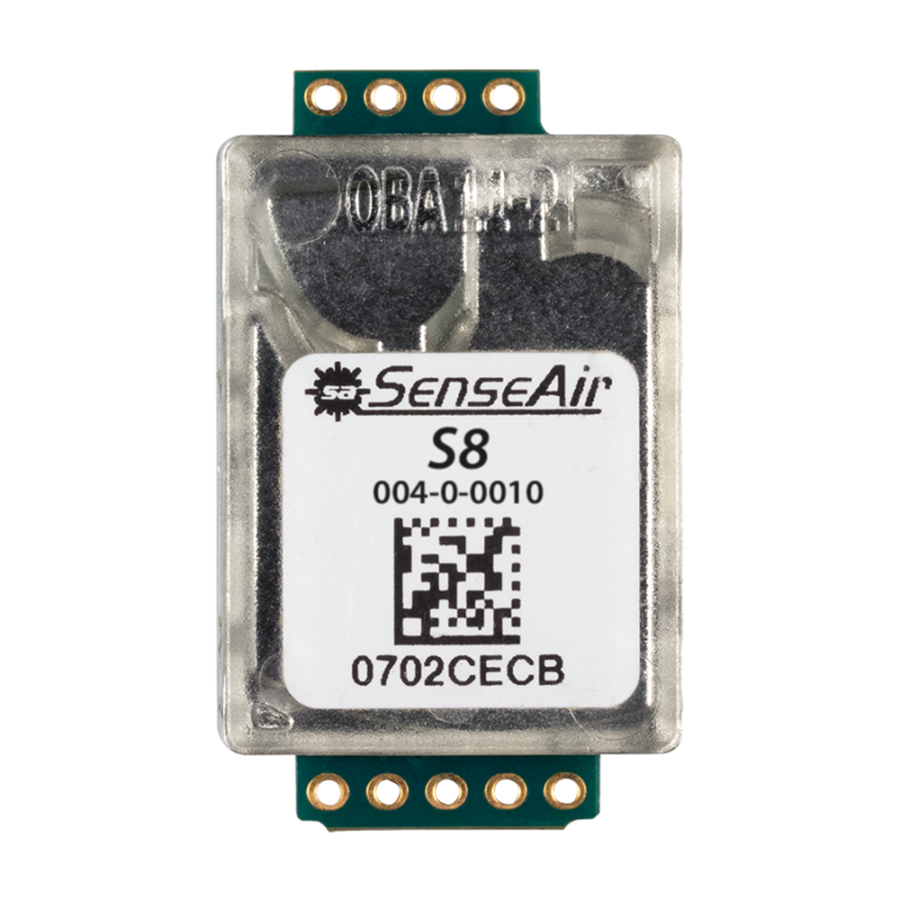
Image of Senseair S8Design with Senseair S8 in Cirkit Designer

Introduction

The Senseair S8 is a compact, low-power carbon dioxide (CO2) sensor designed for indoor air quality monitoring. It employs non-dispersive infrared (NDIR) technology to deliver accurate and reliable CO2 measurements. The S8 is ideal for applications such as HVAC systems, smart buildings, and environmental monitoring, where maintaining optimal air quality is critical. Its small form factor and low power consumption make it a versatile choice for integration into various systems.

Explore Projects Built with Senseair S8

Use Cirkit Designer to design, explore, and prototype these projects online. Some projects support real-time simulation. Click "Open Project" to start designing instantly!
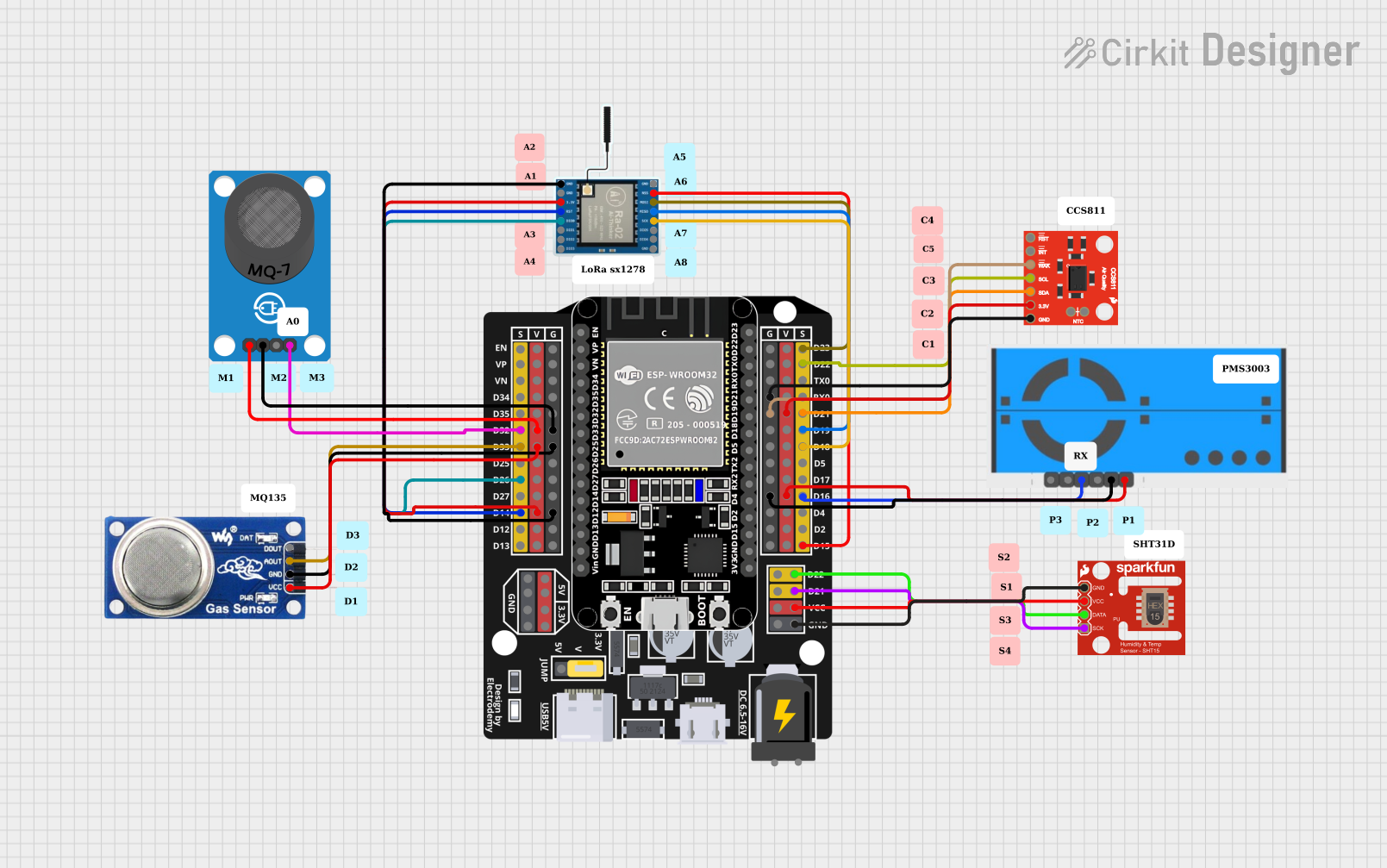
Image of ESP32-Based Air Quality Monitoring System with LoRa Communication: A project utilizing Senseair S8 in a practical application

ESP32-Based Air Quality Monitoring System with LoRa Communication

This circuit is designed for environmental monitoring, featuring a collection of sensors interfaced with an ESP32 microcontroller. It includes a LoRa Ra-02 SX1278 module for long-range communication, various air quality sensors (CCS811, PMS5003, MQ6, MQ-7) for detecting pollutants and gases, and an SHT1x sensor for measuring temperature and humidity. The ESP32 collects sensor data and can transmit it wirelessly via LoRa, enabling remote air quality and climate monitoring.

Open Project in Cirkit Designer
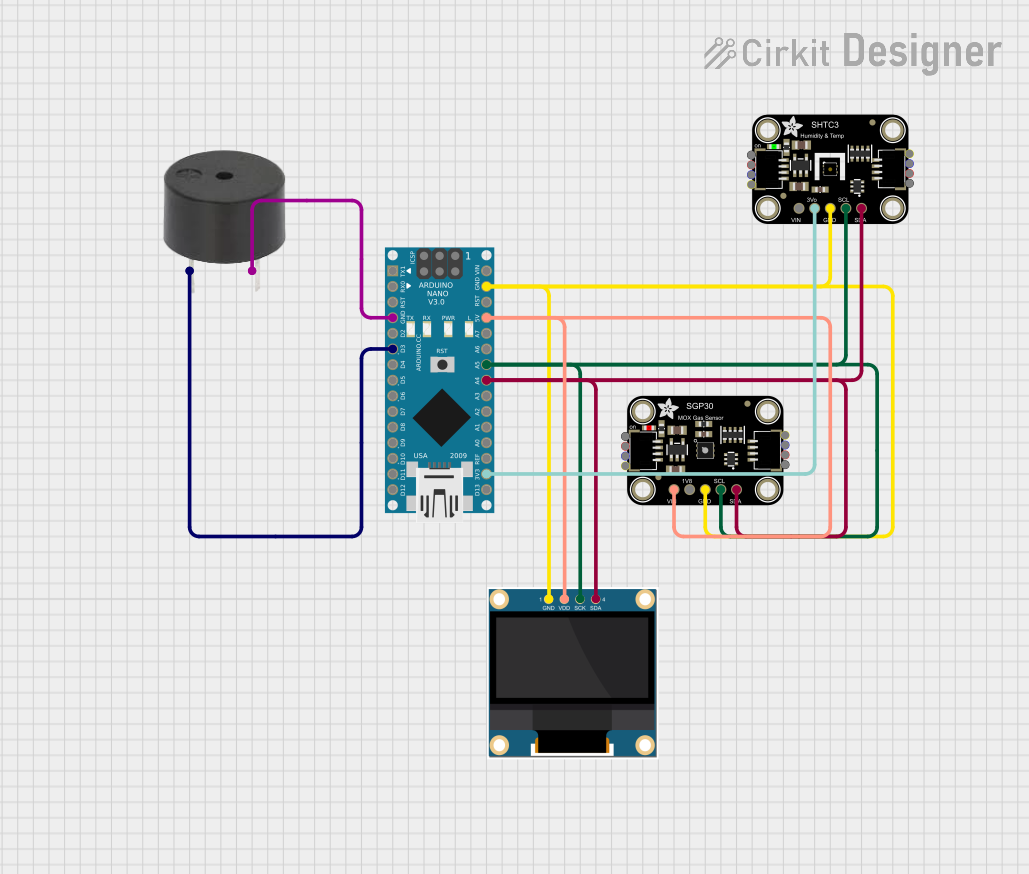
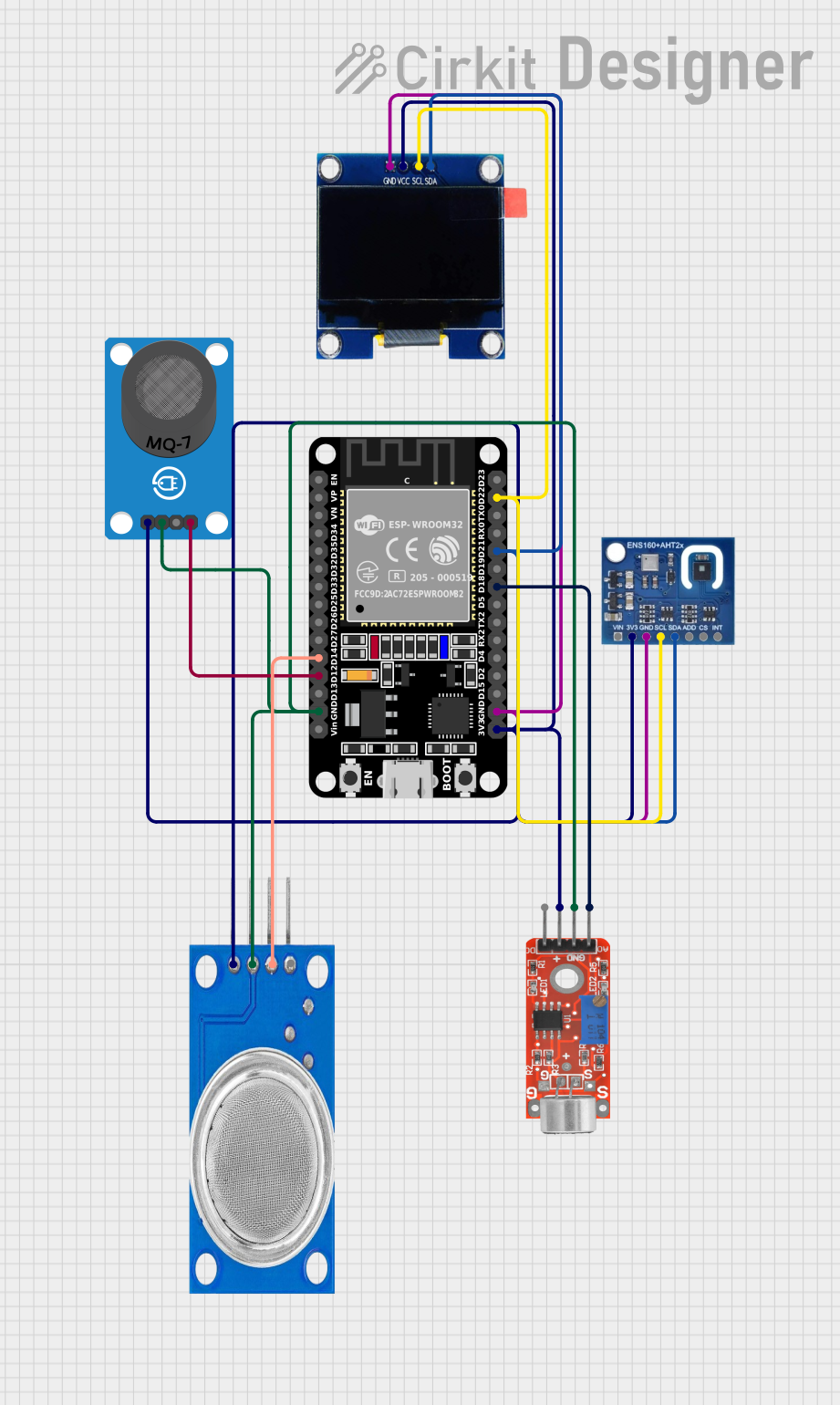
Image of Arduino Nano-Based Air Quality Monitor with OLED Display and Alert Buzzer: A project utilizing Senseair S8 in a practical application
Arduino Nano-Based Air Quality Monitor with OLED Display and Alert Buzzer

This circuit features an Arduino Nano microcontroller interfaced with an Adafruit SGP30 air quality sensor, an Adafruit SHTC3 temperature and humidity sensor, and a 0.96" OLED display for real-time environmental monitoring. The sensors communicate with the Arduino via I2C, with the SGP30 and SHTC3 sensors providing air quality readings (CO2 and TVOC) and temperature/humidity data, respectively, which are then displayed on the OLED. Additionally, a buzzer is connected to the Arduino and is programmed to activate when CO2 levels exceed a certain threshold, serving as an alert system.

Open Project in Cirkit Designer

Technical Specifications

The following table outlines the key technical specifications of the Senseair S8:

Parameter Value
Measurement Range 0–2000 ppm (standard)
Accuracy ±(30 ppm + 3% of reading)
Power Supply Voltage 4.5–5.25 V DC
Power Consumption < 1 W (average)
Operating Temperature 0°C to +50°C
Operating Humidity 0–95% RH (non-condensing)
Warm-Up Time < 1 minute
Measurement Interval 2 seconds (default)
Communication Interface UART (TTL level)

Pin Configuration and Descriptions

The Senseair S8 has a 6-pin interface. The pin configuration is as follows:

Pin Number Pin Name Description
1 VCC Power supply input (4.5–5.25 V DC)
2 GND Ground
3 TxD UART Transmit Data (TTL level)
4 RxD UART Receive Data (TTL level)
5 NC Not connected
6 PWM Pulse-width modulation output for CO2 levels

Usage Instructions

How to Use the Senseair S8 in a Circuit

  1. Power Supply: Connect the VCC pin to a 5V DC power source and the GND pin to ground.
  2. Communication: Use the TxD and RxD pins for UART communication. Ensure the UART voltage levels are TTL-compatible.
  3. PWM Output: If your application requires a simple analog-like output, use the PWM pin to read CO2 levels. The duty cycle corresponds to the CO2 concentration.
  4. Warm-Up Time: Allow the sensor to warm up for at least 1 minute after powering it on to ensure accurate readings.

Important Considerations and Best Practices

Example: Connecting the Senseair S8 to an Arduino UNO

Below is an example of how to connect and read data from the Senseair S8 using an Arduino UNO:

Wiring Diagram

Senseair S8 Pin Arduino UNO Pin
VCC 5V
GND GND
TxD Pin 10 (SoftwareSerial Rx)
RxD Pin 11 (SoftwareSerial Tx)

Arduino Code

#include <SoftwareSerial.h>

// Define the pins for SoftwareSerial
SoftwareSerial S8Serial(10, 11); // Rx = Pin 10, Tx = Pin 11

void setup() {
  Serial.begin(9600);          // Initialize hardware serial for debugging
  S8Serial.begin(9600);        // Initialize SoftwareSerial for S8 communication
  Serial.println("Senseair S8 CO2 Sensor Example");
}

void loop() {
  if (S8Serial.available()) {
    // Read data from the S8 sensor
    String sensorData = "";
    while (S8Serial.available()) {
      char c = S8Serial.read();
      sensorData += c;
    }
    // Print the received data to the Serial Monitor
    Serial.println("CO2 Data: " + sensorData);
  }
  delay(2000); // Wait for 2 seconds before the next read
}

Notes on the Code

Troubleshooting and FAQs

Common Issues and Solutions

  1. No Data Received from the Sensor

    • Cause: Incorrect wiring or baud rate mismatch.
    • Solution: Double-check the connections and ensure the UART baud rate is set to 9600 bps.
  2. Inaccurate CO2 Readings

    • Cause: Sensor not warmed up or placed in a poorly ventilated area.
    • Solution: Allow the sensor to warm up for at least 1 minute and ensure proper ventilation.
  3. Sensor Not Powering On

    • Cause: Insufficient or unstable power supply.
    • Solution: Verify that the power supply provides 4.5–5.25 V DC and is stable.
  4. PWM Output Not Working

    • Cause: Incorrect interpretation of the PWM signal.
    • Solution: Measure the duty cycle of the PWM signal and convert it to CO2 concentration using the sensor's datasheet.

FAQs

  1. Can the Senseair S8 measure CO2 levels above 2000 ppm?

    • The standard measurement range is 0–2000 ppm. For higher ranges, contact Senseair for custom configurations.
  2. Is the sensor suitable for outdoor use?

    • The S8 is designed for indoor use. Outdoor environments may affect its accuracy due to temperature and humidity variations.
  3. How often should the sensor be calibrated?

    • Calibration frequency depends on the application. For most indoor environments, calibration every 6–12 months is sufficient.
  4. Can I use the sensor with a 3.3V microcontroller?

    • The S8 requires a 5V power supply, but its UART pins are TTL-compatible. Use a level shifter if your microcontroller operates at 3.3V logic levels.