
How to Use NMOSFET AO3400A: Examples, Pinouts, and Specs
 Design with NMOSFET AO3400A in Cirkit Designer
Introduction
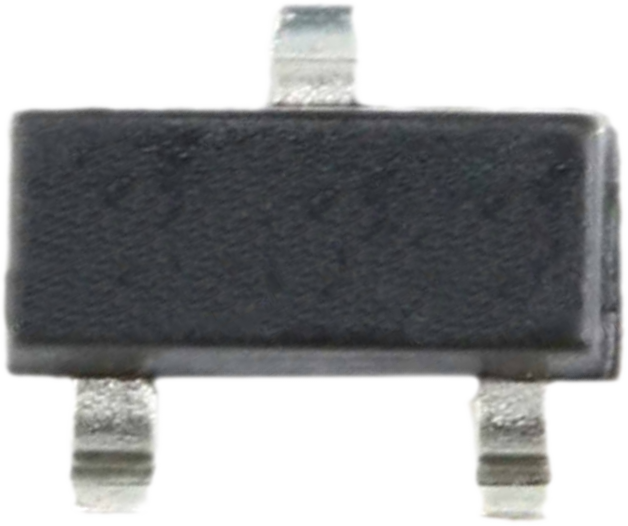
The AO3400A is an N-channel MOSFET manufactured by Generic. It is designed for low-voltage applications and features low on-resistance and fast switching speeds. This makes it an ideal choice for power management, load switching, DC-DC converters, and other switching applications. Its compact SOT-23 package allows for easy integration into space-constrained designs.
Explore Projects Built with NMOSFET AO3400A
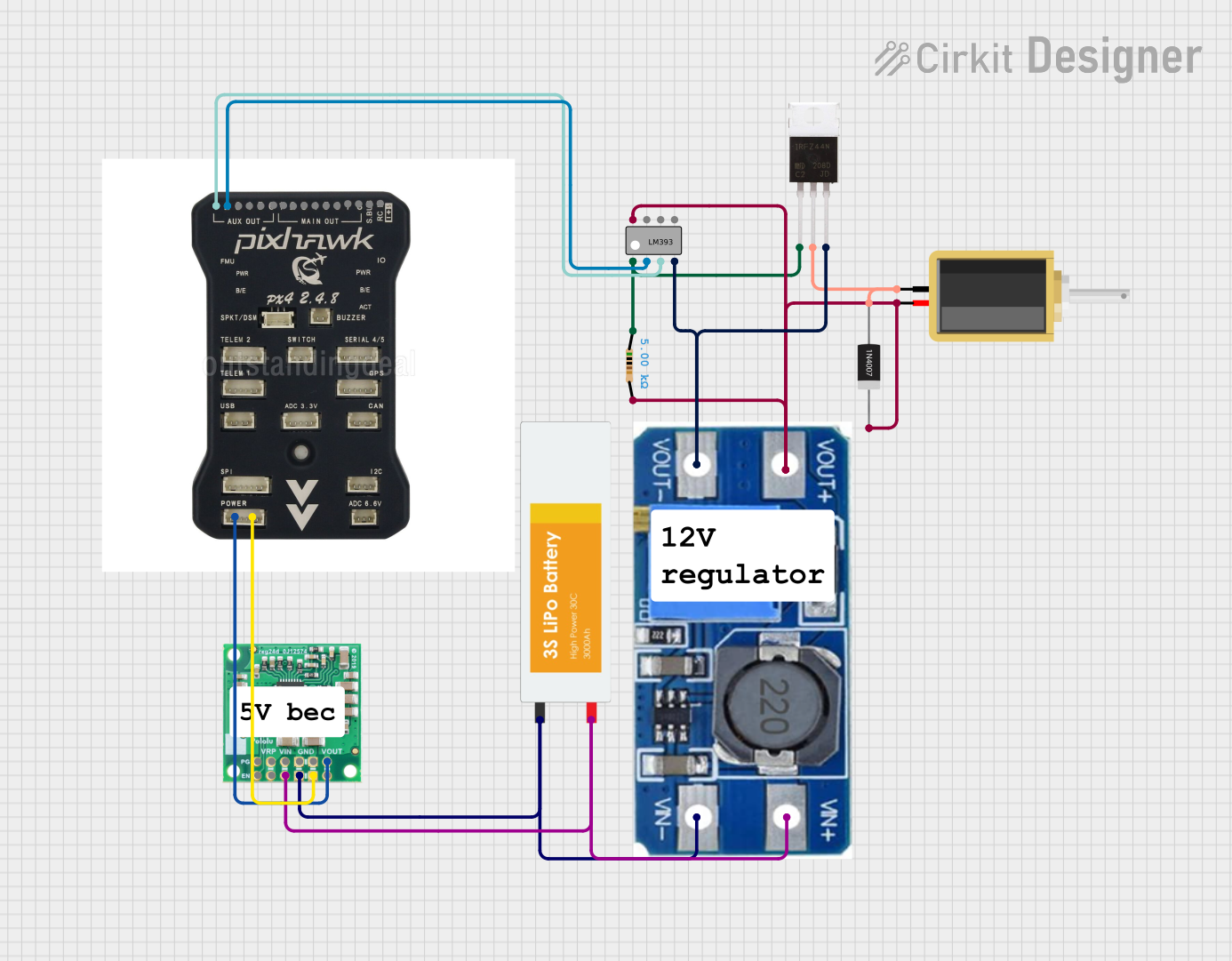 Open Project in Cirkit Designer
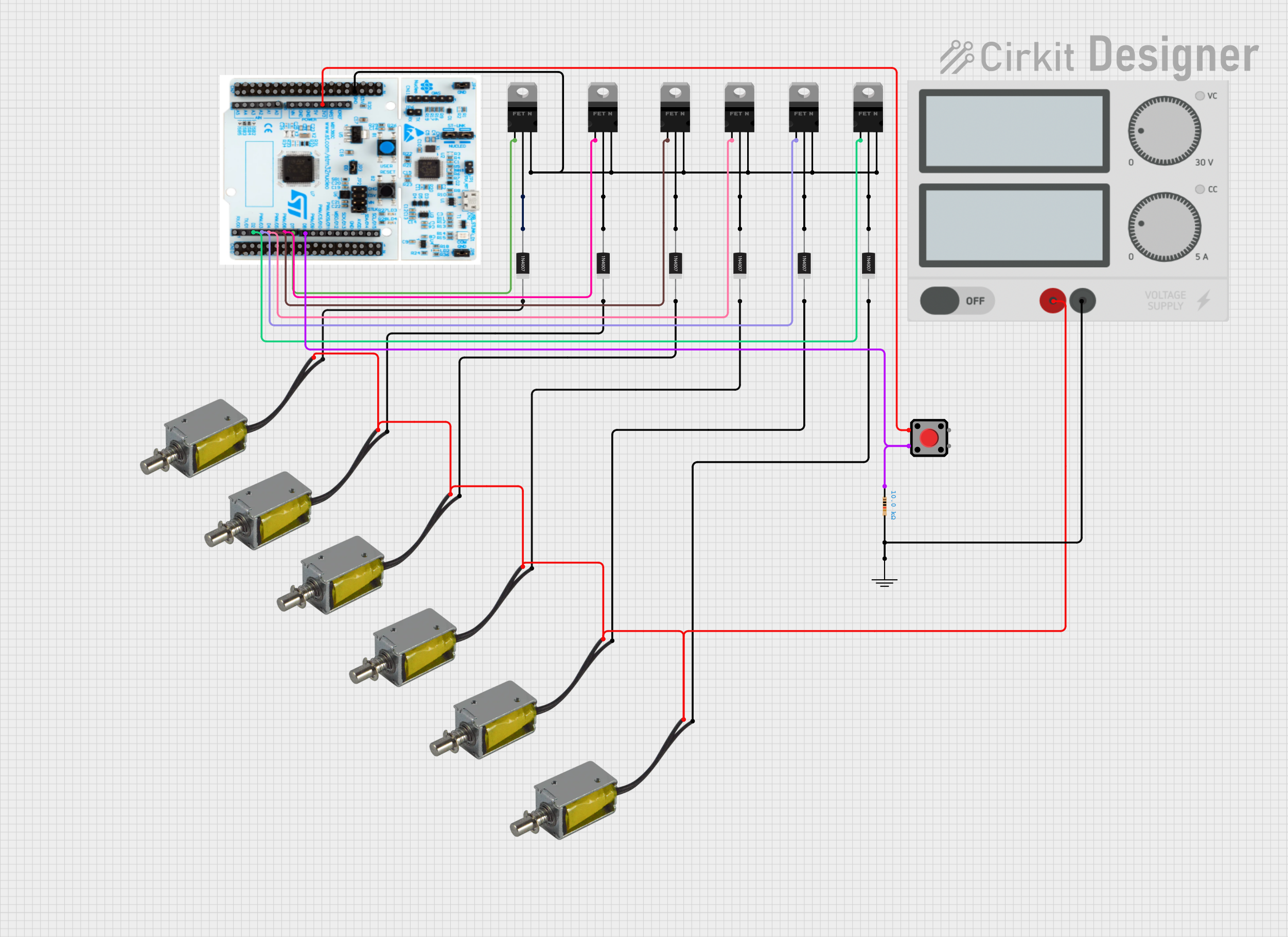 Open Project in Cirkit Designer
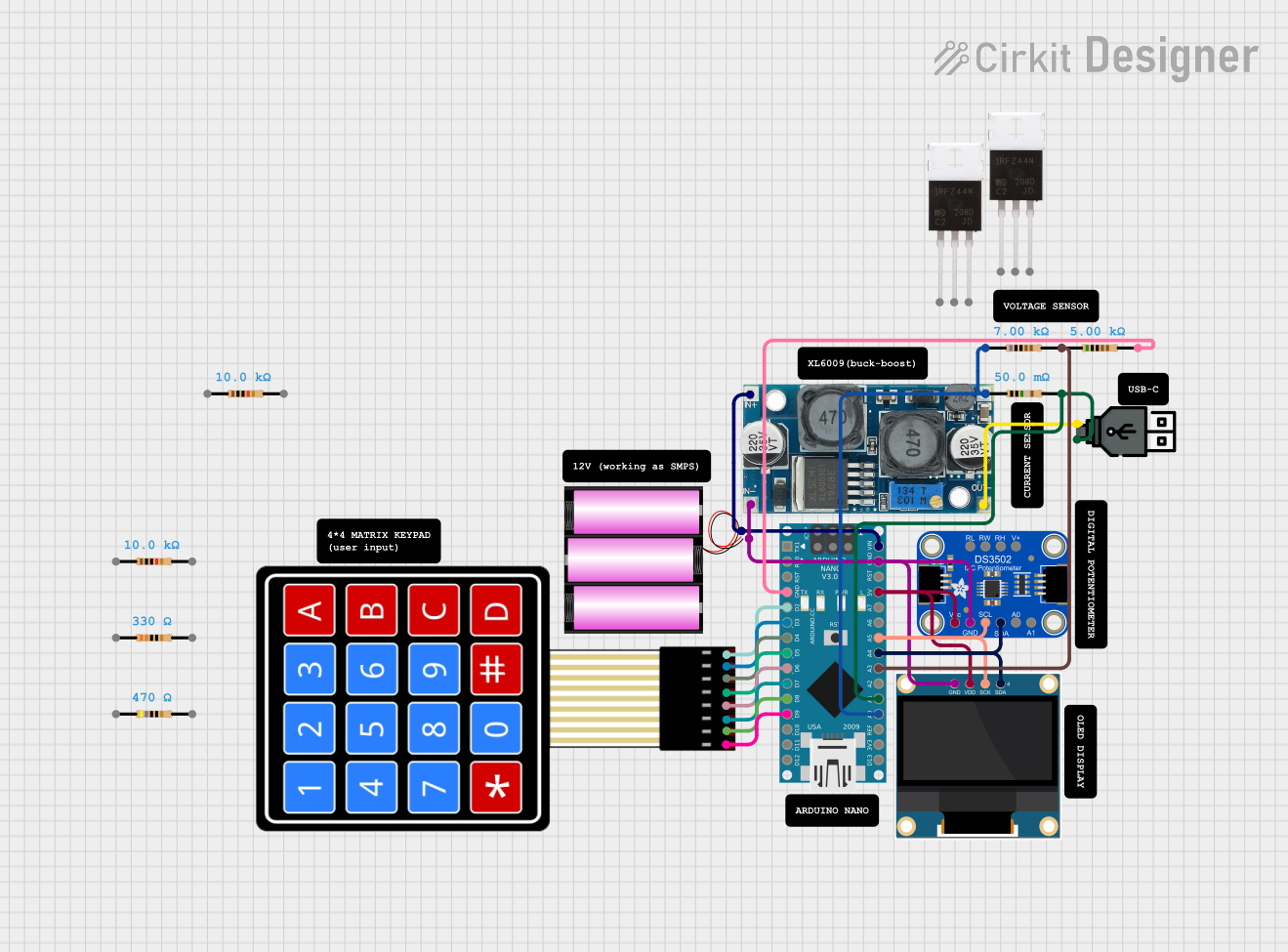 Open Project in Cirkit Designer
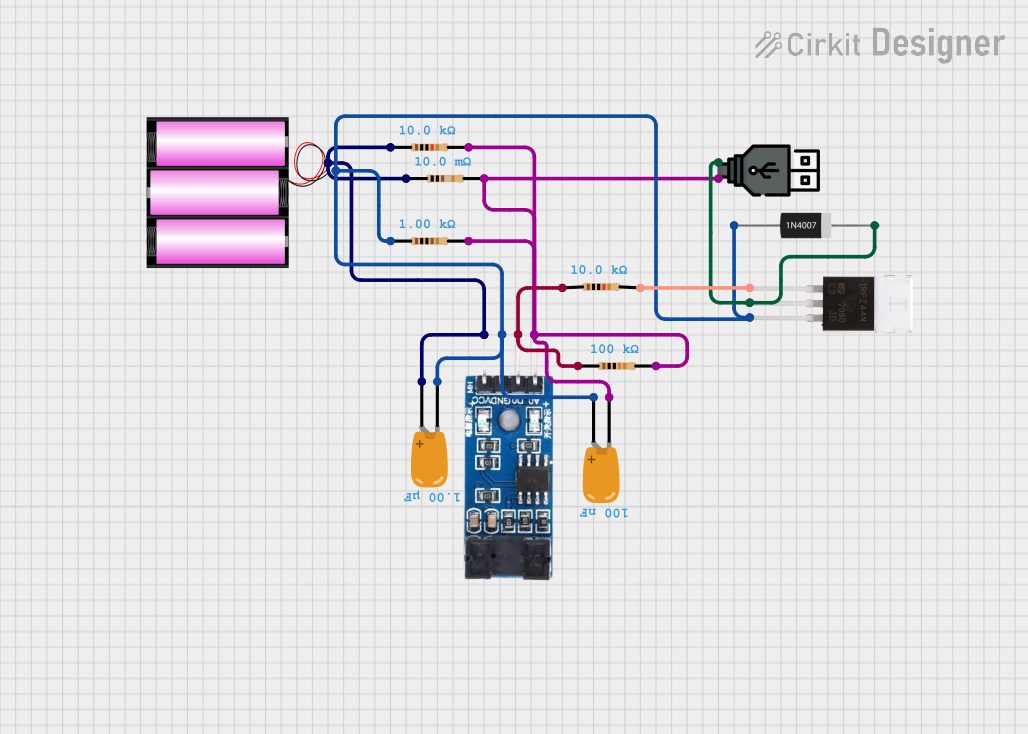 Open Project in Cirkit Designer
Explore Projects Built with NMOSFET AO3400A
Open Project in Cirkit DesignerOpen Project in Cirkit DesignerOpen Project in Cirkit DesignerOpen Project in Cirkit DesignerCommon Applications
- Power management in portable devices
- Load switching in low-voltage circuits
- DC-DC converters
- Motor drivers
- LED drivers
Technical Specifications
Key Specifications
| Parameter | Value |
|---|---|
| Manufacturer Part ID | AO3400A |
| Type | N-Channel MOSFET |
| Maximum Drain-Source Voltage (VDS) | 30V |
| Maximum Gate-Source Voltage (VGS) | ±20V |
| Continuous Drain Current (ID) | 5.8A (at 10V VGS) |
| Pulsed Drain Current (IDM) | 20A |
| Maximum Power Dissipation (PD) | 1.4W |
| RDS(on) (On-Resistance) | 13.5mΩ (at 10V VGS) |
| Gate Threshold Voltage (VGS(th)) | 1.0V to 2.5V |
| Operating Temperature Range | -55°C to 150°C |
| Package Type | SOT-23 |
Pin Configuration
The AO3400A is housed in a 3-pin SOT-23 package. The pinout is as follows:
| Pin Number | Pin Name | Description |
|---|---|---|
| 1 | Gate | Controls the MOSFET switching |
| 2 | Source | Connected to ground or low side |
| 3 | Drain | Connected to the load |
Usage Instructions
How to Use the AO3400A in a Circuit
- Power Supply Requirements: Ensure the drain-source voltage (VDS) does not exceed 30V and the gate-source voltage (VGS) stays within ±20V.
- Gate Drive Voltage: For optimal performance, drive the gate with a voltage of 10V. However, the AO3400A can operate with a gate voltage as low as 4.5V for low-power applications.
- Load Connection: Connect the load between the drain pin and the positive supply voltage. The source pin should be connected to ground.
- Gate Resistor: Use a resistor (typically 10Ω to 100Ω) in series with the gate to limit inrush current and prevent oscillations.
- Flyback Diode: If driving an inductive load (e.g., motor or relay), add a flyback diode across the load to protect the MOSFET from voltage spikes.
Example Circuit with Arduino UNO
The AO3400A can be used to control a load (e.g., an LED or motor) with an Arduino UNO. Below is an example circuit and code:
Circuit Description
- Connect the source pin of the AO3400A to ground.
- Connect the drain pin to one terminal of the load (e.g., an LED with a current-limiting resistor).
- Connect the other terminal of the load to the positive supply voltage.
- Connect the gate pin to a digital output pin of the Arduino through a 100Ω resistor.
Arduino Code
// Example code to control an AO3400A MOSFET with an Arduino UNO
// This code turns the MOSFET on and off to control a load (e.g., an LED).

const int mosfetGatePin = 9; // Pin connected to the gate of the AO3400A

void setup() {
  pinMode(mosfetGatePin, OUTPUT); // Set the gate pin as an output
}

void loop() {
  digitalWrite(mosfetGatePin, HIGH); // Turn the MOSFET on (load is powered)
  delay(1000); // Wait for 1 second
  digitalWrite(mosfetGatePin, LOW);  // Turn the MOSFET off (load is off)
  delay(1000); // Wait for 1 second
}
Important Considerations
- Thermal Management: Ensure adequate heat dissipation, especially when operating at high currents. Use a heatsink or proper PCB design to manage heat.
- Voltage Spikes: Protect the MOSFET from voltage spikes using appropriate snubber circuits or diodes.
- Gate Drive Voltage: Avoid exceeding the maximum gate-source voltage (±20V) to prevent damage.
Troubleshooting and FAQs
Common Issues and Solutions
MOSFET Overheating
- Cause: High current or insufficient heat dissipation.
- Solution: Check the load current and ensure it is within the MOSFET's rated limits. Improve heat dissipation using a heatsink or better PCB design.
MOSFET Not Switching Properly
- Cause: Insufficient gate drive voltage.
- Solution: Ensure the gate voltage is at least 4.5V for low-power applications or 10V for optimal performance.
Load Not Turning Off Completely
- Cause: Gate voltage not fully dropping to 0V.
- Solution: Check for leakage currents or improper grounding. Add a pull-down resistor (10kΩ) between the gate and source.
MOSFET Damaged
- Cause: Exceeding voltage or current ratings.
- Solution: Verify that the circuit operates within the specified voltage and current limits. Add protection components like diodes or TVS (Transient Voltage Suppressors) if necessary.
FAQs
Q1: Can the AO3400A be used with 3.3V logic?
A1: While the AO3400A can operate with a gate voltage as low as 4.5V, it is not guaranteed to fully turn on with 3.3V logic. Consider using a logic-level MOSFET for 3.3V systems.
Q2: Is the AO3400A suitable for high-frequency switching?
A2: Yes, the AO3400A has fast switching characteristics, making it suitable for high-frequency applications. However, ensure proper gate drive circuitry to minimize switching losses.
Q3: Can I use the AO3400A for AC loads?
A3: No, the AO3400A is designed for DC applications. For AC loads, consider using a TRIAC or other AC-specific components.
Q4: What is the maximum load current the AO3400A can handle?
A4: The AO3400A can handle up to 5.8A continuously at 10V gate drive, provided proper thermal management is in place.