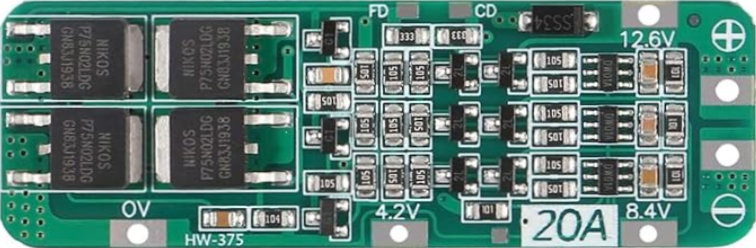
The 12.6V 3S 20A 18650 BMS Protection Board Module is a Battery Management System (BMS) designed for 3-cell (3S) lithium-ion battery packs. It ensures the safe operation of lithium-ion batteries by providing essential protections, including overcharge, over-discharge, overcurrent, and short-circuit protection. This module is ideal for applications requiring reliable battery management, such as power banks, electric bicycles, solar energy systems, and other portable electronic devices.
Explore Projects Built with 12.6V 3S 20A 18650 BMS Protection Board Module
Use Cirkit Designer to design, explore, and prototype these projects online. Some projects support real-time simulation. Click "Open Project" to start designing instantly!
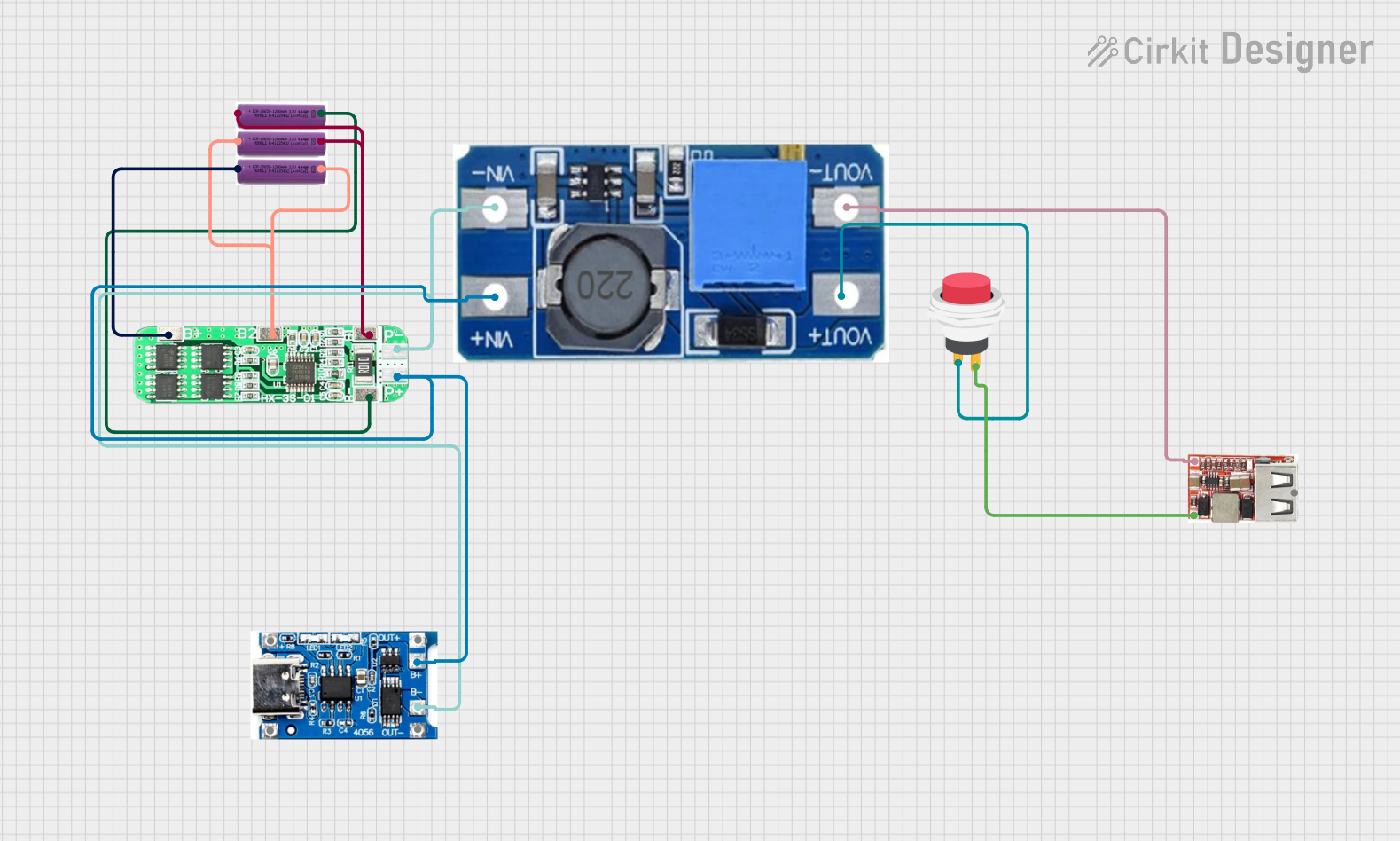
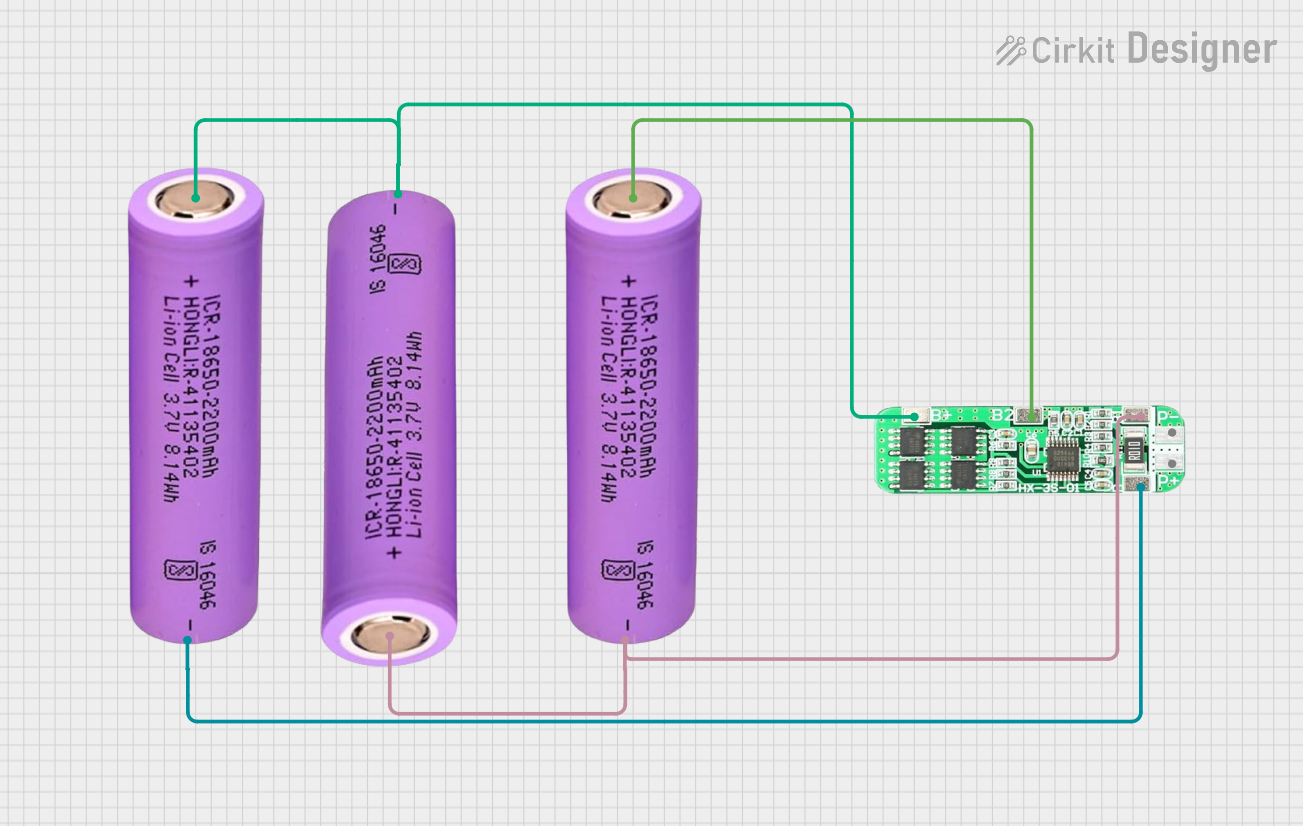
This circuit consists of three 18650 batteries connected in series to a 3S 10A Li-ion 18650 Charger Protection Board Module. The protection board manages the charging and discharging of the battery pack, ensuring safe operation by balancing the cells and providing overcharge, over-discharge, and short-circuit protection.
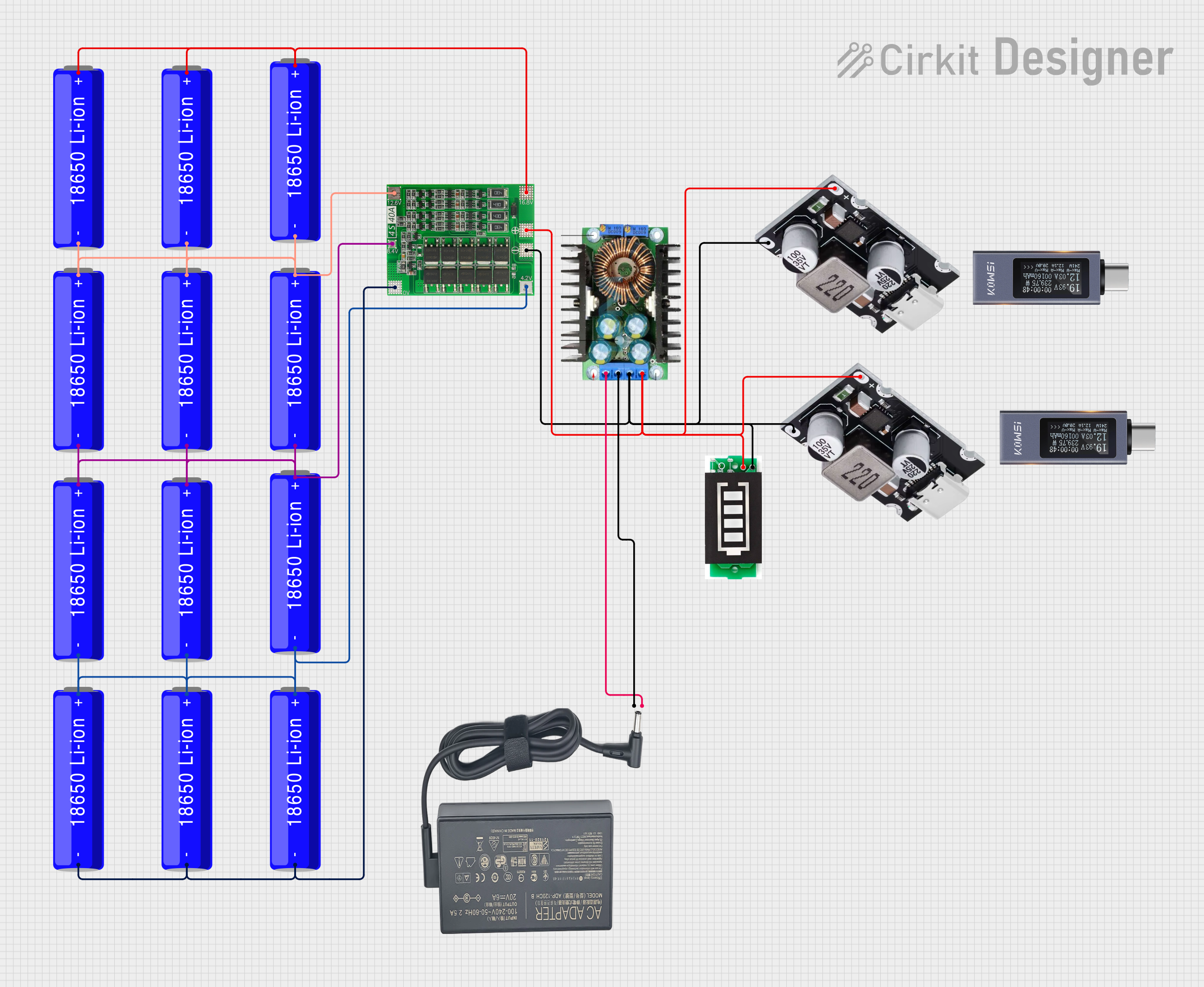
This circuit is a battery management and power supply system that uses three 3.7V batteries connected to a 3S 10A Li-ion 18650 Charger Protection Board Module for balanced charging and protection. The system includes a TP4056 Battery Charging Protection Module for additional charging safety, a Step Up Boost Power Converter to regulate and boost the voltage, and a USB regulator to provide a stable 5V output, controlled by a push switch.
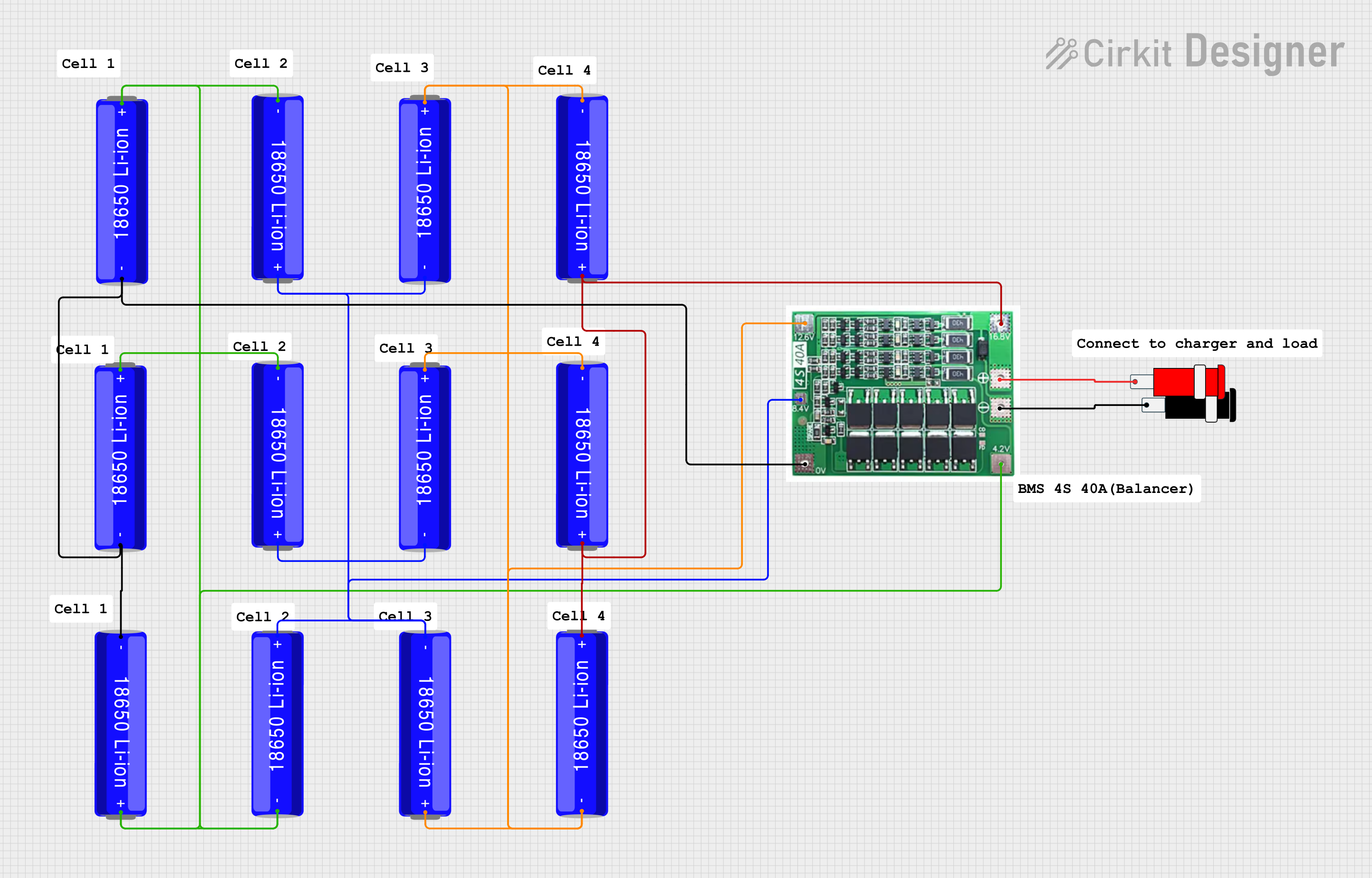
This circuit is a battery management and charging system for a 4S Li-ion battery pack. It includes multiple 18650 Li-ion batteries connected to a 4S40A BMS for balancing and protection, a battery indicator for monitoring charge status, and an XL4016 module for voltage regulation. The system is designed to be charged via a 20V input from a charger.
This circuit consists of a battery management system (BMS) connected to a series of 18650 Li-ion batteries arranged in a 4S configuration to provide a regulated output voltage. The BMS ensures safe charging and discharging of the batteries, while a connector provides a 5V output for external devices.
Backup power supplies and uninterruptible power systems (UPS)
Technical Specifications
The following table outlines the key technical details of the 12.6V 3S 20A 18650 BMS Protection Board Module:
Parameter
Value
Battery Configuration
3S (3 cells in series)
Input Voltage Range
8.4V to 12.6V
Maximum Continuous Current
20A
Overcharge Protection
4.25V ± 0.05V per cell
Over-discharge Protection
2.8V ± 0.05V per cell
Short-circuit Protection
Yes
Balance Function
Yes
Operating Temperature
-40°C to 85°C
Dimensions
~50mm x 20mm x 3mm
Pin Configuration and Descriptions
The module has several connection points for proper integration into a circuit. The table below describes each pin:
Pin Name
Description
B-
Connect to the negative terminal of the battery pack
B1
Connect to the positive terminal of the first cell in the series
B2
Connect to the positive terminal of the second cell in the series
B+
Connect to the positive terminal of the battery pack
P-
Connect to the negative terminal of the load or charging circuit
P+
Connect to the positive terminal of the load or charging circuit
Usage Instructions
How to Use the Component in a Circuit
Wiring the Battery Pack:
Connect the negative terminal of the battery pack to the B- pin.
Connect the positive terminal of the first cell to the B1 pin.
Connect the positive terminal of the second cell to the B2 pin.
Connect the positive terminal of the battery pack to the B+ pin.
Connecting the Load and Charger:
Connect the negative terminal of the load or charger to the P- pin.
Connect the positive terminal of the load or charger to the P+ pin.
Verify Connections:
Double-check all connections to ensure proper polarity and avoid short circuits.
Ensure the battery pack is balanced and within the voltage range of the module.
Power On:
Once all connections are secure, the module will automatically manage the battery pack, providing protection and balancing.
Important Considerations and Best Practices
Battery Matching: Use cells with the same capacity, voltage, and internal resistance to ensure proper operation.
Heat Dissipation: Ensure adequate ventilation or heat sinking if the module operates near its maximum current rating.
Avoid Overloading: Do not exceed the 20A maximum continuous current rating to prevent damage to the module.
Balancing: The module includes a balancing function to equalize the voltage of each cell, improving battery life and performance.
Example: Connecting to an Arduino UNO
If you are using the BMS module to power an Arduino UNO, ensure the output voltage of the battery pack (8.4V to 12.6V) is within the Arduino's input voltage range. Use the following code to monitor the battery voltage via an analog pin:
// Arduino code to monitor battery voltage using an analog pin
const int batteryPin = A0; // Analog pin connected to battery output
float voltageDividerRatio = 5.7; // Adjust based on resistor values in voltage divider
float referenceVoltage = 5.0; // Arduino reference voltage (5V for most boards)

void setup() {
  Serial.begin(9600); // Initialize serial communication
}

void loop() {
  int analogValue = analogRead(batteryPin); // Read analog value from battery
  float batteryVoltage = (analogValue / 1023.0) * referenceVoltage * voltageDividerRatio;

  // Print the battery voltage to the Serial Monitor
  Serial.print("Battery Voltage: ");
  Serial.print(batteryVoltage);
  Serial.println(" V");

  delay(1000); // Wait for 1 second before the next reading
}
Note: Use a voltage divider circuit to step down the battery voltage to a safe level for the Arduino's analog input pin.
Troubleshooting and FAQs
Common Issues and Solutions
Module Overheating:
Cause: Exceeding the maximum current rating or poor ventilation.
Solution: Reduce the load current or improve heat dissipation with a heatsink or fan.
Battery Pack Not Charging:
Cause: Incorrect wiring or damaged cells.
Solution: Verify all connections and check the battery pack for faulty cells.
Uneven Cell Voltages:
Cause: Cells with mismatched capacities or internal resistances.
Solution: Replace mismatched cells and allow the module's balancing function to equalize the voltages.
Short-circuit Protection Triggered:
Cause: Accidental short circuit or excessive load.
Solution: Disconnect the load, check for wiring issues, and reconnect after resolving the problem.
FAQs
Q: Can this module be used with a 4S battery pack? A: No, this module is specifically designed for 3S (3-cell) battery packs. Using it with a 4S pack may result in improper operation or damage.
Q: Does the module support lithium iron phosphate (LiFePO4) batteries? A: No, this module is optimized for lithium-ion batteries. LiFePO4 batteries have different voltage thresholds and require a dedicated BMS.
Q: How do I know if the balancing function is working? A: The balancing function operates automatically when cell voltages differ. You can measure individual cell voltages to confirm balancing activity.
Q: Can I use this module for charging and discharging simultaneously? A: Yes, the module supports simultaneous charging and discharging, provided the connections are correct and the current limits are not exceeded.

 Open Project in Cirkit Designer