
How to Use MCP2515: Examples, Pinouts, and Specs
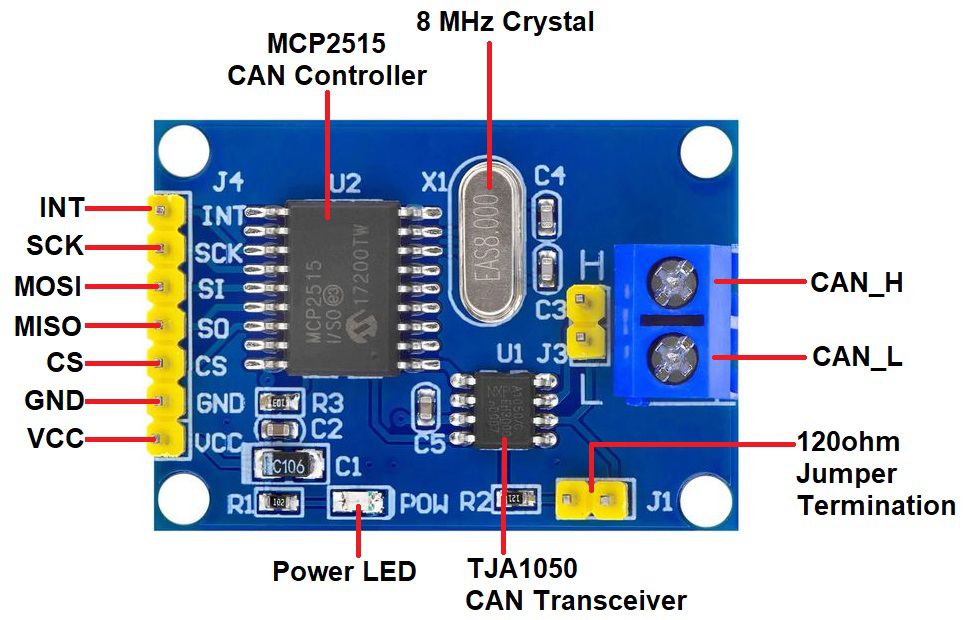
 Design with MCP2515 in Cirkit Designer
Introduction
The MCP2515, manufactured by ME (Part ID: 1234), is a standalone CAN (Controller Area Network) controller that enables communication between devices using the SPI (Serial Peripheral Interface). It is widely used in automotive and industrial applications where reliable and robust communication is essential. The MCP2515 is designed to interface with microcontrollers, making it a versatile solution for implementing CAN communication in embedded systems.
Explore Projects Built with MCP2515
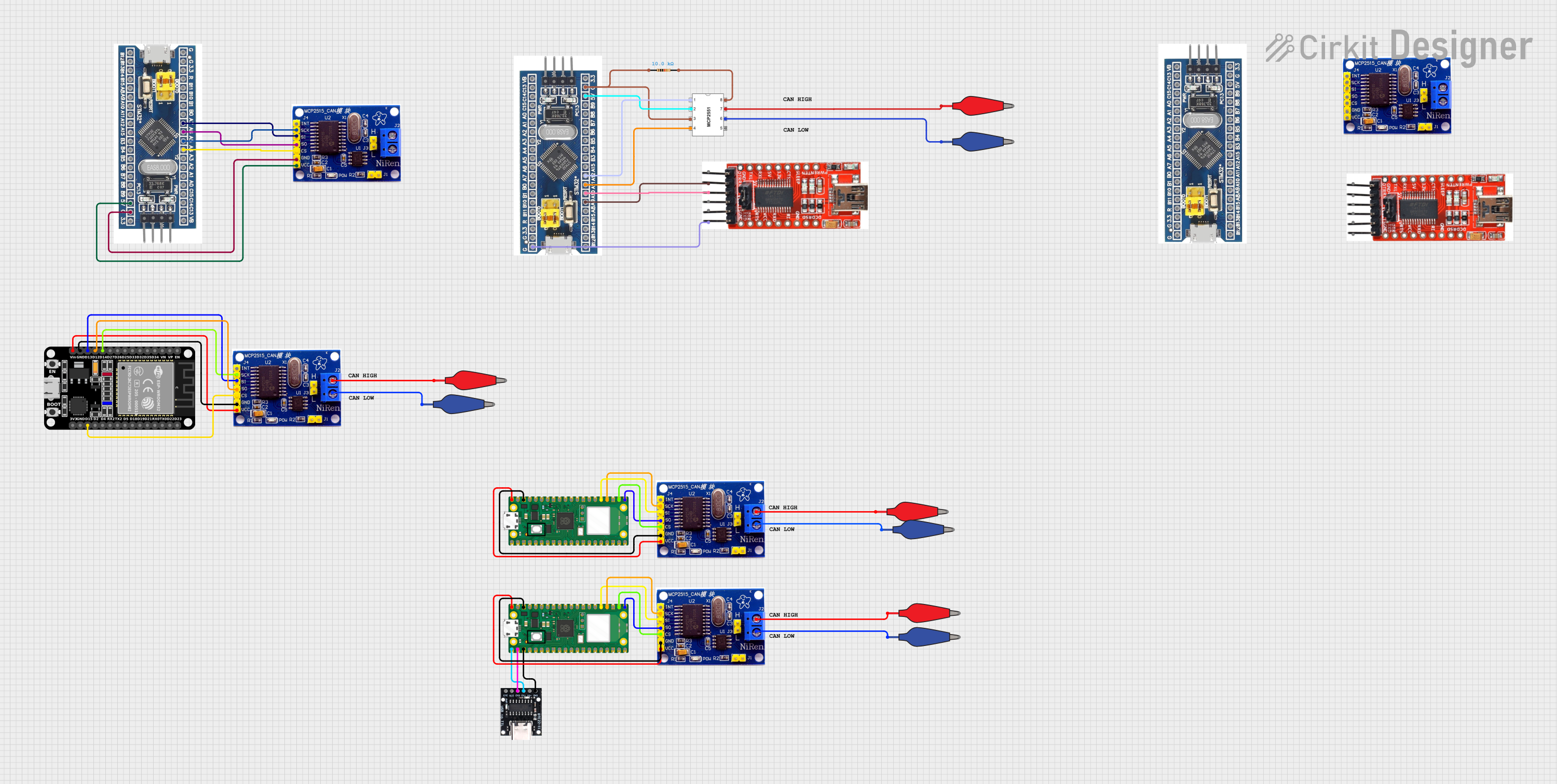 Open Project in Cirkit Designer
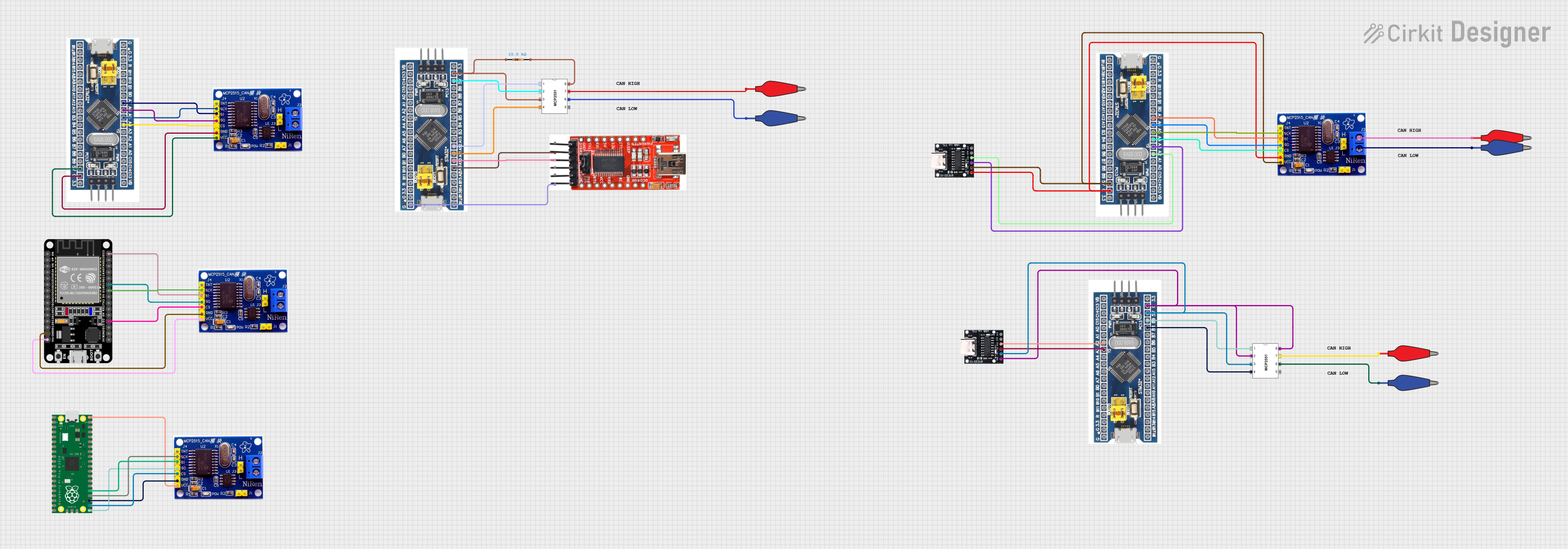 Open Project in Cirkit Designer
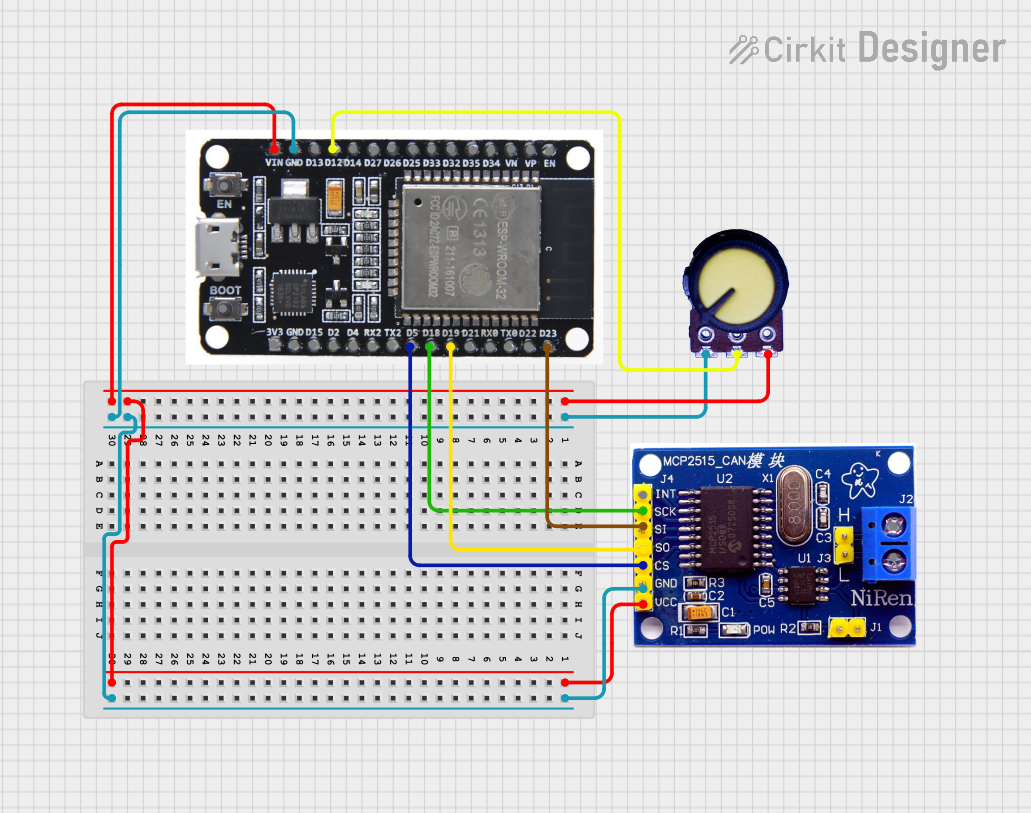 Open Project in Cirkit Designer
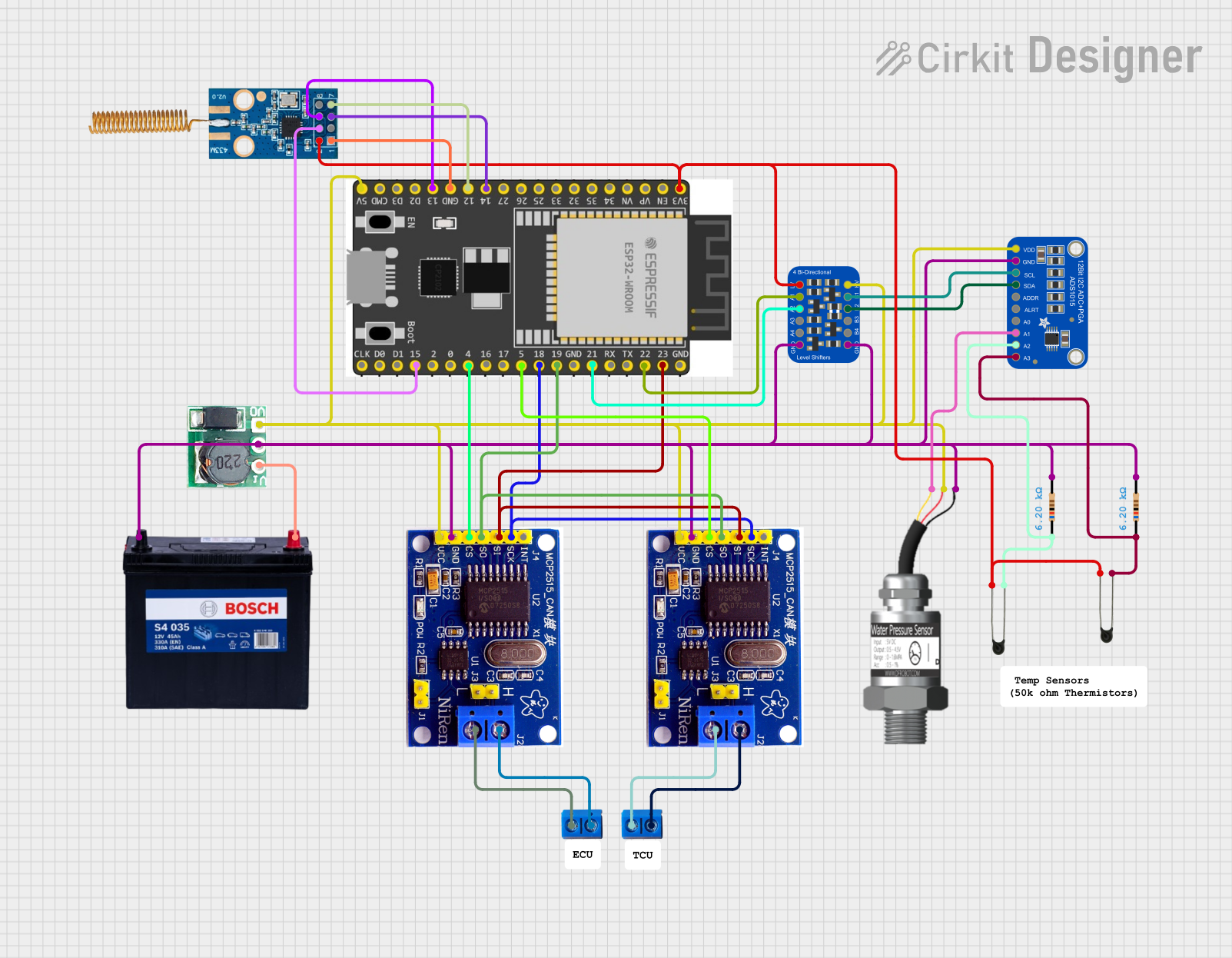 Open Project in Cirkit Designer
Explore Projects Built with MCP2515
Open Project in Cirkit DesignerOpen Project in Cirkit DesignerOpen Project in Cirkit DesignerOpen Project in Cirkit DesignerCommon Applications and Use Cases
- Automotive systems (e.g., engine control units, infotainment systems)
- Industrial automation and control
- Robotics and IoT devices
- Medical equipment
- Home automation systems
Technical Specifications
The MCP2515 is a high-performance CAN controller with the following key specifications:
| Parameter | Value |
|---|---|
| Operating Voltage | 2.7V to 5.5V |
| Communication Interface | SPI (up to 10 MHz) |
| CAN Protocol Support | CAN 2.0A and CAN 2.0B |
| Maximum CAN Bus Speed | 1 Mbps |
| Operating Temperature Range | -40°C to +125°C |
| Package Options | SOIC, PDIP, TSSOP |
Pin Configuration and Descriptions
The MCP2515 has an 18-pin configuration. Below is the pinout and description:
| Pin Number | Pin Name | Description |
|---|---|---|
| 1 | VSS | Ground connection |
| 2 | VDD | Power supply (2.7V to 5.5V) |
| 3 | CS | Chip Select (active low) for SPI communication |
| 4 | SCK | Serial Clock input for SPI |
| 5 | SI | Serial Data Input for SPI |
| 6 | SO | Serial Data Output for SPI |
| 7 | INT | Interrupt output (active low) |
| 8 | RX0BF | Receive Buffer 0 Full Interrupt output |
| 9 | RX1BF | Receive Buffer 1 Full Interrupt output |
| 10 | RESET | Resets the MCP2515 (active low) |
| 11 | TXCAN | CAN Transmit Output |
| 12 | RXCAN | CAN Receive Input |
| 13-18 | NC | No Connection |
Usage Instructions
How to Use the MCP2515 in a Circuit
- Power Supply: Connect the VDD pin to a 3.3V or 5V power source and the VSS pin to ground.
- SPI Communication: Connect the SPI pins (CS, SCK, SI, SO) to the corresponding SPI pins on your microcontroller.
- CAN Bus Connection: Connect the TXCAN and RXCAN pins to a CAN transceiver (e.g., MCP2551) to interface with the CAN bus.
- Interrupts: Use the INT pin to handle interrupts for efficient communication.
- Reset: Connect the RESET pin to the microcontroller or a pull-up resistor for proper initialization.
Important Considerations and Best Practices
- Use a CAN transceiver (e.g., MCP2551) to interface the MCP2515 with the physical CAN bus.
- Ensure proper termination resistors (typically 120 ohms) are placed at both ends of the CAN bus.
- Use decoupling capacitors (e.g., 0.1 µF) near the VDD pin to stabilize the power supply.
- Configure the SPI clock speed to match the MCP2515's specifications (up to 10 MHz).
- Initialize the MCP2515 with the correct CAN baud rate and filters for your application.
Example Code for Arduino UNO
Below is an example of how to use the MCP2515 with an Arduino UNO to send and receive CAN messages. This example uses the popular "MCP_CAN" library.
#include <SPI.h>
#include <mcp_can.h>

// Define the SPI Chip Select pin for the MCP2515
#define CAN_CS_PIN 10

// Create an MCP_CAN object
MCP_CAN CAN(CAN_CS_PIN);

void setup() {
  Serial.begin(115200); // Initialize serial communication for debugging

  // Initialize the MCP2515 at 500 kbps CAN speed
  if (CAN.begin(MCP_ANY, CAN_500KBPS, MCP_8MHZ) == CAN_OK) {
    Serial.println("MCP2515 Initialized Successfully!");
  } else {
    Serial.println("Error Initializing MCP2515...");
    while (1); // Halt execution if initialization fails
  }

  CAN.setMode(MCP_NORMAL); // Set MCP2515 to normal mode
  Serial.println("MCP2515 is now in Normal Mode.");
}

void loop() {
  // Example: Sending a CAN message
  byte data[8] = {0x01, 0x02, 0x03, 0x04, 0x05, 0x06, 0x07, 0x08};
  if (CAN.sendMsgBuf(0x100, 0, 8, data) == CAN_OK) {
    Serial.println("Message Sent Successfully!");
  } else {
    Serial.println("Error Sending Message...");
  }

  delay(1000); // Wait 1 second before sending the next message

  // Example: Receiving a CAN message
  if (CAN.checkReceive() == CAN_MSGAVAIL) {
    long unsigned int rxId;
    byte len;
    byte rxBuf[8];

    CAN.readMsgBuf(&rxId, &len, rxBuf); // Read the received message
    Serial.print("Message Received with ID: 0x");
    Serial.println(rxId, HEX);

    Serial.print("Data: ");
    for (byte i = 0; i < len; i++) {
      Serial.print(rxBuf[i], HEX);
      Serial.print(" ");
    }
    Serial.println();
  }
}
Troubleshooting and FAQs
Common Issues and Solutions
MCP2515 Initialization Fails
- Cause: Incorrect SPI connections or wrong SPI clock speed.
- Solution: Verify the SPI wiring and ensure the SPI clock speed is within the MCP2515's specifications.
No CAN Messages Sent or Received
- Cause: Missing or incorrect termination resistors on the CAN bus.
- Solution: Ensure 120-ohm termination resistors are placed at both ends of the CAN bus.
Interrupts Not Triggering
- Cause: INT pin not connected or interrupt not enabled in the code.
- Solution: Connect the INT pin to the microcontroller and enable interrupts in the MCP2515 configuration.
Data Corruption on the CAN Bus
- Cause: Incorrect baud rate or mismatched CAN transceiver.
- Solution: Configure the MCP2515 with the correct baud rate and ensure the transceiver matches the CAN bus voltage levels.
FAQs
Q: Can the MCP2515 operate without a CAN transceiver?
A: No, the MCP2515 requires a CAN transceiver (e.g., MCP2551) to interface with the physical CAN bus.
Q: What is the maximum SPI clock speed supported by the MCP2515?
A: The MCP2515 supports SPI clock speeds up to 10 MHz.
Q: Can I use the MCP2515 with a 3.3V microcontroller?
A: Yes, the MCP2515 operates at 2.7V to 5.5V, making it compatible with both 3.3V and 5V systems.