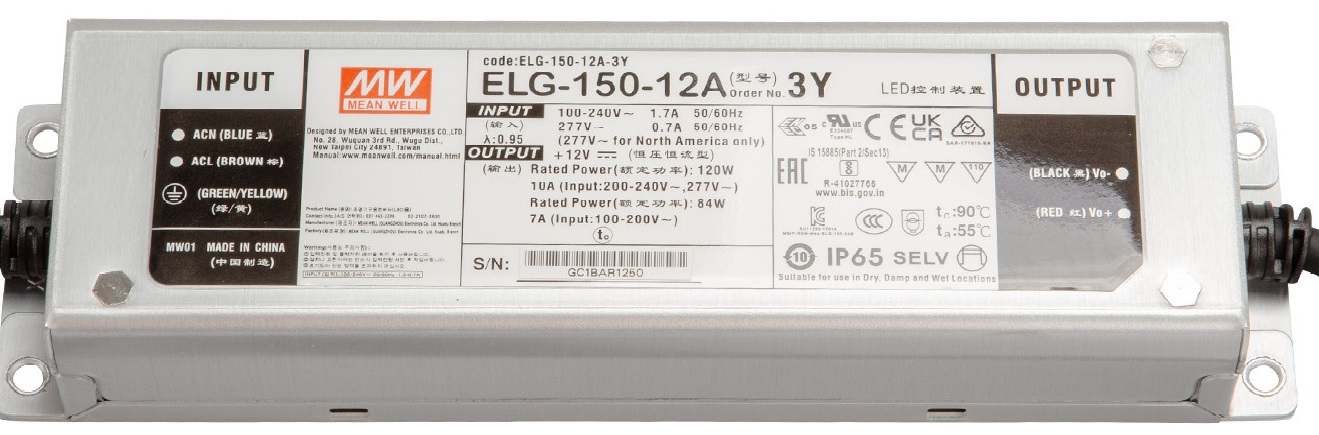
The ELG-150-12DA is a 150W LED driver designed to provide a stable 12V DC output for powering LED lighting systems. This high-performance driver is known for its compact design, high efficiency, and robust build quality. It is suitable for both indoor and outdoor applications, thanks to its IP67-rated enclosure and comprehensive protection features, including over-voltage, over-current, and short-circuit safeguards.
Explore Projects Built with ELG-150-12DA
Use Cirkit Designer to design, explore, and prototype these projects online. Some projects support real-time simulation. Click "Open Project" to start designing instantly!
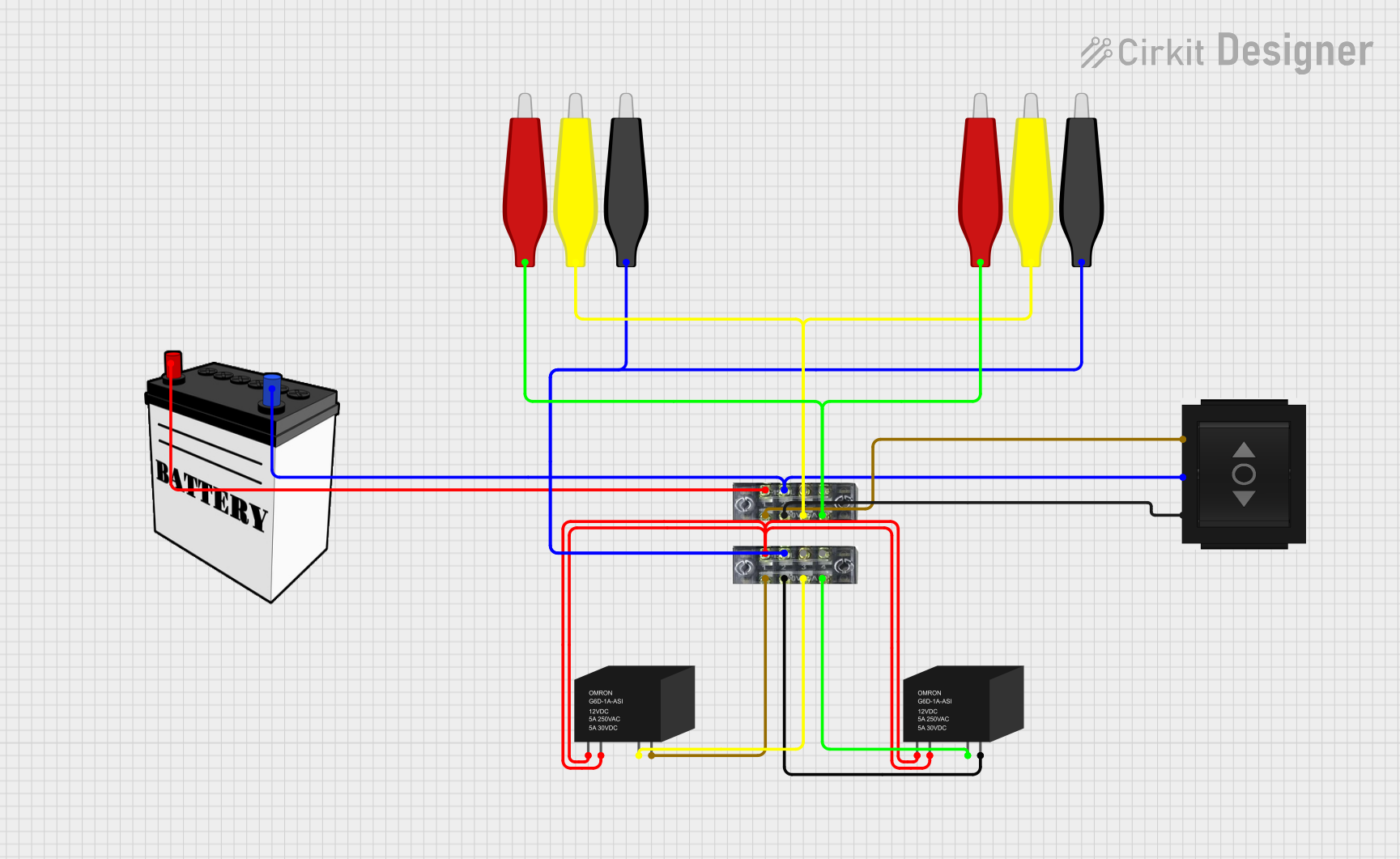
This circuit involves a 12V battery powering a relay system controlled by a directional switch. The relays are connected through terminal blocks and are used to switch between different outputs, indicated by the AdaGator Top components.
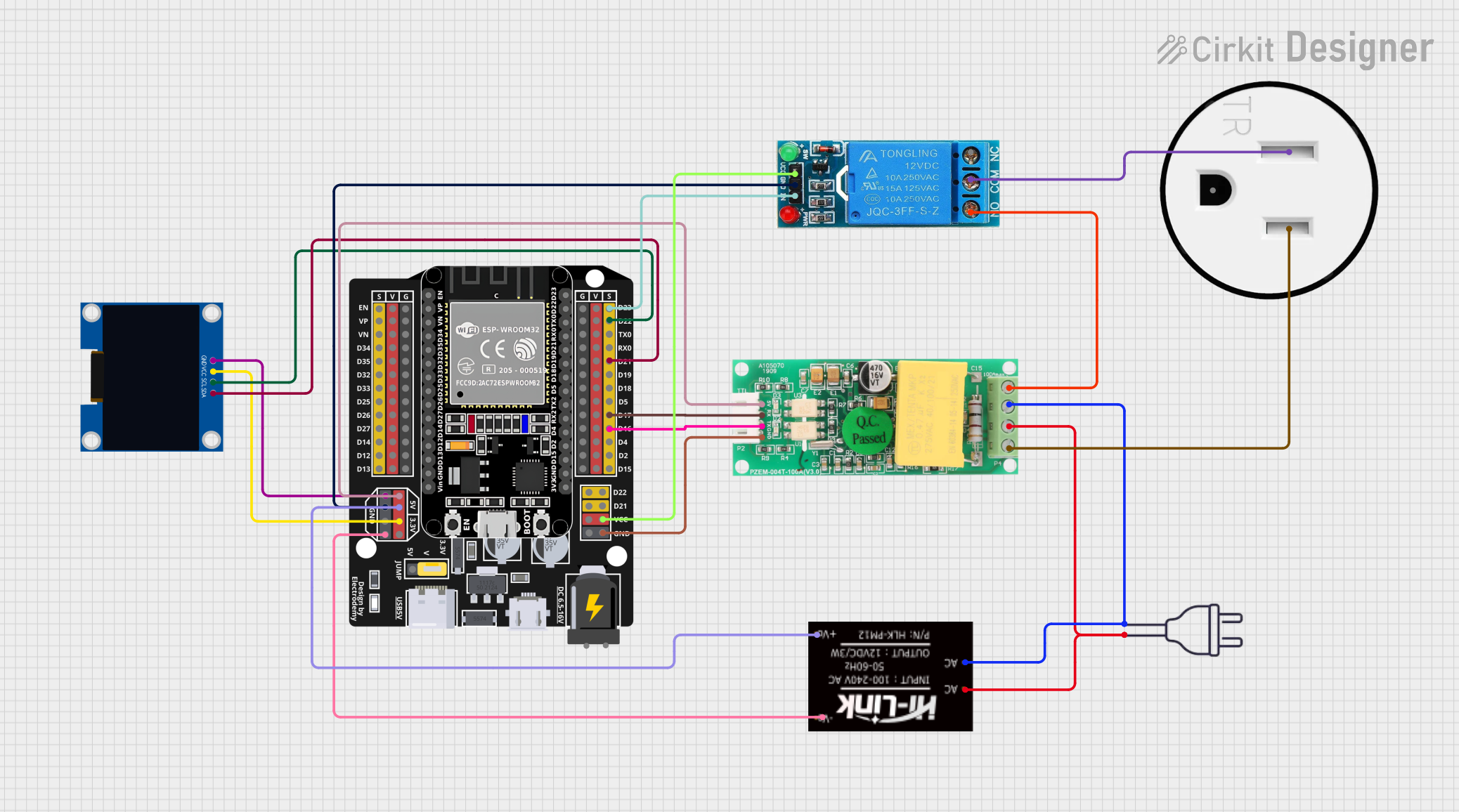
This circuit is designed to monitor and control a 120V AC outlet using an ESP32 microcontroller. It includes a PZEM004t module for measuring voltage, current, and power, and a 12V relay to switch the outlet on and off. An OLED display is used to show real-time data, and the HLK-PM12 module provides the necessary 5V and 3.3V power to the components.
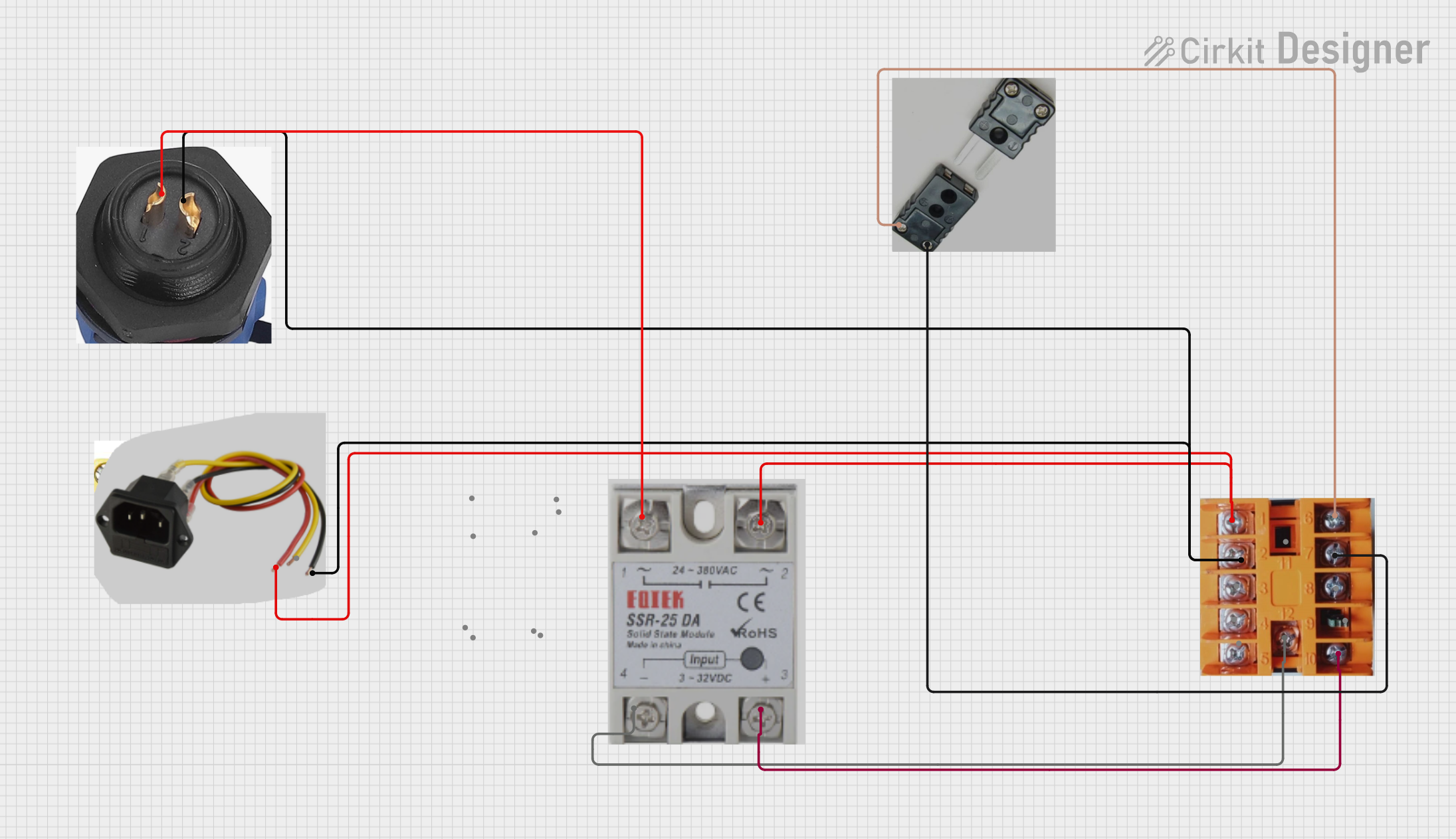
This circuit is a temperature control system that uses a thermocouple to measure temperature and a PID controller to regulate it. The PID controller drives a solid-state relay (SSR) to control an external load, with power supplied through an AC inlet socket.
This circuit is designed for a renewable energy system that integrates solar and wind power generation. It includes a solar and wind charge controller connected to a solar panel and a lantern vertical wind turbine for energy harvesting, a 12V 200Ah battery for energy storage, and a dump load for excess energy dissipation. The system also features a 12V inverter to convert stored DC power to AC, powering an outlet and a wireless charger for end-use applications.
LED strip lighting for residential and commercial spaces
Outdoor LED lighting systems, such as streetlights and signage
Industrial lighting applications requiring high reliability
Architectural lighting installations
Any 12V DC-powered LED system requiring a constant voltage source
Technical Specifications
The ELG-150-12DA is engineered to meet the demands of modern LED lighting systems. Below are its key technical specifications:
Parameter
Value
Output Voltage
12V DC
Output Current
0–12.5A
Output Power
150W
Input Voltage Range
100–305V AC
Efficiency
Up to 91%
Power Factor
≥ 0.95 (at full load, 230V AC)
Operating Temperature
-40°C to +85°C (case temperature)
Enclosure Rating
IP67 (dust-tight and waterproof)
Dimming Control
3-in-1 dimming (0–10V, PWM, Resistor)
Protections
Over-voltage, over-current, short-circuit
Dimensions
220mm x 68mm x 38.8mm
Weight
0.9 kg
Pin Configuration and Descriptions
The ELG-150-12DA has input and output wiring for AC and DC connections, as well as dimming control. Below is the pin configuration:
Input and Output Connections
Wire Color
Function
Description
Black
AC Line (L)
Connect to the live wire of the AC input
White
AC Neutral (N)
Connect to the neutral wire of the AC input
Green/Yellow
Ground (GND)
Connect to earth ground for safety
Red
DC Positive (+V)
Positive output for LED load
Black
DC Negative (-V)
Negative output for LED load
Dimming Control Wires
Wire Color
Function
Description
Blue
DIM-
Negative terminal for dimming control
White
DIM+
Positive terminal for dimming control
Usage Instructions
How to Use the ELG-150-12DA in a Circuit
Input Connection: Connect the black (AC Line) and white (AC Neutral) wires to the AC power source. Ensure the input voltage is within the range of 100–305V AC.
Output Connection: Connect the red (DC Positive) and black (DC Negative) wires to the LED load. Ensure the total load does not exceed 150W.
Dimming Control (Optional):
For 0–10V dimming, connect a 0–10V dimmer to the DIM+ (white) and DIM- (blue) wires.
For PWM dimming, connect a PWM signal (frequency: 100–3kHz) to the DIM+ and DIM- wires.
For resistive dimming, connect a variable resistor (100kΩ max) between DIM+ and DIM-.
Grounding: Connect the green/yellow wire to earth ground for safety.
Important Considerations and Best Practices
Load Matching: Ensure the total power of the connected LED load does not exceed 150W to avoid overloading the driver.
Ventilation: Install the driver in a well-ventilated area to prevent overheating.
Waterproofing: For outdoor use, ensure all connections are properly sealed to maintain the IP67 rating.
Dimming Compatibility: Verify that the dimming control method (0–10V, PWM, or resistor) is compatible with your dimmer or control system.
Polarity: Double-check the polarity of the DC output connections to avoid damaging the LED load.
Example: Connecting to an Arduino UNO for PWM Dimming
The ELG-150-12DA can be dimmed using a PWM signal from an Arduino UNO. Below is an example setup and code:
Circuit Setup
Connect the Arduino's GND pin to the DIM- (blue) wire of the driver.
Connect a PWM-capable pin (e.g., pin 9) of the Arduino to the DIM+ (white) wire of the driver.
Ensure the Arduino and the driver share a common ground.
Arduino Code
// Example code to control the ELG-150-12DA using PWM from an Arduino UNO

const int pwmPin = 9; // PWM-capable pin connected to DIM+ of the driver

void setup() {
  pinMode(pwmPin, OUTPUT); // Set the PWM pin as an output
}

void loop() {
  // Gradually increase brightness
  for (int brightness = 0; brightness <= 255; brightness++) {
    analogWrite(pwmPin, brightness); // Write PWM signal to DIM+
    delay(10); // Small delay for smooth dimming
  }

  // Gradually decrease brightness
  for (int brightness = 255; brightness >= 0; brightness--) {
    analogWrite(pwmPin, brightness); // Write PWM signal to DIM+
    delay(10); // Small delay for smooth dimming
  }
}
Troubleshooting and FAQs
Common Issues and Solutions
No Output Voltage
Cause: Incorrect AC input wiring or no AC power.
Solution: Verify the AC input connections and ensure the power source is active.
LEDs Flicker
Cause: Incompatible dimming signal or unstable input voltage.
Solution: Check the dimming control signal and ensure it matches the driver's specifications. Verify the input voltage is stable.
Driver Overheats
Cause: Insufficient ventilation or excessive load.
Solution: Ensure the driver is installed in a well-ventilated area and the load does not exceed 150W.
Dimming Does Not Work
Cause: Incorrect dimming connections or incompatible dimmer.
Solution: Verify the dimming wires are correctly connected and the dimmer is compatible with the driver's dimming methods.
FAQs
Can I use the ELG-150-12DA with a 24V LED load?
No, the driver is designed for 12V LED loads only. Using a 24V load may damage the LEDs or the driver.
Is the driver suitable for outdoor use?
Yes, the IP67 rating ensures the driver is dust-tight and waterproof, making it suitable for outdoor applications.
What happens if the load exceeds 150W?
The driver includes over-current protection and will shut down to prevent damage. Reduce the load to within the specified limit.
Can I use a microcontroller other than Arduino for dimming?
Yes, any microcontroller capable of generating a 0–10V, PWM, or resistive dimming signal can be used. Ensure compatibility with the driver's dimming specifications.

 Open Project in Cirkit Designer