
How to Use SWITCH-MOMENTARY-2: Examples, Pinouts, and Specs
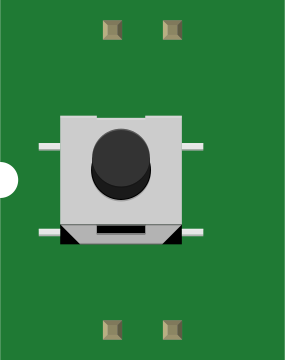
 Design with SWITCH-MOMENTARY-2 in Cirkit Designer
Introduction
The SWITCH-MOMENTARY-2 is a simple yet versatile electronic component designed to close a circuit only while it is being pressed. This momentary switch is commonly used for temporary actions, such as triggering a function, activating a device, or sending a signal in a circuit. Its compact design and ease of use make it a popular choice in a wide range of applications, including consumer electronics, prototyping, and industrial control systems.
Explore Projects Built with SWITCH-MOMENTARY-2
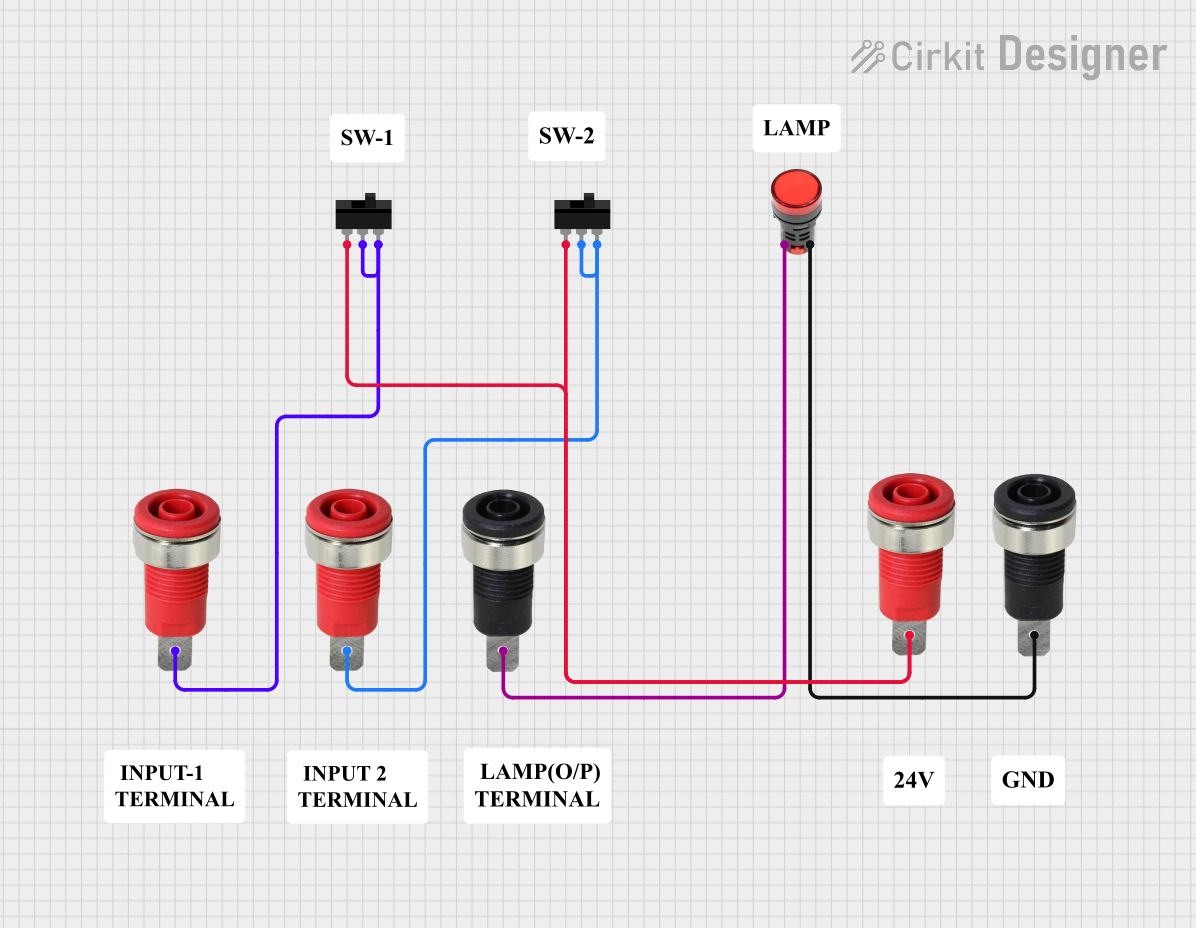 Open Project in Cirkit Designer
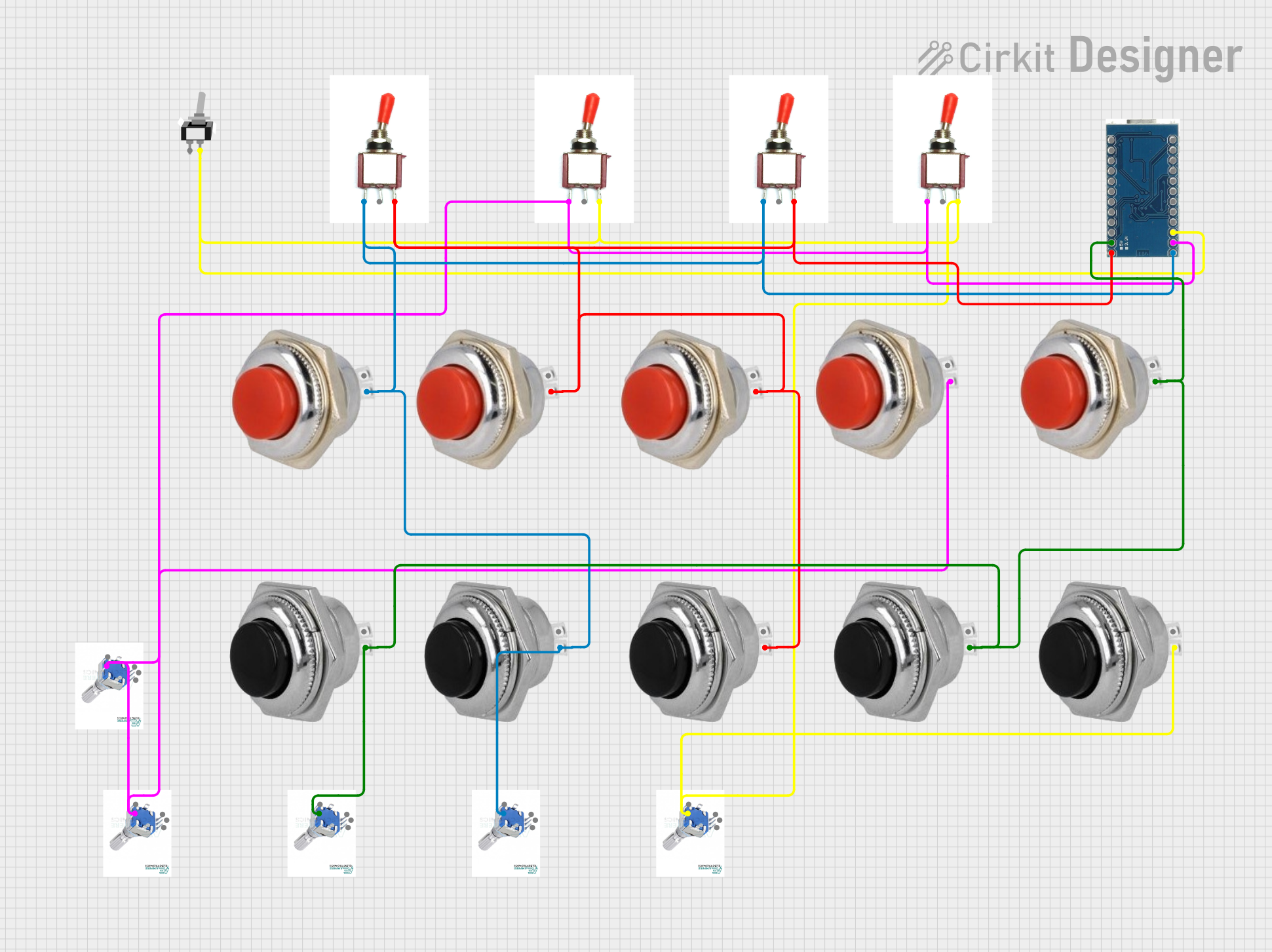 Open Project in Cirkit Designer
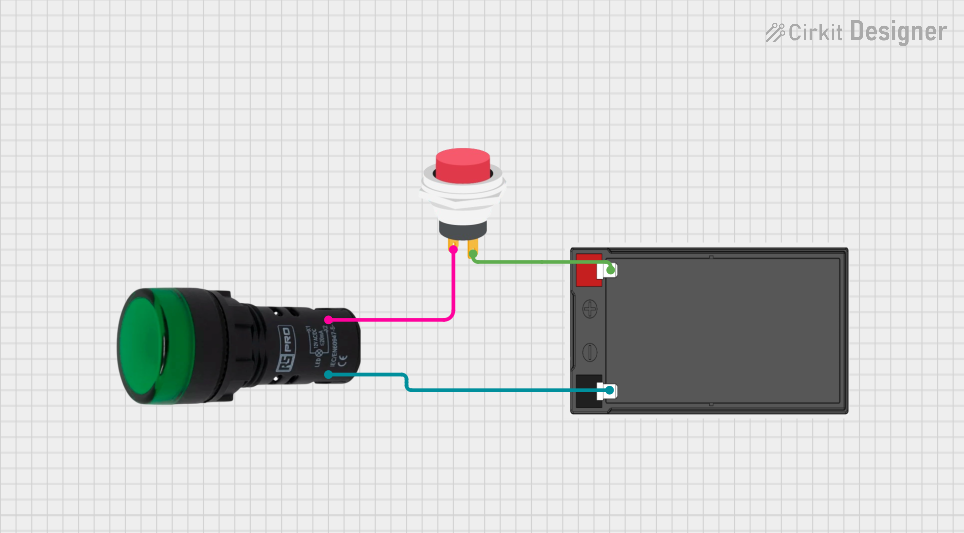 Open Project in Cirkit Designer
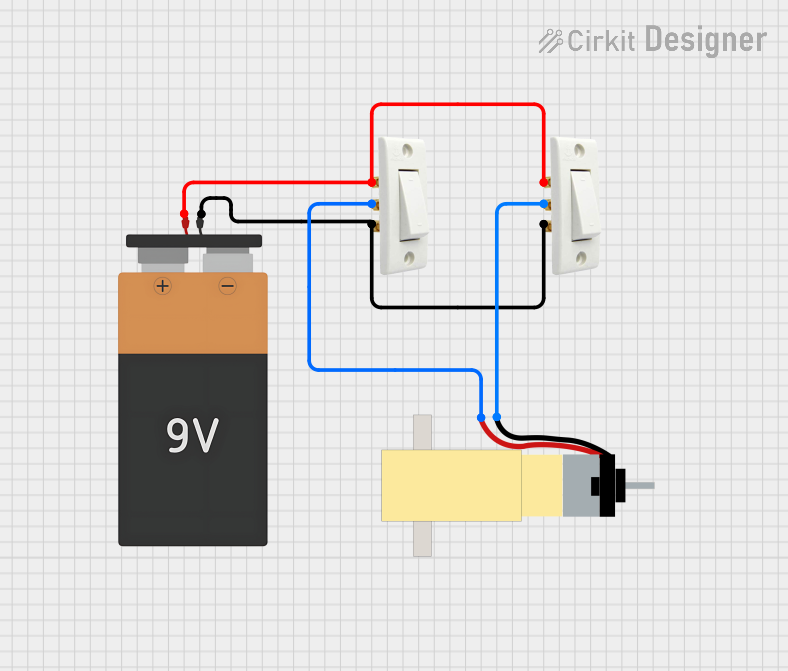 Open Project in Cirkit Designer
Explore Projects Built with SWITCH-MOMENTARY-2
Open Project in Cirkit DesignerOpen Project in Cirkit DesignerOpen Project in Cirkit DesignerOpen Project in Cirkit DesignerCommon Applications:
- Reset buttons in electronic devices
- Triggering events in microcontroller-based projects
- User input for control panels or interfaces
- Temporary activation of circuits or devices
Technical Specifications
Below are the key technical details for the SWITCH-MOMENTARY-2:
| Parameter | Value |
|---|---|
| Switch Type | Momentary (Normally Open) |
| Operating Voltage | 3V to 24V DC |
| Maximum Current | 50mA |
| Contact Resistance | ≤ 50 mΩ |
| Insulation Resistance | ≥ 100 MΩ @ 500V DC |
| Operating Temperature | -20°C to +70°C |
| Mechanical Life | 100,000 cycles |
| Dimensions | 6mm x 6mm x 5mm |
Pin Configuration and Description
The SWITCH-MOMENTARY-2 typically has two pins, as shown in the table below:
| Pin | Description |
|---|---|
| Pin 1 | Connects to one side of the circuit |
| Pin 2 | Connects to the other side of the circuit |
When the switch is pressed, the two pins are electrically connected, allowing current to flow through the circuit.
Usage Instructions
How to Use the SWITCH-MOMENTARY-2 in a Circuit
- Identify the Pins: Locate the two pins of the switch. These are used to connect the switch to your circuit.
- Connect the Switch:
- Connect one pin to the input signal or power source.
- Connect the other pin to the load or the input of the next component in the circuit.
- Test the Circuit: When the switch is pressed, it will close the circuit and allow current to flow. Releasing the switch will open the circuit and stop the current flow.
Important Considerations and Best Practices
- Debouncing: Momentary switches can produce electrical noise or "bouncing" when pressed. Use a capacitor or software debouncing techniques to ensure stable operation in digital circuits.
- Current Limitation: Ensure the current through the switch does not exceed its maximum rating (50mA) to avoid damage.
- Mounting: Secure the switch properly to prevent mechanical stress or accidental disconnection.
Example: Using SWITCH-MOMENTARY-2 with Arduino UNO
Below is an example of how to use the SWITCH-MOMENTARY-2 with an Arduino UNO to toggle an LED:
// Define pin numbers
const int switchPin = 2;  // Pin connected to the momentary switch
const int ledPin = 13;    // Pin connected to the LED

// Variable to store the LED state
bool ledState = false;

void setup() {
  pinMode(switchPin, INPUT_PULLUP); // Configure switch pin as input with pull-up
  pinMode(ledPin, OUTPUT);          // Configure LED pin as output
}

void loop() {
  // Check if the switch is pressed
  if (digitalRead(switchPin) == LOW) {
    delay(50); // Debounce delay
    if (digitalRead(switchPin) == LOW) {
      ledState = !ledState; // Toggle LED state
      digitalWrite(ledPin, ledState); // Update LED
      while (digitalRead(switchPin) == LOW); // Wait for switch release
    }
  }
}
Explanation:
- The switch is connected to pin 2 of the Arduino with an internal pull-up resistor enabled.
- When the switch is pressed, the LED toggles between ON and OFF states.
- A debounce delay is added to prevent false triggering due to switch bouncing.
Troubleshooting and FAQs
Common Issues and Solutions
Switch Not Responding:
- Cause: Loose or incorrect connections.
- Solution: Verify that the switch pins are properly connected to the circuit.
Unstable or Erratic Behavior:
- Cause: Switch bouncing.
- Solution: Add a debounce circuit (e.g., a capacitor) or implement software debouncing.
Switch Overheating:
- Cause: Exceeding the maximum current rating.
- Solution: Ensure the current through the switch is below 50mA.
LED Not Toggling in Arduino Example:
- Cause: Incorrect wiring or code issues.
- Solution: Double-check the wiring and ensure the switch is connected to the correct pin. Verify the code is uploaded correctly.
FAQs
Q1: Can the SWITCH-MOMENTARY-2 handle AC voltage?
A1: No, this switch is designed for DC circuits only and should not be used with AC voltage.
Q2: Can I use this switch for high-power applications?
A2: No, the switch is rated for a maximum current of 50mA. For high-power applications, use a relay or transistor in conjunction with the switch.
Q3: How do I mount the switch on a PCB?
A3: The switch has through-hole pins that can be soldered directly onto a PCB for secure mounting.
Q4: What is the lifespan of the switch?
A4: The mechanical life of the switch is rated at 100,000 cycles under normal operating conditions.