
How to Use SAMD21 WeMos D1 SAMD21 M0 ARM Cortex M0 32-Bit Extension UNO R3: Examples, Pinouts, and Specs
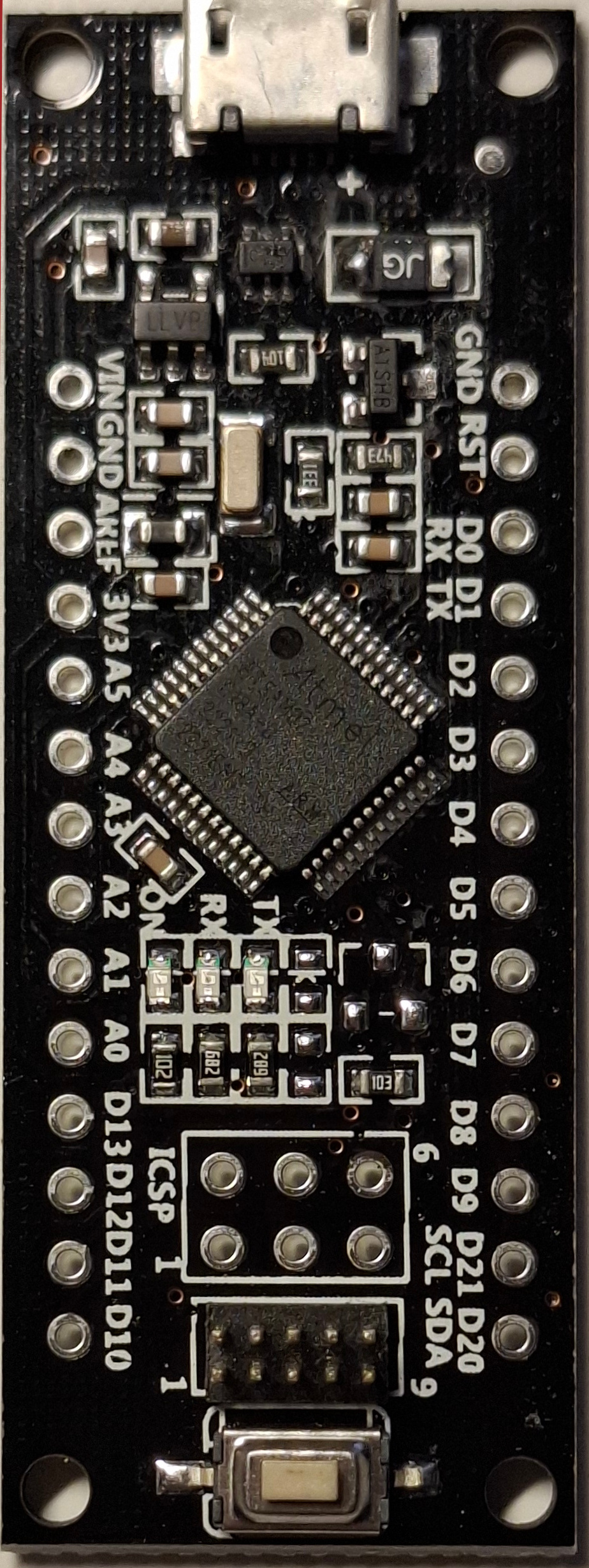
 Design with SAMD21 WeMos D1 SAMD21 M0 ARM Cortex M0 32-Bit Extension UNO R3 in Cirkit Designer
Introduction
The SAMD21 WeMos D1 SAMD21 M0 is a microcontroller development board based on the Atmel/Microchip SAMD21 ARM Cortex-M0+ 32-bit processor. It is designed to be compatible with the Arduino UNO R3 form factor, making it an excellent choice for users who want to leverage the power of a 32-bit ARM processor while maintaining compatibility with Arduino shields and libraries.
This board is ideal for applications requiring low power consumption, high performance, and compatibility with Arduino IDE. It is commonly used in IoT projects, robotics, data logging, and other embedded systems.
Explore Projects Built with SAMD21 WeMos D1 SAMD21 M0 ARM Cortex M0 32-Bit Extension UNO R3
 Open Project in Cirkit Designer
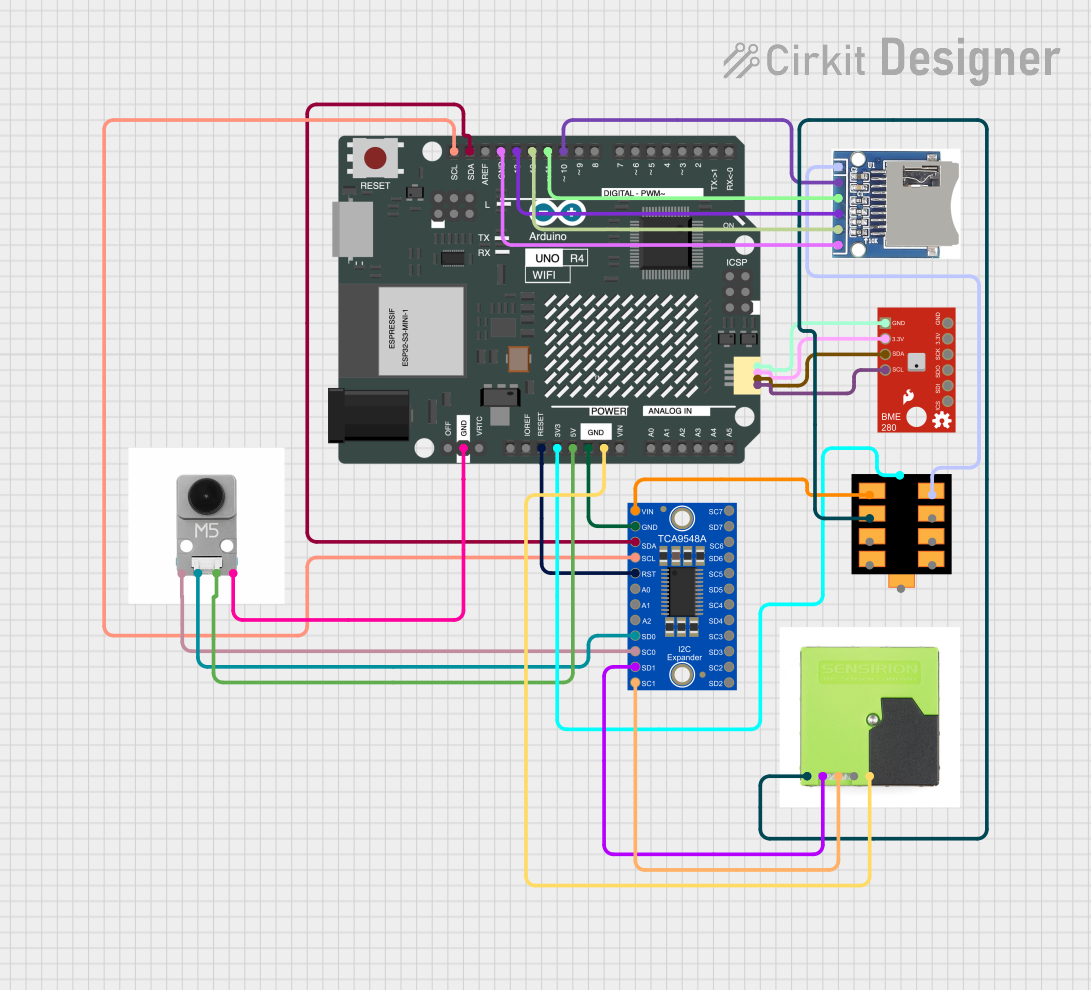 Open Project in Cirkit Designer
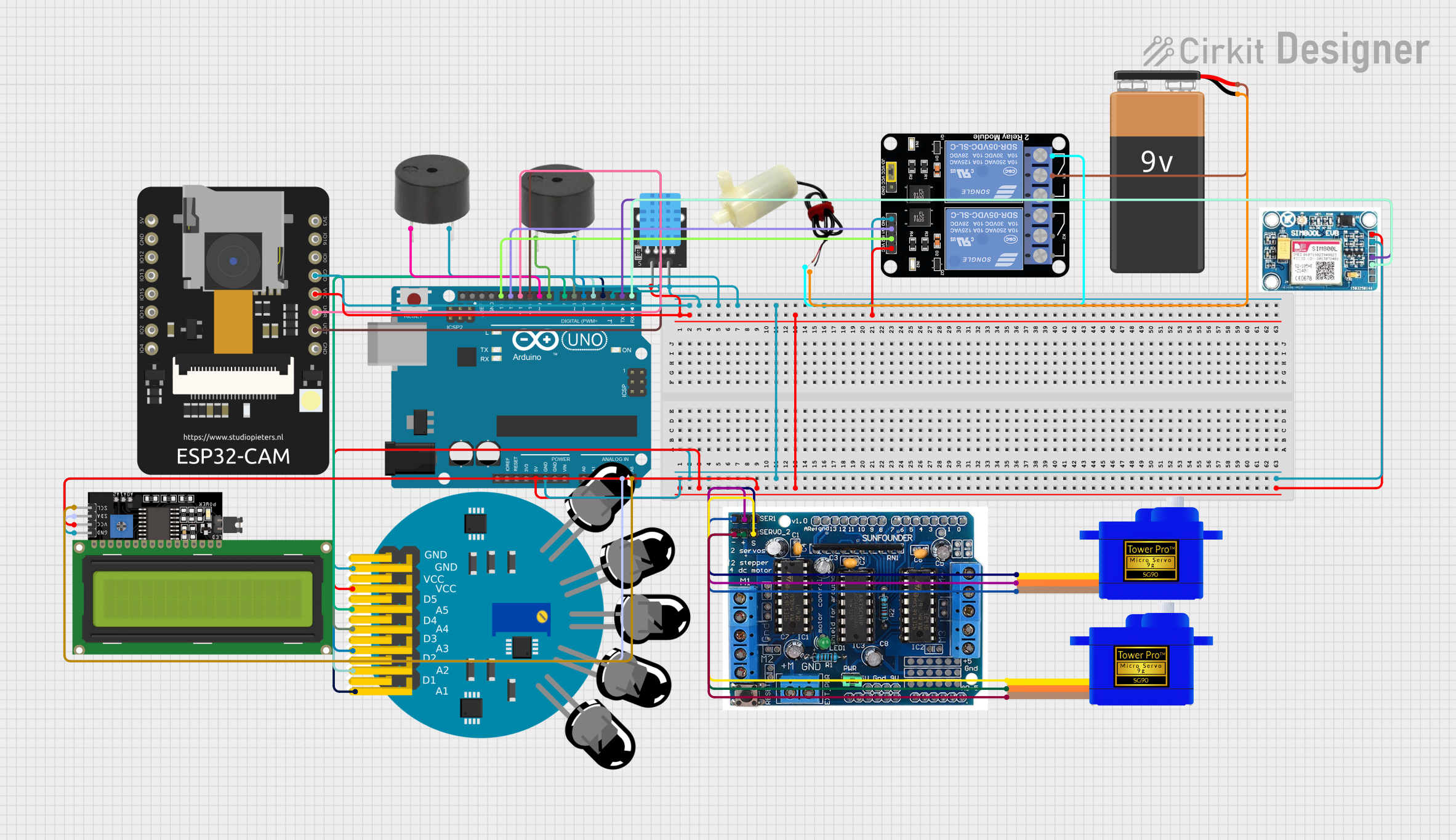 Open Project in Cirkit Designer
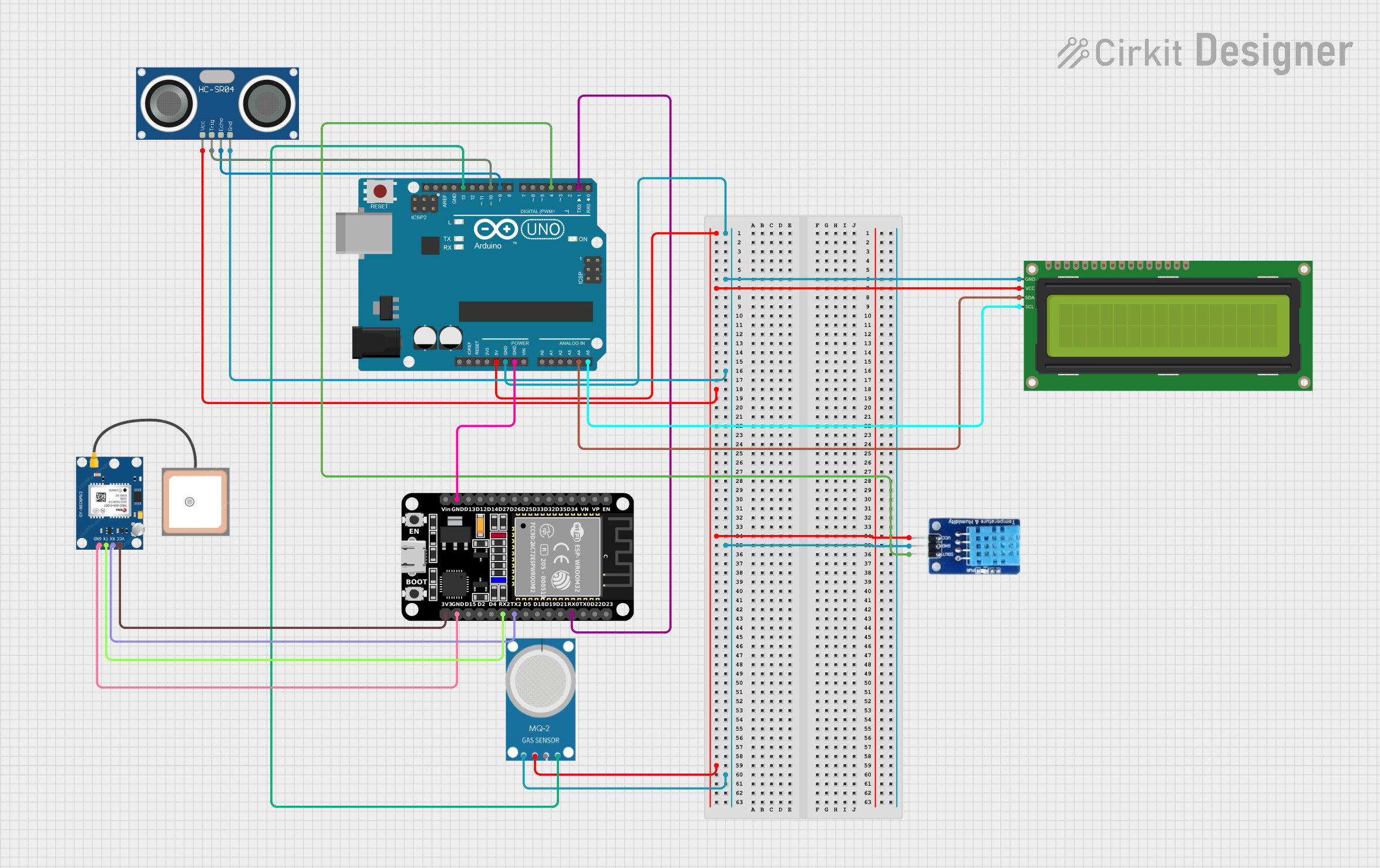 Open Project in Cirkit Designer
Explore Projects Built with SAMD21 WeMos D1 SAMD21 M0 ARM Cortex M0 32-Bit Extension UNO R3
Open Project in Cirkit DesignerOpen Project in Cirkit DesignerOpen Project in Cirkit DesignerOpen Project in Cirkit DesignerTechnical Specifications
- Microcontroller: Atmel/Microchip SAMD21G18 ARM Cortex-M0+
- Operating Voltage: 3.3V
- Input Voltage (recommended): 7-12V
- Input Voltage (limits): 6-20V
- Digital I/O Pins: 14 (of which 12 support PWM output)
- Analog Input Pins: 6
- Flash Memory: 256 KB
- SRAM: 32 KB
- Clock Speed: 48 MHz
- USB Interface: Native USB 2.0
- Communication Protocols: UART, I2C, SPI
- Dimensions: Compatible with Arduino UNO R3 form factor
Pin Configuration and Descriptions
The SAMD21 WeMos D1 SAMD21 M0 has a pinout similar to the Arduino UNO R3. Below is a table describing the pin configuration:
| Pin | Function | Description |
|---|---|---|
| D0 | RX | UART Receive Pin |
| D1 | TX | UART Transmit Pin |
| D2-D13 | Digital I/O | General-purpose digital input/output pins |
| D3, D5, D6, D9, D10, D11 | PWM | Digital pins with PWM capability |
| A0-A5 | Analog Input | Analog input pins (10-bit resolution) |
| VIN | Voltage Input | External power input (7-12V recommended) |
| 3.3V | 3.3V Output | Regulated 3.3V output |
| 5V | 5V Output | Regulated 5V output |
| GND | Ground | Ground pins |
| RESET | Reset | Resets the microcontroller |
| ICSP | SPI Interface | SPI communication pins (MISO, MOSI, SCK) |
| USB | USB Interface | Native USB for programming and communication |
Usage Instructions
How to Use the SAMD21 WeMos D1 SAMD21 M0 in a Circuit
Powering the Board:
- Connect the board to your computer via a micro-USB cable for programming and power.
- Alternatively, supply power through the VIN pin (7-12V recommended).
Programming:
- Install the Arduino IDE if not already installed.
- Add the SAMD21 board support package:
- Open the Arduino IDE.
- Go to
File > Preferences. - Add the following URL to the "Additional Board Manager URLs" field:
https://www.arduino.cc/en/Guide/Cores - Go to
Tools > Board > Boards Manager, search for "SAMD" and install the package.
- Select the board:
Tools > Board > Arduino SAMD (32-bits ARM Cortex-M0+) Boards > Arduino Zero (Native USB Port). - Select the correct port under
Tools > Port.
Connecting Components:
- Use the digital and analog pins to connect sensors, actuators, and other peripherals.
- Ensure that all components operate at 3.3V logic levels to avoid damaging the board.
Uploading Code:
- Write your code in the Arduino IDE.
- Click the upload button to program the board.
Example Code: Blinking an LED
The following example demonstrates how to blink an LED connected to pin D13:
// Define the LED pin
const int ledPin = 13;

void setup() {
  // Set the LED pin as an output
  pinMode(ledPin, OUTPUT);
}

void loop() {
  // Turn the LED on
  digitalWrite(ledPin, HIGH);
  delay(1000); // Wait for 1 second

  // Turn the LED off
  digitalWrite(ledPin, LOW);
  delay(1000); // Wait for 1 second
}
Important Considerations and Best Practices
- Voltage Levels: The SAMD21 operates at 3.3V logic levels. Avoid connecting 5V components directly to the pins.
- Power Supply: Use a stable power source to avoid unexpected resets or malfunctions.
- USB Communication: The native USB port can be used for both programming and serial communication. Ensure the correct port is selected in the Arduino IDE.
Troubleshooting and FAQs
Common Issues
The board is not detected by the Arduino IDE:
- Ensure the correct board and port are selected in the IDE.
- Verify that the SAMD21 board support package is installed.
Code upload fails:
- Check the USB connection and cable.
- Double-tap the reset button to enter bootloader mode and try uploading again.
Connected components are not working:
- Verify wiring and ensure components are compatible with 3.3V logic levels.
- Check for loose connections or damaged components.
FAQs
Q: Can I use 5V sensors with this board?
A: The SAMD21 operates at 3.3V logic levels. Use a level shifter or voltage divider to interface with 5V sensors.
Q: How do I reset the board?
A: Press the reset button on the board. For bootloader mode, double-tap the reset button.
Q: Is the board compatible with Arduino shields?
A: Yes, the board is designed to be compatible with Arduino UNO R3 shields, but ensure the shield operates at 3.3V.
Q: Can I use the board for low-power applications?
A: Yes, the SAMD21 is optimized for low-power operation, making it suitable for battery-powered projects.