
How to Use Blower Fan (AC220V 370W): Examples, Pinouts, and Specs
 Design with Blower Fan (AC220V 370W) in Cirkit Designer
Introduction
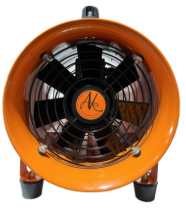
The Blower Fan (AC220V 370W), manufactured by Shopee, is an electric fan designed to move air at high volumes. Operating at 220 volts AC and consuming 370 watts of power, this blower fan is ideal for applications requiring efficient cooling or ventilation. Its robust design makes it suitable for industrial, commercial, and residential use.
Explore Projects Built with Blower Fan (AC220V 370W)
 Open Project in Cirkit Designer
 Open Project in Cirkit Designer
 Open Project in Cirkit Designer
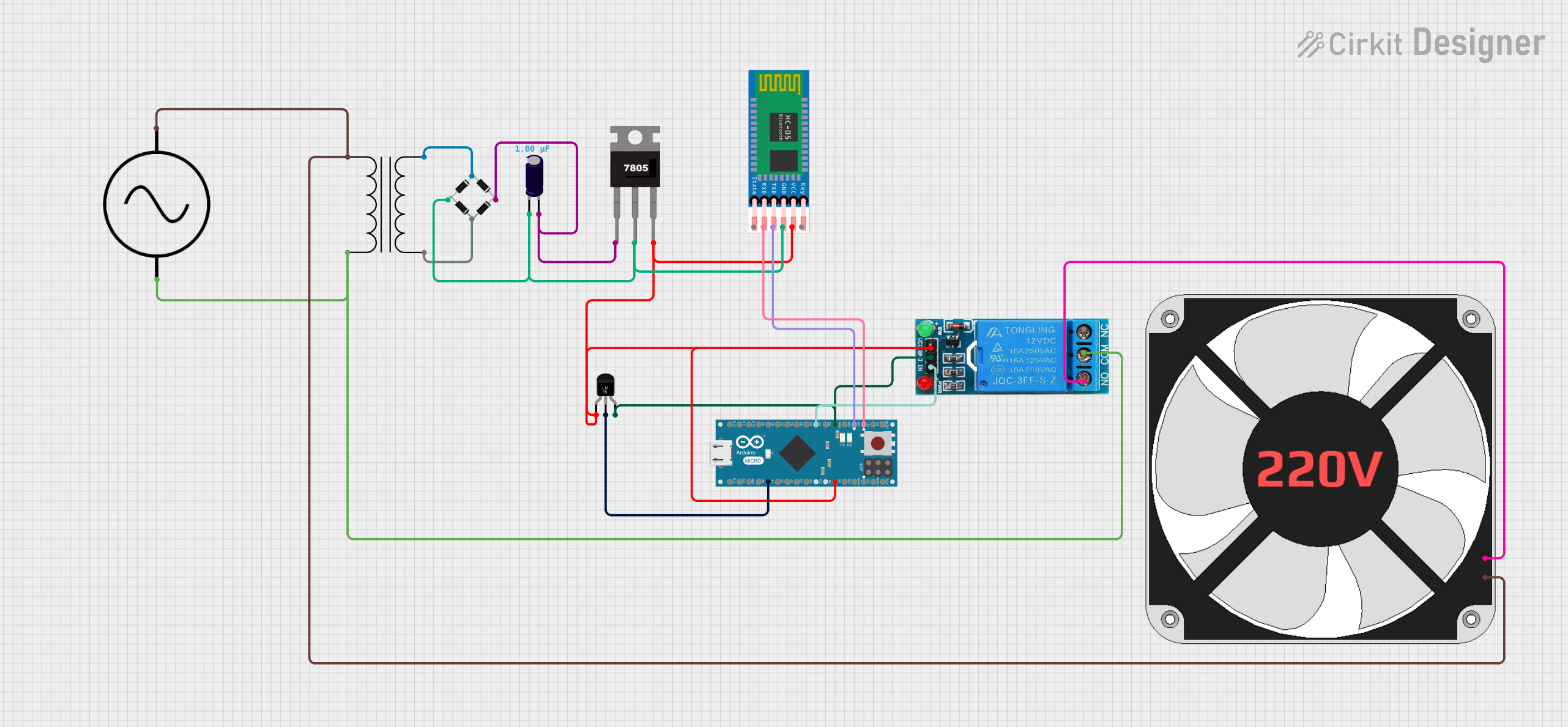 Open Project in Cirkit Designer
Explore Projects Built with Blower Fan (AC220V 370W)
Open Project in Cirkit DesignerOpen Project in Cirkit DesignerOpen Project in Cirkit DesignerOpen Project in Cirkit DesignerCommon Applications and Use Cases
- Industrial Ventilation: Used in factories and workshops to maintain airflow and remove heat or fumes.
- HVAC Systems: Integrated into heating, ventilation, and air conditioning systems for air circulation.
- Electronics Cooling: Provides cooling for large electronic equipment or server rooms.
- Drying Systems: Used in drying processes for materials or surfaces.
- Air Purification: Assists in air filtration systems by moving air through filters.
Technical Specifications
Key Technical Details
| Parameter | Specification |
|---|---|
| Manufacturer | Shopee |
| Part ID | Blower Fan (AC220V 370W) |
| Operating Voltage | 220V AC |
| Power Consumption | 370W |
| Airflow Capacity | High volume (varies by model) |
| Frequency | 50/60 Hz |
| Motor Type | Single-phase AC motor |
| Dimensions | Varies by model (refer to datasheet) |
| Weight | Approx. 3-5 kg (varies by model) |
| Operating Temperature | -10°C to 50°C |
| Noise Level | Typically <70 dB |
Pin Configuration and Descriptions
The blower fan does not have a pin configuration like electronic ICs. Instead, it typically includes the following connections:
| Connection Type | Description |
|---|---|
| Live (L) | Connects to the live wire of the AC mains. |
| Neutral (N) | Connects to the neutral wire of the AC mains. |
| Ground (G) | Connects to the ground for safety. |
Usage Instructions
How to Use the Component in a Circuit
Power Connection:
- Ensure the power supply matches the fan's rated voltage (220V AC).
- Connect the live (L) and neutral (N) wires to the corresponding terminals of the fan.
- Attach the ground (G) wire to the fan's grounding terminal for safety.
Mounting:
- Secure the blower fan in a stable position using screws or brackets.
- Ensure the airflow direction aligns with your application requirements (check the fan's airflow indicator).
Wiring:
- Use appropriately rated wires to handle the current drawn by the fan.
- Avoid loose connections to prevent overheating or electrical hazards.
Testing:
- After installation, switch on the power supply and verify the fan operates smoothly.
- Check for unusual noises or vibrations, which may indicate improper mounting or internal issues.
Important Considerations and Best Practices
- Safety First: Always disconnect the power supply before handling or installing the fan.
- Voltage Compatibility: Ensure the power supply is stable and matches the fan's rated voltage.
- Ventilation: Avoid obstructing the fan's intake or exhaust to maintain optimal airflow.
- Maintenance: Periodically clean the fan blades and housing to prevent dust buildup, which can reduce efficiency.
- Overheating: Do not operate the fan continuously beyond its rated duty cycle (if specified).
Arduino Integration
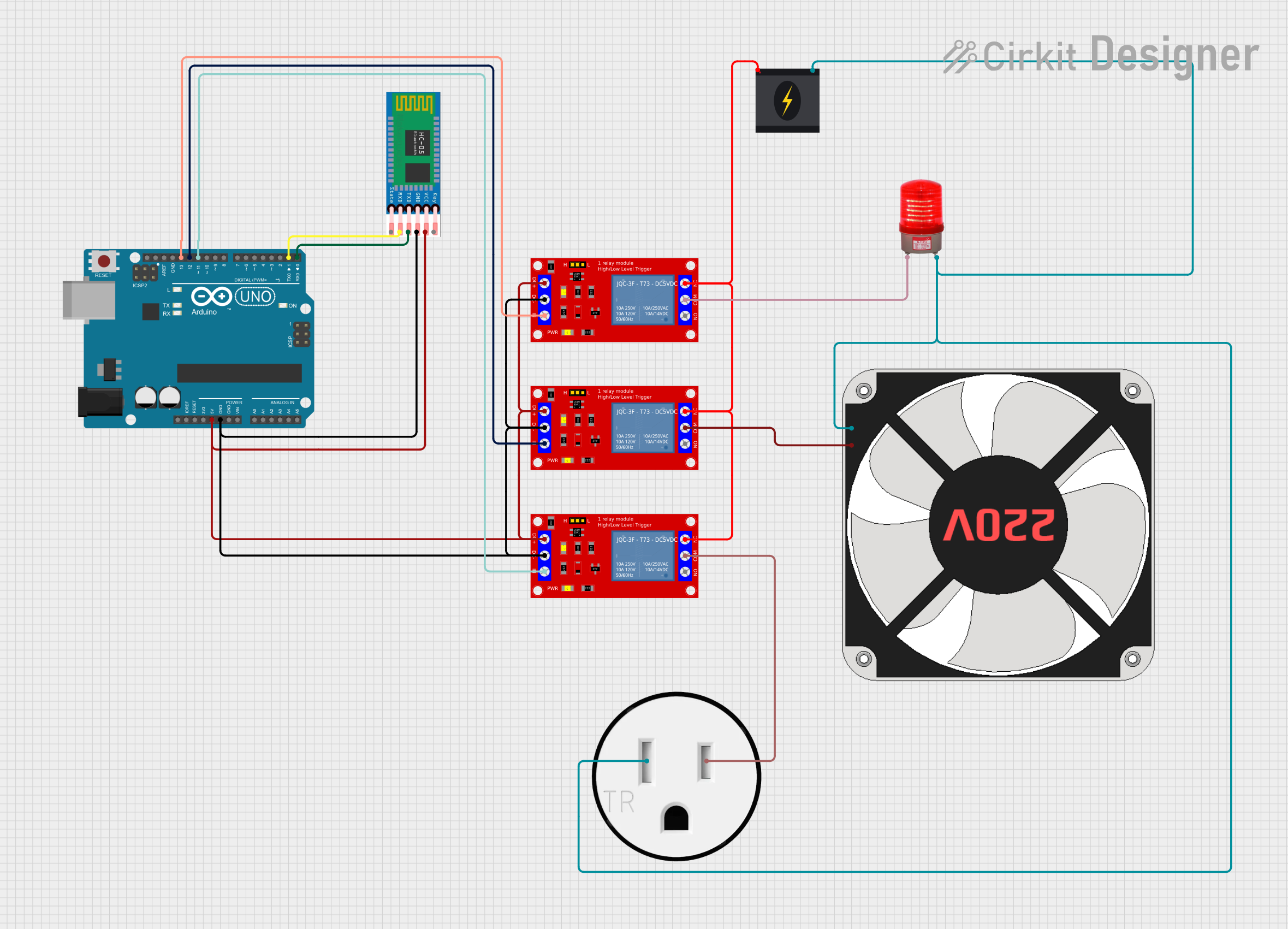
The Blower Fan (AC220V 370W) operates on AC power and cannot be directly controlled by an Arduino. However, you can use a relay module to control the fan via an Arduino. Below is an example code snippet for controlling the fan using a relay:
// Arduino code to control an AC blower fan using a relay module

const int relayPin = 7; // Pin connected to the relay module

void setup() {
  pinMode(relayPin, OUTPUT); // Set relay pin as output
  digitalWrite(relayPin, LOW); // Ensure relay is off at startup
}

void loop() {
  digitalWrite(relayPin, HIGH); // Turn on the blower fan
  delay(5000); // Keep the fan on for 5 seconds
  digitalWrite(relayPin, LOW); // Turn off the blower fan
  delay(5000); // Keep the fan off for 5 seconds
}
Note: Use a relay module rated for 220V AC and ensure proper isolation between the Arduino and the AC circuit.
Troubleshooting and FAQs
Common Issues and Solutions
| Issue | Possible Cause | Solution |
|---|---|---|
| Fan does not start | No power supply or loose connections | Check power supply and wiring connections. |
| Unusual noise or vibration | Improper mounting or debris inside fan | Secure the fan and clean any obstructions. |
| Overheating of the fan | Blocked airflow or prolonged operation | Ensure proper ventilation and reduce runtime. |
| Relay not controlling the fan | Incorrect wiring or faulty relay module | Verify relay connections and functionality. |
FAQs
Can this fan be used with a variable speed controller?
- Yes, if the controller is compatible with single-phase AC motors and the fan's power rating.
What is the expected lifespan of the fan?
- The lifespan depends on usage and maintenance but typically ranges from 20,000 to 50,000 hours.
Is the fan waterproof?
- Most models are not waterproof. Check the datasheet for IP ratings if water resistance is required.
Can I use this fan in a 110V AC system?
- No, this fan is designed for 220V AC operation. Using it with 110V AC will result in underperformance or failure.
How do I clean the fan?
- Disconnect the power, remove the fan housing, and use a soft brush or compressed air to clean the blades and interior.
This documentation provides all the necessary details to understand, use, and troubleshoot the Blower Fan (AC220V 370W) effectively. For further assistance, refer to the manufacturer's datasheet or contact Shopee support.