
How to Use XIAO ESP32 S3 BACKVIEW: Examples, Pinouts, and Specs
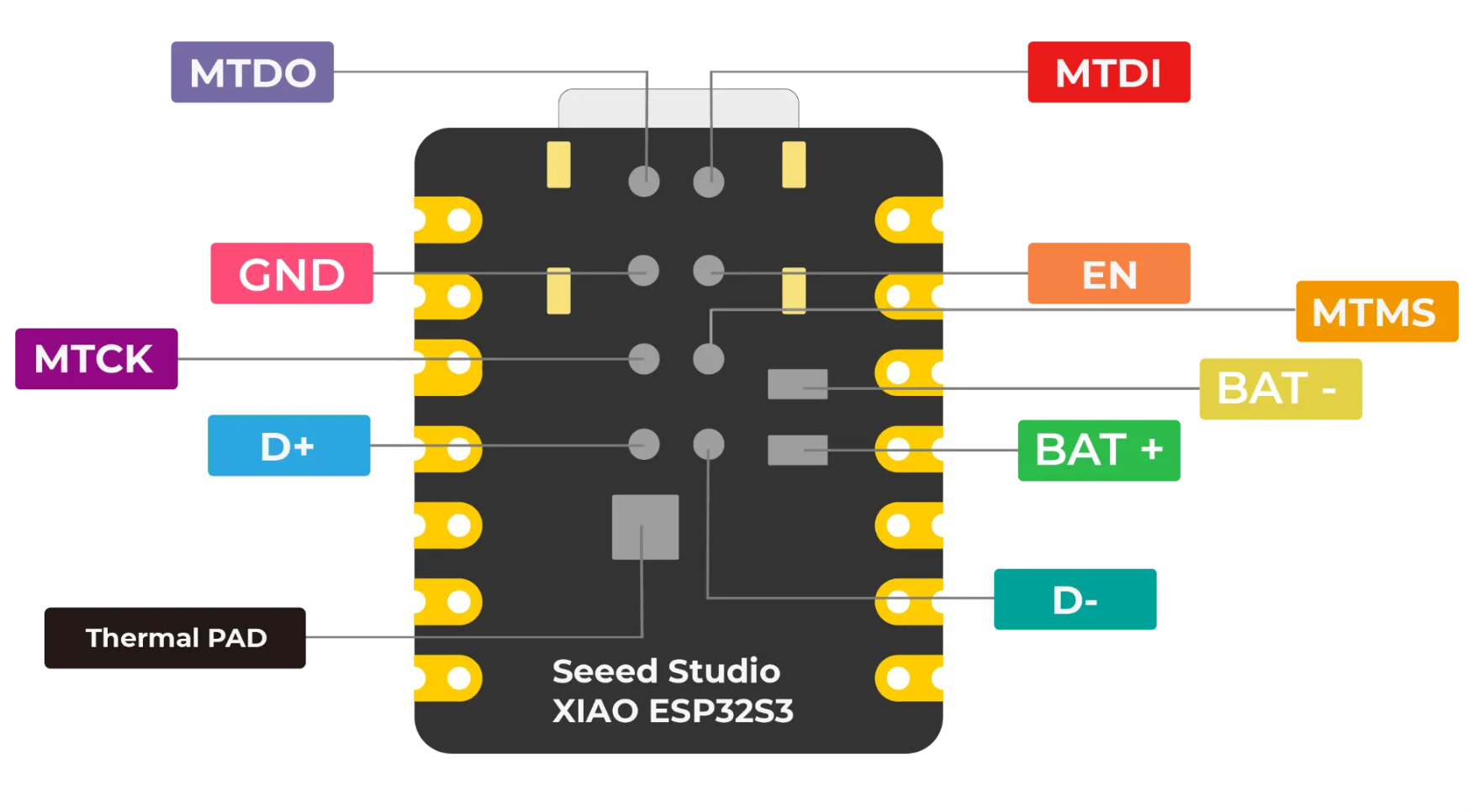
 Design with XIAO ESP32 S3 BACKVIEW in Cirkit Designer
Introduction
The XIAO ESP32 S3 BACKVIEW is a compact microcontroller board developed by Seeed Studio (Part ID: SKU 113991114). It is powered by the ESP32-S3 chip, which features dual-core Xtensa LX7 processors, built-in Wi-Fi, and Bluetooth 5.0 capabilities. This board is designed for IoT applications, wearable devices, and other projects requiring low power consumption and high performance in a small form factor. The back view of the board provides a clear layout of the pin configuration, making it easy to integrate into various projects.
Explore Projects Built with XIAO ESP32 S3 BACKVIEW
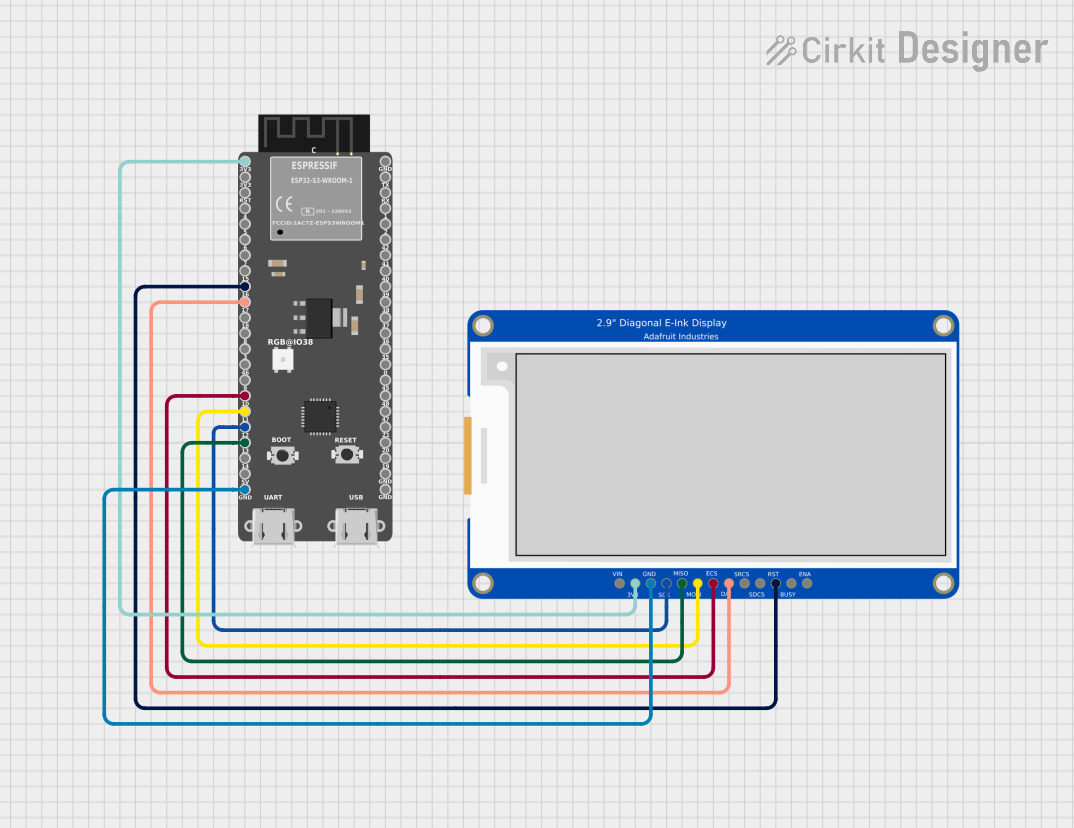 Open Project in Cirkit Designer
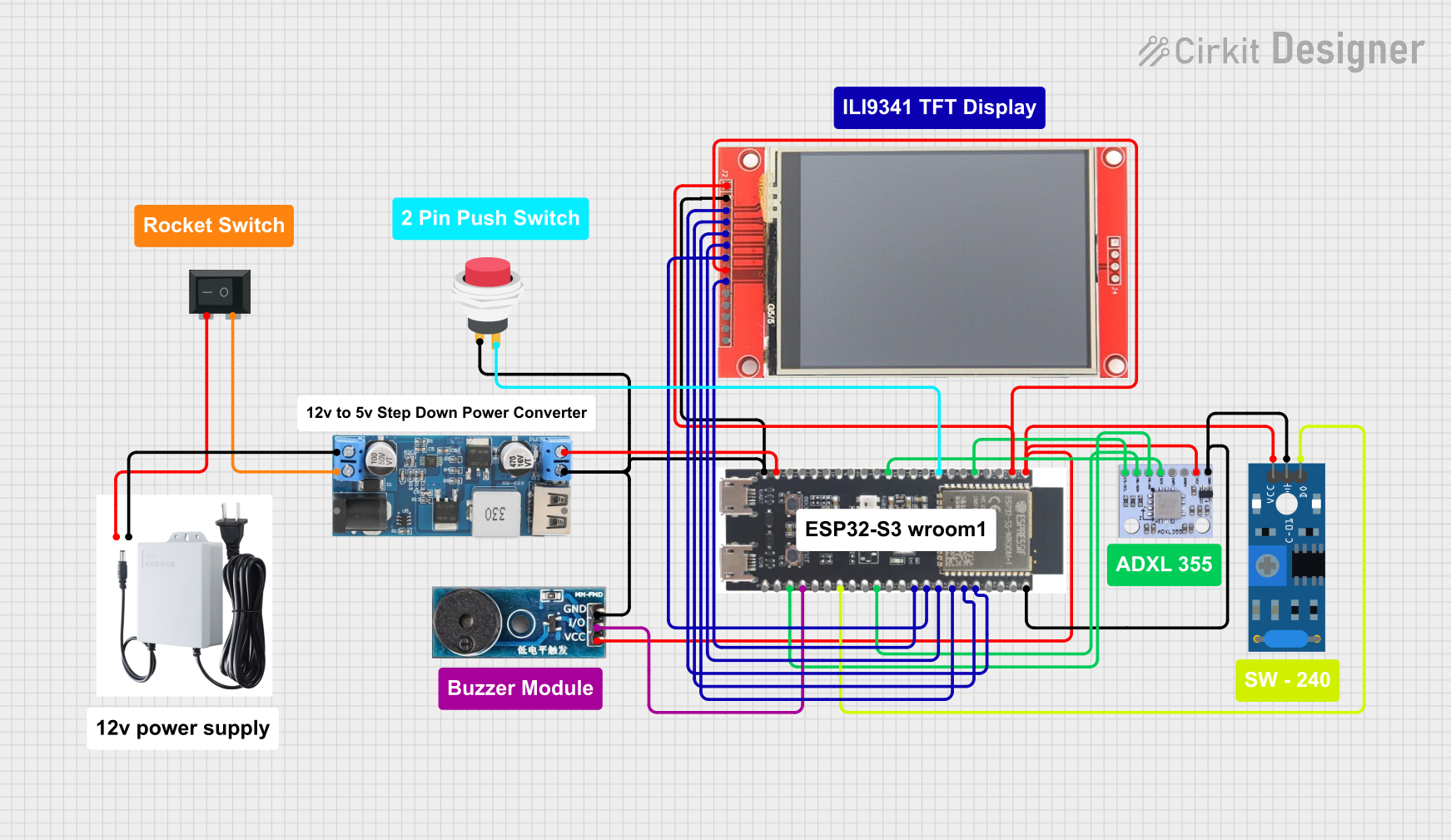 Open Project in Cirkit Designer
 Open Project in Cirkit Designer
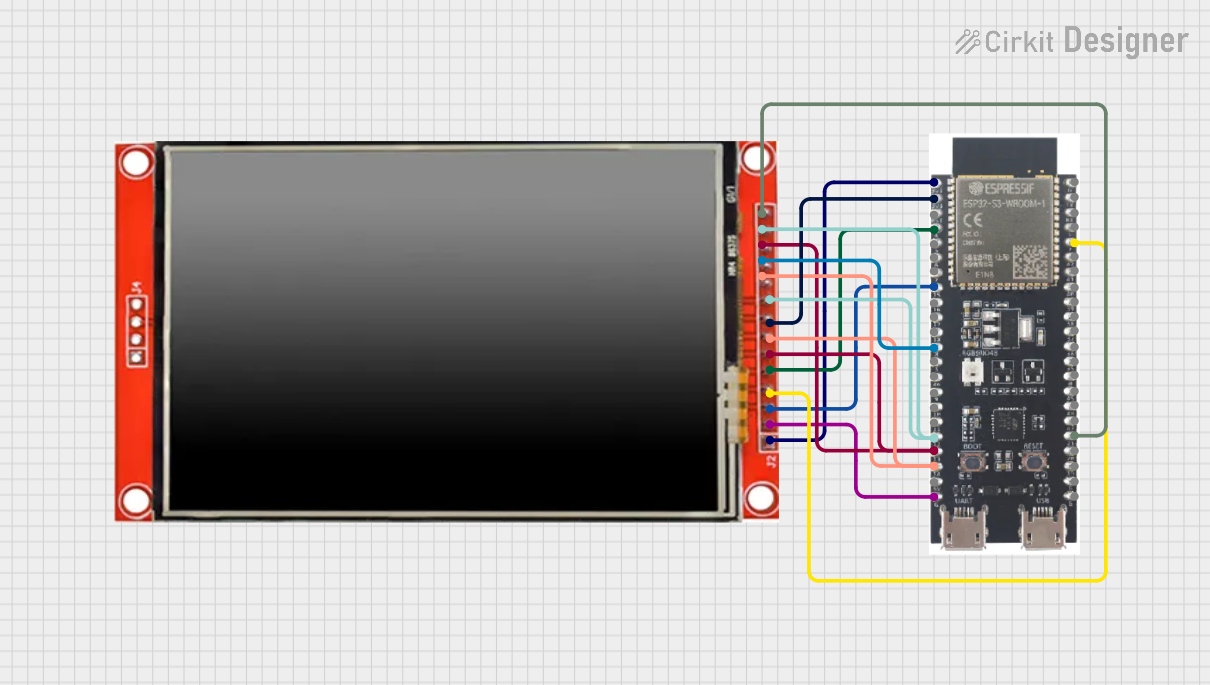 Open Project in Cirkit Designer
Explore Projects Built with XIAO ESP32 S3 BACKVIEW
Open Project in Cirkit DesignerOpen Project in Cirkit DesignerOpen Project in Cirkit DesignerOpen Project in Cirkit DesignerCommon Applications and Use Cases
- IoT devices and smart home automation
- Wearable electronics
- Wireless data logging and monitoring
- Robotics and sensor networks
- Prototyping for AI and machine learning applications
Technical Specifications
The following are the key technical details of the XIAO ESP32 S3 BACKVIEW:
| Specification | Details |
|---|---|
| Microcontroller | ESP32-S3 (Xtensa LX7 dual-core, 240 MHz) |
| Flash Memory | 8 MB |
| PSRAM | 8 MB |
| Wi-Fi | 802.11 b/g/n (2.4 GHz) |
| Bluetooth | Bluetooth 5.0 (LE) |
| Operating Voltage | 3.3V |
| Input Voltage | 5V (via USB-C) |
| GPIO Pins | 11 (including ADC, I2C, SPI, UART, PWM) |
| USB Interface | USB-C (supports programming and power supply) |
| Dimensions | 21 x 17.5 mm |
| Power Consumption | Ultra-low power consumption in deep sleep mode (as low as 44 µA) |
| Operating Temperature | -40°C to 85°C |
Pin Configuration and Descriptions
The back view of the XIAO ESP32 S3 provides a clear layout of the pin configuration. Below is a table describing the pin functions:
| Pin Number | Pin Name | Function | Description |
|---|---|---|---|
| 1 | 3V3 | Power Supply | 3.3V output for powering external components. |
| 2 | GND | Ground | Common ground for the circuit. |
| 3 | D0 | GPIO0 / ADC / I2C_SDA | General-purpose I/O, ADC, or I2C data line. |
| 4 | D1 | GPIO1 / ADC / I2C_SCL | General-purpose I/O, ADC, or I2C clock line. |
| 5 | D2 | GPIO2 / UART_TX | General-purpose I/O or UART transmit. |
| 6 | D3 | GPIO3 / UART_RX | General-purpose I/O or UART receive. |
| 7 | D4 | GPIO4 / PWM | General-purpose I/O or PWM output. |
| 8 | D5 | GPIO5 / SPI_MOSI | General-purpose I/O or SPI data out. |
| 9 | D6 | GPIO6 / SPI_MISO | General-purpose I/O or SPI data in. |
| 10 | D7 | GPIO7 / SPI_SCK | General-purpose I/O or SPI clock. |
| 11 | RST | Reset | Resets the microcontroller. |
Usage Instructions
How to Use the XIAO ESP32 S3 in a Circuit
Powering the Board:
- Connect the board to a 5V power source using the USB-C port. The onboard voltage regulator will step down the voltage to 3.3V for the microcontroller.
- Alternatively, you can power the board directly via the 3V3 pin.
Programming the Board:
- Install the Arduino IDE and add the ESP32 board package by following the instructions on the official ESP32 GitHub repository.
- Select the "XIAO ESP32 S3" board from the Tools menu in the Arduino IDE.
- Connect the board to your computer via USB-C and upload your code.
Connecting Peripherals:
- Use the GPIO pins to connect sensors, actuators, or other peripherals. Refer to the pin configuration table for the appropriate pin functions.
Wireless Communication:
- Use the built-in Wi-Fi and Bluetooth capabilities for wireless data transmission. Libraries such as
WiFi.handBluetoothSerial.hcan be used for programming.
- Use the built-in Wi-Fi and Bluetooth capabilities for wireless data transmission. Libraries such as
Important Considerations and Best Practices
- Voltage Levels: Ensure that all connected peripherals operate at 3.3V logic levels to avoid damaging the board.
- Deep Sleep Mode: Use the deep sleep mode to minimize power consumption in battery-powered applications.
- Pin Multiplexing: Some pins have multiple functions (e.g., GPIO, ADC, I2C). Configure the pins appropriately in your code to avoid conflicts.
- Heat Management: Although the board is designed for low power consumption, ensure proper ventilation if used in high-performance applications.
Example Code for Arduino UNO Integration
Below is an example of how to use the XIAO ESP32 S3 to read data from an analog sensor and send it to a serial monitor:
// Include necessary libraries
#include <WiFi.h> // Library for Wi-Fi functionality

// Define the analog pin
#define ANALOG_PIN 0 // GPIO0 is used as the analog input pin

void setup() {
  Serial.begin(115200); // Initialize serial communication at 115200 baud
  pinMode(ANALOG_PIN, INPUT); // Set the analog pin as input
}

void loop() {
  int sensorValue = analogRead(ANALOG_PIN); // Read the analog value
  Serial.print("Sensor Value: "); // Print a label for the sensor value
  Serial.println(sensorValue); // Print the sensor value to the serial monitor
  delay(1000); // Wait for 1 second before reading again
}
Troubleshooting and FAQs
Common Issues and Solutions
The board is not detected by the computer:
- Ensure that the USB-C cable supports data transfer (not just charging).
- Check if the correct drivers for the ESP32-S3 are installed on your computer.
Code upload fails:
- Verify that the correct board and port are selected in the Arduino IDE.
- Press and hold the reset button while uploading the code to enter bootloader mode.
Wi-Fi connection issues:
- Double-check the SSID and password in your code.
- Ensure that the Wi-Fi network operates on the 2.4 GHz band, as the ESP32-S3 does not support 5 GHz.
Peripherals not working as expected:
- Confirm that the peripherals are connected to the correct pins.
- Check for conflicts in pin assignments in your code.
FAQs
Can I use 5V peripherals with this board?
No, the XIAO ESP32 S3 operates at 3.3V logic levels. Use a level shifter if you need to interface with 5V peripherals.What is the maximum current output of the 3V3 pin?
The 3V3 pin can supply up to 500 mA, depending on the input power source.Does the board support OTA (Over-The-Air) updates?
Yes, the ESP32-S3 supports OTA updates. You can use libraries likeArduinoOTAto implement this feature.Can I use the board for machine learning applications?
Yes, the ESP32-S3 supports TensorFlow Lite Micro, making it suitable for lightweight AI/ML applications.