
How to Use 18650 7.4V 2S Li-ion Battery: Examples, Pinouts, and Specs
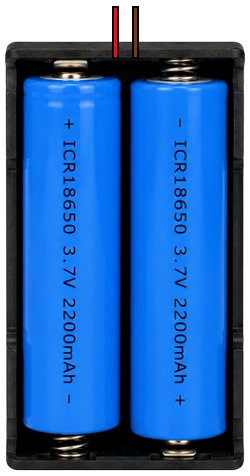
 Design with 18650 7.4V 2S Li-ion Battery in Cirkit Designer
Introduction
The 18650 7.4V 2S Li-ion Battery, manufactured by Espressif, is a rechargeable lithium-ion battery pack consisting of two 18650 cells connected in series. This configuration provides a nominal voltage of 7.4V and is widely used in applications requiring reliable, high-capacity power sources. Its compact size, lightweight design, and high energy density make it ideal for portable electronics, robotics, electric vehicles, and backup power systems.
Explore Projects Built with 18650 7.4V 2S Li-ion Battery
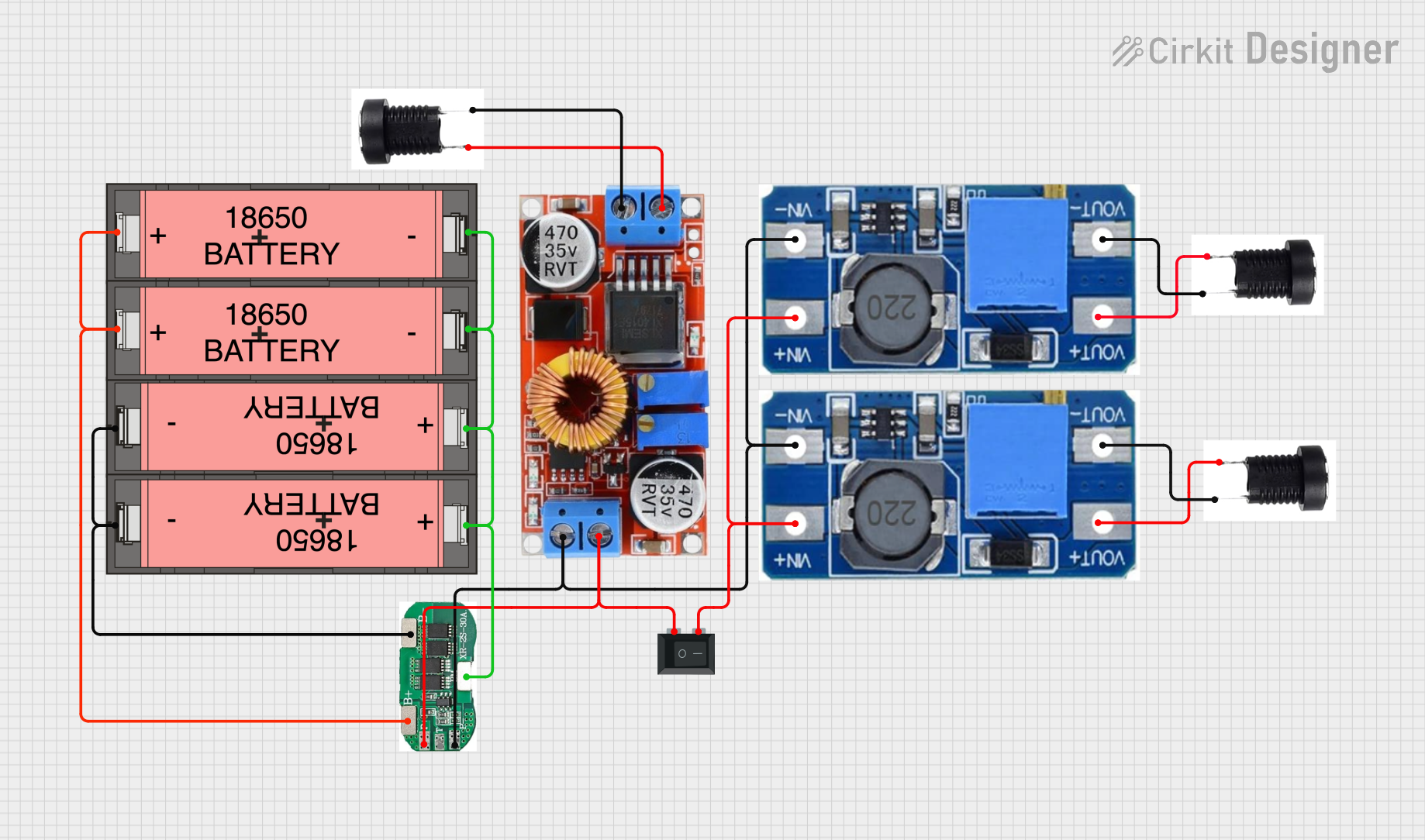 Open Project in Cirkit Designer
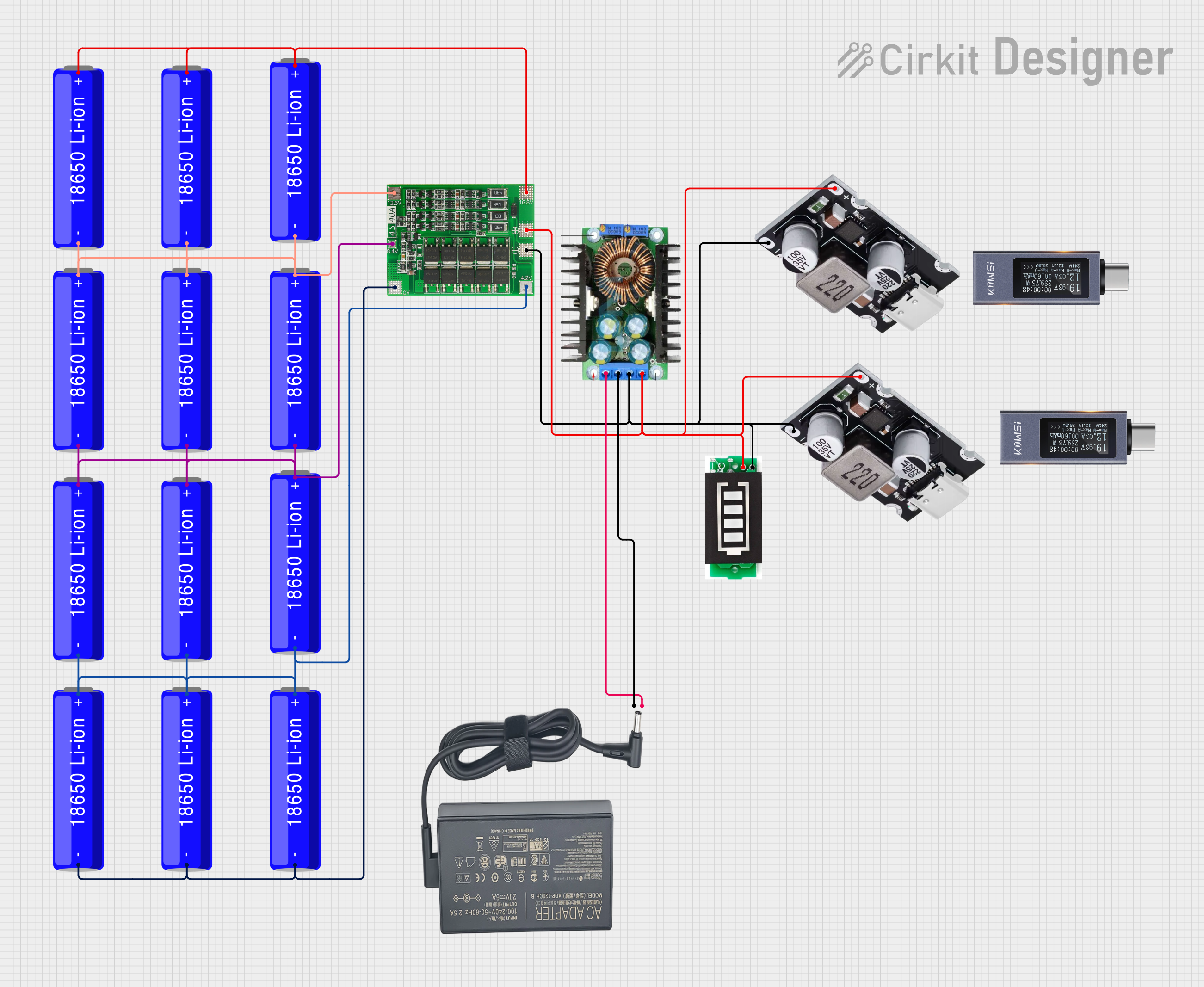 Open Project in Cirkit Designer
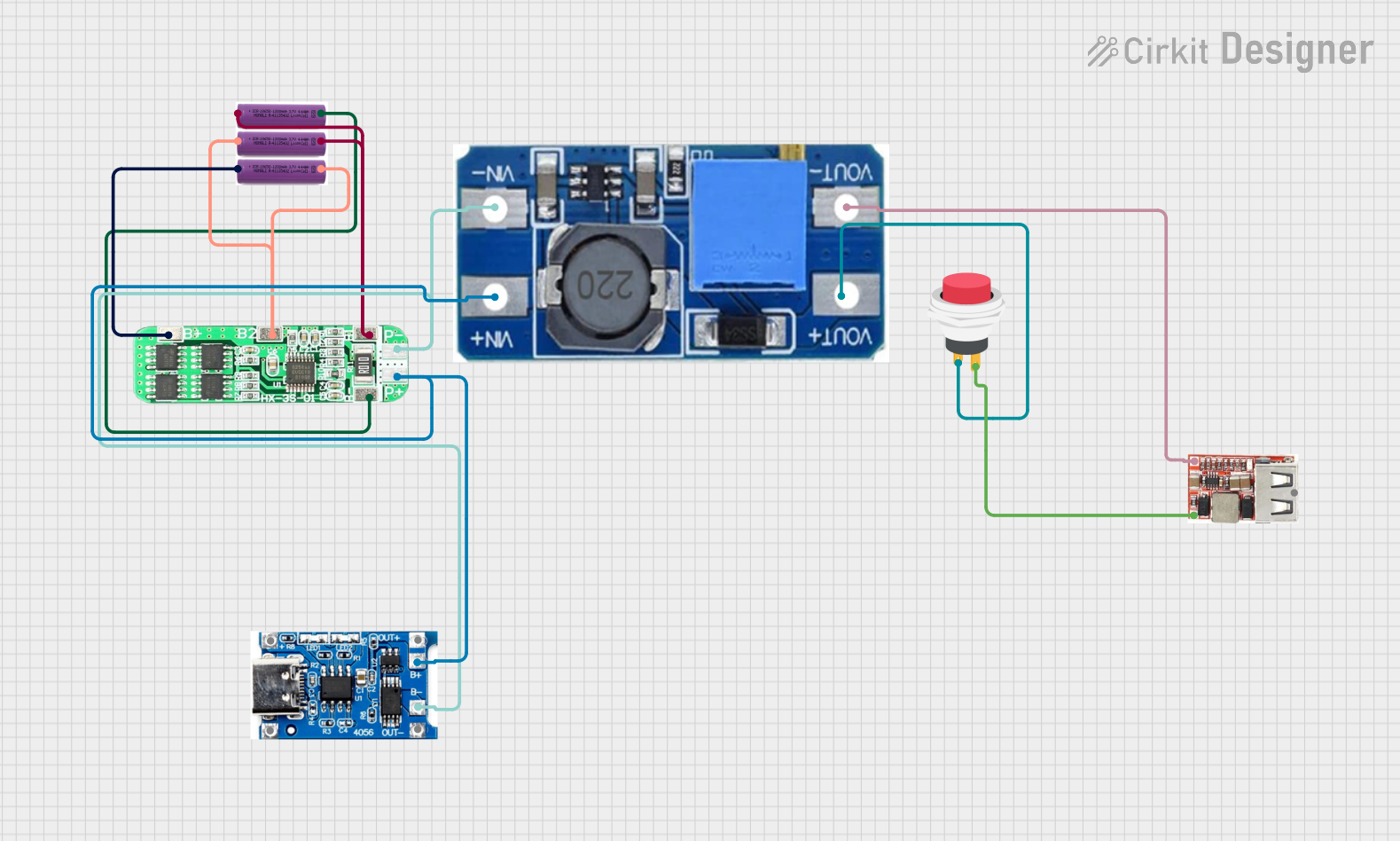 Open Project in Cirkit Designer
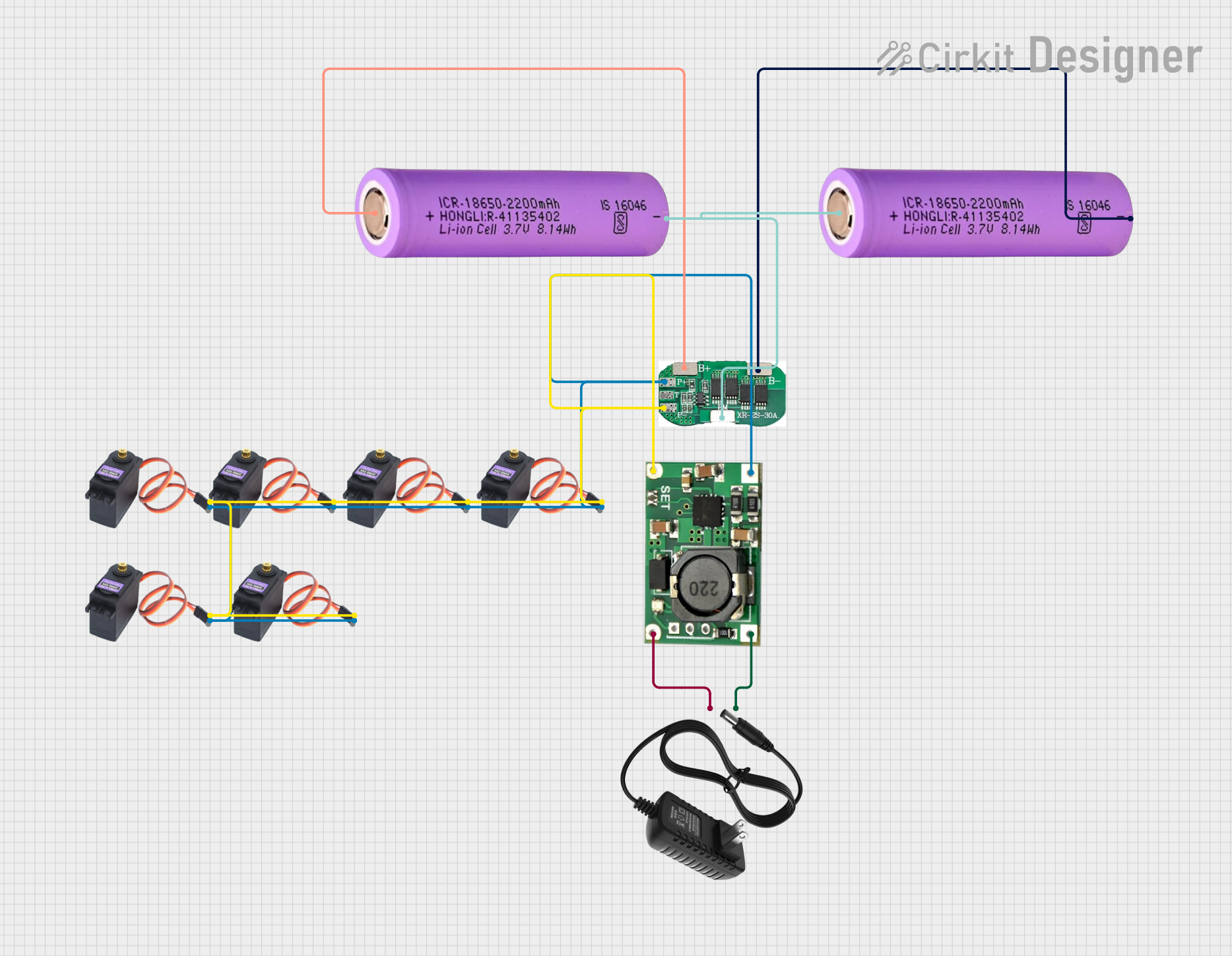 Open Project in Cirkit Designer
Explore Projects Built with 18650 7.4V 2S Li-ion Battery
Open Project in Cirkit DesignerOpen Project in Cirkit DesignerOpen Project in Cirkit DesignerOpen Project in Cirkit DesignerCommon Applications
- Portable electronic devices (e.g., handheld tools, flashlights)
- Robotics and IoT devices
- Electric vehicles and e-bikes
- Backup power supplies and uninterruptible power systems (UPS)
- DIY electronics projects
Technical Specifications
Key Technical Details
| Parameter | Value |
|---|---|
| Nominal Voltage | 7.4V |
| Battery Configuration | 2S (Two cells in series) |
| Capacity | Typically 2000–3500mAh per cell |
| Maximum Charging Voltage | 8.4V |
| Discharge Cutoff Voltage | 6.0V |
| Maximum Continuous Current | 10A (varies by cell specification) |
| Chemistry | Lithium-ion (Li-ion) |
| Operating Temperature | -20°C to 60°C |
| Dimensions (approx.) | 18mm (diameter) x 130mm (length) |
| Weight | ~90g |
Pin Configuration and Descriptions
| Pin | Label | Description |
|---|---|---|
| 1 | Positive (+) | Positive terminal of the battery pack. Connect to the load or charging circuit. |
| 2 | Negative (-) | Negative terminal of the battery pack. Connect to the load or charging circuit. |
Usage Instructions
How to Use the 18650 7.4V 2S Li-ion Battery in a Circuit
Connecting the Battery:
- Connect the Positive (+) terminal to the positive input of your circuit.
- Connect the Negative (-) terminal to the ground or negative input of your circuit.
- Ensure proper polarity to avoid damage to the battery or connected components.
Charging the Battery:
- Use a dedicated 2S Li-ion battery charger with a maximum charging voltage of 8.4V.
- Avoid overcharging or over-discharging the battery to maintain its lifespan and safety.
- Ensure the charger has built-in protection for overvoltage, overcurrent, and thermal regulation.
Protection Circuit Module (PCM):
- For safety, use a battery pack with an integrated PCM or add an external Battery Management System (BMS).
- The PCM/BMS protects against overcharging, over-discharging, and short circuits.
Load Considerations:
- Ensure the load does not exceed the battery's maximum continuous current rating.
- For high-current applications, use cells with a higher discharge rating (e.g., 10A or more).
Important Considerations and Best Practices
- Avoid Deep Discharge: Do not let the battery voltage drop below 6.0V, as this can permanently damage the cells.
- Temperature Management: Avoid exposing the battery to extreme temperatures. Operate within the specified range of -20°C to 60°C.
- Storage: Store the battery at a partial charge (around 40–60%) in a cool, dry place if not in use for extended periods.
- Safety: Never puncture, crush, or short-circuit the battery. Handle with care to prevent accidents.
Example: Using the Battery with an Arduino UNO
To power an Arduino UNO with the 18650 7.4V 2S Li-ion Battery, follow these steps:
- Connect the battery's Positive (+) terminal to the VIN pin on the Arduino.
- Connect the battery's Negative (-) terminal to the GND pin on the Arduino.
- Ensure the battery voltage is within the Arduino's input voltage range (7–12V).
Sample Code for Monitoring Battery Voltage
You can use a voltage divider circuit to monitor the battery voltage with the Arduino's analog input. Here's an example:
// Define analog pin for voltage measurement
const int voltagePin = A0;

// Voltage divider resistor values (in ohms)
const float R1 = 10000.0; // Resistor connected to battery positive
const float R2 = 10000.0; // Resistor connected to ground

void setup() {
  Serial.begin(9600); // Initialize serial communication
}

void loop() {
  int rawValue = analogRead(voltagePin); // Read analog value
  float voltage = (rawValue / 1023.0) * 5.0; // Convert to voltage (Arduino 5V ADC)

  // Adjust for voltage divider ratio
  float batteryVoltage = voltage * ((R1 + R2) / R2);

  // Print battery voltage to Serial Monitor
  Serial.print("Battery Voltage: ");
  Serial.print(batteryVoltage);
  Serial.println(" V");

  delay(1000); // Wait 1 second before next reading
}
Note: Ensure the voltage divider reduces the battery voltage to within the Arduino's ADC input range (0–5V).
Troubleshooting and FAQs
Common Issues and Solutions
Battery Not Charging:
- Cause: Faulty charger or damaged battery.
- Solution: Verify the charger output voltage and current. Replace the charger or battery if necessary.
Battery Drains Quickly:
- Cause: Over-discharged cells or high standby current in the circuit.
- Solution: Check for parasitic loads in the circuit. Replace the battery if it no longer holds a charge.
Battery Overheats During Use:
- Cause: Excessive current draw or damaged cells.
- Solution: Ensure the load does not exceed the battery's maximum current rating. Replace damaged cells.
Arduino Not Powering On:
- Cause: Insufficient voltage or incorrect wiring.
- Solution: Verify the battery voltage is within the Arduino's input range (7–12V). Check wiring connections.
FAQs
Q: Can I use this battery without a PCM or BMS?
- A: It is not recommended. A PCM or BMS is essential for safety and to prevent overcharging, over-discharging, and short circuits.
Q: How long does the battery last on a full charge?
- A: Battery life depends on the load current and capacity. For example, a 3000mAh battery powering a 1A load will last approximately 3 hours.
Q: Can I connect multiple 2S packs in parallel?
- A: Yes, but ensure all packs have the same voltage and capacity. Use a BMS to manage the parallel configuration safely.
Q: Is this battery safe for air travel?
- A: Lithium-ion batteries are subject to airline regulations. Check with your airline for specific guidelines on carrying batteries.
This concludes the documentation for the 18650 7.4V 2S Li-ion Battery. For further assistance, refer to the manufacturer's datasheet or contact Espressif support.